In today’s fast-paced digital economy, the customer experience in online ordering has become one of the most important differentiators for businesses in food service, retail, and hospitality. As consumers increasingly rely on mobile apps and websites to purchase products, their expectations have evolved far beyond simple convenience. Customers now expect speed, personalization, transparency, reliability, and a frictionless experience from the moment they begin browsing until their order is completed.
The growth of online ordering has fundamentally changed how businesses compete. Research consistently shows that customers are more likely to abandon an order when they encounter slow websites, confusing navigation, limited payment options, or poor communication during fulfillment. Conversely, businesses that invest in delivering exceptional digital experiences often benefit from higher conversion rates, increased customer loyalty, stronger reviews, and greater lifetime customer value.
The customer journey in online ordering typically includes several critical stages, including browsing products, customizing orders, checking out, tracking fulfillment, receiving support, and reordering. Every stage influences customer perception and can either strengthen or weaken the relationship between the customer and the brand.
This guide explores the most important elements shaping a successful customer experience in online ordering, including user interface design, real-time order tracking, personalization, mobile optimization, payment security, POS integration, and customer support strategies that help businesses improve satisfaction and drive repeat purchases.
Table of Contents
- User-Friendly Interface and Clear Navigation
- Real-Time Order Tracking and Customization Options
- Mobile Optimization and Secure Payment Solutions
- Personalized Recommendations and Loyalty Rewards
- Seamless Integration with POS and Customer Support
- How Biyo Improves the Online Ordering Experience
- Frequently Asked Questions
User-Friendly Interface and Clear Navigation
A well-designed interface serves as the foundation of a positive customer experience in online ordering. Customers expect to find products quickly, understand their options clearly, and complete purchases without confusion. Every additional obstacle increases the likelihood that customers will abandon their orders and seek alternatives elsewhere.
User experience design directly influences conversion rates, customer satisfaction, and retention. When websites and mobile apps are intuitive and easy to navigate, customers are more likely to explore products, add items to their carts, and complete purchases. A smooth digital experience also reinforces trust because customers often associate usability with professionalism and reliability.
Businesses that prioritize interface design create a stronger first impression while reducing friction throughout the purchasing process. These improvements not only increase sales but also contribute to long-term customer loyalty.
Designing with the User in Mind
Effective online ordering experiences begin with understanding customer behavior. Different audiences have different expectations. A restaurant serving busy professionals may prioritize speed and simplicity, while a specialty retailer may focus on detailed product information and comparison tools.
Large buttons, clear calls to action, intuitive layouts, and prominent ordering options help customers complete tasks efficiently. High-quality product images support purchasing decisions, while concise descriptions provide important information without overwhelming users.
Accessibility is equally important. Readable fonts, strong color contrast, keyboard navigation support, and mobile-friendly layouts help ensure that ordering platforms remain usable for a broad range of customers.
Another valuable design principle is progressive disclosure. Rather than presenting excessive information upfront, platforms reveal additional details only when customers request them. This approach reduces cognitive overload and keeps interfaces clean and easy to navigate.
Clear Navigation for Effortless Browsing
Navigation plays a crucial role in helping customers find what they need quickly. Logical menu structures, organized categories, search functionality, and filtering tools allow users to browse efficiently without becoming frustrated.
Restaurants often organize menus by categories such as appetizers, entrées, beverages, and desserts, while retailers may group products by brand, department, price range, or popularity. Clear organization reduces search time and improves the overall customer experience.
Features such as sticky navigation bars, breadcrumb trails, and intelligent search suggestions help users maintain orientation throughout the ordering journey. These elements become particularly important for businesses with large product catalogs or extensive menus.
Contextual recommendations can also improve navigation while increasing order values. Suggestions such as “Frequently Purchased Together” or “Customers Also Ordered” help customers discover relevant products without disrupting their experience.
Importance of Minimal Loading Times
Performance is one of the most influential factors affecting the customer experience in online ordering. Customers expect websites and apps to respond almost instantly, and even small delays can negatively impact conversion rates.
Slow-loading pages often create frustration and reduce trust. Customers may assume that delays indicate technical problems or operational inefficiencies, making them less likely to complete purchases.
Businesses can improve performance through image optimization, efficient coding practices, content delivery networks (CDNs), caching strategies, and responsive hosting infrastructure. Techniques such as lazy loading help reduce initial page load times by loading content only when needed.
Fast-loading platforms not only improve user satisfaction but also contribute to stronger search engine visibility, helping businesses attract more customers over time.
Real-Time Order Tracking and Customization Options
Once an order has been placed, customers want visibility and control throughout the fulfillment process. Real-time updates and flexible customization options help reduce uncertainty while creating a more personalized experience.
These capabilities have become standard expectations in many industries. Businesses that provide transparency and flexibility often see higher customer satisfaction and stronger repeat purchase rates because customers feel informed and empowered throughout the process.
Real-Time Order Tracking for Peace of Mind
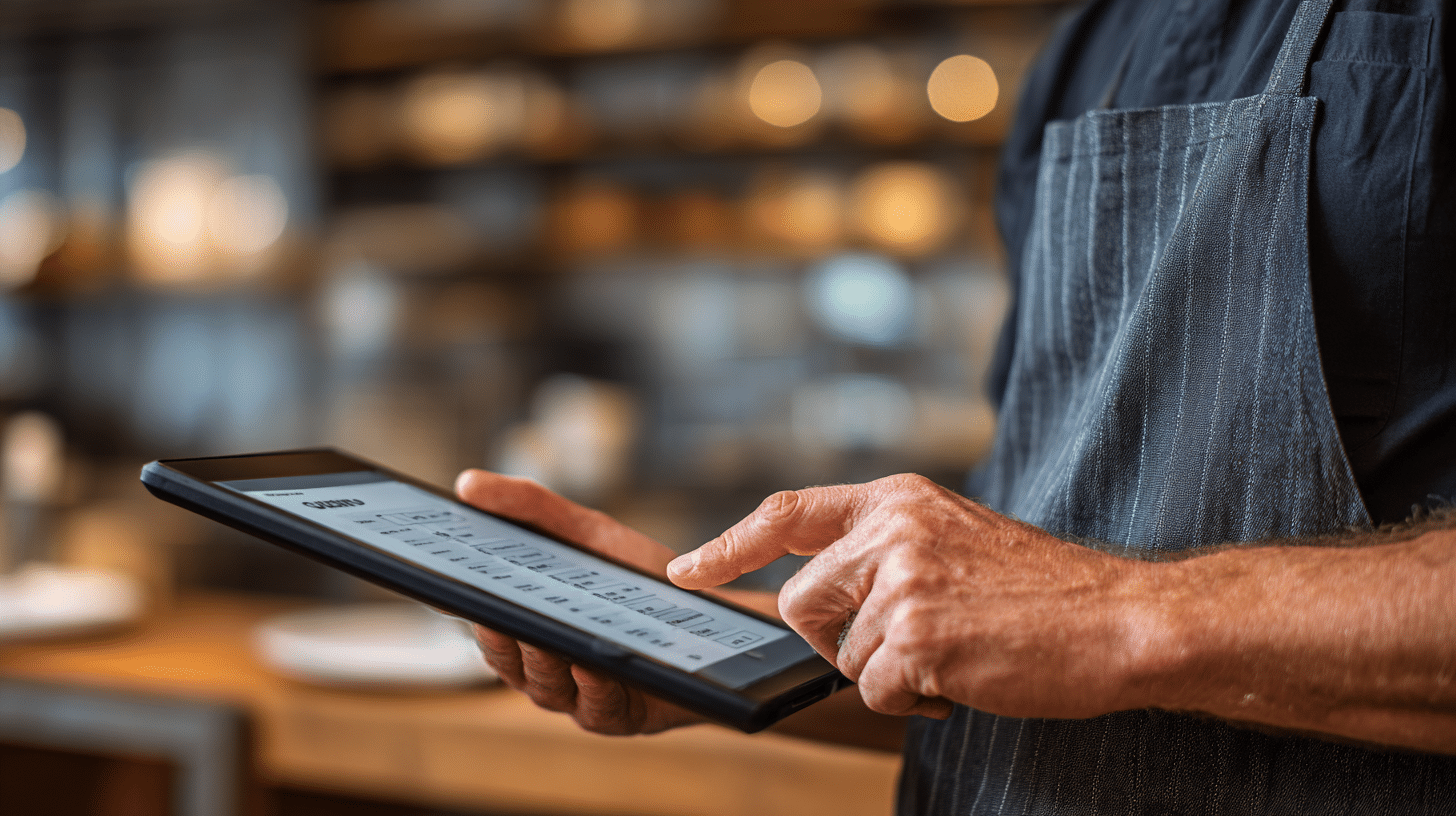
Real-time order tracking provides customers with visibility into every stage of fulfillment. Whether an order is being prepared, packaged, shipped, or delivered, customers appreciate knowing exactly where it stands.
Progress indicators, status updates, estimated delivery times, and live delivery tracking help eliminate uncertainty and reduce the need for support inquiries.
Push notifications, SMS alerts, and email updates further enhance communication by proactively informing customers about important milestones. These updates create a sense of reliability that strengthens trust in the business.
For restaurants and retailers, transparent tracking can also reduce customer service workloads by minimizing repetitive status-related questions.
Flexible Order Customization to Meet Unique Needs
Customization allows customers to tailor purchases according to their preferences. In restaurants, customers may choose toppings, portion sizes, dietary modifications, or preparation instructions. In retail environments, customization may include color selection, sizing options, engraving services, or personalized packaging.
An effective customization interface should be intuitive and easy to use. Dropdown menus, checkboxes, toggles, and visual selectors help customers make selections quickly while reducing ordering errors.
Clear order summaries ensure customers understand exactly what they are purchasing before completing checkout. This transparency reduces misunderstandings and contributes to higher satisfaction levels.
Businesses that support customization often benefit from higher average order values because customers are willing to pay more for products and experiences that align with their specific needs.
Saved Preferences for Convenient Reordering
Many customers place similar orders repeatedly. Saved preferences simplify the reordering process by allowing customers to quickly purchase favorite items without repeating every selection.
This convenience saves time while encouraging repeat business. One-click reordering features are particularly valuable for restaurants, coffee shops, grocery services, and subscription-based businesses where purchasing habits tend to be consistent.
Businesses can also use saved preferences to provide relevant reminders, personalized offers, and product recommendations that align with customer behavior.
When implemented effectively, saved preferences help transform occasional customers into loyal repeat buyers.
Mobile Optimization and Secure Payment Solutions
Mobile devices now account for a significant share of online ordering activity. Customers expect ordering experiences to work seamlessly across smartphones, tablets, and desktop computers.
At the same time, payment security remains one of the most important trust factors influencing purchasing decisions. Customers need confidence that their personal and financial information will remain protected throughout the transaction process.
Optimizing for Mobile Devices
Mobile optimization involves designing ordering experiences specifically for smaller screens and touch-based interactions. Responsive layouts automatically adapt to different screen sizes, ensuring usability across devices.
Touch-friendly buttons, simplified navigation menus, streamlined forms, and fast-loading pages all contribute to a more satisfying mobile experience.
Because many online orders occur during busy moments throughout the day, mobile convenience often becomes a deciding factor in whether customers complete purchases.
Regular testing across devices, browsers, and operating systems helps businesses identify issues before they affect customers. Continuous optimization ensures that mobile experiences remain competitive as technology evolves.
Ensuring Secure Payment Processing
Security is essential to maintaining customer trust. Payment systems should use modern encryption technologies, tokenization, and secure payment gateways to protect sensitive information.
Compliance with industry standards such as PCI DSS helps ensure that payment processing environments meet recognized security requirements.
Customers also appreciate having multiple payment options available, including credit cards, debit cards, digital wallets, contactless payments, and mobile payment platforms.
Visible trust indicators, security badges, and clear privacy policies provide additional reassurance during checkout, helping customers feel confident about completing transactions.
Streamlining the Checkout and Fast Checkout Options
Checkout represents one of the most critical stages in the customer journey. Complicated forms, unnecessary steps, and excessive information requests often contribute to cart abandonment.
Businesses should focus on minimizing friction by offering guest checkout, auto-filled fields, address validation, and simplified payment workflows.
Returning customers benefit from saved payment methods and one-click purchasing options that significantly reduce checkout time.
By removing barriers at the final stage of the ordering process, businesses can improve conversion rates while creating a more satisfying overall experience.
Personalized Recommendations and Loyalty Rewards
Personalization helps businesses create more meaningful relationships with customers. When recommendations, promotions, and content align with customer preferences, customers feel recognized and valued.
Combined with loyalty programs, personalization can significantly improve retention while increasing customer lifetime value.
Delivering Personalized Recommendations
Recommendation engines analyze customer behavior, purchasing history, and browsing patterns to suggest products that are likely to be relevant.
For example, a coffee shop may recommend pastries alongside beverage purchases, while a retailer may suggest complementary products based on previous orders.
When recommendations genuinely help customers discover useful products, they enhance the shopping experience rather than feeling intrusive or promotional.
Relevant recommendations can also increase average order values while helping customers find products they may not have discovered independently.
Implementing Loyalty Rewards Programs
Loyalty programs encourage repeat purchases by rewarding customers for ongoing engagement. Digital loyalty systems automatically track purchases and make rewards easily accessible.
Customers may earn points, unlock discounts, receive birthday offers, or qualify for exclusive promotions based on their activity.
Effective loyalty programs create a sense of progress and achievement while strengthening emotional connections with the brand.
Businesses benefit from improved customer retention, increased order frequency, and stronger long-term relationships.
Saving Preferences to Enhance Personalization
Stored preferences allow businesses to deliver increasingly relevant experiences over time. Personalized greetings, customized promotions, and quick reordering functionality all contribute to higher satisfaction levels.
However, personalization should always remain useful and respectful. Customers appreciate recommendations that simplify decision-making but may react negatively to experiences that feel overly intrusive.
Responsible data management and transparency about data usage help maintain customer trust while supporting more effective personalization efforts.
Seamless Integration with POS and Customer Support
Behind every successful online ordering experience is a reliable operational infrastructure. Integration between online ordering platforms and POS systems helps ensure accuracy, efficiency, and consistency across every sales channel.
Customer support also remains a critical component of the overall experience, particularly when issues arise during ordering or fulfillment.
Integrating Online Ordering with POS Systems
POS integration allows online orders to flow directly into operational workflows without requiring manual data entry. This reduces errors while improving fulfillment speed and accuracy.
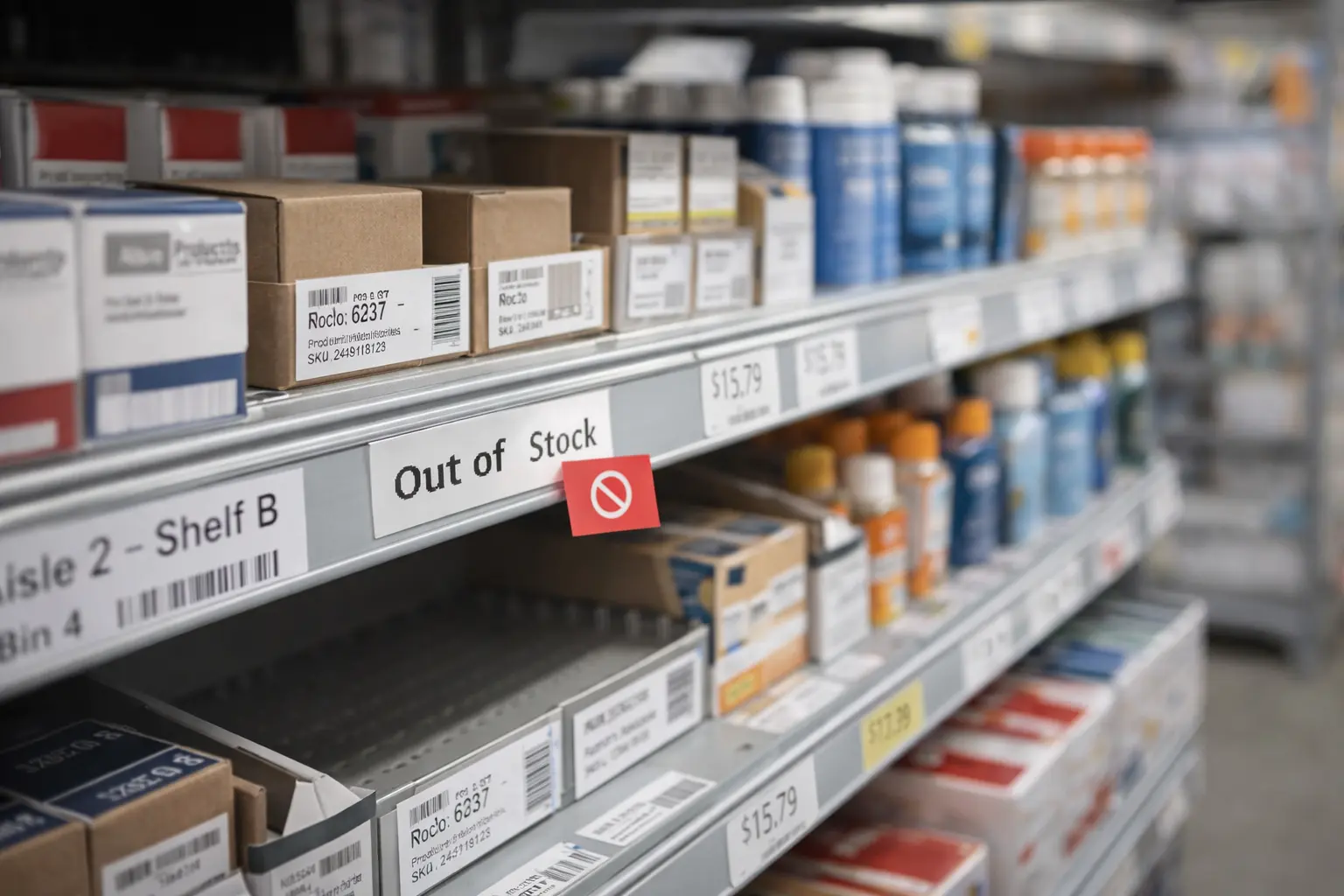
Integrated systems also keep menus, pricing, promotions, and inventory synchronized in real time. Customers are less likely to encounter unavailable products or inaccurate information during the ordering process.
Businesses interested in maximizing efficiency can learn more about integrated ordering technology in our guide to restaurant online ordering systems.
Strong integration helps create a consistent experience across online, mobile, and in-store channels.
Offering Responsive Customer Support
Even the best ordering platforms occasionally encounter issues. Responsive customer support helps resolve problems quickly while maintaining customer confidence.
Multiple support channels, including live chat, email, phone, and self-service resources, provide customers with flexibility when seeking assistance.
AI-powered chatbots can efficiently handle common questions, allowing human support teams to focus on more complex situations that require personal attention.
Fast and effective support often turns potentially negative experiences into opportunities to strengthen customer relationships.
Providing Multi-Language Options
Multi-language support improves accessibility and helps businesses serve more diverse audiences. Customers generally feel more comfortable placing orders when they can navigate the platform in their preferred language.
Effective localization goes beyond direct translation by ensuring that content remains culturally appropriate and easy to understand.
Businesses that invest in language accessibility often expand their reach while improving customer satisfaction across different markets and communities.
How Biyo Improves the Online Ordering Experience
Creating an exceptional online ordering experience requires more than a customer-facing website. Businesses need technology that connects ordering, fulfillment, customer engagement, and operational management within a unified system.
Biyo POS helps businesses streamline online ordering through integrated POS technology, real-time menu synchronization, inventory visibility, secure payment processing, customer management tools, and loyalty program capabilities.
With features designed to support faster ordering, accurate fulfillment, and personalized customer experiences, Biyo helps businesses reduce operational complexity while improving customer satisfaction.
Businesses looking to modernize their online ordering operations can schedule a consultation with Biyo to explore how integrated technology supports a smoother customer journey from order placement through fulfillment and retention.
Frequently Asked Questions
Why is customer experience important in online ordering?
A positive customer experience increases satisfaction, encourages repeat purchases, improves reviews, strengthens brand reputation, and helps businesses maintain long-term customer loyalty.
How can businesses improve the user interface for online ordering?
Businesses can improve usability by focusing on intuitive navigation, fast-loading pages, responsive design, clear product organization, and streamlined checkout experiences.
What role does order tracking play in customer experience?
Order tracking provides transparency throughout fulfillment, reducing uncertainty and increasing customer confidence while decreasing support inquiries.
How does integrating online ordering with POS systems benefit customers?
Integration improves order accuracy, synchronizes inventory and menus, reduces fulfillment delays, and creates a more consistent experience across all sales channels.
What features make a mobile ordering experience successful?
Successful mobile experiences include responsive design, fast performance, touch-friendly navigation, secure payments, simple customization options, and efficient checkout workflows.
How do loyalty programs improve online ordering experiences?
Loyalty programs reward repeat purchases, strengthen customer relationships, encourage ongoing engagement, and provide additional incentives for customers to continue ordering.
Can personalization increase online order sales?
Yes. Personalized recommendations, targeted promotions, and saved preferences help customers discover relevant products while increasing conversion rates and average order values.