
Choosing a POS system today involves more than processing payments. Many businesses struggle with fragmented tools, recurring add-on fees, and systems that fail to scale as operations grow. This Biyo vs Clover comparison examines how each platform addresses those challenges in real-world use.
Vendors often position Clover as a ready-made POS product with optional apps. By contrast, Biyo POS operates as an all-in-one system that replaces multiple tools under one platform. This review focuses on real-world usage, customization, and long-term practicality rather than surface-level features.
Table of Contents
Biyo vs Clover: Platform Overview
What Is Biyo POS?
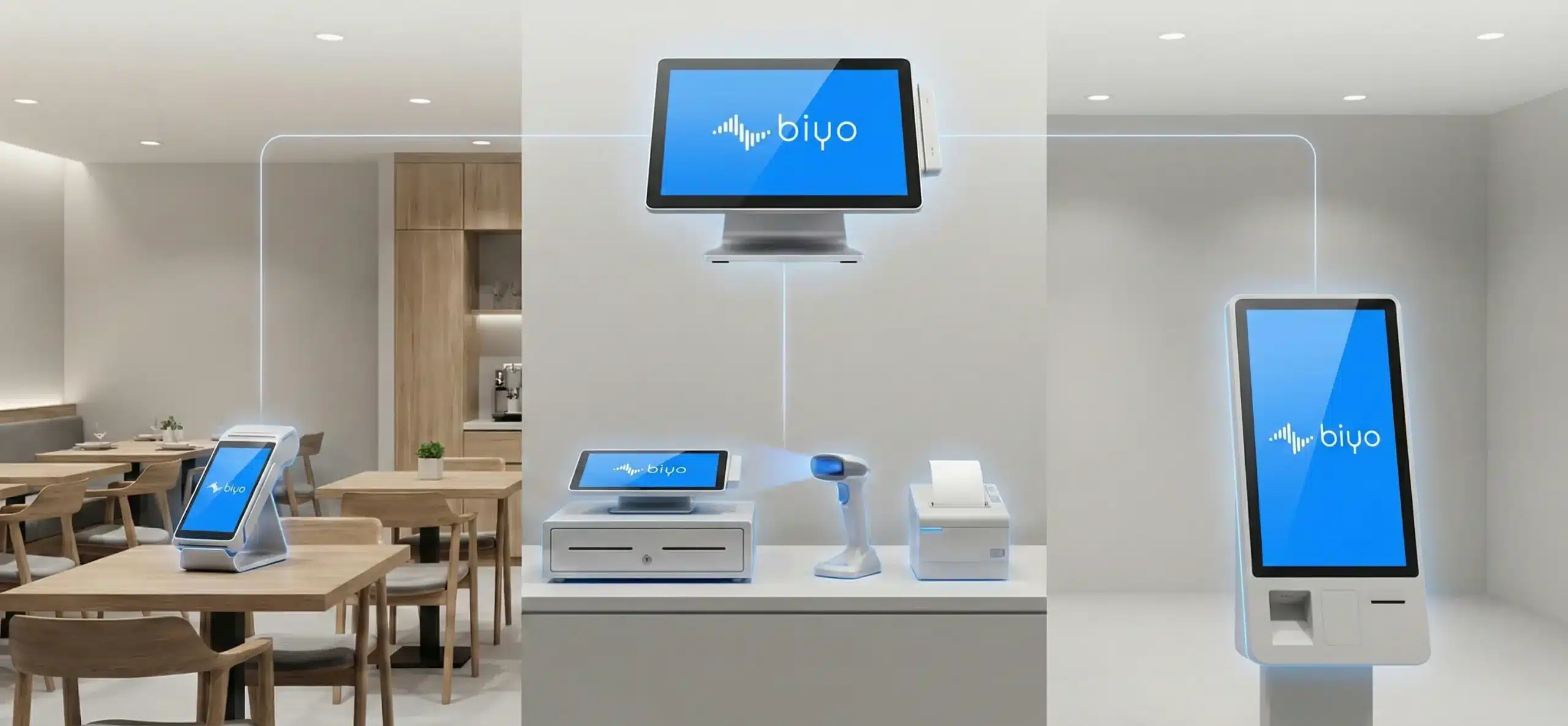
Biyo POS manages multiple aspects of a business from a single platform. It combines in-store POS, native ecommerce, online ordering, kiosk functionality, and multi-location management into one system.
The platform supports different operating environments within the same business, including restaurants, retail stores, food trucks, and hybrid concepts, without requiring separate systems or paid add-ons.
What Is Clover?
Clover is a POS system offered through banks and payment processors. It combines proprietary hardware with POS software and an app marketplace that merchants use to add features.
Many businesses choose Clover for its quick setup. However, more advanced workflows often require third-party apps and ongoing subscriptions.
Features and System Design
Biyo POS Features
- Retail, restaurant, and food truck modes in one system
- Built-in table service and table management
- Native ecommerce and online ordering
- Kiosk and self-order functionality
- Multi-location and multi-terminal management
- Custom workflows based on business needs
- Integrated AI capabilities and hands-on support
Clover Features
- Standard POS functionality
- Employee and inventory management
- Reporting and analytics
- Feature expansion through paid apps
Businesses using Clover often rely on add-ons to achieve workflows that Biyo POS includes by default.
Customization and Flexibility
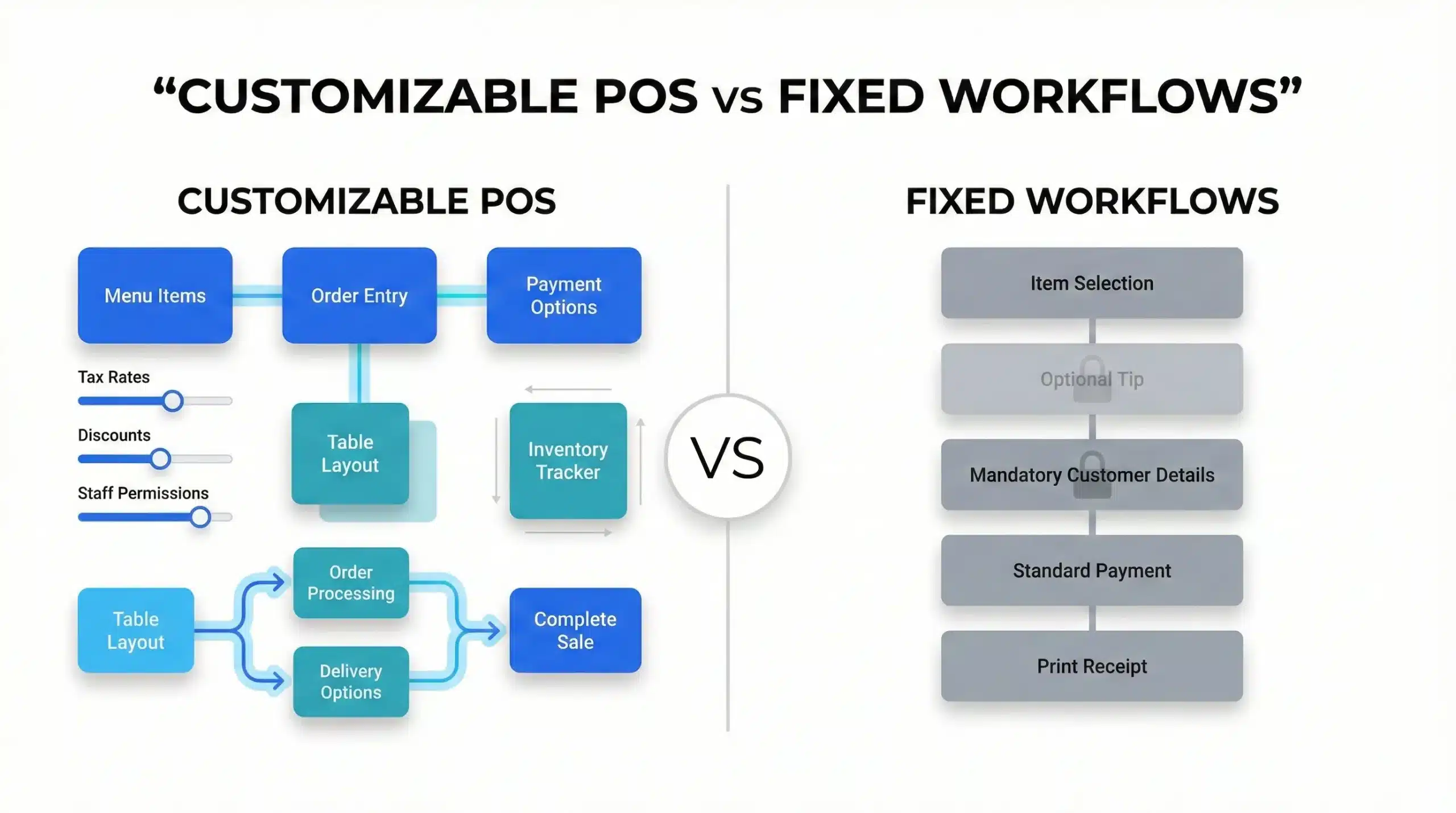
Biyo POS adapts to how a business operates. Merchants configure workflows, pricing logic, and terminal behavior based on real operational needs.
By comparison, Clover offers limited system-level customization. Most changes depend on third-party apps rather than direct configuration.
Biyo vs Clover Pricing and Ongoing Costs
Biyo POS Pricing
Biyo POS can operate without monthly software fees when merchants process payments through Biyo. Costs typically relate to payment processing rather than feature unlocks.
Clover Pricing
Clover combines processing fees with software plans and optional app subscriptions. While entry pricing may seem low, additional features can increase long-term costs.
Hardware Options
Biyo POS supports modern, flexible hardware options, including industry-standard devices such as Dejavoo. This flexibility allows businesses to avoid hardware lock-in.
Clover relies on proprietary hardware, which can limit replacement options and long-term flexibility.
Support Experience
Biyo POS provides direct, hands-on support during onboarding and ongoing use. Merchants frequently report faster training and clearer resolution paths.
Support experiences with Clover vary by provider, and some merchants encounter multiple handoffs between hardware vendors, app developers, and processors.
Real-World Use Cases
Hybrid businesses: Biyo POS supports retail, restaurant, kiosk, and online ordering within one system, making it suitable for cafes, delis, and multi-concept stores.
Growing businesses: Many merchants using Biyo POS report fewer add-ons, simpler training, and faster checkout.
Simple setups: Clover can work for businesses with basic, standard POS needs.
Which POS Is Right for You?
| Business Need | Recommended POS |
|---|---|
| All-in-one system without add-ons | Biyo POS |
| Multi-location or hybrid operations | Biyo POS |
| Highly customizable workflows | Biyo POS |
| Quick setup with standard features | Clover |
 Why Choose Biyo POS
 Why Choose Biyo POS
Biyo POS gives businesses one system to manage operations without relying on multiple paid apps or disconnected tools. Instead of stitching together POS software, ecommerce platforms, and kiosks, the platform delivers a unified experience.
Each terminal adapts to its environment, whether for table service, retail checkout, or self-service kiosks. Direct support and customization help align the system with real workflows.
You can schedule a call with the Biyo POS team to review features and setup options.
Merchants ready to proceed can also sign up for Biyo POS without long-term commitments.
FAQs
Is Biyo POS suitable for both restaurants and retail?
Yes. Biyo POS supports restaurant table service, retail checkout, kiosks, and online ordering within the same system.
Does Biyo POS require paid add-ons?
No. Core features such as ecommerce, kiosks, and table service come built into the platform.
Is Clover cheaper than Biyo POS?
Clover may appear cheaper initially, but software plans, app subscriptions, and hardware limitations can raise long-term costs.
Can Biyo POS support multiple locations?
Yes. Biyo POS includes multi-location and multi-terminal management.
Does Biyo POS lock merchants into specific hardware?
No. The platform supports flexible hardware options.
Conclusion
This Biyo vs Clover comparison highlights a clear difference in approach. Clover prioritizes packaged simplicity, while Biyo POS focuses on replacing multiple tools with one adaptable system.
For merchants who want fewer subscriptions, deeper customization, and a POS that grows with their business, Biyo POS offers a stronger long-term option.