Modern restaurants must manage orders coming from multiple channels simultaneously—dine-in guests, online ordering, phone calls, and third-party delivery platforms. Without a centralized system to manage these orders, restaurants often face operational chaos, missed tickets, delayed service, and costly mistakes.
A restaurant order management system acts as the digital command center that organizes and tracks every order regardless of its source. It captures orders, prioritizes them, routes them to the correct kitchen stations, and keeps staff synchronized throughout the entire fulfillment process.
Think of a restaurant OMS as the central nervous system of your operation. Every order—from a customer at a table to someone ordering from a delivery app—flows through this system, ensuring each request reaches the kitchen accurately and efficiently.
As restaurants increasingly rely on online ordering and delivery platforms, centralized order management has become essential. Industry analysts estimate the restaurant order management system market could exceed $45 billion globally by 2033, reflecting the growing importance of digital restaurant infrastructure.
Table of Contents
- Understanding Restaurant Order Management Systems
- How an Order Management System Works
- Core Features Every Restaurant OMS Should Include
- Real Benefits of Using a Centralized Order System
- How OMS and POS Systems Work Together
- How to Choose the Right OMS for Your Restaurant
- How Biyo Helps Restaurants Manage Orders Efficiently
- Frequently Asked Questions
Understanding Restaurant Order Management Systems
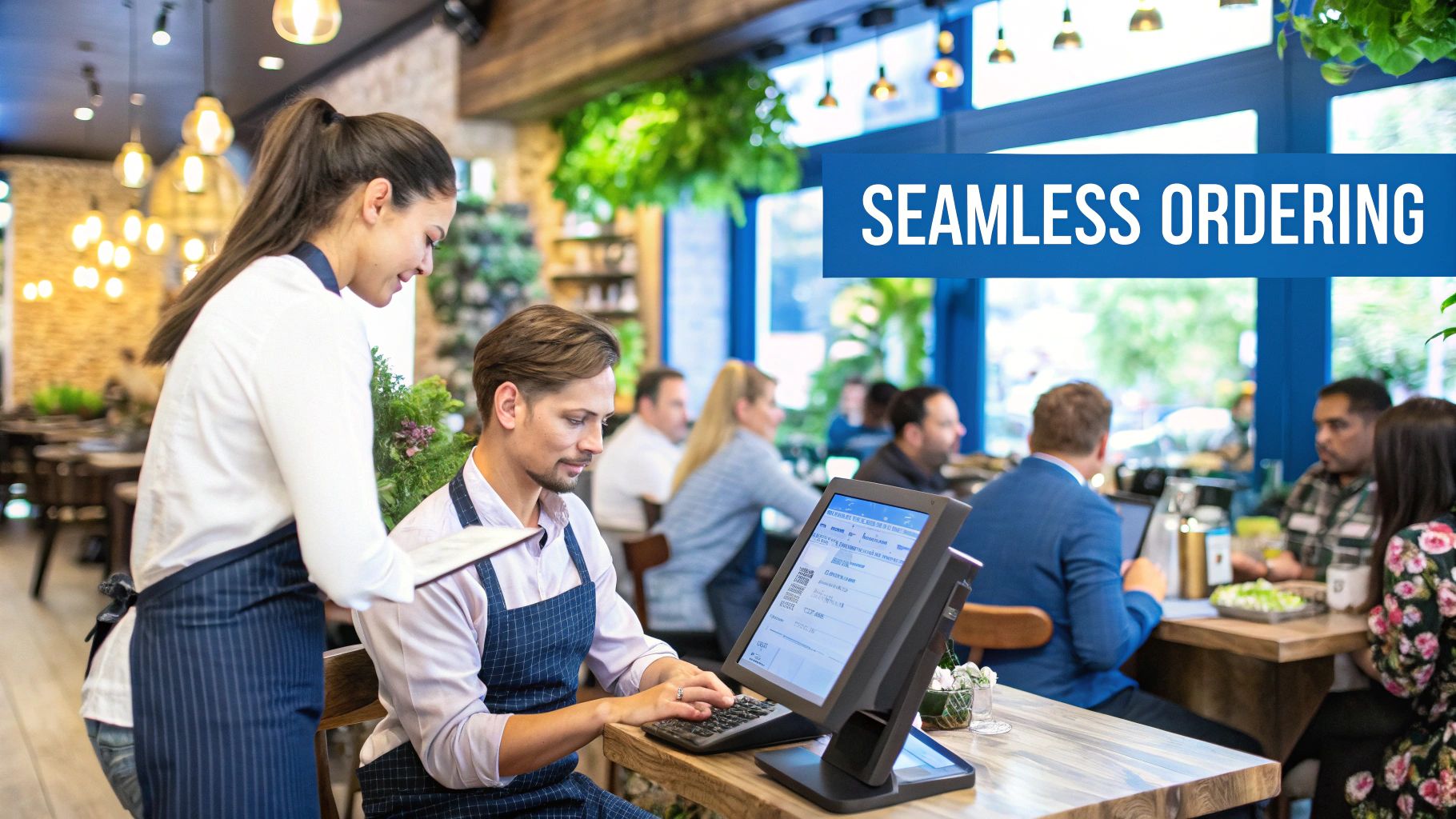
Imagine running a busy airport without air traffic control. Planes would collide, schedules would fall apart, and passengers would be left waiting indefinitely.
The same principle applies in restaurants. Orders arrive from multiple sources simultaneously, and without a system coordinating them, confusion quickly spreads across the kitchen and front-of-house staff.
A restaurant order management system acts as the air traffic controller of restaurant operations. It gathers orders from multiple channels and organizes them into a unified workflow so the kitchen, servers, and delivery staff can operate efficiently.
This centralized coordination prevents operational bottlenecks and ensures orders are prepared and delivered in the correct sequence.
Common Order Channels Managed by an OMS
| Order Channel | How It Works | Key Benefit |
|---|---|---|
| Dine-In | Servers enter orders through POS terminals or handheld tablets. | Instant transmission to kitchen displays improves accuracy. |
| Website Orders | Customers place orders through the restaurant’s online ordering platform. | Orders automatically appear in the kitchen queue. |
| Delivery Apps | Orders from services like Uber Eats or DoorDash are aggregated into one system. | Eliminates the need for multiple tablets. |
| Phone Orders | Staff manually enter orders into the same system. | Maintains a unified workflow. |
By consolidating these channels into a single system, restaurants create a structured order flow that reduces confusion and improves operational efficiency.
An OMS creates a single source of truth for your restaurant, ensuring every department—from front-of-house to kitchen staff—works with the same information.
How an Order Management System Works
A restaurant order management system follows a simple but powerful process:
- Order Capture: The system collects orders from all available channels.
- Order Consolidation: All orders are placed into a centralized queue.
- Order Routing: Orders are automatically directed to appropriate kitchen stations.
- Order Preparation: Kitchen staff prepare the food according to ticket priority.
- Order Fulfillment: Food is served to diners or delivered to customers.
This structured workflow dramatically reduces confusion during busy service periods and ensures every order is processed efficiently.
Core Features Every Restaurant OMS Should Include
Not all order management systems are created equal. Restaurants should prioritize systems that include features designed to handle modern multi-channel operations.
Multi-Channel Order Aggregation
One of the most important features of an OMS is order aggregation. This feature collects orders from all channels and displays them in a single dashboard.
Without this feature, restaurants often manage several delivery tablets simultaneously—a practice commonly referred to as a “tablet farm.”
Order aggregation eliminates this problem by presenting every order in a unified interface.
Real-Time Menu Synchronization
Menu synchronization allows restaurants to update menu items across all platforms instantly.
If a restaurant runs out of a specific ingredient, staff can mark the item unavailable, and the change immediately applies to:
- The restaurant’s website
- Delivery platforms
- The POS system
This prevents customers from ordering unavailable items.
Automated Order Routing
Automated routing directs orders to the appropriate kitchen station.
For example:
- Grill items appear on the grill station display.
- Salads appear on the prep station screen.
- Desserts appear at the dessert station.
This process is often managed through a Kitchen Display System (KDS), which replaces traditional printed tickets.
Integration With POS Systems
A strong OMS integrates seamlessly with the restaurant’s POS system to synchronize sales data, payments, and reporting.
Reporting and Analytics
Modern OMS platforms provide valuable insights including:
- Sales performance by channel
- Popular menu items
- Peak order times
- Delivery platform profitability
These insights allow restaurant managers to make smarter operational decisions.
Real Benefits of Using a Centralized Order System
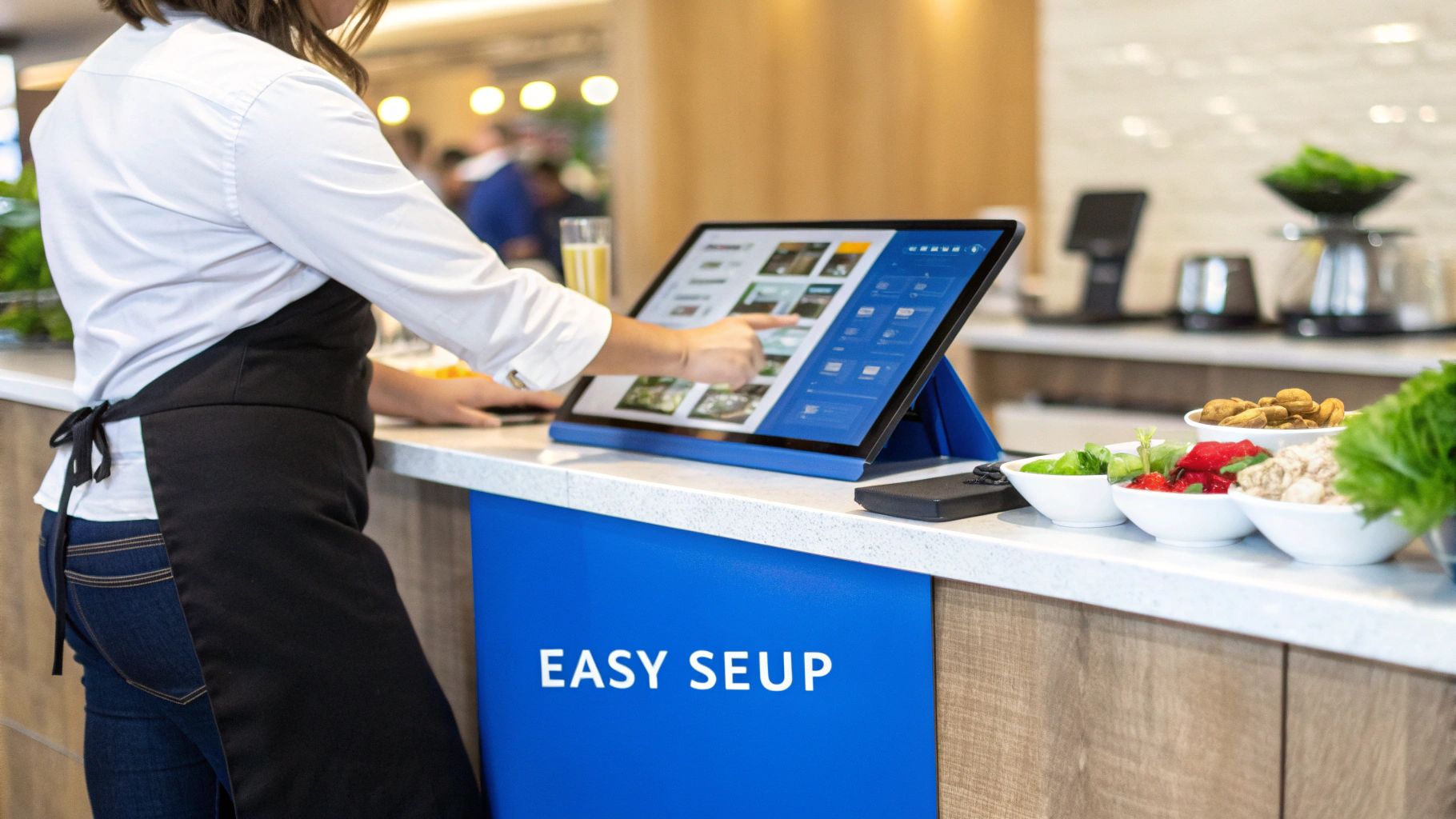
Implementing a centralized OMS provides several measurable advantages for restaurant operations.
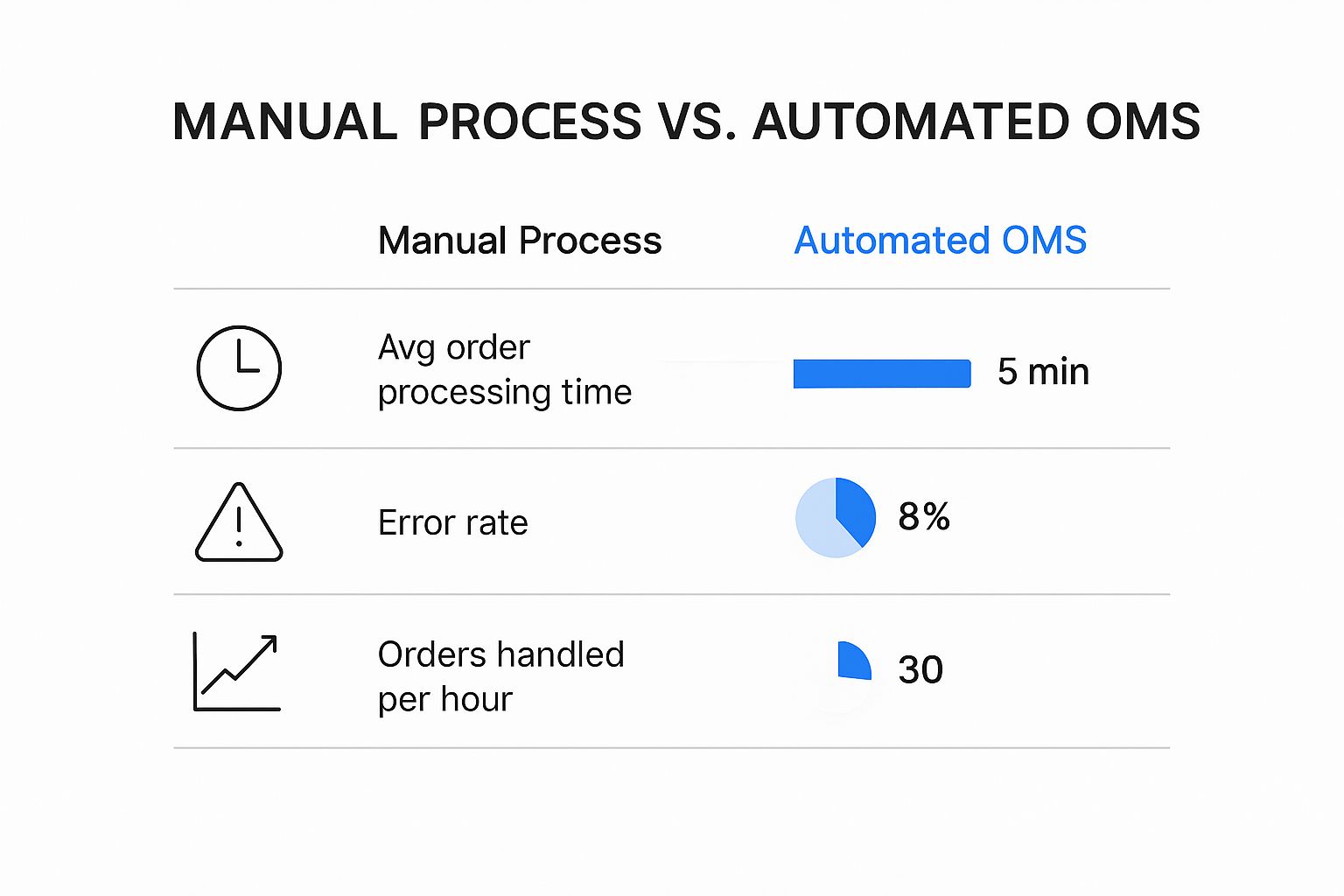
Fewer Order Errors
Manual order entry often leads to mistakes such as incorrect items or missing modifications.
Automated systems reduce these errors significantly by transmitting order details directly to the kitchen.
Faster Service
Automated order routing allows kitchen staff to begin preparation immediately after orders are placed.
This reduces ticket times and improves overall service speed.
Improved Customer Experience
Customers receive accurate orders faster, which improves satisfaction and encourages repeat visits.
Restaurants interested in improving operational performance can also explore strategies for increasing restaurant sales.
Better Data for Decision-Making
Because every order flows through the same system, restaurants gain access to detailed operational data.
This data supports decisions about:
- Menu optimization
- Staff scheduling
- Delivery platform partnerships
- Marketing campaigns
How OMS and POS Systems Work Together
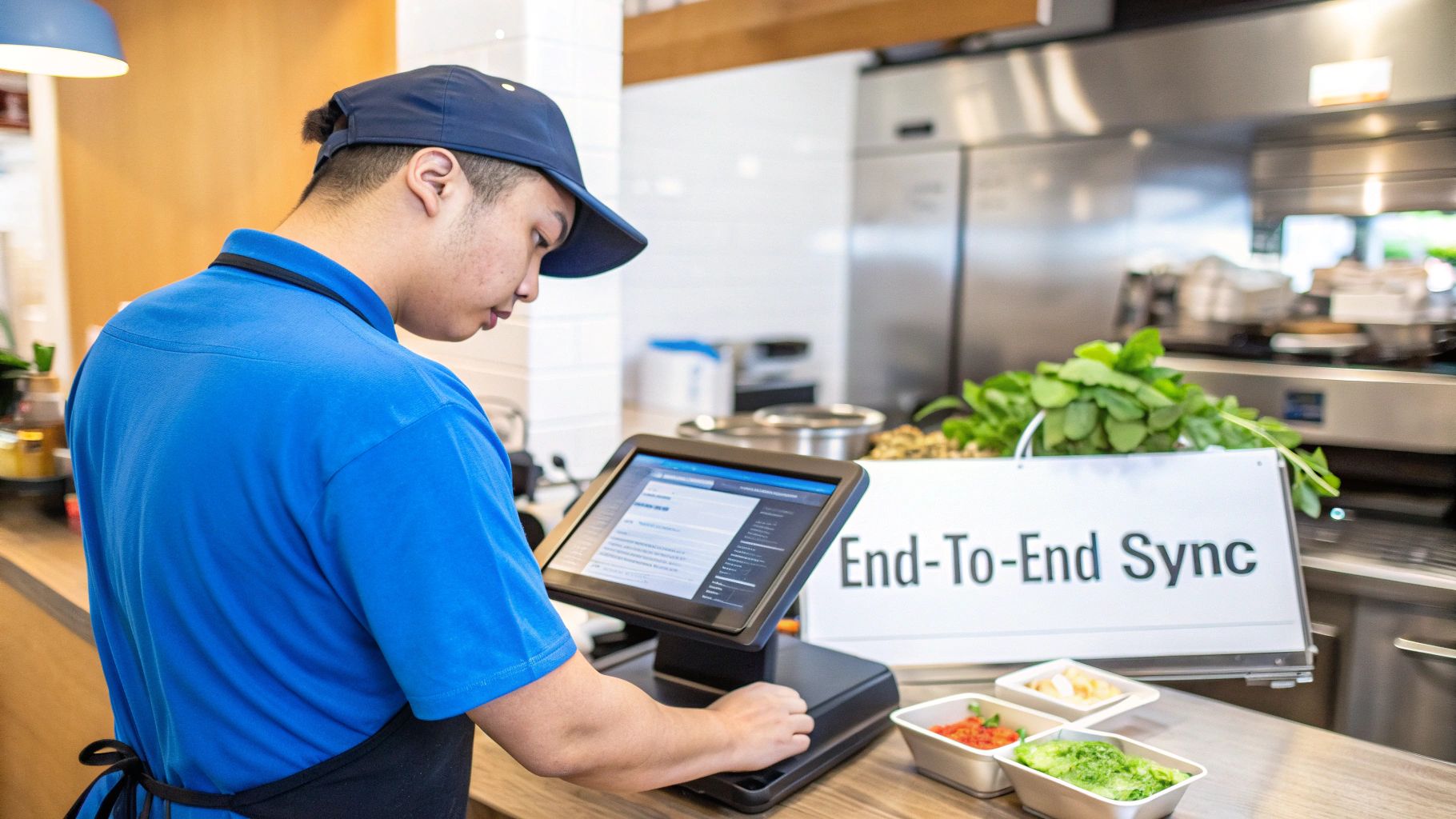
While an OMS manages the flow of orders, the POS system processes payments and records financial transactions.
When integrated properly, these systems work together to create a unified restaurant technology ecosystem.
Order Synchronization
Orders received by the OMS automatically appear in the POS system.
This eliminates the need for staff to manually enter orders twice.
Real-Time Inventory Updates
When a menu item is sold, the POS system can automatically deduct the ingredients from inventory.
This supports efficient inventory management and prevents unexpected stock shortages.
Restaurants can explore how POS technology supports operations in this guide to restaurant POS systems.
Unified Customer Data
Customer information collected through online orders can be stored in the POS database, enabling restaurants to build customer profiles and launch targeted marketing campaigns.
How to Choose the Right OMS for Your Restaurant
Choosing the right order management system requires careful evaluation of your restaurant’s needs.
Evaluate Your Order Channels
Restaurants should identify which channels generate the most orders, such as dine-in, delivery apps, or website orders.
The OMS should support all major ordering channels used by the business.
Ensure POS Compatibility
Integration with the existing POS system is essential for accurate reporting and seamless order flow.
Assess Scalability
Restaurants planning to expand or open additional locations should select systems capable of managing multi-location operations.
Restaurants looking to improve operational control may also benefit from systems that integrate with a restaurant inventory management system.
Train Staff Properly
Even the best technology fails without proper staff training.
Restaurants should provide hands-on training sessions and allow employees to practice processing orders before the system goes live.
How Biyo Helps Restaurants Manage Orders Efficiently
Managing orders across multiple channels can quickly become overwhelming without the right tools. Biyo POS provides restaurants with an integrated platform that combines order management, POS functionality, and operational analytics into a single system.
With Biyo, restaurant owners can manage dine-in, delivery, and online orders through a unified dashboard while maintaining complete visibility over sales and kitchen operations.
Restaurants interested in improving order accuracy and operational efficiency can schedule a consultation with the Biyo team to explore how Biyo’s integrated technology streamlines restaurant operations.
Businesses ready to simplify order management can also create a Biyo account and begin managing restaurant orders with advanced POS technology. By centralizing order workflows, Biyo helps restaurants reduce mistakes, improve service speed, and increase overall profitability.
Frequently Asked Questions
What is a restaurant order management system?
A restaurant order management system is software that collects, organizes, and tracks orders from multiple channels such as dine-in, online ordering, delivery apps, and phone calls.
Why do restaurants need an OMS?
An OMS helps restaurants manage orders efficiently, reduce mistakes, speed up service, and coordinate communication between staff and the kitchen.
Can an OMS integrate with delivery apps?
Yes. Most modern systems integrate with delivery platforms to aggregate orders into one dashboard.
Is an OMS the same as a POS system?
No. A POS system processes payments and records transactions, while an OMS manages the flow of orders.
How does an OMS improve restaurant efficiency?
By automating order routing and consolidating orders from multiple channels, an OMS reduces manual work and improves kitchen coordination.
Can small restaurants benefit from order management systems?
Yes. Even small restaurants benefit because centralized order management reduces mistakes and improves operational efficiency.
How long does it take to implement an OMS?
Implementation time varies depending on system complexity but usually takes a few days to a few weeks including staff training.