A point of sale (POS) system is where everything happens. It’s the combination of hardware and software that lets you ring up customers, accept payments, and run your entire business.
Think of it less like a high-tech cash register and more like the central nervous system for your store, restaurant, or service business. It’s the single spot where your sales, inventory, and customer data all come together.
What Exactly Is a POS System?
Imagine your POS system as the brain of your operation. Sure, its most obvious job is to take money, but that’s just scratching the surface. It’s the critical intersection where a customer’s purchase immediately updates your stock levels and logs a new sales record.
This deep integration is what makes a modern POS so different from a simple cash drawer and a calculator. Picking the right one is a huge decision because it directly shapes your daily efficiency and, ultimately, how profitable you can be. It's designed to take complicated tasks and make them simple.
More Than Just a Transaction Processor
At its heart, a POS system is built to make your most crucial jobs easier. Instead of jumping between a spreadsheet for inventory, a notebook for customer info, and a separate credit card terminal, a great POS brings it all under one roof. This gives you a crystal-clear, live look at how your business is doing at any given moment.
A modern system usually handles:
- Inventory Management: Every time you sell something, the system automatically adjusts your stock count. This is a lifesaver for preventing dreaded stockouts or realizing you’ve over-ordered a slow-moving item.
- Sales Reporting and Analytics: You can instantly see what’s selling, what’s not, and when your busiest hours are. This data is gold for making smarter business decisions.
- Customer Relationship Management (CRM): You can keep track of your regulars, see what they buy, and even set up loyalty programs to keep them coming back.
- Employee Management: Track staff hours, manage schedules, and see which of your team members are the top sellers.
A modern POS system doesn’t just record what you sell; it provides the insights you need to sell smarter, manage leaner, and grow faster.
Getting this choice right is vital because your POS becomes the backbone of your daily workflow. For a busy restaurant, it means orders fly to the kitchen without a single mistake. For a retail boutique, it ensures your online store and physical shop always have accurate inventory numbers.
Once you grasp this foundational role, you’re ready to dig into the different types of POS systems out there and find the perfect fit for your business.
The Foundational Choice: Cloud vs. On-Premise Systems
Before you even think about specific hardware or fancy features, there's a big decision every business owner has to make: where will my data live? Choosing between a cloud-based and an on-premise POS system is the first, most crucial step. It sets the stage for everything that follows—from your initial investment and daily operations to whether you can check sales reports from your couch.
Think of an on-premise system like owning a house. You buy the property (the server) and it sits right there in your back office. All your business data is stored locally, giving you complete, hands-on control. For businesses with a dedicated IT staff that prefer a one-time capital expense over monthly fees, this can feel like a solid, secure choice.
The catch, of course, is that you're also the landlord. All the maintenance, security, software updates, and data backups fall squarely on your shoulders. It’s a major upfront commitment of both money and ongoing responsibility.
The Rise of Cloud-Based Solutions
Now, let's look at the alternative. A cloud-based POS is more like renting an apartment in a modern, full-service building. Instead of a server in your back room, your data is stored securely online, and you access it through the internet—just like you stream movies on Netflix.
This model has completely taken over the industry for good reason. The global POS software market is expected to balloon from $18.3 billion in 2022 to a staggering $74.7 billion by 2032, and the flexibility of the cloud is the main driver behind that growth.
The biggest win here is freedom. You can check your sales data on your phone while on vacation, update menu items from home, or manage multiple locations without being physically present. To really grasp the implications for your business, it helps to understand the key differences between cloud and on-premise infrastructure.
Key Takeaway: With a cloud-based system, your business is no longer tethered to a physical box in your store. That agility makes it so much easier to adapt and grow.
To help you visualize this choice, this infographic lays out the core considerations when deciding between an on-premise server and a cloud solution.
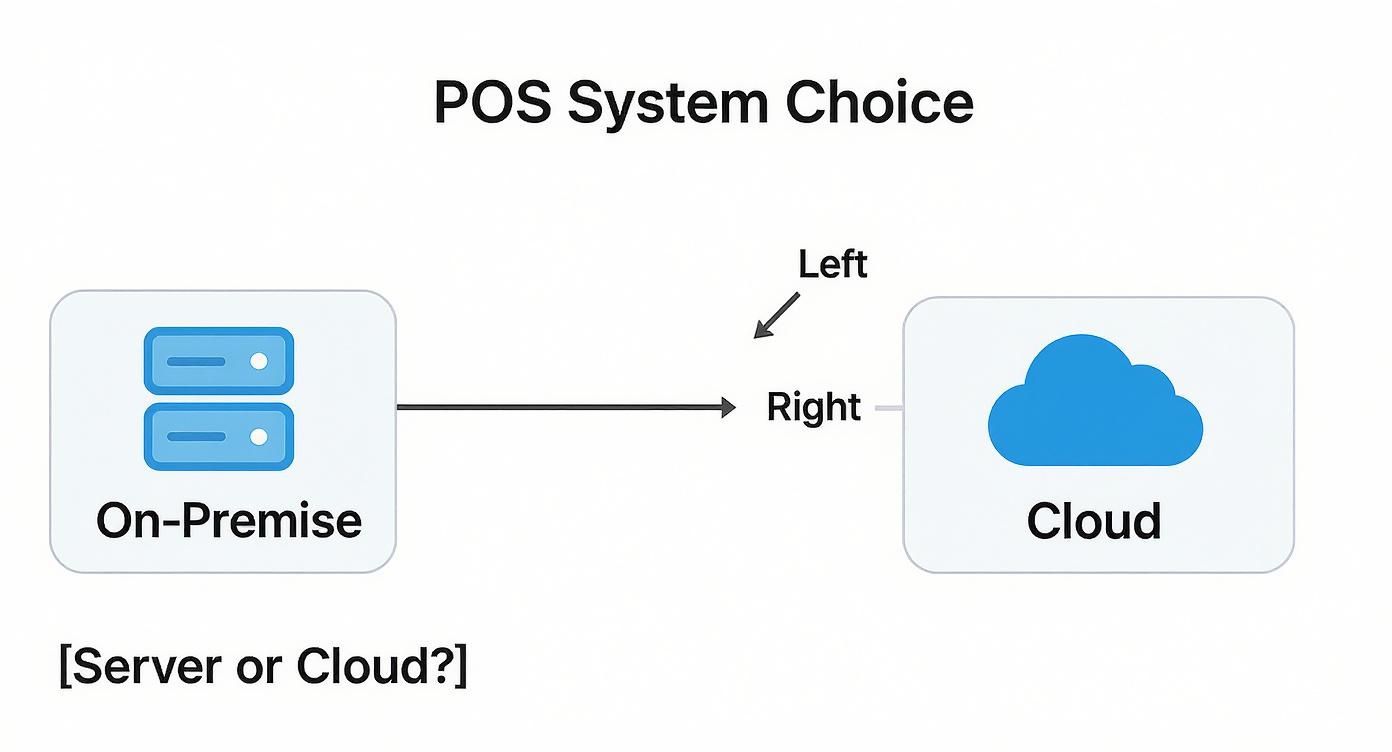
As you can see, the right path really boils down to what you value more: direct control over your own hardware or the convenience and flexibility of remote access.
This quick table breaks down the main points of comparison.
Cloud-Based POS vs On-Premise POS: A Quick Comparison
| Feature | Cloud-Based POS | On-Premise POS |
|---|---|---|
| Initial Cost | Low (subscription fees) | High (server hardware & software licenses) |
| Data Access | Anywhere with an internet connection | Only on-site at the business location |
| Maintenance | Handled by the provider | Your responsibility (or your IT team's) |
| Updates | Automatic and seamless | Manual installation required |
| Security | Managed by expert providers | Your responsibility to secure the server |
| Scalability | Easy to add terminals or locations | Complex and expensive to expand |
Ultimately, the choice depends on your business's specific needs, budget, and technical comfort level.
If you want to get into the nitty-gritty of how this works, the subscription model of a cloud-based system not only keeps upfront costs down but also offloads the headaches of software updates and security to the experts, letting you focus on what you do best—running your business.
Gaining Flexibility with Mobile and Tablet POS Solutions
Picture your staff breaking free from the static sales counter. Instead of forcing customers to wait in a long queue, your team can meet them right where they are—at their table, in a dressing room, or even at an outdoor market. That's the freedom you get with mobile POS (mPOS) and tablet-based systems, some of the most adaptable types of POS systems out there. They completely change the feel of the customer experience, making every transaction feel more fluid and personal.
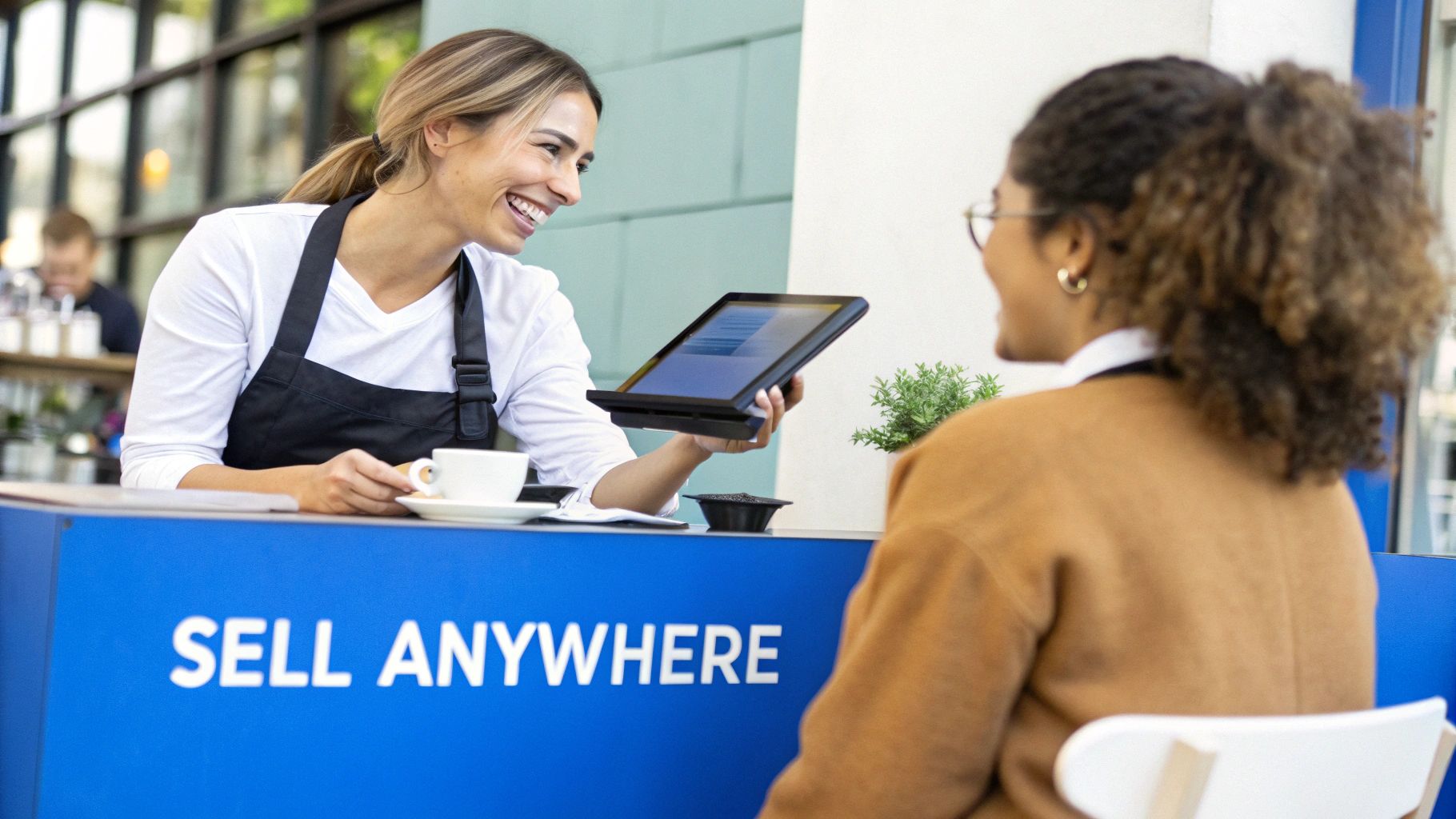
These nimble setups run on hardware you already know, like a smartphone or a tablet (think iPad or Android), usually connected to a small card reader. This simple combination gives your business the agility to take payments from just about anywhere you have an internet signal. The payoff? Faster service, shorter lines during your busiest times, and more opportunities for genuine, helpful interactions with customers.
How Mobile Systems Drive Business Agility
For any business that isn't tied to a single spot, mobile and tablet solutions are a game-changer. They open up ways of operating that would be impossible with a clunky, traditional terminal. This kind of flexibility isn't just a nice-to-have; it's a real strategic edge that helps you respond to what your customers need, right in the moment.
Think about a busy restaurant using tablets for tableside ordering and payment—that move alone can dramatically speed up table turnover. Or a retail shop using mPOS to "line bust," checking people out on the floor so they don't get frustrated and walk away. It’s also perfect for service professionals like plumbers or event vendors who need to take secure payments on-site.
Mobile POS systems untether your sales process from a single location, allowing you to create a checkout experience that is as dynamic and responsive as your business itself.
And it’s not just for businesses on the go. These systems bring incredible versatility to a standard brick-and-mortar store, too.
- Improved Customer Flow: Employees can look up inventory, answer questions, and finalize a sale right on the sales floor, without ever making the customer walk to a register.
- Reduced Hardware Footprint: A slim tablet takes up a fraction of the space of a traditional terminal, freeing up precious counter real estate for merchandising.
- Lower Upfront Costs: You can often use existing mobile devices or purchase affordable tablets, which significantly cuts down on the initial investment compared to specialized POS hardware.
By pairing powerful software with everyday devices, mobile and tablet POS systems give businesses of all sizes a cost-effective way to become more efficient and customer-centric.
Finding the Right Fit: Industry-Specific POS Systems
Think about it: using a generic POS system for a specialized business is like trying to build a house with only a hammer. Sure, you might get the job done eventually, but it’s going to be inefficient, frustrating, and probably a little messy. The best types of pos systems are the ones designed with a specific industry's daily grind in mind. A bustling coffee shop and a quiet clothing boutique have completely different workflows, and a purpose-built system acts as a true partner, not just a glorified cash register.
This kind of specialization really matters. Generic systems often create more problems than they solve, forcing you to invent clumsy workarounds for features that just aren't there. Industry-specific solutions, on the other hand, come ready to go with the tools you actually need, tackling the unique challenges of your field right out of the box.
POS Systems Built for Retail Success
Retail is a game of a thousand tiny details, from tracking countless product variations to remembering a loyal customer's favorite brand. A retail-focused POS is engineered to handle this complexity without breaking a sweat, turning potential inventory headaches into a smooth, manageable process.
They usually come packed with features like:
- Granular Inventory Management: You can easily track items by size, color, or style—an absolute must for clothing or shoe stores.
- Integrated Loyalty Programs: This lets you build customer profiles, see what they buy, and offer personalized rewards to keep them coming back.
- E-commerce Integration: Syncing your physical and online stores in real-time is a game-changer. It stops you from accidentally selling the same item twice and keeps your stock counts accurate everywhere.
Taking the time to understand what a retail POS system is and why you need one is the first step to really getting your operations in order. A system built for retail becomes the central command center for your inventory, customer relationships, and sales data.
POS Systems Designed for Hospitality
In the world of hospitality, everything comes down to speed, accuracy, and creating a great customer experience. Restaurant POS systems are built from the ground up to manage the chaotic, fast-paced flow of a busy service. Their features are all about clear communication between the front of house, the kitchen, and management.
A great hospitality POS orchestrates the entire dining experience, ensuring orders are correct, service is timely, and payments are effortless for both staff and guests.
Look for essential tools like these:
- Interactive Table Layouts: A visual map of your floor plan helps you see which tables are open, occupied, or waiting for the check, and makes it easy to assign servers to sections.
- Kitchen Display System (KDS) Integration: Orders fire directly to a screen in the kitchen. This simple change gets rid of messy handwriting, reduces errors, and speeds up prep times.
- Advanced Billing Options: Splitting checks, transferring tabs between the bar and a table, and handling big group orders becomes simple and confusion-free.
It's no surprise that businesses are investing heavily in these systems. The global POS terminal market was valued at a whopping $113.38 billion in 2024. Interestingly, over 58% of that market is made up of fixed POS terminals, which shows just how vital these specialized workhorses are in brick-and-mortar retail and hospitality businesses.
The Shift Towards Self-Service Kiosks and Checkouts
Think about the last time you were in a hurry. Did you want a long chat, or did you just want to grab your coffee and go? Modern customers value two things: speed and control. This is exactly why we're seeing a huge move towards self-service options in all kinds of businesses.
From the touchscreen ordering kiosks at your favorite fast-food joint to the self-checkout lanes that have become standard in grocery stores, businesses are letting customers take the wheel. This isn't just a gimmick; it’s a smart way to meet people where they are and give them the quick, low-friction experience they expect.
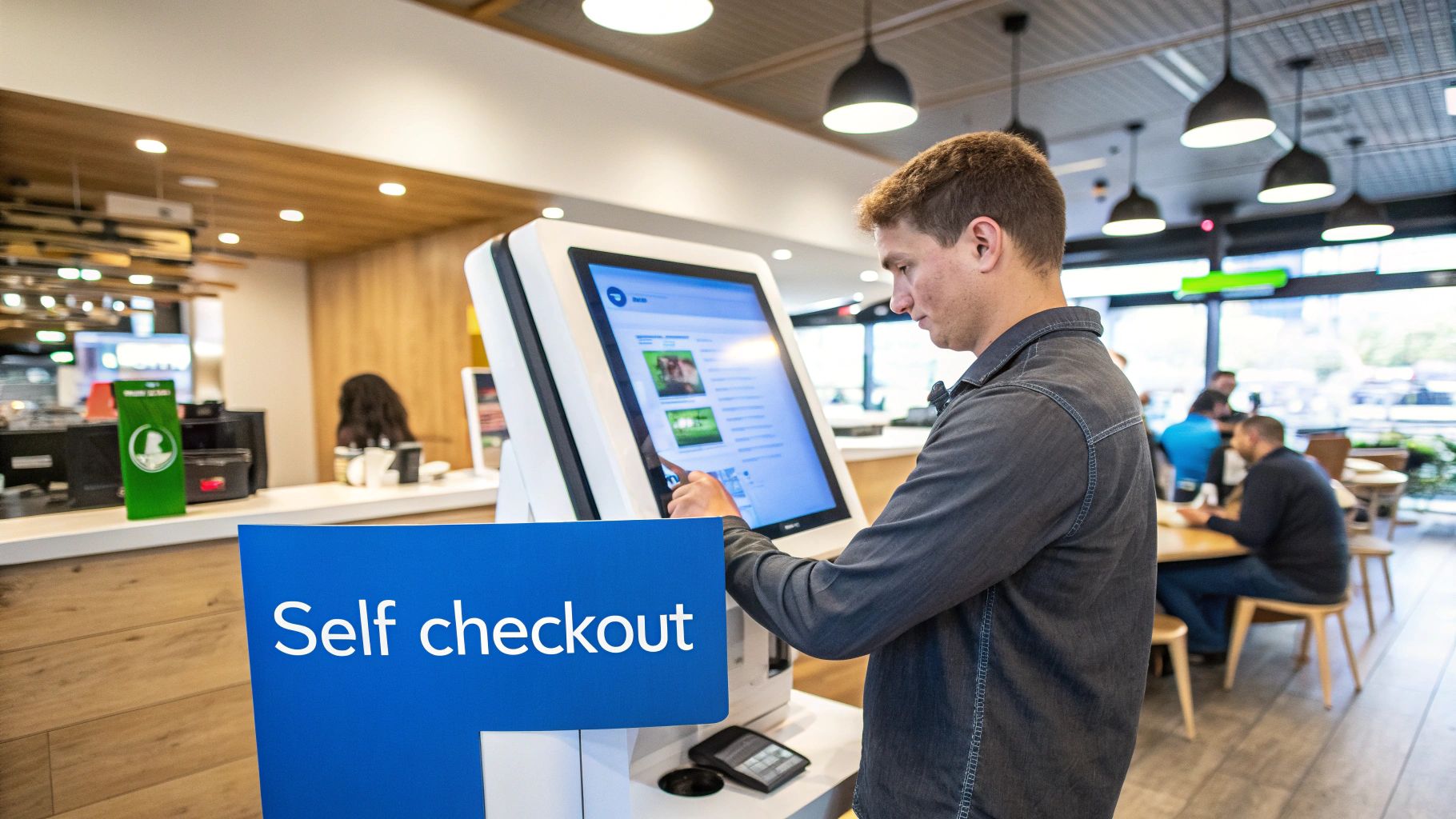
These systems are like having an extra set of hands that never gets tired. They handle the routine ordering and payment tasks, freeing up your team to focus on things that really elevate the customer experience—like offering a great recommendation or solving a tricky problem. During a lunch rush, this automation is a game-changer.
The Practical Benefits of Customer Autonomy
Let's get specific. In a quick-service restaurant, a kiosk dramatically improves order accuracy. Why? Because the customer is punching in exactly what they want. Fewer mistakes mean less food waste and faster lines. It’s that simple.
In a retail store, self-checkout lanes are a lifesaver during peak hours. They give shoppers a quick exit path, which prevents those frustrating bottlenecks at the main counters and makes the whole experience feel faster.
Of course, it's not a perfect solution for everyone. Some customers will always prefer talking to a person, and others might need a hand navigating the screen. This means you still need staff on the floor to provide that human touch. But when done right, the benefits are undeniable.
Self-service technology transforms the transaction process from a potential bottleneck into a seamless, customer-controlled experience, giving businesses a powerful tool for operational efficiency.
If you're thinking about adding this to your business, it's worth digging into the details. To get a better sense of the nuts and bolts, you can learn how a self-service kiosk point of sale works and decide if it aligns with your goals. By putting control in your customers' hands, you can satisfy their need for speed and let your team focus on more meaningful work.
How to Choose the Right POS System for Your Business
Alright, now that you’ve got the lay of the land on the different types of POS systems out there, how do you actually pick one? It's easy to get lost in feature lists, but the best decision starts by looking inward at your own business.
Think about the nuts and bolts of your daily grind. Are you ringing up a handful of high-ticket items or hundreds of small transactions a day? Is your inventory a straightforward list of products, or are you juggling complex variations like size, color, and material? Getting clear on these operational details helps you separate the “must-have” features from the “nice-to-have” ones.
Creating Your POS System Checklist
Next up, let’s talk money and ambition. What's your real budget—not just for the shiny new hardware, but for the monthly software fees that come with it? More importantly, think about where you're headed. The perfect POS for you today could become a major headache a year from now if it can't scale with you as you add staff, open a new location, or launch an online store.
The right POS system doesn't just process transactions; it becomes a central tool that actively helps your business run more smoothly and grow smarter.
To help narrow down your options, here are the core questions to ask yourself:
- Essential Features: Does it have the specific tools you actually need? A restaurant needs solid table management, while a boutique absolutely needs its e-commerce inventory to sync up.
- Budget: What’s the total cost of ownership? Look past the sticker price and factor in hardware, software subscriptions, and payment processing fees.
- Scalability: Will this system grow with you? Check if it can easily handle more locations, employees, or sales channels down the road.
- Ease of Use: How quickly can you and your team learn it? An intuitive interface means less training time and fewer costly mistakes during a busy rush.
It's clear that businesses are demanding smarter tools. The POS terminals market in North America alone is expected to jump from $41.54 billion in 2025 to a whopping $73.71 billion by 2033. That growth isn't just about more terminals; it's about the demand for more integrated, intelligent solutions. You can explore more about POS market growth trends to see where the industry is heading.
Ready to find a POS system that adapts to your unique business needs? Biyo POS offers an all-in-one solution with modes for retail, table service, self-checkout, and more. Start your 14-day free trial today and see how easy it is to manage sales, inventory, and customers.