If you’re still tracking inventory with spreadsheets, paper logs, or manual counts, you’re likely spending more time and money than necessary. Inventory mistakes can lead to stock shortages, excess inventory, delayed orders, and lost revenue. A barcode program for inventory helps eliminate these challenges by creating a faster, more accurate, and automated way to track products throughout your business.
Modern inventory management depends on real-time visibility. Businesses need to know exactly what products they have, where those products are located, and how quickly inventory is moving. Barcode technology provides that visibility by connecting physical products to digital inventory records through simple scanning processes.
Whether you operate a retail store, warehouse, distribution center, restaurant, or multi-location business, barcode inventory systems help improve accuracy, reduce labor costs, and support better decision-making. Instead of relying on manual processes that are prone to errors, businesses gain access to reliable inventory data that updates automatically.
This guide explains how barcode inventory systems work, the key features to look for, the benefits they provide, and how businesses can successfully implement barcode-based inventory management.
Table of Contents
- Why Manual Inventory Fails in a Modern Business
- Understanding the Components of a Barcode Inventory System
- Choosing Software with the Right Features
- The Real-World Benefits of Barcoding Inventory
- Your Step-by-Step Implementation Plan
- How Biyo Helps Businesses Manage Inventory with Barcodes
- Frequently Asked Questions
Why Manual Inventory Fails in a Modern Business
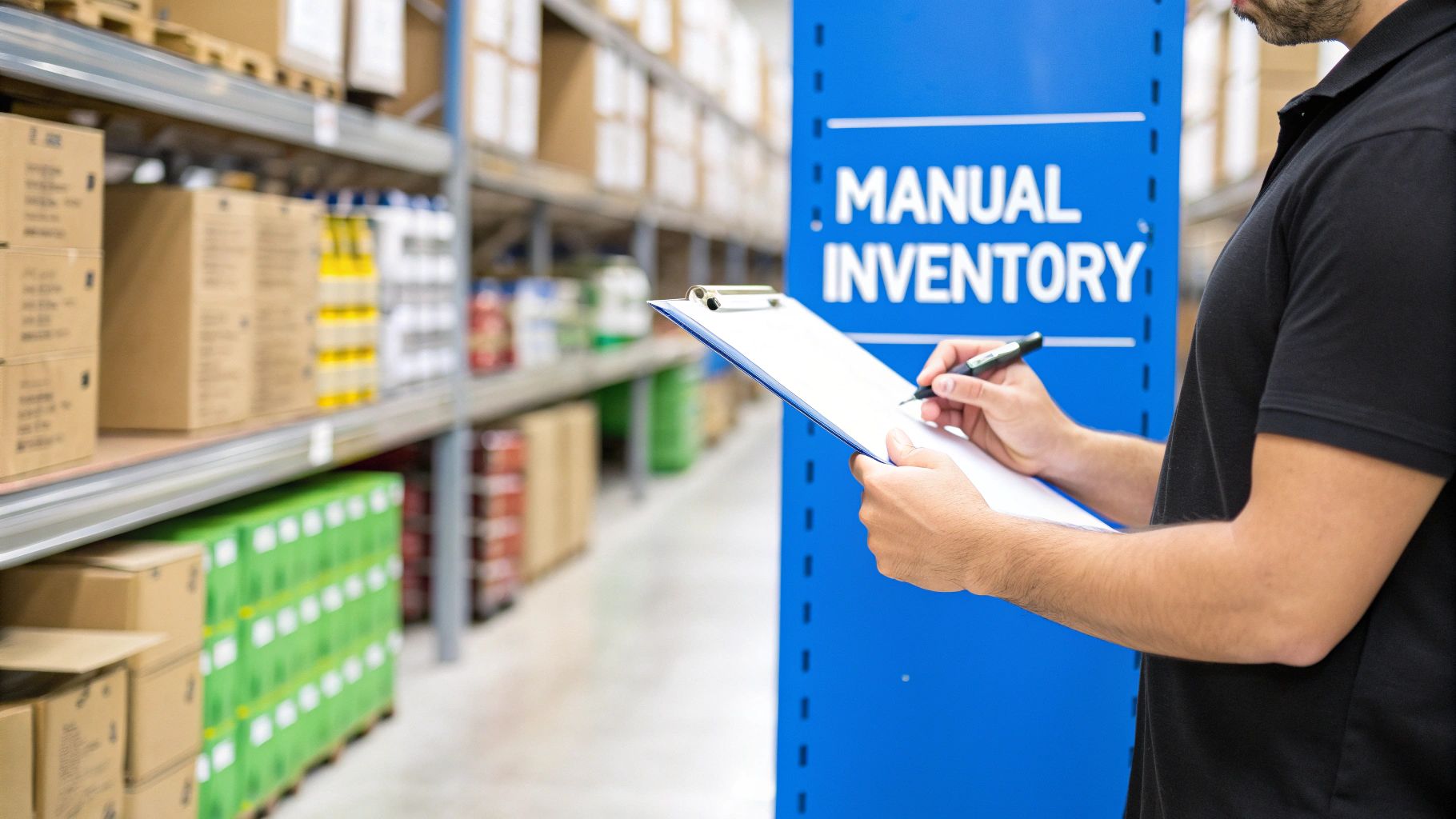
Manual inventory management may seem manageable for small operations, but as businesses grow, spreadsheets and handwritten counts often become major obstacles. Every manual entry introduces the possibility of human error, and even minor mistakes can create inventory discrepancies that affect purchasing, fulfillment, and customer satisfaction.
When inventory data is inaccurate, businesses often face two costly problems: overstocking and stockouts. Overstocking ties up valuable capital in products that may not sell quickly, while stockouts result in missed sales opportunities and disappointed customers.
Without real-time visibility, managers are forced to make purchasing decisions based on incomplete information. This lack of accuracy can affect cash flow, operational efficiency, and long-term profitability.
Human Error Creates Expensive Problems
Manual inventory tracking depends heavily on employees entering information correctly every time. Miscounted products, incorrect entries, and missed transactions can quickly create discrepancies between physical inventory and recorded inventory.
These errors often go unnoticed until stock levels become inaccurate, causing fulfillment delays, purchasing mistakes, and customer service issues.
Barcode systems reduce these risks by automating data collection and minimizing manual input.
Manual Processes Slow Down Operations
Inventory counts, receiving shipments, transferring products, and fulfilling orders all take significantly longer when performed manually. Employees spend valuable time recording information instead of focusing on customer service, sales, and other business priorities.
As inventory volumes increase, these inefficiencies become more expensive and difficult to manage.
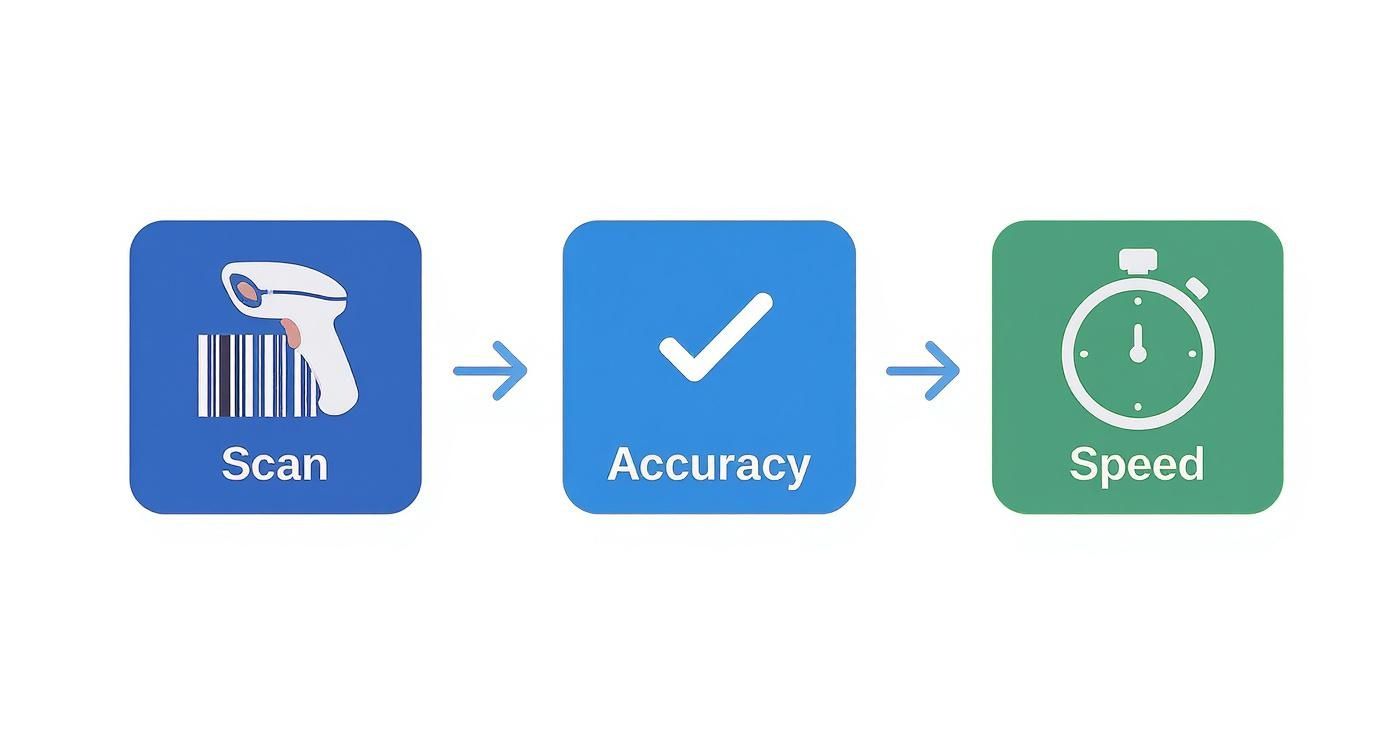
Automated barcode scanning accelerates these workflows while improving overall accuracy.
Lack of Real-Time Visibility
Businesses cannot make informed inventory decisions without accurate and up-to-date information. Manual systems often create delays between inventory movements and inventory updates, making it difficult to understand actual stock availability.
Real-time visibility helps businesses respond quickly to demand changes and maintain appropriate stock levels.
Reliable inventory data supports better purchasing, forecasting, and operational planning.
Understanding the Components of a Barcode Inventory System
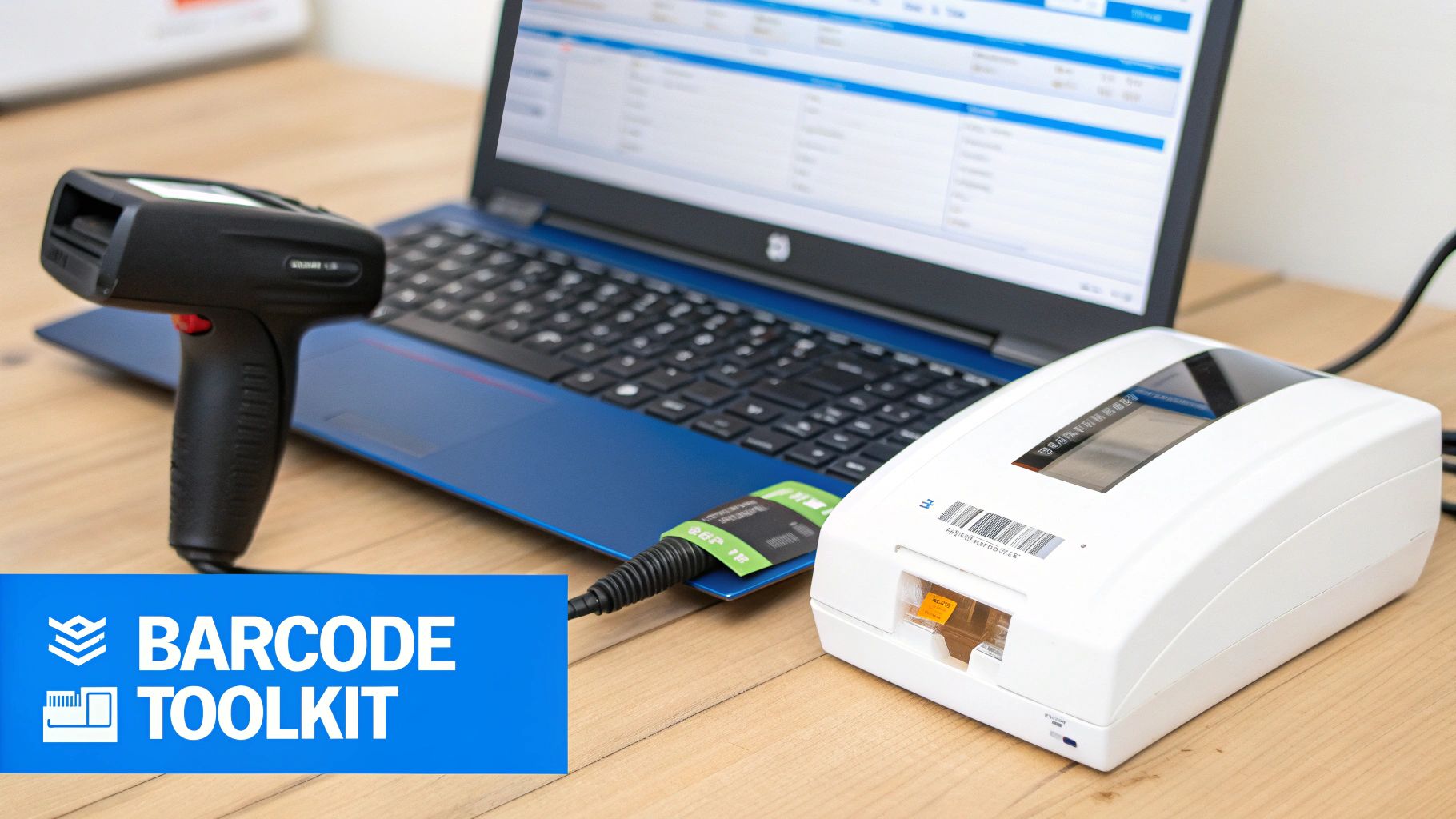
A barcode inventory system consists of several components working together to create an efficient inventory management process. While many businesses focus on scanners alone, successful inventory management depends on software, barcode labels, printers, and scanning devices functioning as a connected system.
Inventory Management Software
The software serves as the foundation of the entire barcode inventory system. It stores inventory data, processes transactions, manages stock levels, and provides reporting capabilities that help businesses understand inventory performance.
Every scan updates the software automatically, creating a centralized source of inventory information that can be accessed across the organization.
The quality of the software often determines how effectively businesses can leverage barcode technology.
Barcode Labels and Printers
Barcode labels create the physical connection between products and digital inventory records. Each product receives a unique barcode that identifies it within the inventory system.
Specialized barcode printers create durable labels that remain readable throughout the product lifecycle, even in demanding environments such as warehouses and distribution centers.
Clear and reliable labels help maintain scanning accuracy while supporting efficient operations.
Barcode Scanners
Scanners capture inventory information quickly and accurately. Whether using handheld scanners, wireless devices, mobile computers, or smartphone-based scanning applications, the goal remains the same: instantly transfer product information into the inventory system.
Barcode scanners significantly reduce the time required to process inventory transactions compared to manual entry methods.
Faster data capture helps businesses maintain accurate inventory records while improving productivity.
Choosing Software with the Right Features
Selecting the right barcode program for inventory requires more than choosing software that supports barcode scanning. The best solutions provide features that improve visibility, automate processes, and support future business growth.
Real-Time Inventory Tracking
Real-time inventory tracking should be considered a fundamental requirement. Every scan should immediately update stock levels, ensuring that inventory records remain accurate across all sales channels and locations.
Instant visibility helps prevent stock discrepancies while improving inventory control.
Businesses that rely on real-time data are often better positioned to respond to changing demand patterns.
Automated Reordering and Low Stock Alerts
Automated inventory alerts help businesses maintain optimal stock levels without constant manual monitoring. When inventory reaches predefined thresholds, the system can notify managers that replenishment may be necessary.
This proactive approach helps reduce stockouts while supporting more efficient purchasing decisions.
Automated reordering capabilities can further simplify inventory management by streamlining procurement workflows.
Multi-Location Inventory Management
Businesses operating multiple locations require visibility across all inventory sources. Multi-location functionality allows inventory to be tracked, transferred, and managed from a centralized platform.
Real-time visibility across locations improves inventory utilization while supporting faster fulfillment.
As businesses grow, multi-location capabilities become increasingly valuable.
Reporting and Analytics
Inventory data becomes significantly more valuable when combined with reporting and analytics tools. Businesses can identify fast-moving products, monitor inventory turnover, evaluate supplier performance, and forecast future demand.
Analytics help transform inventory data into actionable business insights.
Better reporting supports more informed operational and financial decisions.
The Real-World Benefits of Barcoding Inventory
Implementing a barcode inventory system provides measurable benefits that extend beyond inventory management. Improved accuracy, faster workflows, lower labor costs, and better decision-making all contribute to stronger business performance.
Improved Inventory Accuracy
Barcode scanning significantly reduces human error by automating data collection. Inventory records remain more accurate because information is captured directly from barcode labels rather than manually entered by employees.
Accurate inventory data improves confidence in purchasing decisions and operational planning.
Businesses often experience fewer inventory discrepancies and better stock control.
Faster Inventory Operations
Receiving shipments, conducting inventory counts, processing transfers, and fulfilling orders all become faster with barcode technology. Employees spend less time recording information and more time focusing on productive activities.
Increased efficiency helps reduce labor costs while improving operational throughput.
Faster workflows contribute directly to customer satisfaction and profitability.
Better Business Decisions
Reliable inventory data supports better decision-making across the organization. Managers gain visibility into inventory trends, product performance, purchasing requirements, and demand patterns.
Access to accurate information helps businesses allocate resources more effectively and identify opportunities for improvement.
Data-driven decisions often produce stronger long-term business results.
Your Step-by-Step Implementation Plan
Successful barcode system implementation requires careful planning and execution. While the technology itself is relatively straightforward, preparation and training play critical roles in achieving positive outcomes.
Prepare Your Inventory Data
Before creating barcode labels, businesses should organize product information and establish consistent SKU structures. Clean and accurate data provides a strong foundation for the barcode system.
Taking time to standardize product records helps prevent future inventory issues.
Well-organized inventory data improves overall system performance.
Label Inventory and Train Employees
Every product should receive a barcode label that corresponds to its inventory record. Depending on inventory size, this process may require significant planning and coordination.
Employee training is equally important. Team members should understand how to scan products correctly, process transactions, and follow established inventory procedures.
Consistent usage is essential for maintaining inventory accuracy.
Test and Optimize the System
Before fully deploying the barcode system, businesses should conduct pilot testing to verify workflows and identify potential issues. Small-scale testing allows adjustments to be made without disrupting daily operations.
After successful testing, businesses can expand deployment across all inventory categories and locations.
Ongoing monitoring helps ensure long-term success and continuous improvement.
How Biyo Helps Businesses Manage Inventory with Barcodes
Managing inventory becomes easier when barcode technology is integrated directly into your business management platform. Biyo helps businesses streamline inventory control through barcode scanning, real-time inventory tracking, reporting tools, and centralized inventory management.
By connecting barcode functionality with POS operations, inventory management, sales reporting, and purchasing workflows, Biyo provides a unified solution that helps businesses maintain accurate inventory records while improving operational efficiency.
Businesses can track inventory movement, monitor stock levels, identify low inventory situations, and gain valuable visibility into product performance from a centralized dashboard.
Whether you operate a retail store, restaurant, warehouse, or multi-location business, Biyo provides the tools needed to simplify inventory management and support business growth.
If you’d like to learn more about inventory management and barcode-enabled operations, you can schedule a consultation with Biyo. Businesses ready to explore the platform can also create an account and discover how integrated inventory management can improve efficiency and accuracy.
Frequently Asked Questions
What is a barcode program for inventory?
A barcode program for inventory is a software system that uses barcode labels and scanners to track inventory movement, monitor stock levels, and automate inventory management processes.
How does barcode inventory management improve accuracy?
Barcode systems reduce manual data entry by capturing product information through scanning, significantly lowering the risk of human error and inventory discrepancies.
Can small businesses use barcode inventory systems?
Yes. Barcode inventory systems are suitable for businesses of all sizes and can help small businesses improve efficiency, accuracy, and inventory visibility.
Do barcode systems work across multiple locations?
Many modern inventory management platforms support multi-location inventory tracking, allowing businesses to manage stock across stores, warehouses, and distribution centers.
What equipment is needed for barcode inventory management?
Most barcode inventory systems require inventory management software, barcode labels, barcode printers, and barcode scanners. Some businesses may also use mobile devices for scanning.
How long does it take to implement a barcode inventory system?
Implementation timelines vary depending on inventory size and business complexity. Small businesses may complete implementation in a matter of days, while larger organizations may require several weeks for labeling, training, and deployment.