Cutting corners on formal purchase orders might seem like a time-saver, but it's a fast track to budget blowouts and bookkeeping nightmares. A purchase order (PO) isn't just another piece of paperwork; it's a powerful tool that brings much-needed clarity and control to how you buy things. By simply making POs a standard part of your process, you can start transforming procurement from a constant headache into a smooth, predictable operation.
Why Purchase Orders Are Your Secret Weapon

For a lot of small businesses, ordering supplies feels chaotic. A quick phone call here, a casual email there, maybe even a verbal "yes" during a sales rep's visit—it all seems good enough at the moment. But this informal approach is often a recipe for disaster, leading to wrong shipments, surprise price hikes, and countless hours spent trying to figure out which invoice goes with which delivery.
This is exactly where creating a purchase order saves the day. A PO is an official, legally binding document you create and send to a supplier. It locks in all the important details: what you're ordering, how much you need, the price you both agreed on, and when you expect it. Think of it as a formal request that becomes a contract once your vendor accepts it.
A Real-World Cafe Scenario
Picture a busy cafe. The manager, slammed with the morning rush, calls her milk supplier and just says, "send the usual." A barista, noticing they're low on beans, tells the coffee roaster they need more "house blend." These requests are vague and leave way too much to chance.
The result? The cafe gets a delivery with way too much almond milk, not nearly enough whole milk, and an invoice for a premium coffee blend they never actually approved.
By putting a simple PO system in place, the cafe completely changes the game. Now, before any order goes out, a PO is drafted that spells everything out:
- 20 gallons of whole milk at $3.50/gallon
- 10 gallons of almond milk at $4.25/gallon
- 5 bags (5 lbs each) of house blend coffee beans at $45.00/bag
This single document gets rid of all the guesswork. The supplier knows precisely what to send, and the cafe’s bookkeeper has a clean record to match against the invoice when it arrives.
A purchase order is more than just an order form; it's a communication tool that sets clear expectations for both you and your supplier, preventing costly misunderstandings before they happen.
Getting this process right is more critical than ever. As e-commerce continues to explode, businesses are juggling more suppliers and transactions. Global e-commerce sales are on track to blast past $6.42 trillion in 2025, driven by over 2.77 billion online shoppers. This boom directly translates to a higher volume of purchase orders needed to keep inventory stocked and customers happy.
You can discover more insights about worldwide online shopping statistics on speedcommerce.com. Creating purchase orders isn't optional anymore; it's a fundamental part of running a financially healthy and efficient business.
Anatomy of a Perfect Purchase Order
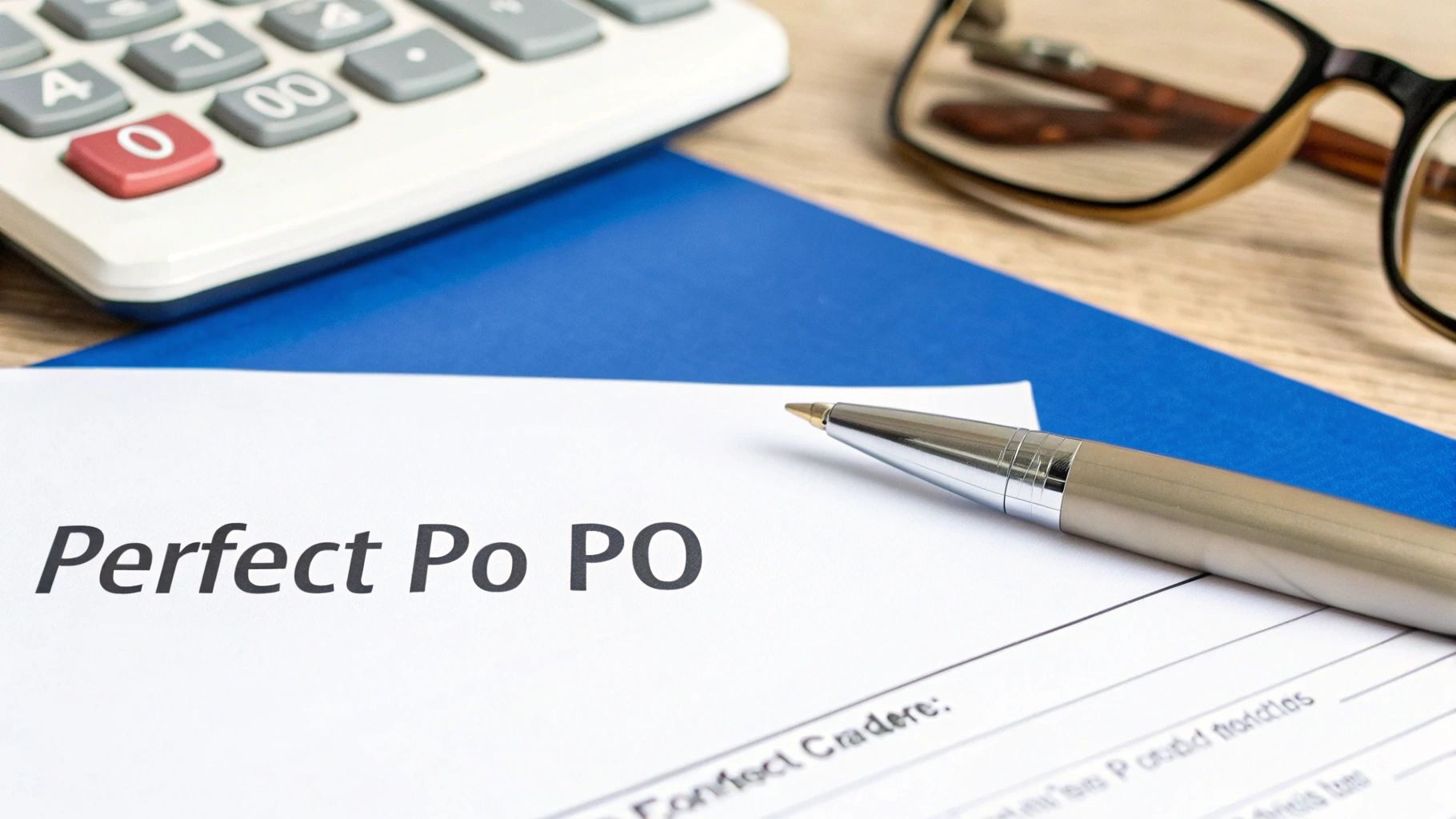
A purchase order is far more than a simple shopping list. It’s a carefully crafted communication tool that serves as a legal contract, protecting both you and your suppliers. When you get the details right from the start, you eliminate the frustrating back-and-forth emails and costly mix-ups that can grind your operations to a halt.
Think of it as the official blueprint for a transaction. Every single piece of information answers a critical question—who, what, where, when, and how much—leaving absolutely no room for error or misunderstanding. This is the kind of clarity that keeps your suppliers happy and your financial records squeaky clean.
The Non-Negotiable Basics
Every purchase order, no matter the industry, has to include a core set of information. This is the bedrock of the document. Without these key elements, you’re just sending an informal request that’s ripe for misinterpretation.
At a minimum, you absolutely must include:
- PO Number: A unique ID for tracking the order from start to finish. This number becomes your go-to reference for every conversation, delivery slip, and invoice tied to this purchase.
- Your Company Details: This means your official business name, address, and contact info.
- Vendor Details: The full name and contact information for the supplier you're buying from.
- Key Dates: Clearly state the Order Date (when you placed it) and the Delivery Date (when you expect to receive it).
These details instantly tell the supplier who’s buying, where the bill goes, and the timeline they need to stick to.
Itemization and Financials: The Heart of the PO
This is where you spell out the nitty-gritty of your order. Let’s be clear: vague descriptions are the number one reason for receiving the wrong shipment. Being painstakingly specific here is your best insurance policy against getting the wrong size, color, or model.
Your purchase order needs to break down all the critical details to ensure everyone is on the same page. This table outlines the must-have components that make a PO effective.
Key Fields Every Purchase Order Needs
| Component | What It Does | Why It's Essential |
|---|---|---|
| Item Description | Provides precise details about the product or service. | Prevents errors by including SKUs, model numbers, brand names, or specific characteristics. |
| Quantity | Specifies the exact number of units being ordered. | Ensures you receive the correct amount of stock, avoiding shortages or overstock situations. |
| Unit Price | Lists the agreed-upon cost for a single item. | Confirms pricing upfront, preventing surprise charges on the final invoice. |
| Total Price | Calculates the total cost for each line item (Quantity x Unit Price). | Makes it easy to verify the cost of each item group and simplifies invoice matching. |
| Grand Total | Sums up all line items, taxes, shipping, and other fees. | Provides a clear, final cost for the entire order, which is essential for budget tracking. |
Getting these fields right creates an unshakeable record of the agreement.
After itemizing, you’ll calculate a subtotal, add any applicable taxes and shipping fees, and present a final grand total. Understanding the financial side is also key for good bookkeeping, as it connects to how your Chart of Accounts impacts financial classification.
A well-crafted purchase order acts as a single source of truth. When a delivery arrives or an invoice is paid, this document is the final authority on what was agreed upon, protecting your business from overcharges and fulfillment errors.
This level of detail is also a massive help for your internal team. For example, a solid PO process is a cornerstone of any effective restaurant inventory management system, letting you track stock levels and cost of goods sold with surgical precision.
Creating Your First Purchase Order Manually
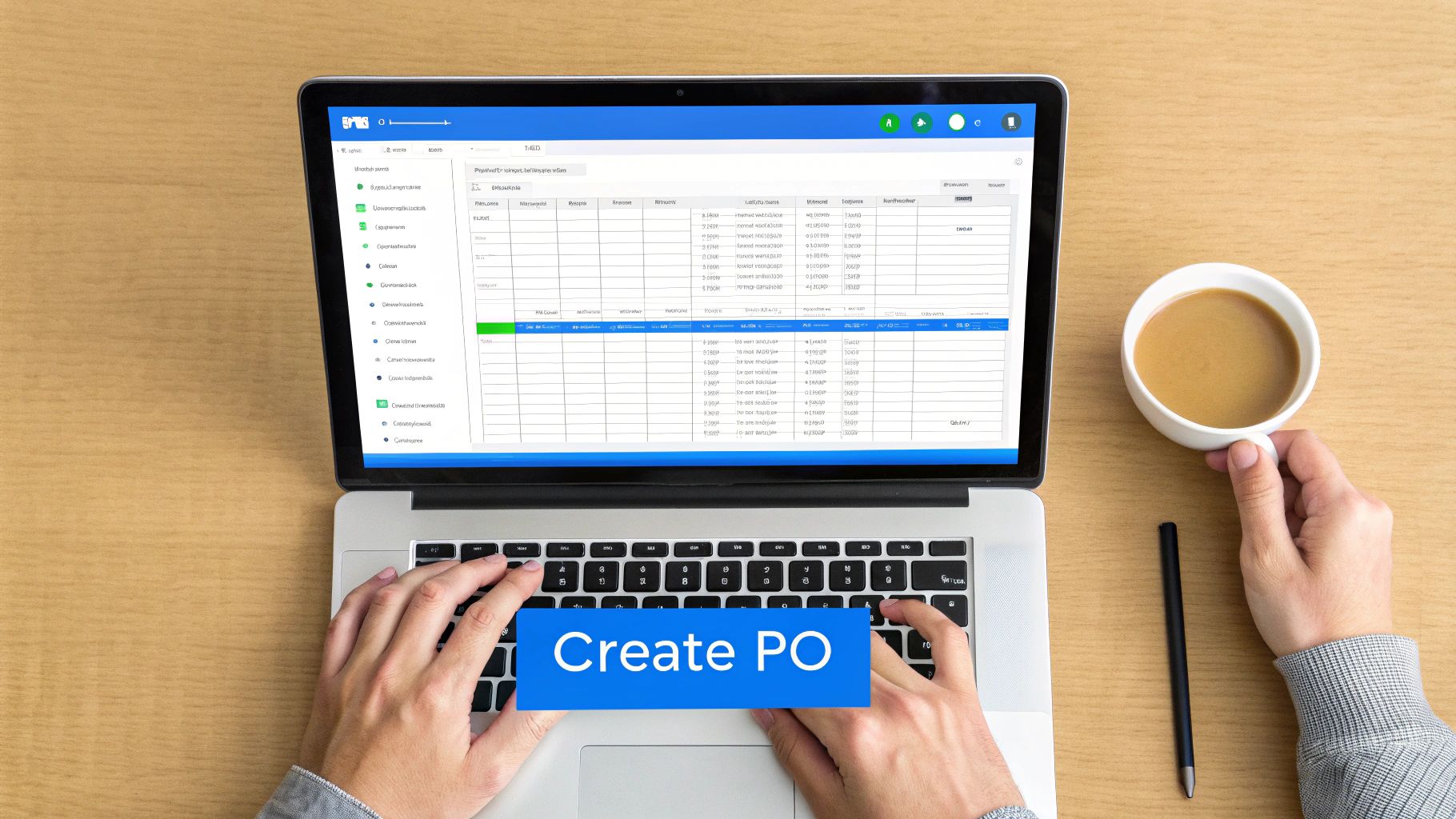
Before you jump into specialized software, it’s incredibly valuable to get your hands dirty and learn how to create a purchase order manually. This is a foundational skill for any business owner. Firing up a simple spreadsheet in Google Sheets or Microsoft Excel is the perfect way to start.
Doing it this way isn't just about saving money; it forces you to truly understand every single piece of the purchasing puzzle. You'll build solid habits from the ground up that will serve you well, even when you eventually automate things. The whole process really begins before you even open a spreadsheet—it starts when you realize you have a real need, not just a want. Think stock levels of your best-selling coffee beans dipping below the reorder point. Once you've identified that need, the next step is getting the thumbs-up from whoever controls the purse strings.
Setting Up Your Manual System
First things first: you need a simple, logical numbering system for your purchase orders. This is absolutely non-negotiable for tracking everything later on. Don't try to get fancy here. A straightforward, sequential format like PO-2024-001, PO-2024-002, and so on is all you need. Consistency is the name of the game.
With that sorted, you'll need a template. You can find plenty of free ones online or just build your own. What's crucial is that your template includes clear placeholders for all the essentials:
- Your company’s name and address
- The supplier's name and address
- The unique PO number and date
- A clear shipping address and expected delivery date
- Itemized lines for product descriptions, quantities, unit prices, and total costs
From Draft to Official Order
Now you can start filling in the details. This is where you need to be meticulous. Vague descriptions are a recipe for disaster and costly mix-ups. Instead of just writing "Coffee Beans," be as specific as humanly possible: "5 lb Bag – Ethiopian Yirgacheffe, Whole Bean – SKU #ETH-WB-5LB." That level of detail leaves zero room for error or guessing on your supplier's part.
Once you’ve listed every item, crunched the numbers for subtotals, added any taxes or shipping fees, and landed on a grand total, stop. Don't send it just yet. The single most important step in the manual process is to verify everything.
Before you hit send, give your supplier a quick call or shoot them an email. Confirm the pricing is current, they have the items in stock, and ask about any potential shipping delays. This five-minute check can save you from weeks of headaches down the road.
After your supplier gives you the green light, you can officially issue the PO. Save your spreadsheet as a PDF and send it over. That simple action turns your request into a legally binding agreement.
You've now created a clear, official record for the transaction, which will make receiving the goods and paying the invoice a breeze. Building this kind of manual discipline is what makes the transition to an automated system so much smoother, because you'll already have a rock-solid workflow in place.
Automating Your PO Process for Growth
When you're starting out, creating purchase orders manually feels like a responsible, hands-on way to manage your buying. But as your business grows, that same process quickly becomes a huge bottleneck. What used to be a quick task can start eating up hours, opening the door to costly mistakes, and slowing down your entire operation. This is the classic growing pain that signals it's time to look at automation.
This is where modern inventory and Point of Sale (POS) systems really shine. Instead of you constantly checking stock levels and wrestling with spreadsheets, the right system can do the heavy lifting for you. Picture this: your POS automatically flags that you're low on your best-selling coffee beans and drafts a purchase order on its own. This isn't science fiction; it's how smart businesses turn reactive purchasing into a proactive, data-backed strategy.
The Power of an Integrated System
The real magic happens when everything is integrated. When your sales data, inventory counts, and supplier details all live in the same system, creating a purchase order becomes ridiculously simple. You can stop digging through old emails to find a supplier’s contact info or trying to remember the last price you paid for something.
An automated system can be a lifesaver. It can:
- Auto-populate POs: The system pulls in vendor details, item SKUs, and the last price you paid, dropping them right into a new purchase order. This saves a ton of time and cuts out typos.
- Suggest reorder quantities: By looking at how fast an item sells and how long it takes to get a new shipment, the system can recommend exactly how much to order. This is key to preventing both frustrating stockouts and cash-draining overstock.
- Streamline approvals: Digital workflows can automatically send POs to the right person for approval, cutting a process that could take days down to just a few minutes.
This isn't just about convenience; it gives you a serious competitive edge. The shift to digital procurement is happening fast. In fact, reports show that 57% of organizations are already using some form of purchasing automation. And the results speak for themselves—automated systems can slash PO processing times by up to 70%. You can read the full research about procurement statistics at ProcurementTactics.com.
From Procurement to Payment
Automating the PO is a fantastic first step, but it’s really just one piece of a bigger, more powerful workflow: the procure-to-pay cycle. This end-to-end approach covers everything from the moment you realize you need something to the final invoice payment, making sure every single step is tracked and efficient. For a deeper dive, check out our guide on the procure-to-pay (P2P) process.
By automating your purchasing, you're not just making a faster PO; you're building a reliable, error-resistant financial nervous system for your business that provides clear visibility into your spending as it happens.
Ultimately, getting your PO system automated is a huge move toward full accounts payable automation. When a supplier’s invoice comes in, the system can instantly match it against the digital PO and the goods-received note. If there are any discrepancies, it flags them for you automatically. This frees up you and your team from mind-numbing admin work, letting you focus on what really matters: serving your customers and growing your business.
Best Practices Beyond Creating the PO
Hitting 'send' on a purchase order isn't the end of the road. Honestly, it’s just the beginning. A truly effective purchasing process doesn’t just stop once the PO is created—it follows the entire journey, from that initial request all the way to paying the final invoice.
Nailing down a few key practices at this stage is what really protects your business from cash flow leaks and operational headaches. This is where you build the guardrails that keep your purchasing disciplined and predictable, creating an airtight system that minimizes errors, overspending, and confusion.
This infographic breaks down the difference between a manual grind and a smooth, automated workflow.
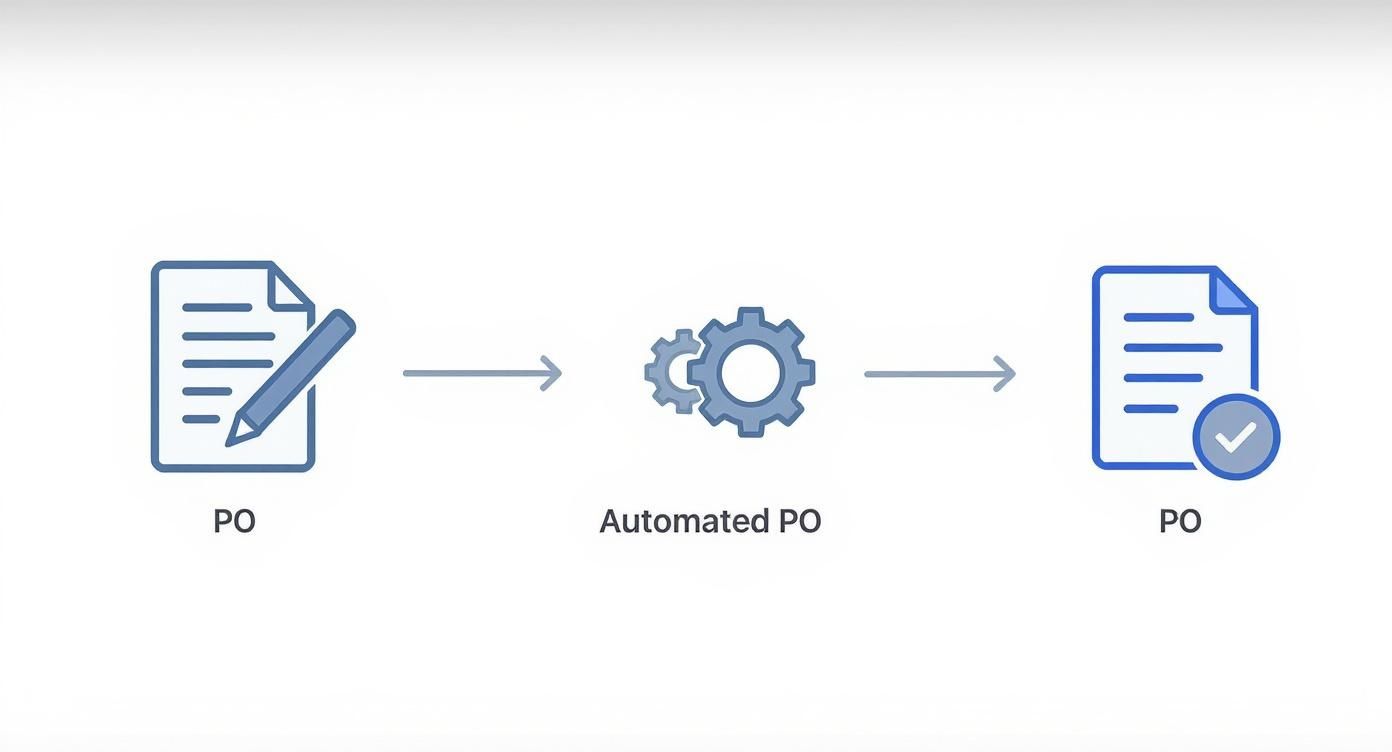
As you can see, automation takes the clunky, paper-based steps out of the equation, replacing them with a digital process that cuts down on friction and the chance for costly mistakes.
Establish a Clear Approval Workflow
Before a purchase order ever leaves your business, it needs to get an internal thumbs-up. Think of an approval workflow as your first line of defense against rogue spending or unnecessary purchases. And no, this doesn't have to be some complicated bureaucratic mess, especially for a small business.
It can be as straightforward as requiring a manager's signature for any purchase over a specific dollar amount. The real key is to make the process crystal clear and stick to it every time.
For instance, you could set up a simple tiered system:
- Purchases under $250: Can be approved directly by the team member who needs the item.
- Purchases between $250 and $1,000: Need a manager’s sign-off.
- Purchases over $1,000: Must be approved by the owner.
This kind of approach empowers your team to handle small, routine buys without delay, while making sure the big-ticket items get the second look they deserve.
The Critical Three-Way Match
Okay, the delivery has arrived. Now comes what I consider the most important best practice of all: the three-way match. This is a non-negotiable step that confirms the integrity of every transaction. It's your ultimate safeguard against paying for items you didn't order, didn't receive, or were overcharged for.
The three-way match is a simple but powerful accounting control. You're just comparing three key documents: your original purchase order, the receiving report (or packing slip) from the delivery, and the final supplier invoice. If all three line up perfectly, you can pay the bill with confidence.
But what if there's a mismatch? Maybe the invoice lists a higher price than your PO, or the packing slip shows you were shorted a few items. You immediately put that payment on hold. From there, you get in touch with the supplier, using your PO as the undisputed source of truth to get the issue sorted out.
This one process is fundamental for building solid relationships with your vendors because it keeps communication clear and everyone accountable. You can learn more with our complete supplier management guide to build strong vendor relations and build partnerships that last.
Mastering these post-PO steps is what turns purchasing from a series of disconnected tasks into a smooth, controlled financial process. You won't just catch expensive errors before they happen—you'll also gain a much clearer picture of where your company's money is actually going.
Common Questions About Creating Purchase Orders
Let's tackle some of the most common questions that pop up when you're getting started with purchase orders. Getting these details straight from the get-go will save you a lot of headaches and help you manage your buying process like a pro.
Think of this as a quick FAQ from someone who's been in the trenches. We'll cover when to start using POs, how they differ from invoices, and what to do when things don't line up.
When Should My Small Business Start Using Purchase Orders?
Honestly, the best time to start is right now. As soon as you're buying inventory or services from suppliers regularly, you should be using a PO system. Even if you're a one-person show, it builds fantastic financial discipline from day one.
It stops being optional and becomes absolutely essential when:
- More than one person is making purchases.
- You need to track expenses against specific jobs or projects.
- You're trying to put a stop to surprise or unapproved spending.
Here’s a simple rule of thumb: if you've ever had to rack your brain to remember what you ordered, who you ordered it from, or the price you agreed on, it's time.
What Is the Difference Between a Purchase Order and an Invoice?
This is a classic point of confusion, but the difference is actually pretty simple. A purchase order (PO) is a document you, the buyer, create and send to your supplier. It’s your official request for goods or services and acts as a contract outlining the specifics before the transaction happens.
In short, the PO kicks things off. The invoice is the finish line, telling you it's time to pay.
An invoice, on the other hand, comes from the seller after they've delivered the goods or services. It’s their formal request for payment, and it should always match the terms you both agreed to on the original purchase order.
What Happens If an Invoice Does Not Match My Purchase Order?
This is precisely why you create purchase orders in the first place! If an invoice lands on your desk with a higher price, the wrong quantity, or mystery items you never ordered, don't just pay it.
Your first move should be to get in touch with the supplier. Have your PO number handy and clearly explain the mismatch. That purchase order is your proof—the official record of what was agreed upon. In almost every case, the supplier will need to send a corrected invoice that aligns with your PO before you cut a check. This is the heart of the "three-way match" and it's your best defense against overcharges and billing mistakes.
Tired of managing everything in spreadsheets? A system like Biyo POS can bring your inventory management and purchase order creation under one roof, giving you real control over your spending and saving you a ton of time. See how Biyo POS can transform your operations.