When people think about the features of a point of sale system, they often imagine a simple tool for processing payments. In reality, modern POS platforms are comprehensive business management systems that connect sales, inventory, customer data, and analytics into a single platform.
A powerful POS system acts as the operational hub of a business. Every transaction generates data that helps owners track performance, manage stock levels, understand customer behavior, and make smarter decisions. Instead of simply recording sales, modern POS systems transform daily transactions into insights that support long-term growth.
This guide explores the most important point of sale system features and explains how they help businesses operate more efficiently.
Your Business Command Center: What a POS Really Does
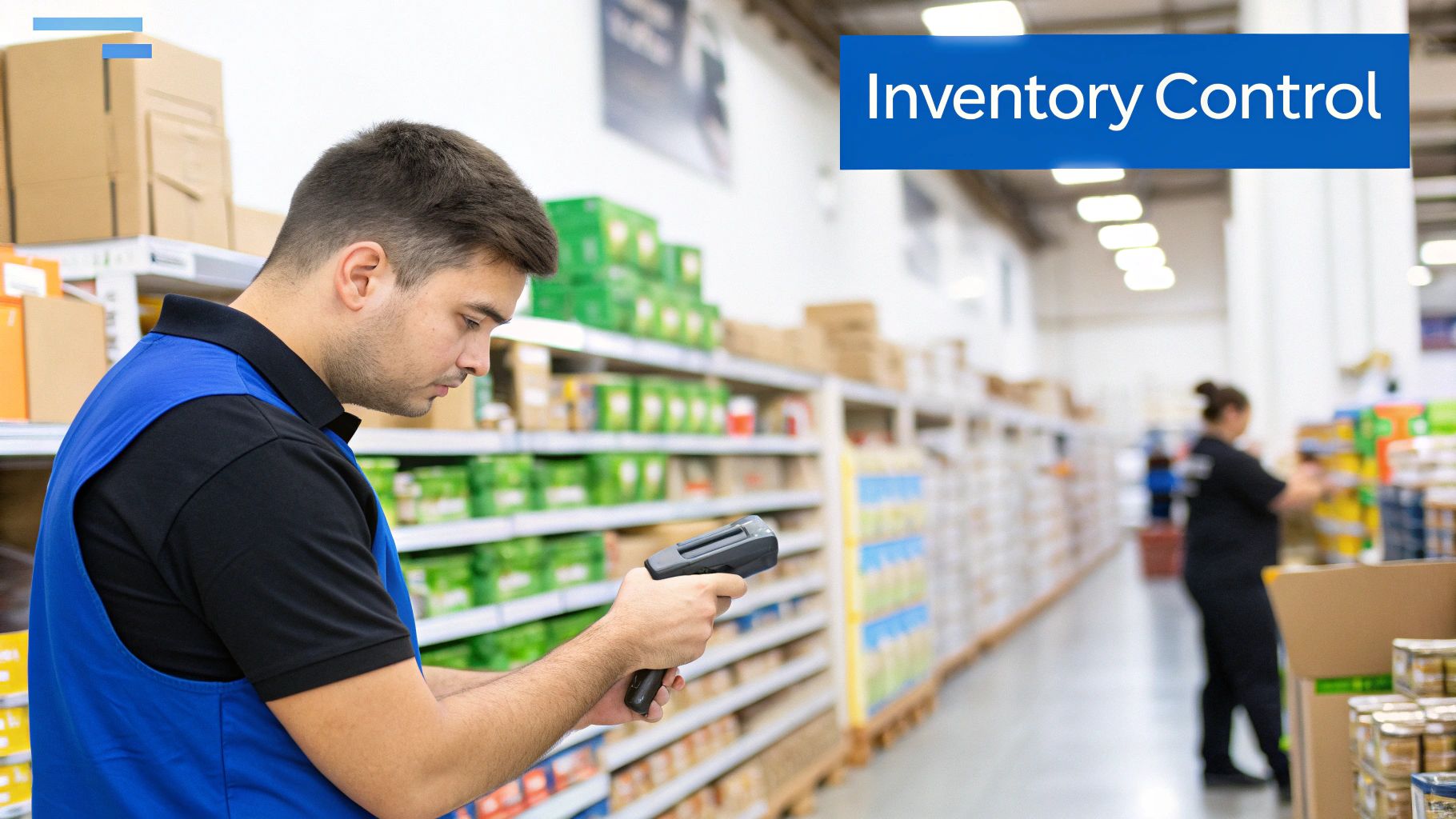
A POS system should be viewed as the central nervous system of a business rather than just a payment terminal. It connects sales transactions, inventory tracking, customer profiles, and reporting tools into one unified platform.
This integration allows businesses to track performance in real time and make faster operational decisions. Instead of manually counting inventory or estimating busy hours, POS analytics provide immediate answers.
Core Functions That Improve Efficiency
A well-designed POS platform automates routine tasks and helps businesses focus on growth. Some of the most important operational benefits include:
- Real-time sales tracking for accurate revenue monitoring
- Automated inventory updates whenever products are sold
- Customer data collection for personalized marketing
- Advanced analytics for strategic decision-making
If you want to explore how POS technology improves operations in more detail, our guide on the benefits of a POS system explains how businesses gain efficiency and visibility.
A modern POS system does more than record transactions. It helps businesses understand what products sell best, when customers shop most often, and how operations can improve.
Processing Payments with Speed and Security
Payment processing remains one of the most critical POS functions. A reliable system must support multiple payment methods while maintaining security and transaction accuracy.
Modern POS platforms support:
- Cash payments
- Debit and credit cards
- Contactless payments
- Mobile wallets
Checkout Features That Improve Customer Experience
Busy businesses require POS systems that handle complex transactions smoothly.
- Split payments: Customers can divide bills across multiple payment methods.
- Returns and refunds: Transactions can be reversed quickly without manual adjustments.
- Automatic discounts: Promotions and coupons can be applied instantly.
Security is also critical. POS systems must comply with the PCI DSS security standards that protect payment card information and prevent fraud.
Mastering Inventory Management
Inventory management is one of the most powerful POS capabilities. Instead of manually tracking stock, a POS system automatically updates inventory levels whenever a product is sold or returned.
This real-time tracking prevents common problems such as stock shortages or excess inventory.
Inventory Tools That Improve Operations
- Low-stock alerts notify managers when inventory levels fall below a threshold.
- Purchase order management allows businesses to reorder products directly through the POS system.
- Vendor tracking stores supplier information and purchase history.
For a deeper understanding of inventory technology, our guide on inventory management software explains how POS systems simplify stock control.
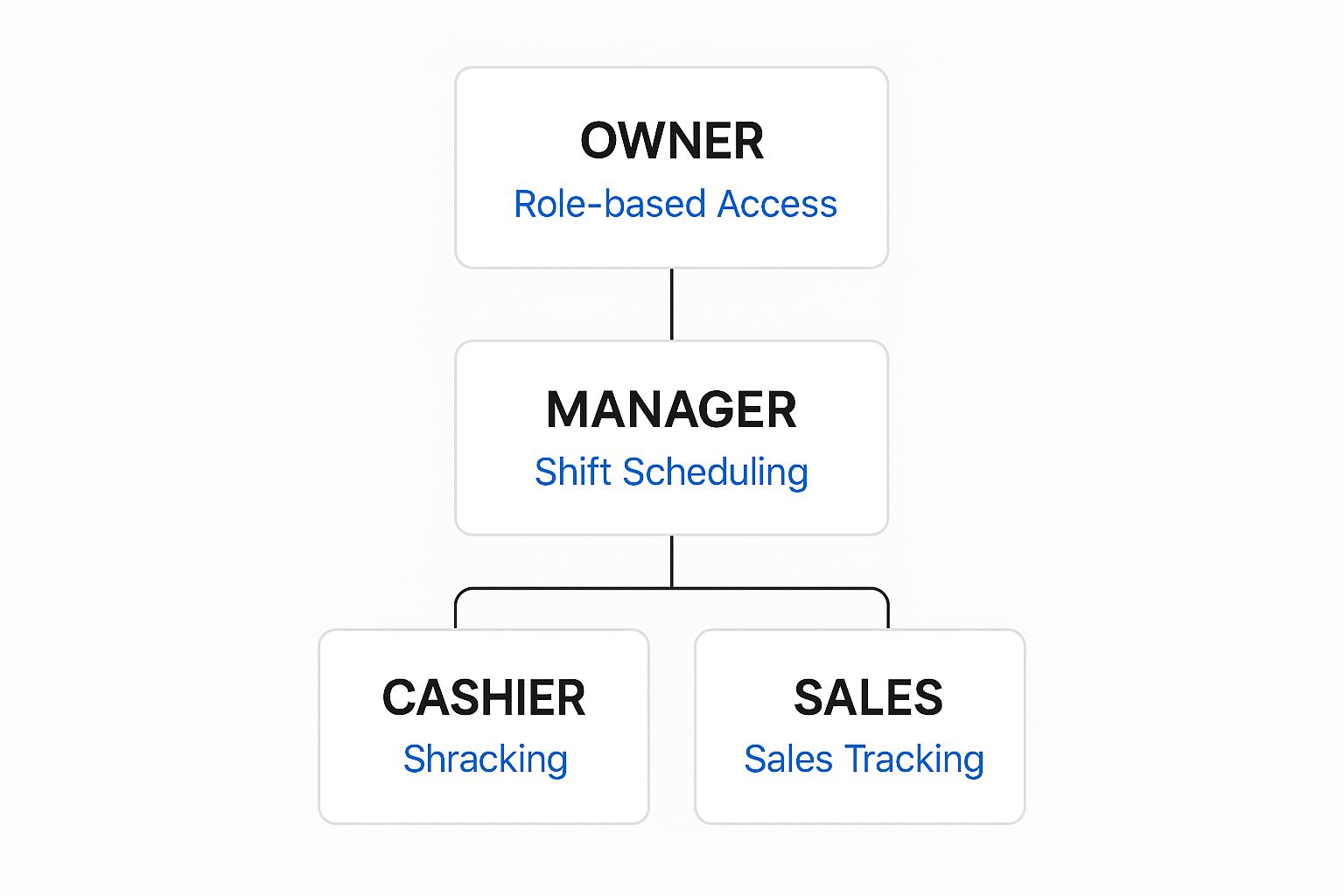
Key Inventory Features and Their Impact
| Feature | What It Does | Business Benefit |
|---|---|---|
| Real-Time Tracking | Updates stock levels instantly after each sale | Maintains accurate inventory records |
| Low-Stock Alerts | Notifies managers when inventory runs low | Prevents lost sales |
| Purchase Orders | Creates supplier orders within the POS system | Simplifies restocking |
| Stock Transfers | Moves inventory between store locations | Balances inventory across branches |
| Vendor Management | Stores supplier details and purchase history | Improves supplier coordination |
Using POS Data for Business Decisions
One of the most valuable POS features is its ability to convert sales transactions into meaningful insights. Reporting and analytics tools help owners understand customer behavior and business performance.
Important POS Reports
- Sales by product identifies top-selling items.
- Sales by employee highlights staff performance.
- Hourly sales reports reveal peak business hours.
Analyzing this information allows businesses to adjust staffing, refine pricing strategies, and focus on high-performing products.
POS analytics turn daily sales activity into strategic insight that helps businesses optimize operations and increase revenue.
Building Customer Loyalty with POS CRM Tools
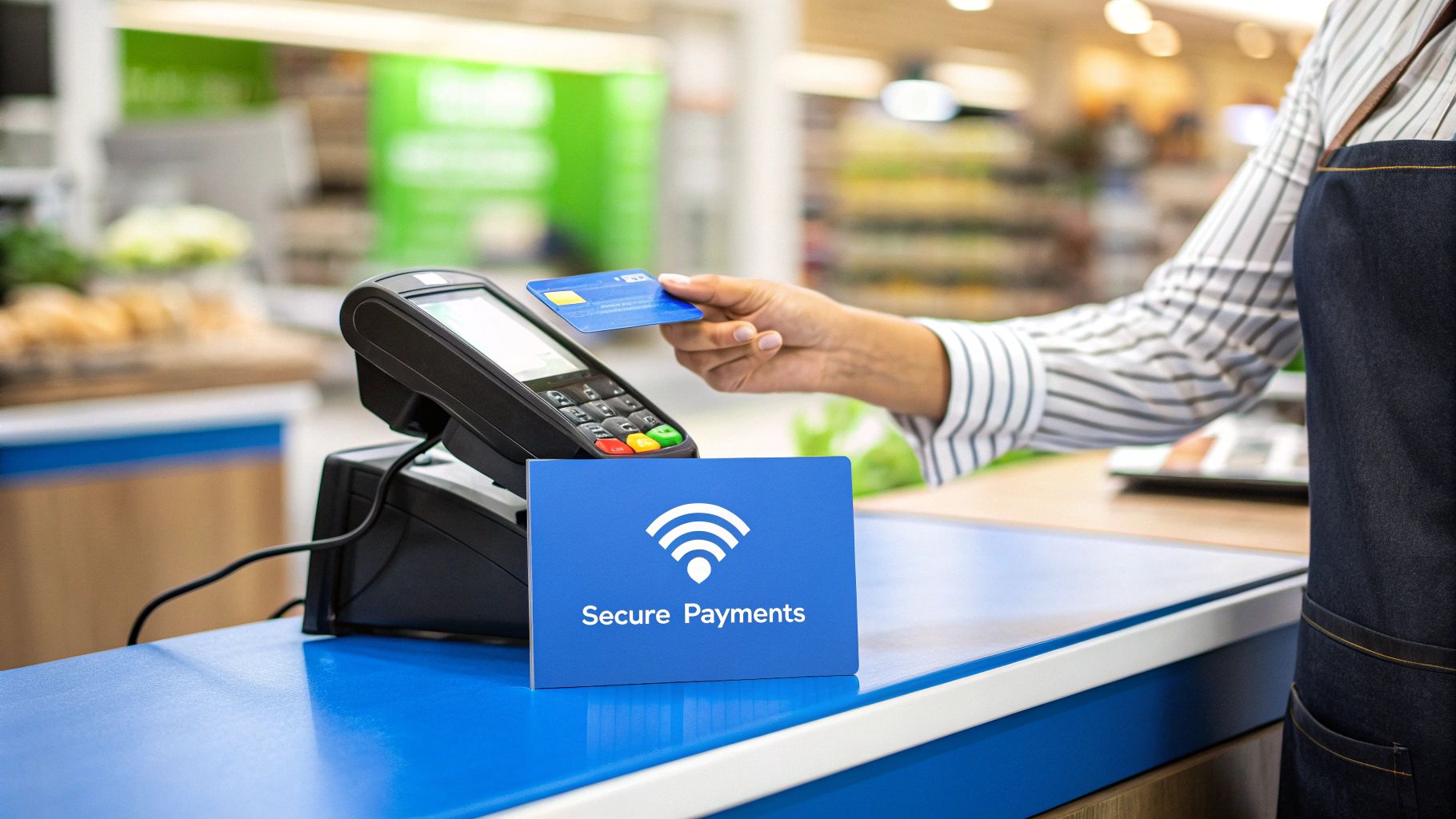
Customer relationship management (CRM) tools are another important POS feature. These tools collect customer information and purchase history during transactions.
Over time, this data allows businesses to understand buying patterns and reward loyal customers.
Examples of POS Loyalty Features
- Point-based rewards programs
- Targeted promotional offers
- Automated birthday discounts
These features help businesses increase repeat purchases and build long-term customer relationships.
Mobility and POS Integrations
Modern POS platforms extend beyond the traditional checkout counter. Mobile POS systems allow businesses to process payments using tablets or smartphones.
Mobile POS technology is useful for:
- Pop-up shops and markets
- Food trucks
- Table-side restaurant payments
- Retail floor checkout
Integration with accounting systems, inventory software, and online sales platforms also helps unify business operations across multiple channels.
How Biyo POS Helps Businesses Manage Operations
Choosing a POS system with the right features can transform the way a business operates. Biyo POS combines payment processing, inventory management, reporting tools, and customer relationship features into a single platform.
With real-time analytics, automated inventory tracking, and flexible checkout capabilities, Biyo POS helps businesses manage operations efficiently while delivering better customer experiences.
If you want to see how these features work together in practice, you can schedule a demo with Biyo POS to explore the system and its capabilities.
Frequently Asked Questions
What are the most important POS features?
The most important POS features include payment processing, inventory management, sales reporting, and customer relationship tools.
How does a POS system improve business operations?
POS systems automate transactions, track inventory in real time, and provide analytics that help owners make better business decisions.
What industries use POS systems?
Retail stores, restaurants, grocery stores, service providers, and hospitality businesses all rely on POS systems to manage sales and operations.
Can POS systems manage customer loyalty programs?
Yes. Many POS systems include built-in loyalty programs that track customer purchases and reward repeat shoppers.