You’ve probably seen advertisements promising free credit card processing for small business. It sounds like the perfect solution—accept credit cards without paying processing fees. For many small business owners dealing with tight margins, this offer can seem almost too good to pass up.
However, payment processing networks do not eliminate fees entirely. Every credit card transaction involves multiple parties including issuing banks, card networks, and payment processors. Each one receives a portion of the transaction fee. When processors advertise “free” processing, they are usually referring to programs that shift these costs away from the business and onto customers.
Understanding how these programs work is essential before deciding whether they are right for your business. In this guide, we will break down the reality behind zero-fee processing, explain surcharge and cash discount models, identify hidden fees to watch for, and explore smarter ways to reduce processing costs while keeping customers satisfied.
The Truth Behind Zero-Fee Processing
When a processor advertises “zero-fee” or “free” credit card processing, the fees are typically transferred from the merchant to the customer. To understand why this happens, it helps to understand how credit card transaction costs are structured.
Each card payment includes several components:
- Interchange Fees: The largest portion of the transaction fee paid to the bank that issued the customer’s card.
- Assessment Fees: Small network fees charged by card brands such as Visa or Mastercard.
- Processor Markups: The payment processor’s service fee for handling transactions and providing payment infrastructure.
These costs are built into the credit card ecosystem and cannot be removed. Therefore, “free processing” simply changes who pays the fee.
On average, small businesses in the United States pay between 1.5% and 3.5% per transaction in processing costs. A business processing $40,000 per month in card sales could spend roughly $1,000 monthly on fees. Programs marketed as free processing attempt to shift that expense away from the merchant.
Standard vs. Free Processing Models
| Feature | Traditional Processing | Surcharge Program | Cash Discount Program |
|---|---|---|---|
| Who Pays Fees | The merchant pays all processing fees. | Customers paying with credit cards pay a surcharge. | Customers paying with cash receive a discount. |
| Pricing Method | Fees are deducted from the merchant payout. | A percentage is added to credit card transactions. | Menu prices include card costs; cash receives a lower price. |
| Customer Experience | Same price for all payment types. | Credit card payments cost slightly more. | Cash payments receive a reward. |
| Legal Status | Legal nationwide. | Legal in most states but regulated. | Generally legal nationwide. |
| Typical Use Case | Businesses prioritizing convenience. | Businesses wanting to eliminate processing fees. | Retail stores, cafes, and quick-service restaurants. |
How Surcharge and Cash Discount Programs Work
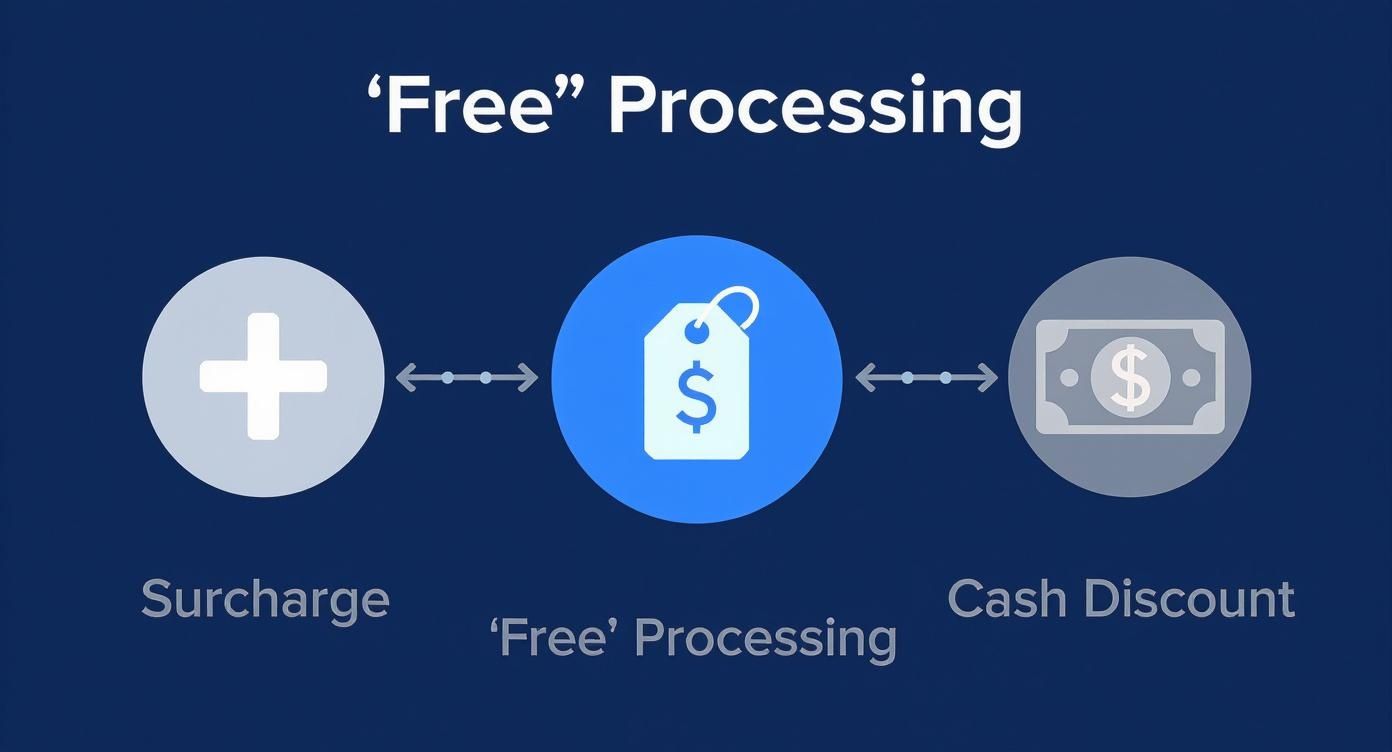
Most zero-fee processing programs rely on two main models: surcharges or cash discounts. Both approaches allow merchants to offset processing costs while still accepting credit cards.
Surcharge Programs Explained
A surcharge program adds a small fee when a customer pays with a credit card. This fee typically matches the merchant’s processing cost.
Example:
- Purchase price: $20.00
- Credit card surcharge: 3%
- Total charged: $20.60
Customers paying with cash or debit would still pay the original $20.00 price.
Surcharge programs are regulated by credit card networks and must follow strict guidelines including customer disclosure and fee limits.
Cash Discount Programs
A cash discount program works differently. Instead of adding a fee to card transactions, the listed price already includes the cost of processing, and customers paying with cash receive a discount.
Example:
- Listed price: $20.60
- Cash discount: $0.60
- Final cash price: $20.00
This approach is often perceived more positively by customers because it frames the difference as a reward rather than a penalty.
Hidden Fees and Contract Traps
Even when a processor advertises free credit card processing, additional fees may still apply. Many companies recover costs through other charges hidden in merchant agreements.

Common hidden charges include:
- Monthly service fees
- PCI compliance fees
- Payment gateway fees
- Batch processing fees
- Chargeback handling fees
Some processors also push equipment leases instead of selling hardware outright. Leasing payment terminals can cost thousands of dollars over time even though the equipment itself may only be worth a few hundred dollars.
Contract Clauses to Review Carefully
Merchant agreements may contain restrictive terms designed to lock businesses into long-term contracts.
- Three-to-five-year contracts
- Automatic renewal clauses
- Early termination penalties
Before signing any agreement, businesses should carefully review these clauses and request clarification on any unclear fees.
Smarter Ways to Reduce Processing Costs
Passing fees to customers is not the only strategy available. Businesses can also reduce costs through better pricing models and operational strategies.
Use Interchange-Plus Pricing
Interchange-plus pricing separates the card network’s interchange fee from the processor’s markup. This transparency allows businesses to see exactly what they are paying and negotiate lower markups as their sales volume grows.
Flat-Rate Pricing
Flat-rate pricing offers a consistent percentage for every transaction. While the rate may be slightly higher than optimized interchange pricing, the simplicity makes budgeting easier for many businesses.
Encourage Lower-Cost Payment Methods
Businesses can also lower costs by encouraging alternative payment methods such as:
- ACH bank transfers
- Debit card payments
- Mobile wallets
These methods typically carry lower fees than traditional credit card transactions.
Choosing the Right Payment Processor
Selecting a processor requires careful evaluation. Business owners should review both pricing models and contract terms before committing to a provider.

Key factors to compare include:
- Transaction rates
- Monthly fees
- Equipment costs
- Contract length
- Customer support quality
Transparent pricing and flexible contracts are usually the best indicators of a trustworthy payment provider.
Why Payment Processing Strategy Matters
Payment processing is more than an operational expense—it directly affects long-term profitability. Even a small difference in processing rates can have a significant financial impact as a business grows.
For example:
- $15,000 monthly sales × 0.5% difference = $75 per month
- $50,000 monthly sales × 0.5% difference = $250 per month
Choosing the right payment processor early can save thousands of dollars annually as transaction volumes increase.
Frequently Asked Questions
Is free credit card processing legal?
Yes, but programs that pass fees to customers must follow state laws and credit card network regulations.
Will customers dislike surcharge fees?
Customer reactions vary. Clear communication and transparent pricing help reduce negative reactions.
Are cash discount programs better?
Many businesses find customers respond more positively to discounts than to surcharges.
What is the safest contract type?
Month-to-month agreements with no cancellation penalties are typically the most flexible option.
What is the average credit card processing fee?
Most small businesses pay between 1.5% and 3.5% per transaction depending on card type and payment method.
How Biyo POS Helps Manage Payments
Payment processing is only one part of running a successful restaurant or retail business. Biyo POS helps businesses manage payments, inventory, sales reporting, and compliance in one integrated platform.
You can schedule a call here to learn how Biyo POS can streamline your operations, or visit the signup page to start exploring the platform today.