An inventory tracking POS is a point-of-sale system that automatically updates product stock levels every time a sale, return, or delivery occurs. Instead of manually counting inventory or updating spreadsheets, businesses can track stock in real time through their POS system.
This integration between sales transactions and inventory records eliminates guesswork and significantly improves operational accuracy. When a product is scanned at checkout, the system instantly deducts the item from available inventory, ensuring stock levels always remain up to date.
For retail stores, restaurants, and other product-based businesses, an inventory tracking POS provides a centralized platform that simplifies stock management, improves purchasing decisions, and reduces costly inventory mistakes.
What Is an Inventory Tracking POS and Why It Matters
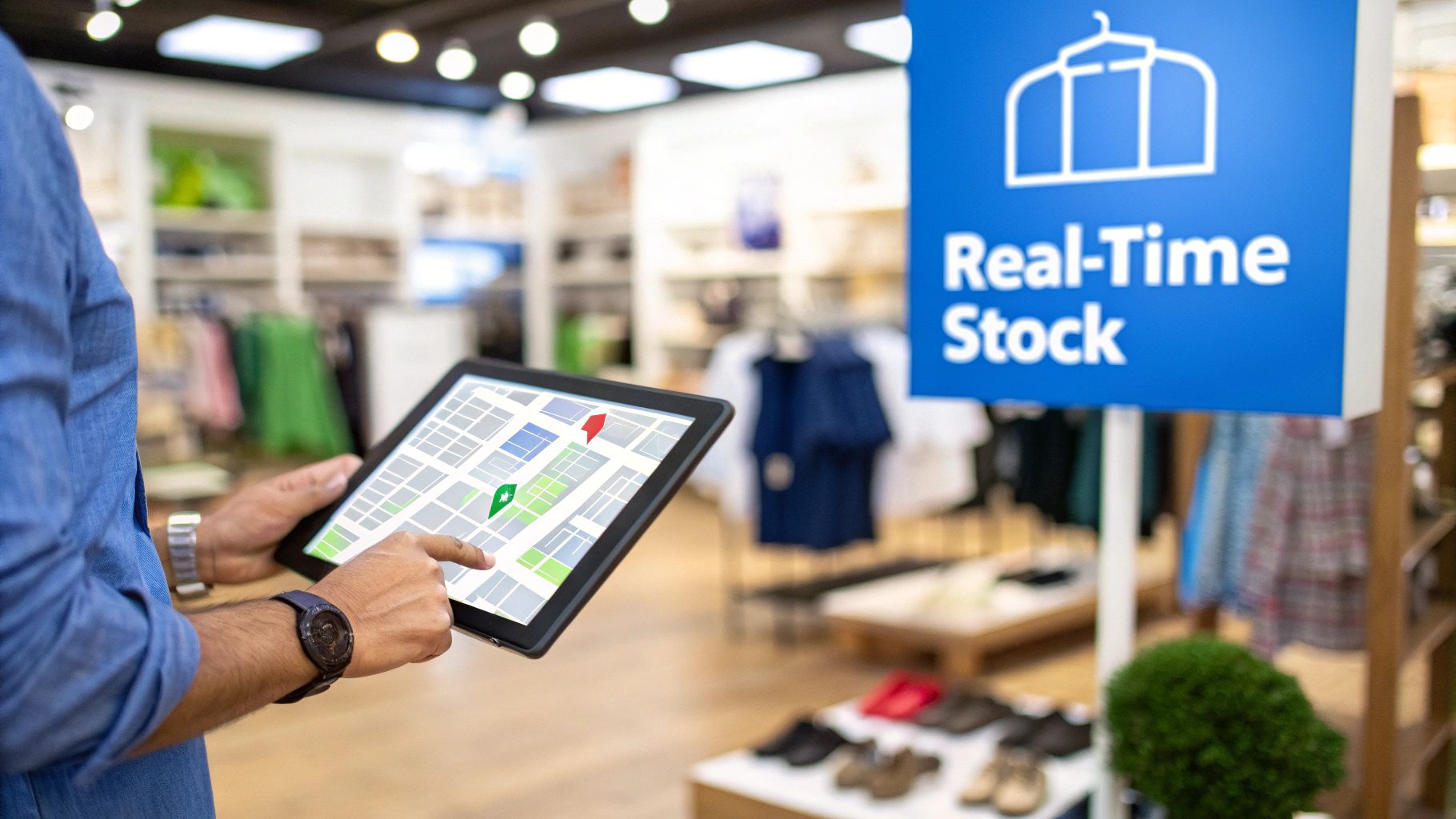
Inventory is one of the most valuable assets for businesses that sell physical products. Without accurate tracking, businesses risk overstocking slow-moving products or running out of best-selling items.
An inventory tracking POS acts as the central control system for inventory operations. It connects product databases, sales transactions, and purchasing workflows into a single platform that provides real-time visibility into stock levels.
Instead of relying on delayed spreadsheets or manual counts, business owners can immediately see:
- Best-selling products that require frequent restocking
- Slow-moving inventory that may need promotions or discounts
- Low-stock alerts indicating when products should be reordered
Manual Inventory Tracking vs POS Automation
| Feature | Manual Tracking | Inventory Tracking POS |
|---|---|---|
| Stock Updates | Manual counts and delayed updates | Automatic real-time updates |
| Accuracy | Prone to human error | Highly accurate automated tracking |
| Time Required | Hours spent counting and recording inventory | Minimal manual effort required |
| Reporting | Limited insights | Advanced analytics and inventory reports |
| Multi-location management | Difficult to coordinate | Centralized inventory visibility |
Modern POS systems allow businesses to track inventory across multiple locations and sales channels while maintaining accurate stock records in a single dashboard.
To learn more about the technology behind these systems, explore our guide on what is inventory management software.
Key Features of an Inventory Tracking POS System
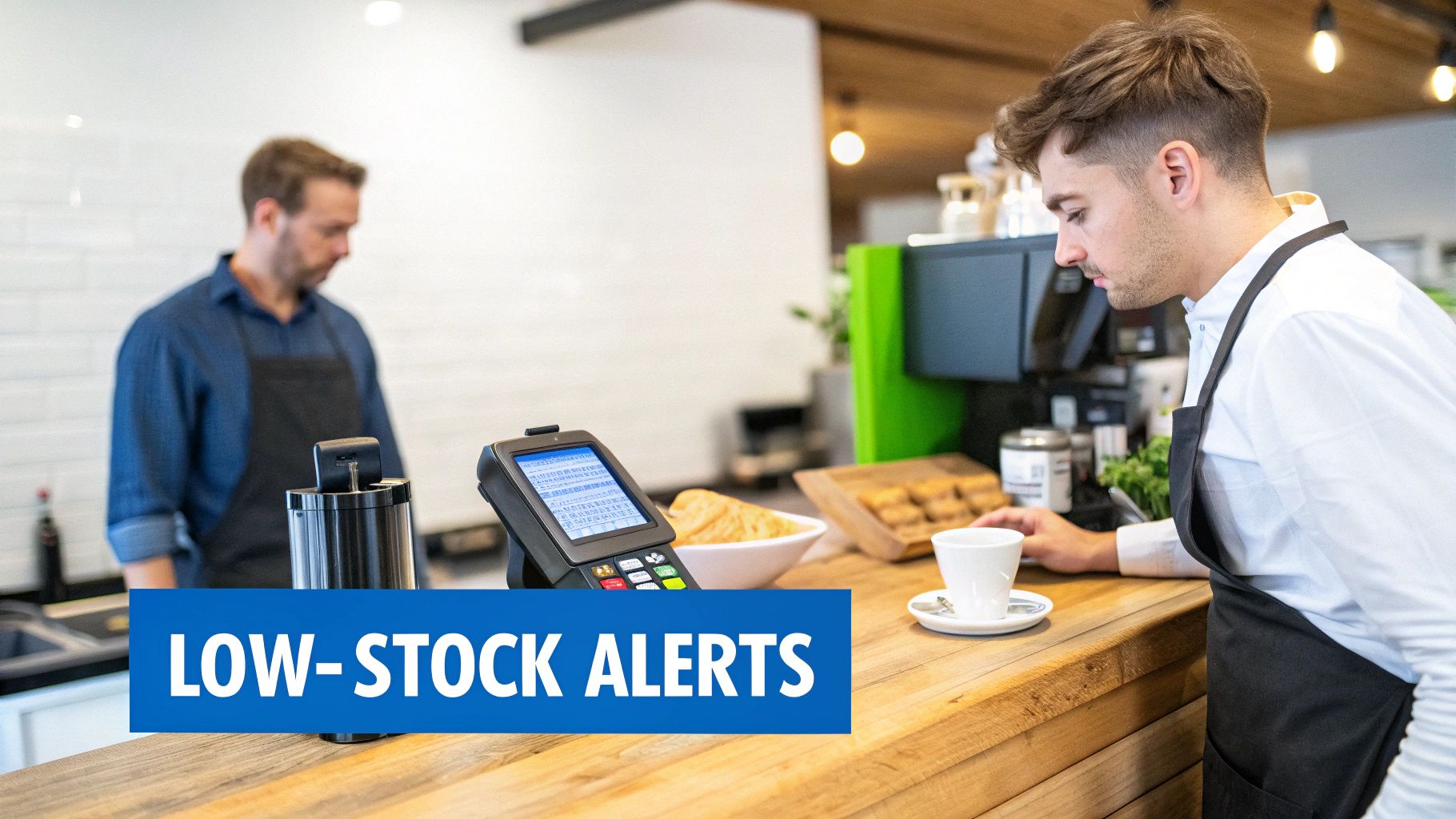
Modern POS systems include powerful tools that simplify inventory management and reduce operational inefficiencies.
Real-Time Inventory Updates
The most important feature of an inventory tracking POS is automatic stock updates. Each time a product is sold, returned, or restocked, the system adjusts inventory levels instantly across all POS terminals.
This ensures businesses always have an accurate understanding of their current stock availability.
Low-Stock Alerts and Notifications
Low-stock alerts notify managers when inventory reaches a predefined threshold. This allows businesses to reorder products before they run out, preventing stockouts that can lead to lost sales.
Automated Purchase Orders
Many POS systems allow businesses to generate purchase orders directly from the inventory dashboard. When products reach low-stock levels, the system can automatically suggest reorder quantities based on historical sales data.
Multi-Location Inventory Tracking
Businesses operating multiple locations can track inventory across all stores from a centralized dashboard. This allows managers to transfer stock between locations and maintain consistent product availability.
If you want to explore POS systems designed specifically for retail businesses, check out our guide to the best retail POS software with built-in inventory management.
Business Benefits of Using an Inventory Tracking POS
An inventory tracking POS provides several operational and financial advantages for businesses.
Improved Cash Flow Management
Overstocking ties up valuable capital in unsold products. By monitoring real-time sales data, businesses can order inventory more accurately and avoid unnecessary stock accumulation.
Increased Staff Productivity
Automated inventory tracking eliminates time-consuming manual counts and spreadsheet updates. Employees can focus on customer service and sales instead of administrative tasks.
Better Customer Experience
Customers expect businesses to have products available when they need them. Inventory tracking systems reduce stockouts by ensuring businesses always know which products need replenishment.
Data-Driven Business Decisions
POS inventory systems generate detailed reports that help business owners analyze product performance and adjust purchasing strategies accordingly.
Using Inventory Reports to Improve Inventory Performance

One of the most valuable features of an inventory tracking POS is its ability to generate detailed analytics reports.
Sales Velocity Reports
Sales velocity reports identify how quickly products sell over time. This helps businesses prioritize high-performing products and reduce investment in slow-moving inventory.
Stock Aging Reports
Stock aging reports track how long products remain in inventory. Items that remain unsold for long periods may require promotional discounts or removal from product catalogs.
Profit Margin Reports
Profit margin analysis helps businesses determine which products generate the highest profits, allowing them to prioritize inventory purchases accordingly.
For a deeper understanding of inventory performance metrics, many businesses also track formulas such as inventory turnover and other inventory management formulas.
Steps to Implement an Inventory Tracking POS System
Implementing a POS inventory system requires proper planning and data preparation.
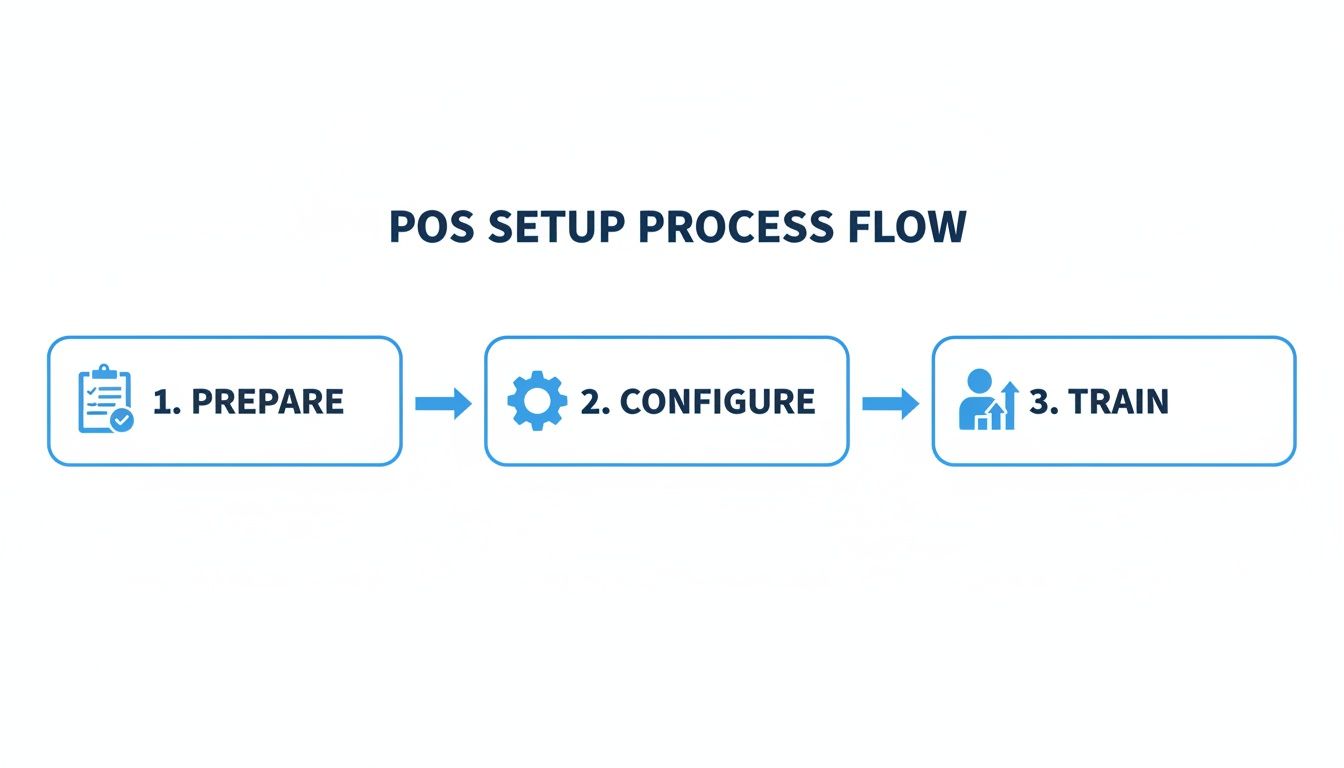
Prepare Product Data
Businesses should compile a complete list of products including SKUs, prices, supplier details, and product categories before importing inventory into the POS system.
Conduct a Physical Inventory Count
A full stock count ensures the POS system begins with accurate inventory data.
Configure Hardware and Software
This includes connecting barcode scanners, receipt printers, and payment terminals to the POS system.
Train Staff on POS Operations
Employees should receive hands-on training covering sales transactions, returns, and inventory lookup procedures.
Businesses managing multiple stores may also benefit from strategies for multi-location inventory management.
Best Practices for Long-Term Inventory Management
Use Cycle Counting
Cycle counting involves regularly counting small sections of inventory rather than conducting large annual counts. This improves accuracy and reduces operational disruption.
Standardize Inventory Procedures
Clear workflows for receiving shipments, processing returns, and recording damaged products help maintain accurate stock records.
Implement Role-Based Permissions
Restricting administrative permissions ensures only authorized staff can modify product pricing, inventory quantities, and financial reports.
Frequently Asked Questions
How much does an inventory POS system cost?
Most POS systems operate on monthly subscription models ranging from $50 to $300 depending on features, hardware requirements, and number of locations.
What inventory method works best for small businesses?
The First-In, First-Out (FIFO) method is commonly used because it aligns with natural product flow and helps businesses sell older inventory first.
Can small businesses use POS inventory tracking?
Yes. Many POS providers offer affordable entry-level plans specifically designed for small retailers, cafes, and restaurants.
How Biyo Helps Businesses Track Inventory in Real Time
Biyo POS includes built-in inventory tracking tools that automatically update stock levels with every sale, return, or delivery.
The platform provides real-time inventory visibility, low-stock alerts, automated purchase orders, and advanced reporting tools that help businesses optimize purchasing decisions and reduce inventory waste.
If you want to see how Biyo’s inventory tools work in real-world operations, you can schedule a demo with the Biyo team. Businesses ready to start using the system can also create a Biyo account here and explore the platform’s inventory management features.