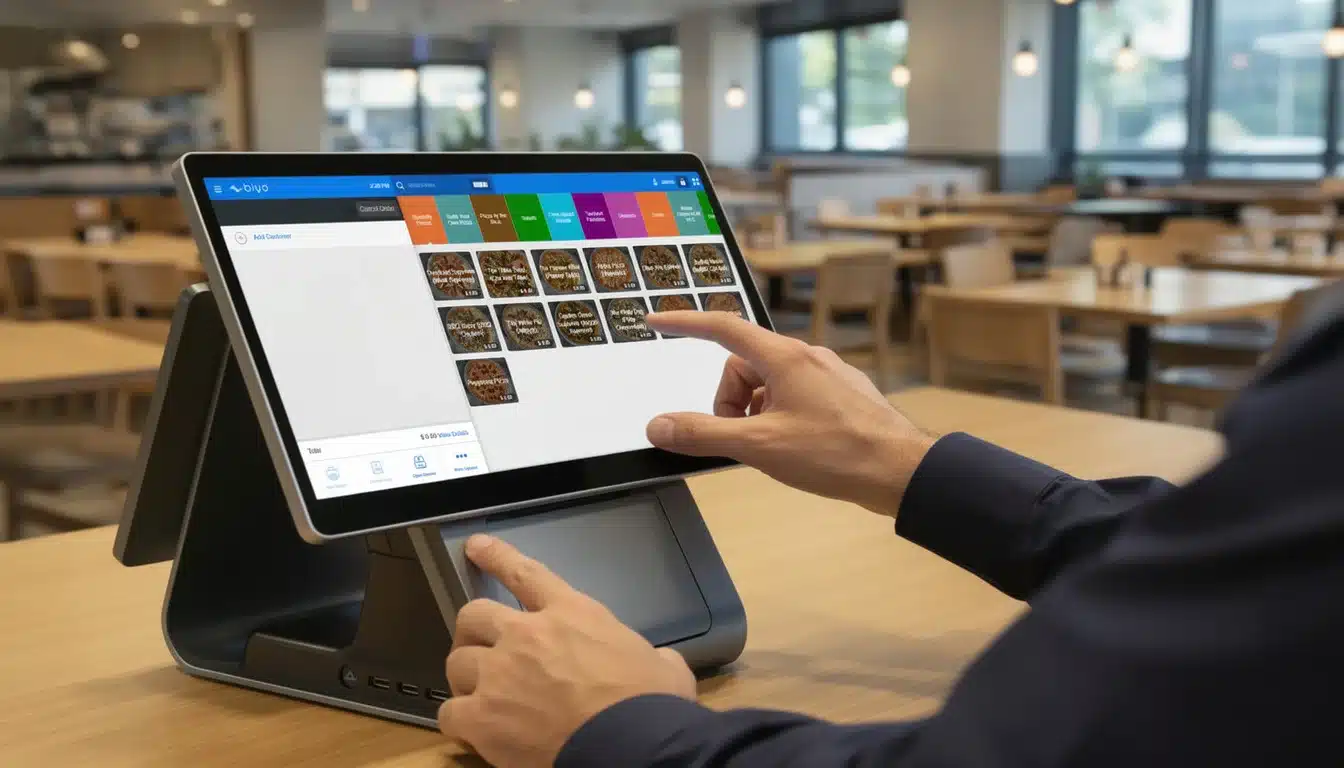
Choosing the right point of sale solution can make or break your business operations. POS system decision-making involves carefully evaluating multiple factors such as features, pricing structures, hardware compatibility, integrations, and scalability. Whether you run a small café, a retail boutique, or a multi-location restaurant chain, selecting the right POS system directly affects how efficiently you process transactions, manage inventory, and serve customers.
Modern POS platforms go far beyond simple payment processing. They act as centralized business management systems that provide real-time insights into sales performance, customer behavior, inventory levels, and operational efficiency. By understanding how to evaluate POS solutions strategically, business owners can avoid costly mistakes and invest in technology that supports long-term growth.
Table of Contents
- Evaluating Business Needs for the Right POS System
- Comparing Features and Costs: What Matters Most
- Hardware Compatibility and Software Integration
- Assessing User Experience and Customer Support
- Scalability, Security, and Vendor Comparison
- How Biyo POS Supports Smarter POS System Decisions
- Frequently Asked Questions
Evaluating Business Needs for the Right POS System
Before exploring available POS platforms, businesses must first evaluate their operational requirements. Every organization processes transactions differently, and understanding your workflow ensures that the system you choose supports your daily operations instead of creating unnecessary friction.
Understanding Your Business Model and Workflow
Different industries rely on different POS capabilities. A full-service restaurant needs features like table management, order modifiers, and kitchen display system integration, while a retail store may focus more on barcode scanning and inventory tracking across thousands of products. Identifying these operational needs early ensures the system you choose matches your real business environment.
Transaction speed also plays a major role. High-volume businesses such as cafés, quick-service restaurants, and convenience stores require systems capable of processing hundreds of transactions per hour without delays. Meanwhile, luxury boutiques or specialty retailers may require deeper customer relationship features and personalized pricing capabilities.
Involving employees in the evaluation process is also valuable. Staff members who handle transactions daily can provide insight into workflow bottlenecks, reporting needs, and system usability requirements that managers may overlook.
Analyzing Payment Processing Needs
Payment processing is the core function of every POS system. Businesses must ensure the system supports modern payment methods such as credit cards, debit cards, digital wallets, and contactless payments. Consumers increasingly expect tap-to-pay and mobile wallet options, making compatibility with technologies like Apple Pay and Google Pay essential.
Transaction fees and payment gateway integration should also be considered. Different processors charge varying rates depending on transaction volume and payment method. Choosing a POS system that integrates seamlessly with cost-effective payment processors can significantly reduce operational expenses over time.
Businesses serving international customers should also consider multi-currency processing and tax automation. For example, hotels, tourist shops, and international retailers benefit from POS systems capable of handling currency conversion while accurately calculating taxes.
Identifying Industry-Specific Requirements
Industry-specific functionality is another critical component of POS system decision-making. Restaurants require tools such as menu modifiers, kitchen display systems, and timed promotions, while retail stores benefit from advanced inventory tracking and supplier management tools.
Many POS providers offer industry-focused configurations that simplify setup and reduce training time. For example, a salon POS system may include appointment scheduling and commission tracking, while a restaurant POS may include table management and kitchen routing.
Comparing Features and Costs: What Matters Most
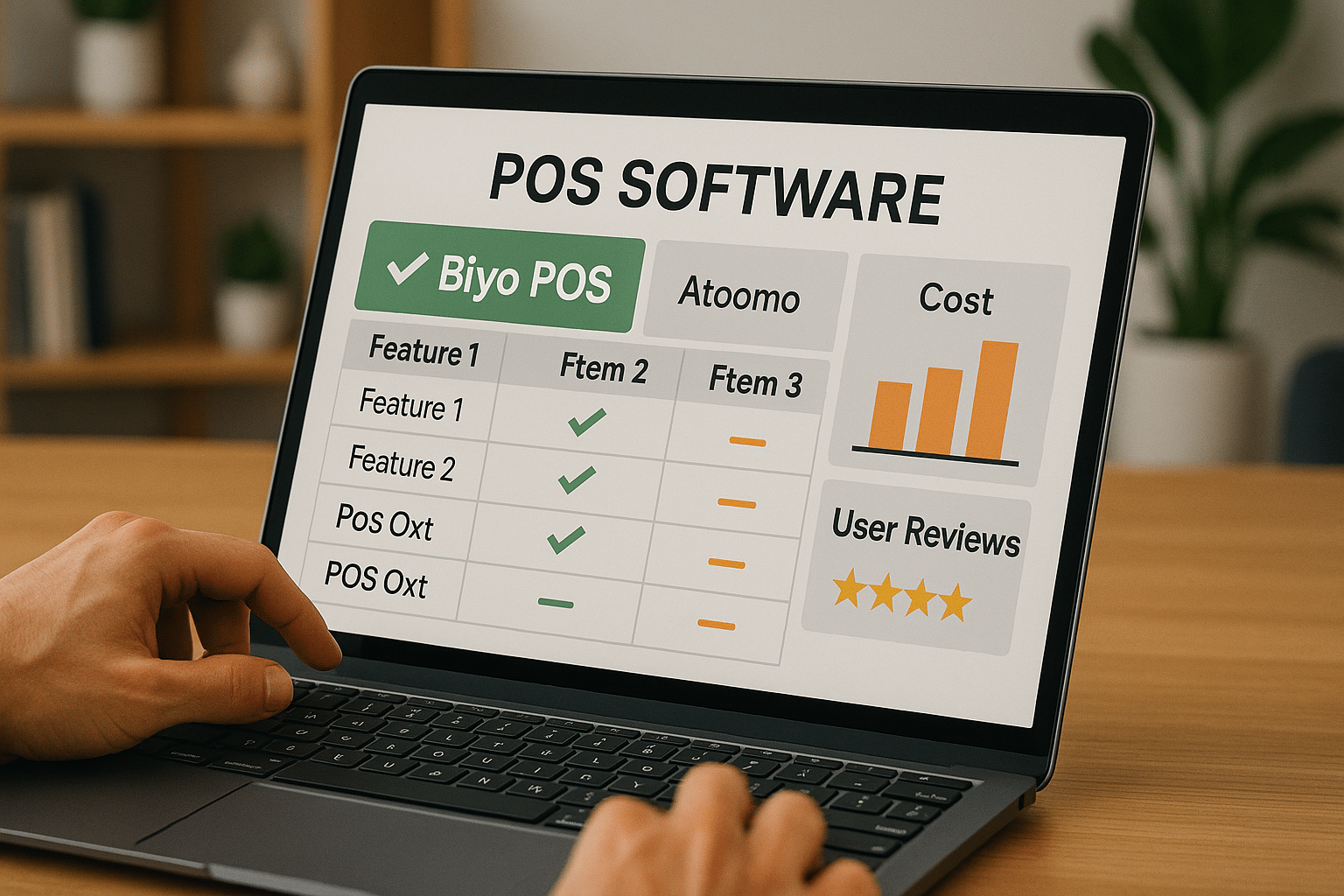
Balancing functionality and cost is a critical step when evaluating POS platforms. Some systems offer extensive feature sets that may exceed your needs, while others provide minimal capabilities that limit growth potential. Identifying the right balance ensures you invest in technology that supports your business without unnecessary complexity.
Key Features to Prioritize
Inventory management is one of the most valuable POS features. Accurate stock tracking prevents overselling, reduces waste, and ensures products remain available during peak demand. Businesses selling perishable goods particularly benefit from inventory alerts and expiration tracking features.
Customer loyalty programs are another key capability. POS systems that track purchase history allow businesses to build stronger customer relationships through targeted promotions and rewards programs.
Mobile POS functionality is increasingly important for businesses that require flexibility. Food trucks, pop-up retailers, and event vendors benefit from mobile checkout capabilities that allow staff to process transactions anywhere.
Understanding Cost Structures and ROI
POS systems often use subscription pricing models that charge monthly fees based on the number of terminals or users. Businesses should evaluate the full cost of ownership, including hardware, payment processing fees, installation costs, and employee training.
Return on investment should also be considered beyond initial costs. A well-implemented POS system can reduce operational errors, improve service speed, and provide valuable data insights that increase profitability.
Evaluating User Reviews and Expert Opinions
User reviews provide insight into how POS systems perform in real-world environments. Consistent praise for reliability, usability, and customer support often indicates a dependable system. Expert reviews and industry reports can also highlight hidden limitations such as poor integrations or limited scalability.
Hardware Compatibility and Software Integration
A POS system must integrate smoothly with both hardware and software components used by your business. Compatibility issues can create operational disruptions and increase costs if existing equipment must be replaced.
Ensuring Hardware Compatibility
POS systems interact with multiple hardware devices including barcode scanners, receipt printers, payment terminals, and cash drawers. Confirming compatibility with these devices prevents expensive hardware replacements and ensures smooth installation.
Integrating with Existing Business Software
Modern businesses rely on several software platforms, including accounting systems, CRM tools, and marketing automation software. POS systems that integrate with these platforms reduce manual data entry and improve reporting accuracy.
Security Features for Hardware and Software
Security should be a top priority when selecting a POS system. Strong encryption, secure payment processing, and compliance with PCI DSS standards protect both customer data and business reputation. Vendors should also provide regular security updates to address emerging threats.
Assessing User Experience and Customer Support
Even the most advanced POS system can fail if it is difficult for staff to use. Usability and vendor support significantly influence how quickly teams adopt new technology and how efficiently they resolve problems.
Evaluating Ease of Use and Training Requirements
An intuitive interface reduces employee training time and minimizes transaction errors. Touchscreen-friendly layouts, simple navigation, and role-based dashboards help employees perform tasks quickly during busy service periods.
Customer Support Availability and Quality
Reliable customer support ensures that technical issues are resolved quickly. POS vendors that offer 24/7 assistance through multiple support channels provide businesses with greater operational stability.
Mobile POS User Experience
Mobile POS systems should provide smooth navigation, fast transaction processing, and real-time synchronization with the main POS database. Offline functionality is also valuable, allowing businesses to continue processing transactions during internet outages.
Scalability, Security, and Vendor Comparison
POS system decision-making should also consider long-term growth. Businesses need solutions that scale with expanding operations while maintaining reliable performance and security.
Planning for Scalability and Growth
Scalable POS platforms support adding new registers, locations, and users without complex upgrades. Cloud-based systems often provide flexible subscription plans that allow businesses to expand gradually as they grow.
Comparing Vendors and Making the Final Choice
Evaluating vendors involves reviewing product reliability, innovation, pricing transparency, and support quality. Businesses should request product demonstrations and trial periods to test the system in real operating conditions before committing to a purchase.
Calculating Return on Investment (ROI)
ROI calculations should include both financial and operational benefits. Faster checkout speeds, automated inventory tracking, and integrated customer loyalty programs all contribute to improved revenue and operational efficiency.

How Biyo POS Supports Smarter POS System Decisions
Selecting the right POS solution becomes easier when businesses work with a platform designed to support multiple industries and operational models. Businesses looking to modernize operations can explore how Biyo POS helps companies evaluate and implement the right POS technology for their needs.
Biyo POS offers a cloud-based system that combines payment processing, inventory management, analytics, and customer management into a single unified platform. Its flexible architecture allows businesses to adapt the system to their workflow while maintaining high transaction speeds and strong security protections.
Companies ready to modernize their point of sale operations can also create a Biyo POS account and begin exploring the platform to see how its tools improve efficiency, reporting accuracy, and customer experience.
Frequently Asked Questions
What is the most important factor in POS system decision-making?
The most important factor is selecting a system that aligns with your business operations, transaction volume, and industry requirements. A POS that fits your workflow improves efficiency and customer satisfaction.
How can businesses compare POS systems effectively?
Businesses should define essential features, compare pricing structures, review user feedback, and test systems through demos or trial periods before making a final decision.
Why is scalability important in POS systems?
Scalability ensures that the system can support business growth by allowing additional locations, terminals, and users without requiring expensive system replacements.
How does a cloud-based POS system benefit businesses?
Cloud POS systems allow remote access to sales data, automatic software updates, and seamless integration with other business platforms, reducing maintenance and improving operational visibility.
Why does customer support matter when selecting a POS system?
Reliable support ensures technical problems are resolved quickly, minimizing downtime and allowing businesses to maintain smooth operations even during busy service periods.