Choosing a POS System for Quick Service Restaurants

Choosing a POS System for Quick Service Restaurants

A modern POS system for a quick service restaurant is so much more than a glorified cash register. It's the central nervous system of your entire operation, the digital backbone that keeps everything running smoothly from the front counter to the back of the house. This system is what coordinates every single action—from taking an order to processing a payment and firing it off to the kitchen—ensuring the speed and accuracy that are absolutely critical in the QSR world.

Why a QSR POS Is More Than a Cash Register

Ever been in a restaurant during the lunch rush and it's just pure chaos? You see a flurry of paper tickets, hear orders being shouted across the room, and feel the general sense of confusion. Now picture another spot where everything is humming along smoothly, almost silently. The big difference-maker is almost always a modern POS system built specifically for quick service.

Think of it like an air traffic controller for your restaurant. It expertly guides incoming orders—whether they come from the counter, a self-service kiosk, or an online app—and sends them directly to the right station in the kitchen. From there, it tracks every item until it gets into the customer's hands, all while processing payments and adjusting your inventory levels in real-time. It’s a system designed from the ground up to handle the high-volume, fast-paced environment of a QSR.

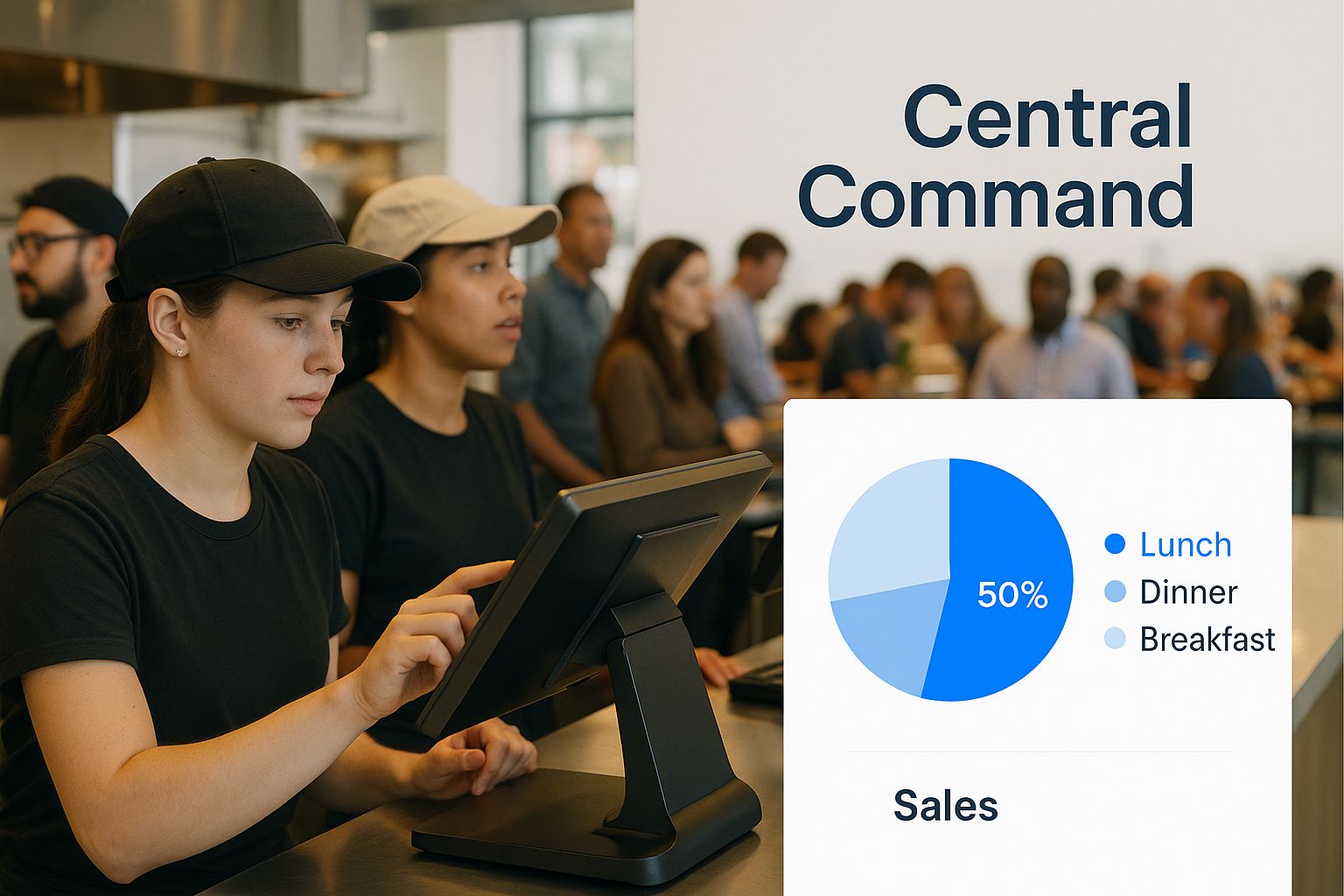
The infographic below really brings this to life, showing the POS as the 'Central Command' that coordinates every moving part of a busy restaurant.

Infographic about pos system for quick service restaurant

As you can see, every order and every transaction flows through this single, intelligent hub. That's how it makes the workflow seamless for the entire team.

The Core of Your Operations

A simple cash register just handles money. A true QSR POS, on the other hand, weaves together multiple critical functions into one unified platform. This integration is what turns it from a simple tool for transactions into a genuine operational powerhouse.

A specialized QSR POS doesn't just process sales; it orchestrates the entire customer journey, from the moment an order is placed to the second it's delivered. This orchestration is what separates thriving QSRs from those struggling to keep up.

This leads to some serious operational benefits:

  • Fewer Order Errors: When orders are sent digitally to a Kitchen Display System (KDS), you can say goodbye to mistakes from messy handwriting or verbal miscommunications.
  • Faster Service Times: With automated workflows and instant communication between your front and back of house, customer wait times drop significantly.
  • Smarter Data Management: The system captures a goldmine of data on sales trends, best-selling items, and your busiest hours, giving you the insights you need to make better decisions.

Ultimately, this technology builds the foundation for the speed and efficiency your restaurant needs to compete. To really grasp the tech behind it all, it's worth learning more about what a cloud-based POS system is and how it gives you the power to manage your business from anywhere.

What to Look for in a QSR POS System

When you're shopping for a POS system for a quick service restaurant, you're not just buying a cash register. You're investing in the very engine of your operation. In a world where speed and volume are everything, the right set of features can be the difference between a frantic, frustrating lunch rush and a smooth, profitable service.

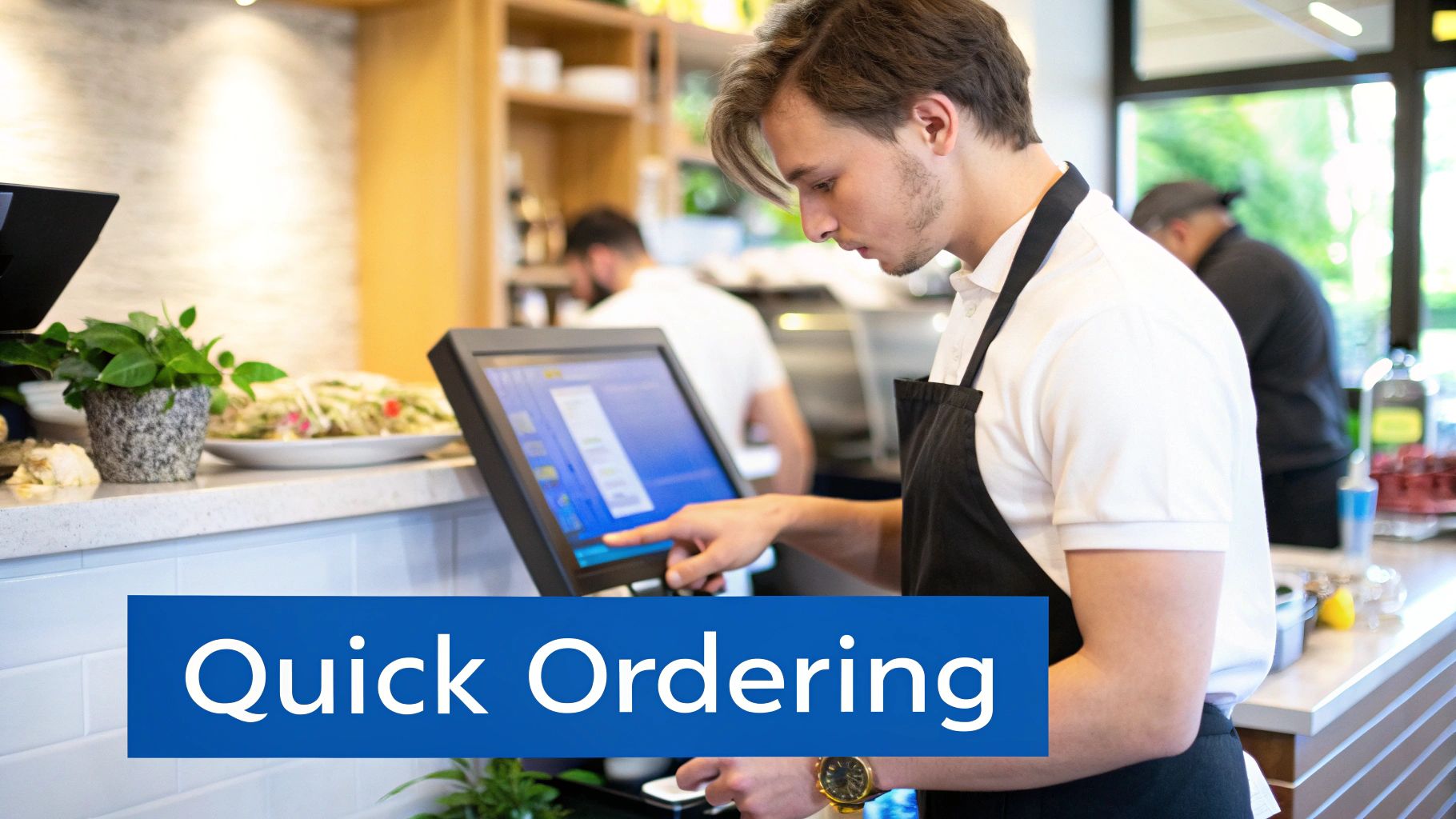
Staff member using a sleek, modern POS system in a quick service restaurant

This need for specialized tools is a huge driver behind market growth. The broader restaurant POS market is already massive, estimated at $25.1 billion in 2025, and experts project it will nearly double to a staggering $49.3 billion by 2035. Quick Service Restaurants are a massive piece of that puzzle, expected to account for 36.90% of all POS terminal usage in 2025 because their entire business model depends on lightning-fast processing and airtight digital workflows. You can dive deeper into the trends shaping the restaurant POS market to see where the industry is headed.

So, what are the non-negotiables? Let's break down the core features that truly matter for a QSR.

Effortless and Speedy Order Entry

In a quick-service environment, every single second counts. Your POS interface can't be clunky or confusing; it needs to be so intuitive that your team can navigate it by muscle memory. A poorly designed screen is a direct cause of bottlenecks that can bring your entire line to a halt.

Think of it like a pilot's cockpit—everything the cashier needs must be right at their fingertips. Look for systems that let you customize the screen layout, putting your best-sellers front and center. Modifiers like "no pickles" or "extra cheese" should be a single tap away, ensuring orders are 100% accurate without slowing down the queue.

Flawless Kitchen Display System (KDS) Integration

The moment an order is taken is a critical handoff point. This is where mistakes happen. A Kitchen Display System (KDS) integration bridges that gap by replacing messy paper tickets with a clear, digital screen in the kitchen.

When an order is punched into the POS, it appears instantly on the KDS. This eliminates the classic problems of lost tickets, illegible handwriting, or misheard instructions. The KDS organizes every order, often color-coding them by urgency and tracking prep times, giving your kitchen crew a perfectly clear, prioritized workflow. It's the digital traffic controller that keeps the front and back of the house completely in sync.

The real job of a QSR POS is to create a seamless, uninterrupted flow of information. From the moment the customer speaks to the second their meal is bagged, that data has to move instantly and accurately without any manual friction.

Understanding how these core features translate into real-world benefits is key. The right tools don't just add convenience; they fundamentally change how efficiently you can operate.

Table: Essential QSR POS Features and Their Impact

Feature Primary Benefit Impact on Operations
Intuitive Order Screen Speed & Accuracy Reduces order time per customer, minimizes costly mistakes, and speeds up new staff training.
KDS Integration Kitchen Efficiency Eliminates ticket errors, improves order prep times, and provides data on kitchen performance.
Integrated Payments Faster Checkout Shortens transaction times, reduces lines, and enhances customer satisfaction.
Inventory Management Cost Control Tracks ingredient usage in real-time, automates reordering, and prevents stockouts or waste.
Customer Loyalty Program Repeat Business Encourages return visits, provides valuable customer data, and enables targeted marketing.

Ultimately, each feature should directly contribute to moving customers through the line faster, making your team's job easier, and putting more money in your pocket.

Fast and Flexible Payment Options

The checkout should be the fastest part of the entire experience. Period. To make that happen, your POS needs to handle any and every way a customer might want to pay. This isn't just a convenience anymore; it's a core expectation.

Your system must be equipped for:

  • Contactless Payments: Tap-to-pay with cards and mobile wallets like Apple Pay or Google Pay is the new standard for speed.
  • EMV Chip Cards: Secure chip readers are essential for protecting your business and your customers from fraud.
  • Mobile App & QR Codes: If you have a loyalty app, letting customers pay with a quick scan is a fantastic way to streamline the process and gather data.

Offering these modern payment solutions does more than just make customers happy. It slashes friction at the final step of the transaction, which is absolutely critical for maximizing how many people you can serve during your busiest hours.

Unifying Your Operations From Front to Back

A great POS system for a quick service restaurant is so much more than a fast way to ring up customers. Think of it as the central nervous system for your entire business, connecting every moving part—from the front counter to the stockroom—into one seamless operation. This is where the real magic happens, transforming the natural chaos of a busy kitchen into a smooth, efficient, and data-rich workflow. You stop putting out fires and start proactively managing your restaurant.

This kind of deep integration unlocks benefits that ripple through every aspect of your business. It gives you a live, honest look at the health of your restaurant, changing how you handle everything from ingredients to employees.

Gain Control with Real-Time Inventory Management

For any QSR, ingredient costs are a massive and often unpredictable expense. If you don't have a clear, up-to-the-minute view of your stock, you're flying blind. This guesswork leads to two big problems: running out of popular items during a rush and wasting money on food that spoils. Manual tracking on a clipboard just can’t keep up.

An integrated POS system solves this problem with real-time inventory management. It’s like having an automated stock-keeper who works 24/7 and never makes a mistake.

  • Automated Depletion: Every time a customer buys a burger, the system instantly deducts one bun, one patty, and a slice of cheese from your digital inventory count. Tracking at the recipe level like this gives you incredible accuracy.
  • Low-Stock Alerts: You can set custom alerts for your most important ingredients. When you're running low on tomatoes, the system pings you automatically, so you can reorder long before you run out.
  • Waste Reduction: With precise data on what’s selling (and what isn’t), you can make smarter purchasing decisions. This clarity helps you dramatically cut down on spoilage and food waste.

A modern QSR POS gives you complete operational control. It transforms raw sales data into actionable intelligence, allowing you to manage costs, streamline workflows, and get a clear picture of your business's performance from anywhere.

This level of control means you always have what you need on hand, without sinking precious cash into excess inventory that just sits on a shelf.

Simplify Your Staff and Scheduling

Beyond keeping track of ingredients, a unified POS also gets rid of the major administrative headaches that come with managing a team. Juggling paper time sheets, building schedules by hand, and calculating payroll can easily eat up a manager’s entire afternoon. An integrated system brings all of these tasks together in one place.

The POS terminal itself becomes the digital time clock, letting staff clock in and out for 100% accurate time tracking. That data flows right into your scheduling and payroll reports, eliminating costly human error. Managers can build and publish weekly schedules right in the platform, and your team can check their shifts with a quick tap. This connected approach not only saves a ton of time but also gives managers the hard data they need to optimize labor costs based on actual sales patterns.

Weaving Your Digital and Physical Worlds Together

These days, your restaurant’s online presence is just as critical as its physical location. A modern POS system for a quick service restaurant needs to be the central hub that connects all the dots—your website, third-party delivery apps, and in-store kiosks—into one smooth, cohesive operation. Without that vital link, you’re just inviting chaos behind the counter.

You've probably seen it before. It’s a scene often called "tablet hell." This is what happens when your counter is buried under a pile of separate tablets for your website orders, another for DoorDash, and yet another for Uber Eats. Your team is forced to juggle them all, manually punching every single digital order into the main POS. It’s slow, a recipe for frustration, and practically guarantees costly mistakes will happen during a rush.

A truly integrated system makes that entire nightmare disappear. It automatically pulls every order from every single channel directly into your POS, which then zips it straight to your Kitchen Display System (KDS). This seamless connection is the only way to make sure an online order gets the same priority and accuracy as one placed right at the counter.

Escaping Tablet Hell and Finding Your Flow

When you have direct integration, you trade that messy, manual circus for a clean, automated workflow. Suddenly, all your sales data is in one place. You get a crystal-clear picture of your business's health without having to manually patch together reports from five different platforms. That kind of clarity is what lets you make smart, confident decisions.

Image

This shift isn't just a small trend; it's a massive wave changing the QSR game. The food delivery market is on track to explode from $3.7 billion in 2023 to a staggering $90.3 billion by 2030. It's no wonder that restaurants who’ve already integrated their POS with these platforms are reporting revenue boosts of up to 30%.

Integration isn't just about adding more ways for people to order. It’s about making sure those new channels actually help your business instead of overwhelming it. A unified system ensures that growing your online sales doesn't break your in-store operations.

When you master real-time order integration for flawless order flow, you create a stress-free environment for your team and a consistently great experience for your customers, no matter where they order from.

The Rise of Self-Service Kiosks

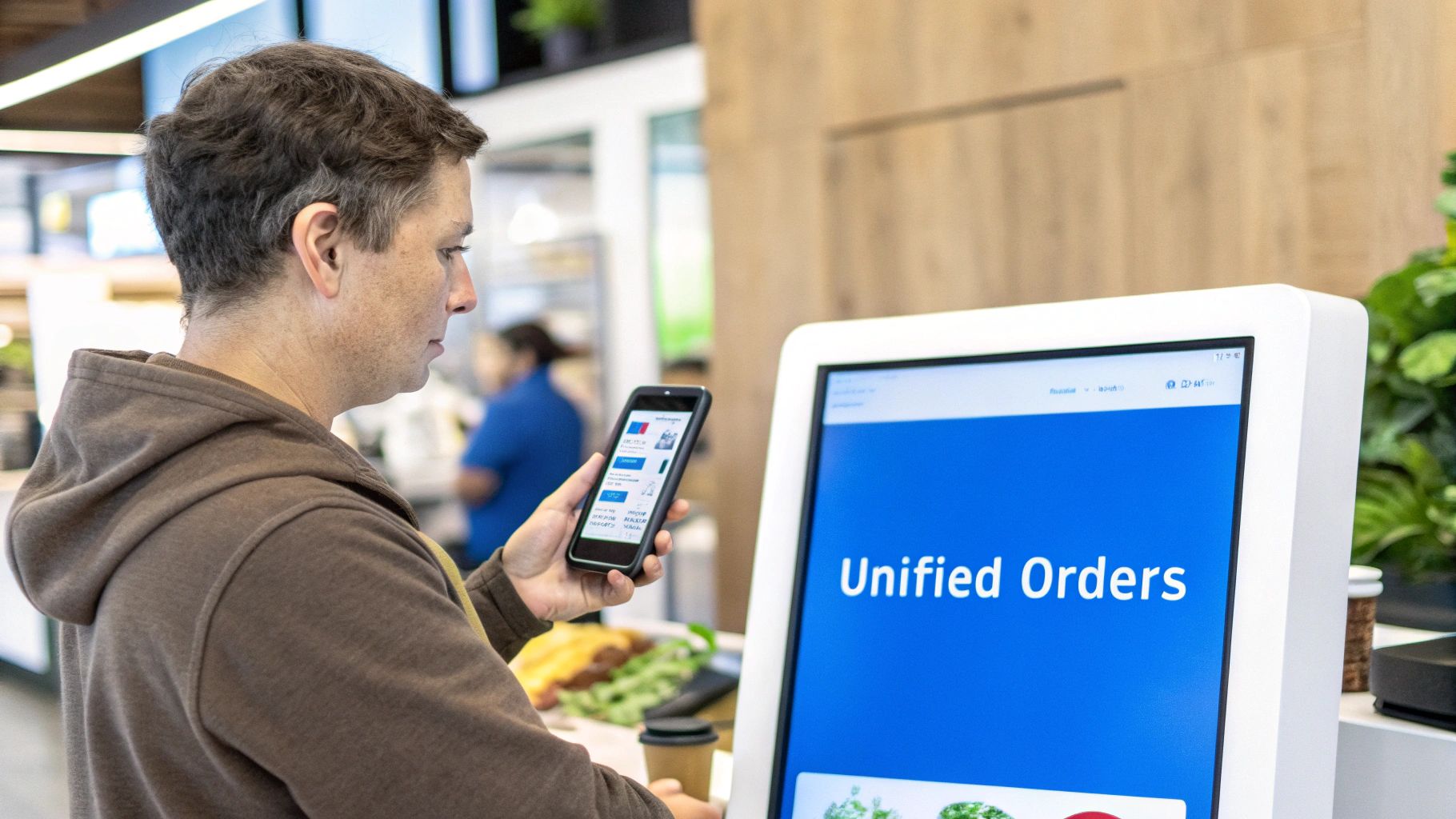
This web of integration doesn't stop with delivery apps. Self-service kiosks are another game-changer, but only when they're fully connected to your core POS. These aren't just fancy order-takers; they're your silent sales team.

Think about it. With smart, automated upselling prompts—"Would you like to make that a large?" or "Add a cookie for just a dollar?"—kiosks naturally encourage customers to spend a little more. And customers are clearly on board, with a whopping 84% of U.S. consumers saying they prefer using them. By letting customers control their own ordering experience, you free up your staff to focus on what humans do best: preparing amazing food and making sure every guest feels welcome.

How to Choose the Right QSR POS System

Picking the right pos system for your quick service restaurant is one of the most important decisions you'll make. This isn't just about processing payments; it's the technology that will run your entire operation, from the moment a customer orders to the second their food is ready. A smart choice can make your business run like a well-oiled machine, while the wrong one can cause constant headaches for you and your staff.

The whole process really starts with taking a good, hard look at your own restaurant. Are you a single-location shop with a simple menu, or are you juggling multiple stores with all kinds of special orders? Is your drive-thru the lifeblood of your business, where every second counts? Nailing down the answers to these questions will give you a clear roadmap for what to look for.

Evaluate Your Unique Operational Needs

Before you start scrolling through vendor websites, take a step back and look at your day-to-day reality. Every restaurant has its own quirks and challenges, and your POS system needs to solve them, not create new ones. The best first step is to make a simple checklist of your absolute must-haves.

Think about these key areas:

  • Order Channels: Are you just taking orders at the counter, or do you also have a drive-thru, online ordering, and maybe even a few third-party delivery apps? You'll want a system that can pull all of those orders into one clean, manageable queue.
  • Menu Complexity: How often do you switch up your menu or run special promotions? Your POS should make it dead simple to update prices, add a "limited time only" item, and push those changes out everywhere at once.
  • Hardware Durability: Let's be honest, the QSR environment is tough. You need hardware—from the touchscreen terminal to the credit card reader—that can handle spills, grease, and the general chaos of a busy shift without breaking down.

Spending time on this self-assessment is crucial. For a closer look at how different systems compare feature-for-feature, our comprehensive restaurant POS system comparison is a great resource to see what aligns with your priorities.

Understanding Cloud-Based vs On-Premise Systems

One of the biggest forks in the road you'll encounter is choosing between a modern cloud-based system and a traditional on-premise one. On-premise systems, the old-school approach, keep all your data on a physical server right there in your restaurant. It might sound secure, but it can also be clunky, expensive to set up, and a pain to maintain.

Cloud-based systems, on the other hand, have become the go-to for good reason. The entire QSR POS market, valued at around $15 billion in 2025, is shifting this way. This growth is almost entirely fueled by restaurants adopting flexible and affordable cloud technology.

The right POS system is more than just software; it's a long-term business partner. Prioritize vendors who offer exceptional, 24/7 customer support, because in a QSR, system downtime directly translates to lost revenue and frustrated customers.

So, which path is right for you? It really comes down to how you want to manage your business, your data, and your budget.

Cloud-Based vs. On-Premise POS Systems

This table breaks down the key differences to help you decide which model is the better fit for your restaurant.

Consideration Cloud-Based POS On-Premise (Legacy) POS
Accessibility Access data and manage your restaurant from any device, anywhere with an internet connection. Data is only accessible from the local server located within the restaurant.
Upfront Cost Typically lower, with monthly subscription fees (SaaS model) that cover software, support, and updates. High initial investment for server hardware, software licenses, and professional installation.
Updates Software updates are automatic and rolled out by the provider, ensuring you always have the latest features. Updates are manual, often require a technician, and may come with additional costs.
Data Security Data is stored on secure, encrypted remote servers managed by the provider with professional oversight. You are solely responsible for securing the on-site server and backing up your data.

Ultimately, a cloud-based system offers the kind of flexibility and scalability that modern quick service restaurants need to thrive. The lower upfront cost and hands-off approach to updates and security allow you to focus on what you do best: serving great food, fast.

QSR POS Systems: Your Questions Answered

Picking a new POS system is a big move, and it's totally normal to have a ton of questions. Let's get straight to the point and tackle some of the most common things QSR owners ask. My goal here is to give you the confidence to choose the right system for your restaurant's future.

How Much Does a QSR POS System Typically Cost?

There's no single price tag for a POS system for a quick service restaurant. Instead, the cost is a mix of three key parts. Getting a handle on this breakdown will help you budget without any nasty surprises.

  • Software Fees: Think of this like a monthly subscription. It can run anywhere from $60 to over $300 per terminal, depending on how many bells and whistles you need.
  • Hardware Costs: This is your one-time equipment purchase. A basic kit—terminal, cash drawer, and receipt printer—usually starts at around $1,000.
  • Payment Processing: These are the small fees you pay on every transaction. A common rate is something like 2.6% + 10 cents per sale.

My best advice? Always demand a detailed quote that lists out every single fee, both upfront and recurring. This is the only way to avoid unexpected costs later on.

Can I Use My Existing Hardware with New POS Software?

I get this question all the time. It feels like an easy way to save some cash, but trying to pair old hardware with new software is usually a bad idea. Modern POS software is built to work hand-in-glove with specific hardware for a reason—to guarantee the speed and reliability you absolutely need in a QSR.

When you mix and match, you're inviting trouble. You could be looking at frequent system crashes, agonizingly slow performance, and a real headache when you need tech support. In a high-volume restaurant where every second counts, investing in the recommended hardware is the only way to ensure your system is stable and fast.

What Is the Most Important POS Feature for a Drive-Thru?

For any drive-thru, it all comes down to two things: speed and accuracy. Because of that, the single most critical feature is a seamless, real-time connection between the order station, the payment window, and your Kitchen Display System (KDS).

Your system has to juggle multiple orders at once without skipping a beat. It also really helps to have a customer-facing display that confirms the order as it's being placed—this one feature can slash your error rate. On top of that, built-in timers that track service speed from start to finish are pure gold for improving your team's performance. The POS has to be the thing that makes the whole process fast and mistake-free.

How Does a Cloud-Based POS Help a Multi-Location QSR?

If you're running more than one location, a cloud-based POS isn't just a nice-to-have; it's essential. It becomes the central nervous system for your entire business, giving you a level of control you just can't get with separate, old-school systems.

A cloud-based system brings all your data under one roof, letting you manage menus, run promotions, and set prices for every single restaurant from one dashboard. You can push a menu update to all your stores in an instant, which is huge for keeping your brand consistent.

This central hub approach also applies to your business data. You get combined reports that give you a live, bird's-eye view of sales, inventory, and labor across the board. This kind of remote access and unified control is exactly what you need to make smart, data-backed decisions that grow the entire company.


Ready to see how the right technology can change the game for your quick-service restaurant? Discover how Biyo POS provides the speed, reliability, and all-in-one features you need to streamline operations and delight your customers. https://biyopos.com

Related Posts