
Modern consumer expectations have shifted dramatically toward instant fulfillment. Retail shoppers love the digital convenience of browsing catalogs on their smartphones, yet they increasingly dislike paying parcel shipping fees or waiting days for home delivery. Consequently, “Buy Online, Pick Up In-Store” (BOPIS)—also known as click-and-collect—has evolved from an experimental perk into a mandatory retail capability. However, executing store pickup smoothly presents significant operational hurdles for independent retailers. When store operations lack a structured BOPIS implementation guide, in-store pickup quickly devolves into chaotic backroom scavenger hunts, irritated counter queues, and lost merchandise.
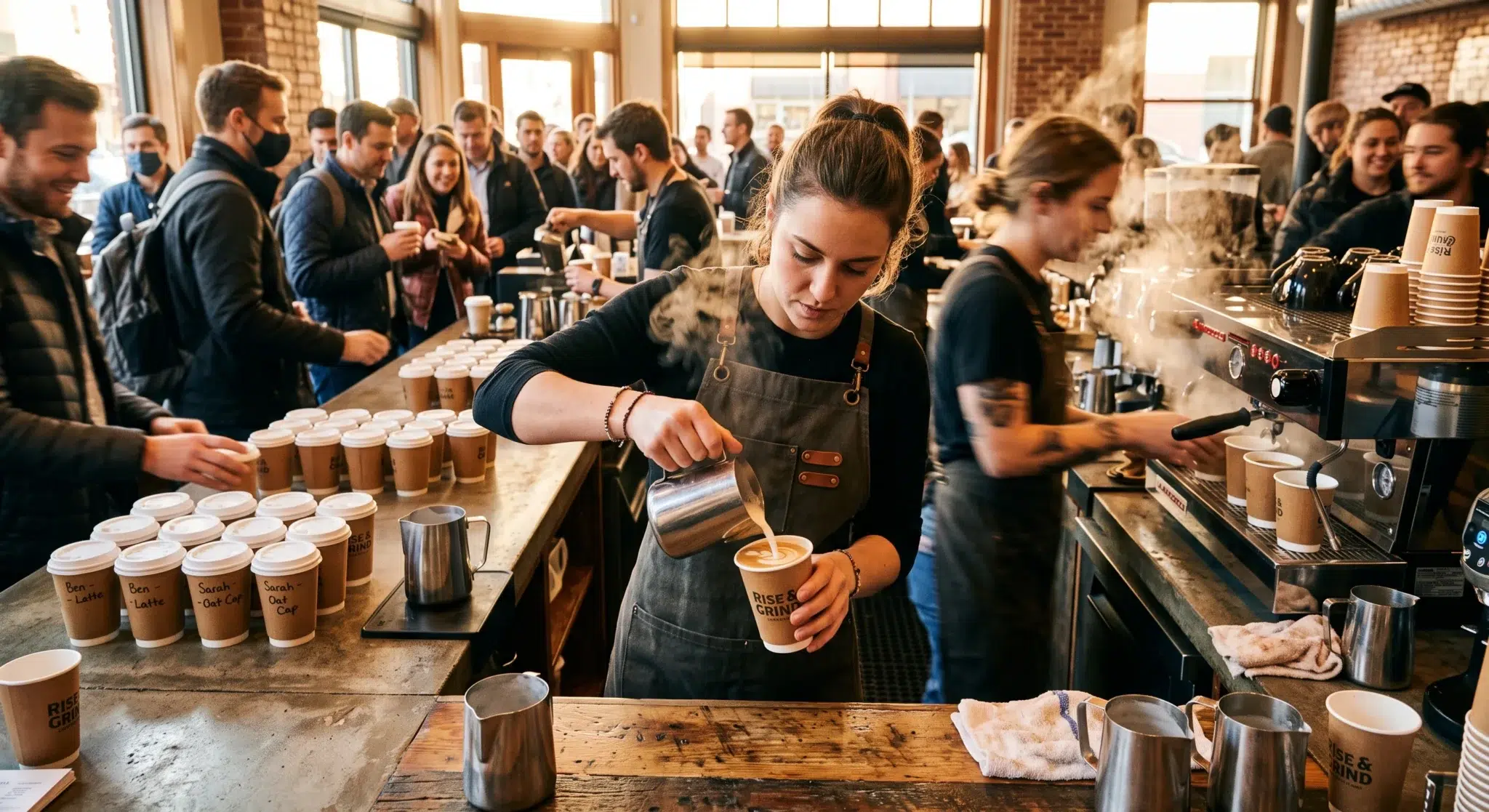
Picture a typical breakdown: an online customer orders a silk scarf for same-day pickup. Two hours later, the shopper arrives at the storefront. The cashier has not received the order slip, the item remains unpicked on a crowded showroom floor rack, and the associate spends fifteen agonizing minutes searching storage bins while other retail shoppers wait in line. Consequently, the customer leaves frustrated, promising never to use store pickup again. Furthermore, the retail staff experiences intense stress during busy floor rushes.
Fortunately, running a profitable click-and-collect program does not require a massive logistics budget or enterprise warehouse automation. By deploying an organized operational blueprint, independent merchants can establish seamless pickup pipelines that satisfy shoppers and boost floor revenue. A disciplined BOPIS implementation guide coordinates order staging zones, automated SMS arrival alerts, rapid identification checks, and register release scans. This comprehensive operational playbook breaks down the unit economics of in-store fulfillment, details physical staging architecture, and illustrates how unified point-of-sale platforms eliminate fulfillment friction.
Table of Contents
- The Omnichannel Shift: Why Independent Retailers Must Master In-Store Pickup
- Order Staging Zones: Designing High-Efficiency Pickup Storage
- Pick-and-Pack Speed: Minimizing Fulfillment Latency on the Floor
- Side-by-Side Comparison: Ad-Hoc Pickup vs. Standardized BOPIS Architecture
- Automated Customer Communication: SMS Alerts and Arrival Triggers
- Counter Verification and Release Scans: Eliminating Hand-Off Errors
- Drive Additional Foot Traffic: Turning Pickup Visits into In-Store Sales
- Streamlining BOPIS Fulfillment with Biyo POS
- Frequently Asked Questions
The Omnichannel Shift: Why Independent Retailers Must Master In-Store Pickup
Consumer purchasing habits demonstrate that convenience often outweighs channel loyalty. Shoppers want immediate product access without the friction of traditional delivery logistics.
Understanding the behavioral drivers behind click-and-collect allows merchants to design pickup workflows that directly satisfy shopper expectations.
Consumer Demand for Immediacy and Shipping Cost Avoidance
Modern shoppers view high parcel shipping fees as an unnecessary tax on digital transactions. Studies consistently reveal that unexpected shipping charges represent the primary cause of digital cart abandonment. In fact, over 65% of online consumers actively look for in-store pickup options specifically to avoid paying five to fifteen dollars in courier fees.
Furthermore, shipping delays introduce anxiety into customer gift-buying schedules. Whether purchasing a last-minute birthday gift, an outfit for an evening dinner, or essential home goods, consumers value certainty over postal estimates. By offering same-day pickup within two hours of order placement, independent retailers provide an immediate solution that remote e-commerce giants cannot match. Therefore, mastering store pickup allows local boutiques to convert high-intent local shoppers before they abandon checkout.
The Margin Advantage: Slashing Last-Mile Logistics Expenses
Last-mile home delivery represents the single most expensive link in retail logistics. When an independent retailer ships a package to a customer’s doorstep, the business absorbs corrugated box expenses, void fill, custom tape, printed shipping labels, and carrier fuel surcharges. Consequently, fulfilling small-value orders online often completely erodes operating margins.
In contrast, fulfilling orders directly inside the storefront transforms store unit economics:
- Eliminated Packaging Overhead: Products are placed into standard branded shopping bags rather than costly multi-layer cardboard shipping boxes.
- Zero Carrier Fees: The merchant completely bypasses courier shipping fees, keeping gross profit margins intact.
- Reduced In-Transit Damage: Because delicate items never enter high-velocity courier sorting hubs, shipping breakage and return rates drop precipitously.
- Lower Return Costs: If an in-store pickup customer needs a different size, the exchange occurs immediately at the counter, saving the merchant return postage and reverse logistics handling fees.
 Order Staging Zones: Designing High-Efficiency Pickup Storage
 Order Staging Zones: Designing High-Efficiency Pickup Storage
The foundation of a successful click-and-collect workflow lies in the physical organization of fulfillment spaces. When retail associates stash pickup orders across random countertops, behind cash drawers, or on open office desks, orders get misplaced or damaged.
Establishing a standardized staging zone ensures that any associate can locate a customer’s package in under twenty seconds.
Front-of-House Cubbies vs. Backroom Staging Racks
Retailers must decide whether to position their order staging zone in the front-of-house customer service area or inside the backroom stock area:
- Front-of-House Counter Storage: Locating pickup cubbies directly behind the main sales counter delivers maximum retrieval speed. Cashiers simply turn around, confirm the customer’s name, and hand over the bag. However, this approach requires dedicated cabinetry to keep customer packages organized and out of sight.
- Dedicated Backroom Pickup Racks: For high-volume storefronts or merchants selling bulky items, backroom staging racks provide ample physical capacity. Associates retrieve orders through an organized shelving aisle. To maintain fast service times, the backroom staging area must sit within fifteen paces of the checkout counter.
Regardless of the chosen layout, the pickup staging zone must remain physically segregated from general floor merchandise to prevent staff from accidentally selling reserved units to walk-in shoppers.
Alpha-Numeric Bin Coding and Visual Order Manifests
Searching for orders by customer last name on a crowded shelf is slow and prone to human error. Instead, structured retail operations implement an alpha-numeric bin allocation system.
Under this framework:
- Shelving units receive clear letter designations (Section A, Section B, Section C), while individual shelf slots receive numeric markers (Bin 1 through Bin 12).
- When an associate completes picking an order, the software prompts the user to assign a bin location (e.g., “Staged in Bin B-4”).
- The order bag receives a durable, printed order tag displaying the customer’s name, order number, and a scannable tracking barcode.
- When the customer arrives, the counter register displays the exact coordinate “B-4,” allowing the associate to retrieve the correct bag instantly without scanning every shelf.
Pick-and-Pack Speed: Minimizing Fulfillment Latency on the Floor
A pickup service is only as good as its fulfillment speed. If an online customer places an order at 10:00 AM, expects same-day collection, and arrives at 11:30 AM to find the ticket unfulfilled, the customer experience fails completely.
Executing disciplined picking workflows guarantees that merchandise moves from sales floor racks into pickup bags rapidly.
Establishing the 30-Minute Fulfillment Service Level Agreement (SLA)
Top-performing omnichannel retailers enforce an internal Service Level Agreement (SLA) requiring all pickup orders to be picked, verified, and staged within thirty minutes of digital placement. Establishing an aggressive fulfillment window protects the store against surprise customer arrivals.
To maintain this SLA during busy operating hours:
- Dedicated In-App Audio Chimes: The POS register sounds a distinctive, high-priority audio chime whenever an online pickup order enters the system, alerting floor staff immediately.
- Assigned Shift Roles: Each morning shift designates a primary fulfillment associate responsible for monitoring pickup queues alongside floor restocking tasks.
- Order Batching During Traffic Surges: If several pickup orders arrive simultaneously, the system batches pick tickets by store department, allowing associates to retrieve multiple items in a single efficient sweep through store aisles.
Mobile Barcode Verification to Prevent Mispicks
Fulfilling the wrong size, color, or style variant is disastrous for click-and-collect operations. If a customer drives across town to pick up an Espresso brown leather belt, only to discover upon returning home that the associate packed a Black belt, customer trust evaporates.
Enforcing mobile optical barcode validation eliminates fulfillment errors at the shelf:
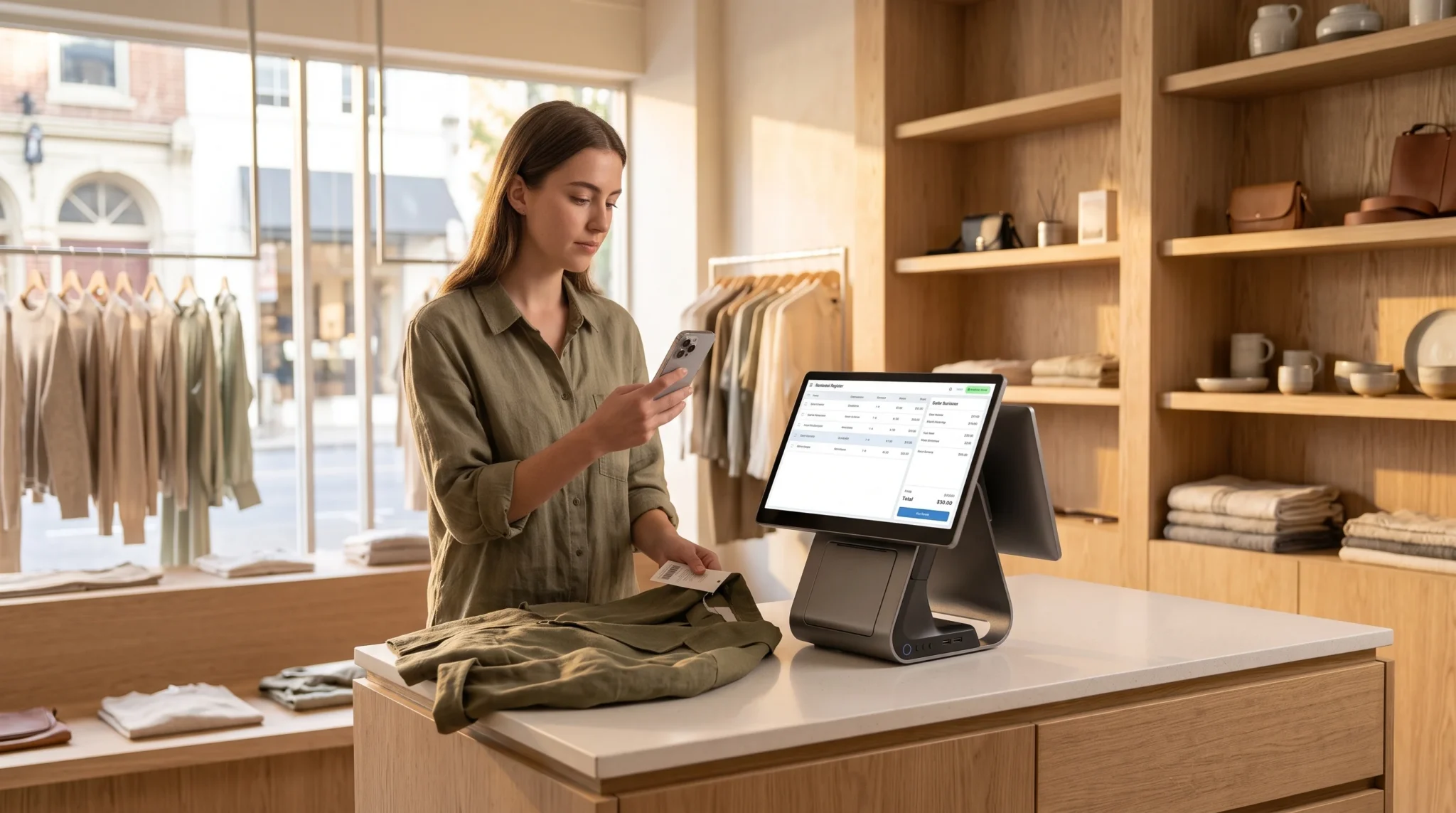
- The associate carries a mobile point-of-sale scanner or handheld companion device to the showroom shelf.
- The digital pick manifest displays the target SKU, product image, and variant attributes.
- The associate scans the physical item barcode hangtag before placing the item into the fulfillment tote.
- If the associate accidentally scans the wrong variant (such as a Size Small instead of a Size Medium), the software sounds an audible error buzz and locks the ticket until corrected.
Side-by-Side Comparison: Ad-Hoc Pickup vs. Standardized BOPIS Architecture
Comparing an unorganized, manual pickup setup with a standardized operational architecture illustrates why proper systems are critical for sustainable growth.
The following comparative analysis details the operational differences between ad-hoc store pickup methods and an automated BOPIS implementation guide.
| Fulfillment Dimension | Ad-Hoc / Manual Store Pickup | Standardized BOPIS Architecture |
|---|---|---|
| Order Ingestion Method | Messy email inboxes or handwritten notes | Centralized real-time POS fulfillment console |
| Picking Verification | Visual eyeball check; high mispick rates | Mandatory optical barcode scan verification |
| Order Staging System | Random piles behind checkout counters | Alpha-numeric coded cubbies (e.g., Bin B-4) |
| Customer Ready Notification | Manual phone calls or delayed batch emails | Automated, instantaneous branded SMS alerts |
| Customer Retrieval Time | 5 to 15 minutes of awkward searching | Under 30 seconds from arrival to hand-off |
| Inventory Reserve Locking | Stock stays live; walk-ins can buy it off racks | Instant virtual hold ledger decrements sellable stock |
| Release Verification | Verbal confirmation; zero paper trail | Scannable QR code check & register release scan |
| Post-Fulfillment Upselling | Forgotten completely during rushed hand-offs | Automated bounce-back bounce offers on receipt |
| Operational Labor Waste | Heavy payroll spent searching and resolving errors | Streamlined 2-minute pick-and-stage routine |
Automated Customer Communication: SMS Alerts and Arrival Triggers
Customer communication dictates the perceived quality of a store pickup service. If shoppers are left guessing whether their order is ready, they either call the store repeatedly or arrive prematurely, disrupting sales counter operations.
Deploying automated, real-time messaging keeps customers informed while eliminating administrative phone calls for your staff.
The Power of Branded SMS Notifications Over Buried Emails
While automated transaction emails are standard in e-commerce, they perform poorly for urgent operational updates. Retail emails suffer from low open rates (averaging under 22%) and frequently land in customer spam or promotional folders. If a customer checks their inbox hours after their shopping trip, they miss the pickup window entirely.
In contrast, SMS text messaging commands an open rate exceeding 98%, with most messages read within three minutes of delivery. When an associate clicks “Ready for Pickup” on the fulfillment screen, the system dispatches an automated, branded text message directly to the shopper’s mobile phone:
“Hi Sarah! Your boutique order #1048 is freshly packed and ready for pickup at our Downtown store. Please have your order barcode ready when you arrive. See store hours and pickup directions here: [Link]”
This immediate delivery ensures that shoppers know exactly when to visit, boosting customer satisfaction and reducing inbound status calls.
Managing Customer Arrival Notifications and Curbside Pings
Advanced click-and-collect workflows incorporate arrival triggers that alert store associates the moment a shopper enters the parking area. Customers tap an “I’m On My Way” link inside their ready text, allowing the system to update the associate’s fulfillment queue to “Customer Approaching.”
Consequently, associates can pull the designated package from Bin B-4 and place it on the counter before the customer walks through the front door. If the store offers curbside pickup, the shopper simply taps “I’ve Arrived” and inputs their vehicle make, model, and parking stall number. The associate delivers the package straight to the car trunk, completing a contactless exchange in under sixty seconds.
Counter Verification and Release Scans: Eliminating Hand-Off Errors
The final hand-off at the retail counter represents the most critical moment of truth in the entire click-and-collect lifecycle. Handing a package to the wrong individual or failing to close the digital loop creates inventory discrepancies, fraud losses, and administrative headaches.
Enforcing structured release protocols protects your merchandise and guarantees audit-ready records.
Fast Verification Protocols: Digital QR Passes and Photo ID Checks
To prevent fraudulent pickups and unauthorized order hand-offs, retail teams must enforce clear customer verification rules:
- Scannable Customer QR Passes: The automated ready SMS includes a dynamic digital pickup pass containing an encrypted QR code. When the customer arrives, the associate scans this QR code using the counter register scanner, instantly pulling up the order details.
- Photo Identification Matching: For high-value merchandise (such as luxury apparel, jewelry, or electronics), associates must inspect a government-issued photo ID to confirm that the customer’s name matches the order manifest.
- Designated Proxy Approvals: If the customer authorizes a family member or friend to collect the order, the digital pickup portal allows the buyer to input a secondary pickup name, preventing confusion at the counter.
Executing the Final Register Release Scan
Never hand a package to a customer without executing a digital release scan. If an associate simply hands over the bag and waves goodbye, the order remains marked as “Ready” in the software. Days later, an auditor might assume the order was abandoned or stolen, causing confusion across your inventory database.
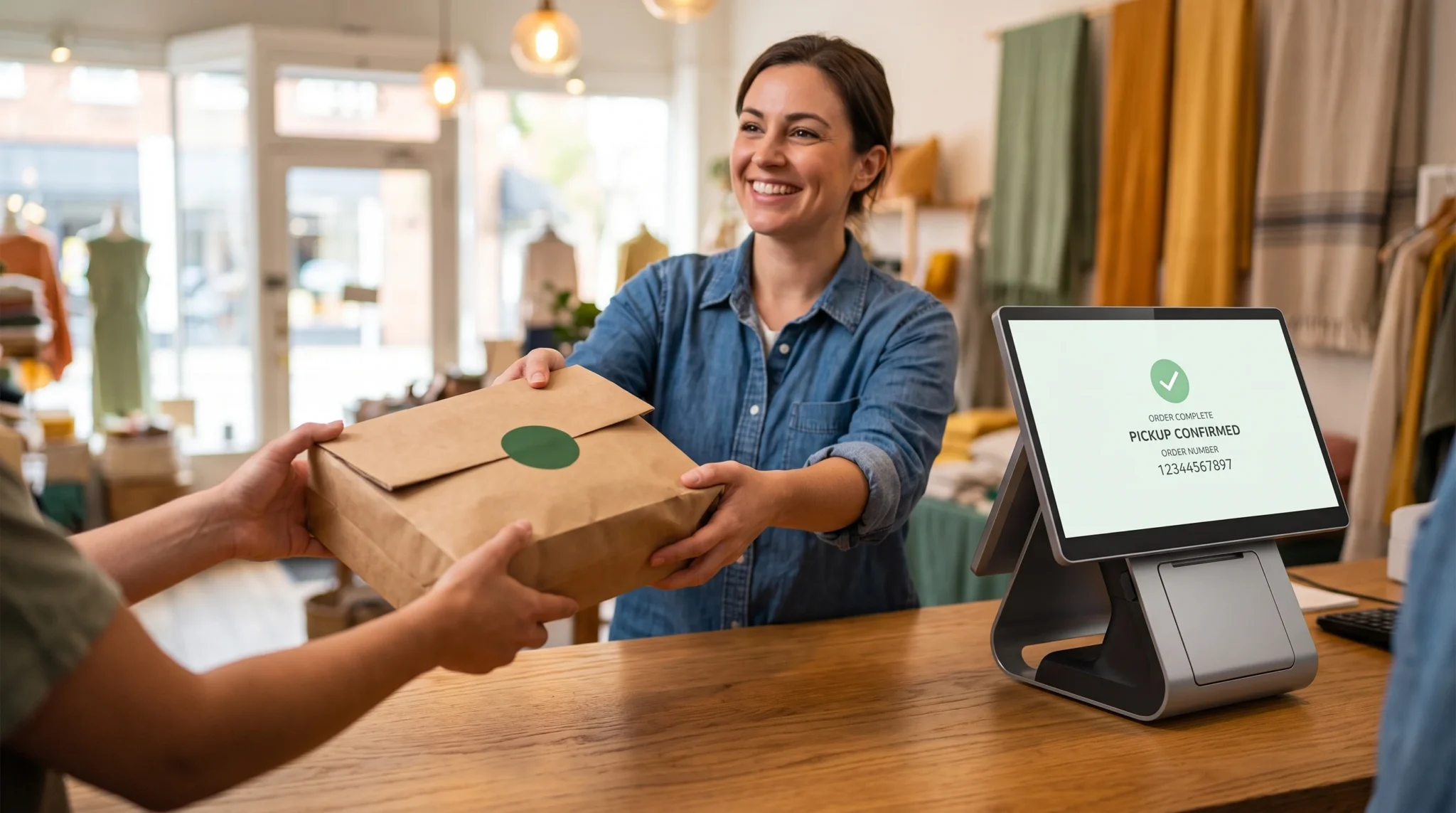
Instead, the associate scans the unique barcode on the package bag tag directly into the POS register screen. This single scan executes three automated backend actions simultaneously:
- The order status shifts instantly from “Ready for Pickup” to “Completed / Fulfilled.”
- The inventory units clear the intermediate virtual hold ledger and officially settle on the accounting balance sheet.
- The software dispatches an automated electronic receipt to the customer’s email, thanking them for visiting the store and confirming successful fulfillment.
Drive Additional Foot Traffic: Turning Pickup Visits into In-Store Sales
The primary strategic advantage of in-store pickup over home delivery is foot traffic. When an online shopper enters your physical storefront, you gain an immediate opportunity to convert a digital transaction into an incremental in-store sale.
Following this BOPIS implementation guide allows retailers to design counter environments that stimulate spontaneous impulse purchases.
Strategic Staging Placement to Stimulate Impulse Purchases
Never place your pickup counter directly next to the front entrance door. If shoppers can grab their package within three steps of the threshold, they will exit without looking at your sales floor.
Instead, position your pickup service desk toward the center or rear of the boutique:
- The Discovery Path: Design the walking path from the front entrance to the pickup counter past your highest-margin seasonal displays, featured designer collections, and trending promotional tables.
- Complementary Merchandising: Place high-impulse grab-and-go items directly around the pickup station. For an apparel boutique, display jewelry, sunglasses, scented hand creams, and leather accessories right beside the collection counter.
- Convenient Fitting Rooms: Encourage apparel pickup customers to try on their garments immediately in nearby fitting rooms. If an item fits poorly, associates can swap sizes on the spot, saving the sale and suggesting matching accessories.
Frontline Upselling Scripts and Bounce-Back Coupons
Equipping your sales associates with friendly, non-pushy service scripts transforms pickup visits into valuable relationship-building interactions. When handing over the package, associates can highlight ongoing store promotions or complement the customer’s selection.
Furthermore, forward-thinking retailers insert a physical “Bounce-Back Card” into every pickup bag. For example, the card might offer “$10 off any in-store purchase of $50 or more today only.” Because the shopper is already standing inside your building with their wallet accessible, a compelling bounce-back incentive routinely converts click-and-collect visitors into spontaneous in-store buyers.
Streamlining BOPIS Fulfillment with Biyo POS
 Streamlining BOPIS Fulfillment with Biyo POS
Biyo POS eliminates click-and-collect friction through a native, cloud-based fulfillment console that bridges digital shopping carts with physical store counters in real time. The moment an online customer completes a pickup purchase, the order appears instantly on your sales counter screen, decrementing sellable stock into a protected virtual hold to prevent sales floor walkouts. Store associates simply open the order ticket, verify items using high-speed optical barcode scanning, and tap “Fulfill”—prompting Biyo to automatically dispatch a customized, branded SMS pickup alert directly to the customer’s mobile device with zero manual typing required. Backed by fast QR release scans, multi-location catalog visibility, and true offline reliability that keeps store counters ringing even during internet drops, Biyo provides independent retailers with the tools to launch an enterprise-grade pickup experience—inviting you to schedule a live demo or register today on the Biyo signup page.
Frequently Asked Questions
What does BOPIS mean in retail?
BOPIS stands for “Buy Online, Pick Up In-Store.” It is an omnichannel fulfillment strategy allowing consumers to purchase products through an online catalog and collect them physically at a local retail storefront.
How quickly should retailers fulfill click-and-collect orders?
Best-in-class independent retailers enforce an internal fulfillment SLA of thirty minutes to two hours, ensuring orders are packed, staged, and verified before customers arrive at the store.
Why is SMS notification better than email for store pickup?
SMS text messages maintain a 98% open rate and deliver alerts within seconds, ensuring customers know immediately when their package is ready. In contrast, pickup emails frequently sit unread in promotional folders.
How do stores prevent walk-in customers from buying BOPIS items?
Modern cloud POS systems utilize virtual reservation hold ledgers. The exact second an online pickup order occurs, the system decrements the item from live sellable stock, preventing floor walk-ins from purchasing it.
What is a register release scan?
A register release scan is the final verification step where an associate scans the pickup package barcode at checkout before handing it over, instantly closing the order, settling inventory ledgers, and issuing a digital receipt.
Can BOPIS increase in-store retail sales?
Yes. Industry data reveals that over 35% of BOPIS customers make an incremental, unplanned in-store purchase when collecting their online order, especially when the pickup desk is situated past attractive sales floor displays.