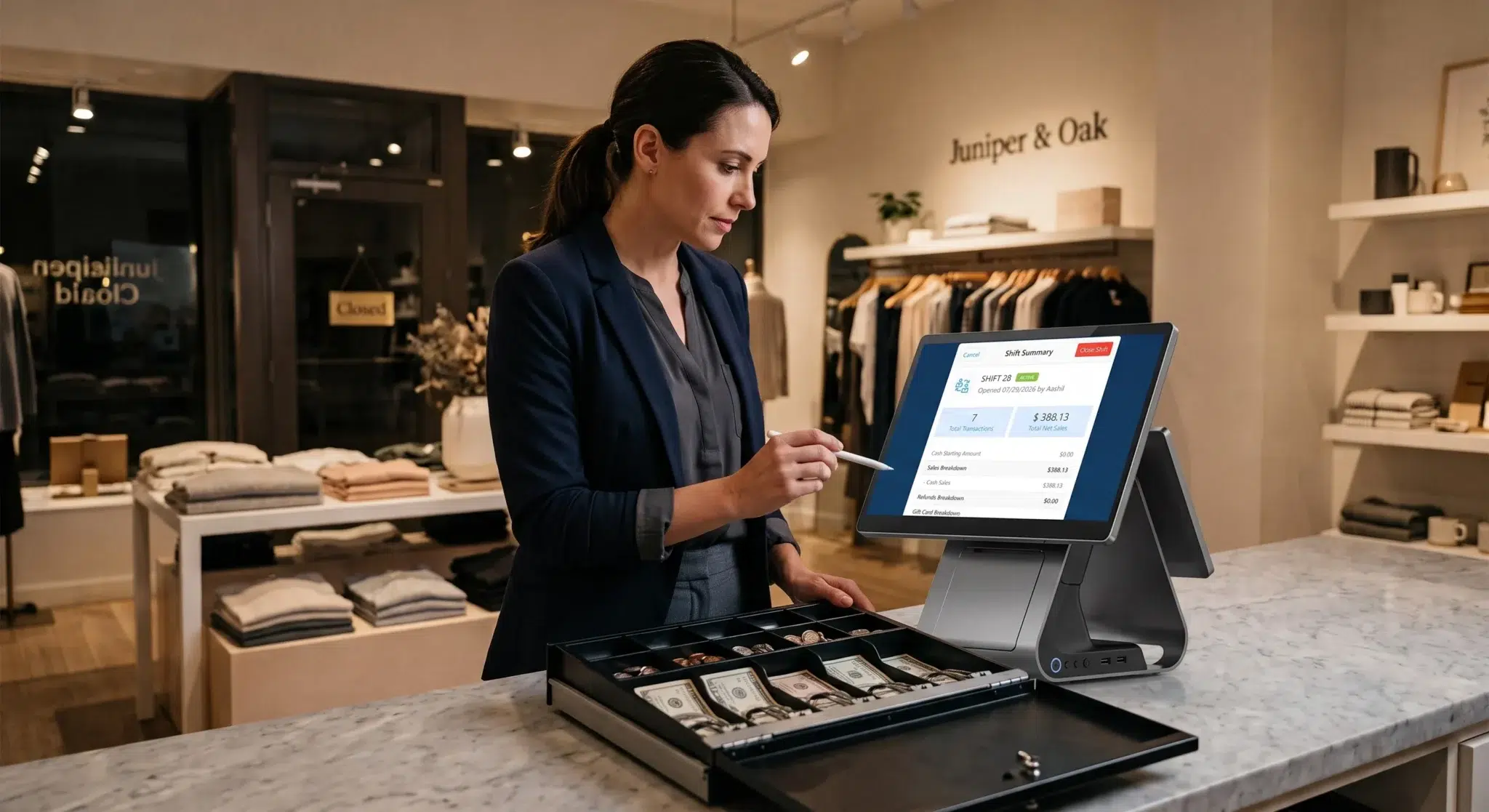
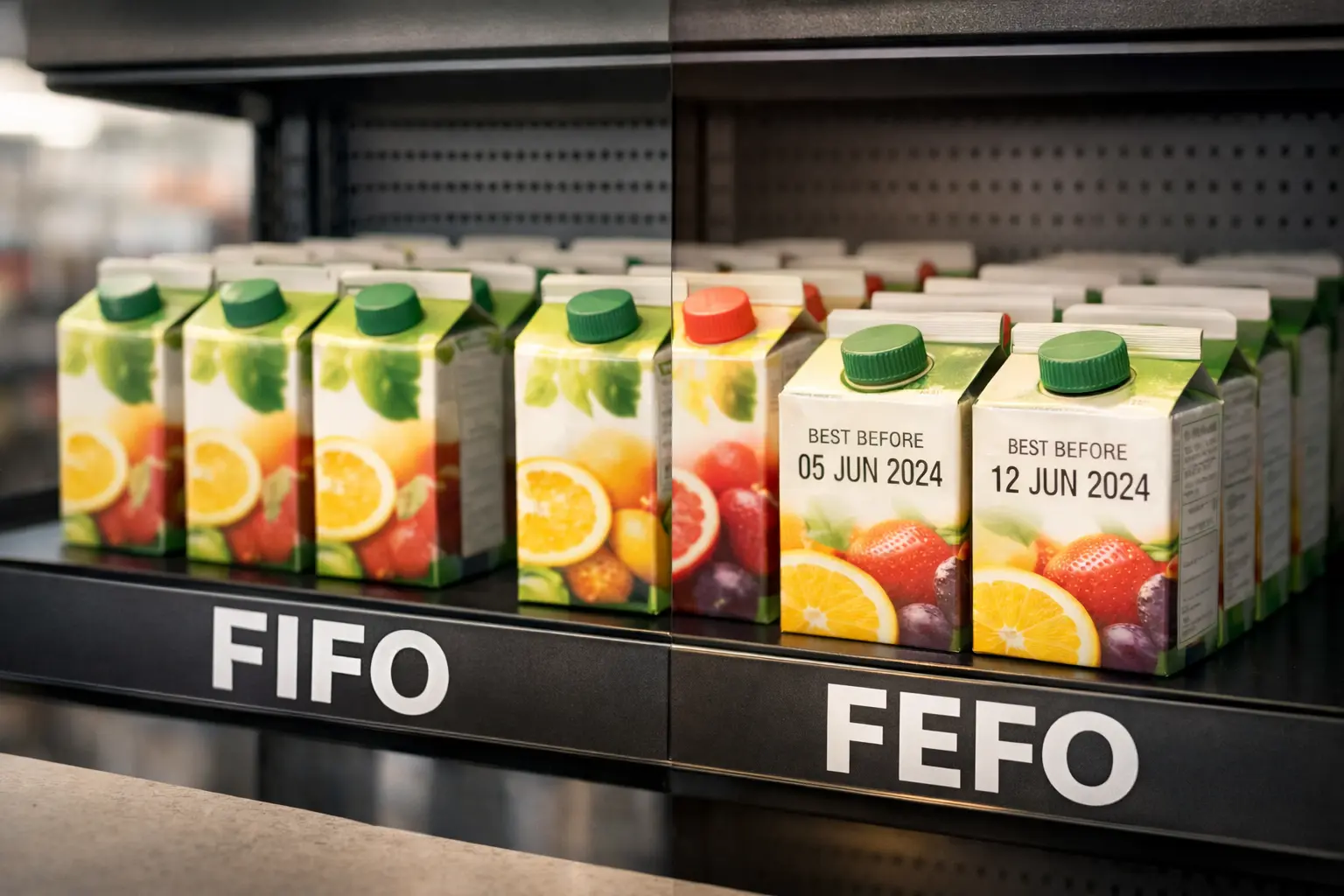
Running a small restaurant successfully requires much more than good food and friendly service. Behind every smooth dining experience is a constant balancing act involving inventory, staff coordination, customer expectations, kitchen communication, payment processing, scheduling, reporting, and operational efficiency. Most restaurant owners quickly realize that small mistakes compound fast in the food service industry. A delayed order during rush hour can affect table turnover, customer satisfaction, employee stress, and even online reviews within a single shift.
This is exactly why modern restaurant technology has become essential for small restaurants trying to stay competitive. A modern POS system for a small restaurant is no longer just a payment terminal or digital cash register. It acts as the operational backbone of the restaurant by connecting front-of-house and back-of-house workflows into one centralized system. Instead of managing disconnected tools and manual processes, restaurant owners gain real-time visibility into orders, inventory, employee activity, customer behavior, and sales performance.
For many small restaurants, operational inefficiency quietly destroys profitability. Food waste increases because inventory tracking is inaccurate. Staff members lose time because communication between servers and kitchen staff is inconsistent. Orders get delayed because handwritten tickets create confusion during busy periods. Managers struggle to understand which menu items are actually profitable because reporting systems are limited or outdated. Over time, these small operational problems create serious financial pressure.
A properly implemented restaurant POS system helps solve many of these issues by streamlining operations and improving visibility across the business. Restaurants can process orders faster, reduce errors, manage inventory more accurately, improve customer service, and make smarter business decisions using real operational data rather than assumptions.
At the same time, customer expectations have changed dramatically. Diners now expect fast checkout experiences, flexible payment methods, online ordering convenience, accurate customization options, and shorter wait times. Small restaurants that continue relying on outdated systems often struggle to meet these expectations consistently, especially during peak service hours.
In this guide, we’ll explore how modern restaurant POS systems work, why they matter for small restaurants, which features are most important, how POS technology improves profitability, and what restaurant owners should evaluate before choosing a platform.
Table of Contents
- Why Small Restaurants Need Modern POS Systems
- How Restaurant POS Systems Improve Daily Operations
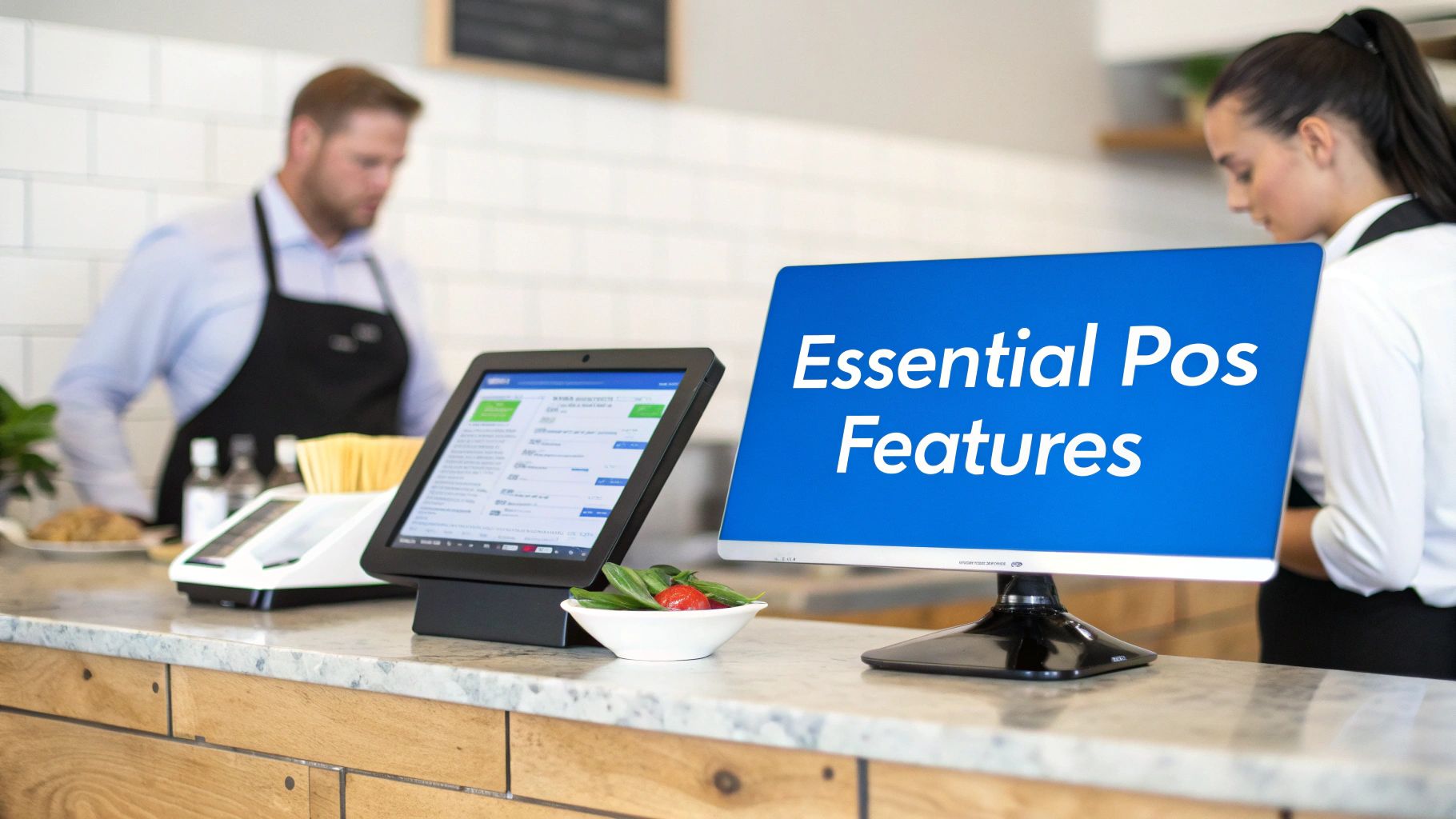
- Essential Features Every Restaurant POS Should Include
- Inventory Management and Food Cost Control
- Payments, Ordering, and Customer Experience
- Restaurant Reporting and Analytics
- Restaurant POS Pricing Considerations
- Implementation and Staff Training
- How POS Systems Improve Restaurant Profitability
- How Biyo POS Helps Small Restaurants Operate Efficiently
- Frequently Asked Questions
Why Small Restaurants Need Modern POS Systems
Many restaurant owners initially think a POS system is simply a tool for accepting payments. In reality, it impacts nearly every part of daily restaurant operations. Restaurants operate in extremely fast-paced environments where communication speed and operational accuracy directly affect customer satisfaction and profitability. During lunch or dinner rushes, even small delays can create operational chaos if systems are disorganized.
Without a modern POS system, restaurants often rely on fragmented workflows involving handwritten tickets, separate inventory spreadsheets, disconnected payment systems, and manual reporting processes. This slows operations and increases the likelihood of mistakes. Servers may accidentally enter incorrect orders. Kitchen staff may misread modifications. Managers may struggle to track ingredient usage accurately. Customers may experience long checkout delays or inconsistent service.
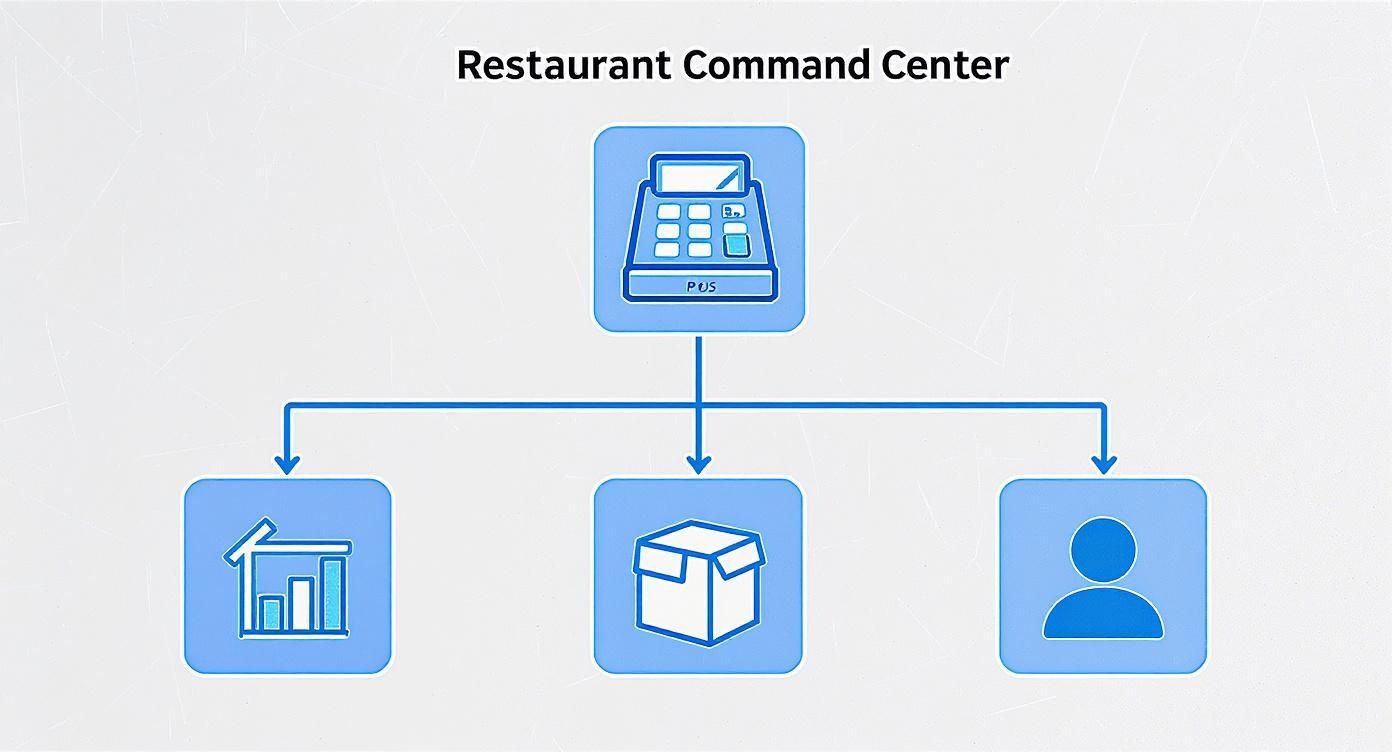
A restaurant POS system centralizes these workflows into one operational platform. Orders move instantly from servers to the kitchen. Payments process faster and more accurately. Inventory updates automatically as menu items are sold. Reporting dashboards provide real-time visibility into sales and operational performance. Instead of constantly reacting to operational problems, restaurant owners gain more control over the business.
For small restaurants especially, this operational efficiency matters because profit margins are often tight. Small improvements in order accuracy, food waste reduction, and table turnover can create meaningful long-term financial impact.
How Restaurant POS Systems Improve Daily Operations
Restaurant workflows are significantly more complex than standard retail operations. Retail stores typically process straightforward transactions where customers purchase products and leave. Restaurants must coordinate kitchen preparation, table management, menu customization, employee communication, and customer timing simultaneously.
Modern restaurant POS systems are designed specifically for these operational demands. Instead of functioning as basic transaction systems, they help restaurants coordinate multiple workflows at once. Servers can enter orders instantly while kitchen staff receive clear digital tickets with modifications displayed accurately. Managers can monitor table activity, employee performance, and sales trends in real time without relying on manual tracking.
Customization handling is one of the biggest operational advantages of restaurant-specific POS systems. Restaurants process countless modifications every day involving ingredient substitutions, dietary restrictions, sauce requests, toppings, and cooking preferences. Without organized digital workflows, these modifications can easily create confusion during busy shifts.
A restaurant POS system helps standardize communication between staff members. This improves consistency while reducing mistakes that negatively impact both customer satisfaction and food costs. Better communication also helps reduce stress among employees during peak operating hours.
Another major advantage is operational visibility. Restaurant owners can identify peak business periods, track sales trends, monitor employee efficiency, and analyze customer behavior more effectively. Instead of guessing what is happening operationally, they can make decisions based on measurable data.
Essential Features Every Restaurant POS Should Include
Not all restaurant POS systems are designed equally. Some focus heavily on payment processing while offering weak inventory tools. Others may provide reporting features but limited kitchen communication functionality. Small restaurants need systems that balance ease of use with operational depth.
One of the most important features is kitchen display integration. Modern Kitchen Display Systems replace handwritten tickets with digital order communication. Orders move directly from the POS system to kitchen screens, helping staff prepare meals faster and more accurately. This reduces confusion, improves preparation speed, and minimizes lost or misread tickets.
Floor plan and table management are equally important for dine-in restaurants. Staff can monitor table availability, seating status, reservations, and server assignments visually in real time. This improves seating coordination and helps maximize table turnover during busy hours.
Menu management flexibility also matters significantly. Restaurants frequently adjust pricing, add specials, remove unavailable items, and manage seasonal menus. A strong POS system makes these updates simple while ensuring consistency across ordering channels.
Offline functionality is another critical consideration. Restaurants cannot afford operational shutdowns because of internet outages. Reliable restaurant POS systems should continue processing orders and payments even during temporary connectivity problems.
Inventory Management and Food Cost Control
Food cost management is one of the biggest financial challenges for small restaurants. Inventory problems quietly reduce profitability every single day when businesses lack accurate visibility into ingredient usage and stock movement.
Modern restaurant POS systems help solve this problem through ingredient-level inventory tracking. As menu items are sold, the system automatically deducts associated ingredients from inventory counts. This creates real-time visibility into stock levels, ingredient depletion, waste trends, and purchasing patterns.
Without accurate inventory management, restaurants often over-purchase products, experience spoilage, run out of popular items unexpectedly, or miscalculate actual food costs. These issues directly impact profitability.
Inventory tracking also helps restaurants understand which menu items generate the strongest margins. Some dishes may sell well but generate weak profits because ingredient costs are too high. Others may be highly profitable but under-promoted. Better reporting allows owners to optimize menus strategically rather than relying on assumptions.
For small restaurants operating on tight margins, even small improvements in food waste reduction and inventory efficiency can create major long-term savings.
Payments, Ordering, and Customer Experience
Customer expectations around restaurant convenience have evolved rapidly in recent years. Diners now expect fast checkout experiences, digital payment flexibility, online ordering access, and accurate order customization.
Restaurants that rely on outdated systems often create unnecessary friction during payment and ordering processes. Long checkout delays reduce table turnover while frustrating customers during busy periods.
Integrated payment systems allow restaurants to accept:
- Credit cards
- Debit cards
- Contactless payments
- Mobile wallets
- Digital receipts
Many restaurants also now use handheld tablets or mobile devices for tableside ordering and payment processing. Servers can enter orders directly at the table and transmit them instantly to kitchen staff. Payments can also be completed tableside, reducing unnecessary delays while improving convenience for guests.
These operational improvements not only enhance customer experience but also increase efficiency for employees. Staff spend less time walking between terminals and more time focusing on customer service.
Restaurant Reporting and Analytics
One of the most valuable advantages of modern restaurant POS systems is access to operational data and reporting analytics. Many small restaurant owners operate partially on intuition because they lack detailed visibility into sales trends, inventory movement, and customer behavior.
A strong restaurant POS system provides real-time reporting involving revenue performance, peak operating hours, menu item popularity, labor efficiency, inventory usage, and customer purchasing patterns.
This reporting helps owners make smarter operational decisions. They can identify which menu items are most profitable, which shifts require additional staffing, and which promotions actually generate results.
Labor reporting is especially important because payroll represents one of the largest operational expenses in the restaurant industry. Better reporting helps restaurants align staffing schedules more accurately with customer demand.
Instead of reacting emotionally to operational problems, restaurant owners gain measurable insight into what is actually happening inside the business.
Restaurant POS Pricing Considerations
Restaurant POS pricing varies depending on hardware, software subscriptions, transaction fees, integrations, and feature depth. Small restaurant owners should avoid evaluating systems based only on monthly subscription pricing.
Some platforms appear inexpensive initially but generate higher long-term costs through expensive payment processing rates, weak reporting functionality, limited integrations, or costly support services.
Hardware expenses may include tablets, receipt printers, kitchen printers, cash drawers, and payment terminals. Many cloud-based systems now support iPads and Android tablets, helping reduce upfront hardware investment.
Restaurant owners should evaluate the total operational value of the system rather than focusing solely on the cheapest monthly price.
Implementation and Staff Training
Even the best restaurant POS system can create operational problems if implementation is rushed or disorganized. Restaurants should dedicate time to menu setup, workflow testing, kitchen communication configuration, inventory integration, and employee onboarding.
Staff training is critical because restaurant environments move quickly. Employees must feel comfortable using the system confidently during busy service periods.
Restaurants should prioritize POS systems with simple interfaces, responsive support teams, and reliable onboarding assistance. The easier the system is to learn, the faster operations stabilize after implementation.
Successful implementation is not just about installing software. It involves integrating the POS system naturally into daily restaurant workflows.
How POS Systems Improve Restaurant Profitability
A restaurant POS system is ultimately an operational investment designed to improve profitability over time. Faster service increases table turnover. Better inventory management reduces waste. Improved reporting helps optimize staffing and menu pricing. Stronger communication reduces costly order mistakes.
These operational improvements compound gradually. Small efficiency gains repeated daily across hundreds or thousands of transactions create meaningful long-term financial impact.
Restaurants that modernize operational workflows often experience improvements in:
- Customer satisfaction
- Operational consistency
- Employee efficiency
- Inventory control
- Profit visibility
- Service speed
Technology alone does not guarantee restaurant success, but inefficient systems almost always create unnecessary operational limitations.

How Biyo POS Helps Small Restaurants Operate Efficiently
Biyo POS helps small restaurants streamline operations through integrated cloud-based restaurant technology designed specifically for food service businesses.
The platform supports inventory management, kitchen display integration, sales reporting, tableside ordering, integrated payment processing, employee management, and customer analytics within one centralized system.
Biyo POS helps restaurants improve operational visibility while reducing manual administrative work and increasing workflow efficiency across both front-of-house and back-of-house operations.
Restaurant owners can process orders faster, manage inventory more accurately, improve service consistency, and gain real-time insight into business performance.
If you want to modernize restaurant operations and improve long-term efficiency, you can explore the platform directly through the Biyo POS scheduling page or create an account through the Biyo POS signup page.
Frequently Asked Questions
What is a restaurant POS system?
A restaurant POS system is software and hardware used to process payments, manage orders, track inventory, monitor sales, and improve restaurant operations.
Why do small restaurants need specialized POS systems?
Restaurant POS systems support workflows specific to food service businesses, including kitchen communication, menu modifiers, table management, tipping, and inventory tracking.
Can small restaurants use tablets for POS systems?
Yes. Many modern cloud-based restaurant POS systems support iPads and Android tablets for flexible restaurant operations.
How does inventory tracking improve restaurant profitability?
Inventory tracking reduces food waste, improves purchasing accuracy, monitors ingredient usage, and helps restaurants maintain stronger profit margins.
What features should a restaurant POS system include?
Important features include inventory management, kitchen display integration, reporting analytics, payment processing, menu customization, and offline functionality.
How does Biyo POS help restaurants?
Biyo POS helps restaurants improve operational efficiency through integrated inventory management, kitchen communication, reporting tools, customer analytics, and cloud-based restaurant management technology.