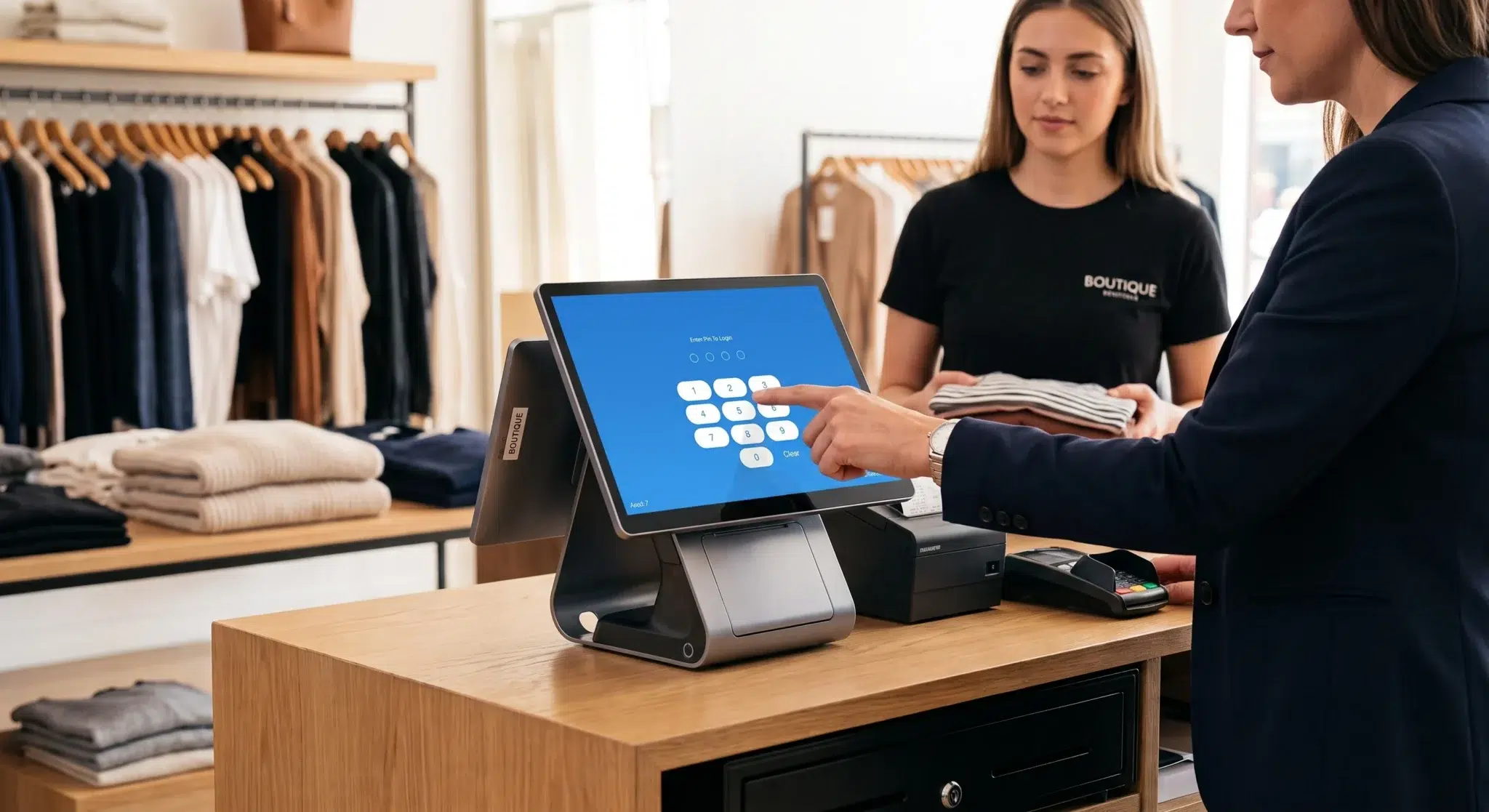
A modern POS system is the heart of any small restaurant, doing far more than simply processing payments. In today’s competitive hospitality landscape, restaurants rely on technology to coordinate orders, manage inventory, analyze customer behavior, and streamline service operations. A point-of-sale platform sits at the center of all these activities, functioning as the digital infrastructure that keeps the entire operation synchronized.
For small restaurants in particular, efficiency and accuracy can determine whether the business thrives or struggles. According to industry research from the National Restaurant Association, technology adoption has become one of the top priorities for restaurant operators, with more than half planning investments in modern POS systems to improve service speed and operational visibility. These platforms help restaurants manage everything from kitchen communication to financial reporting, allowing owners to focus on delivering memorable dining experiences.
Think of a modern POS less like a simple register and more like the brain of your entire business. Every order placed, every ingredient used, and every transaction completed feeds valuable information into a centralized system. That information becomes the foundation for smarter decisions about staffing, menu pricing, promotions, and long-term growth.
For small restaurants operating with tight margins, the difference between guessing and knowing can be enormous. A POS system turns everyday restaurant activity into structured data that reveals patterns and opportunities. Understanding this role is the first step toward selecting the right technology and using it effectively to strengthen your business.
Table of Contents
- Why Your POS Is More Than a Cash Register
- Decoding the Must-Have POS Features
- Kitchen and Order Management Tools
- Payment and Financial Essentials
- Inventory and Customer Relationship Tools
- How to Choose the Right POS System
- A Smooth Launch Plan for Your New POS
- Turning Your POS Data Into Profit
- How Biyo Helps Restaurants Run Smarter
- Frequently Asked Questions
Why Your POS Is More Than a Cash Register
Trying to pick the right point-of-sale system can feel overwhelming at first. Many restaurant owners start the process assuming they simply need a modern version of a cash register. In reality, a POS platform plays a far more significant role in daily restaurant operations. It serves as the central nervous system that connects the front-of-house, kitchen operations, customer data, and financial management into a single coordinated system.
Modern restaurants handle dozens or even hundreds of transactions every day. Each transaction includes order details, item modifications, payment methods, staff interactions, and timing information. Without a digital system to organize and process this data, restaurants often rely on manual tracking methods that lead to errors, inefficiencies, and lost opportunities.
That is why modern POS systems are designed to solve the most common operational challenges restaurants face. They eliminate handwritten tickets, reduce order mistakes, track inventory automatically, and provide real-time visibility into restaurant performance.
The Conductor of Your Restaurant Symphony
Picture a conductor leading an orchestra. Every musician must play their part at the right time for the music to come together smoothly. Restaurants operate in a similar way. Servers, cooks, hosts, and managers must coordinate their actions perfectly to create a seamless guest experience.
A POS system acts as that conductor. When a server enters an order on a tablet or terminal, the system instantly distributes that information across the restaurant.
- The order appears immediately on the kitchen display system so chefs can begin preparation.
- The system updates inventory levels by subtracting the ingredients used for the dish.
- The sale is recorded in the reporting dashboard to track menu performance.
This immediate communication eliminates the delays and confusion that often occur with manual processes. Instead of relying on paper tickets or verbal communication, every team member sees the same information at the same time.
This synchronized workflow is especially important during peak service hours. A restaurant that processes dozens of orders per hour needs reliable communication between the dining room and kitchen. A POS system ensures that orders flow smoothly through the restaurant without bottlenecks.
The food and beverage sector has unique operational challenges that require this level of coordination. Restaurants must manage perishable inventory, unpredictable demand, and fast-paced service environments. POS systems address these challenges by turning daily operations into structured, automated workflows.
Moving from Expense to Investment
Many restaurant owners initially view a POS system as an operational expense. However, once implemented effectively, it becomes a powerful investment that actively improves profitability.
A traditional cash register simply records transactions. A modern POS platform analyzes them. It reveals which dishes are profitable, which staff members generate the highest sales, and which hours produce the most revenue. With this information, restaurant owners can make strategic decisions that improve margins and customer satisfaction.
A well-chosen POS system acts as a proactive business partner. It transforms everyday transactions into valuable insights that help restaurant owners refine their menus, optimize staffing schedules, and identify revenue opportunities.
Understanding this shift in perspective is critical. A POS system is not just a tool for collecting payments. It is a strategic asset that enables small restaurants to compete more effectively in a data-driven industry.
Decoding the Must-Have POS Features
When researching small restaurant POS systems, the sheer number of features can feel overwhelming. Software providers often promote long lists of capabilities, but not all of them are equally important. The key is identifying the core features that directly improve daily operations and profitability.
Restaurants operate on tight margins and fast service cycles. A POS system must therefore focus on reliability, speed, and operational clarity. The most valuable features are those that simplify complex processes and reduce human error.
For example, table management tools help hosts track seating availability and turn tables efficiently. Integrated payment processing eliminates manual data entry errors. Inventory tracking ensures that restaurants maintain accurate stock levels without performing constant manual counts.
These features may appear technical, but their impact is very practical. They help restaurants serve guests faster, reduce operational costs, and gain better visibility into performance metrics.
Core POS Features and Their Direct Impact on Your Restaurant
| Essential Feature | What It Actually Does | The Bottom-Line Benefit |
|---|---|---|
| Kitchen Display System (KDS) | Sends orders from the server’s device directly to a screen in the kitchen. | Fewer order mistakes, faster ticket times, and a calmer kitchen staff. |
| Integrated Payments | Connects your card reader directly to the POS, so sales totals auto-populate. | Speeds up checkout, eliminates costly manual entry errors, and keeps lines moving. |
| Inventory Management | Tracks ingredients as menu items are sold, sending alerts when stock is low. | Reduces food waste, helps calculate plate costs, and prevents stock shortages. |
| CRM & Loyalty | Builds a database of customers and tracks their visit history. | Encourages repeat visits and supports targeted promotions. |
| Reporting & Analytics | Aggregates sales data into dashboards and performance reports. | Helps owners understand revenue patterns and optimize operations. |
These features collectively transform a POS system into a strategic operational platform rather than just a payment terminal.
Kitchen and Order Management Tools
Communication between the dining room and the kitchen is one of the most critical components of restaurant efficiency. Miscommunication often leads to incorrect orders, wasted food, and dissatisfied customers.
A Kitchen Display System (KDS) replaces traditional paper tickets with digital order screens. When servers enter an order, it instantly appears on the kitchen display along with modifiers and preparation instructions. This ensures chefs receive clear, standardized information.
Digital order management reduces mistakes caused by handwriting misinterpretation and lost tickets. It also allows kitchen staff to prioritize orders more effectively during busy service periods.
Additional order management features include menu customization tools and order tracking capabilities. These features allow restaurants to quickly update prices, remove items that are temporarily unavailable, and manage different order types such as dine-in, takeout, or delivery.
The result is a streamlined ordering process that minimizes confusion and improves overall service speed.
Payment and Financial Essentials
While POS systems provide many operational benefits, their primary function remains processing transactions securely and efficiently. Modern customers expect restaurants to accept a wide range of payment methods.
Integrated payment processing allows the POS software to communicate directly with the payment terminal. When a bill is finalized, the total amount automatically transfers to the card reader, eliminating manual input errors.
Today’s POS systems typically support multiple payment options, including:
- Chip-enabled credit and debit cards
- Contactless payments such as tap-to-pay
- Mobile wallets like Apple Pay and Google Pay
- Digital gift cards and restaurant credits
Providing flexible payment options improves the final stage of the dining experience. A smooth checkout process reinforces positive customer impressions and increases the likelihood of repeat visits.
The payment process is often the final interaction a guest has with your restaurant. A fast and seamless transaction experience reinforces the overall quality of service.
Inventory and Customer Relationship Tools
Inventory management is one of the most valuable capabilities of modern POS systems. Restaurants rely on precise ingredient tracking to maintain profitability. Even small inaccuracies in food cost calculations can significantly affect margins.
When inventory tracking is integrated with the POS system, each sale automatically updates ingredient levels. If a burger is sold, the system deducts the bun, patty, and other components from inventory. This real-time tracking provides restaurant managers with immediate insight into stock levels.
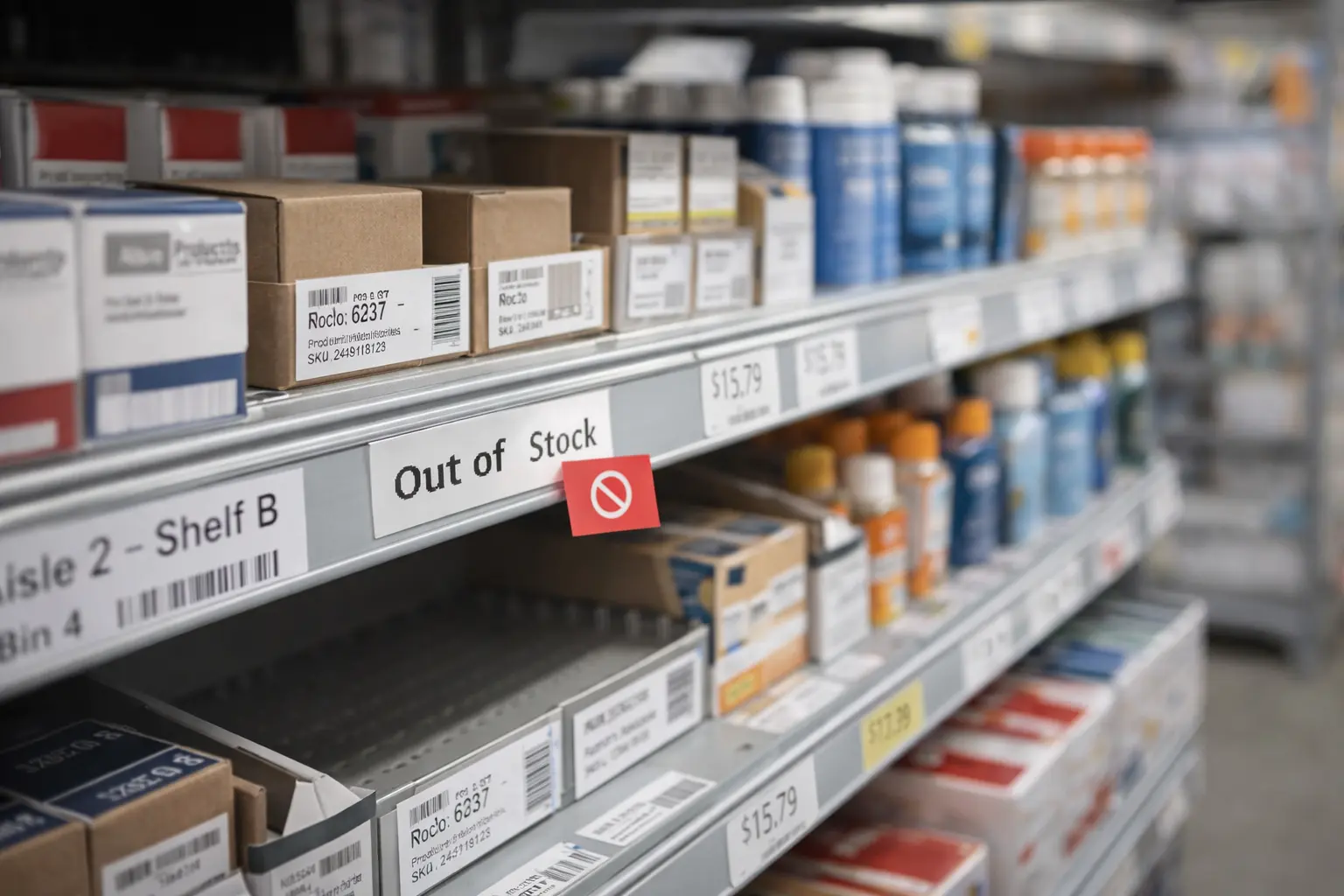
Restaurants can also configure low-stock alerts to notify staff when key ingredients need replenishment. These alerts help prevent service interruptions caused by missing menu items.
Customer relationship management features further enhance the value of a POS system. By collecting customer visit data and purchase history, restaurants can identify loyal guests and personalize marketing efforts.
Loyalty programs, targeted promotions, and personalized offers can significantly increase customer retention. Research suggests that repeat customers often spend up to 67 percent more than first-time visitors, making loyalty initiatives an essential growth strategy for restaurants.
How to Choose the Right POS System
Selecting the right POS system requires careful evaluation of both operational needs and long-term business goals. Restaurants vary widely in size, service style, and technology requirements, so the best system for one business may not work for another.
The decision should begin with a clear understanding of your restaurant’s workflow. Consider how orders move from servers to the kitchen, how payments are processed, and how inventory is tracked. The POS system should support these processes without adding unnecessary complexity.
Nail Down Your Budget
Cost is one of the first factors restaurant owners evaluate when selecting a POS system. Pricing models typically include hardware costs and recurring software subscription fees.
Some providers require restaurants to purchase proprietary hardware such as dedicated terminals, printers, and card readers. Other systems allow businesses to use tablets or existing devices, which can significantly reduce upfront expenses.
Subscription fees usually cover software access, cloud storage, reporting tools, and technical support. Evaluating the total cost of ownership over several years helps restaurant owners make informed financial decisions.
Assess Your Hardware Needs
Hardware requirements depend largely on the restaurant’s service style. A small café may operate effectively with a single POS terminal, while a full-service restaurant may require multiple stations, handheld ordering devices, and kitchen display screens.
Tablet-based POS systems have become increasingly popular because they offer flexibility and mobility. Servers can take orders and process payments directly at the table, reducing wait times and improving customer convenience.
However, restaurants must also consider durability. POS hardware operates in demanding environments where spills, heat, and heavy usage are common. Choosing equipment designed specifically for hospitality environments ensures long-term reliability.
The Power of Smart Integrations
Another critical factor when evaluating POS systems is integration capability. Modern restaurants rely on multiple digital tools, including accounting platforms, delivery services, and online ordering systems.
A POS platform that integrates with these tools eliminates duplicate data entry and improves operational accuracy. For example, integrating accounting software allows daily sales reports to automatically update financial records.
Building a connected technology ecosystem enables restaurant owners to maintain a complete overview of business performance without manually consolidating data from multiple systems.
Plan for Growth and Glitches
Restaurants must also consider scalability when selecting a POS system. The technology chosen today should support future growth such as additional locations, expanded menus, or new service models like delivery and catering.
Equally important is offline functionality. Internet connectivity disruptions can occur unexpectedly, and a POS system must continue operating during outages.
Industry data shows that approximately 52 percent of restaurants plan to upgrade their POS systems in the near future, highlighting the increasing reliance on technology for operational resilience and growth.
A Smooth Launch Plan for Your New POS
Implementing a new POS system requires careful preparation to ensure a smooth transition. Restaurants that rush deployment without proper planning often encounter operational disruptions during the early stages of implementation.
Preparation begins with backing up existing business data, including sales history, employee records, and customer information. Having access to historical data allows restaurant owners to maintain continuity when transitioning to the new system.
Pre-Launch Preparation is Key
One of the most important setup tasks involves configuring the restaurant’s menu within the new system. This process includes entering menu items, prices, modifiers, and tax settings.
Organizing menu categories logically ensures servers can locate items quickly when entering orders. Efficient menu design directly improves ordering speed and reduces service delays.
Restaurants should also configure modifiers such as dietary substitutions, cooking preferences, and add-ons. Properly structured modifiers ensure the kitchen receives accurate preparation instructions for each order.
Hardware Setup and Staff Training
After configuring the system software, restaurants must install hardware components such as POS terminals, receipt printers, and kitchen displays. Positioning equipment strategically helps staff move efficiently during service.
Staff training is equally important. Employees should practice entering orders, processing payments, and handling common scenarios like split bills or refunds.
Hands-on training sessions allow staff to become comfortable with the system before it is introduced during live service. This preparation significantly reduces errors during the first days of operation.
Testing and Troubleshooting Before Go-Live
Before fully launching the POS system, restaurants should conduct test transactions to verify that all components operate correctly. Testing scenarios may include dine-in orders, takeout transactions, and promotional discounts.
Identifying and resolving minor technical issues before the official launch prevents disruptions during actual service hours. A carefully executed rollout ensures the POS system supports operations rather than complicating them.
Turning Your POS Data Into Profit
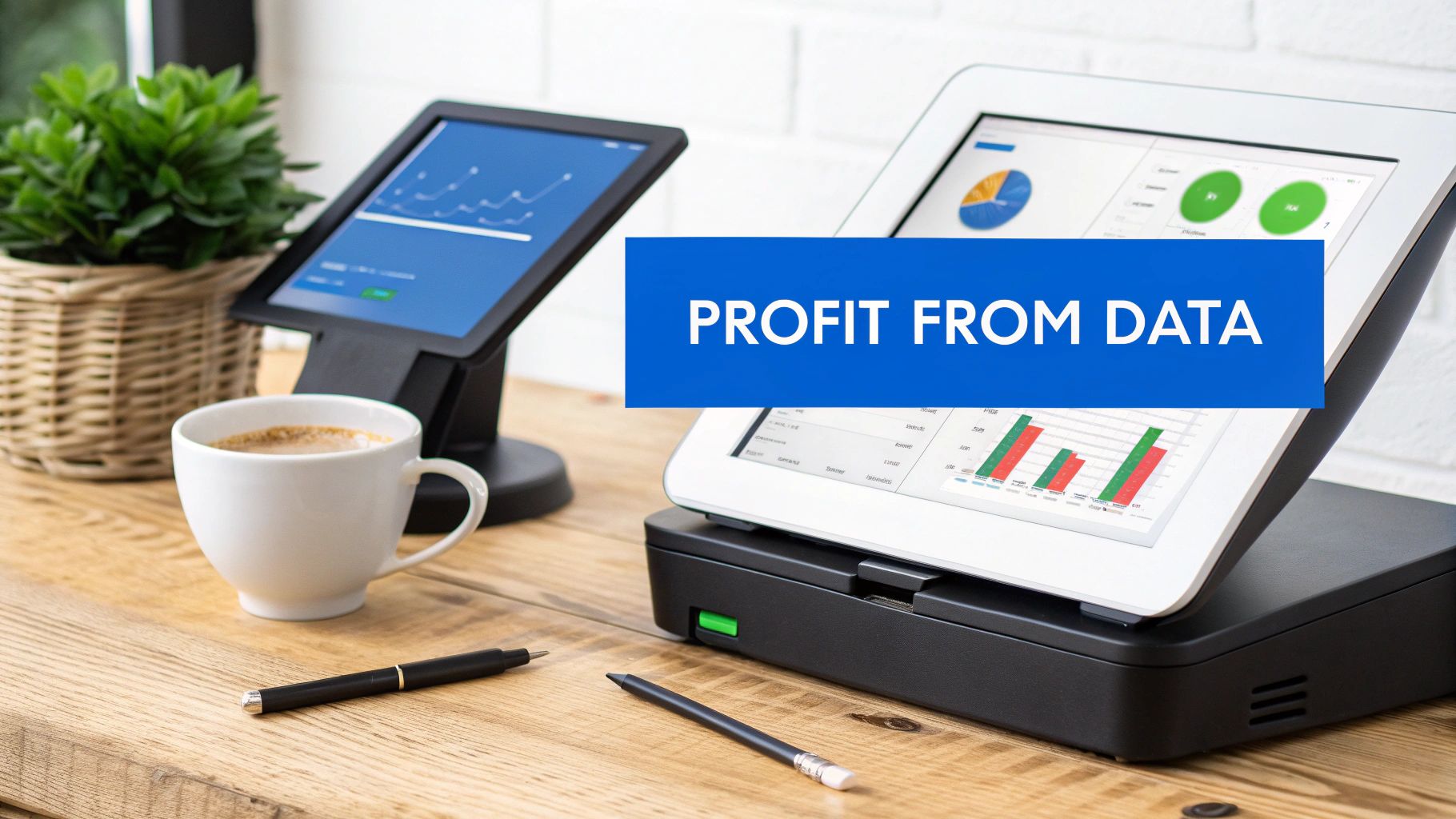
One of the most powerful benefits of a modern POS system is its ability to transform raw sales data into strategic business insights. Every transaction recorded by the system contributes to a growing dataset that reveals patterns about customer behavior, menu performance, and operational efficiency.
Restaurants that actively analyze POS data can make informed decisions that increase profitability and reduce operational waste.
Engineering a More Profitable Menu
Menu engineering is a strategy that uses sales data to evaluate both popularity and profitability of menu items. POS reports reveal which dishes sell most frequently and which generate the highest margins.
By analyzing product mix reports, restaurant owners can highlight top-performing dishes, adjust pricing strategies, and remove underperforming items that occupy valuable menu space.
Optimizing Staffing and Reducing Labor Costs
POS sales reports also help restaurants align staffing levels with customer demand. Hourly sales data reveals peak service periods and slower times during the week.
Managers can use this information to create more efficient staff schedules. Proper staffing ensures excellent service during busy periods while preventing unnecessary labor expenses during slower hours.
Slashing Food Waste Through Inventory Insights
Inventory tracking integrated with POS systems enables restaurants to monitor ingredient usage in real time. This visibility helps reduce over-ordering and spoilage.
The global POS software market reflects the growing importance of these capabilities. Analysts estimate the market will grow from approximately $12.7 billion to more than $24 billion within the next decade, driven largely by restaurant demand for data-driven operations.
Rewarding Top Performers and Boosting Team Morale
POS analytics can also track employee performance metrics such as sales per server, average ticket size, and table turnover time. These insights allow managers to recognize top-performing employees and identify training opportunities.
Performance transparency fosters a more motivated team environment and encourages staff to focus on delivering excellent customer experiences.
How Biyo Helps Restaurants Run Smarter
Technology is most valuable when it simplifies restaurant operations rather than complicating them. Biyo POS was built specifically to help restaurants manage orders, payments, and business analytics through a single intuitive platform.
Restaurant owners can explore how the system works by scheduling a personalized demo with the Biyo team. This allows operators to see firsthand how features like inventory tracking, real-time analytics, and integrated payment processing support daily restaurant operations.
Biyo is designed to reduce complexity while providing powerful tools for growth. From kitchen display systems and menu management to advanced reporting dashboards, the platform centralizes the most critical operational processes within one unified system.
For restaurant owners ready to modernize their operations, it is easy to create a Biyo account and start exploring the platform. With flexible deployment options and user-friendly interfaces, Biyo helps restaurants improve efficiency, reduce errors, and gain clearer visibility into business performance.
Frequently Asked Questions
How much does a small restaurant POS system typically cost?
The cost of a POS system varies depending on hardware requirements and software subscription plans. Small restaurants typically spend between $1,000 and $2,500 for initial hardware such as tablets, receipt printers, and card readers. Monthly software subscriptions generally range from $70 to $200 per terminal depending on features and support services.
Payment processing fees are usually charged separately as a percentage of each transaction. Evaluating the total cost of ownership over several years helps restaurant owners understand the true financial investment.
Can a POS system help reduce food waste?
Yes. Modern POS systems track ingredient usage automatically when menu items are sold. This real-time inventory tracking helps restaurants identify patterns in ingredient consumption and adjust purchasing decisions accordingly.
Restaurants can also configure low-stock alerts and monitor ingredient turnover rates. These capabilities help reduce spoilage and ensure that perishable ingredients are used efficiently.
Do small restaurants really need advanced POS analytics?
Even small restaurants benefit significantly from POS analytics. Sales reports reveal customer preferences, peak service hours, and high-performing menu items.
With this information, restaurant owners can optimize menu pricing, adjust staffing schedules, and design promotions that attract repeat customers. Analytics transform everyday sales activity into actionable business insights.
What happens if the internet connection fails?
Many modern POS systems include offline functionality that allows restaurants to continue processing orders and payments even when internet connectivity is interrupted.
Transactions recorded during offline periods are automatically synchronized with the cloud once the internet connection is restored. This ensures business operations continue without disruption during connectivity issues.
How long does it take to train staff on a POS system?
Training time depends on the complexity of the system and the experience level of the staff. However, most modern POS platforms are designed with intuitive interfaces that allow employees to learn basic functions within a few hours.
Hands-on practice sessions and simulated transactions can accelerate the training process and ensure staff feel confident using the system during live service.
Is a tablet-based POS system reliable for restaurants?
Tablet-based POS systems have become widely adopted in the restaurant industry because they offer mobility, affordability, and ease of use. When combined with durable cases and reliable peripherals, tablet systems can perform just as reliably as traditional terminals.
Many restaurants prefer tablet POS solutions because they allow servers to take orders and process payments directly at the table, improving service speed and customer convenience.