
Understanding how POS helps service businesses track customers is essential for any company looking to improve retention, increase revenue, and deliver a better customer experience. In service-based industries such as salons, repair shops, fitness centers, and consulting services, long-term success depends heavily on relationships. Unlike retail, where transactions can be one-time events, service businesses thrive when customers return consistently.
A modern POS system goes far beyond processing payments. It acts as a centralized hub for collecting customer data, tracking behavior, managing appointments, and analyzing trends. When used correctly, it allows businesses to move from reactive service to proactive engagement—anticipating customer needs instead of simply responding to them.
As competition increases, businesses that leverage customer data effectively will stand out. POS systems provide the tools needed to understand customer habits, personalize services, and build stronger connections that lead to long-term loyalty.
Table of Contents
- Client Data Collection with POS Systems
- Tracking Service History and Customer Preferences
- Loyalty Programs and Repeat Business Insights
- Integrated Scheduling and Follow-Up Features
- CRM Integration and Data Reporting
- Why Choose Biyo POS for Service Businesses
- FAQs
Client Data Collection with POS Systems
One of the most important aspects of how POS helps service businesses track customers is automated data collection. Every interaction—whether it’s a booking, payment, or inquiry—adds to a growing customer profile.
Building a Customer Profile in POS
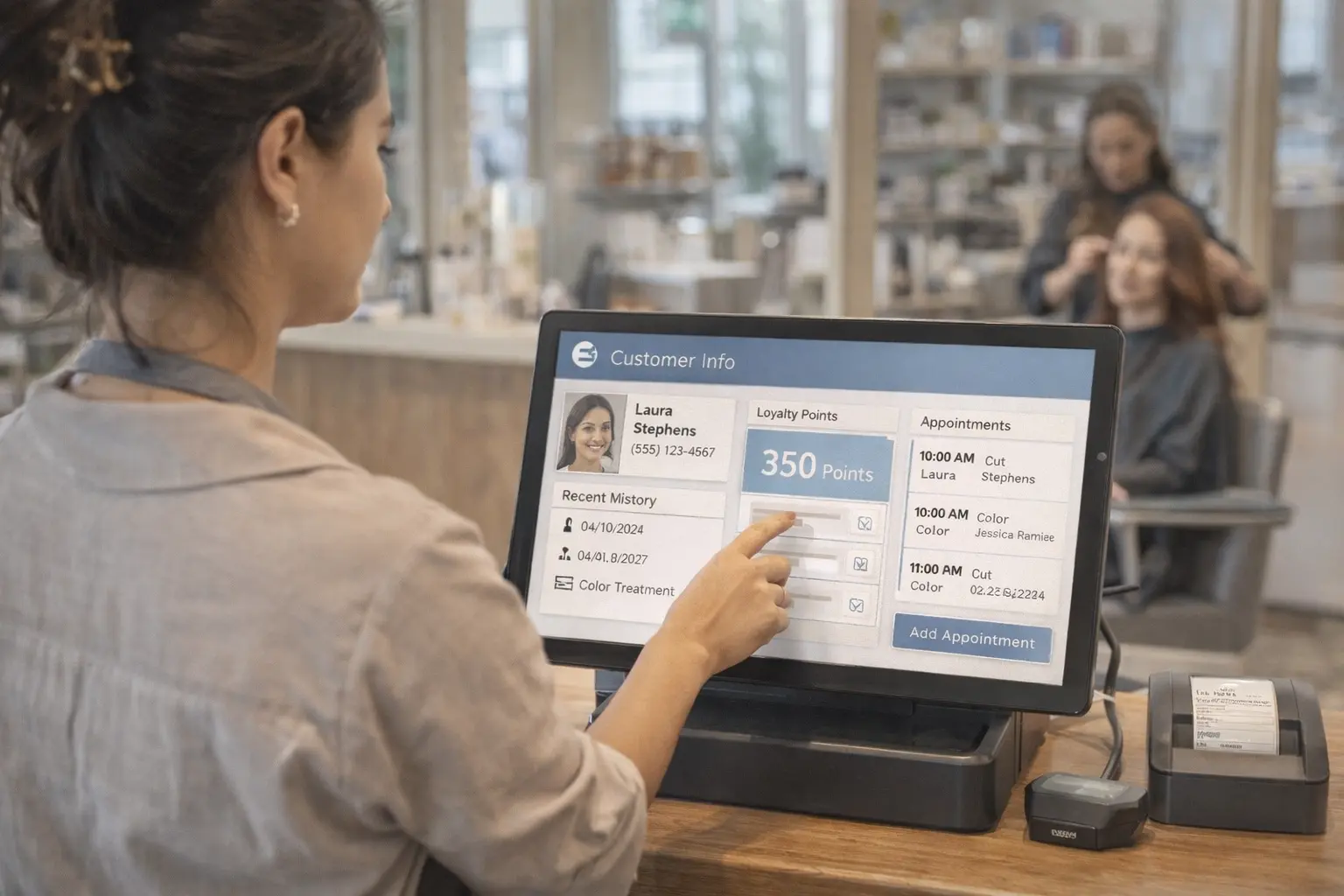
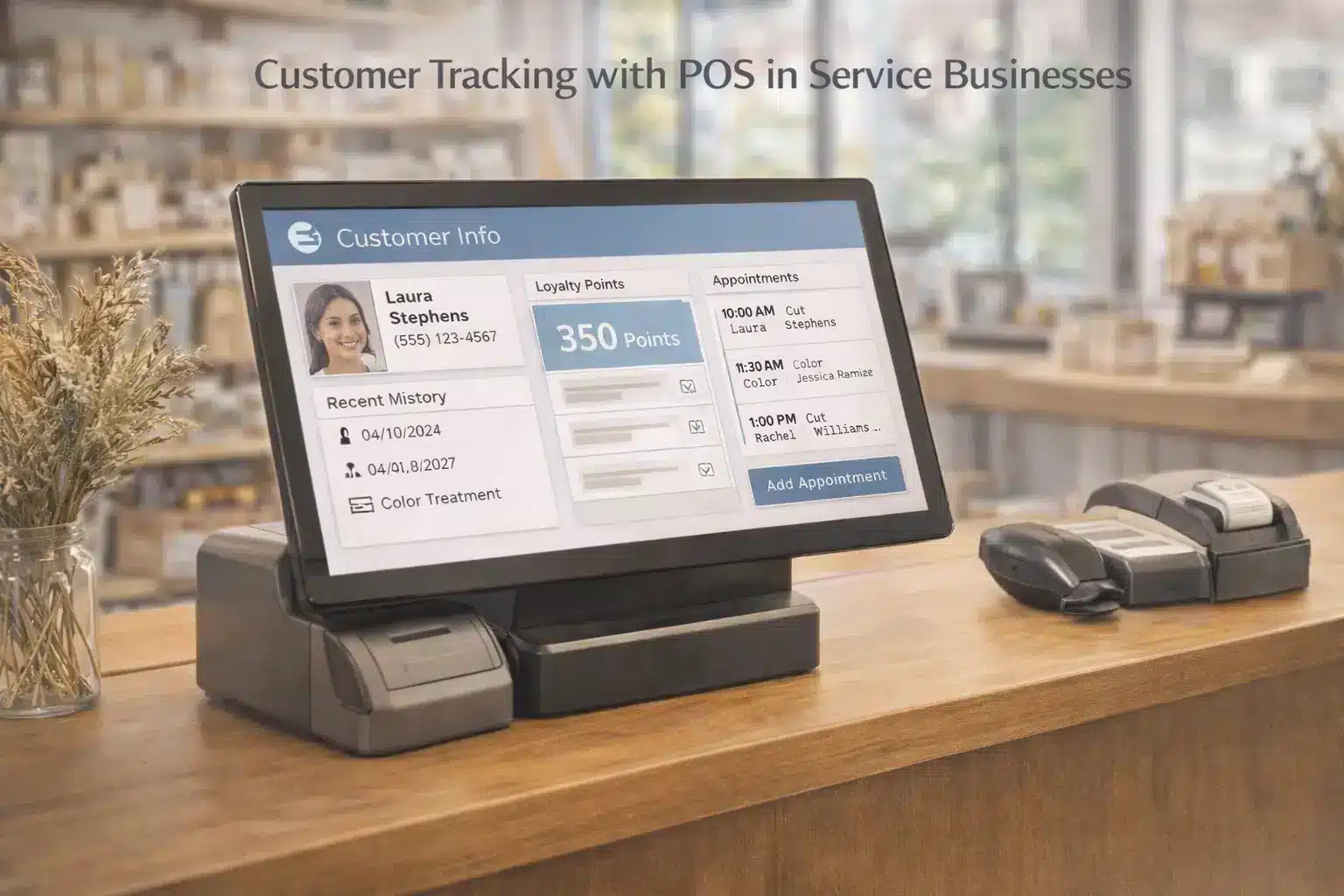
Each transaction contributes valuable information, including name, phone number, email, service history, and purchase behavior. Over time, this builds a detailed profile that provides a complete view of each customer.
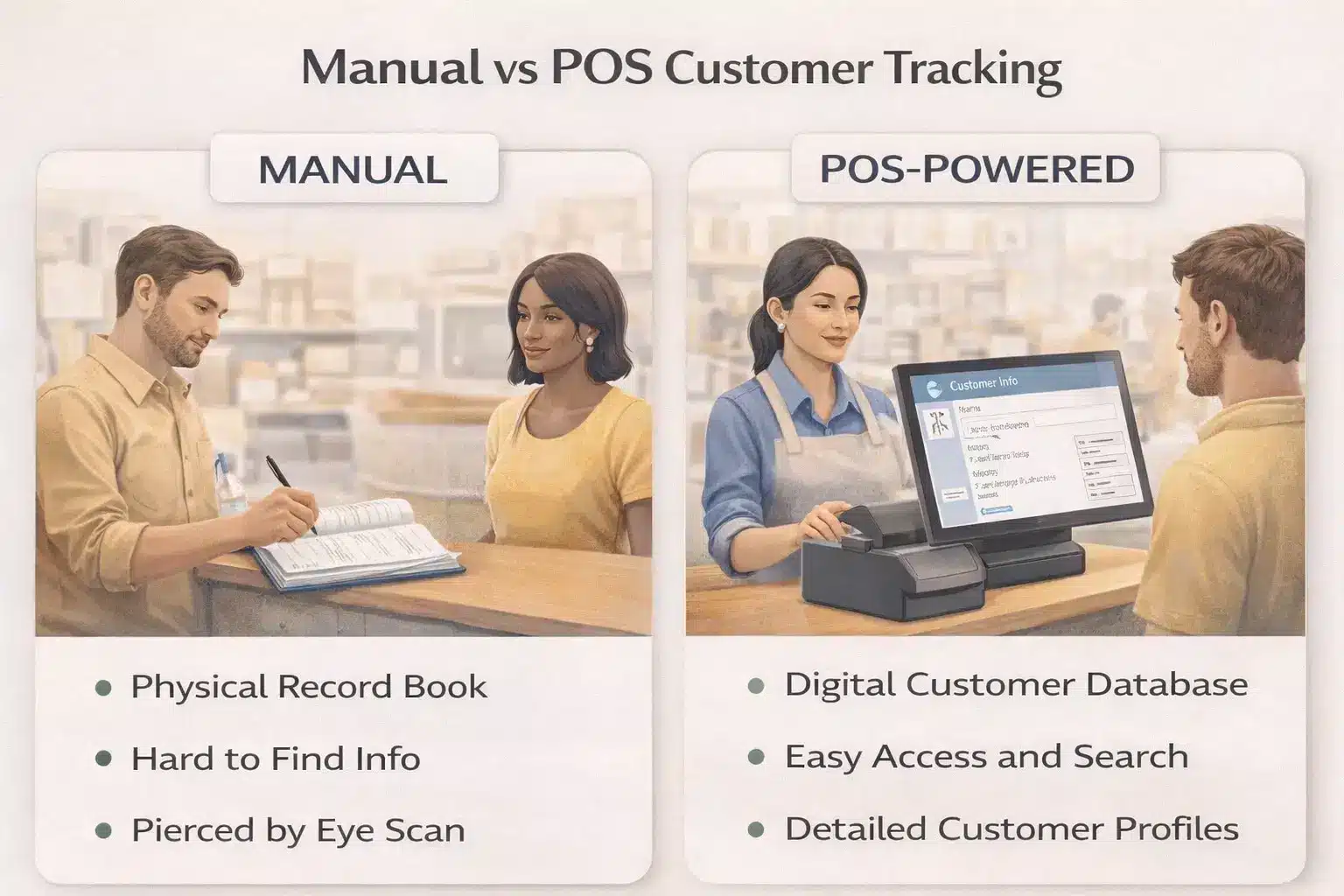
This centralized system eliminates the need for scattered notes or manual tracking. Everything is stored digitally, making it easy for staff to access and use when interacting with clients.
Having this information readily available improves efficiency and enables personalized service, which is critical for customer satisfaction.
Tracking Visit Frequency
POS systems automatically track how often customers visit. This data helps identify loyal clients as well as those who may be slipping away.
For example, if a regular customer hasn’t visited in a while, the system can flag them for re-engagement campaigns. This proactive approach helps maintain relationships and prevent churn.
Over time, analyzing visit frequency also reveals patterns that can guide marketing and operational decisions.
Monitoring Spending Habits
Understanding how much customers spend—and on what—provides valuable insights. POS systems track transaction values and categorize purchases.
This allows businesses to identify high-value customers and tailor offers accordingly. It also helps in designing pricing strategies and service bundles that align with customer preferences.
By leveraging spending data, businesses can increase average order value and overall profitability.
 Tracking Service History and Customer Preferences
 Tracking Service History and Customer Preferences
A deeper layer of how POS helps service businesses track customers involves maintaining detailed service history records. This ensures consistency and improves the overall customer experience.
Viewable Service Logs
Every appointment, service, or transaction is logged in the system. Staff can quickly access this history to understand what the customer previously requested.
This eliminates the need for customers to repeat information, saving time and reducing frustration. It also ensures continuity, especially when different staff members serve the same client.
Service logs are particularly valuable in industries like salons or auto repair, where past details directly impact future service quality.
Personalized Recommendations
POS systems use historical data to suggest relevant services or products. For example, if a customer regularly books a specific treatment, the system can recommend complementary services.
These personalized suggestions increase customer satisfaction while driving additional revenue.
When recommendations feel relevant rather than generic, customers are more likely to accept them.
Custom Preferences and Notes
Staff can record preferences such as favorite products, allergies, or specific service requests. These notes help create a tailored experience for each customer.
Remembering small details makes a big difference. It shows customers that the business values their preferences and pays attention to their needs.
This level of personalization builds stronger relationships and encourages repeat visits.
Loyalty Programs and Repeat Business Insights
Loyalty is at the core of how POS helps service businesses track customers. A well-designed POS system not only tracks visits but also incentivizes repeat business.
Digital Loyalty Programs
POS systems replace outdated punch cards with digital loyalty programs. Customers earn points or rewards automatically with each visit.
This simplifies management and makes it easier for customers to participate.
Digital systems also allow businesses to customize rewards based on customer behavior.
Automated Rewards and Notifications
Automated alerts notify customers when they earn rewards or qualify for discounts. These reminders encourage them to return.
Combining loyalty programs with automated messaging creates a powerful retention strategy.
It keeps the business top-of-mind and strengthens customer engagement.
Analyzing Repeat Behavior
POS systems provide insights into repeat visits, peak times, and popular services. This data helps businesses refine their offerings and optimize operations.
Understanding why customers return allows businesses to replicate successful strategies.
It also highlights areas for improvement, ensuring continuous growth.
Integrated Scheduling and Follow-Up Features
Scheduling is a key component of how POS helps service businesses track customers. Integrating it with POS systems enhances efficiency and improves the customer journey.
Appointment Tracking
Every booking is recorded and linked to the customer profile. This provides a complete history of interactions.
Staff can quickly access past appointments, making service delivery smoother and more consistent.
Automated Reminders
SMS and email reminders reduce no-shows and improve attendance rates.
Automated notifications also save staff time and ensure customers stay informed.
Recurring Bookings
POS systems can schedule recurring appointments automatically. This is particularly useful for services that require regular visits.
It simplifies the booking process and increases customer retention.
Post-Service Follow-Ups
Follow-up messages after appointments help gather feedback and encourage rebooking.
They also provide opportunities for promotions and customer engagement.
CRM Integration and Data Reporting
Advanced CRM tools and analytics complete the picture of how POS helps service businesses track customers.
CRM Integration
POS systems often integrate with CRM platforms, allowing businesses to manage customer relationships more effectively.
This integration ensures all data is centralized and accessible.
Customer Segmentation
Businesses can group customers based on behavior, spending, or preferences. This allows for targeted marketing campaigns.
Segmentation improves conversion rates and ensures messages are relevant.
Analytics and Reporting
Detailed reports provide insights into customer behavior, retention rates, and revenue trends.
These insights guide strategic decisions and help identify growth opportunities.
Data-driven decisions lead to better outcomes and long-term success.
Why Choose Biyo POS for Service Businesses
 Why Choose Biyo POS for Service Businesses
Biyo POS offers a complete solution for service businesses looking to track customers effectively. With features like CRM integration, appointment scheduling, loyalty programs, and real-time analytics, it provides everything needed to manage and grow your business.
Its intuitive interface and automation tools reduce manual work and improve efficiency. Businesses can focus on delivering exceptional service while the system handles data management.
To see how it works, schedule a call or sign up here.
FAQs
Can a POS system track individual customer preferences?
Yes, modern POS systems store preferences, history, and notes for each customer.
Is a POS with scheduling better than separate tools?
Yes, integration improves efficiency and reduces data duplication.
Does POS tracking improve marketing?
Absolutely. It enables targeted campaigns and personalized offers.