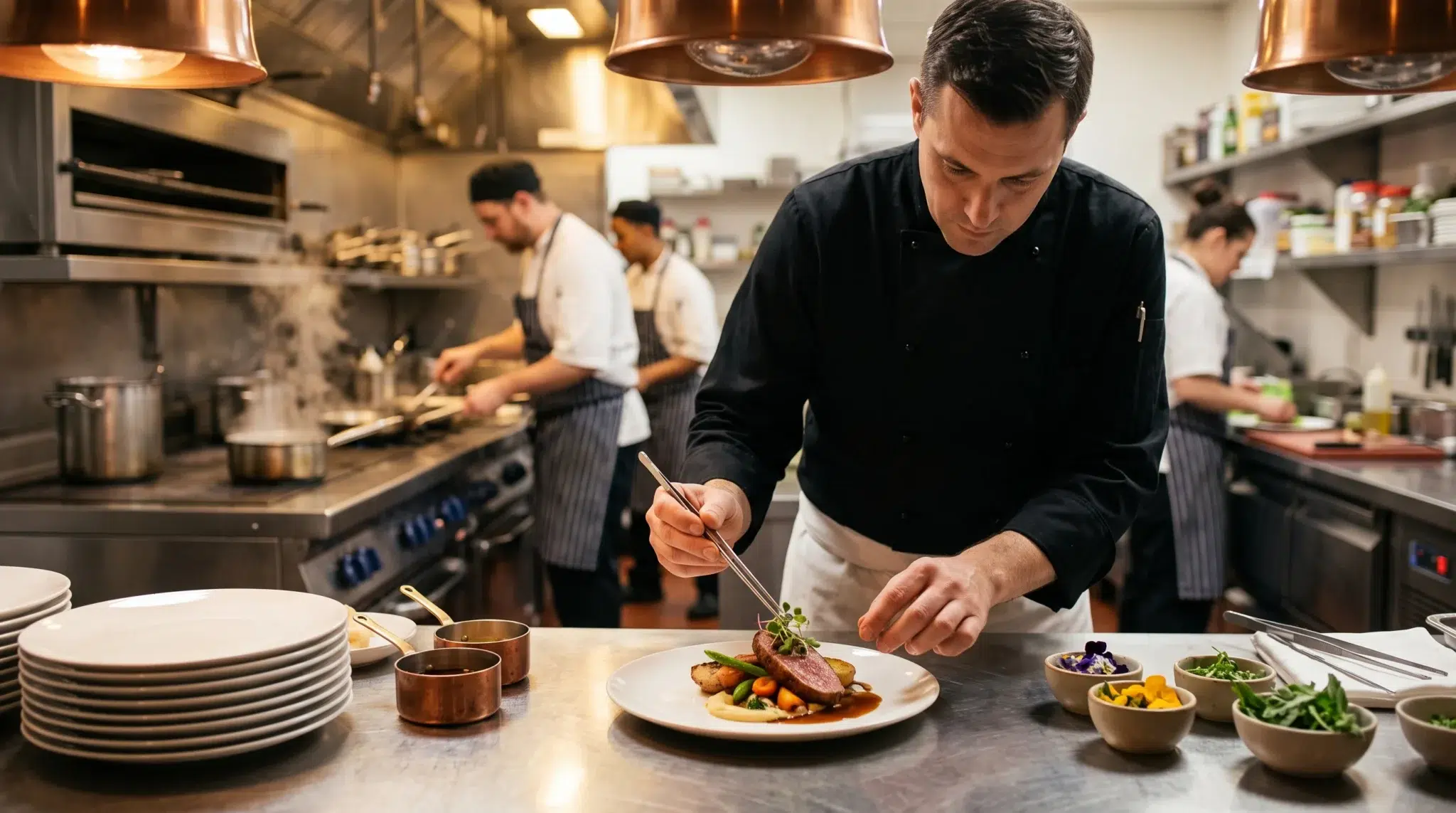

Operating a high-volume commercial kitchen requires absolute control over your culinary inventory, but learning how to 86 menu items in real time is essential for protecting your guest experience. During a chaotic Friday dinner rush, a kitchen can run out of fresh ribeye steaks, fresh halibut, or specialty craft cocktail ingredients in seconds. In a traditional restaurant environment, line cooks shout “86 ribeye!” down the line, hoping the front-of-house service staff hears the call.
Unfortunately, in today’s omnichannel dining landscape, verbal kitchen announcements fail to protect your digital storefronts. While floor servers might remember to stop taking in-house orders, your direct web ordering portal and third-party delivery marketplaces continue selling that sold-out dish. Consequently, hungry online diners order food your kitchen cannot prepare. When this happens, hostesses must frantically call angry customers to negotiate food substitutions while delivery couriers crowd the host stand.
However, managing kitchen sellouts does not have to result in operational chaos or lost restaurant revenue. In fact, modern cloud technology allows kitchen teams to 86 menu items in real time across registers, kitchen displays, and web ordering portals with a single tap. By linking recipe inventory depletion triggers with bi-directional cloud synchronization, you can eliminate out-of-stock orders permanently. This comprehensive guide breaks down the true damage of digital sellouts, explains the mechanics of automated depletion triggers, and demonstrates how instant 86-ing protects your restaurant reputation.
Table of Contents
- The Cascading Damage of Selling Out-of-Stock Food Online
- Why Traditional Kitchens Struggle to 86 Menu Items in Real Time
- Automated Inventory Depletion Triggers: How Smart POS Tracks Portions
- The 1-Tap 86 Workflow: From Line Cook to Digital Storefront
- Multi-Channel Synchronization: Connecting POS, Online Store, and Kitchen Hub
- Component and Modifier 86-ing: Managing Complex Customizations
- Proactive Guest Recovery: Managing Sold-Out Situations Elegantly
- 6 Operational Best Practices for Flawless Menu Availability
- Side-by-Side Comparison
- How Biyo POS Automates Real-Time Menu Availability
- Frequently Asked Questions
The Cascading Damage of Selling Out-of-Stock Food Online
Many restaurant operators view selling out of a popular signature dish as a badge of honor. While selling out demonstrates culinary demand, accepting digital payment for an unavailable item creates an operational disaster. When an out-of-stock order enters your kitchen during peak service, it triggers a chain reaction of operational failures.
As a result, your kitchen crew, floor staff, and delivery couriers waste precious time resolving a mistake that should never have happened. Understanding this cascading damage helps operators prioritize automated menu synchronization.
The Frantic Host Call and Unhappy Diners
When an online ticket arrives containing an 86-ed item, your kitchen line grinds to a halt. A shift manager or hostess must stop their regular duties, locate the customer’s phone number, and place an awkward phone call.
In most cases, the customer does not answer an unknown number while expecting dinner. When they do answer, the customer is disappointed and frustrated. The host must read through alternative menu items, calculate price differences manually, and adjust the ticket. If the customer cancels the order entirely, your restaurant loses the sale and damages a valuable customer relationship.
Courier Staging Gridlock and Delayed Deliveries
While your staff attempts to contact the customer, third-party delivery couriers arrive at your takeout counter. Because the order cannot be cooked, the driver is forced to wait in your lobby.
Consequently, delivery drivers crowd your entrance, blocking incoming dine-in guests and creating front-of-house congestion. Furthermore, every minute a courier waits in your lobby increases the probability that the rest of the customer’s food arrives cold. Therefore, learning how to 86 menu items in real time prevents delivery staging bottlenecks before they disrupt your dining room.
Algorithmic Penalties and Platform Downranking
Delivery marketplaces monitor restaurant order cancellation rates aggressively. When your restaurant cancels an order due to an out-of-stock item, marketplace algorithms penalize your store profile:
- Algorithmic Suppression: High cancellation rates cause delivery apps to bury your restaurant listing beneath local competitors in search results.
- Loss of Preferred Merchant Badges: Platforms revoke premier partner status, reducing your overall digital order volume.
- Customer Review Carnage: Disappointed customers leave negative online reviews on major search platforms, complaining about canceled dinners rather than your food quality.
 Why Traditional Kitchens Struggle to 86 Menu Items in Real Time
 Why Traditional Kitchens Struggle to 86 Menu Items in Real Time
In a traditional restaurant setup, taking an item off the menu requires manual effort across multiple disconnected systems. Line cooks communicate verbally, servers write notes on whiteboards, and managers scramble to update separate hardware devices.
This fragmented workflow guarantees that sold-out dishes remain available online long after the kitchen preps its last portion.
The Countertop Tablet Labyrinth
If your restaurant operates third-party delivery without centralized integration, your hostess stand holds multiple standalone tablets. When the kitchen runs out of salmon, a manager must manually log into DoorDash, Uber Eats, Grubhub, and your website backend to disable that dish individually.
During a hectic dinner rush, managers simply do not have five spare minutes to log into multiple vendor portals. Consequently, staff delay the update until the rush subsides, allowing dozens of invalid orders to slip through.
Shift Handover and Prep Communication Gaps
Communication breakdowns frequently occur during mid-day shift changes. The morning prep cook might use the final portion of house-made pasta dough at 3:00 PM without logging the shortage in a central log.
When the evening dinner crew arrives at 4:30 PM, they assume full stock until an order prints on the kitchen rail. Without automated software tracking, your service team operates blind, discovering stockouts only after customers have paid for their meals.
Automated Inventory Depletion Triggers: How Smart POS Tracks Portions
The most effective way to manage menu availability is by preventing sellouts before they surprise your staff. Modern point of sale software utilizes recipe-level inventory decrementing to monitor ingredient levels continuously.
By establishing automated inventory depletion triggers, your system manages availability mathematically without relying on memory.
Recipe-Level Ingredient Tracking vs. Unit Counting
Traditional retail inventory counts finished items in whole units. In contrast, restaurant culinary tracking monitors individual recipe components:
- Parent Recipe Mapping: A signature burger pulls eight ounces of ground beef, one brioche bun, two slices of cheddar cheese, and two ounces of special sauce from your digital walk-in cooler.
- Component Decrementing: Every time a burger is sold on the POS or online store, the system decrements each raw ingredient simultaneously.
- Dynamic Portion Limits: If your walk-in cooler contains only five brioche buns, the system calculates that your kitchen can only produce five more burgers, regardless of how much ground beef remains.
Configuring Dynamic Low-Stock Thresholds
Modern cloud POS systems allow chefs to configure custom low-stock warnings directly on kitchen display screens:
- Yellow Warning (5 Portions Remaining): The item box on the Kitchen Display System (KDS) turns yellow, alerting the head chef to check backroom prep reserves.
- Orange Alert (2 Portions Remaining): The KDS flashes an orange banner, prompting line cooks to prepare the final plates carefully.
- Automatic 86 (0 Portions Remaining): The moment the final portion is rung up, the POS automatically triggers a global sellout status across all sales channels.
The 1-Tap 86 Workflow: From Line Cook to Digital Storefront
While automated depletion triggers handle routine inventory tracking, unexpected kitchen events still happen. A line cook might drop a portion of fish on the floor, or a batch of house soup might scorch on the burner.
In these emergency situations, your kitchen staff needs an instantaneous, friction-free way to 86 menu items in real time without leaving their cooking station.
Instant 86-ing on the Kitchen Display System (KDS)
With modern digital kitchen screens, updating menu availability requires zero paperwork:
- The line cook spots that the final portion of braised short rib has been plated.
- The cook taps and holds the short rib button on the digital KDS screen for two seconds.
- A modal appears displaying three options: Available, Low Stock (Set Count), or 86 (Sold Out).
- The cook taps 86 (Sold Out).
- The KDS immediately grays out the item and pushes that status to the cloud instantly.
Register-Level Item Toggling in Google Chrome
Simultaneously, front-of-house registers running inside the Google Chrome browser update within milliseconds. Floor servers ringing up tables see the short rib button grayed out with a bold sold-out badge overlay.
If a server attempts to tap the item, the POS blocks the addition and suggests pre-configured chef alternatives. This instant register lockout ensures that servers never accidentally take orders for items the kitchen cannot fulfill.
Instant Digital Storefront Deactivation
The moment the kitchen marks an item unavailable, your cloud POS pushes that change to your direct online ordering menu. Online diners browsing your menu on their mobile phones see the item marked as sold out for the evening instantly.
If an online customer had already placed the item in their digital shopping cart but had not yet completed checkout, the cart updates gracefully. The software notifies the customer immediately to select an alternative dish. This real-time validation prevents invalid payments entirely.
Multi-Channel Synchronization: Connecting POS, Online Store, and Kitchen Hub
Managing an omnichannel restaurant requires seamless communication between your in-house register, your direct website, and third-party delivery marketplaces. Achieving this level of automation relies on direct, bi-directional API synchronization.
Partnering your cloud POS with specialized restaurant integration engines like Kitchen Hub ensures that a single tap in your kitchen updates the entire internet.
How Bi-Directional Cloud WebSockets Work
Traditional POS middleware relied on slow polling cycles, checking for menu updates every fifteen to thirty minutes. During that thirty-minute delay, several customers could easily order a sold-out dish.
Modern platforms utilize real-time WebSockets and Webhooks:
- Instant State Broadcasting: When an item status changes on your POS, the cloud server broadcasts a lightweight payload to all connected endpoints within milliseconds.
- Kitchen Hub Delivery Injection: Kitchen Hub captures this signal and uses direct two-way APIs to update DoorDash, Uber Eats, and Grubhub menus simultaneously.
- Zero Human Intervention: Managers never touch third-party tablets; your kitchen line commands the entire digital ecosystem automatically.
Component and Modifier 86-ing: Managing Complex Customizations
A common limitation of legacy restaurant point of sale systems is that they can only 86 parent menu items. However, in modern food service, sellouts frequently happen at the modifier or ingredient level.
Your kitchen might have plenty of pizza dough, sauce, and cheese, but run completely out of fresh gluten-free crusts or spicy pepperoni.
Locking Modifiers Without Disabling Core Entrees
Granular cloud POS architecture allows chefs to 86 menu items in real time at the exact modifier level:
- Sub-Item Disablement: Disabling gluten-free crust grays out that specific modifier button across all ordering channels while leaving traditional crust options fully active.
- Modifier Tree Protection: When a customer customizes a burger online, sold-out toppings appear crossed out, preventing diners from selecting them.
- Beverage and Bar Component Locking: If your bar runs out of fresh mint, the system automatically disables mojitos across your cocktail menu while keeping other rum drinks active.
Proactive Guest Recovery: Managing Sold-Out Situations Elegantly
Even with advanced technology, edge cases occur where a guest finishes placing an order right as the last portion is plated. When a sold-out situation affects an active digital order, handling the customer recovery professionally protects your brand reputation.
Modern POS platforms include automated communication workflows that transform potential customer service disasters into positive experiences.
Automated Smart Substitutions
When configuring your POS menu catalog, assign automated smart substitution recommendations to signature dishes:
- Pre-Mapped Pairings: If your wild salmon sells out, the system automatically suggests your pan-seared sea bass to the customer.
- One-Tap SMS Approval: The POS sends an automated text message offering the guest an instant upgrade or alternative entree with one-tap confirmation.
- Instant Price Adjustments: If the guest chooses a lower-priced alternative, the system automatically refunds the price difference to their original payment method.
 6 Operational Best Practices for Flawless Menu Availability
 6 Operational Best Practices for Flawless Menu Availability
Deploying automated software is only half the battle; establishing disciplined kitchen habits ensures that your restaurant operates smoothly every shift.
Following these six operational best practices guarantees that your digital menus reflect physical kitchen prep accurately.
1. Conduct Pre-Shift Mise en Place Line Checks
Before unlocking the front doors for lunch or dinner service, the executive chef and shift lead must perform a physical line check. Count limited-quantity specialty items, premium cuts of meat, and house-made desserts. Enter exact starting portion counts into your POS system before service begins.
2. Restrict 86 Authority to Designated Shift Leads
While line cooks should be able to flag low stock on kitchen screens, granting universal permission to disable items permanently can cause confusion. Assign formal 86 authorization to shift supervisors and sous chefs to ensure that items are only disabled when prep reserves are truly exhausted.
3. Configure Automated Daily Reset Schedules
Many restaurants prep fresh batches of signature sauces and soups every morning. Configure your cloud POS to automatically reset 86-ed items back to active status at 4:00 AM daily. This automated reset ensures your morning crew starts with a clean slate without manual re-activation.
4. Set Up Automated Low-Stock Manager Alerts
Program your cloud POS to send automated push notifications or SMS alerts to management when high-margin entrees drop below three portions. This early warning gives your kitchen team time to prep emergency backup ingredients before full sellouts occur.
5. Maintain Menu Flexibility for Ingredient Swaps
Cross-train your kitchen staff on approved ingredient substitutions. If fresh asparagus runs out, ensure line cooks know the exact replacement vegetable and update the server team immediately during pre-shift lineup.
6. Review Weekly Sellout Reports to Optimize Prep Par Levels
Analyze your weekly POS exception and inventory reports to see which items sell out most frequently. If your kitchen routinely 86-es fresh pasta on Thursday evenings, your kitchen manager must increase prep par levels for that specific daypart.
Side-by-Side Comparison
| Operational Dimension | Manual Legacy Kitchen Workflow | Automated Real-Time 86 Sync (Biyo POS) |
|---|---|---|
| 86 Execution Speed | Slow; requires finding and updating 4+ tablets | Instant 1-tap update on KDS or Chrome POS |
| Web Ordering Synchronization | Delayed (15–45 minutes of invalid sales) | Real-time bi-directional cloud sync (0 seconds) |
| Kitchen Communication | Verbal shouts down the cooking line | Visual color-coded alerts on digital KDS screens |
| Modifier-Level Control | All-or-nothing (Must disable entire entree) | Granular disabling of specific sides & toppings |
| Third-Party Integration | Manual re-entry on DoorDash/Uber tablets | Direct two-way cloud sync via Kitchen Hub |
| Order Cancellation Rate | High (Frequent customer refunds and calls) | Virtually 0% out-of-stock digital orders |
| Delivery Courier Staging | Drivers crowding lobby waiting for remakes | Clean, predictable driver handoffs at expo |
| Customer Review Impact | Frequent 1-star reviews for canceled dinners | Protects 5-star ratings and guest trust |
How Biyo POS Automates Real-Time Menu Availability
Biyo POS delivers a complete restaurant management platform engineered to eliminate sold-out order chaos and streamline kitchen workflows. Built as a high-performance cloud point of sale operating smoothly inside the Google Chrome browser on any PC, Mac, iPad, or Android tablet, Biyo gives restaurant operators effortless control over menu availability across every channel.
With Biyo’s intuitive 1-tap 86 workflow, your kitchen staff can 86 menu items in real time directly from the sales register or the Biyo Kitchen Display (KDS) app available on Google Play. When a dish sells out, tapping the item grays it out across all front-of-house registers, your commission-free online ordering store, and connected third-party delivery marketplaces instantly through direct integration with Kitchen Hub. Invalid digital orders are stopped before they ever reach your kitchen.
Furthermore, Biyo synchronizes your entire culinary and retail inventory ecosystem. Track recipe-level raw ingredients, configure automated portion thresholds, and manage retail merchandise using the Biyo Inventory Scanner app on the Apple App Store. In addition, Biyo features true offline local network communication, ensuring that your kitchen display screens and thermal order printers continue operating smoothly even if your internet connection drops.
To discover how easily your kitchen can eliminate out-of-stock orders and protect your online reputation, you can schedule a live demo with an onboarding specialist or create your account today on the Biyo signup page.
Frequently Asked Questions
What does it mean to 86 a menu item in a restaurant?
To 86 a menu item means that the kitchen has completely sold out of that specific dish or ingredient and can no longer fulfill customer orders for it during that service shift.
How do you 86 menu items in real time across online ordering apps?
You can 86 menu items in real time by using a cloud point of sale system integrated with Kitchen Hub, which instantly pushes sellout commands from your register or KDS screen directly to DoorDash, Uber Eats, and your web store.
Can you 86 a single modifier without disabling the whole entree?
Yes. Modern cloud POS platforms allow you to disable specific modifiers, toppings, or crust options while keeping the core parent entree fully active on digital menus.
What happens when an online customer orders an item that just sold out?
With real-time WebSocket synchronization, the online store disables the item immediately, preventing the customer from adding it to their cart and prompting them to choose an available dish before checkout.
Can Biyo POS track remaining portions automatically?
Yes. Biyo POS tracks raw recipe ingredients and decrements stock in real time, allowing chefs to set automated low-stock warnings and automatic cutoff thresholds per dish.
Does Biyo KDS require expensive proprietary hardware?
No. The Biyo Kitchen Display system runs on standard Android tablets downloaded from the Google Play Store, giving commercial kitchens enterprise order routing without expensive hardware leases.