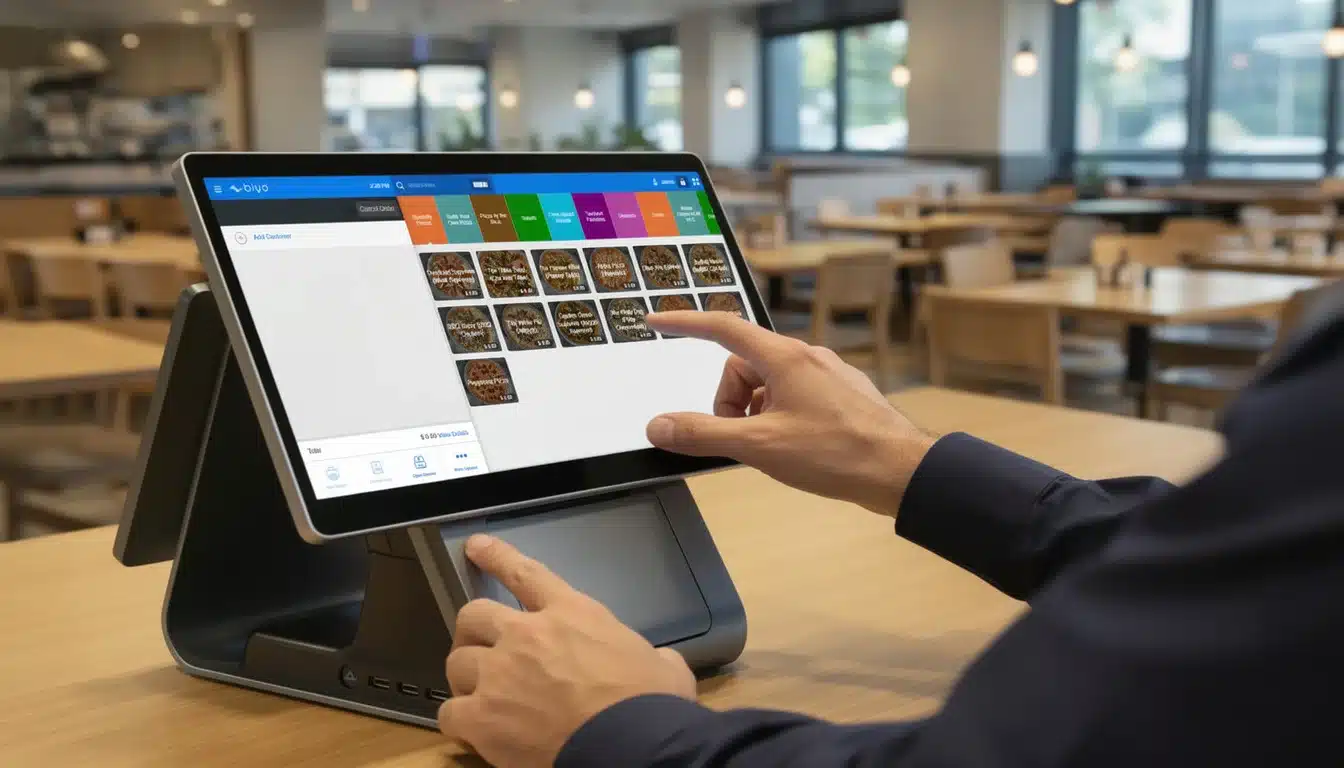
Finding the best cafe POS system for your shop really boils down to three things: speed, inventory management, and customer loyalty. For most cafe owners I talk to, the dream is a system that’s dead simple for baristas to use, never slows down during the morning rush, and actually helps you understand your business.
How To Choose Your Perfect Cafe POS System
Picking the right point-of-sale system is a make-or-break decision for your cafe. It's not just a cash register; it’s the nerve center of your entire operation. It dictates how fast you can serve that morning latte and how well you can track which muffins are selling out before noon.
The market for these systems is absolutely booming. It was valued at around USD 3.2 billion in 2023 and is on track to hit USD 8.7 billion by 2033. This surge is no surprise, especially with a 27% jump in new U.S. cafe registrations in 2023 alone. You can read more about cafe POS market growth and trends to see where things are headed.
With so many options out there, it helps to start with a bird's-eye view. Knowing who the major players are and what they're known for can help you quickly cut through the noise and focus on what truly matters for your cafe.
Top Cafe POS Systems at a Glance
Before we get into the nitty-gritty details, let's start with a quick overview. This table gives you a snapshot of some top-tier systems, what kind of cafe they're built for, and one standout feature that makes them unique. Think of it as your cheat sheet for narrowing down the contenders.
| POS System | Best For | Key Feature Highlight |
|---|---|---|
| System A | High-volume urban coffee bars needing lightning-fast transactions. | An advanced offline mode that keeps you running, even when the internet isn't. |
| System B | Cozy neighborhood spots focused on building a strong community. | Deeply integrated loyalty programs with excellent customer management tools. |
| System C | Multi-location chains that need centralized control and reporting. | Powerful multi-store management for synced inventory and sales analytics. |
This high-level look should give you a good starting point. Now, let's break down what each of these systems really offers and see how they stack up against each other in the real world.
Essential Features Every Cafe POS Needs
A point-of-sale system is way more than just a fancy cash register these days; it's the command center for your entire café. Picking the best cafe POS system means finding one that makes every part of your business run smoother, from the front counter chaos to back-of-house operations. The right features are the difference between a frantic morning rush and a seamless, profitable day.
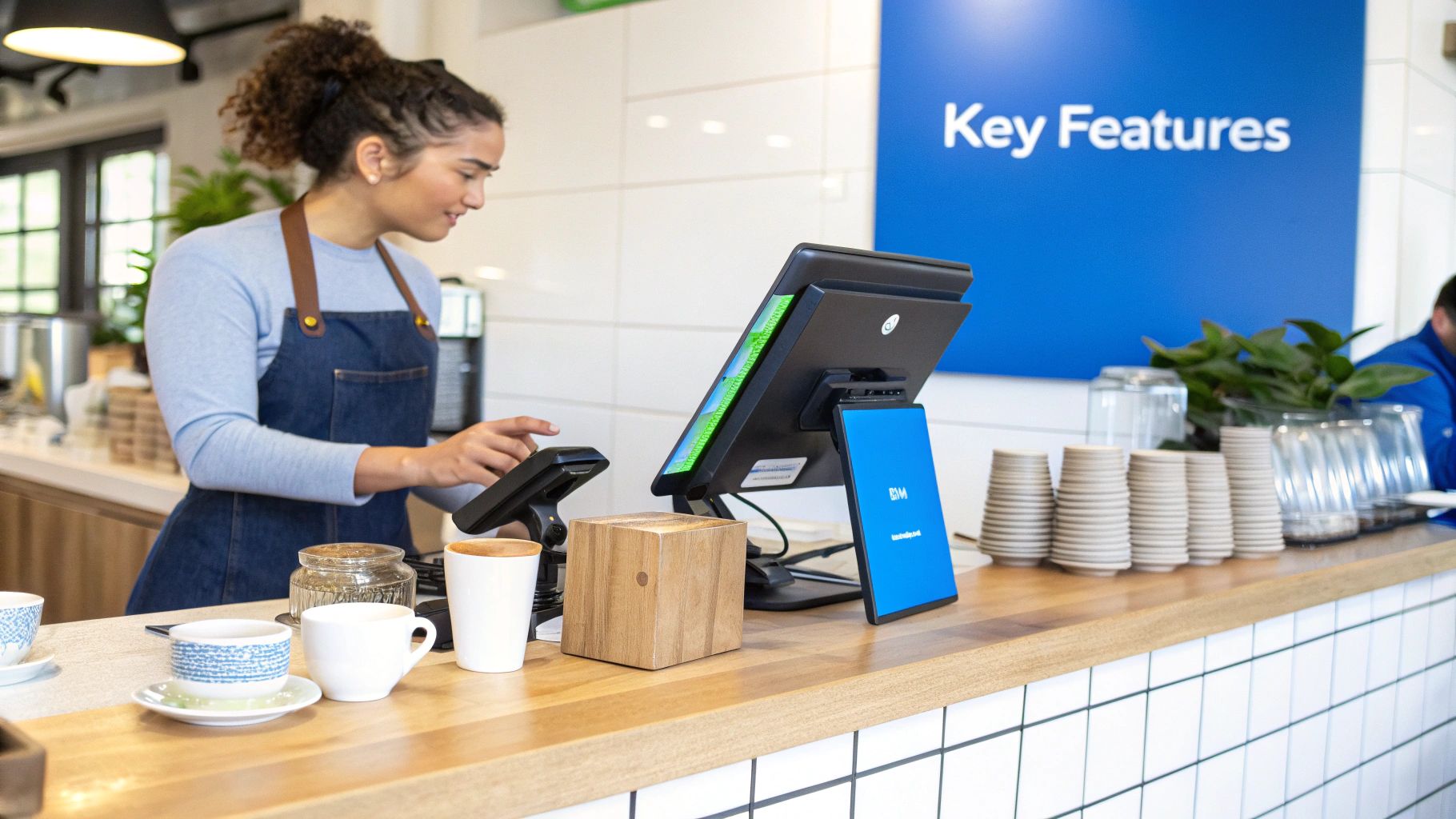
At its heart, any good café POS needs to be fast and dead simple to use. An intuitive interface is non-negotiable. Your baristas have to be able to punch in complex orders—half-caff, oat milk, extra foam, you know the drill—without getting bogged down in confusing menus. That speed is what keeps the line moving and your customers happy.
Of course, seamless payment processing is just as critical. Your system needs to handle every way people pay now, from tap-to-pay and mobile wallets like Apple Pay to good old-fashioned cards. Quick, secure transactions are fundamental to building trust and keeping things efficient.
Core Operational Tools
Beyond just ringing up sales, a truly great POS gives you the tools to manage your whole operation. Real-time inventory tracking is a perfect example. The system should be smart enough to deduct ingredients from your stock—like espresso shots or splashes of milk—as you sell them, and then ping you when you're running low. This feature alone can save you from that awful moment you realize you're out of your most popular syrup.
Employee management is another big one. You'll want to look for a system that lets you:
- Track Hours: Make payroll a breeze with accurate time clocks for your whole crew.
- Assign Roles: Set up different permissions for baristas, shift leads, and managers to keep sensitive info secure.
- Monitor Performance: Get a clear picture of who your top performers are by checking out their individual sales data.
A key benefit of a modern café POS is its ability to automate routine tasks, freeing up your team to focus on customers. Getting familiar with various business process automation tools can really open your eyes to how much a powerful POS can boost your efficiency.
Analytics and Customer Engagement
The best systems don't just process transactions; they turn that data into gold. Strong sales analytics are crucial for understanding what's really going on in your business. You should be able to instantly see your peak hours, best-selling drinks, and sales trends over any period.
A powerful POS system gives you the insights to make smart business decisions, such as creating targeted promotions for slow periods or optimizing your menu based on what’s actually selling.
Integrated customer loyalty tools are also a must-have for building a solid base of regulars. A system that can capture customer info and run a simple points-based rewards program is key to encouraging repeat business—the lifeblood of any café. It's how you turn first-time visitors into loyal fans. If you want to dive deeper into the technical side of things, our guide on how a POS system works breaks it all down.
Comparing the Top Cafe POS Systems
Choosing the best cafe POS system isn't about picking the one with the longest feature list. It’s about understanding how a system actually performs when the morning rush hits and you've got a line out the door.
A POS that works wonders in a slow-paced retail shop could easily buckle under the pressure of a busy coffee house. That’s why we need to compare these systems based on real-world cafe needs—not just what looks good on paper. We'll look at how quickly a new barista can ring up a complicated order and how easily you can add that new seasonal pumpkin spice latte to the menu.
Speed and Ease of Use During Peak Hours
The morning rush is where your POS either makes you money or costs you money. Every second saved on a transaction matters. We’re looking for systems built for speed, with interfaces you can customize to put your best-sellers and most common modifiers right at your fingertips.
For instance, some systems prioritize a super-clean layout, letting baristas fly through an order in just a couple of taps. Others offer more complex modification screens, which is great for a cafe that prides itself on custom drinks but might add a slight delay to each order.
One of the most critical, and often overlooked, features is a solid offline mode. If your internet goes down mid-morning, a good offline mode lets you keep taking card payments without a hitch. It can be the one thing that prevents a total operational meltdown.
Flexibility for Menu and Inventory Management
Cafe menus are always changing with seasons, specials, and new trends. Your POS needs to keep up. You should be able to add a new item, create a combo deal, or update pricing in seconds, without having to call a tech expert.
This is where ingredient-level inventory tracking really separates the good from the great.
- A basic system might just track that one "latte" was sold.
- A smarter system deducts the exact amount of milk, espresso, and syrup from your inventory with each sale, giving you a precise look at your stock.
- The best systems take it a step further, automatically generating a purchase order when your espresso beans are running low.
This kind of detailed tracking is a lifesaver. It helps you avoid running out of key ingredients and cuts down on waste, which directly impacts your profits. It's no surprise that features like this are driving major growth in the restaurant POS market. Valued at USD 25.1 billion in 2025, the industry is expected to shoot up to USD 49.3 billion by 2035, thanks to innovations like contactless payments. You can read more about the growth of the restaurant POS terminals market to see where the industry is headed.
Detailed Feature Comparison of Leading Cafe POS Systems
To help you see the differences more clearly, here's a side-by-side evaluation of top systems across the features that matter most for a cafe's day-to-day operations.
| Feature | System A | System B | System C | Best in Class For |
|---|---|---|---|---|
| Order Speed | Excellent | Good | Very Good | Cafes with high volume and simple menus. |
| Menu Customization | Basic | Excellent | Very Good | Shops with complex, highly modified drinks. |
| Inventory Tracking | Item-level only | Ingredient-level | Ingredient-level w/ POs | Operations focused on minimizing waste. |
| Offline Mode | Full functionality | Limited (cash only) | Full functionality | Businesses with unreliable internet connections. |
| Customer Support | 9-5 phone/email | 24/7 phone support | 24/7 live chat | Owners who need immediate help anytime. |
This table shows there's no single "best" system; the right choice truly depends on your cafe's specific priorities, whether that's lightning-fast service or meticulous inventory control.
Total Cost of Ownership and Support
Don't just look at the upfront price of a POS. The true cost includes monthly software fees, payment processing rates, and the initial hardware purchase. It all adds up over time.
This chart breaks down where your money typically goes.
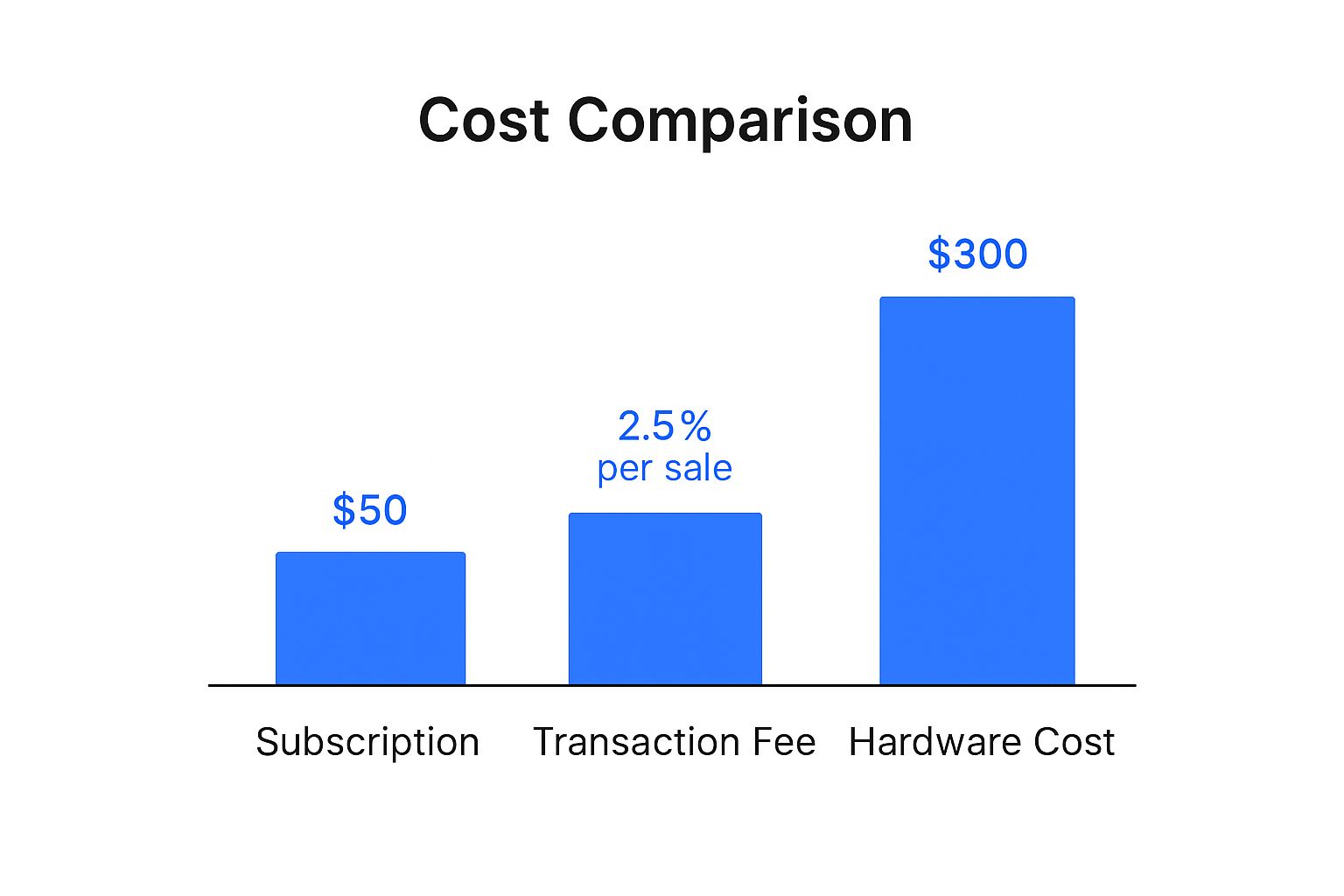
As you can see, those ongoing subscription and transaction fees often become a much bigger part of the long-term cost than the one-time hardware investment.
Finally, think about support. When your system crashes during a rush, you need help now. Look for providers that offer 24/7 support from real people. Reading reviews on support quality is crucial—a responsive team can turn a potential disaster into a minor hiccup.
Matching a POS System to Your Cafe Type
Picking the right POS system for your café isn't a one-size-fits-all deal. The perfect platform for a high-volume coffee bar in the city is worlds away from what a cozy, community-focused spot needs. To get it right, you have to look past the marketing buzz and match a system's real-world strengths to your café's unique vibe and workflow.
This isn't just about ticking off features on a list. It's about picturing how a system will actually perform during your morning rush or a quiet afternoon. By zeroing in on your specific needs—whether that’s lightning-fast payments or tools to build customer loyalty—you can make an investment that truly helps your business grow.
The High-Volume Urban Coffee Bar
Picture a busy downtown café with a line stretching out the door from 7 a.m. to 9 a.m. In this environment, speed is king. Every second you shave off a transaction means another customer served and more money in the bank.
For this kind of place, your top priority should be a POS with an incredibly simple interface and bulletproof offline capabilities. Your baristas need to be able to punch in orders with just a few taps, and the system absolutely has to keep taking payments even if the internet decides to take a coffee break.
- Key Features: Blazing-fast order entry, customizable shortcuts for your bestsellers, and a reliable offline mode are non-negotiable.
- Best Fit: Look for systems known for their speed and stability, often those with hardware specifically built for the quick-service grind.
The Cozy Neighborhood Cafe
Now, let's think about that relaxed neighborhood spot where you know your regulars by name. Here, the goal isn't just to sling coffee; it's about building a community. The focus shifts from raw transaction speed to creating genuine customer connections.
The best POS for this kind of café will have a strong, built-in loyalty program. It should make it a breeze to track what your customers love, offer them personalized rewards, and send out targeted promotions. A system that remembers a regular’s usual "oat milk latte" can make all the difference.
When your POS has great customer management tools, a simple transaction becomes a chance to build a relationship. That's how you turn first-time visitors into loyal fans who feel seen and appreciated.
Of course, beyond the tech, a beautifully designed menu board is essential for showing off what you offer and making ordering a pleasure. For some great tips, check out these inspiring menu board design ideas.
The Multi-Location Chain or Franchise
Once you're running more than one café, the game changes completely. The biggest challenge is maintaining control and consistency across all your locations. You need to be able to see sales data, push out menu changes, and manage inventory from one central dashboard—not five.
This calls for a cloud-based POS with serious multi-store management features. You'll want to look for:
- Centralized Reporting: Get a real-time view of sales and performance across all your shops.
- Synced Menus: Update a menu item once and have it instantly appear everywhere.
- Shared Inventory: Keep a close eye on stock levels and easily transfer products between branches.
This centralized model is quickly becoming the standard. Globally, cloud-based POS platforms now have a 65% adoption rate because they're so flexible, and contactless payments make up 54% of all transactions. This kind of system is also a must-have for any shop that serves food, which is why a dedicated POS is so critical for similar businesses, like a sandwich shop, looking to expand.
Breaking Down POS Pricing and Hidden Costs
That sticker price you see on a POS system’s website? It’s rarely the full story. To find the best cafe POS system that actually fits your budget, you have to dig deeper than the advertised monthly fee and figure out the total cost of ownership. What looks like a bargain at first can balloon into a major expense if you’re not ready for all the recurring fees and surprise charges.
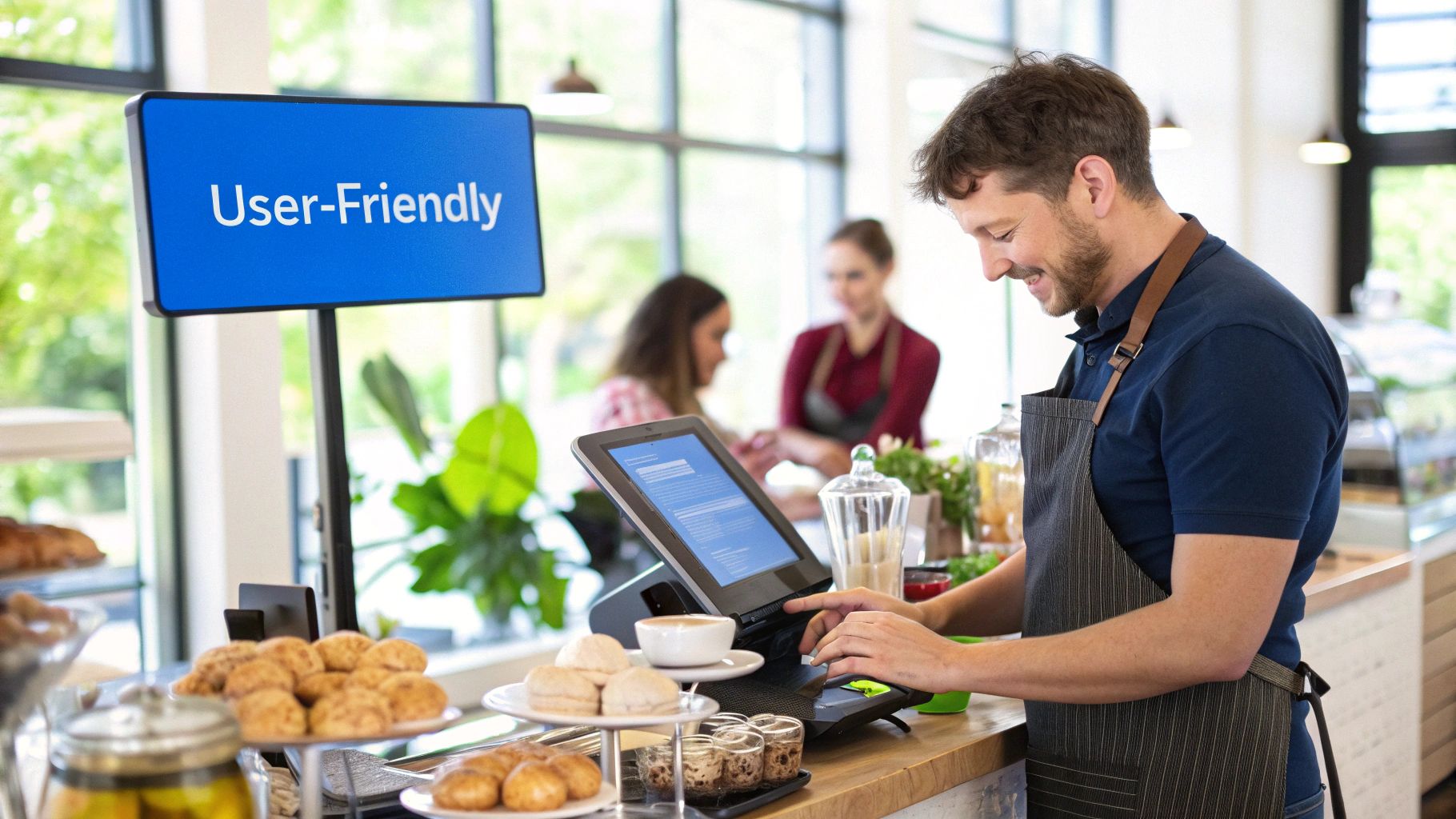
When I talk to cafe owners, I always tell them to break the cost down into three buckets: the one-time hit for hardware, the ongoing software subscription, and the payment processing fees that fluctuate with sales. Each one is a crucial piece of your long-term financial puzzle.
Deconstructing Common Pricing Models
These days, most POS companies run on a subscription model. You pay a monthly or annual fee to use their software, with different tiers offering more features. A free or super-cheap plan might catch your eye, but you have to read the fine print to see what’s actually included versus what you’ll have to pay extra for later.
Here's what you can almost always expect to pay:
- Monthly Software Fees: This is your base subscription cost, often charged per POS terminal.
- Payment Processing Fees: This is how they make their money on every sale. Expect a percentage plus a flat fee (like 2.6% + 10¢), with rates often changing depending on how the customer pays—tapping, swiping, or manual entry.
- One-Time Hardware Costs: This is your upfront investment in the physical gear: terminals, card readers, cash drawers, and printers.
The real cost of a POS system isn't just the monthly fee; it's the sum of all parts over several years. A system with a lower subscription cost but higher processing fees can end up being more expensive for a high-volume cafe.
Uncovering Potential Hidden Fees
Beyond the obvious costs, there are plenty of other fees that can sneak onto your bill. These are the ones that catch new cafe owners off guard, so it’s critical to ask about them before you sign anything.
Keep an eye out for these common "gotchas":
- Additional Terminals: Need a second register for your morning rush? That will almost certainly increase your monthly software bill.
- Software Integrations: Want your POS to talk to your accounting software or a third-party delivery app? That convenience often comes with an extra monthly fee.
- Premium Support: Some companies gate their best customer service—like 24/7 phone support—behind a paywall. For a busy cafe, that support can be a lifeline.
Getting a handle on these potential expenses is the only way to build a realistic budget. For a much deeper dive, you can learn more by decoding restaurant POS system cost to see how all these moving parts fit together. If you calculate your potential return on investment and account for every possible fee, you’ll be in a much better position to pick a system that helps your cafe grow, not just get by.
Got Questions About Cafe POS Systems? We Have Answers.
Picking the right technology for your cafe is a big decision, and it’s natural to have a lot of questions. We’ve pulled together some of the most common things cafe owners ask when they’re shopping for the best cafe POS system. Think of this as the final piece of the puzzle to help you feel great about your choice.
It’s easy to get lost in the jargon, but understanding the core differences between systems is the first step. This knowledge is crucial for finding a setup that fits how you work now and how you plan to grow.
Cloud-Based Versus Traditional Systems
So, what's the real difference between a cloud-based and a traditional POS? A traditional, or legacy, system keeps all its data on a local server—a physical box sitting in your back office. If you want to check reports or manage inventory, you have to be physically at the cafe. Plus, software updates usually mean a technician has to come in and install them manually.
A cloud-based POS, on the other hand, stores all your data securely online. This is a game-changer. You can log in from your phone, laptop, or tablet anywhere with an internet connection to see sales, track inventory, and run reports. Cloud systems are way more flexible, update themselves automatically, and are pretty much the standard for modern cafes for a reason.
Hardware Compatibility and Initial Costs
How much does hardware compatibility really matter? Honestly, it’s a huge deal. It directly impacts your initial setup costs and how smoothly everything runs. Some POS companies require you to buy their specific, proprietary hardware, which can get expensive fast.
Others are much more flexible, offering software that works on everyday devices like iPads or Android tablets. This can save you a ton of cash, especially if you already have some of this equipment. Before you sign anything, get a clear list of supported hardware, check the prices for essentials like cash drawers and receipt printers, and ask if they offer any hardware bundles. Figuring this out upfront will save you from surprise bills and a lot of technical frustration.
A great POS system isn't just a tool for transactions; it's a direct investment in your bottom line. By improving speed and providing actionable data, it actively contributes to your cafe's profitability.
Profitability and Provider Support
Can a good POS actually make my cafe more money? Yes, absolutely. A quality POS directly impacts your profits in a few key ways. First, it makes everything run smoother. Faster orders mean shorter lines, which means you can serve more people during that chaotic morning rush.
Second, the data it gives you is pure gold. You’ll know exactly which pastries are flying off the shelves, what your busiest hours are, and which menu deals are actually working. This lets you make smart, data-backed decisions that fatten up your margins. And finally, built-in tools like loyalty programs and marketing features keep your regulars coming back, which is the bedrock of a healthy, long-term business.
What kind of customer support should I really be looking for? For a cafe, 24/7 customer support is non-negotiable. Imagine your system crashing at 8 AM on a Tuesday—you need help, and you need it now. You can’t afford to lose sales or have a line of angry, under-caffeinated customers. Make sure any provider you consider offers help around the clock through phone, email, and live chat.
Ready to streamline your operations and grow your cafe? Biyo POS offers a powerful, all-in-one solution with features designed specifically for businesses like yours. Start your 14-day free trial today and see the difference for yourself.