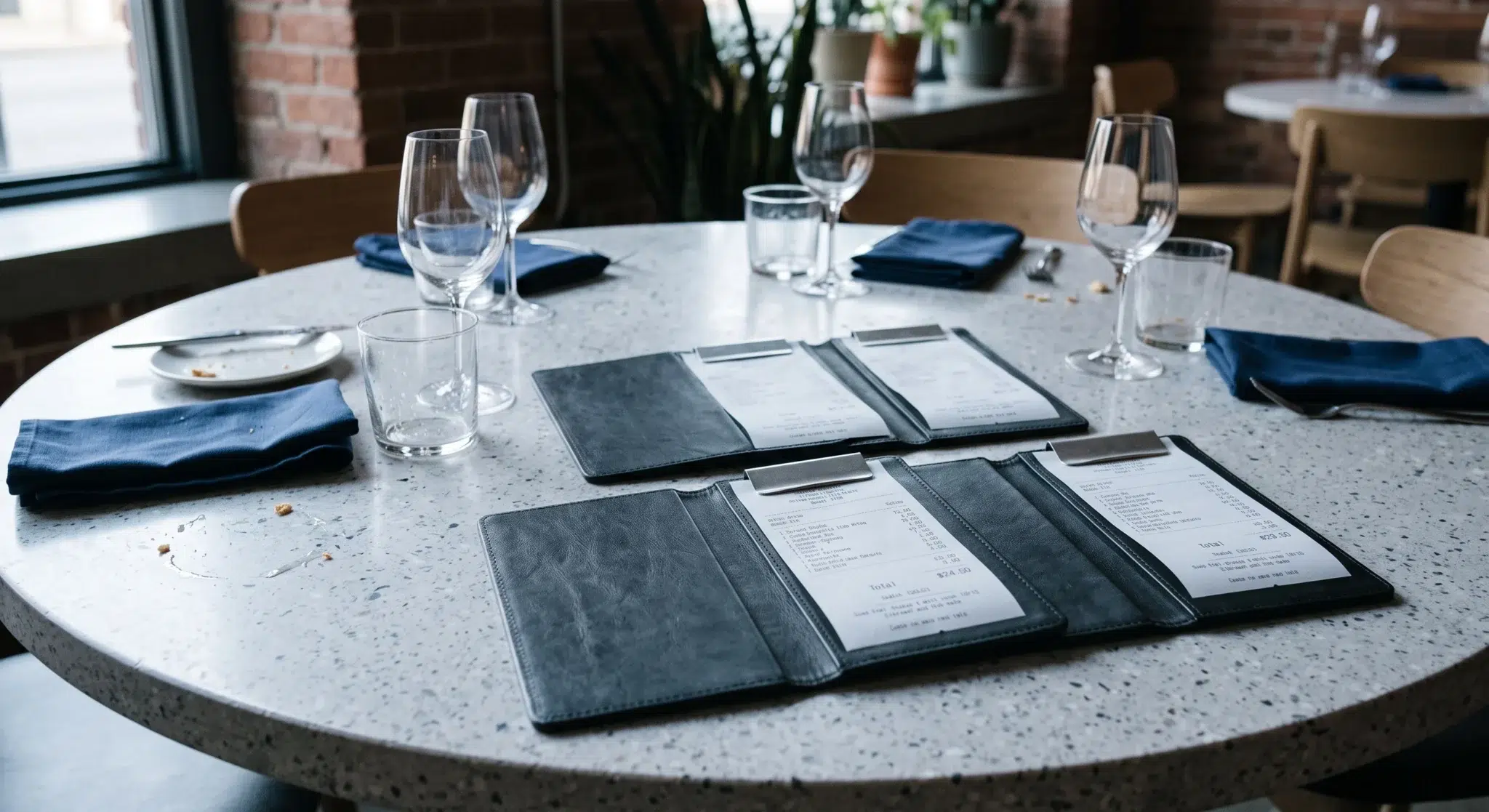

Learning how to split complex bar tabs in under fifteen seconds is the ultimate operational test for high-volume bars and full-service restaurants. During a chaotic midnight rush, large social gatherings, corporate parties, and birthday celebrations create tremendous revenue opportunities. However, when an eight-person group finishes their final round and asks for separate checks, service speed frequently grinds to a halt.
Traditionally, floor servers and bartenders dread the moment a large party requests divided payment. On legacy point-of-sale systems, separating twelve cocktails, four shared appetizers, and eight entrees requires dozens of tedious button presses. Staff must navigate clumsy popup menus, manually calculate split percentages, and reassign items across multiple sub-screens. Consequently, a server can spend up to eight minutes trapped at a fixed register terminal while other tables wait for service.
Fortunately, modern cloud point-of-sale architecture eliminates this checkout bottleneck permanently. By leveraging intuitive seat-based ordering, visual drag-and-drop ticket interfaces, and 1-tap equal distribution tools, staff can split complex bar tabs effortlessly. In addition, rapid check splitting improves table turnover, eliminates server calculation errors, and protects your staff’s tip averages. This comprehensive operational blueprint details the interface ergonomics, floor service workflows, and software mechanics required to execute high-speed group check splits on every shift.
Table of Contents
- The Midnight Rush Bottleneck: Anatomy of the 8-Person Split Check
- Seat-Based Architecture: Organizing Orders from First Touch
- Modern UI Paradigms for Rapid Check Splitting
- High-Velocity Payment Processing for Multi-Card Groups
- Operational Protocols and Service Policies for Large Parties
- Side-by-Side Comparison
- How Biyo POS Accelerates High-Speed Check Splitting
- Frequently Asked Questions
The Midnight Rush Bottleneck: Anatomy of the 8-Person Split Check
In a bustling hospitality venue, speed of execution directly governs overall profitability. When a table requests separate checks, the physical checkout process represents the final impression of the guest’s dining experience. If that closing interaction is slow and frustrating, it diminishes the goodwill generated during the meal.
Consequently, understanding the hidden operational costs of manual check separation is critical for venue managers. Eliminating payment delays protects both customer satisfaction and floor revenue momentum.
The Compounding Cost of Table Turnover Delays at Last Call
When an eight-person table finishes dining, their physical presence continues to occupy valuable dining room real estate. In a busy venue operating with a waiting list, every additional minute spent processing payments delays seating the next party. If a server requires ten minutes to divide items, print eight separate paper receipts, and swipe eight individual credit cards, table turnover drops by twenty to thirty percent.
For instance, consider a prime weekend dinner service where an eight-top table generates three hundred dollars in revenue. If payment friction delays table reset by fifteen minutes across twelve large tables, the venue loses an entire seating cycle. That delay drains thousands of dollars in potential sales every weekend. Therefore, mastering the ability to split complex bar tabs quickly increases table turns and expands nightly gross revenue.
Mental Math Errors, Server Anxiety, and Tip Degradation
When servers are forced to calculate fractional splits manually, errors inevitably occur. A guest might request paying for their entree plus one-third of a shared charcuterie board and two drinks from another seat. Under pressure, staff make basic mathematical mistakes, resulting in under-collected balances or disputed charges.
Furthermore, long payment delays directly damage server tips. When guests sit with their credit cards in hand for ten minutes waiting for the check, customer frustration spikes. Studies show that perceived checkout delays reduce average tip percentages by three to five percentage points. Providing servers with lightning-fast splitting tools eliminates stress and protects staff earnings.
 Seat-Based Architecture: Organizing Orders from First Touch
 Seat-Based Architecture: Organizing Orders from First Touch
The secret to splitting large group tabs in under fifteen seconds begins at the very first customer interaction. Attempting to untangle an unorganized thirty-item group check at the end of the night is an operational nightmare. Conversely, structuring orders by physical seat numbers during initial ring-in creates a seamless checkout foundation.
Therefore, front-of-house training must emphasize structured order entry. Establishing a consistent seat-based workflow ensures that tabs are effectively pre-split before payment is requested.
Assigning Pivot Points and Physical Seat Numbers at Ring-In
Professional service teams utilize a standardized physical numbering convention known as the pivot point system:
- The Fixed Pivot Point: Establish Seat 1 as the first guest immediately to the server’s left when facing the table from the primary service approach corridor.
- Clockwise Numbering: Number every subsequent guest sequentially in a clockwise direction around the perimeter of the table (Seats 1 through 8).
- Direct POS Seat Tagging: When the server enters drinks and food into the POS, every line item is linked to a specific seat button (e.g., Seat 3: Ribeye Steak, Seat 3: Pinot Noir).
Because every drink, side, and entree is already attributed to a distinct guest seat in the software database, separating the final bill requires zero manual sorting. The server simply taps “Split by Seat,” and the system generates eight clean, itemized checks instantly.
Preventing Shared Item Disputes with Proportional Item Tagging
Shared appetizers, communal punch bowls, and family-style platters represent the biggest challenge in group billing. When an eight-person table shares two flatbreads and a pitcher of sangria, determining who pays for what often leads to awkward guest debates.
Modern point-of-sale software resolves this friction through dynamic shared-item tagging:
- When ringing in a shared item, the server taps the “Share Item” modifier.
- The server highlights the specific participating seats (e.g., Seats 1, 2, 4, and 5).
- The POS software divides the line item price proportionally across those selected seats in real time.
- Each guest’s individual sub-bill displays their exact fractional portion (e.g., 1/4 Flatbread – $4.50) with total transparency.
Modern UI Paradigms for Rapid Check Splitting
Point-of-sale interface design directly dictates how fast staff can manipulate group transactions. Legacy POS systems force users through nested modal dialogues and multi-layered sub-screens. These outdated interfaces increase cognitive load and require excessive screen taps.
In contrast, modern touchscreen interfaces utilize tactile visual layouts that mirror real-world spatial organization. Intuitive UI design transforms check splitting from a chore into a fluid, sub-second interaction.
Visual Drag-and-Drop Ticket Separation vs. Modal Menus
Legacy terminal software displays tickets as static vertical text lists. To move a drink to another ticket, the server must select the item, press “Transfer,” type a target ticket number, and confirm via a popup dialog. Moving six items requires over twenty individual screen taps.
Modern touchscreen design replaces this clumsy workflow with visual drag-and-drop functionality:
- Side-by-Side Visual Canvas: The screen displays the master tab alongside empty virtual sub-tickets on a single unified canvas.
- Fluid Multi-Touch Dragging: The server taps or sweeps their finger across multiple items, dragging them directly into Guest Ticket 2 or Guest Ticket 3.
- Dynamic Total Calculations: Subtotals, applicable local taxes, and balance calculations update instantly on each sub-ticket as items move across the canvas.
This visual workflow reduces screen interaction time by over seventy percent, allowing servers to organize complex party orders in seconds.
1-Tap Equal Splitting Across Custom Card Quantities
Often, large groups prefer to split the total bill equally rather than itemizing by individual food consumption. When eight corporate diners want to divide a $640.00 tab evenly across four corporate credit cards, manual math is completely unnecessary.
Advanced cloud POS platforms provide dedicated 1-tap equal splitting tools:
- The server opens the master check and taps the “Split Evenly” function.
- The server taps the desired number of payment splits (e.g., “Divide by 4”).
- The POS creates four equal sub-balances of $160.00 each, calculating penny-rounding adjustments automatically.
- Staff can process payments sequentially on each sub-balance without printing intermediate draft tickets.
High-Velocity Payment Processing for Multi-Card Groups
Dividing the digital ticket on screen is only half the battle; collecting physical payments from multiple cardholders is where bottlenecks often peak. If a server must walk back and forth to a central terminal eight times, the speed benefits of software splitting are lost.
Pairing high-speed software with mobile payment hardware creates a rapid, table-side payment ecosystem.
Parallel Handheld EMV Terminals vs. Single Stationary POS Swiping
In traditional restaurant layouts, four servers often compete for a single stationary POS terminal during peak rushes. When one server begins processing eight cards for a large party, other servers are locked out of the system, stalling service across the entire dining room.
Deploying handheld mobile POS terminals resolves this hardware contention:
- Table-Side Settlement: The server brings a compact mobile terminal directly to the table, presenting digital sub-checks to guests in person.
- Parallel Card Tapping: Guests insert EMV chips or tap contactless devices (Apple Pay, Google Pay) one after another right at the table.
- Sub-3-Second Authorizations: Cloud payment gateways process encrypted authorizations in under three seconds per transaction, completing eight separate payments in under one minute.
Managing Individual Digital Signatures and Automated Tip Options
Paper credit card vouchers create substantial operational waste and delay. Guests must pass pens around the table, manually calculate tip percentages, and write out totals by hand.
Mobile check settlement streamlines this routine through digital customer-facing prompts:
- Dynamic Gratuity Buttons: The handheld screen presents clear, 1-tap tip suggestions (e.g., 18%, 20%, 22%, Custom) calculated on the sub-total.
- Digital Signature Capture: Guests sign directly on the glass screen with their finger, eliminating physical paper receipts and lost merchant copies.
- Instant Digital Receipts: Guests select SMS text or email receipts, saving thermal paper costs and speeding up departure.
Operational Protocols and Service Policies for Large Parties
Technology alone cannot solve group payment bottlenecks without clear operational floor policies. Establishing standardized house rules manages guest expectations upfront and prevents misunderstandings at the end of the meal.
Combining smart management policies with advanced POS capabilities ensures smooth large-party service across every shift.
Establishing Clear Large-Party Policies and Auto-Gratuity Rules
To maintain floor velocity during peak hours, venues must establish transparent policies regarding group check splitting:
- Maximum Split Limits: Many high-volume venues establish a clear house policy (printed on menu footers) limiting check splits to a maximum of four or six separate payments per party.
- Automatic Gratuity Compliance: For parties of six or more, configure your POS to apply a standardized automatic service charge (e.g., 18% or 20%) across all sub-tickets automatically.
- FLSA Service Charge Compliance: Ensure that your accounting setup properly distinguishes between discretionary guest tips and mandatory house service charges in compliance with Fair Labor Standards Act (FLSA) regulations.
Pre-Closing Split Tabs During Dessert and Final Rounds
Proactive service teams do not wait until guests stand up to begin the check-splitting process. Experienced servers initiate check preparation during the transition between entrees and desserts:
- While guests enjoy their final cocktail or dessert course, the server opens the table order on a mobile tablet.
- The server organizes all entrees, drinks, and shared plates onto their respective seat tickets.
- When the party signals for the check, all sub-bills are already calculated, verified, and ready for immediate card processing.
- The server presents the handheld terminal immediately, closing out the eight-top in under fifteen seconds.
Side-by-Side Comparison
| Operational Dimension | Legacy POS Terminal Splitting | Modern Visual Check Splitting (Biyo POS) |
|---|---|---|
| 8-Person Tab Split Time | 6 to 10 minutes of manual clicking | Under 15 seconds via seat-based automation |
| Check Organization Method | Nested modal menus and manual item transfers | 1-Tap “Split by Seat” & visual drag-and-drop |
| Shared Item Distribution | Manual mental math and custom price overrides | Automated proportional splitting across selected seats |
| Hardware Footprint | Servers crowd around fixed counter terminals | Handheld mobile POS devices settle at table-side |
| Payment Authorization Speed | Slow dial/IP batching (8–12 seconds per swipe) | Sub-3-second cloud EMV and contactless tap processing |
| Tip Calculation & Signing | Passing paper slips and pens around the table | 1-Tap digital tip suggestions and on-screen signature |
| Math & Calculation Errors | High risk of under-charging or tax discrepancies | 0% calculation errors; penny-perfect automated math |
| Table Turnover Impact | Severe payment bottleneck delays next seating | Rapid checkout increases prime-time table turns |
How Biyo POS Accelerates High-Speed Check Splitting
 How Biyo POS Accelerates High-Speed Check Splitting
Biyo POS delivers a specialized cloud point-of-sale platform engineered specifically to handle the intense speed and complexity of high-volume bars, gastropubs, and full-service restaurants. Operating natively inside the Google Chrome browser on any PC, Mac, iPad, or Android tablet, Biyo provides enterprise-grade check management tools without forcing operators into expensive proprietary hardware contracts.
3-Tap Visual Ticket Splitting and Seat-Based Routing
With Biyo’s streamlined register interface, learning how to split complex bar tabs is remarkably fast. Biyo allows servers to organize orders by physical seat numbers from the very first drink ring-in. When a large party requests separate checks, staff can divide a twelve-item tab across four separate payments in just three taps. Servers simply tap “Split Check,” select their split method (By Seat, Equal Split, or Custom Drag-and-Drop), and the system populates clear, itemized sub-tickets instantly. In addition, shared appetizers and wine bottles can be divided proportionally across specific guest seats with a single touch.
Handheld Mobility, Instant Card Settlement, and Offline Resilience
Furthermore, Biyo connects your front-of-house service team directly with kitchen and bar fulfillment operations. Servers can take handheld tablets tableside to split checks and process contactless payments directly in front of guests. Food and beverage orders route instantly to prep lines via the Biyo Kitchen Display (KDS) app on Google Play, while managers conduct rapid inventory audits using the Biyo Inventory Scanner app on the Apple App Store. With Biyo’s true offline transaction mode, your registers continue splitting checks, opening tabs, and printing guest receipts seamlessly even during complete internet outages.
To discover how easily your venue can eliminate payment bottlenecks, speed up table turnover, and split complex group tabs in seconds, you can schedule a live demo with a restaurant technology specialist or create your account today on the Biyo signup page.
Frequently Asked Questions
What is the fastest way to split complex bar tabs on a POS?
The fastest way to split complex bar tabs is utilizing seat-based ordering during initial ring-in, allowing servers to execute a 1-tap “Split by Seat” command at checkout without manually transferring individual items.
How do point-of-sale systems handle shared appetizers on split checks?
Modern POS systems feature proportional item splitting, allowing staff to highlight specific seats sharing a dish so the software divides the item cost and tax evenly across those guest sub-tickets.
Can a bar tab be split equally across multiple credit cards?
Yes. Modern cloud POS platforms include 1-tap equal splitting tools that divide the master balance into equal portions (e.g., divide by 2, 3, 4, or 6) with automated penny-rounding calculations.
How does table-side check splitting increase restaurant revenue?
Table-side check splitting eliminates server bottlenecks at fixed terminals and reduces payment processing time from ten minutes to under one minute, speeding up table turnover and allowing more parties to be seated during peak hours.
What is the pivot point system in restaurant check splitting?
The pivot point system is a standardized physical seat numbering method where Seat 1 begins at the server’s left and proceeds clockwise around the table, ensuring all orders are accurately assigned to specific guests from initial entry.
How does Biyo POS simplify check splitting for large groups?
Biyo POS provides a visual drag-and-drop check interface with 1-tap seat splitting and equal card distribution, allowing servers to divide complex group tabs and process multi-card payments in under fifteen seconds.