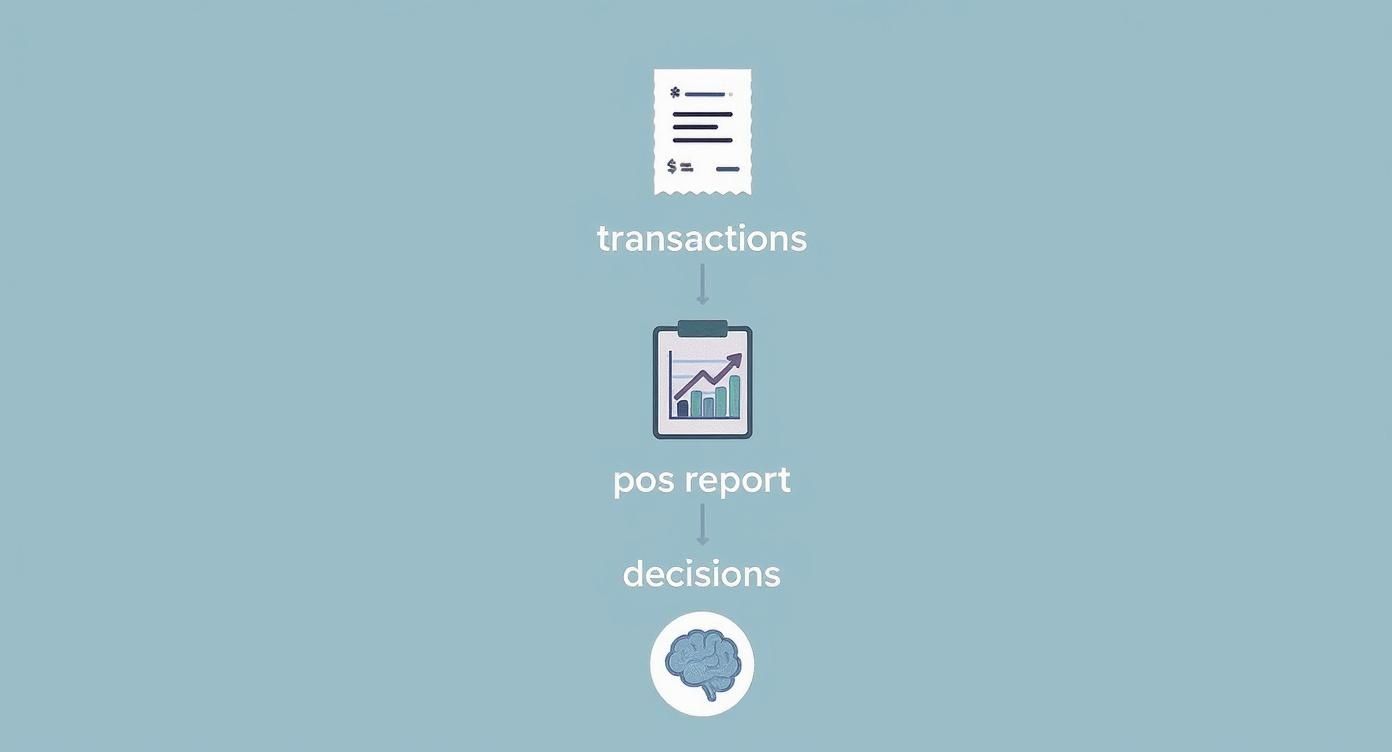
A point of sale report is far more than a simple list of transactions. It tells the story of how your business performs every day. Each sale, refund, and customer purchase creates valuable data that helps you understand what’s working, what needs improvement, and where new opportunities exist.
Modern POS systems automatically collect and organize this information into detailed reports. These reports help business owners analyze sales trends, monitor inventory performance, evaluate staff productivity, and understand customer behavior. Instead of relying on guesswork, a point of sale report gives you the insights needed to make confident business decisions.
This guide explains the most important POS reports, how to read them effectively, and how to turn the insights into real growth for your business.
Table of Contents
- Why Point of Sale Reports Matter
- The Most Important POS Reports
- How to Analyze POS Data
- Turning POS Insights into Profitable Actions
- Best Practices for POS Reporting
- How Biyo POS Helps You Understand POS Reports
- Frequently Asked Questions
Why Point of Sale Reports Matter
Running a business without POS reports is like navigating without a compass. While transactions happen every day, the real value comes from understanding what those numbers mean.
A point of sale report organizes raw transaction data into insights that help owners understand sales patterns, customer preferences, and operational efficiency.
Key Benefits of POS Reporting
- Identify sales trends: Discover which products sell best and which ones move slowly.
- Understand customers: Learn which customers visit most frequently and what they purchase.
- Improve staffing decisions: Identify peak sales hours and schedule staff accordingly.
- Optimize inventory: Ensure popular products remain stocked while reducing excess inventory.
If you’re new to POS analytics, understanding the benefits of POS data can help you see how this information improves overall business performance.
Decoding the Most Important POS Reports
Not all POS reports provide the same value. Some focus on financial performance, while others highlight operational insights. Understanding the most important reports helps you focus on the data that truly impacts business growth.
Essential POS Reports at a Glance
| Report Type | Key Metrics | Main Question Answered |
|---|---|---|
| Sales Summary | Total Sales, Net Sales, Average Transaction Value | How much revenue did the business generate? |
| Inventory Report | Stock Levels, Sell-Through Rate, Low Stock Alerts | Which products need restocking? |
| Customer Report | Purchase History, Visit Frequency | Who are the most valuable customers? |
| Employee Performance | Sales Per Employee, Transactions Per Shift | Which team members perform best? |
Sales Summary Reports
The sales summary report provides a snapshot of overall financial performance. It shows how much revenue the business generated within a specific period.
It also tracks important metrics like Average Transaction Value (ATV), which measures how much customers spend during each visit.
Inventory Reports
Inventory reports reveal how quickly products sell and whether stock levels remain balanced. Monitoring sell-through rates helps prevent stock shortages while avoiding excess inventory.
To better understand the role of POS data in inventory tracking, read our guide on POS data and smarter sales tracking.
Customer Reports
Customer reports identify frequent buyers and track purchasing behavior. This information helps businesses create targeted marketing campaigns and loyalty programs.
Employee Performance Reports
Employee reports track sales performance by staff members. These insights help identify top performers and provide coaching opportunities for employees who may need additional support.
How to Find the Story Hidden in Your Data
POS reports provide more than numbers. They reveal patterns and behaviors that guide business strategy.
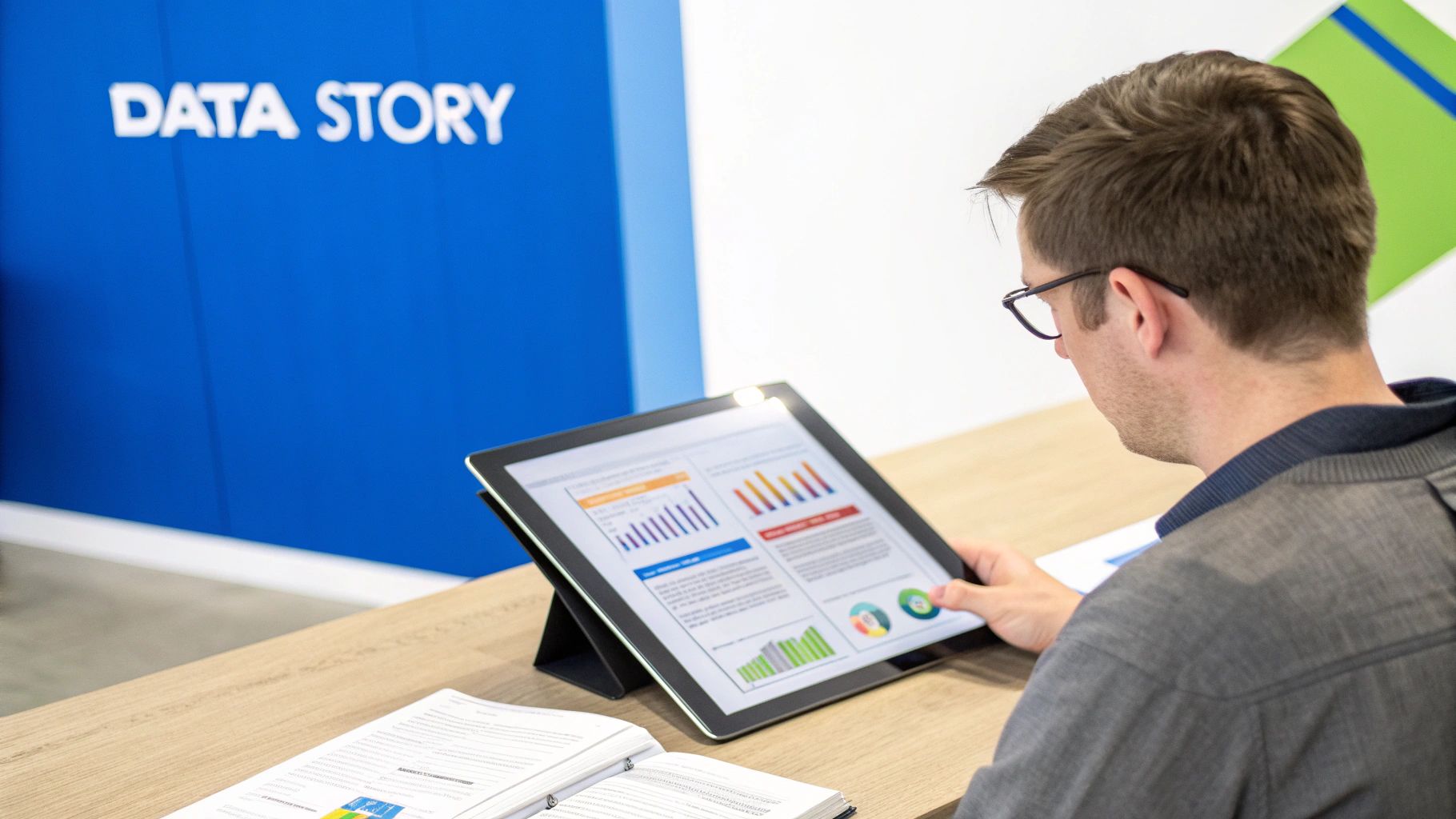
For example, comparing this week’s sales with last week’s performance may reveal trends that impact staffing, inventory ordering, or marketing campaigns.
Instead of simply observing numbers, focus on questions such as:
- Which products increased in popularity?
- Which days generate the highest revenue?
- Which promotions improved sales performance?
POS reports do more than show what happened. They reveal why it happened and help you repeat successful strategies.
Turning POS Insights into Profitable Actions
The true value of POS reporting comes from acting on the insights.

Improve Inventory Management
- Discount slow-moving products.
- Increase stock for popular items.
- Adjust purchasing based on real demand.
Increase Average Transaction Value
POS reports often reveal opportunities for upselling and product bundles. Training staff to recommend complementary products can increase transaction value.
Strengthen Customer Marketing
Customer reports help businesses identify loyal buyers. Special promotions and loyalty rewards can strengthen these relationships and encourage repeat purchases.
Restaurants and retailers often use POS analytics tools to improve efficiency and profitability. You can explore these strategies in our article on restaurant data analytics.
Best Practices for Effective POS Reporting
Review Reports Regularly
- Daily: Monitor sales totals and cash reconciliation.
- Weekly: Analyze short-term trends and promotions.
- Monthly: Evaluate customer retention and profitability.
Automate Reports
Modern POS systems allow automatic report generation. This ensures business owners receive regular updates without manual effort.
Customize Dashboards
Displaying key metrics such as net sales, average transaction value, and gross profit margins provides quick insight into business performance.
How Biyo POS Helps You Understand POS Reports
Analyzing POS reports becomes much easier with the right software. Biyo POS provides advanced reporting dashboards that automatically organize sales data into actionable insights.
Business owners can monitor sales performance, track inventory trends, evaluate staff productivity, and analyze customer behavior directly from the POS dashboard.
If you want to see how real-time reporting works in practice, you can schedule a demo with Biyo POS and explore how data-driven insights help businesses grow.
Frequently Asked Questions
How often should businesses review POS reports?
Daily reports help track immediate performance, weekly reports reveal short-term trends, and monthly reports provide deeper insights into long-term growth.
What is the most important POS metric?
Net sales and gross profit margin are two of the most important metrics because they measure both revenue and profitability.
Can POS reports improve marketing?
Yes. Customer reports identify purchasing patterns and loyal buyers, allowing businesses to create targeted promotions and loyalty rewards.
What industries benefit from POS reports?
Retail stores, restaurants, grocery stores, and service businesses all benefit from POS reports because they provide detailed insights into sales and operational performance.