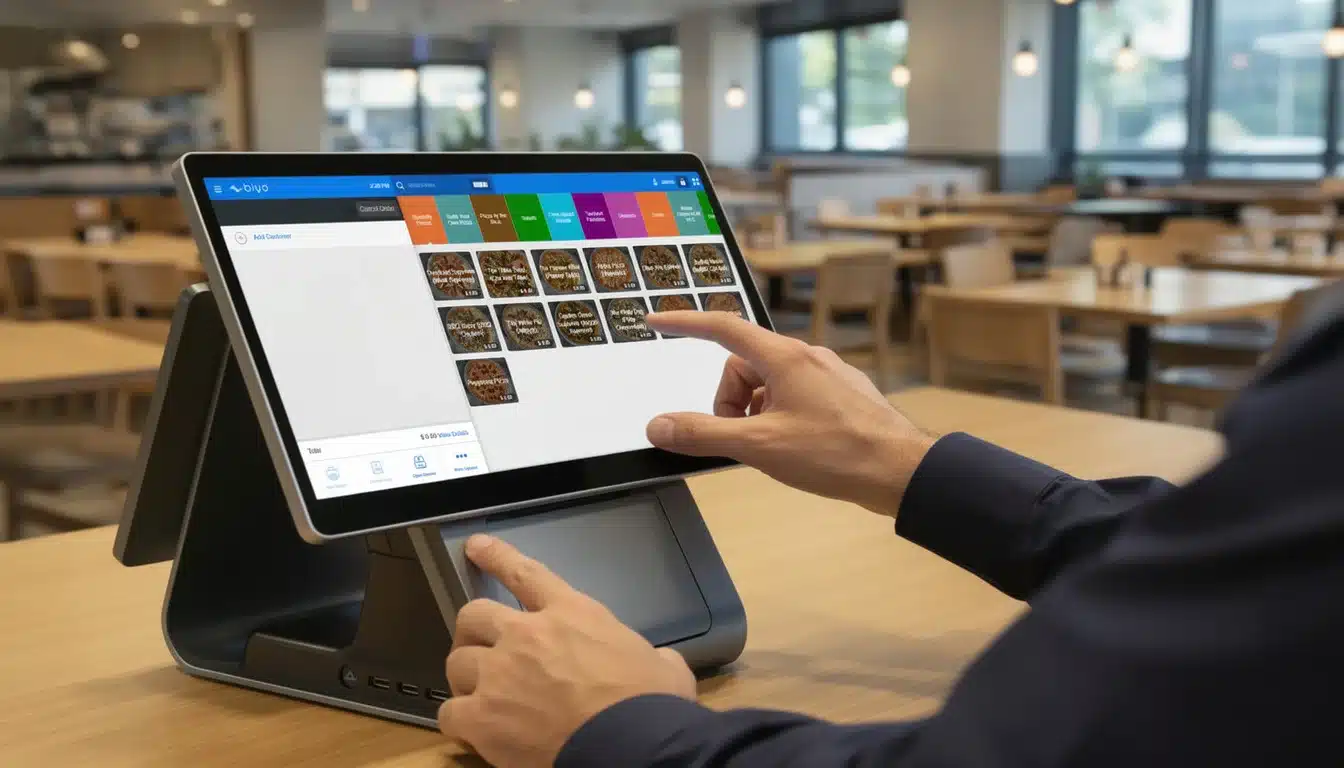
Think of your point of sale software as more than just a digital cash register. With proper training, it becomes the central hub of your business operations. Effective point of sale software training allows employees to process transactions faster, reduce costly mistakes, manage inventory accurately, and deliver better customer experiences.
Modern POS systems manage far more than payments. They track sales performance, manage product inventory, analyze customer behavior, and generate detailed reports. However, these features only create value when employees understand how to use them correctly. Without proper training, businesses risk slower checkouts, inaccurate inventory counts, and lost sales opportunities.
This guide explains why POS training matters, how to design an effective training program, and how to ensure your team consistently uses the system efficiently.
Table of Contents
- Why POS Training Is Critical for Business Operations
- Building a POS Training Plan
- Designing an Effective Training Program
- Using Real-World POS Training Scenarios
- Measuring Training Success and Providing Ongoing Support
- How Biyo POS Simplifies Staff Training
- Frequently Asked Questions
Why Effective POS Training Matters
Many businesses treat their POS system like a simple payment terminal. In reality, modern systems function as the operational backbone of the entire business.
When employees are properly trained, transactions move faster and errors decrease. Staff can confidently apply discounts, process refunds, split payments, and manage customer information without hesitation.
The Operational Benefits of POS Training
- Faster checkout times: Trained employees process transactions efficiently.
- Reduced transaction errors: Staff avoid common mistakes like incorrect discounts.
- Improved inventory accuracy: Correct item scanning maintains accurate stock levels.
- Better customer experience: Faster service increases customer satisfaction.
Businesses that fail to train employees properly often experience slow checkout lines and frustrated customers. Training helps prevent these operational bottlenecks.
If you operate a restaurant, understanding the operational risks behind the restaurant failure rate highlights why efficient systems and well-trained staff are essential.
Effective POS training builds confidence. When employees develop muscle memory for common transactions, service becomes faster and more reliable.
Building Your POS Training Blueprint
Starting POS training without a plan often leads to confusion and wasted time. A structured training blueprint ensures every employee learns the skills required for their role.
Identify Skill Gaps
Begin by observing employees during normal shifts. Identify areas where they hesitate or struggle with the POS system.
For example:
- Cashiers may struggle with split payments.
- Managers may not know how to generate reports.
- Inventory staff may struggle with stock adjustments.
These observations help define training priorities.
Set Clear Training Goals
Training goals should be measurable. Instead of vague goals like “improve POS skills,” define specific performance targets.
- Reduce average checkout time by 15%.
- Decrease transaction errors by 20%.
- Ensure staff can complete key POS tasks independently.
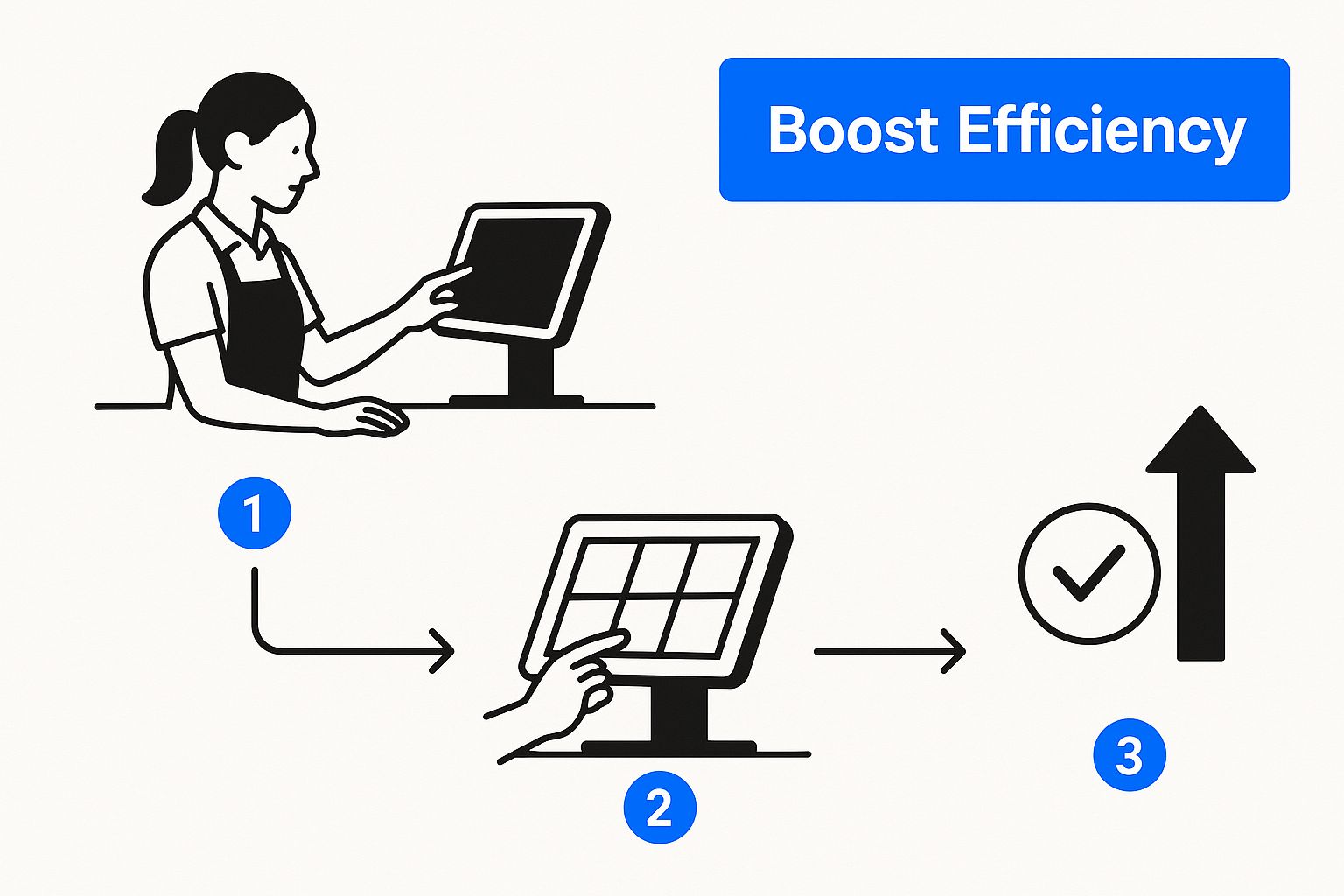
Aligning POS training with your business goals ensures employees understand why these skills matter. Businesses that define a strong operational mission often see better training outcomes. You can explore this concept further in our article on restaurant mission statements.
Designing a Training Program That Works
Different employees learn in different ways. The most effective POS training programs combine multiple teaching methods to ensure everyone understands the system.
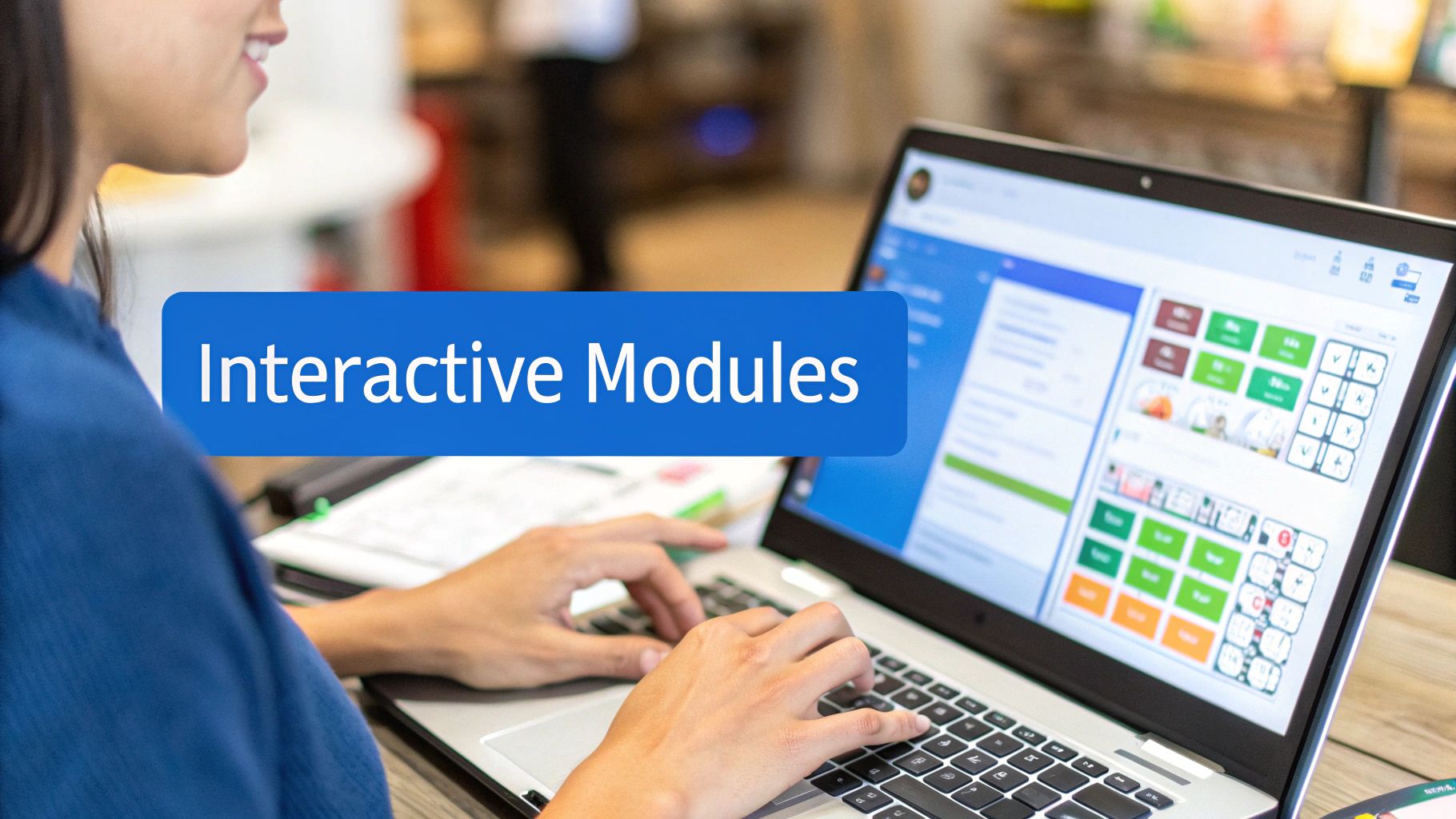
Use Multiple Training Methods
- Hands-on training: Practice transactions using POS training mode.
- Video tutorials: Short demonstrations showing specific tasks.
- Quick-reference guides: Simple instructions near the register.
Combining these learning methods improves knowledge retention and confidence.
Customize Training by Role
Each employee role requires different POS skills.
| Employee Role | Training Focus | Key Skills |
|---|---|---|
| Cashier / Server | Hands-on practice | Payments, refunds, discounts, split checks |
| Store Manager | System walkthrough | Sales reports, staff permissions, troubleshooting |
| Inventory Staff | Inventory modules | Stock adjustments, purchase orders, inventory reporting |
Training With Real-World POS Scenarios
Real learning happens through hands-on practice. Employees should experience the types of transactions they encounter daily.
Most POS platforms offer a training or sandbox mode where staff can practice without affecting real sales data.
Practice Realistic POS Scenarios
- Processing refunds and exchanges.
- Splitting payments across multiple methods.
- Voiding transactions during busy shifts.
- Completing end-of-day cash reconciliation.
Practicing these tasks builds confidence and prepares employees for real customer interactions.
Training environments allow employees to make mistakes safely, turning errors into valuable learning experiences.
Measuring POS Training Success
Training should always produce measurable improvements in daily operations.
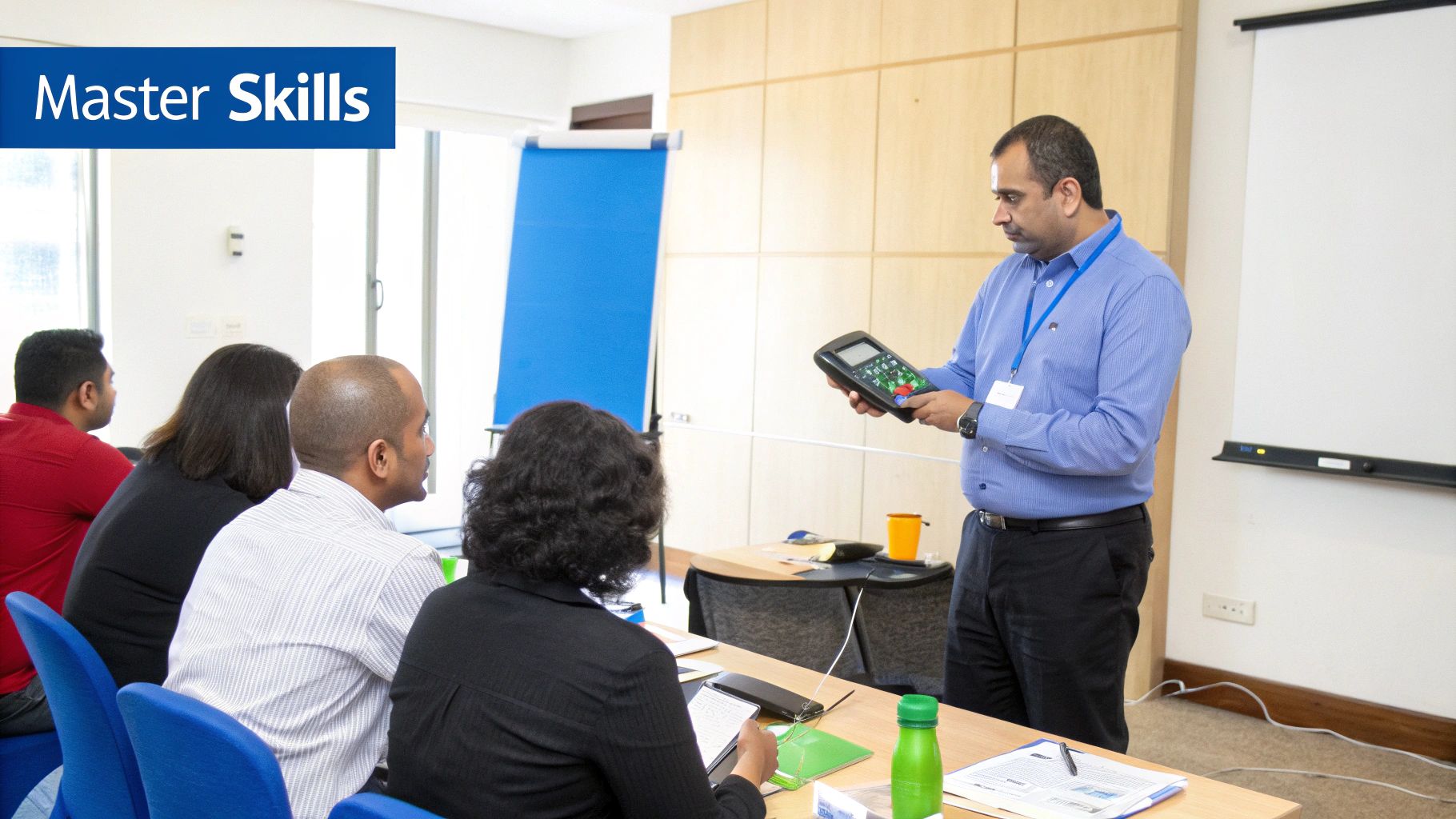
Managers should track key performance indicators to evaluate training effectiveness.
Key Metrics to Monitor
- Average checkout time
- Number of transaction errors
- Refund processing speed
- Inventory accuracy
Improving these metrics indicates employees are successfully applying their training.
Provide Ongoing Support
Training should not end after the first session. Continuous learning helps employees stay updated with system features and software updates.
Helpful strategies include:
- Creating a shared folder with training materials.
- Providing quick-reference guides.
- Designating a POS expert within the team.
How Biyo POS Simplifies Staff Training
Modern POS platforms should make employee training easier, not more complicated. Biyo POS is designed with an intuitive interface that allows staff to learn quickly and operate the system confidently.
The platform includes streamlined checkout workflows, simple inventory tools, and easy reporting dashboards that reduce the learning curve for new employees.
If you want to see how intuitive POS software can simplify staff training and daily operations, you can schedule a demo with Biyo POS and explore the platform in action.
Frequently Asked Questions
How long does POS training take for new employees?
Most new cashiers can learn basic POS operations within 2–4 hours of hands-on training. Managers and advanced users may require additional sessions covering reporting and inventory tools.
How should businesses train staff after POS software updates?
Short refresher sessions or quick tutorial videos are usually enough to explain new features or workflow changes.
What is the most important POS skill for employees?
The most important skill is efficient transaction processing. Employees must confidently handle payments, refunds, discounts, and customer inquiries.
Can POS training improve customer service?
Yes. Faster transactions, fewer errors, and confident employees create a smoother customer experience.