Think of your point of sale software as more than just a digital cash register. With proper training, it becomes the operational center of your business. Effective point of sale software training allows employees to process transactions faster, reduce costly mistakes, manage inventory accurately, and deliver better customer experiences consistently.
Modern POS systems manage far more than payments alone. They track inventory levels, monitor sales performance, generate reports, manage customer information, process refunds, and provide business analytics that help owners make smarter decisions. However, these features only create value when employees understand how to use them correctly and confidently.
Without proper training, businesses often experience slow checkout times, inaccurate inventory records, refund errors, frustrated employees, and dissatisfied customers. Even advanced POS systems become operational liabilities when staff members hesitate during transactions or misuse critical system features.
Businesses that invest in structured POS training programs generally improve operational efficiency, reduce employee stress, increase transaction accuracy, and strengthen customer satisfaction. Proper training additionally improves employee confidence because staff members understand how to handle real-world situations quickly and professionally.
This guide explains why POS training matters, how to design an effective training program, and how businesses can ensure employees consistently use their POS system efficiently in daily operations.
Table of Contents
- Why POS Training Is Critical for Business Operations
- Building a POS Training Plan
- Designing an Effective Training Program
- Using Real-World POS Training Scenarios
- Advanced POS Skills Employees Should Learn
- Measuring Training Success and Providing Ongoing Support
- Common POS Training Mistakes Businesses Make
- Future Trends in POS Training and Workforce Development
- How Biyo POS Simplifies Staff Training
- Frequently Asked Questions
Why Effective POS Training Matters
Many businesses treat their POS system like a simple payment terminal. In reality, modern systems function as the operational backbone of the entire business.
When employees are properly trained, transactions move faster and errors decrease significantly. Staff can confidently apply discounts, process refunds, split payments, manage customer profiles, update inventory, and resolve transaction issues without hesitation.
POS training additionally improves consistency across employees. Customers receive a smoother experience when every staff member follows standardized workflows and understands how to handle transactions correctly.
The Operational Benefits of POS Training
- Faster checkout times: Trained employees process transactions efficiently and confidently.
- Reduced transaction errors: Staff avoid mistakes involving discounts, taxes, refunds, and payment methods.
- Improved inventory accuracy: Correct item scanning maintains reliable stock records.
- Better customer experiences: Faster and smoother transactions improve customer satisfaction.
- Higher employee confidence: Staff feel less stressed when handling busy checkout situations.
Businesses that fail to train employees properly often experience slow checkout lines, operational bottlenecks, inconsistent reporting, and frustrated customers.
Proper training also helps businesses reduce costly mistakes involving refunds, inventory adjustments, voided transactions, and payment reconciliation.
If you operate a restaurant, understanding the operational risks behind the restaurant failure rate highlights why efficient systems and properly trained employees are essential for long-term success.
Effective POS training builds operational confidence. When employees develop muscle memory for common tasks, service becomes faster, smoother, and more reliable.
Building Your POS Training Blueprint
Starting POS training without a structured plan often leads to inconsistent learning outcomes and wasted time.
A clear training blueprint ensures every employee learns the specific POS skills required for their role while maintaining consistency across the business.
Identify Existing Skill Gaps
Businesses should first observe employees during daily operations to identify areas where staff hesitate or struggle with the POS system.
For example:
- Cashiers may struggle with split payments or gift card transactions.
- Managers may not fully understand reporting tools.
- Inventory staff may struggle with stock adjustments or purchase orders.
- Restaurant servers may hesitate during table transfers or order modifications.
Identifying these weaknesses helps businesses prioritize training topics more effectively.
Set Clear and Measurable Training Goals
Training goals should focus on measurable operational improvements rather than vague objectives.
Examples include:
- Reduce average checkout time by 15%.
- Decrease refund processing errors by 20%.
- Ensure all employees can complete core POS tasks independently.
- Improve inventory accuracy during stock counts.
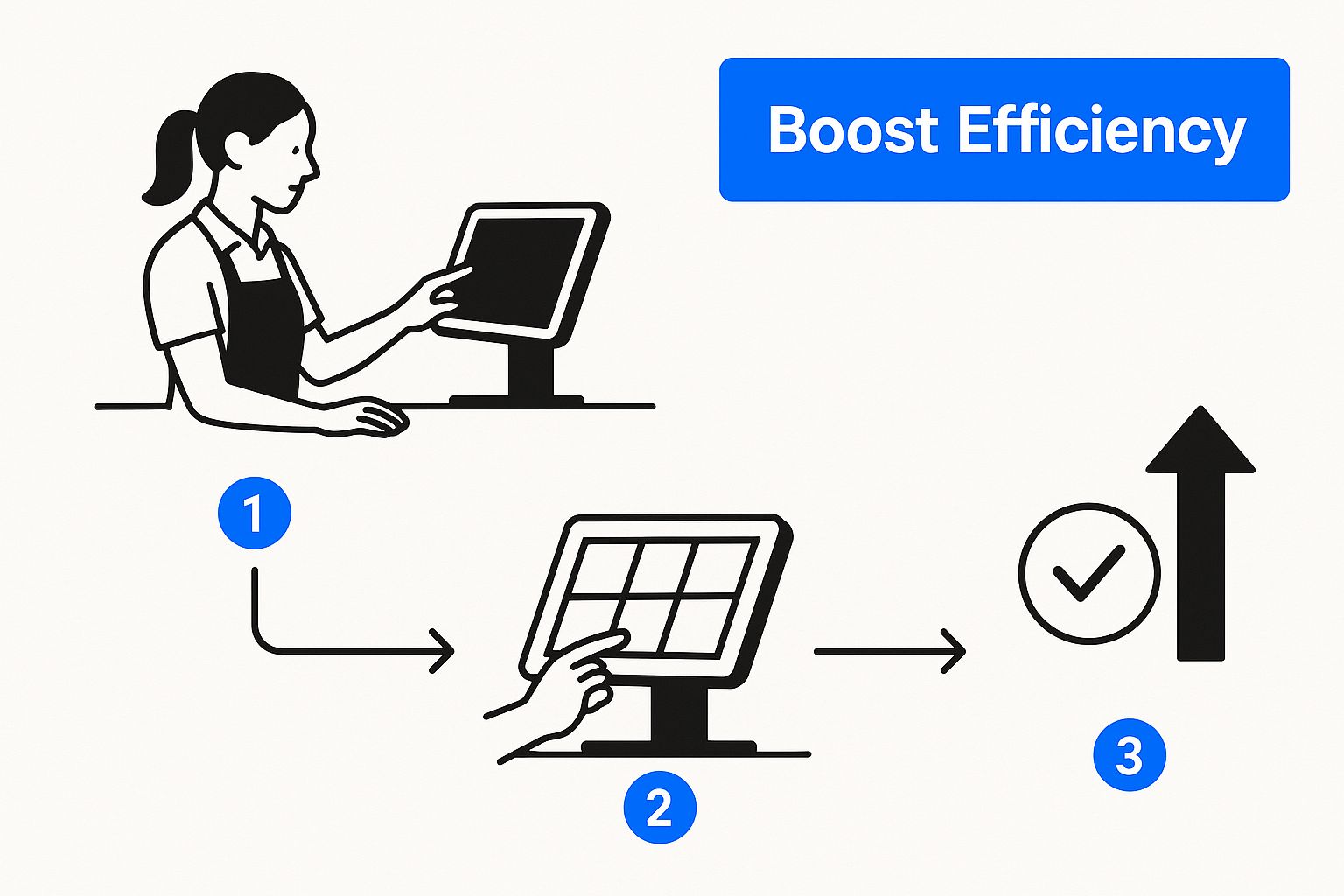
Aligning training goals with broader business objectives helps employees understand why these operational skills matter.
Businesses that define strong operational goals often see better training outcomes. You can explore this concept further in our article about restaurant mission statements.
Designing an Effective Training Program
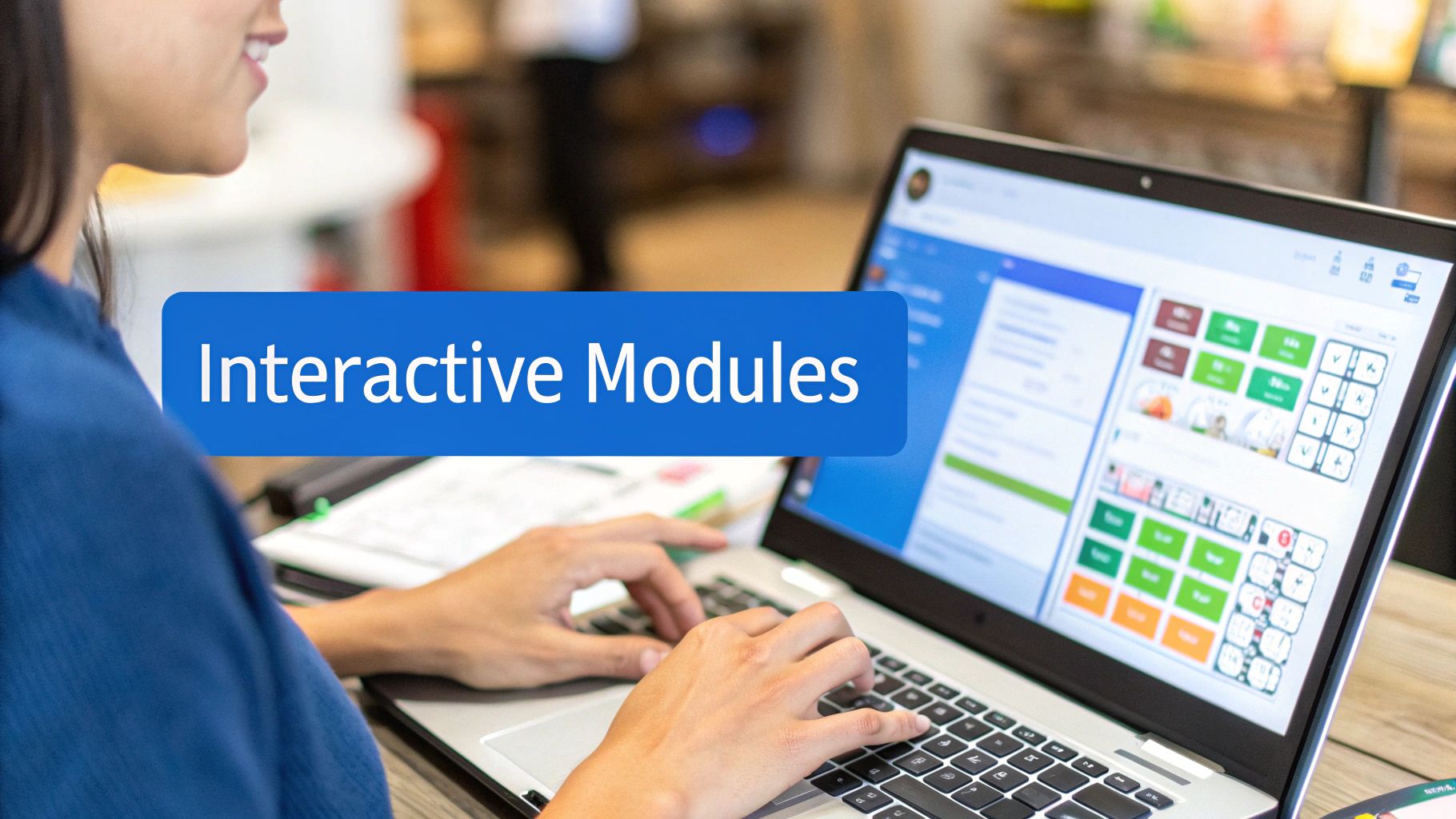
Employees learn differently, which means effective POS training programs should combine multiple teaching methods.
Some employees learn best through hands-on repetition, while others prefer visual demonstrations or written instructions.
Use Multiple Training Methods
- Hands-on practice: Employees complete transactions using POS training mode.
- Video tutorials: Short demonstrations explain specific workflows.
- Quick-reference guides: Simple instructions remain available near registers.
- Shadow training: New employees observe experienced team members.
- Scenario-based exercises: Staff practice solving real operational situations.
Combining several learning methods improves retention while helping employees feel more confident during real customer interactions.
Customize Training Based on Employee Roles
Different employee positions require different POS skills.
| Employee Role | Training Focus | Key Skills |
|---|---|---|
| Cashier / Server | Hands-on transaction practice | Payments, refunds, discounts, split checks |
| Store Manager | Administrative workflows | Reporting, permissions, troubleshooting |
| Inventory Staff | Inventory management tools | Stock adjustments, purchase orders, inventory counts |
| Restaurant Supervisor | Operational oversight | Table management, void approvals, staff monitoring |
Role-specific training improves efficiency because employees focus primarily on the features they actually use daily.
Using Real-World POS Training Scenarios
Real learning happens through repetition and practical experience.
Employees should regularly practice the same types of transactions and operational situations they encounter during busy shifts.
Most modern POS platforms offer sandbox or training modes that allow staff to practice safely without affecting live business data.
Practice Realistic POS Scenarios
- Processing refunds and exchanges.
- Splitting payments across multiple payment methods.
- Applying coupons and discounts correctly.
- Voiding transactions during rush periods.
- Handling customer loyalty accounts.
- Completing end-of-day cash reconciliation.
- Managing inventory adjustments.
Practicing these tasks repeatedly helps employees respond more confidently under pressure.
Hands-on training additionally reduces fear of making mistakes because employees learn within a safe environment.
Training environments allow employees to make mistakes safely, turning operational errors into valuable learning experiences before they affect real customers.
Advanced POS Skills Employees Should Learn
Basic transaction processing is only one part of effective POS usage. Businesses benefit significantly when employees understand advanced operational features as well.
Inventory Management Functions
Employees responsible for stock handling should understand how inventory updates occur automatically through sales transactions.
Training should include:
- Receiving inventory deliveries.
- Updating stock quantities.
- Identifying inventory discrepancies.
- Performing stock counts.
Inventory accuracy directly affects profitability because inaccurate counts can lead to overordering, shortages, and lost sales.
Reporting and Analytics
Managers benefit from understanding reporting dashboards, sales summaries, labor reports, and inventory analytics.
These reports help businesses identify operational trends, peak sales periods, employee performance metrics, and product profitability.
Customer Relationship Features
Many POS systems include customer loyalty tools, marketing integrations, and purchase history tracking.
Employees who understand these features can improve customer engagement and encourage repeat business more effectively.
Measuring Training Success and Providing Ongoing Support
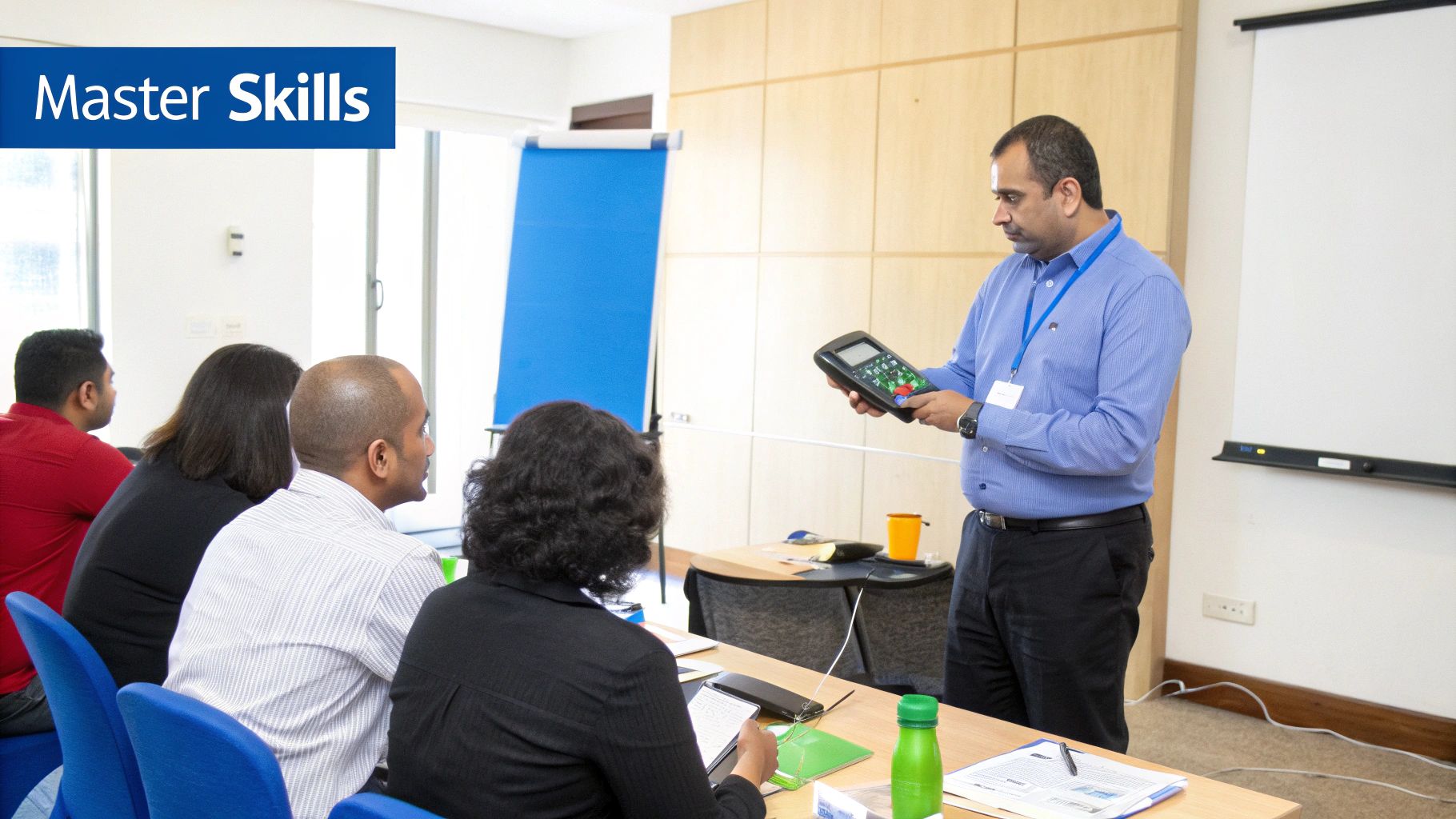
Training programs should always produce measurable operational improvements.
Businesses should regularly evaluate performance metrics to determine whether employees are applying training effectively.
Key Metrics to Monitor
- Average checkout time
- Transaction error rates
- Refund processing speed
- Inventory accuracy
- Customer wait times
- Employee confidence and consistency
Improving these operational metrics generally indicates successful POS training implementation.
Provide Continuous Learning Opportunities
POS training should not end after initial onboarding sessions.
Software updates, new features, operational changes, and evolving workflows require ongoing employee education.
Helpful strategies include:
- Maintaining shared digital training folders.
- Providing quick-reference cheat sheets.
- Creating short refresher videos.
- Assigning experienced employees as POS mentors.
Continuous training additionally helps businesses maintain consistency across growing teams.
Common POS Training Mistakes Businesses Make
Many businesses unintentionally weaken training effectiveness through inconsistent or incomplete instruction.
Rushing Employee Training
Employees who receive minimal onboarding often develop bad habits or incomplete understanding of system features.
Rushed training frequently leads to operational mistakes later.
Overloading Employees With Information
Introducing too many features simultaneously can overwhelm new employees.
Training should progress gradually, starting with core tasks before introducing advanced workflows.
Ignoring Refresher Training
Businesses sometimes assume employees fully retain information after initial onboarding.
Without refresher training, employees may forget advanced workflows or struggle adapting to software updates.
Future Trends in POS Training and Workforce Development
POS systems continue evolving rapidly as automation, AI-powered analytics, and cloud-based technologies become more common.
Future training programs will likely include interactive simulations, mobile training apps, and AI-assisted learning environments.
Businesses are additionally focusing more heavily on cross-functional employee training because operational flexibility improves workforce efficiency.
Remote learning tools, digital onboarding systems, and interactive tutorials are becoming increasingly important for businesses managing larger or multi-location teams.
Companies that invest in continuous workforce development are generally better prepared for operational growth and technology adoption.
How Biyo POS Simplifies Staff Training
Biyo POS is designed with an intuitive interface that helps employees learn the system quickly while reducing operational complexity.
The platform includes streamlined checkout workflows, easy inventory tools, simple reporting dashboards, and user-friendly navigation that reduce the learning curve for both new employees and experienced staff.
Businesses can train employees faster while maintaining smoother operations and more consistent customer experiences.
If you want to see how intuitive POS software can simplify staff training and daily operations, you can schedule a demo with Biyo POS and explore the platform in action.
Frequently Asked Questions
How long does POS training take for new employees?
Most employees can learn basic POS operations within several hours of hands-on training, while advanced management and reporting features may require additional sessions.
Why is POS training important?
POS training improves transaction speed, reduces operational errors, increases inventory accuracy, and strengthens customer experiences.
What is the most important POS skill employees should learn?
The most important skill is efficient transaction processing, including handling payments, refunds, discounts, and customer inquiries confidently.
Can POS training reduce employee stress?
Yes. Employees who understand the POS system clearly generally feel more confident and less overwhelmed during busy operational periods.
How should businesses handle POS software updates?
Businesses should provide refresher training sessions, tutorial videos, or quick guides whenever new features or workflow changes are introduced.
Can POS training improve customer service?
Yes. Faster transactions, fewer mistakes, and confident employees create smoother customer experiences and shorter checkout lines.
Should managers receive different POS training than cashiers?
Yes. Managers typically require advanced training involving reporting, permissions, troubleshooting, inventory management, and operational analytics.
What happens if employees are not properly trained?
Poor training can lead to slower transactions, inventory errors, refund mistakes, frustrated customers, and reduced operational efficiency.