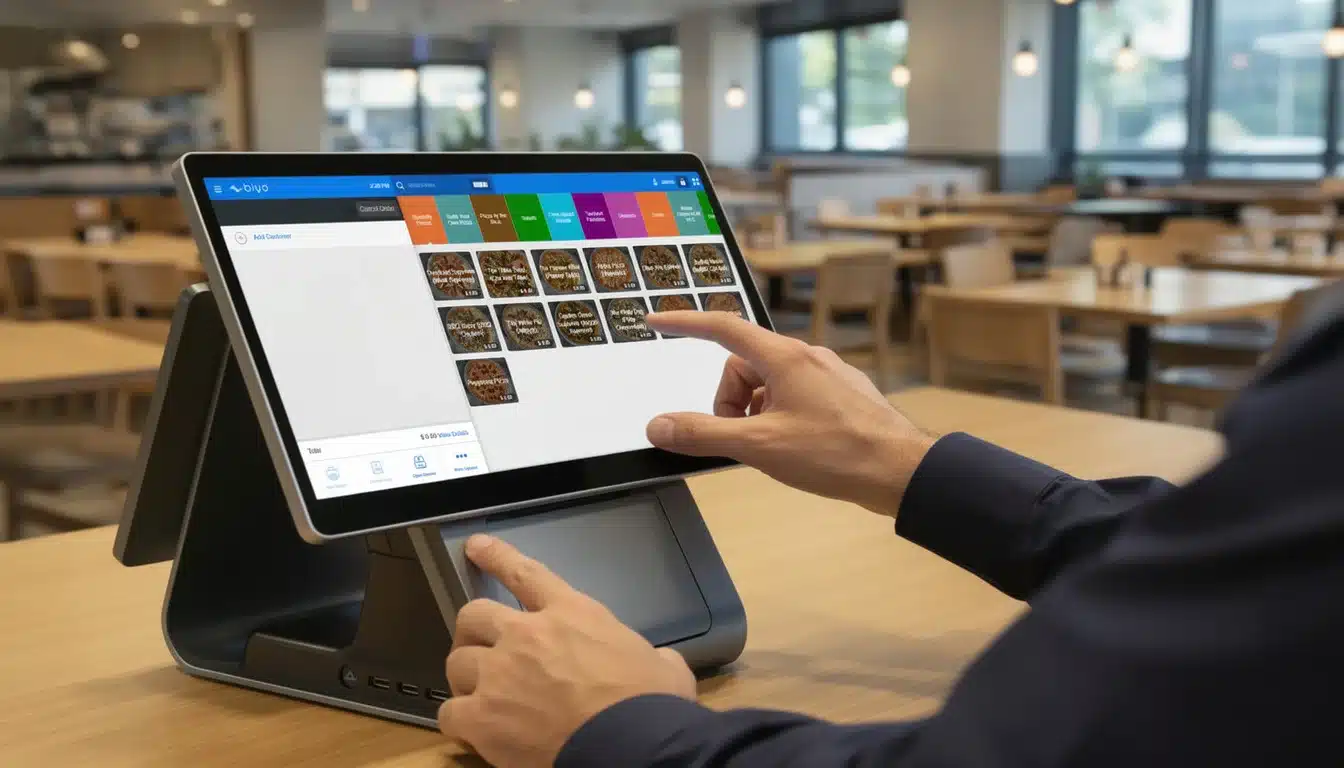
A modern POS system for a quick service restaurant is far more than a simple digital cash register. In today’s fast-paced restaurant industry, it acts as the central command center that manages orders, payments, kitchen communication, and operational data in real time. For quick-service restaurants (QSRs), where speed and efficiency determine profitability, the right POS system becomes the backbone of the entire business.
From processing high-volume transactions to coordinating kitchen workflows and tracking inventory automatically, a modern POS system helps restaurants maintain accuracy and efficiency during even the busiest rush hours. Understanding how these systems work—and what features matter most—can help restaurant owners make smarter technology decisions that improve service speed, reduce errors, and increase profitability.
Table of Contents
- Why a QSR POS Is More Than a Cash Register
- What to Look for in a QSR POS System
- Unifying Your Operations From Front to Back
- Weaving Your Digital and Physical Worlds Together
- How to Choose the Right QSR POS System
- How Biyo POS Helps Quick Service Restaurants
- Frequently Asked Questions
Why a QSR POS Is More Than a Cash Register
A quick service restaurant operates in a high-speed environment where efficiency is critical. During busy periods like lunch or dinner rushes, hundreds of transactions may occur within a short time. Without a reliable system to coordinate these activities, order errors, long wait times, and operational confusion quickly become problems.
A dedicated POS system for a quick service restaurant solves this by acting as the central digital hub that manages orders, payment processing, and kitchen communication simultaneously. Orders placed at the counter, through mobile apps, or at kiosks are instantly routed to the kitchen display system while payment information is processed securely.
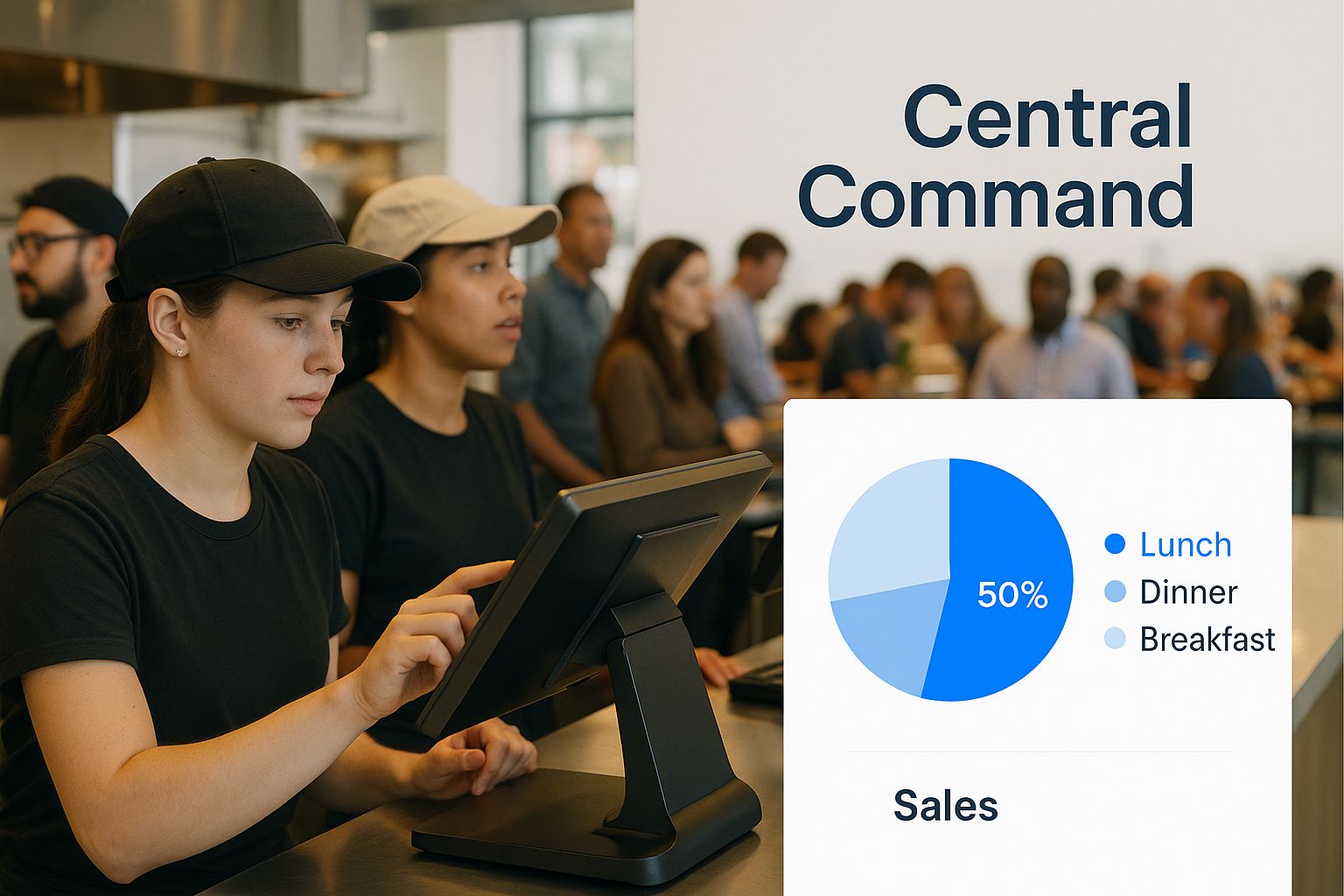
The Core of Your Operations
Unlike traditional registers that simply process payments, modern POS systems integrate multiple operational functions into a single platform. These systems connect the front counter, kitchen staff, payment processing, inventory tracking, and reporting tools into one synchronized workflow.
A specialized QSR POS doesn’t just process transactions. It orchestrates the entire customer journey, from order placement to food preparation and final delivery.
- Reduced Order Errors: Digital order routing eliminates miscommunication between staff.
- Faster Service: Automated workflows allow kitchens to receive and prepare orders instantly.
- Better Data Insights: Sales trends and peak hours become visible through built-in analytics.
What to Look for in a QSR POS System
Choosing the right POS system for a quick service restaurant requires understanding which features directly impact speed, accuracy, and customer satisfaction. A well-designed system simplifies workflows and allows staff to focus on serving customers rather than managing complicated technology.
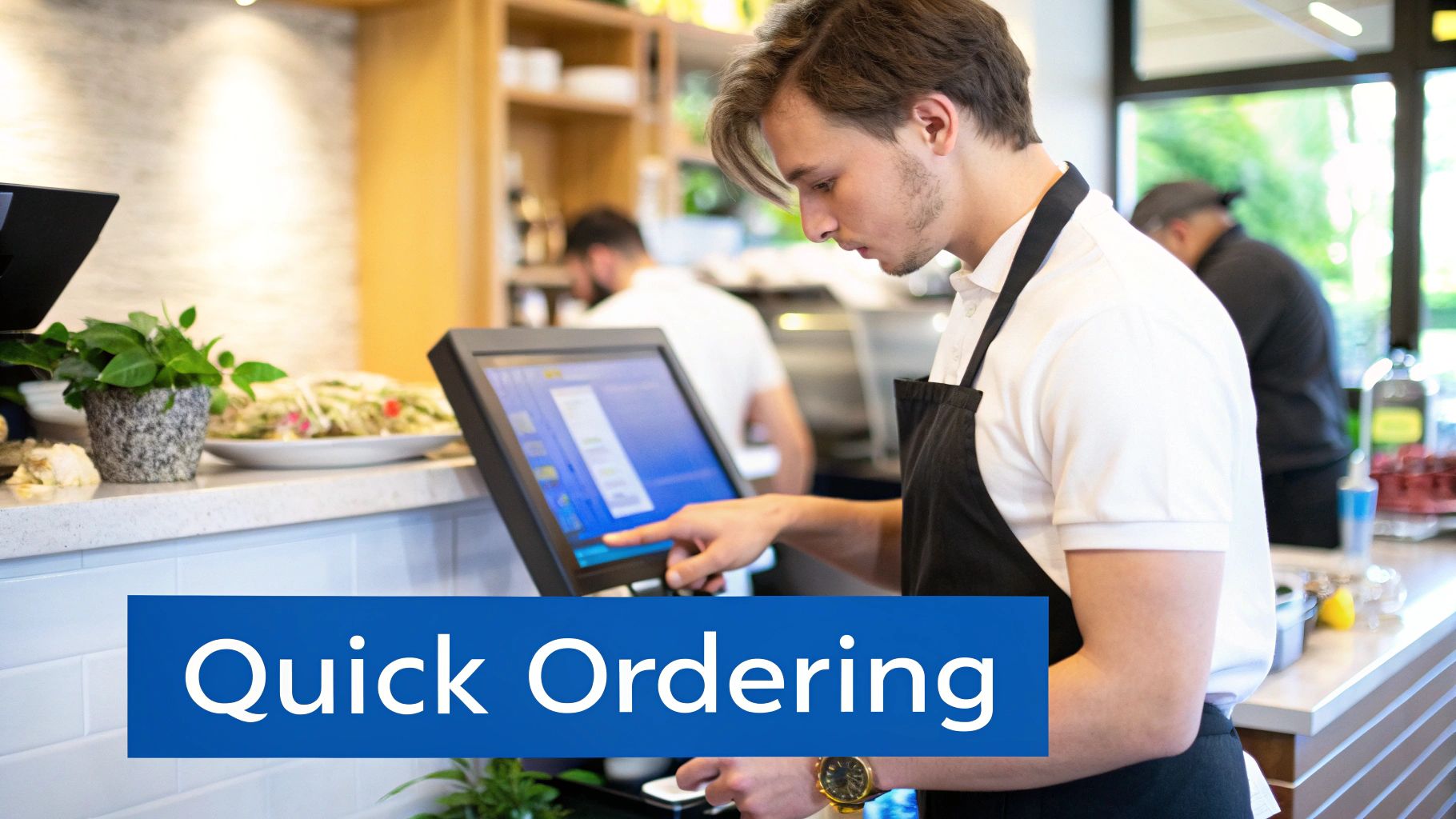
Effortless and Speedy Order Entry
Speed is critical in quick service environments. POS systems must provide intuitive touchscreen interfaces that allow employees to enter orders quickly without navigating complex menus. Customizable layouts help highlight popular items, making order entry faster and reducing training time for new staff.
Kitchen Display System Integration
Kitchen Display System (KDS) integration replaces traditional paper tickets with digital order screens. As soon as an order is entered at the POS, it appears instantly on kitchen displays, reducing errors and helping kitchen staff prioritize orders efficiently.
Fast and Flexible Payment Options
Customers expect multiple payment options when visiting quick service restaurants. A modern POS system must support credit cards, debit cards, mobile wallets, and contactless payments such as Apple Pay and Google Pay. Faster payment processing reduces line wait times and improves the overall customer experience.
| Feature | Primary Benefit | Operational Impact |
|---|---|---|
| Intuitive Order Screen | Speed and accuracy | Faster order processing and fewer mistakes |
| KDS Integration | Kitchen efficiency | Improves preparation speed and order tracking |
| Integrated Payments | Faster checkout | Shorter lines and improved customer experience |
| Inventory Management | Cost control | Tracks ingredients and prevents stock shortages |
| Loyalty Programs | Repeat customers | Encourages customer retention and targeted marketing |
Unifying Your Operations From Front to Back
A powerful POS system connects every operational department within the restaurant. Sales data, inventory levels, employee schedules, and financial reports are all managed from one centralized dashboard. This allows restaurant owners to monitor performance and make decisions using real-time insights rather than guesswork.
Real-Time Inventory Management
Inventory management is one of the most valuable features for quick service restaurants. Every time a menu item is sold, the system automatically deducts the ingredients used from inventory. This allows managers to monitor stock levels accurately and receive alerts when ingredients run low.
- Automatic ingredient tracking
- Low-stock alerts
- Waste reduction through accurate forecasting
Staff and Scheduling Management
Many POS systems also include employee management tools such as time tracking and shift scheduling. Staff can clock in and out directly from the POS terminal, while managers can analyze labor costs alongside sales data to optimize staffing levels.
Weaving Your Digital and Physical Worlds Together
Modern restaurants operate across multiple channels including in-store orders, mobile apps, delivery platforms, and self-service kiosks. A strong POS system integrates all these channels into one unified platform, ensuring orders flow smoothly regardless of where they originate.
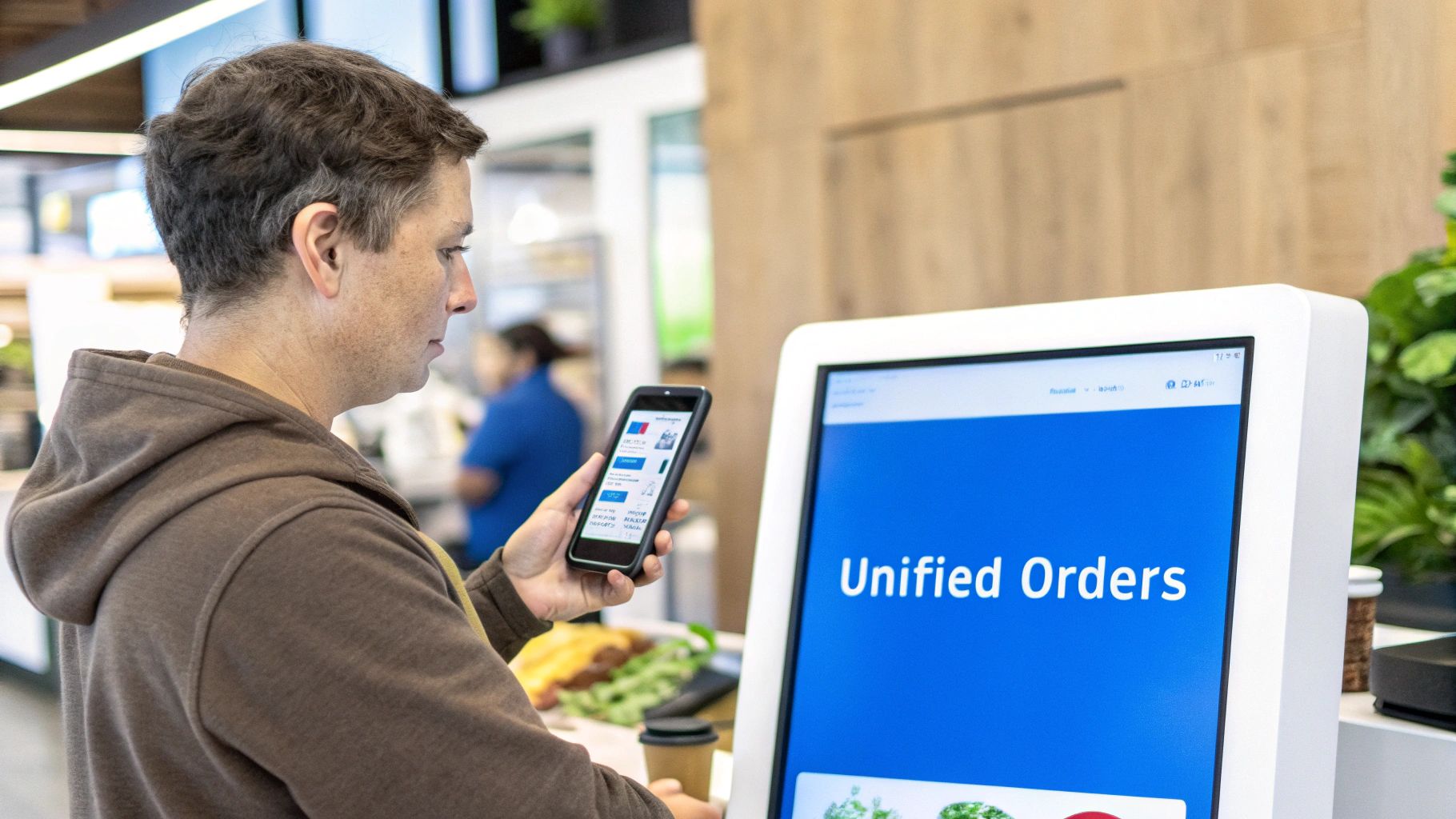
Without integration, restaurants often rely on multiple tablets and manual entry for online orders, increasing the risk of mistakes. Integrated POS systems automatically synchronize orders from delivery apps, kiosks, and websites directly with the kitchen and inventory system.
The Rise of Self-Service Kiosks
Self-service kiosks are becoming increasingly common in quick service restaurants. When connected to a POS system, kiosks allow customers to place orders independently while encouraging upsells through automated prompts.
Kiosks also reduce pressure on front-counter staff during busy hours, helping restaurants serve more customers efficiently.
How to Choose the Right QSR POS System
Selecting the right POS system requires evaluating your restaurant’s workflow, customer demand, and long-term business goals. Different restaurants require different features depending on order channels, menu complexity, and transaction volume.
Evaluate Your Operational Needs
- Order channels such as counter, drive-thru, kiosks, or delivery apps
- Menu complexity and customization requirements
- Hardware durability for high-volume environments
Cloud-Based vs On-Premise Systems
Cloud-based POS systems are increasingly popular because they allow restaurant owners to access sales data, manage menus, and monitor operations remotely. These systems also receive automatic updates and security improvements without requiring manual maintenance.
| Consideration | Cloud-Based POS | On-Premise POS |
|---|---|---|
| Accessibility | Access from any internet-connected device | Access limited to local server |
| Upfront Cost | Lower startup cost with subscription model | High hardware and installation cost |
| Updates | Automatic updates | Manual updates required |
| Security | Managed by provider with cloud encryption | Business responsible for security |
How Biyo POS Helps Quick Service Restaurants
Restaurants looking to modernize operations can benefit from exploring how Biyo POS helps quick service restaurants streamline ordering and payment workflows. The platform combines order management, kitchen display integration, payment processing, and inventory tracking into a single cloud-based system.
With real-time analytics and flexible hardware compatibility, Biyo POS allows restaurant owners to monitor operations from anywhere while ensuring fast and reliable service during busy hours.
Businesses ready to upgrade their restaurant technology can also create a Biyo POS account and start exploring the platform to see how integrated POS tools improve speed, efficiency, and customer satisfaction.
Frequently Asked Questions
How much does a POS system for a quick service restaurant cost?
Costs vary depending on the system and hardware required. Many modern POS platforms charge monthly software subscriptions along with payment processing fees and hardware costs.
Can existing hardware work with a new POS system?
Some POS platforms support third-party hardware, but using vendor-recommended equipment often ensures better reliability and faster performance.
What POS feature matters most for drive-thru restaurants?
Real-time order synchronization between the order station, payment terminal, and kitchen display system is critical for maintaining speed and accuracy in drive-thru environments.
Why are cloud-based POS systems popular for QSRs?
Cloud systems allow restaurant owners to access reports remotely, update menus instantly, and scale operations across multiple locations without complex infrastructure.
Can a POS system increase restaurant sales?
Yes. POS systems improve order accuracy, reduce wait times, enable upselling through kiosks or prompts, and provide data insights that help optimize menus and staffing decisions.