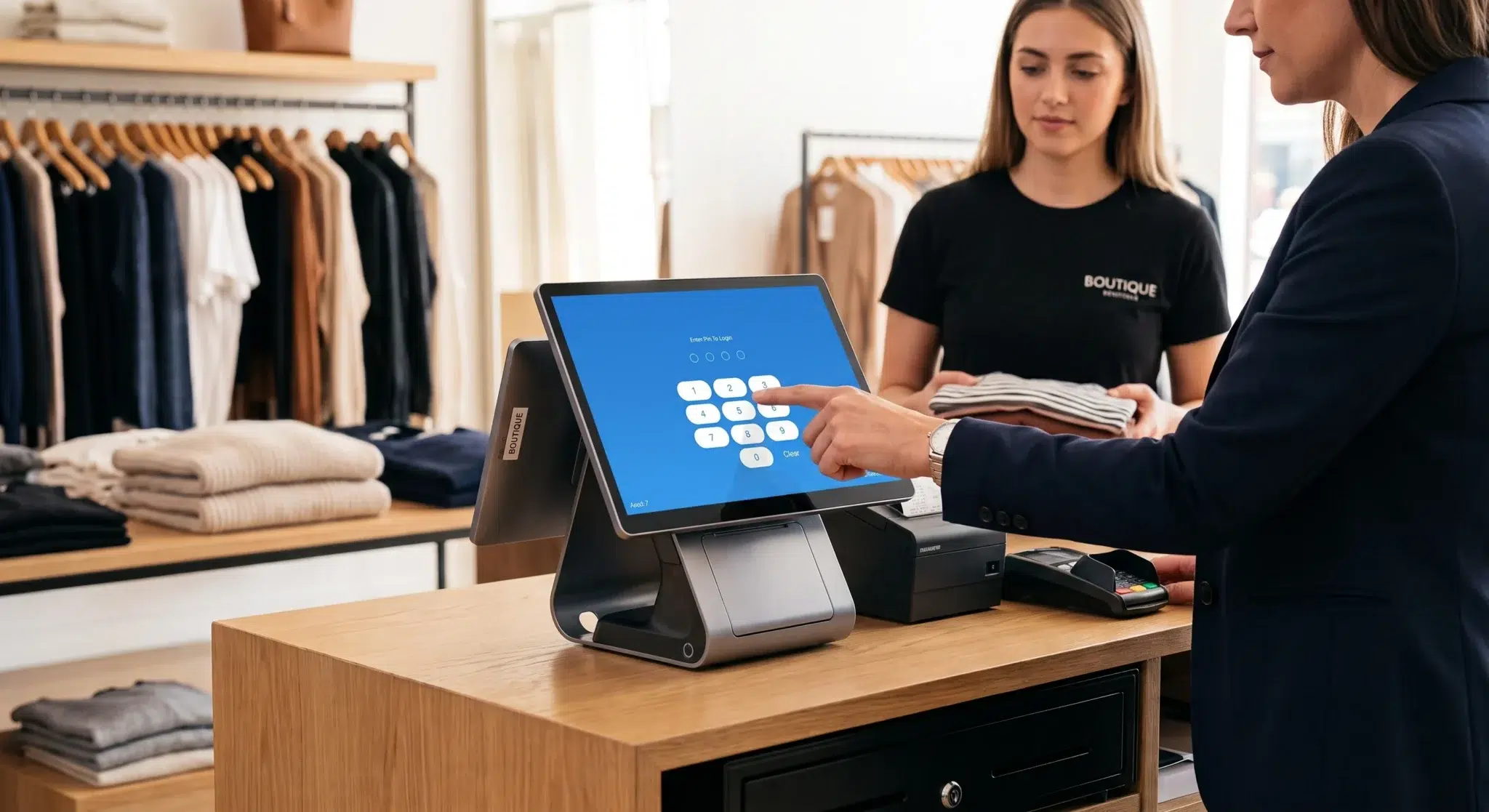
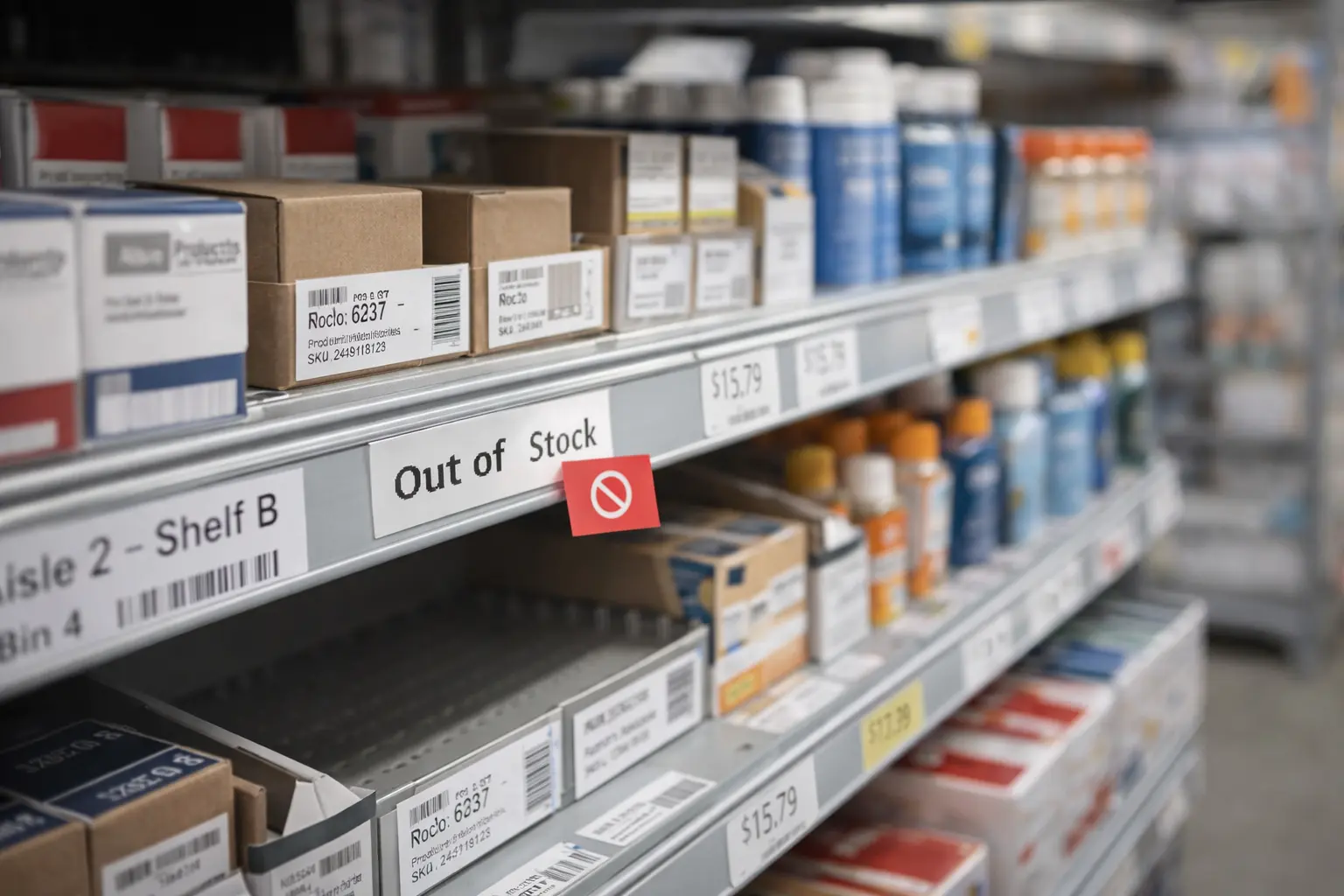
Modern businesses cannot afford to guess their inventory levels. Whether you operate a retail store, restaurant, café, convenience shop, warehouse, or service-based business, knowing exactly what products are available at any moment is essential for maintaining profitability and delivering reliable customer experiences.
This is where POS system inventory management becomes one of the most valuable operational tools within a business.
Instead of tracking inventory manually through spreadsheets, handwritten logs, or delayed stock counts, modern POS systems automatically update inventory levels every time a transaction occurs. This creates a direct connection between sales activity and stock management, giving businesses real-time visibility into inventory movement.
With inventory tightly integrated into the point-of-sale environment, businesses can reduce stock shortages, minimize overstocking, improve purchasing decisions, and gain a clearer understanding of customer demand patterns.
Over time, inventory management evolves from a repetitive administrative task into a strategic operational advantage powered by real-time data and automation.
Understanding how POS inventory systems work — and how businesses use them effectively — is the first step toward building a more efficient, scalable, and data-driven business operation.
Table of Contents
- Moving Beyond Manual Counts with POS Inventory Management
- How POS Inventory Management Actually Works
- Key Components of a POS Inventory System
- Manual vs POS Automated Inventory Workflow
- Getting the Most Out of Your POS Inventory Features
- How Different Businesses Use POS Inventory Systems
- Turning Inventory Data into a Growth Engine
- Common Inventory Management Mistakes Businesses Make
- Best Practices for Implementing POS Inventory Management
- Future Trends in POS Inventory Technology
- How Biyo POS Helps Businesses Manage Inventory Efficiently
- Frequently Asked Questions
Moving Beyond Manual Counts with POS Inventory Management
Think about how many businesses traditionally manage inventory. Employees manually count products at the end of the day, update spreadsheets by hand, and estimate when products may run out.
This process is not only time-consuming but also highly vulnerable to human error.
Manual inventory tracking creates several operational problems including inaccurate stock counts, delayed purchasing decisions, unexpected shortages, excess inventory accumulation, and lost sales opportunities.
Research from Wasp Barcode Technologies found that nearly 43% of small businesses still rely on manual inventory methods or do not track inventory consistently at all. Businesses operating without accurate inventory visibility often struggle with forecasting demand and maintaining efficient purchasing workflows.
A POS system with integrated inventory management solves these challenges by automatically updating inventory levels whenever products are sold, returned, exchanged, or restocked.
When a cashier scans a product during checkout, the POS system immediately deducts that item from inventory quantities.
This real-time synchronization removes guesswork from inventory management and allows managers to make more informed operational decisions.
Instead of constantly checking inventory manually, business owners can focus on analyzing sales trends, monitoring top-selling products, and optimizing purchasing strategies.
Why Real-Time Inventory Visibility Matters
Modern customers expect businesses to know whether products are available immediately.
Nothing damages customer confidence faster than discovering a product listed as available is actually out of stock.
Real-time inventory tracking improves customer experiences by ensuring inventory data remains accurate across stores, websites, and ordering systems.
Businesses can also respond faster to changing demand patterns, seasonal trends, and supply chain disruptions.
How POS Inventory Management Actually Works
A POS inventory management system functions like a digital inventory control center that tracks every product movement inside a business.
Each product is assigned a unique identifier such as a barcode or Stock Keeping Unit (SKU). This identifier links the product to the POS database where pricing, supplier information, inventory quantities, and product details are stored.
When a customer purchases a product, multiple processes occur instantly:
- The POS system records the transaction.
- The inventory quantity updates automatically.
- The sale is logged for analytics and reporting.
- Revenue data updates in real time.
- Inventory reports adjust instantly.
This automation ensures inventory records remain accurate without requiring manual updates.
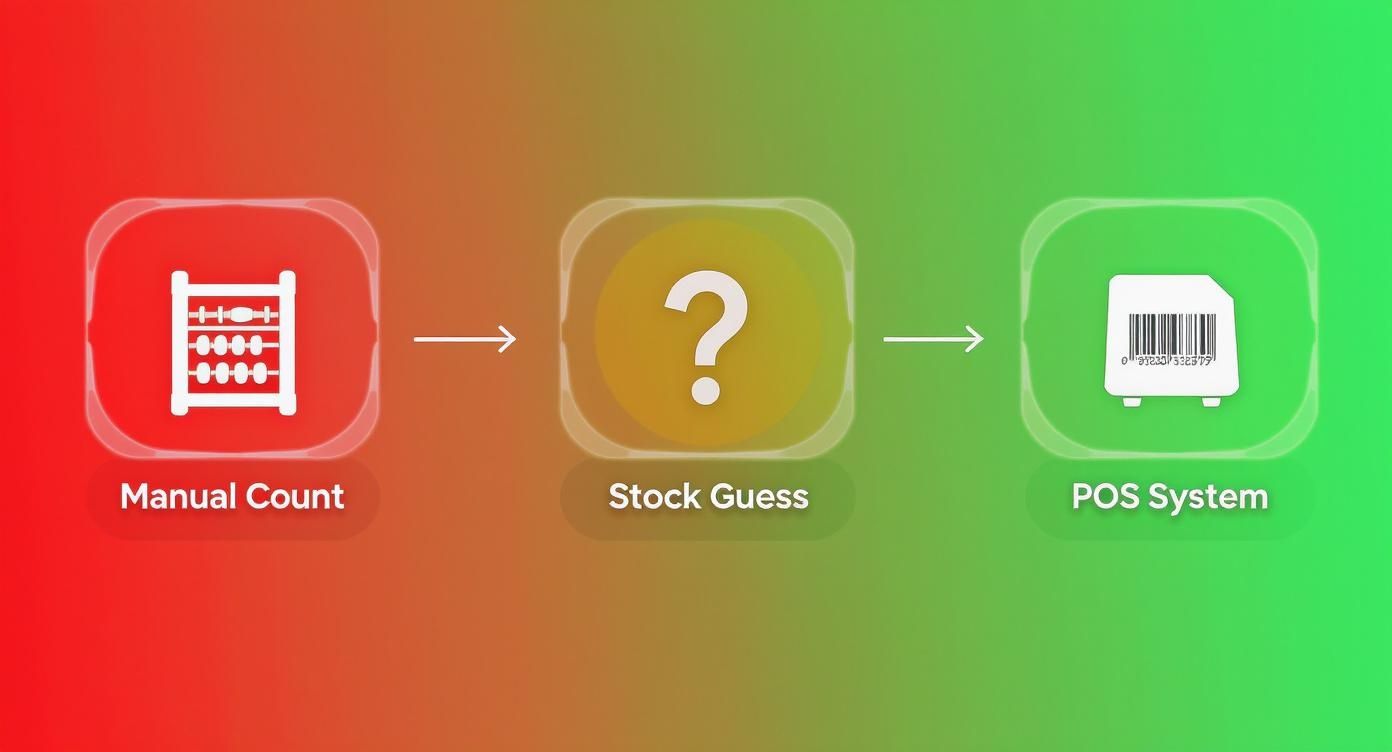
Cloud-based POS systems additionally synchronize inventory across multiple devices, warehouses, online stores, and physical retail locations simultaneously.
This ensures businesses always maintain a unified and accurate view of inventory availability.
How Returns and Exchanges Affect Inventory
POS inventory systems also track product returns, exchanges, refunds, and damaged items automatically.
When an item is returned, the system updates inventory levels instantly while maintaining accurate sales reporting.
This visibility helps businesses identify return trends, defective products, and operational issues affecting inventory performance.
Key Components of a POS Inventory System
A modern POS inventory platform relies on several integrated components working together to maintain accurate inventory visibility and operational efficiency.
Product Database
The product database acts as the foundation of inventory management.
It stores information including:
- Product names
- SKU numbers
- Barcodes
- Supplier information
- Purchase costs
- Selling prices
- Inventory quantities
- Product categories
Maintaining accurate product data ensures reliable inventory tracking and reporting.
Sales Transaction Logging
Every sale, return, or exchange processed through the POS system automatically triggers inventory updates.
These transaction logs additionally provide valuable operational insights regarding customer behavior and product demand.
Real-Time Synchronization
Cloud-based POS systems synchronize inventory data across locations and devices instantly.
According to Retail Systems Research, businesses with real-time inventory visibility can reduce stockouts by up to 30%.
Reporting and Analytics Tools
Advanced reporting tools help businesses analyze inventory movement, identify trends, and improve purchasing decisions.
Managers can generate reports covering:
- Sales performance
- Inventory turnover
- Product profitability
- Supplier performance
- Seasonal demand patterns
Manual vs POS Automated Inventory Workflow
| Workflow Step | Manual Inventory | POS Inventory Management |
|---|---|---|
| Receiving Stock | Manual spreadsheet updates | Barcode scanning updates inventory instantly |
| Tracking Sales | Delayed manual inventory changes | Automatic real-time inventory deduction |
| Detecting Shrinkage | Discovered during occasional audits | Detected quickly through system discrepancies |
| Generating Reports | Time-consuming manual reporting | Instant automated analytics and dashboards |
| Reordering Inventory | Based on assumptions | Automated low-stock notifications |
| Managing Multiple Locations | Difficult coordination | Centralized inventory visibility |
Getting the Most Out of Your POS Inventory Features
Modern POS platforms include powerful inventory features that help businesses improve efficiency, reduce waste, and maintain inventory accuracy.

Real-time inventory tracking ensures businesses always know current stock levels across all products and locations.
This reduces customer frustration caused by unavailable products while improving operational planning.
Research from IHL Group estimates that retailers globally lose nearly $1 trillion annually due to inventory distortion, including stock shortages and excess inventory.
Accurate POS inventory systems help reduce these operational losses significantly.
Automated Reordering
Businesses can configure automatic reorder thresholds for products.
When inventory reaches predefined minimum quantities, the POS system generates low-stock alerts or purchase order recommendations automatically.
This helps businesses avoid stockouts while improving supplier coordination.
Supplier Management
Supplier information stored inside the POS system simplifies purchasing workflows and vendor communication.
Businesses can quickly reorder inventory, compare supplier performance, and track purchasing history.
Multi-Location Inventory Tracking
Businesses operating multiple stores can manage inventory centrally through one dashboard.
Managers can transfer products between locations, monitor regional demand trends, and maintain consistent stock availability across all stores.
How Different Businesses Use POS Inventory Systems
Retail Stores
Retail businesses often manage thousands of products with multiple variations including color, size, and style.
POS inventory systems help retailers track product variations accurately while identifying top-selling inventory categories.
Restaurants
Restaurants typically track ingredients rather than finished products.
POS systems with recipe management automatically deduct ingredients whenever menu items are sold.
For example, selling a burger deducts buns, beef patties, lettuce, tomatoes, cheese, and condiments from inventory automatically.
Service Businesses
Salons, repair businesses, and wellness centers often track both retail inventory and operational supplies.
POS inventory systems allow these businesses to manage service-related inventory alongside retail products.
E-Commerce Businesses
Online businesses rely heavily on synchronized inventory systems to prevent overselling products across websites and marketplaces.
Integrated POS inventory platforms maintain accurate stock visibility between online and physical sales channels.
Turning Inventory Data into a Growth Engine

POS inventory systems generate valuable operational analytics that help businesses optimize purchasing and sales strategies.
Sales Velocity
Sales velocity measures how quickly products sell over time.
This helps businesses identify fast-moving products and prioritize purchasing decisions accordingly.
Inventory Turnover
Inventory turnover measures how frequently products sell and replenish.
Higher turnover rates often indicate strong demand and healthy inventory management practices.
Profit Margin Analysis
Inventory analytics additionally reveal which products generate the highest profit margins.
This helps businesses optimize product mix and pricing strategies more effectively.
According to Gartner, businesses using predictive analytics for inventory forecasting can reduce stock shortages by up to 35%.
Common Inventory Management Mistakes Businesses Make
Even businesses using POS inventory systems can experience operational problems if inventory procedures are poorly managed.
Failing to Audit Inventory Regularly
Businesses should regularly verify physical inventory against POS records to identify shrinkage, theft, or operational inaccuracies.
Ignoring Slow-Moving Inventory
Products that remain unsold for extended periods tie up valuable capital and storage space.
Managers should monitor aging inventory and adjust purchasing decisions accordingly.
Inconsistent Employee Procedures
Improper handling of returns, exchanges, and stock adjustments can create inventory discrepancies.
Consistent staff training is essential for maintaining inventory accuracy.
Best Practices for Implementing POS Inventory Management
Successfully implementing POS inventory management requires preparation, operational discipline, and employee training.
Organize Product Data Before Launch
Businesses should ensure products have accurate SKU numbers, categories, pricing, and supplier information before importing inventory into the system.
Perform a Full Physical Inventory Count
A complete inventory count ensures the POS system begins with accurate stock quantities.
Train Employees Thoroughly
Employees should understand how to process sales, returns, stock adjustments, and inventory lookups correctly.
Consistent operational procedures improve long-term inventory reliability.
Use Cycle Counting
Cycle counting involves auditing smaller inventory sections regularly rather than performing one large annual inventory count.
This method improves accuracy while reducing operational disruption.
Future Trends in POS Inventory Technology
Inventory technology continues evolving rapidly as businesses increasingly rely on automation and predictive analytics.
Artificial intelligence and machine learning are improving demand forecasting by analyzing customer purchasing behavior, seasonal trends, and historical sales data.
Smart inventory systems are also integrating with IoT devices, RFID tracking, and automated warehouse management technologies.
Cloud-based POS systems will likely continue expanding their real-time synchronization capabilities across online stores, mobile commerce platforms, and physical retail environments.
Businesses adopting advanced inventory technologies early often gain stronger operational flexibility and more accurate forecasting capabilities.
How Biyo POS Helps Businesses Manage Inventory Efficiently
Managing inventory manually becomes increasingly difficult as businesses grow and operations become more complex.
Biyo POS simplifies inventory operations by combining sales processing, real-time inventory tracking, reporting, and purchasing tools into one centralized platform.
Biyo automatically updates inventory quantities whenever sales, returns, or stock adjustments occur, ensuring businesses always maintain accurate inventory visibility.
The platform includes powerful tools such as automated low-stock alerts, supplier management, inventory reporting, and multi-location inventory synchronization.
Managers can identify top-selling products, monitor purchasing trends, and improve operational planning using real-time analytics.
Businesses interested in modernizing inventory management can create an account and start using Biyo POS.
Companies seeking a deeper walkthrough of the platform can also schedule a demo with the Biyo team.
Frequently Asked Questions
What is POS inventory management?
POS inventory management refers to tracking inventory directly through a point-of-sale system where every transaction automatically updates product quantities in real time.
Why is POS inventory management important?
Accurate inventory tracking helps businesses prevent stock shortages, reduce overstocking, improve forecasting, and optimize purchasing decisions.
Can POS systems track inventory across multiple locations?
Yes. Modern cloud-based POS systems allow businesses to monitor inventory across multiple stores and warehouses from one centralized dashboard.
Do restaurants use POS inventory systems?
Yes. Restaurants commonly use POS inventory systems with recipe management to track ingredient usage automatically when menu items are sold.
What is cycle counting?
Cycle counting is a method of auditing smaller inventory sections regularly instead of performing one large annual inventory count.
How do automated low-stock alerts work?
Businesses set minimum inventory thresholds, and the POS system automatically notifies managers when stock levels fall below those limits.
Can POS inventory systems reduce inventory waste?
Yes. Real-time inventory visibility and forecasting tools help businesses reduce excess inventory, spoilage, and unnecessary purchasing.
What industries benefit most from POS inventory management?
Retail stores, restaurants, e-commerce businesses, convenience stores, warehouses, salons, and service-based businesses all benefit from integrated POS inventory management systems.