A point of sale system is far more than a modern cash register. In today’s business environment, a POS platform acts as the operational center where transactions, inventory management, customer data, reporting, and payment processing all connect together.
Whether operating a retail store, restaurant, salon, café, or mobile business, the type of POS system you choose directly affects daily efficiency, customer experience, and long-term scalability.
Many business owners initially focus only on payment processing when comparing POS systems. In reality, modern POS technology influences nearly every operational area, including inventory visibility, employee management, customer loyalty, sales analytics, and omnichannel retail coordination.
As POS technology continues evolving, businesses now have access to several different system types designed for specific operational environments. Some platforms prioritize mobility and flexibility, while others focus heavily on inventory complexity, restaurant workflows, or multi-location management.
Choosing between the different types of point of sale systems is one of the most important operational decisions a business can make because the wrong system often creates inefficiencies that affect both staff performance and customer satisfaction.
This guide explores the major types of POS systems, how they differ, which industries they serve best, and what business owners should consider before selecting a platform.
Table of Contents
- What Is a Point of Sale System?
- Cloud-Based vs On-Premise POS Systems
- POS Hardware and Form Factors
- Industry-Specific POS Systems
- How to Choose the Right POS System
- The Future of Point of Sale Technology
- How Biyo POS Helps Businesses Simplify Operations
- Frequently Asked Questions
What Is a Point of Sale System?
A point of sale system combines software and hardware to process transactions while managing core business operations. Every time a customer completes a purchase, the POS system records the transaction, updates inventory, tracks sales data, and often stores customer information automatically.
Modern systems go far beyond simple checkout functionality.
Today’s POS platforms help businesses:
- Process payments securely
- Track inventory in real time
- Monitor sales performance
- Manage employee access
- Support customer loyalty programs
- Generate financial reports
- Integrate with online stores
For many businesses, the POS system functions as the operational command center that connects sales activity, inventory movement, customer engagement, and reporting into one centralized platform.
The global POS market continues growing rapidly because businesses increasingly rely on integrated systems to improve efficiency and customer experience. Cloud technology, mobile devices, and digital payment adoption have transformed POS systems from static checkout counters into highly flexible business management platforms.
As a result, selecting the right POS structure has become increasingly important for businesses of all sizes.
Cloud-Based vs On-Premise POS Systems
One of the biggest distinctions between POS systems involves where the software and business data are stored.
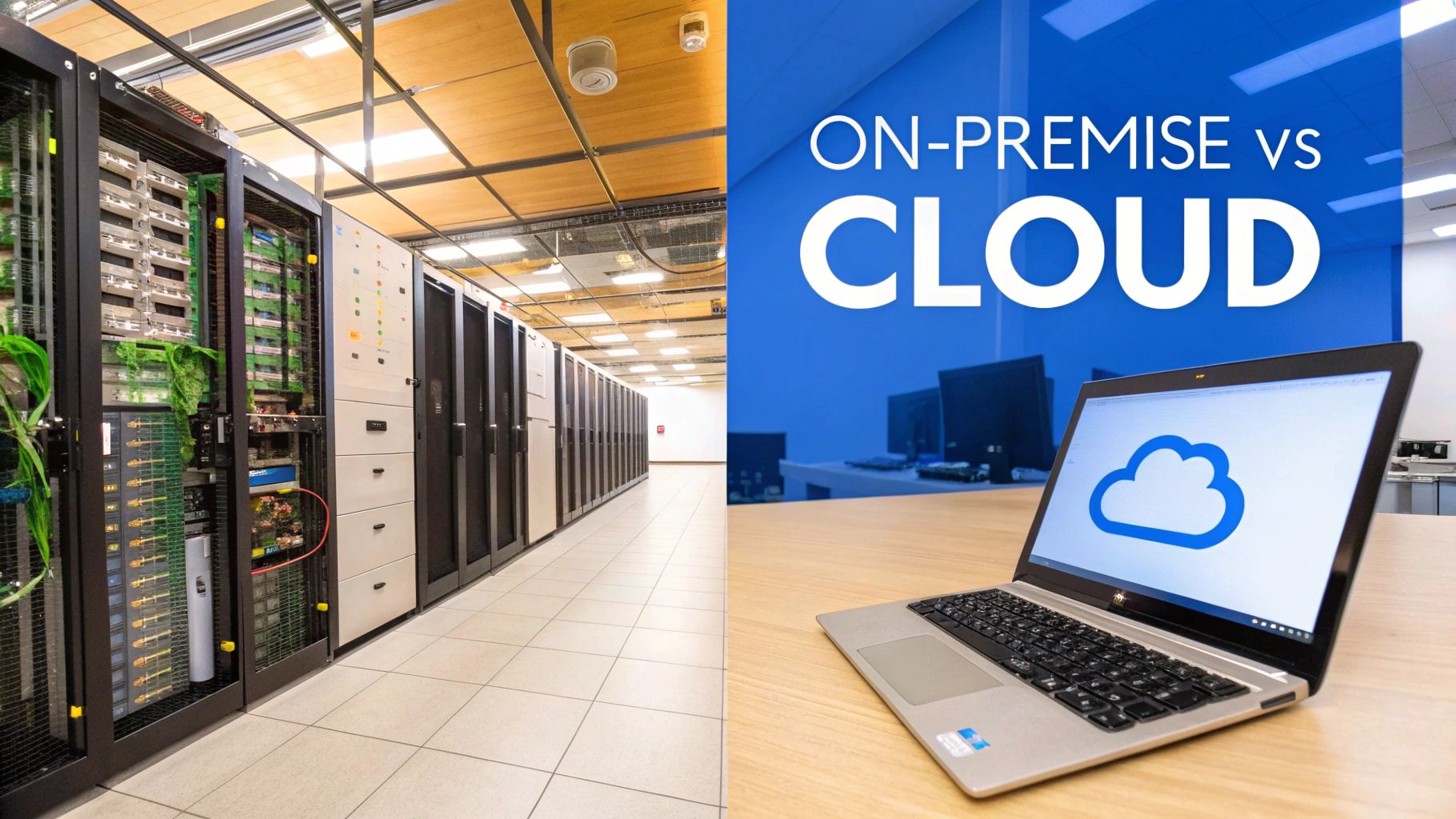
The two primary models are cloud-based systems and on-premise systems, and each approach offers different operational advantages.
Cloud-Based POS Systems
Cloud-based POS systems store business data on remote servers managed by the provider. Businesses access the platform through the internet using tablets, terminals, smartphones, or computers.
This model has become increasingly popular because it reduces upfront costs while offering greater operational flexibility.
Instead of purchasing expensive local servers and managing software manually, businesses typically pay monthly subscription fees while the provider handles updates, security patches, and data backups automatically.
One of the biggest advantages is remote accessibility.
Business owners can monitor sales, inventory, reporting, and employee activity from virtually anywhere with an internet connection. Multi-location businesses especially benefit from centralized cloud reporting because operational visibility remains consistent across all locations.
Cloud-based systems also scale more easily.
Adding new terminals, locations, or users usually requires minimal technical setup compared to traditional infrastructure-heavy systems.
However, internet reliability becomes more important in cloud environments. Although many systems support offline transaction modes, full functionality generally depends on stable connectivity.
On-Premise POS Systems
On-premise POS systems store software and data locally on servers physically located inside the business.
For years, this was the standard POS model used by large retailers, restaurants, and enterprise operations.
Businesses using on-premise systems maintain direct control over their servers, data storage, and software infrastructure. Some companies prefer this approach because it offers greater control over security and customization.
These systems can also continue operating locally even during internet outages because the infrastructure does not depend entirely on cloud connectivity.
However, on-premise setups often require:
- Higher upfront costs
- Dedicated hardware infrastructure
- Manual software maintenance
- IT management resources
- Complex upgrades
For smaller businesses, these operational responsibilities can become difficult to manage compared to cloud-based alternatives.
Today, many businesses prefer cloud systems because they provide stronger flexibility, easier scalability, and lower technical maintenance requirements.
POS Hardware and Form Factors
POS systems also differ significantly in terms of hardware design and physical setup.
The right hardware depends heavily on business environment, transaction volume, mobility needs, and customer interaction style.
Traditional Terminal POS Systems
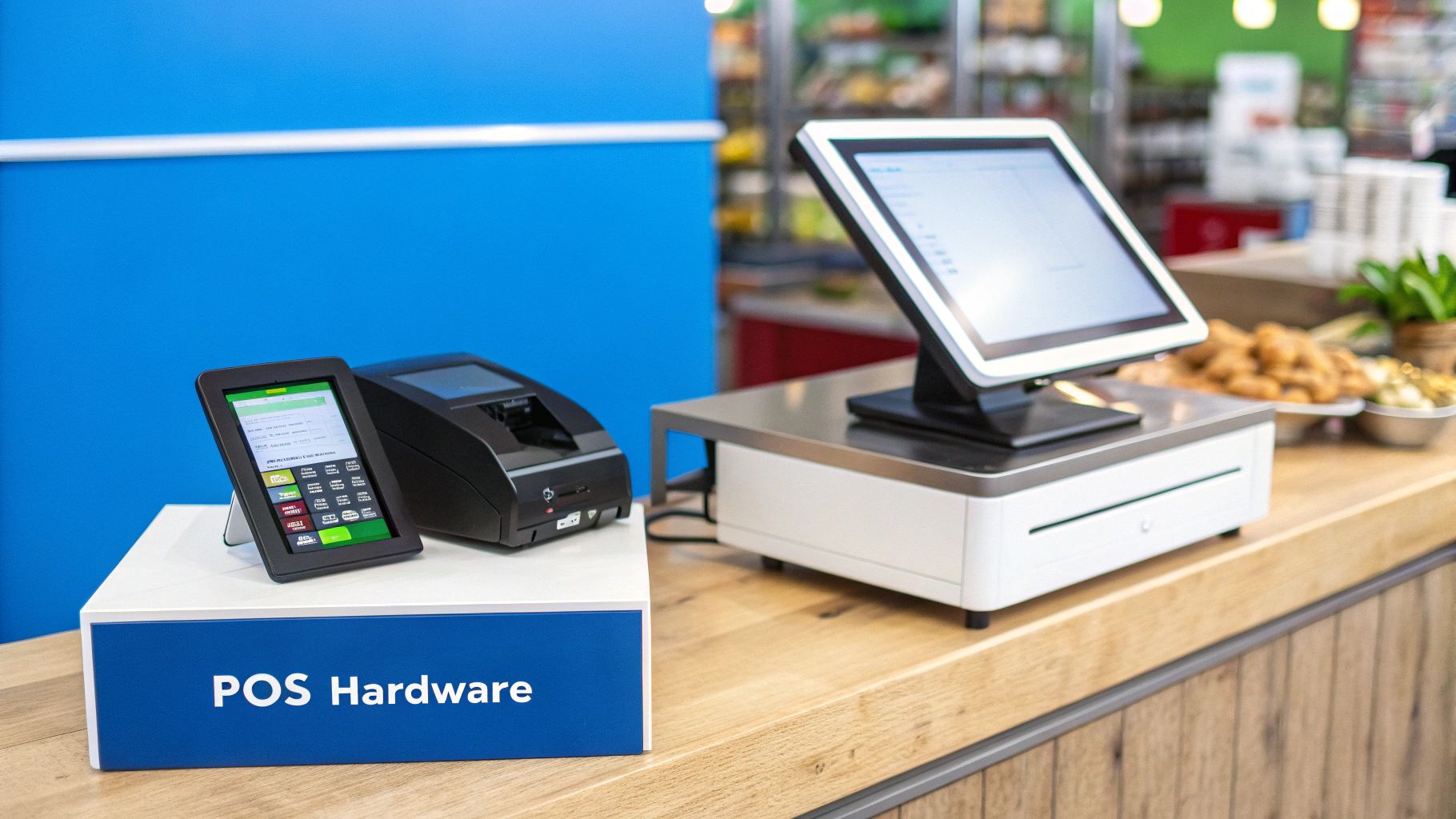
Traditional terminal systems are the classic checkout stations commonly found in grocery stores, retail chains, and large-volume businesses.
These systems typically include:
- Dedicated terminals
- Cash drawers
- Receipt printers
- Barcode scanners
- Customer-facing displays
Terminal systems are designed for high transaction volume and operational durability. Businesses with fixed checkout locations often prefer these systems because they provide stable performance and long-term reliability.
Large retailers and supermarkets commonly use terminal POS setups because they can process transactions quickly while supporting complex inventory management.
Tablet POS Systems
Tablet-based POS systems have become extremely popular among small businesses, cafés, boutiques, salons, and quick-service restaurants.
These systems transform tablets such as iPads into flexible POS terminals using cloud-based software and portable payment hardware.
Tablet systems offer several operational advantages:
- Lower upfront hardware costs
- Flexible store layouts
- Improved mobility
- Modern touchscreen interfaces
- Faster deployment
Because of their flexibility, tablet systems work especially well for businesses prioritizing mobility and customer interaction.
Mobile POS Systems
Mobile POS systems take flexibility even further by allowing businesses to process transactions directly through smartphones or handheld devices.
Food trucks, market vendors, pop-up stores, delivery services, and mobile businesses often rely heavily on mPOS technology.
Employees can accept payments anywhere instead of requiring customers to visit centralized checkout counters.
This mobility improves customer experience while reducing checkout congestion during busy periods.
Self-Service Kiosk POS Systems
Self-service kiosks allow customers to place orders and complete payments independently without requiring direct employee assistance.
These systems have become increasingly common in:
- Fast-food restaurants
- Cinemas
- Airports
- Retail self-checkout areas
- Hospitality environments
Kiosk systems improve efficiency by reducing wait times while allowing businesses to serve more customers during high-traffic periods.
They also free employees to focus on customer service and operational support instead of handling every individual transaction manually.
Industry-Specific POS Systems
Different industries require different operational workflows, which is why many POS systems are built specifically for certain business types.
A restaurant, for example, has very different operational requirements compared to a clothing boutique or hair salon.
Retail POS Systems
Retail POS systems focus heavily on inventory management, barcode scanning, customer loyalty, and omnichannel sales coordination.
Retail businesses often require:
- SKU management
- Inventory forecasting
- Variant tracking
- E-commerce integration
- Loyalty program support
Boutiques, apparel stores, electronics retailers, and gift shops all rely heavily on accurate inventory visibility to avoid overstocking or stock shortages.
Restaurant POS Systems
Restaurant POS systems are designed specifically for food-service operations involving table management, kitchen communication, and order customization.
Features often include:
- Table mapping
- Kitchen display integration
- Order modifiers
- Split billing
- Tip management
Fast communication between servers and kitchen staff is critical during busy service periods, making restaurant-specific workflows essential.
Salon and Service POS Systems
Salons, spas, and service-based businesses require POS systems built around appointment scheduling and customer relationship management.
Service-focused systems commonly support:
- Appointment booking
- Employee scheduling
- Customer profiles
- Service history tracking
- Membership management
Because customer relationships play such an important role in service industries, CRM functionality becomes especially valuable.
How to Choose the Right POS System
Selecting the right POS system requires more than comparing pricing or hardware.
Business owners should evaluate how the system supports actual operational workflows inside the business.
One of the first considerations is scalability.
A system that works for a small single-location business today may struggle later if the company expands into multiple locations, online sales, or higher transaction volume.
Ease of use matters heavily as well.
If staff members struggle to navigate the system efficiently during busy periods, customer experience declines quickly. Intuitive interfaces reduce training time while improving operational consistency.
Business owners should also evaluate:
- Inventory management capabilities
- Payment processing flexibility
- Reporting tools
- Customer management features
- Cloud accessibility
- Third-party integrations
Support quality is another major factor often overlooked during initial purchasing decisions.
When technical issues occur during business hours, responsive customer support becomes extremely important because operational downtime directly affects revenue.
Ultimately, the best POS system is the one that aligns most naturally with the business’s operational structure and long-term growth plans.
The Future of Point of Sale Technology
POS technology continues evolving rapidly as businesses and consumers increasingly expect more flexible, connected, and intelligent systems.
Artificial intelligence, automation, cloud computing, and mobile payments are already reshaping how businesses manage transactions and customer interactions.
Modern POS systems increasingly support:
- AI-driven sales forecasting
- Automated inventory recommendations
- Customer personalization
- Contactless payment technology
- Integrated e-commerce management
- Advanced reporting analytics
As customer expectations continue evolving, businesses relying on outdated systems may struggle to maintain operational efficiency and competitive customer experiences.
Flexible cloud-based platforms are expected to dominate future growth because businesses increasingly prioritize scalability, mobility, and centralized operational visibility.
How Biyo POS Helps Businesses Simplify Operations
Biyo POS helps businesses streamline operations through integrated cloud-based POS technology designed for retail, restaurants, and service industries.
The platform combines inventory management, secure payment processing, reporting analytics, employee tools, customer management, and omnichannel support within one centralized system.
Biyo POS supports multiple business models, including retail stores, cafés, restaurants, boutiques, salons, mobile businesses, and multi-location operations.
With flexible hardware compatibility, cloud accessibility, and real-time operational reporting, businesses gain stronger visibility into sales performance, inventory movement, and customer behavior.
If you want to modernize your business operations with a flexible POS platform, you can schedule a demo or create an account to explore how Biyo POS supports growing businesses.
Frequently Asked Questions
What are the main types of point of sale systems?
The main types include terminal POS systems, tablet POS systems, mobile POS systems, self-service kiosks, cloud-based systems, and industry-specific POS platforms.
What is the difference between cloud-based and on-premise POS systems?
Cloud-based systems store data online and offer remote accessibility, while on-premise systems store data locally on business-owned servers.
Which POS system is best for small businesses?
Many small businesses prefer cloud-based tablet or mobile POS systems because they offer lower upfront costs, flexibility, and easier scalability.
Do POS systems work without internet?
Many modern POS systems include offline functionality that allows businesses to continue processing transactions temporarily during internet outages.
Why are industry-specific POS systems important?
Industry-specific systems include workflows and features designed for unique operational needs such as restaurant table management, retail inventory tracking, or salon appointment scheduling.
How does Biyo POS help businesses?
Biyo POS helps businesses manage inventory, payments, reporting, customer relationships, and operational workflows through integrated cloud-based POS technology.