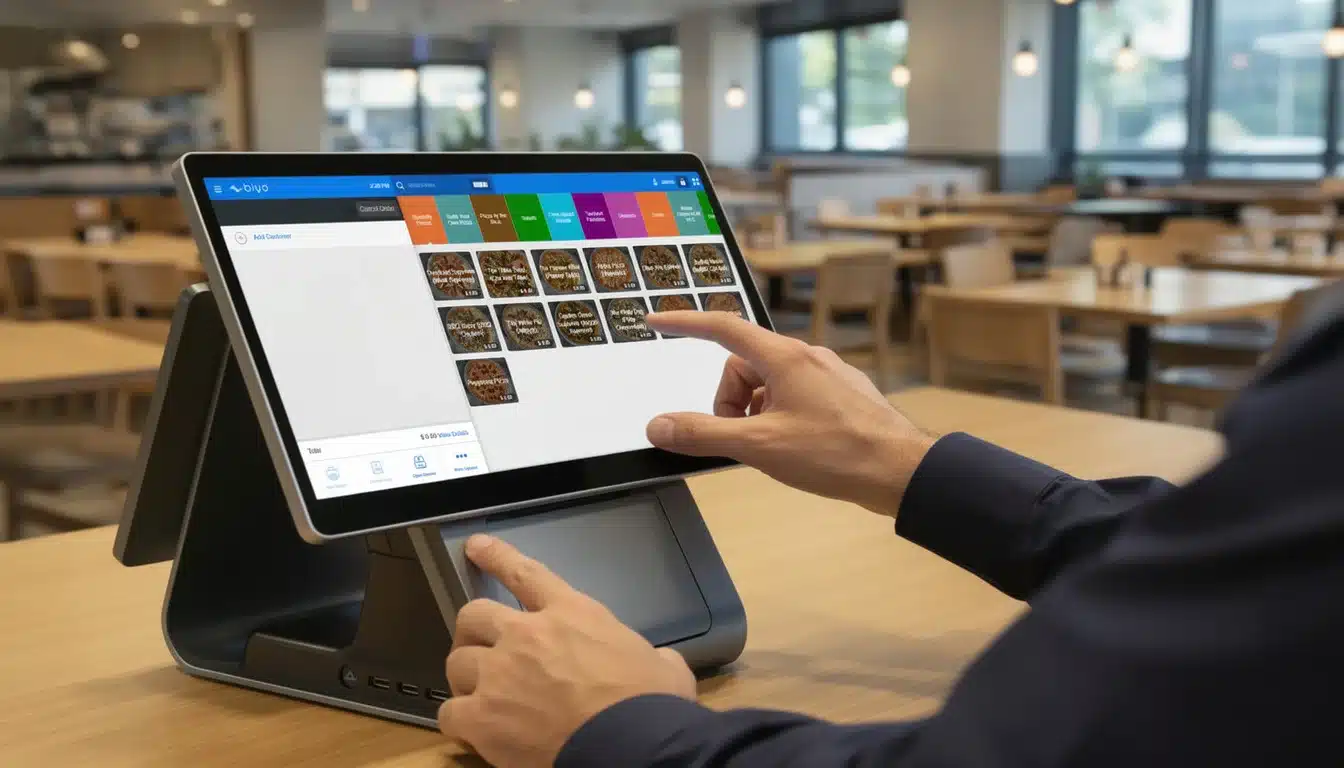
At its most basic, a point of sale (POS) system is the place where a customer pays for goods or services. Think of it as the modern evolution of a traditional cash register. However, today’s POS systems go far beyond simply processing payments. They combine powerful hardware and intelligent software to process transactions, manage inventory, track sales performance, and generate valuable business insights in real time.
When a customer completes a purchase, the hardware captures the sale details while the software processes and records the transaction instantly. What may seem like a simple checkout process actually generates valuable data that businesses can use to improve operations, understand customer behavior, and increase profitability.
What Is a POS System and How Does It Work
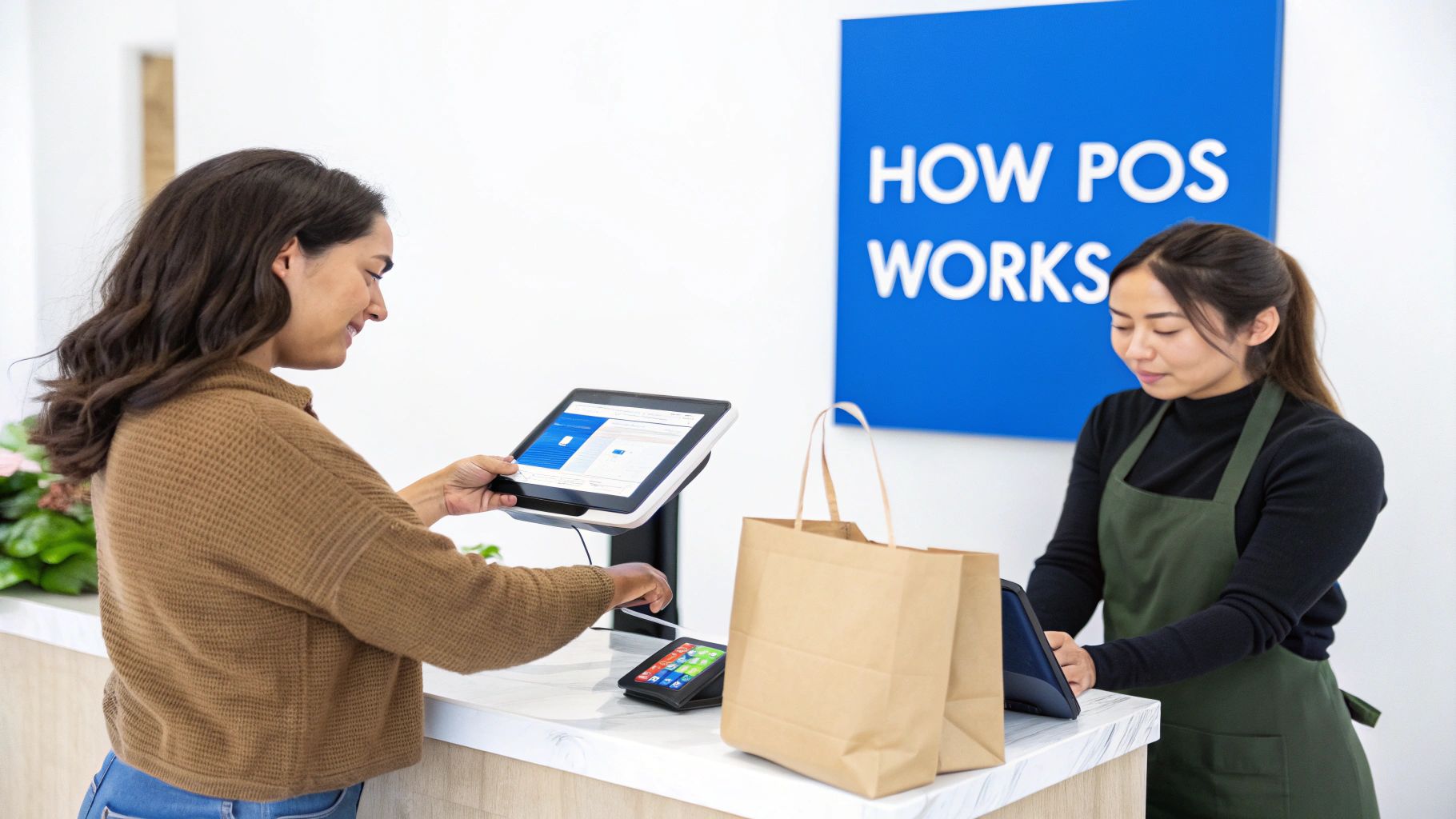
A modern Point of Sale (POS) system acts as the operational center of many retail, restaurant, and service businesses. Instead of functioning only as a checkout device, POS technology connects multiple parts of a business — including inventory tracking, customer management, reporting, and payment processing — into one integrated system.
The process begins the moment a customer is ready to purchase something. In a retail store, this may happen when a cashier scans a product barcode at the counter. In a restaurant, it might occur when a server enters a food order on a tablet. Once the product or service is entered into the system, the POS instantly begins processing the transaction.
The Core Transactional Flow
After an item is entered, the POS software automatically calculates the final purchase amount. This includes applying sales taxes, discounts, promotional pricing, and loyalty rewards if applicable. The customer then completes the payment using their preferred method such as credit card, mobile wallet, debit card, or cash.
Behind the scenes, several automated processes happen simultaneously:
- Inventory Adjustment: The POS system automatically deducts sold items from stock levels.
- Transaction Recording: The sale is logged with detailed information including product type, payment method, date, and time.
- Customer Profile Updates: If the buyer participates in a loyalty program, their purchase history and reward points update instantly.
The true power of a modern POS system lies not just in processing payments but in transforming every transaction into meaningful business data. These insights help owners make better decisions about inventory, staffing, pricing strategies, and marketing campaigns.
Core Functions of a POS System at a Glance
| Function | What It Does | Key Business Benefit |
|---|---|---|
| Sales Processing | Calculates totals, applies discounts, and accepts multiple payment methods. | Speeds up checkout and improves customer experience. |
| Inventory Management | Tracks stock levels automatically as items are sold. | Prevents stock shortages and improves purchasing decisions. |
| Customer Management | Stores customer information, purchase history, and loyalty rewards. | Enables targeted marketing and stronger customer relationships. |
| Reporting & Analytics | Generates reports on sales trends, performance, and peak hours. | Provides insights for better business decisions. |
These capabilities demonstrate how POS technology has evolved from a basic payment tool into a comprehensive business management platform.
Beyond a Simple Cash Register
Understanding how a POS system works requires looking at both perspectives involved in the transaction. For customers, it delivers a smooth and efficient checkout experience. For business owners, it automates complex operational tasks and generates valuable analytics that help improve performance.
Because of these advantages, POS technology is widely used across industries. Retail alone accounts for roughly 34% of the global POS market, highlighting how essential these systems have become for modern commerce.
Understanding POS Hardware Components
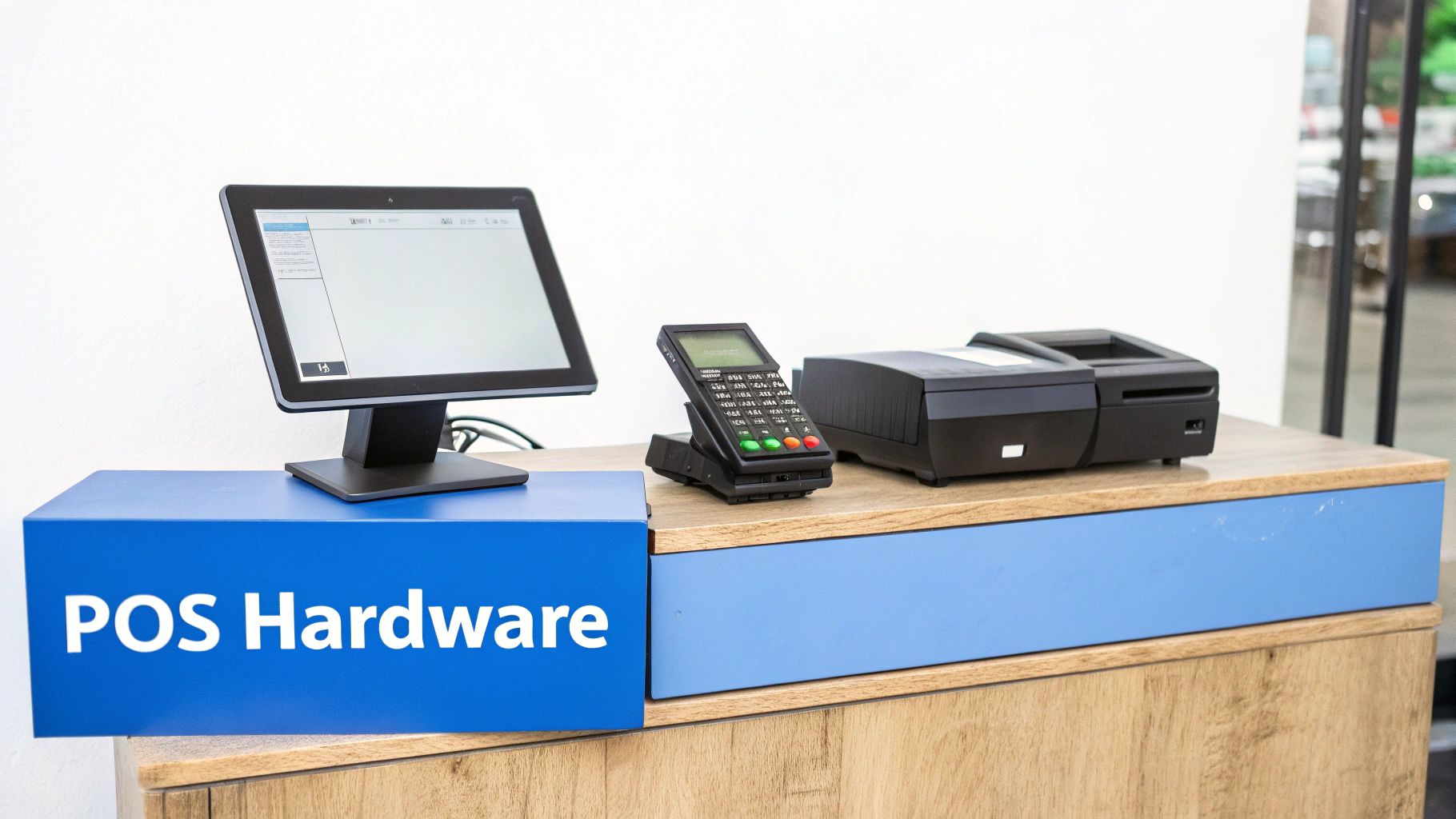
If POS software acts as the brain of the system, the hardware serves as the physical tools that enable employees to interact with it. These devices help businesses process orders, accept payments, and manage daily transactions efficiently.
Key POS Hardware Components
- POS Terminal: The primary device where employees enter sales data and interact with the system.
- Barcode Scanner: Used to scan product barcodes quickly and accurately during checkout.
- Card Reader: Processes credit cards, debit cards, and contactless payments such as Apple Pay or Google Pay.
- Receipt Printer: Prints physical receipts after transactions are completed.
- Cash Drawer: Securely stores cash and opens automatically when a cash payment is processed.
These components work together to ensure transactions are processed quickly and accurately, especially during busy sales periods.
Traditional POS Terminals vs Mobile POS Systems
Many businesses still use stationary POS terminals located at checkout counters. These systems are durable and well-suited for high-volume retail environments.
However, mobile POS (mPOS) systems have become increasingly popular. Mobile POS devices allow employees to process transactions using tablets or smartphones, enabling sales to occur anywhere within the store.
This flexibility improves customer service by reducing checkout lines and allowing staff to assist customers directly on the sales floor.
Understanding POS Software
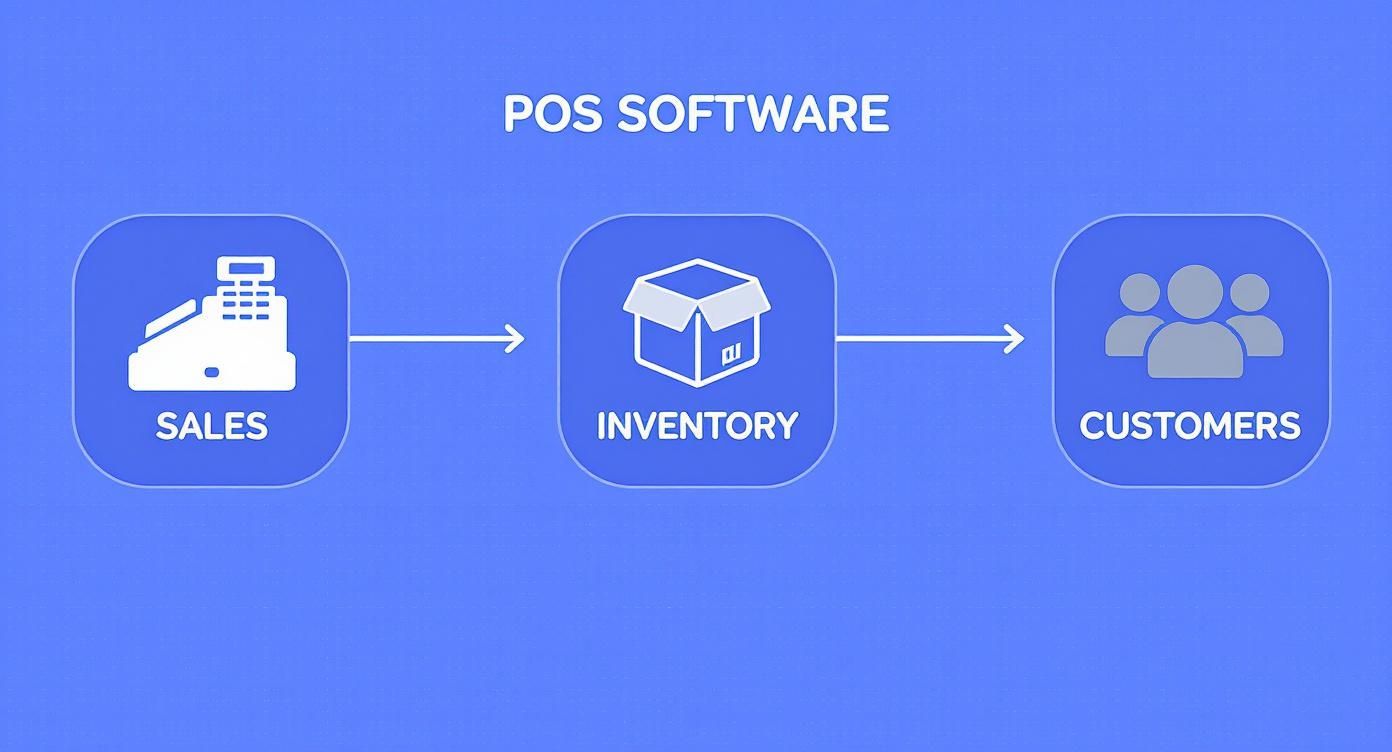
While hardware handles the physical transaction process, POS software manages the operational intelligence behind the scenes. It performs essential functions such as calculating totals, tracking inventory, generating reports, and maintaining customer records.
Sales Processing
The primary function of POS software is to process transactions. When a product is scanned or entered into the system, the software retrieves pricing data, calculates applicable taxes, applies discounts, and determines the final purchase total.
This automation reduces human error and ensures pricing accuracy for every transaction.
Inventory Management
POS software also functions as a real-time inventory management system. Each sale automatically updates stock levels, allowing business owners to track inventory accurately.
This prevents common issues such as running out of popular products or overstocking items that sell slowly.
Customer Relationship Management
Many modern POS systems include customer relationship management (CRM) features that track customer purchase history and preferences.
This allows businesses to create personalized promotions, loyalty rewards, and targeted marketing campaigns that encourage repeat purchases.
The POS Transaction Process Step by Step
Although POS transactions appear simple from a customer’s perspective, several steps occur rapidly behind the scenes to complete the purchase securely.
Step 1: Product Entry
The cashier scans or manually enters the product into the POS system. The software retrieves the item’s price and adds it to the order.
Step 2: Payment Initiation
The customer selects a payment method such as credit card, debit card, or digital wallet. The POS system securely collects the payment information.
Step 3: Payment Authorization
The POS system sends the encrypted payment data to a payment processor. The processor communicates with the customer’s bank to verify available funds and approve the transaction.
Step 4: Transaction Completion
Once the payment is approved, the system finalizes the sale by printing a receipt, updating inventory, and recording the transaction in the sales database.
How POS Data Helps Businesses Grow
POS systems generate valuable data that businesses can use to improve operations and increase profitability. Every transaction contributes insights that help owners understand customer behavior and sales trends.
Sales Analytics
Detailed reports reveal peak sales periods, seasonal demand patterns, and overall business performance.
Product Performance Tracking
Businesses can easily identify their best-selling products and eliminate slow-moving inventory.
Employee Performance Insights
POS reports can track sales performance by employee, helping managers recognize top performers and identify training opportunities.
Integrating POS Systems With Other Business Tools
Modern POS systems can integrate with other software platforms such as accounting tools, e-commerce platforms, and marketing systems.
For example, connecting POS software with accounting platforms like QuickBooks allows sales data to automatically update financial records. Similarly, integrating with e-commerce systems ensures inventory levels stay synchronized between online stores and physical locations.
How Biyo POS Helps Businesses Manage Sales
Modern businesses require flexible and reliable POS systems that streamline operations while providing real-time business insights. Biyo POS offers a comprehensive point-of-sale solution designed to support retail stores, restaurants, and service businesses.
With Biyo POS, businesses can process transactions quickly, track inventory automatically, monitor sales performance, and manage customer loyalty programs from a single platform.
If you want to see how Biyo POS can improve your business operations, you can schedule a demo or create your account here.
Frequently Asked Questions
What does POS stand for?
POS stands for Point of Sale, which refers to the location where customers complete purchases and payments are processed.
What businesses use POS systems?
POS systems are widely used in retail stores, restaurants, cafes, hotels, salons, and many other service-based businesses.
Do POS systems require internet access?
Many cloud-based POS systems require internet access, but most modern systems also include offline modes that allow transactions to continue during internet outages.
Are POS systems secure?
Yes. Modern POS systems use encryption, tokenization, and PCI compliance standards to protect customer payment data and prevent fraud.
Can POS systems manage inventory?
Yes. Most modern POS systems automatically track inventory levels in real time as products are sold.