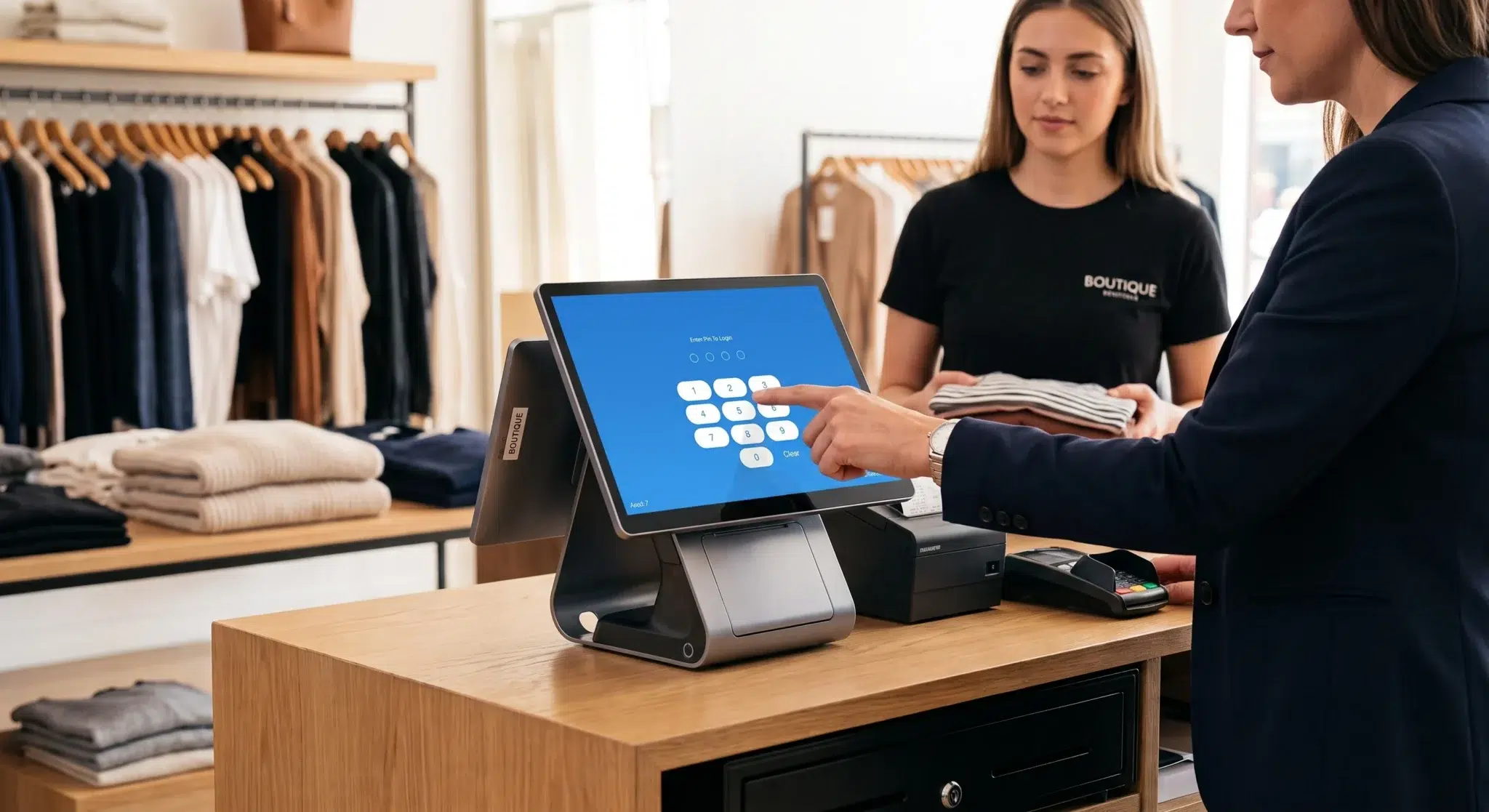
At its core, a Point of Sale (POS) system is where every sale, inventory adjustment, and customer interaction comes together. More than a simple cash register, a modern POS system serves as the operational hub of a business, helping manage transactions, inventory, customer data, reporting, and day-to-day operations from a single platform.
Whether you operate a retail store, restaurant, café, or service business, understanding how POS systems work is essential for improving efficiency and making smarter business decisions. Modern POS technology has evolved far beyond processing payments. Today’s systems help businesses streamline operations, reduce manual work, improve customer experiences, and gain valuable insights through real-time reporting.
Table of Contents
- What Is a POS System?
- Understanding POS Hardware and Software
- How POS Systems Help Businesses Grow
- How POS Systems Work in Daily Operations
- How to Choose the Right POS System
- How Biyo POS Helps Businesses Succeed
- Frequently Asked Questions
What Is a POS System?
A POS system is the combination of hardware and software that businesses use to process transactions, manage inventory, track customer activity, and generate business reports. Every time a sale occurs, the POS system records the transaction and updates related business data automatically.
Unlike traditional cash registers that only calculate totals and store cash, modern POS systems connect multiple business functions into one centralized platform. This allows businesses to monitor performance in real time while reducing manual administrative work.
Sales Processing and Transaction Management
The most visible function of a POS system is processing customer transactions. Employees can quickly add products or services to an order, apply discounts, calculate taxes, accept payments, and generate receipts. Modern systems support multiple payment methods including cash, credit cards, debit cards, mobile wallets, and contactless payments.
By automating these processes, businesses reduce checkout times while improving transaction accuracy.
Inventory Tracking and Stock Management
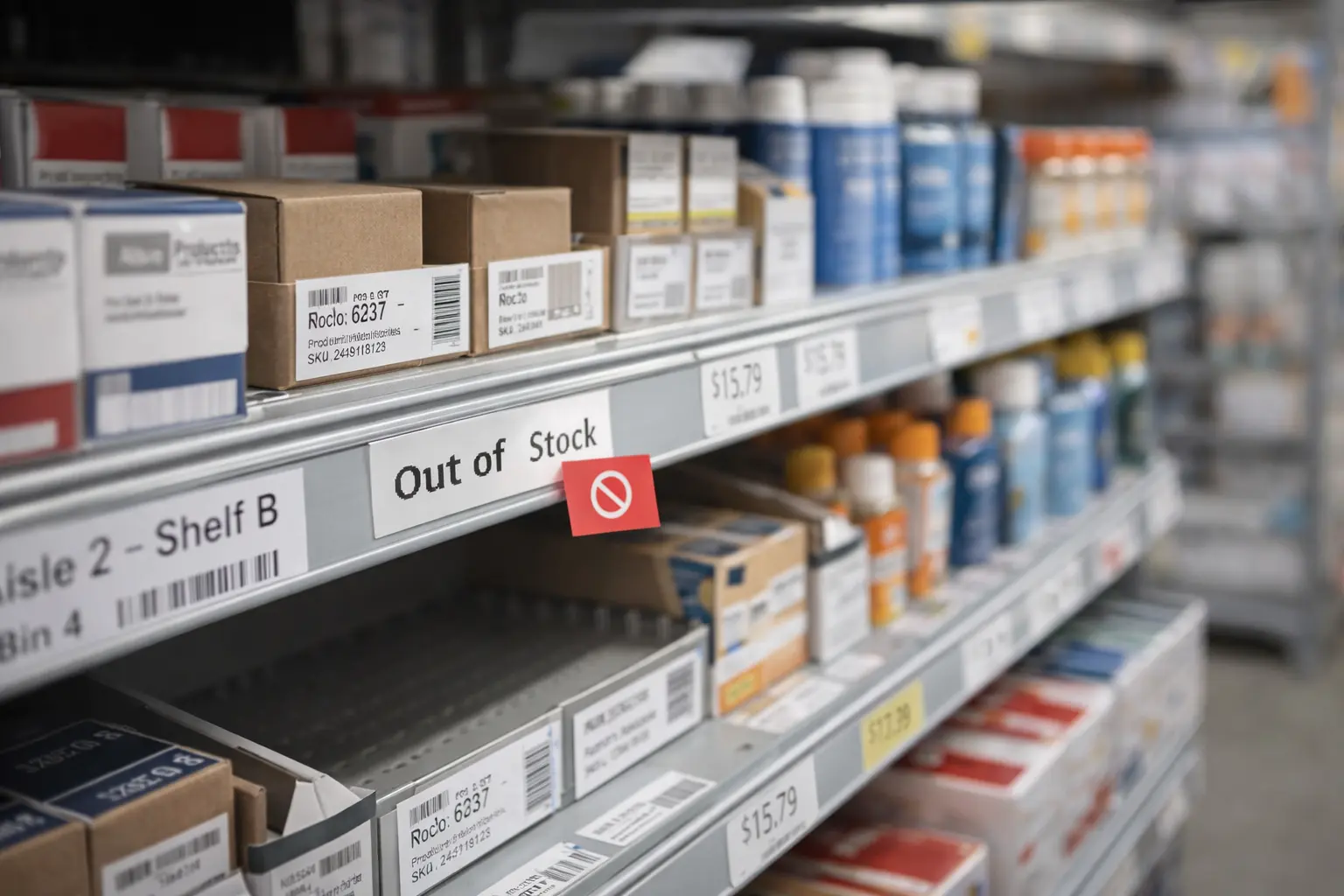
Every sale automatically updates inventory levels inside the system. This real-time tracking eliminates much of the guesswork associated with inventory management and helps businesses maintain accurate stock counts.
Business owners can identify fast-selling products, monitor stock movement, and receive alerts when inventory levels become low. This helps prevent both stockouts and costly overstock situations.
Customer Data and Business Insights
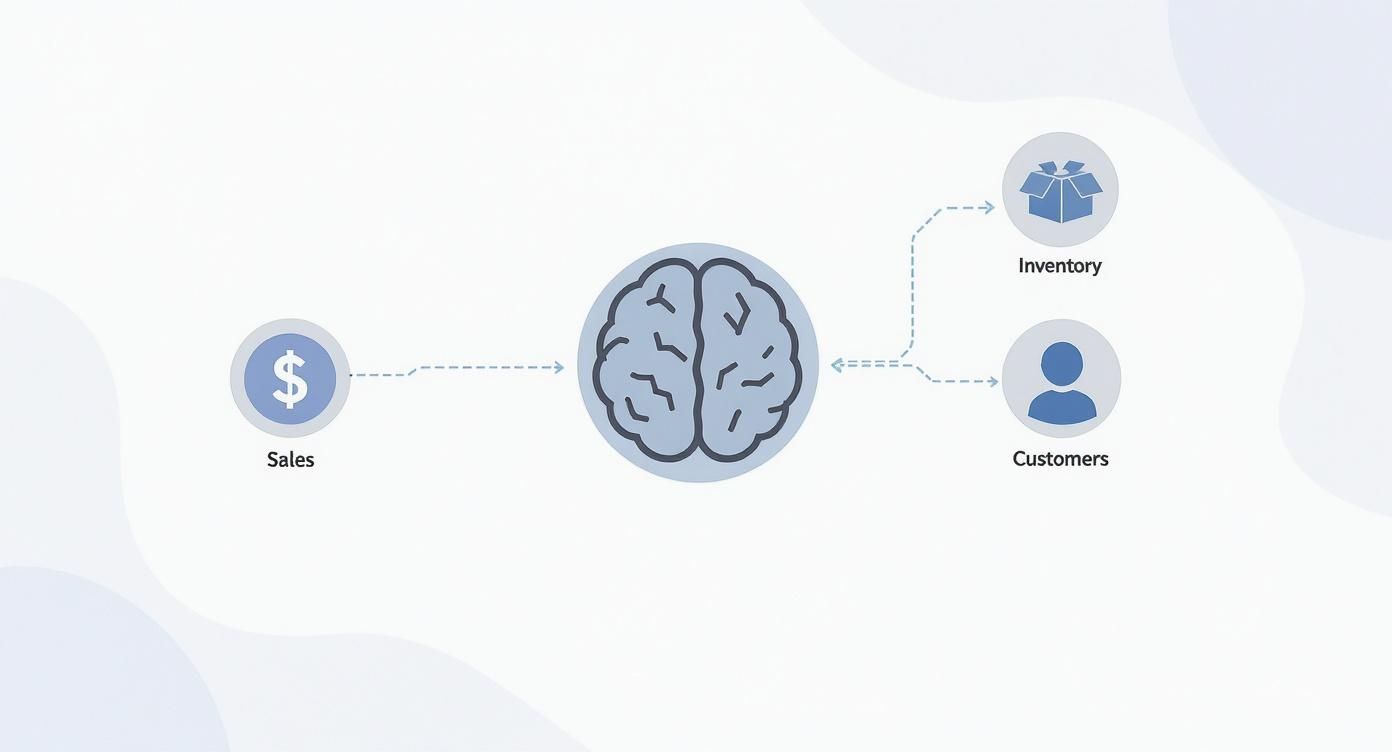
Modern POS systems also collect customer and sales data. Purchase histories, loyalty program activity, and customer preferences can all be stored and analyzed. This information allows businesses to improve marketing efforts, personalize customer experiences, and identify trends that drive revenue growth.
The combination of sales, inventory, and customer information transforms a POS system into a powerful business intelligence tool.
Understanding POS Hardware and Software
A POS system consists of both physical hardware and intelligent software. These components work together to create a seamless transaction and management experience.
Essential POS Hardware Components
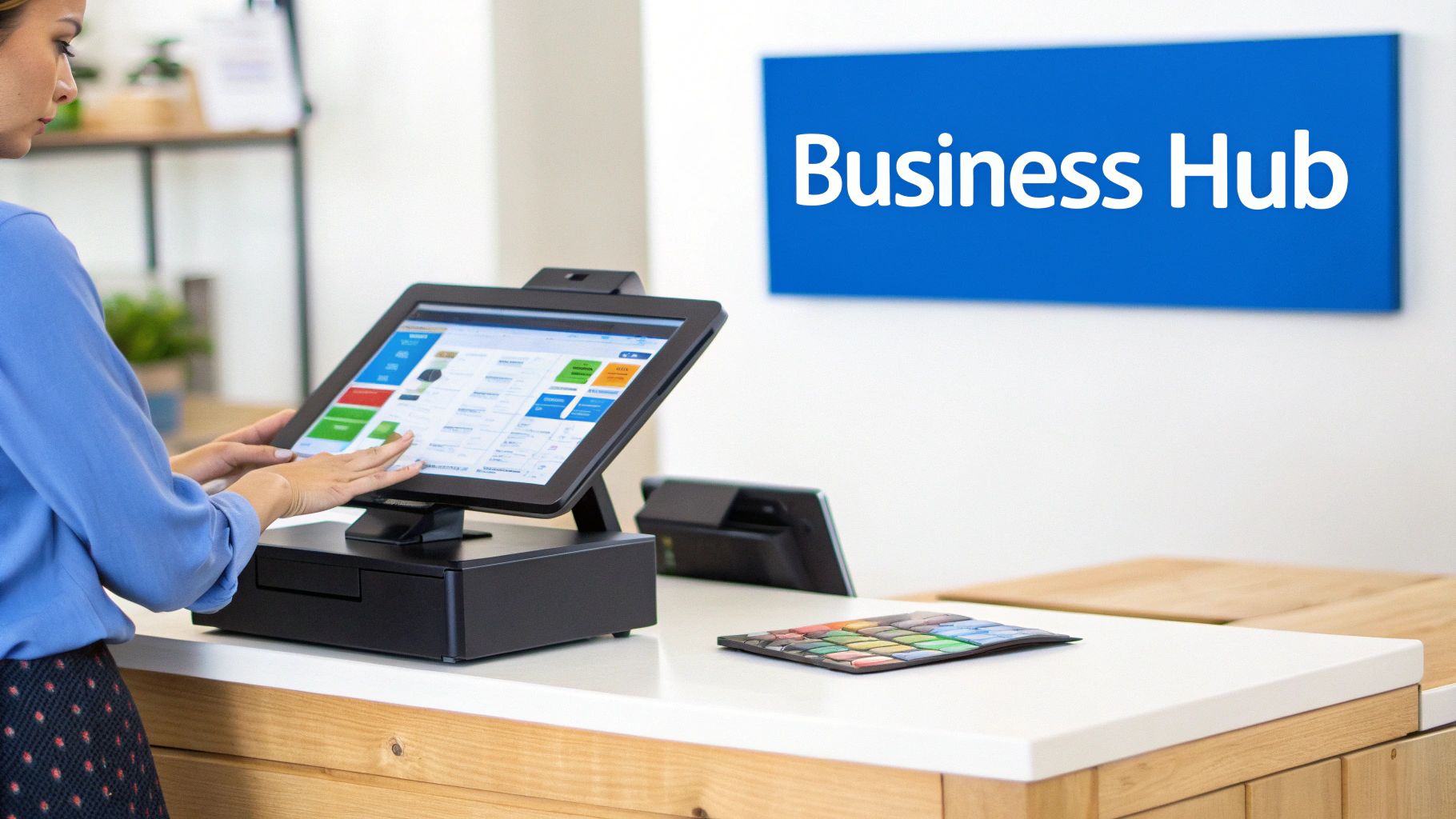
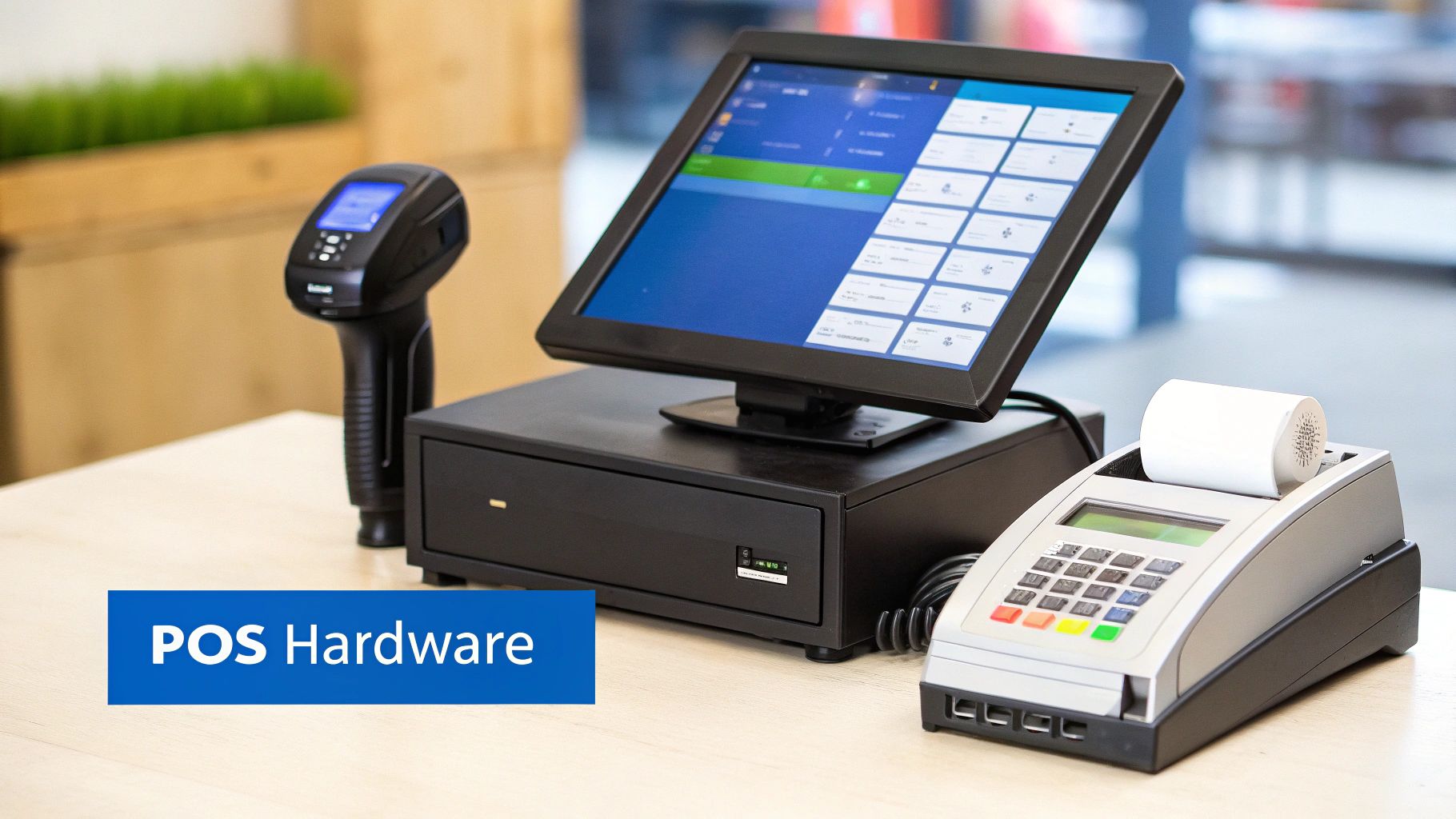
Most POS systems include a touchscreen terminal or tablet, barcode scanner, receipt printer, card reader, and cash drawer. These devices work together to support efficient transaction processing and customer service.
Retail businesses often rely heavily on barcode scanners for inventory accuracy, while restaurants may use kitchen display systems and handheld ordering devices. The specific hardware configuration depends on the needs of the business.
The Role of POS Software
The software serves as the brain of the POS system. It manages transactions, tracks inventory, stores customer information, and generates reports. The software connects all hardware devices while providing business owners with access to operational data.
Advanced POS software automates repetitive tasks that would otherwise require significant manual effort. Inventory updates, customer tracking, reporting, and sales analysis all happen automatically in the background.
Cloud-Based vs Traditional POS Systems
Traditional POS systems store data locally on-site, often requiring dedicated servers and ongoing maintenance. Cloud-based POS systems store data securely online, allowing businesses to access information from virtually anywhere.
Cloud technology offers greater flexibility, automatic updates, lower upfront costs, and easier scalability. For many businesses, cloud-based POS systems provide a more practical and future-ready solution than traditional on-premise systems.
How POS Systems Help Businesses Grow
A POS system does much more than process payments. It provides operational visibility that helps business owners make informed decisions and identify growth opportunities.
Using Sales Data to Make Better Decisions
POS reporting tools provide valuable insights into business performance. Owners can identify best-selling products, track revenue trends, monitor peak business hours, and evaluate promotional effectiveness.
Rather than relying on assumptions, businesses can use real-time data to make informed decisions about pricing, inventory, staffing, and marketing strategies.
Improving Operational Efficiency
Automation reduces the administrative burden associated with running a business. Tasks such as inventory tracking, transaction recording, tax calculations, and reporting occur automatically within the POS system.
This increased efficiency allows employees to focus more on customer service and revenue-generating activities instead of manual data entry and paperwork.
Strengthening Inventory Control
Inventory management remains one of the most important benefits of a POS system. Real-time visibility helps businesses maintain appropriate stock levels while reducing waste and unnecessary purchasing.
Automated low-stock alerts and detailed inventory reports support better purchasing decisions and improve cash flow management.
How POS Systems Work in Daily Operations
The value of a POS system becomes even clearer when examining how it supports everyday business activities.

Supporting Retail Operations
In retail environments, POS systems simplify checkout while maintaining accurate inventory records. As products are scanned and sold, inventory levels update instantly. This synchronization helps businesses avoid inventory discrepancies and improve stock management.
Retail staff can also quickly access product information, pricing details, and stock availability directly through the POS system.
Streamlining Restaurant and Café Service
Restaurants and cafés use POS systems to improve order accuracy and speed. Orders can be sent directly to kitchen displays, reducing communication errors and accelerating service.
Features such as bill splitting, table management, online ordering integration, and mobile payments help improve customer experiences while simplifying operations for staff.
Enabling Mobile and Flexible Transactions
Mobile POS systems allow businesses to process transactions from tablets and smartphones instead of fixed checkout counters. This flexibility is particularly valuable for food trucks, pop-up shops, market vendors, and businesses that prioritize customer convenience.
Mobile technology also supports line-busting strategies, helping businesses reduce wait times during busy periods.
How to Choose the Right POS System
Selecting the right POS system requires evaluating both current needs and future growth objectives.
Prioritize Ease of Use
A POS system should be intuitive for both managers and employees. Easy-to-use software reduces training time, minimizes errors, and improves operational consistency.
Employees should be able to process transactions, manage orders, and navigate the system with minimal difficulty.
Look for Essential Business Features
Reporting, inventory management, customer tracking, employee management, and payment flexibility should all be considered during the evaluation process.
Businesses should focus on features that directly support operational goals rather than selecting software based solely on feature quantity.
Plan for Future Growth
A scalable POS system allows businesses to add locations, expand sales channels, and introduce new services without replacing their technology platform.
Cloud-based systems are often particularly well suited for growth because they provide centralized management and flexible expansion capabilities.
How Biyo POS Helps Businesses Succeed
Biyo POS provides businesses with a modern, cloud-based platform designed to simplify operations and support long-term growth. By combining payment processing, inventory management, customer engagement tools, reporting, and business analytics into a single system, Biyo helps businesses operate more efficiently while improving customer experiences.
Whether you operate a retail store, restaurant, café, or service-based business, Biyo provides the tools needed to streamline daily operations and gain greater visibility into business performance.
Business owners can monitor sales in real time, manage inventory across locations, analyze customer behavior, and make informed decisions using powerful reporting tools.
If you’d like to see how Biyo POS can support your business, you can schedule a consultation. Ready to get started? Create your account today and explore the benefits of a modern POS platform.
Frequently Asked Questions
What is a POS system used for?
A POS system is used to process sales, manage inventory, track customer information, generate reports, and streamline daily business operations.
What is the difference between a cash register and a POS system?
A cash register primarily processes transactions and stores cash, while a POS system manages sales, inventory, reporting, customer data, and other operational functions.
Are cloud-based POS systems secure?
Yes. Reputable cloud-based POS providers use encryption, secure servers, automatic backups, and security monitoring to protect business and customer data.
Can small businesses benefit from a POS system?
Absolutely. POS systems help small businesses improve efficiency, track inventory, analyze sales, and create better customer experiences while supporting future growth.
How much does a POS system cost?
Costs vary depending on hardware, software features, and payment processing requirements. Many cloud-based systems offer flexible monthly pricing options suitable for businesses of all sizes.
Can a POS system manage multiple business locations?
Yes. Many modern cloud-based POS systems allow businesses to manage inventory, reporting, employees, and sales data across multiple locations from a centralized dashboard.
Why is inventory management important in a POS system?
Inventory management helps businesses maintain accurate stock levels, reduce waste, prevent stockouts, and make smarter purchasing decisions based on real-time data.