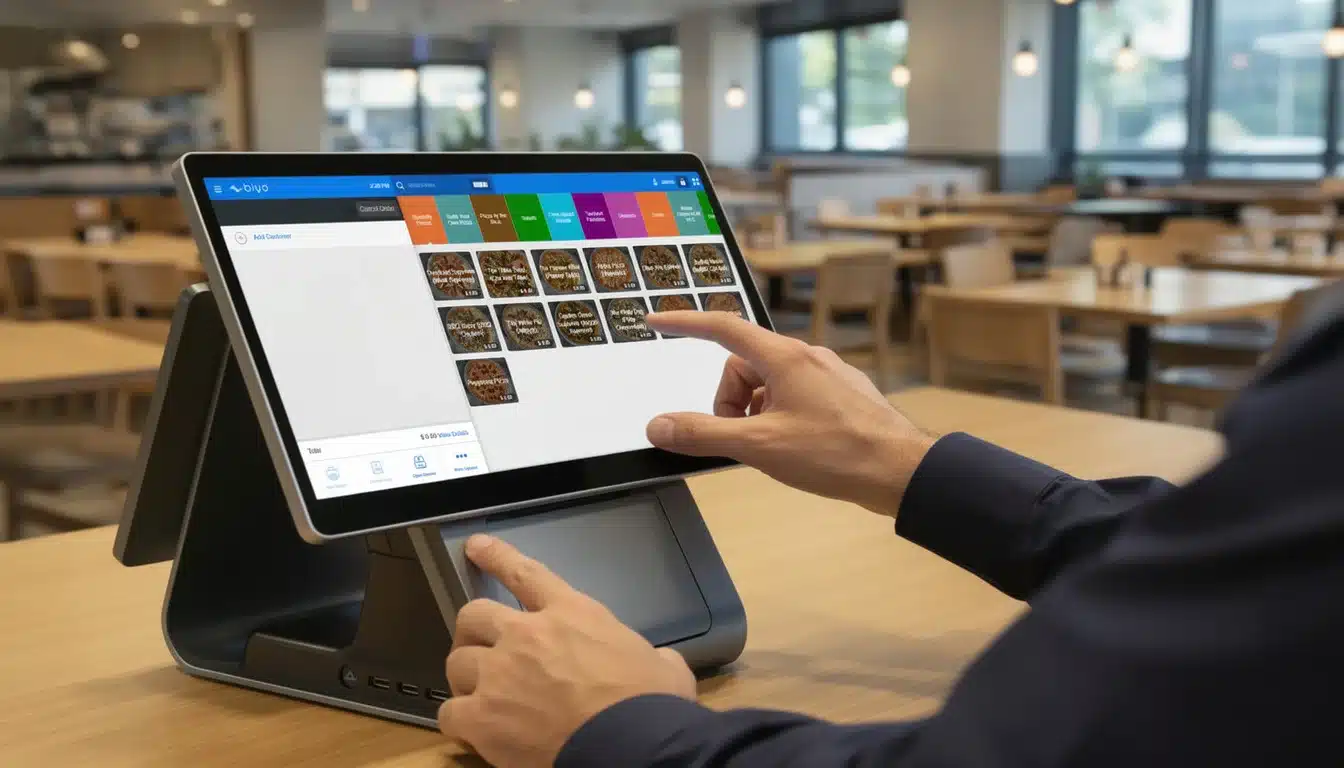
In today’s fast-paced retail environment, understanding the POS data definition is crucial for businesses aiming to thrive. Point of Sale (POS) systems generate a wealth of information that goes far beyond simple sales transactions. From inventory tracking to customer insights, POS data serves as the foundation for informed decision-making, improved efficiency, and better customer experiences. This article unpacks the many layers of POS data definition, helping you grasp its role and how to harness it effectively.
Table of Contents
- What Is POS Data?
- Key Components of POS Data
- How POS Data Supports Business Intelligence
- Best Practices for Managing POS Data
- Leveraging POS Data with Biyo POS
- Frequently Asked Questions (FAQ)
What Is POS Data?
POS data refers to the collection of information generated at the point where a retail transaction occurs. This data includes everything recorded when a customer makes a purchase — from the specific products they buy to the payment method used. It captures details that retailers use to track their daily operations and customer behavior.
Essentially, POS data acts as a digital ledger of all transactions processed through a business’s point of sale system. It records sales data, payment information, and receipt details, which then feed into inventory and customer management systems. Without this data, retailers would struggle to understand what products are selling, when they are selling, and to whom.
Additionally, the POS data definition extends to more than just raw numbers. It encompasses the structured format and types of data points collected, such as SKU-level data and order details. These data points allow businesses to analyze trends, optimize stock levels, and tailor marketing efforts, making POS data a vital resource.
Understanding the Scope of POS Data
The scope of POS data covers a variety of transactional information gathered every time a sale is made. This includes product names, quantities, prices, taxes applied, discounts given, and total purchase amounts. All these details are crucial for accurate sales tracking and accounting.
Moreover, POS data records payment information, including whether the transaction was completed via cash, credit card, mobile payment, or gift cards. This helps businesses manage payment reconciliation and identify preferred payment methods among customers. For example, a retailer might discover that mobile payments are popular in certain locations, prompting them to optimize checkout processes accordingly.
Lastly, customer data is often linked to POS transactions. Loyalty programs and customer profiles enable retailers to tie sales back to individual buyers, offering insights into purchase history and behavior. This integration transforms simple sales data into a powerful tool for personalization and retention. For instance, a café using POS data can send targeted offers to customers based on their favorite drinks or purchase frequency.
Why Defining POS Data Matters
Clearly defining POS data ensures businesses can extract meaningful insights without confusion or error. A well-defined POS data structure allows for consistent reporting and reliable analytics. When the data collected is accurate and standardized, businesses can confidently base strategic decisions on it.
Incorrect or incomplete POS data can lead to inventory shortages, financial discrepancies, and missed sales opportunities. For example, if product performance data is inaccurate, a retailer might overstock unpopular items or run out of best-sellers, hurting revenue. Imagine a clothing store that doesn’t accurately track seasonal sales data; it might order too many winter coats long after the season, resulting in excess stock that ties up capital.
Furthermore, a clear POS data definition supports integration with other business intelligence tools and ERP systems. This enables seamless data flow across platforms, enhancing the overall efficiency of retail operations. For example, combining POS data with supplier information in an ERP system can automate restocking, reducing manual errors and saving time for staff.
The Role of Technology in POS Data Collection
Modern POS systems utilize advanced technology to capture and process sales data in real time. Cloud-based POS solutions, for instance, allow businesses to access their transaction records and sales trends from anywhere. This immediacy improves responsiveness to market changes and customer demand.
Additionally, sophisticated POS software can log cashier activity, providing accountability and identifying training needs. This granular level of detail helps managers maintain operational standards and improve customer service quality. For example, a manager noticing that certain cashiers have slower transaction times can arrange targeted training to speed up checkout and improve the customer experience.
Real-time analytics powered by POS data offer actionable insights on product performance and revenue tracking. By automating data collection and reporting, retailers save time and reduce human errors commonly found in manual record-keeping. For instance, a restaurant using real-time POS data can immediately identify which dishes are popular during lunch hours, enabling kitchen staff to prepare efficiently and reduce wait times.

Key Components of POS Data
To fully appreciate the POS data definition, it’s important to understand the core components that make up this data. These elements collectively provide a comprehensive picture of retail transactions and business health.
Each component serves a distinct purpose, contributing to overall sales data accuracy and inventory management. Let’s explore these essential parts in detail to see how they fit together.
Sales Data and Transaction Records
Sales data represents the fundamental element of POS data. It includes details such as the date and time of each transaction, the items sold, quantities, and prices. This information forms the backbone of revenue tracking and financial reporting. For example, a retailer can analyze hourly sales data to understand peak business hours and schedule staff accordingly.
Transaction records also contain receipt details, such as tax amounts, discounts, and payment confirmations. These help ensure compliance with legal and accounting requirements while providing customers with proof of purchase. For instance, during tax season, detailed transaction records assist businesses in accurate tax reporting and audits.
For example, by analyzing sales trends over specific periods, retailers can identify peak shopping times and adjust staffing accordingly. Thus, sales data directly impacts operational efficiency and customer satisfaction. A bookstore noticing spikes in sales during holiday seasons can stock accordingly and run promotional campaigns to maximize revenue.
Inventory Tracking and SKU-Level Data
Inventory tracking relies heavily on POS data to monitor stock levels accurately. SKU-level data, which identifies each unique product by its stock-keeping unit, is critical for this purpose. It tells retailers exactly what is selling and what remains in stock. For example, a grocery store can track the exact number of organic apples sold each day to reorder just the right amount, minimizing waste.
This component enables automated alerts for low inventory, preventing stockouts that frustrate customers and lead to lost sales. Additionally, accurate inventory data helps reduce waste, especially in businesses dealing with perishable goods. For example, a bakery might use POS data to monitor sales of fresh bread and adjust baking schedules to avoid unsold inventory.
By linking purchase history with inventory tracking, retailers can forecast demand more effectively. For example, seasonal product performance can be analyzed to prepare appropriate stock ahead of time. A clothing retailer might increase swimwear stock in early spring, anticipating summer demand based on previous years’ data.
Customer Data and Purchase History
Customer data collected through POS systems enriches the sales process by enabling personalized experiences. This data often includes customer names, contact information, and loyalty program details, which tie back to purchase history. For instance, a coffee shop can identify regular customers and offer personalized discounts to encourage repeat visits.
Purchase history allows businesses to understand buying patterns and preferences. Retailers can then tailor promotions or recommend products that resonate with specific customer segments, increasing engagement and loyalty. For example, a sports equipment store might send targeted promotions for running shoes to customers who previously bought running gear.
Moreover, combining customer data with sales trends offers powerful insights into market behavior. It allows businesses to adjust marketing strategies dynamically and improve overall customer satisfaction. For example, a restaurant might introduce new menu items based on the most popular dishes purchased by different demographics.
How POS Data Supports Business Intelligence
POS data is a cornerstone for business intelligence (BI) in retail. It fuels analytics that help retailers make data-driven decisions, optimize operations, and drive growth. Understanding how POS data feeds BI tools is key to unlocking its full potential.
When leveraged correctly, POS data transforms from simple transactional records into actionable insights that shape business strategy.
Real-Time Analytics and Reporting
Real-time analytics allow businesses to monitor sales and inventory as transactions happen. This immediacy helps retailers respond quickly to demand fluctuations and operational issues. For example, a clothing store noticing a sudden spike in raincoat sales during an unexpected storm can immediately increase stock and staff on the sales floor.
POS system logs feed into dashboards that visualize key performance indicators such as revenue, product popularity, and cashier activity. Managers can spot trends instantly and take corrective actions without delay. For instance, spotting a sudden drop in sales at a specific location might indicate operational problems or the need for promotional activity.
For example, if a specific item suddenly surges in sales, inventory can be replenished promptly. Conversely, slow-moving products can be discounted or promoted to free up shelf space. Real-time reporting enables these quick decisions, which can mean the difference between capitalizing on trends or losing customers.
Sales Trends and Revenue Tracking
Tracking sales trends over days, weeks, or months provides insight into business cycles and customer preferences. POS data helps identify patterns such as peak shopping hours, popular products, and seasonal variations. For example, a toy store might find that sales spike before holidays and plan inventory and marketing accordingly.
Revenue tracking becomes more accurate when supported by detailed transaction records. It ensures that reported figures reflect actual sales, including discounts and returns. For instance, a retailer can easily spot discrepancies between expected and actual revenue, addressing theft or errors promptly.
Businesses can use these insights to plan marketing campaigns, manage cash flow, and allocate resources more efficiently. This proactive approach contributes to sustainable growth and profitability. For example, a café could optimize staffing schedules based on revenue trends to reduce labor costs during slower hours.
Retail Analytics and Data Insights
Retail analytics involves interpreting POS data to uncover deeper business insights. By analyzing SKU-level sales and customer behavior, retailers can segment markets and optimize their product mix. For instance, a multi-location retailer can determine which products perform best in certain regions and adjust inventory accordingly.
Data insights also support staff management by linking cashier activity to sales performance. Retailers can reward top performers and identify training needs for others. For example, a store manager might discover that employees with higher sales numbers also provide better customer service, setting benchmarks for the team.
Furthermore, combining POS data with external factors, like promotions or holidays, enables comprehensive analysis. This layered approach helps businesses anticipate market shifts and stay competitive. For example, analyzing past holiday season sales alongside promotional campaigns helps fine-tune future marketing strategies for better ROI.
Best Practices for Managing POS Data
Proper management of POS data is essential for accuracy, security, and usefulness. Following best practices helps businesses avoid common pitfalls and maximizes the value of their POS systems.
This section highlights practical steps retailers should take to maintain high-quality POS data and derive meaningful reports.
Ensuring Data Accuracy and Consistency
Accurate data collection starts with well-trained staff who understand the importance of precise transaction recording. Errors at checkout can distort sales reports and inventory counts. For example, if a cashier forgets to apply a discount correctly, sales data and customer satisfaction both suffer.
Standardizing data entry procedures, such as consistent SKU assignment and product naming, reduces discrepancies. Automated barcode scanning further minimizes manual mistakes. For example, using barcode scanners ensures that products are recorded accurately every time, eliminating human error from typing product codes.
Regularly auditing POS data helps identify and correct anomalies early. Consistency in data formatting ensures smooth integration with accounting and business intelligence systems. For instance, monthly audits can reveal inventory mismatches, prompting corrective stock adjustments before they impact customer orders.
Protecting Customer and Payment Information
POS data often includes sensitive customer and payment information. Protecting this data is critical to maintain trust and comply with privacy regulations like PCI DSS. For example, failure to secure payment data can lead to costly data breaches and damage to a brand’s reputation.
Implementing strong security measures such as encryption, firewalls, and access controls prevents unauthorized data access. Regular software updates keep POS systems protected against vulnerabilities. For instance, Biyo POS employs encryption to safeguard cardholder data during and after transactions.
Educating employees about data privacy policies and phishing threats also strengthens overall security posture. Businesses must treat POS data protection as an ongoing priority. For example, regular staff training can reduce risks from social engineering attacks that target sensitive POS information.
Utilizing Advanced Reporting Tools
Leveraging modern reporting tools allows retailers to visualize and interpret POS data more effectively. Customizable dashboards and automated report generation save time and improve decision-making. For example, a retailer can set up daily sales reports to be emailed automatically to management, ensuring timely updates.
Tools that support real-time data syncing and mobile access empower managers to monitor operations from anywhere. Integration with CRM and ERP systems creates a unified view of business health. For instance, Biyo POS integrates with inventory and accounting software, providing seamless data flow across departments.
Choosing the right POS software, like Biyo POS, which offers robust reporting and analytics features, makes managing and extracting value from POS data easier and more efficient. This holistic approach helps retailers stay agile and competitive in dynamic markets.
Leveraging POS Data with Biyo POS
Biyo POS is designed to harness the power of POS data definition for modern retailers. It offers an intuitive platform that consolidates sales, inventory, and customer data into actionable insights. With features like real-time analytics and detailed SKU tracking, Biyo POS empowers businesses to make smarter decisions quickly.
By providing real-time analytics, Biyo POS helps businesses optimize operations, track revenue accurately, and enhance customer engagement. The system supports detailed SKU-level tracking and comprehensive reporting, enabling smarter stock management and marketing strategies. For example, a retailer using Biyo POS can identify best-selling items instantly and adjust promotions accordingly to maximize profits.
Additionally, Biyo POS prioritizes data security and seamless integration with other business tools. This ensures that your POS data is not only accurate but also safe and accessible. With Biyo POS, retailers gain a competitive edge through smarter use of their POS data, improving operational efficiency and customer satisfaction in a single platform.
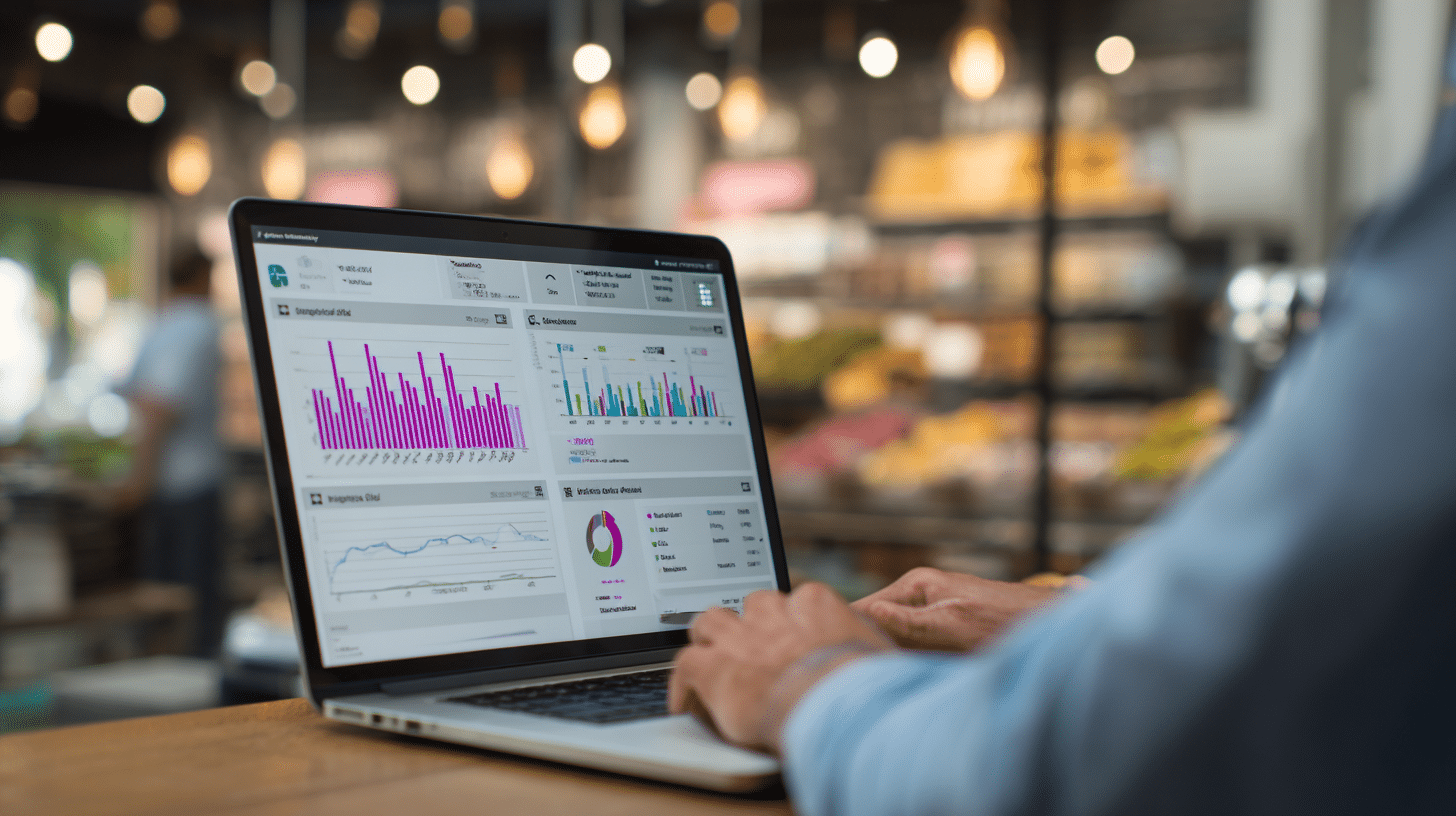
Understanding the POS data definition and its key components empowers businesses to turn everyday transactions into powerful tools for growth. With the right approach and tools like Biyo POS, you can unlock insights that drive smarter decisions and lasting success.
Frequently Asked Questions (FAQ)
What exactly does POS data include?
POS data includes all information recorded during a sales transaction, such as product details, quantities, prices, payment methods, and customer information. It also covers inventory changes and cashier activities related to the sale. This comprehensive data set forms the basis for sales reporting, inventory management, and customer relationship building.
How can POS data improve inventory management?
POS data provides real-time updates on stock levels at the SKU level. This helps businesses track what items sell quickly or slowly, enabling timely restocking and reducing overstock or stockouts. For example, a retailer can use POS data to set reorder points automatically, ensuring shelves are stocked without excess inventory tying up capital.
Is POS data secure, especially customer payment details?
When managed correctly, POS data is secure. Systems like Biyo POS use encryption and strict access controls to protect sensitive information, complying with industry standards such as PCI DSS. This safeguards customer payment details and builds trust in your business.
Can I access POS data remotely?
Yes, many modern POS systems, including Biyo POS, offer cloud-based access, allowing business owners and managers to view sales and inventory data from anywhere via secure web or mobile apps. This flexibility supports timely decision-making even when away from the physical store.
How often should I analyze POS data?
Frequent analysis is recommended. Daily reviews help track sales and inventory changes, while deeper weekly or monthly analysis reveals trends and informs strategic decisions. Regular monitoring enables businesses to stay agile and responsive to market shifts.