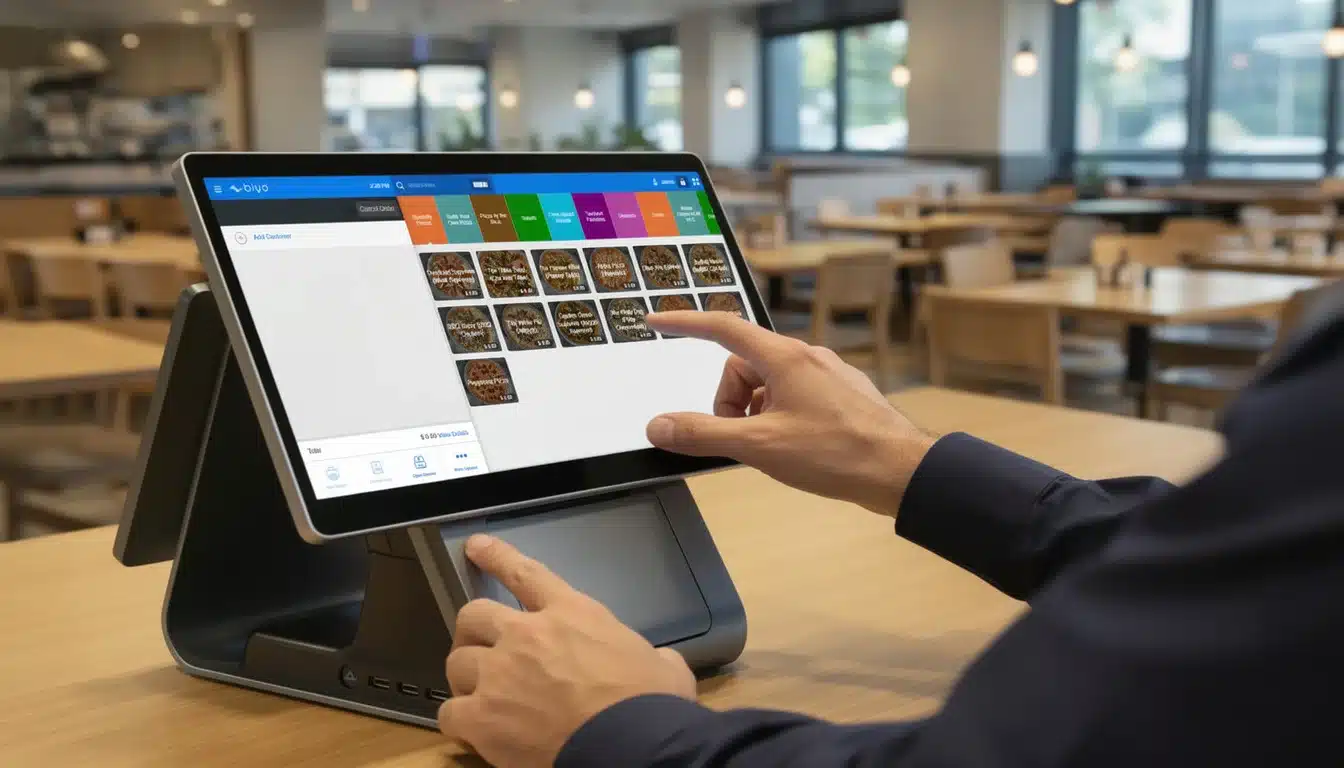
In today’s competitive retail environment, the ability to process transactions quickly while managing stock efficiently is no longer a luxury—it’s a necessity. The best retail POS software with built-in inventory management combines point-of-sale functionality with powerful inventory control tools, enabling store owners to track products in real time, forecast demand, optimize purchasing cycles, and protect cash flow.
Whether you operate a small boutique, a multi-location chain, or an omnichannel retail brand, integrating your sales and stock tracking into one streamlined system dramatically improves operational accuracy, reduces shrinkage, prevents stockouts, and maximizes profitability.
Modern retail is no longer just about ringing up transactions. It’s about managing capital. Every product sitting on your shelf represents money tied up in inventory. If that capital is mismanaged, your margins quietly erode. The right POS with integrated inventory management turns stock into measurable, controllable, and optimizable assets.
Table of Contents
- Why Integrated Inventory Management is Essential for Retail
- Key Features of the Best Retail POS Software with Inventory Control
- How to Choose the Right POS System for Your Retail Business
- Benefits of Using a POS with Built-in Inventory Management
- Best Practices to Maximize POS Inventory Capabilities
- Advanced Inventory Strategies for Modern Retailers
- How Biyo POS Supports Retail Inventory Excellence
- FAQ
Why Integrated Inventory Management is Essential for Retail
Retail inventory is not just operational—it is financial. Poor inventory control directly affects cash flow, profit margins, customer satisfaction, and brand reputation.
The best retail POS software with built-in inventory management centralizes stock control and sales data, ensuring you always know exactly what you have, where it is, and when you need to replenish it. This eliminates guesswork and prevents costly mistakes like overstocking slow-moving products or running out of high-demand items.
Eliminating Manual Tracking Errors
Manual stock tracking using spreadsheets or handwritten logs creates room for human error. A missed return entry or incorrect count during a busy shift can distort inventory levels significantly.
With automated inventory adjustments, every sale, return, and received shipment updates stock levels instantly. Retailers managing hundreds of SKUs benefit from precise tracking of variations like size and color, reducing discrepancies and improving reorder accuracy.
Improving Purchase Order Accuracy
Accurate purchasing decisions depend on reliable sales data. The best retail POS software with built-in inventory management uses historical sales velocity, supplier lead times, and current stock levels to recommend precise reorder quantities.
This prevents rush shipping fees, emergency restocking, and lost sales caused by stockouts. Automated purchase order suggestions also improve supplier relationships by ensuring consistent and predictable ordering patterns.
Enhancing Multi-Location Inventory Control
Retailers with multiple stores often face stock imbalances between locations. A centralized POS system provides real-time visibility across all branches, allowing inventory transfers between stores before placing new supplier orders.
This reduces overstocking, improves capital efficiency, and ensures customers find what they need at any location.

Key Features of the Best Retail POS Software with Inventory Control
Real-Time Inventory Updates
Real-time updates ensure that inventory levels adjust immediately after every sale, return, or stock intake. Cloud-based systems synchronize data across physical stores and ecommerce platforms, preventing overselling and customer dissatisfaction.
If a product sells out in-store, online availability updates instantly, maintaining consistency across sales channels.
Barcode Scanning and SKU Management
Barcode scanning speeds up checkout while reducing entry errors. Each SKU contains structured product data including category, cost, supplier, and margin information. This precision allows retailers to analyze product performance and optimize assortment planning.
Low Stock Alerts and Forecasting
Low stock alerts notify managers when inventory falls below preset thresholds. Forecasting tools analyze historical trends and seasonality to predict future demand, helping retailers reorder at the right time and in the right quantity.
How to Choose the Right POS System for Your Retail Business
Assessing Operational Complexity
Evaluate the number of SKUs, sales channels, and locations you manage. A small boutique may need simplicity, while a multi-location retailer requires advanced purchase order automation and centralized reporting.
Cloud vs. On-Premise Systems
Cloud-based systems offer scalability, remote access, and automatic updates. On-premise systems offer local control but require higher upfront costs and maintenance. Growing retailers often benefit more from cloud-based flexibility.
Integration Capabilities
A strong POS integrates with ecommerce platforms, accounting software, CRM systems, and supplier tools. Seamless integration reduces manual work and increases operational efficiency.
Benefits of Using a POS with Built-in Inventory Management
Improved Capital Efficiency
Inventory turnover improves when retailers stock based on real sales data. Reduced overstocking protects working capital and increases profitability.
Data-Driven Merchandising
Sales analytics reveal best sellers, slow movers, and seasonal patterns. Retailers can adjust pricing, promotions, and shelf space based on measurable performance data.
Enhanced Customer Experience
Accurate inventory builds trust. Staff can confirm availability instantly, reserve products, and deliver reliable service across locations.
Best Practices to Maximize POS Inventory Capabilities
Maintain Accurate Product Data
Keep pricing, supplier details, and cost information updated. Inaccurate data leads to distorted margin reports and poor purchasing decisions.
Conduct Regular Cycle Counts
Implement weekly or monthly cycle counts for high-value items instead of relying solely on annual stocktakes.
Use Analytics Strategically
Inventory data should guide purchasing, pricing, promotional planning, and product discontinuation decisions.
Advanced Inventory Strategies for Modern Retailers
Omnichannel Synchronization
Integrated POS systems ensure real-time synchronization between in-store and online sales, supporting services like buy online, pick up in-store.
AI-Based Forecasting
Advanced forecasting tools analyze seasonal trends, weather, and historical anomalies to improve demand predictions.
Automated Replenishment
Automated reorder triggers create purchase orders when stock reaches defined thresholds, reducing manual oversight and preventing shortages.
How Biyo POS Supports Retail Inventory Excellence
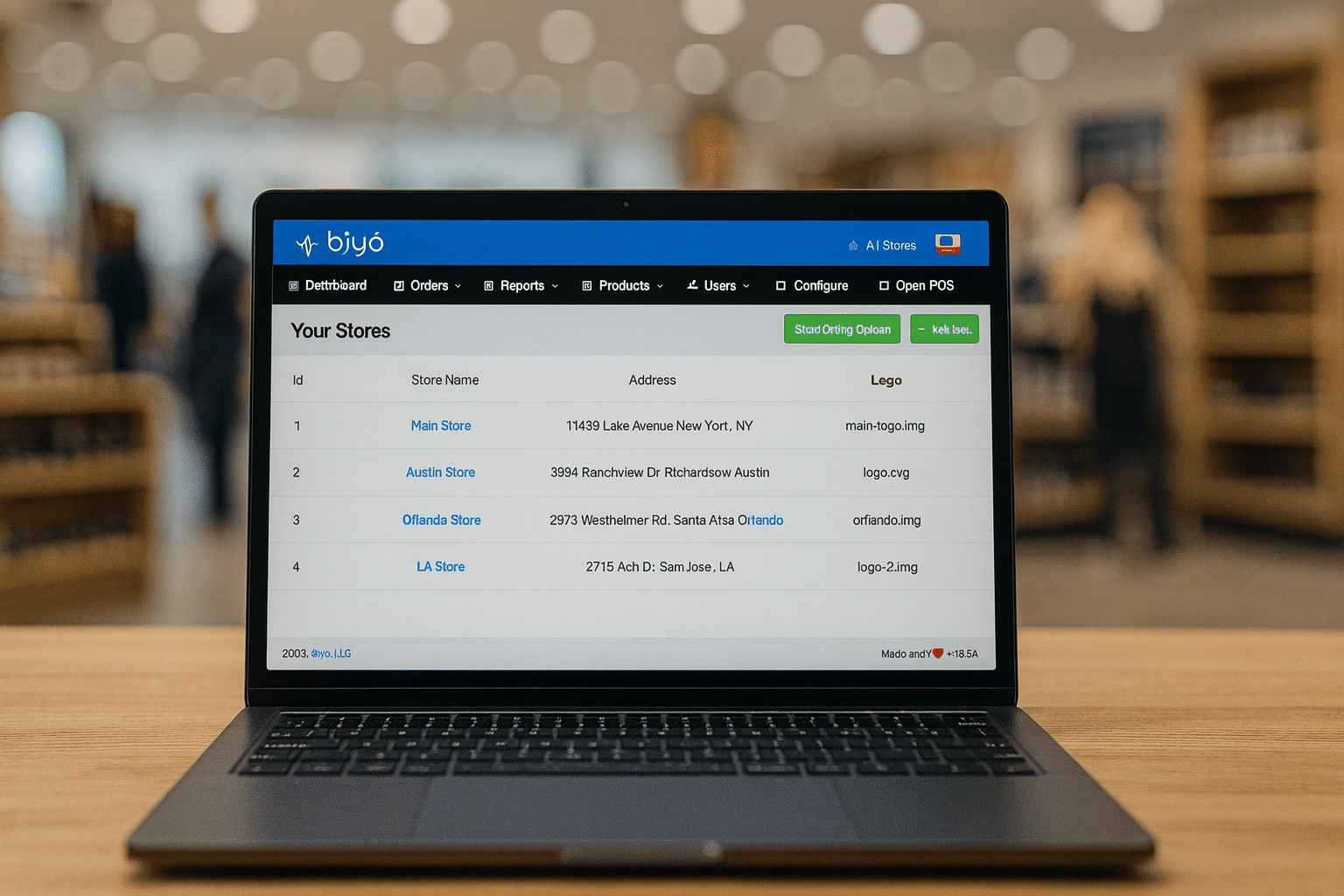
Biyo POS delivers a cloud-based retail solution with built-in inventory management, real-time tracking, multi-location visibility, barcode support, and automated low stock alerts.
Retailers can manage suppliers, generate purchase orders, and analyze sales data from one centralized dashboard. With Biyo POS, businesses gain operational clarity and scalability.
To explore how the system supports inventory optimization, schedule a consultation through Biyo POS.
FAQ
Q: Why is integrated inventory better than separate systems?
Integrated systems synchronize sales and stock data instantly, reducing errors and improving decision-making.
Q: Does forecasting improve profitability?
Yes. Forecasting reduces overstocking, prevents stockouts, and protects working capital.
Q: Can small retailers benefit from built-in inventory tools?
Absolutely. Even single-location stores benefit from accurate tracking and automated reorder alerts.
Q: How often should inventory be reconciled?
Use real-time tracking combined with regular cycle counts for maximum accuracy.
Q: Is cloud-based POS secure?
Modern cloud systems use encrypted infrastructure and secure authentication protocols to protect retail data.