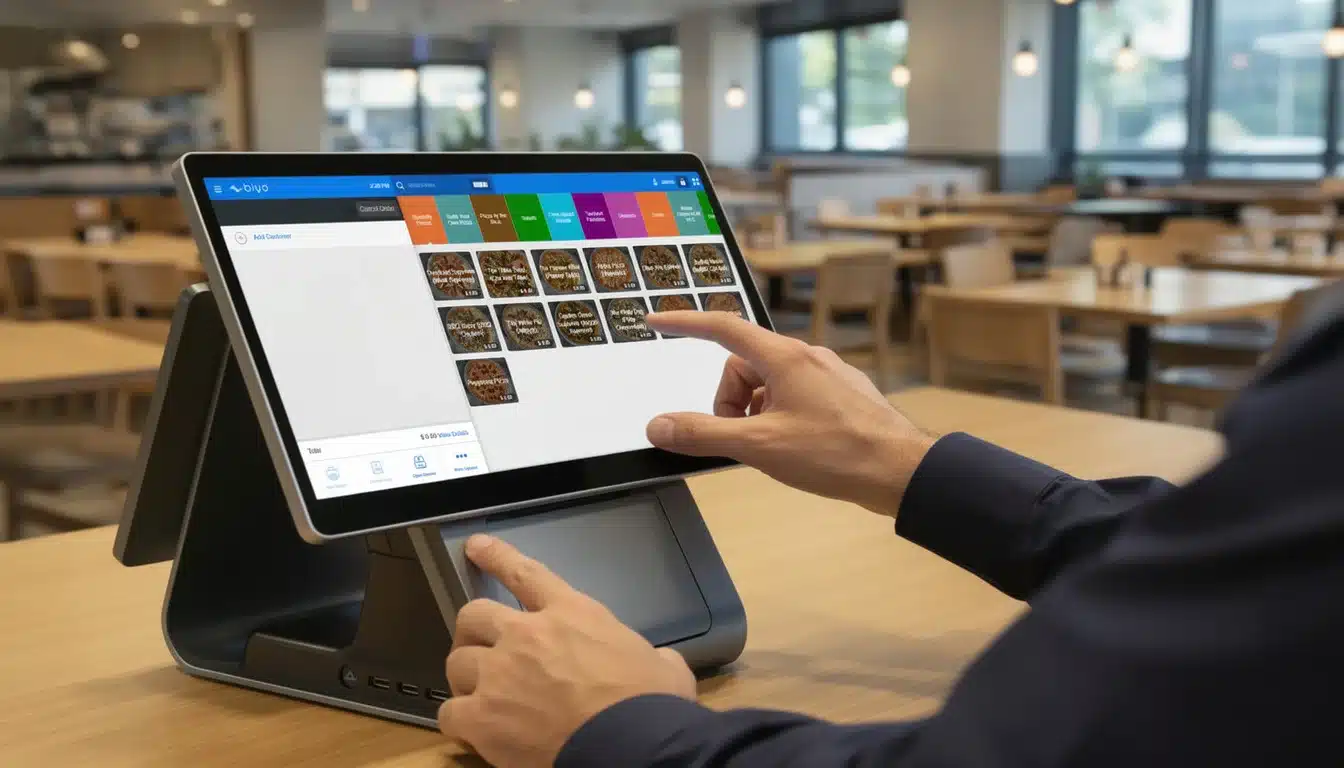
Getting comfortable with a new POS system really comes down to mastering a few core areas. You’ll start with the initial hardware and software setup, get familiar with the interface for processing sales, learn how to manage inventory, and begin using reports to understand how your business is performing. A modern POS system does far more than replace a traditional cash register—it becomes the central command center for your entire operation.
Your First Steps with a Modern POS System
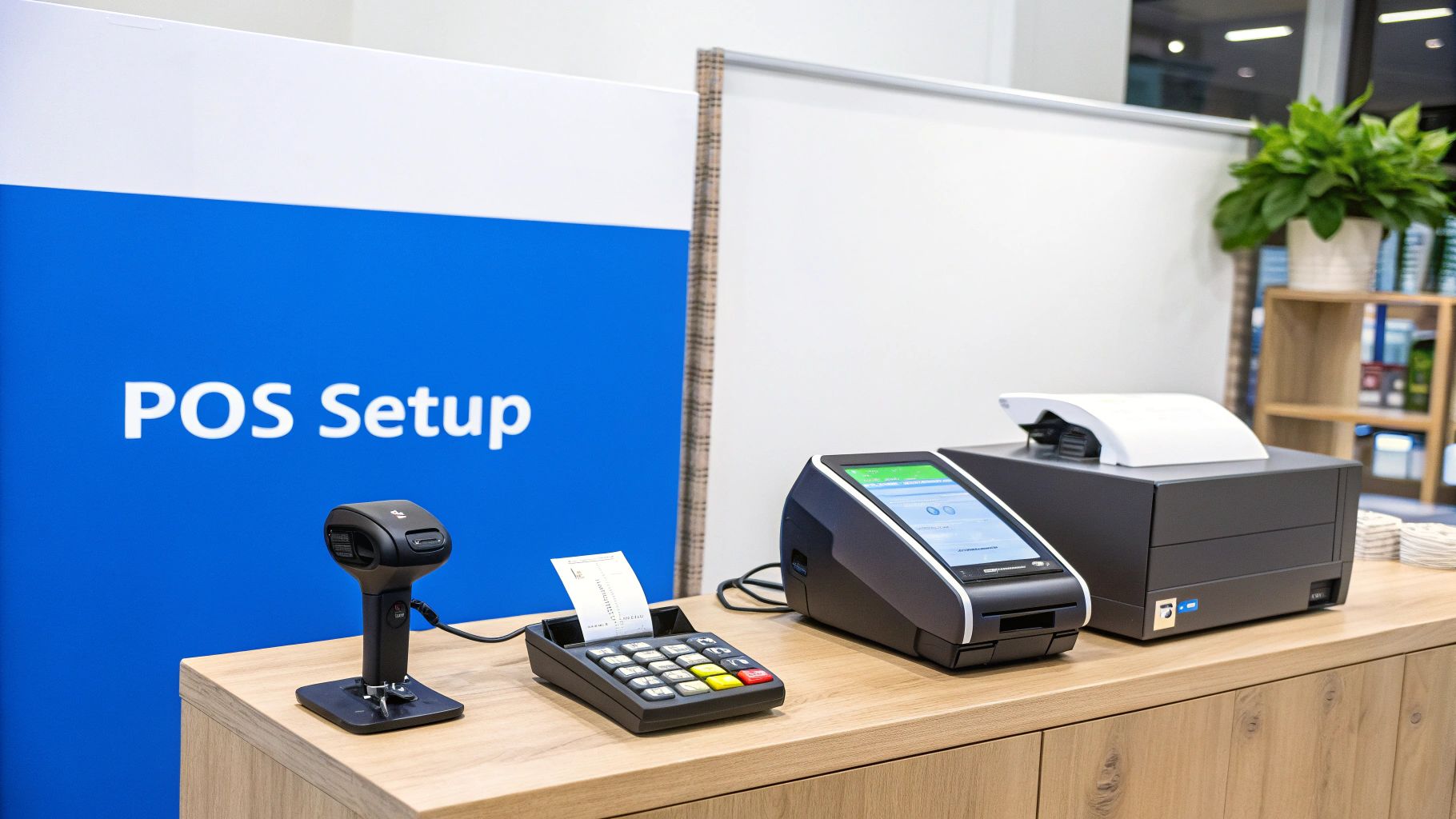
Setting up a modern POS system begins with connecting your hardware and configuring the software so it matches your business needs. This includes linking receipt printers, barcode scanners, and payment terminals while installing the POS software on your primary device.
Modern point-of-sale technology has evolved dramatically in recent years. The global POS market is valued at more than $33 billion and is projected to surpass $110 billion by 2032. This rapid growth is largely driven by cloud-based POS platforms that streamline payments, inventory tracking, and customer management.
Configuring Your Foundational Settings
Before processing your first transaction, it’s essential to configure the core settings inside your POS system. These settings ensure that transactions are processed correctly and that business information appears properly on receipts and reports.
| Setup Step | Key Action | Why It Matters |
|---|---|---|
| Hardware Connection | Connect receipt printers, scanners, and payment terminals | Ensures all devices communicate correctly with the POS system |
| Store Information | Enter business name, address, and contact details | This information appears on receipts and financial reports |
| Receipt Customization | Add branding elements like logos and custom messages | Improves brand recognition with every transaction |
| Tax Setup | Configure local and regional tax rates | Ensures accurate tax calculations for each sale |
| Employee Accounts | Create individual user logins with permissions | Protects sensitive data and tracks employee activity |
Setting up employee accounts is especially important because it allows businesses to track transactions by staff member while controlling access to sensitive features such as refunds, reporting, and inventory management.
Understanding the POS Dashboard and Interface
Once the initial setup is complete, the next step is learning how to navigate the POS dashboard. This interface is where daily operations take place, including sales processing, product searches, customer management, and reporting.
The dashboard is designed to make common tasks accessible with minimal steps. Starting a sale, scanning products, and applying discounts should all be easily accessible from the main screen to keep checkout lines moving efficiently.
Customizing the Sales Interface
Every business operates differently, so most POS systems allow customization of the sales interface. Businesses can create shortcut buttons for frequently sold products, organize items into categories, and simplify navigation for employees.
For example, a coffee shop might create quick-access buttons for its most popular drinks, while a clothing boutique may group products by categories such as shirts, jackets, or accessories.
A well-organized POS interface reduces transaction time and improves efficiency. Even saving a few seconds per transaction can significantly improve workflow during busy hours.
Key Areas Used Daily
While the POS dashboard offers many features, several areas are used regularly during daily operations.
- Product Search: Quickly locate products using names, SKUs, or barcode scans.
- Customer Profiles: Access purchase history, loyalty information, and contact details.
- Quick Reports: Monitor real-time sales performance throughout the day.
Processing Transactions Efficiently
Processing transactions is the primary function of any POS system. While simple purchases are straightforward, many real-world scenarios involve split payments, discounts, returns, and exchanges.
Modern POS systems simplify these processes by automating calculations and inventory updates. When processing a return, the system automatically adjusts inventory levels and sales records.
Businesses can also accept multiple payment methods including credit cards, digital wallets, and contactless payments. Supporting these modern payment options is essential as consumer payment preferences continue to evolve.
Managing Inventory Through Your POS System
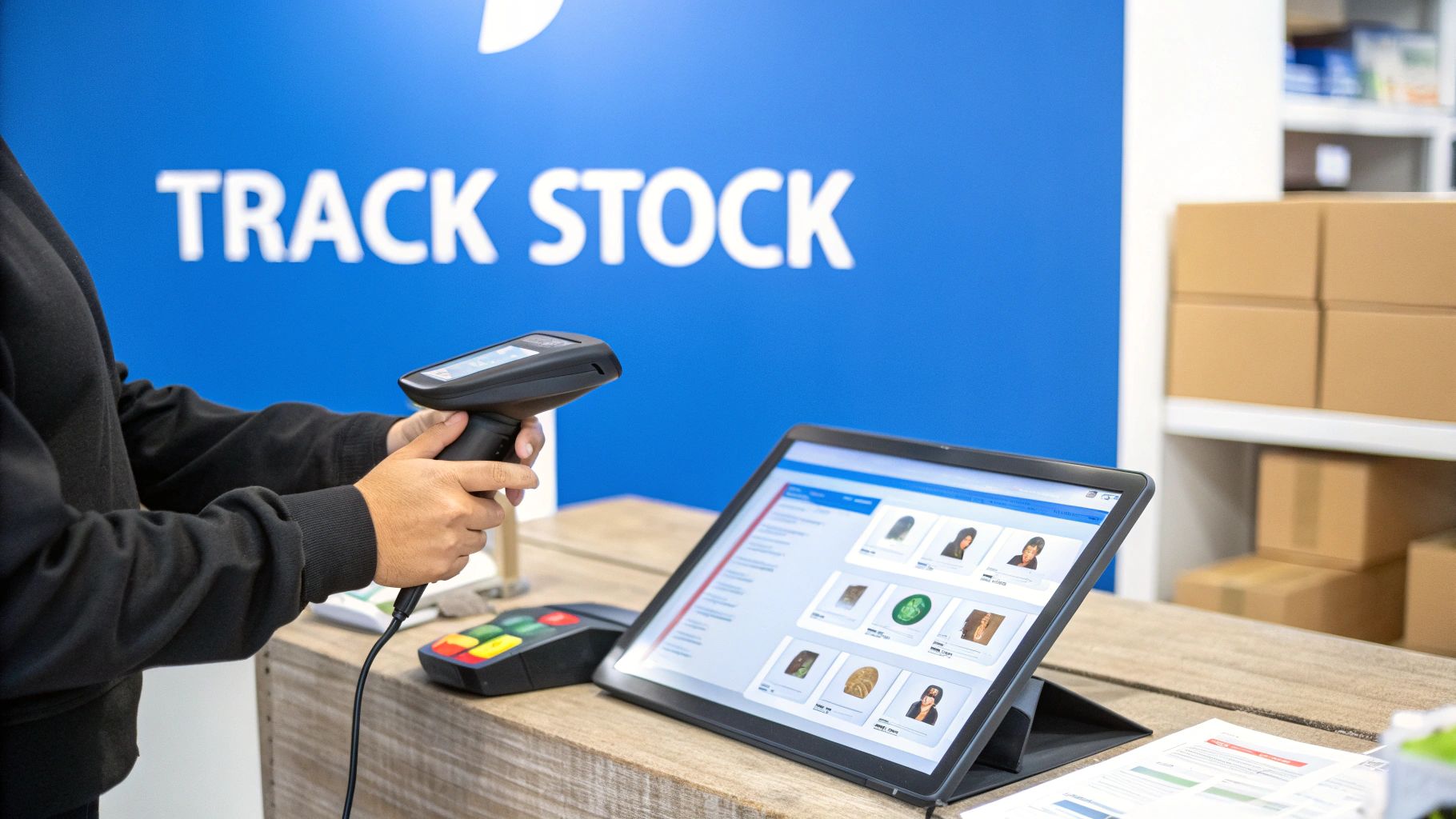
Inventory management is one of the most valuable features of modern POS systems. Instead of manually tracking stock, businesses can monitor product quantities in real time.
Each product can be assigned attributes such as price, SKU, variations, and supplier details. Businesses that sell items with multiple variations, such as clothing sizes or product colors, can track each variation individually.
Many POS systems also include automated alerts that notify business owners when stock levels fall below a predefined threshold. This helps prevent stockouts and ensures popular products remain available.
Using Customer Data to Build Loyalty
Customer relationship management features built into POS systems allow businesses to track purchasing behavior and improve customer experiences.
By linking transactions to customer profiles, businesses can build purchase histories and identify buying patterns. This information can be used to personalize promotions, recommend products, and reward loyal customers.
Simple loyalty programs can also be implemented through POS systems, encouraging repeat purchases and strengthening customer relationships.
Using Reports to Make Data-Driven Decisions
Every transaction processed through a POS system generates valuable data. Reporting tools transform this data into insights that help businesses understand sales performance and operational efficiency.
Important Reports to Review
- Daily Sales Reports: Provide an overview of total revenue and transaction counts.
- Product Performance Reports: Identify best-selling and slow-moving products.
- Sales by Time Reports: Reveal peak business hours to optimize staffing.
- Employee Performance Reports: Track sales contributions by staff members.
Regularly reviewing these reports allows business owners to make informed decisions regarding pricing, promotions, staffing, and inventory management.
Frequently Asked Questions About POS Systems
What happens if the internet connection fails?
Most modern POS systems offer offline functionality that allows businesses to continue processing transactions even when the internet connection is temporarily unavailable.
Can POS systems integrate with online stores?
Yes. Many POS systems integrate with e-commerce platforms, allowing businesses to synchronize inventory, sales data, and customer profiles across both online and physical stores.
Do POS systems track employee activity?
Yes. Employee accounts allow businesses to monitor transactions, manage permissions, and evaluate performance through sales reporting.
How Biyo POS Helps Businesses Operate Smarter
A modern POS platform can simplify nearly every aspect of running a business. Biyo POS provides an integrated solution for processing payments, managing inventory, tracking customer relationships, and analyzing business performance.
With cloud-based access, powerful reporting tools, and seamless integrations, Biyo POS helps businesses streamline operations while delivering faster and more efficient customer experiences.