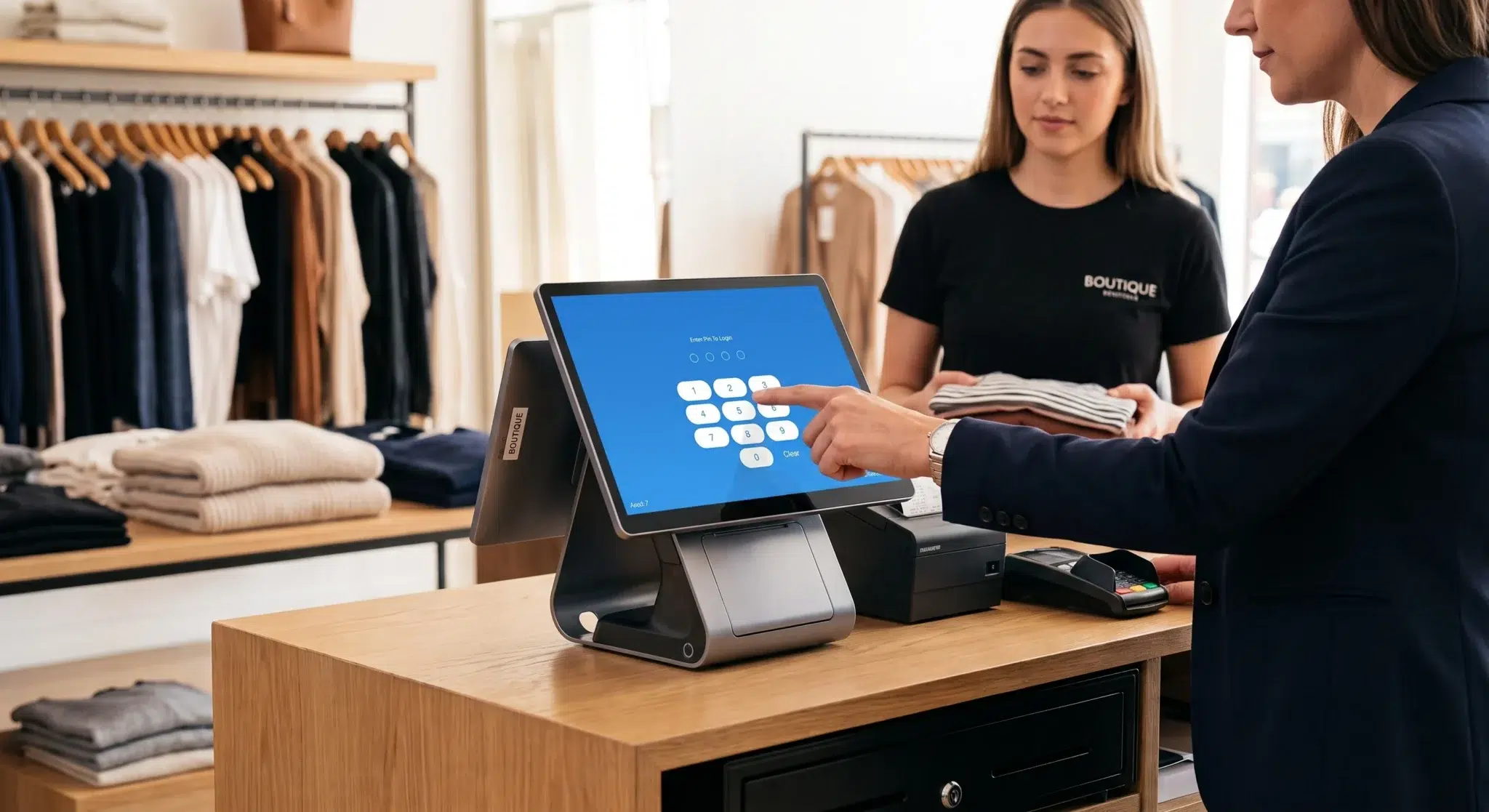
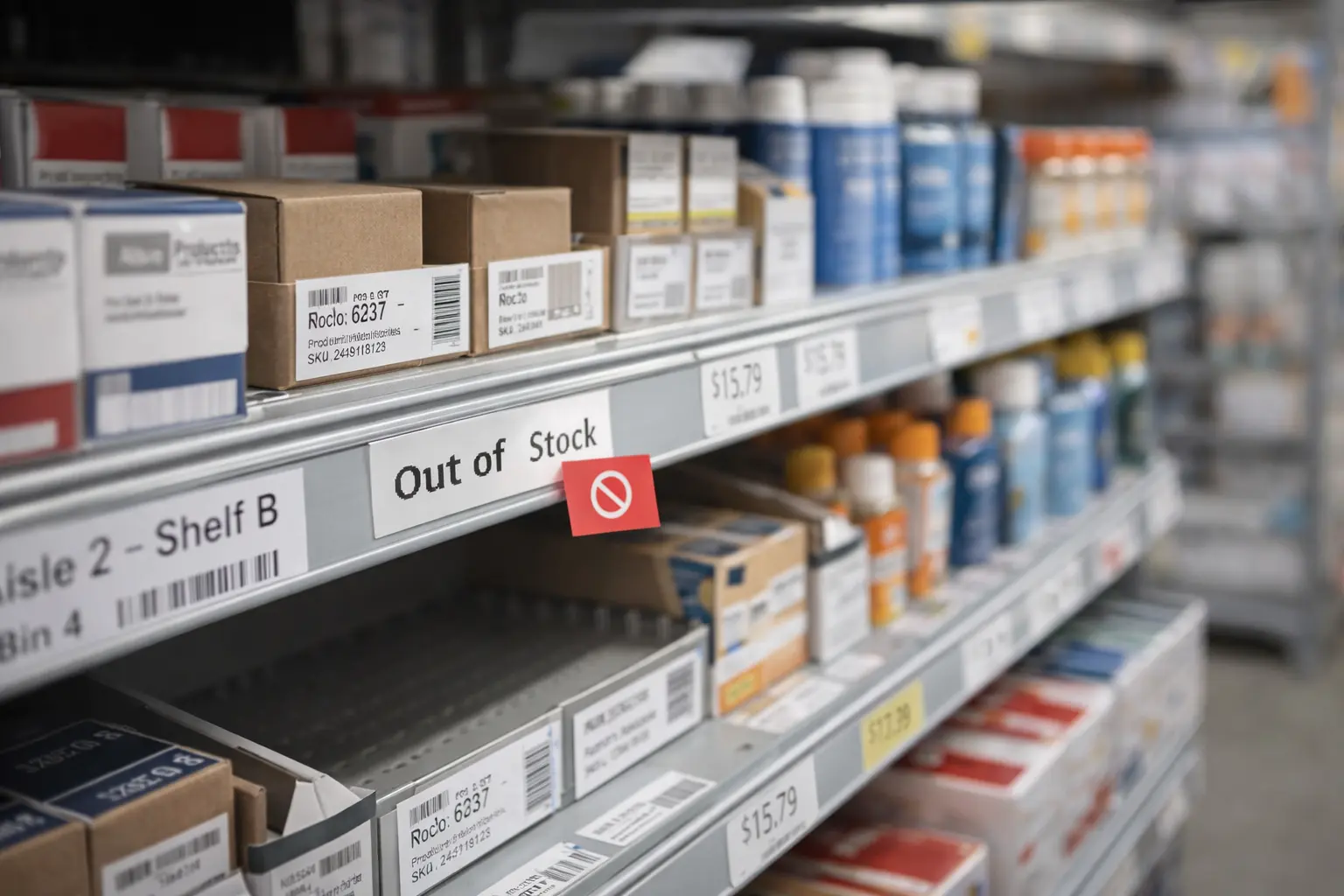
An inventory tracking POS is a point-of-sale system that automatically updates stock quantities every time a sale, return, exchange, transfer, or delivery occurs. Instead of relying on spreadsheets or manual inventory counts, businesses can monitor inventory in real time directly through their POS platform.
This integration between inventory management and sales transactions eliminates guesswork while dramatically improving operational accuracy. Every time an employee scans a product at checkout, the system instantly deducts the item from available inventory and updates records across all connected devices and locations.
For retail stores, restaurants, grocery shops, convenience stores, cafés, pharmacies, and other inventory-driven businesses, an inventory tracking POS acts as a centralized operational hub that simplifies stock management, improves purchasing decisions, reduces inventory waste, and increases profitability.
Modern businesses face growing inventory challenges because customers expect accurate product availability, fast service, and consistent experiences across both physical and online sales channels. Without accurate inventory visibility, businesses often struggle with stockouts, overstocking, inaccurate reporting, and operational inefficiencies that negatively impact both customer satisfaction and cash flow.
According to retail industry research, inventory distortion caused by stock inaccuracies, shrinkage, and mismanagement costs businesses billions of dollars annually. Real-time inventory tracking systems help reduce these losses by improving stock accuracy and operational transparency.
This guide explores how inventory tracking POS systems work, why they matter for modern businesses, the key features they provide, implementation strategies, reporting capabilities, and best practices for long-term inventory management success.
Table of Contents
- What Is an Inventory Tracking POS and Why It Matters
- Key Features of an Inventory Tracking POS System
- Business Benefits of Using an Inventory Tracking POS
- Using Inventory Reports to Improve Inventory Performance
- Steps to Implement an Inventory Tracking POS System
- Best Practices for Long-Term Inventory Management
- Common Inventory Challenges Businesses Face
- The Future of Inventory Tracking Technology
- How Biyo Helps Businesses Track Inventory in Real Time
- Frequently Asked Questions
What Is an Inventory Tracking POS and Why It Matters
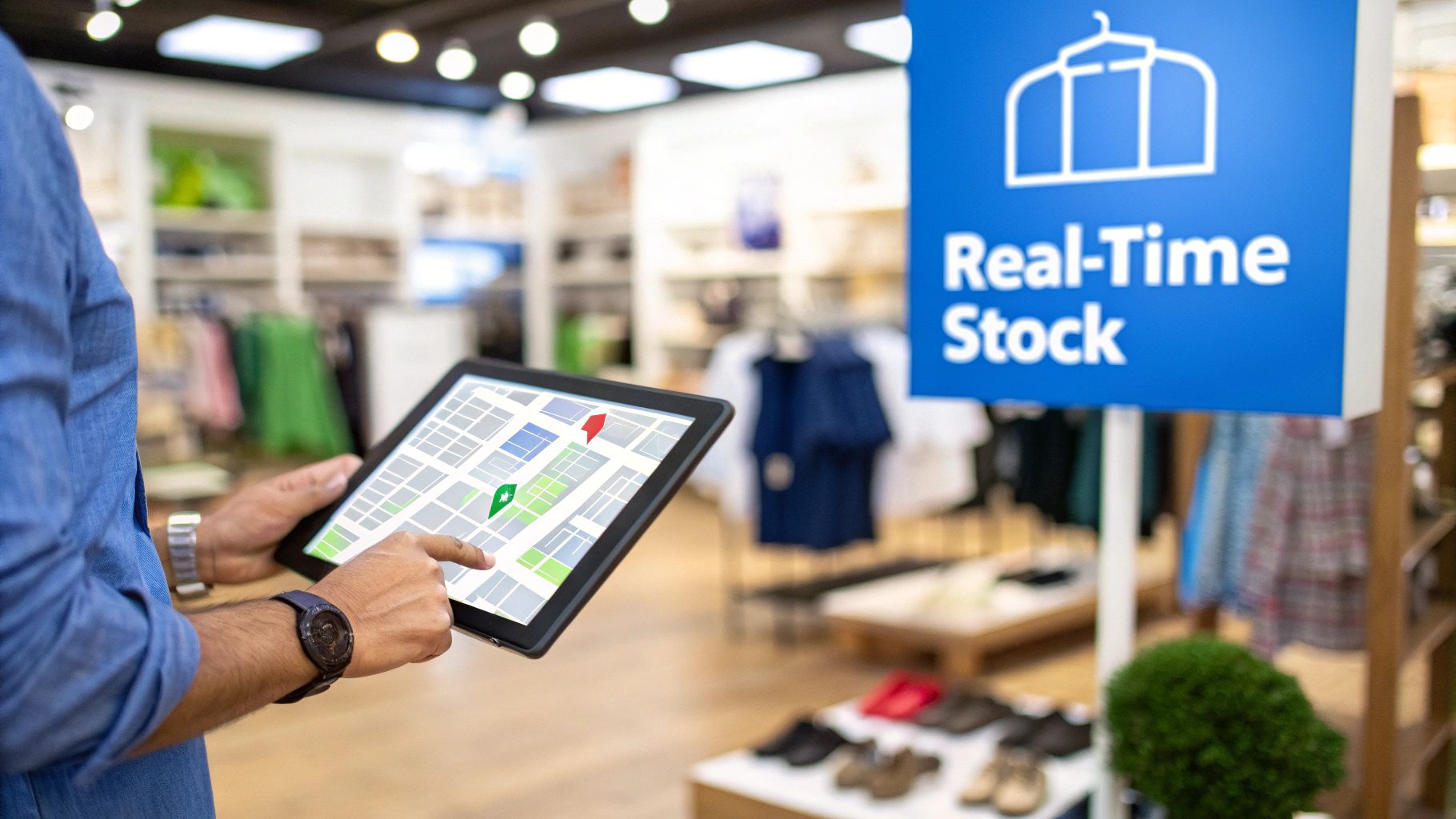
Inventory is one of the most valuable operational assets for businesses that sell physical products. Whether operating a retail store, restaurant, convenience shop, or warehouse, maintaining accurate inventory visibility is essential for controlling costs, meeting customer demand, and maximizing profitability.
Without proper inventory tracking, businesses often experience overstocking, stock shortages, inaccurate product counts, delayed purchasing decisions, and lost revenue opportunities. Manual tracking methods using spreadsheets or handwritten counts are not only time-consuming but also highly vulnerable to human error.
An inventory tracking POS solves these problems by connecting sales transactions, purchasing workflows, inventory records, and reporting tools into one centralized platform. Every inventory movement updates automatically in real time, ensuring business owners always have accurate visibility into stock levels.
Instead of waiting for end-of-day reports or manual counts, businesses can instantly monitor inventory availability across all locations and sales channels.
Modern inventory tracking systems allow businesses to identify:
- Best-selling products that require frequent replenishment
- Slow-moving inventory that may require discounts or promotions
- Low-stock alerts indicating products approaching reorder thresholds
- Seasonal demand trends affecting purchasing strategies
- Inventory shrinkage caused by theft, waste, or reporting errors
Businesses that rely on real-time inventory tracking generally operate more efficiently because they can make faster and more informed purchasing decisions.
Manual Inventory Tracking vs POS Automation
| Feature | Manual Tracking | Inventory Tracking POS |
|---|---|---|
| Stock Updates | Manual counts and delayed adjustments | Automatic real-time updates |
| Accuracy | High risk of human error | Highly accurate automated tracking |
| Labor Requirements | Time-intensive inventory counts | Minimal manual effort |
| Reporting Visibility | Limited operational insights | Advanced analytics and reporting |
| Multi-location Management | Difficult coordination | Centralized inventory visibility |
| Reordering Efficiency | Manual purchasing decisions | Automated reorder recommendations |
Modern POS systems also allow businesses to synchronize inventory across physical stores, online platforms, warehouses, and mobile sales channels while maintaining accurate centralized reporting.
To better understand the technology powering these systems, explore our guide on what is inventory management software.
Key Features of an Inventory Tracking POS System
Modern inventory tracking POS systems provide much more than basic stock counting functionality. Advanced systems combine automation, analytics, reporting, and purchasing tools to simplify inventory operations while improving business efficiency.
Real-Time Inventory Updates
The most important feature of an inventory tracking POS is automatic real-time stock synchronization. Whenever products are sold, returned, transferred, or restocked, inventory quantities update instantly across all connected devices and locations.
This ensures employees and managers always have accurate inventory visibility without waiting for manual updates or nightly synchronization processes.
Real-time updates are especially important for businesses managing multiple locations or online sales channels because inaccurate inventory data can lead to overselling and customer dissatisfaction.
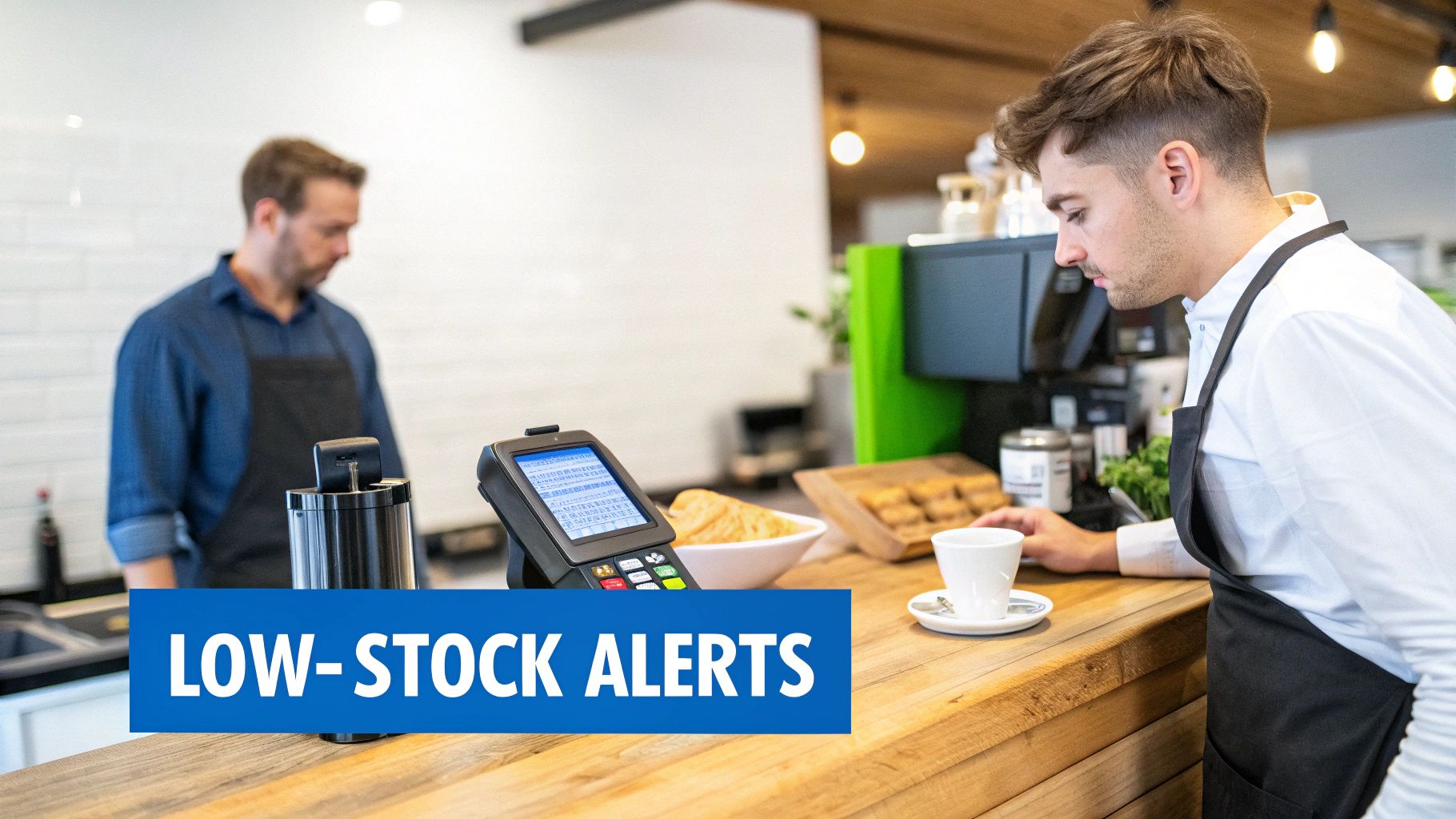
Low-Stock Alerts and Notifications
Low-stock alerts automatically notify managers when products fall below predefined inventory thresholds. Instead of manually monitoring inventory levels every day, businesses receive alerts before products run out completely.
These alerts help businesses avoid stockouts, which can lead to lost sales, frustrated customers, and reduced customer loyalty.
Many systems allow businesses to customize reorder thresholds based on sales velocity, supplier lead times, and seasonal demand patterns.
Automated Purchase Orders
Advanced inventory systems can automatically generate purchase order recommendations based on historical sales data and current stock levels.
When inventory reaches reorder thresholds, the POS system may suggest reorder quantities or automatically prepare purchase orders for manager approval.
This automation simplifies procurement workflows while reducing the risk of ordering mistakes.
Barcode Scanning and SKU Tracking
Barcode scanning dramatically improves inventory accuracy and checkout efficiency. Instead of manually entering product details, employees can quickly scan items during sales, stock counts, and receiving processes.
SKU tracking additionally allows businesses to manage product variants such as sizes, colors, flavors, or packaging formats more accurately.
Multi-Location Inventory Management
Businesses operating multiple stores or warehouses benefit heavily from centralized inventory management tools. Managers can monitor inventory across all locations from one dashboard while transferring products between stores when necessary.
This visibility helps businesses maintain balanced stock levels while improving product availability across locations.
Businesses looking for retail-focused solutions can also explore our guide to the best retail POS software with built-in inventory management.
Business Benefits of Using an Inventory Tracking POS
An inventory tracking POS delivers both operational and financial benefits that significantly improve business performance over time.
Improved Cash Flow Management
Inventory directly impacts cash flow because unsold products tie up business capital. Overstocking slow-moving items reduces liquidity and increases storage costs.
Real-time inventory tracking helps businesses order products more accurately based on actual demand patterns rather than assumptions. This reduces unnecessary stock accumulation while improving inventory turnover rates.
Increased Employee Productivity
Manual inventory management consumes large amounts of employee time. Staff members often spend hours conducting counts, updating spreadsheets, correcting discrepancies, and searching for products.
Automated inventory tracking eliminates much of this administrative burden, allowing employees to focus more on customer service, sales, merchandising, and operational improvements.
Better Customer Experiences
Customers expect businesses to have products available when needed. Inventory inaccuracies leading to stockouts or unavailable products negatively affect customer satisfaction and loyalty.
Real-time tracking improves product availability while allowing employees to verify stock instantly during customer interactions.
Reduced Inventory Shrinkage
Inventory shrinkage caused by theft, waste, spoilage, administrative mistakes, or supplier discrepancies creates major financial losses for businesses.
Inventory tracking systems improve accountability by recording inventory movement history, employee activity, and transaction logs. These records help businesses identify discrepancies faster and reduce losses.
Data-Driven Business Decisions
Modern POS inventory systems generate detailed analytics that help businesses evaluate product performance, customer demand patterns, seasonal trends, and purchasing efficiency.
Data-driven insights allow businesses to make smarter decisions regarding pricing, promotions, purchasing, and product selection.
Using Inventory Reports to Improve Inventory Performance

One of the most valuable aspects of inventory tracking POS systems is their reporting and analytics functionality.
Instead of relying on assumptions or outdated spreadsheets, businesses gain access to detailed operational insights that support more strategic inventory management.
Sales Velocity Reports
Sales velocity reports reveal how quickly products sell over time. Businesses can identify high-performing products requiring frequent replenishment while recognizing slow-moving items that may need discounts or promotional support.
These reports improve purchasing efficiency and help businesses optimize inventory investment.
Stock Aging Reports
Stock aging reports track how long inventory remains unsold. Products sitting in storage for extended periods increase holding costs and may eventually become obsolete or expire.
Businesses often use aging reports to identify products requiring markdowns, promotions, or discontinuation.
Profit Margin Analysis
Profit margin reports help businesses identify which products generate the highest profitability rather than simply the highest sales volume.
Understanding profitability allows businesses to prioritize inventory purchases and merchandising strategies more effectively.
Demand Forecasting Reports
Advanced inventory systems may also provide forecasting tools that estimate future product demand based on historical sales trends, seasonality, and customer behavior.
Forecasting improves purchasing accuracy while reducing both overstocking and stock shortages.
Businesses interested in deeper inventory analytics often also use formulas such as inventory turnover and other inventory management formulas.
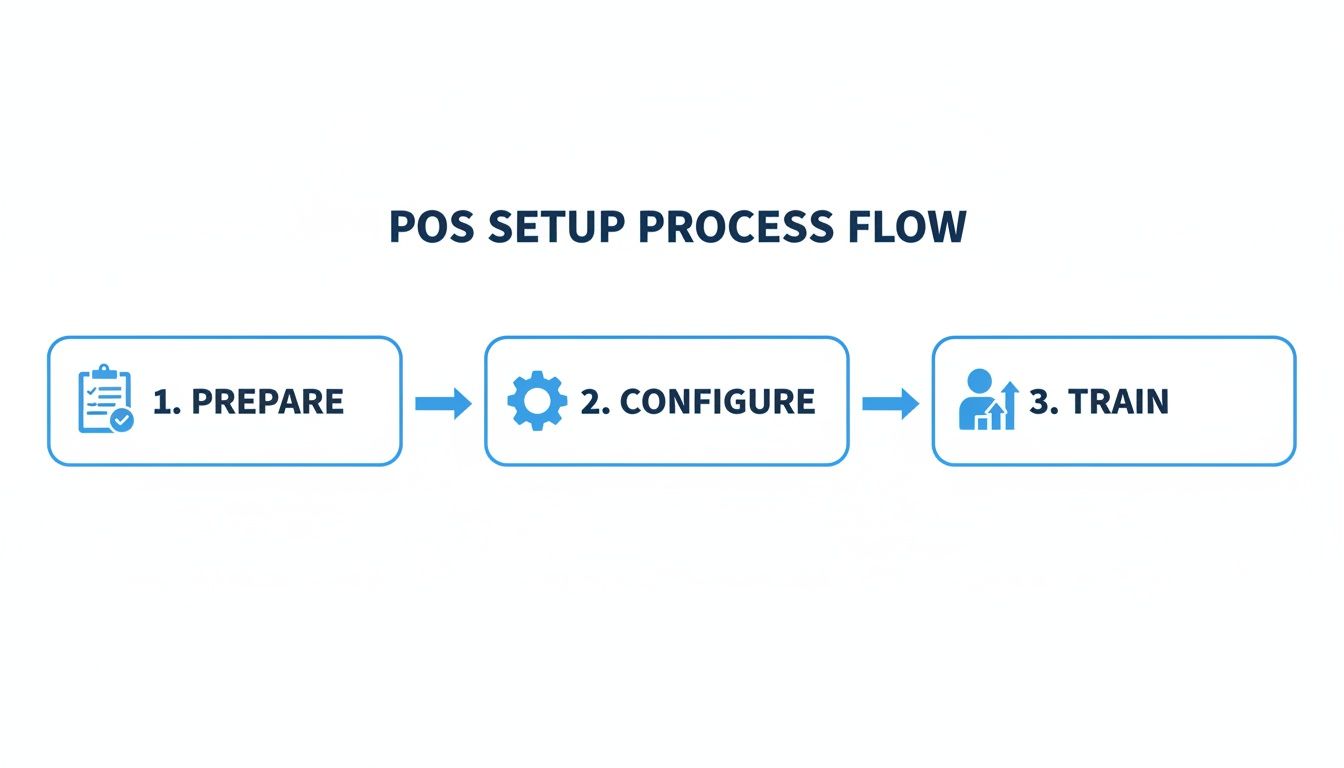
Steps to Implement an Inventory Tracking POS System
Implementing an inventory tracking POS requires careful preparation to ensure accurate inventory records and smooth operational transitions.
Prepare Product Information
Businesses should organize complete product data before importing inventory into the POS system. This includes product names, SKUs, supplier information, pricing, categories, barcode details, and inventory quantities.
Accurate product setup significantly improves long-term reporting accuracy and inventory organization.
Conduct a Full Physical Inventory Count
A complete inventory count ensures the POS system starts with accurate stock quantities. Businesses should verify physical inventory carefully before launching automated tracking.
Starting with inaccurate counts often creates ongoing reporting problems later.
Configure Hardware and Software
Implementation includes connecting barcode scanners, receipt printers, payment terminals, label printers, and other POS hardware devices.
Software settings such as tax rates, reorder thresholds, user permissions, and reporting preferences should also be configured carefully.
Train Employees Thoroughly
Employee training is critical for successful inventory tracking adoption. Staff should understand sales processing, inventory adjustments, receiving workflows, returns, transfers, and barcode scanning procedures.
Consistent workflows improve inventory accuracy significantly over time.
Businesses operating multiple stores may also benefit from strategies for multi-location inventory management.
Best Practices for Long-Term Inventory Management
Use Cycle Counting
Cycle counting involves regularly counting small inventory sections throughout the year rather than relying solely on large annual inventory counts. This approach improves accuracy while minimizing operational disruption.
Standardize Inventory Workflows
Clear procedures for receiving shipments, processing returns, recording damaged inventory, and managing transfers help maintain accurate stock records.
Consistency across employees and locations significantly reduces reporting errors.
Implement Role-Based Permissions
Restricting administrative access prevents unauthorized inventory modifications and pricing changes.
Role-based permissions improve accountability while protecting financial and inventory data integrity.
Review Reports Regularly
Inventory analytics should be reviewed consistently to identify unusual trends, shrinkage patterns, slow-moving inventory, or purchasing inefficiencies.
Businesses actively monitoring inventory performance generally make faster and more informed operational decisions.
Common Inventory Challenges Businesses Face
Even businesses using advanced inventory systems face operational challenges that require careful management.
One common issue is inventory shrinkage caused by theft, administrative mistakes, supplier discrepancies, or product damage. Regular audits and transaction monitoring help reduce these losses.
Another challenge is inaccurate receiving processes. If shipments are not verified properly during receiving, inventory records quickly become unreliable.
Seasonal demand fluctuations also create forecasting difficulties. Businesses must balance maintaining adequate stock levels without overinvesting in inventory that may not sell.
Multi-location inventory coordination can additionally become complex when businesses lack centralized inventory visibility.
Modern inventory tracking POS systems help reduce these challenges significantly through automation, reporting, and centralized management tools.
The Future of Inventory Tracking Technology
Inventory management technology continues evolving rapidly as businesses adopt automation, artificial intelligence, cloud computing, and predictive analytics.
AI-powered forecasting systems are becoming increasingly common because they help businesses predict future inventory demand more accurately using historical data and purchasing trends.
Cloud-based inventory systems also provide improved accessibility, allowing businesses to monitor stock levels remotely from any internet-connected device.
Mobile inventory management applications, RFID technology, automated warehouse systems, and smart shelves are further transforming how businesses manage inventory.
As retail and hospitality industries continue digitizing operations, inventory tracking technology will likely become even more automated, intelligent, and integrated.
How Biyo Helps Businesses Track Inventory in Real Time
Biyo POS includes integrated inventory tracking tools that automatically update stock quantities with every sale, return, transfer, or delivery.
The platform provides real-time inventory visibility, low-stock alerts, purchase order management, multi-location inventory tracking, and advanced reporting features designed to simplify inventory operations.
Businesses can monitor stock performance, identify purchasing trends, reduce waste, and improve operational efficiency through one centralized platform.
Restaurants, retail stores, cafés, and other inventory-driven businesses can also use the system to improve inventory accuracy while reducing manual administrative work.
If you want to explore how the platform works in real business environments, you can schedule a demo with the Biyo team.
Businesses ready to modernize inventory operations can also create a Biyo account here and explore the platform’s inventory management capabilities.
Frequently Asked Questions
How much does an inventory tracking POS system cost?
Most inventory tracking POS systems operate through monthly subscription pricing models ranging from approximately $50 to several hundred dollars per month depending on features, hardware requirements, integrations, and number of business locations.
Can small businesses use inventory tracking POS systems?
Yes. Many POS providers offer affordable inventory management solutions specifically designed for small retailers, cafés, restaurants, boutiques, and independent businesses that need accurate stock tracking without enterprise-level complexity.
What inventory method is commonly used with POS systems?
FIFO, or First-In First-Out, is one of the most commonly used inventory valuation and tracking methods because it aligns naturally with product rotation and helps businesses sell older inventory before newer stock arrives.
Why are real-time inventory updates important?
Real-time updates improve stock accuracy, reduce overselling, prevent inventory shortages, and allow businesses to make faster purchasing decisions based on current product availability.
Can inventory tracking POS systems manage multiple locations?
Yes. Modern cloud-based inventory systems allow businesses to monitor inventory across multiple stores, warehouses, and online sales channels from one centralized dashboard.
How do inventory reports improve profitability?
Inventory reports help businesses identify best-selling products, slow-moving stock, seasonal demand patterns, and high-margin items so purchasing decisions can become more strategic and profitable.
Do inventory tracking systems reduce employee workload?
Yes. Automation eliminates many repetitive manual tasks such as spreadsheet updates, inventory calculations, and physical tracking processes, allowing employees to focus more on customer service and operations.
What industries benefit most from inventory tracking POS systems?
Retail stores, grocery stores, convenience shops, restaurants, cafés, pharmacies, warehouses, and nearly any business selling physical products benefit significantly from real-time inventory management systems.
How do low-stock alerts work in POS systems?
Low-stock alerts notify managers automatically when product quantities fall below predefined reorder thresholds, helping businesses replenish inventory before stockouts occur.
Can inventory tracking POS systems integrate with e-commerce platforms?
Many modern POS systems integrate directly with online stores and marketplaces, allowing businesses to synchronize inventory across physical and digital sales channels automatically.