A modern POS system for small business is no longer just a digital cash register used to process transactions. Today’s point-of-sale technology has evolved into a complete business management platform capable of handling sales, inventory, employee management, customer relationships, analytics, and operational reporting from one centralized system. Instead of relying on spreadsheets, manual calculations, handwritten inventory counts, or disconnected software tools, small businesses can now automate daily operations and gain real-time visibility into how their business performs.
Whether you operate a retail store, coffee shop, restaurant, boutique, salon, convenience store, or service-based business, a reliable POS system helps streamline operations while improving efficiency and customer experience. Modern POS platforms reduce human error, simplify payment processing, accelerate checkout speed, and provide valuable insights that help business owners make smarter decisions.
The rapid growth of digital payments and cloud-based business software has made POS systems increasingly important for small businesses trying to remain competitive. Customers now expect fast checkout experiences, contactless payment options, digital receipts, loyalty programs, and personalized service. Businesses that continue relying on outdated systems often struggle to keep pace with modern customer expectations and operational demands.
According to multiple retail technology reports, businesses using advanced POS systems frequently experience improved inventory accuracy, faster transaction times, better reporting visibility, and stronger customer retention rates. These operational advantages can significantly impact profitability over time.
In this guide, we’ll explore what a POS system for small business actually does, the most important features to look for, how modern systems improve operations, implementation best practices, and how businesses can maximize their return on investment using modern POS technology.
Table of Contents
- What a POS System Really Does for Your Business
- Understanding What a Modern POS System Actually Does
- Features That Help Small Businesses Grow
- Why POS Systems Matter for Modern Businesses
- How to Choose the Right POS System
- Setting Up and Implementing Your POS System
- Maximizing Your Return on Investment
- Common POS Mistakes Small Businesses Should Avoid
- The Future of POS Technology
- How Biyo POS Supports Small Businesses
- Frequently Asked Questions
What a POS System Really Does for Your Business
Many small business owners spend a significant amount of time handling repetitive administrative tasks such as manually tracking inventory, recording sales, calculating taxes, monitoring employee hours, and generating financial reports. These tasks consume valuable time that could otherwise be invested into customer service, marketing, business expansion, or product development.
A modern POS system for small business eliminates much of this operational burden by centralizing business management into one unified system. Instead of relying on disconnected tools or paper records, business owners gain access to a real-time operational dashboard that automatically tracks transactions, inventory movement, and sales activity.
Every transaction processed through a POS system creates valuable business data. This data can reveal purchasing patterns, customer preferences, best-selling products, peak business hours, seasonal trends, and employee performance metrics. Rather than making decisions based on assumptions, businesses can use accurate reporting to make strategic improvements backed by real operational insights.
Beyond Simple Payment Processing
Traditional cash registers only record sales and store money. Modern POS systems, however, act as operational control centers that connect multiple areas of the business into one ecosystem. Each sale automatically updates inventory counts, records customer purchase history, tracks revenue, calculates taxes, and generates analytics in real time.
A modern POS system functions as the operational backbone of a business by connecting transactions, inventory, employee management, and reporting into one intelligent platform.
This level of automation helps small businesses operate more efficiently while reducing costly human errors. Instead of manually updating spreadsheets or checking inventory by hand, owners and managers can focus on improving customer experiences and growing revenue.
How POS Systems Improve Daily Operations
One of the biggest operational benefits of modern POS systems is workflow efficiency. Employees can process transactions faster, managers can monitor inventory instantly, and customers experience shorter checkout times. Faster service often leads to higher customer satisfaction, especially in busy retail stores and hospitality environments.
Modern systems also simplify refund handling, discount management, tax calculations, receipt generation, and multi-payment support. Businesses no longer need separate systems for card payments, inventory management, and reporting because the POS platform combines everything together.
For businesses managing multiple locations, cloud-based POS systems allow centralized monitoring across all stores from one dashboard. This helps owners maintain consistency, monitor performance remotely, and identify operational issues quickly.
Understanding What a Modern POS System Actually Does
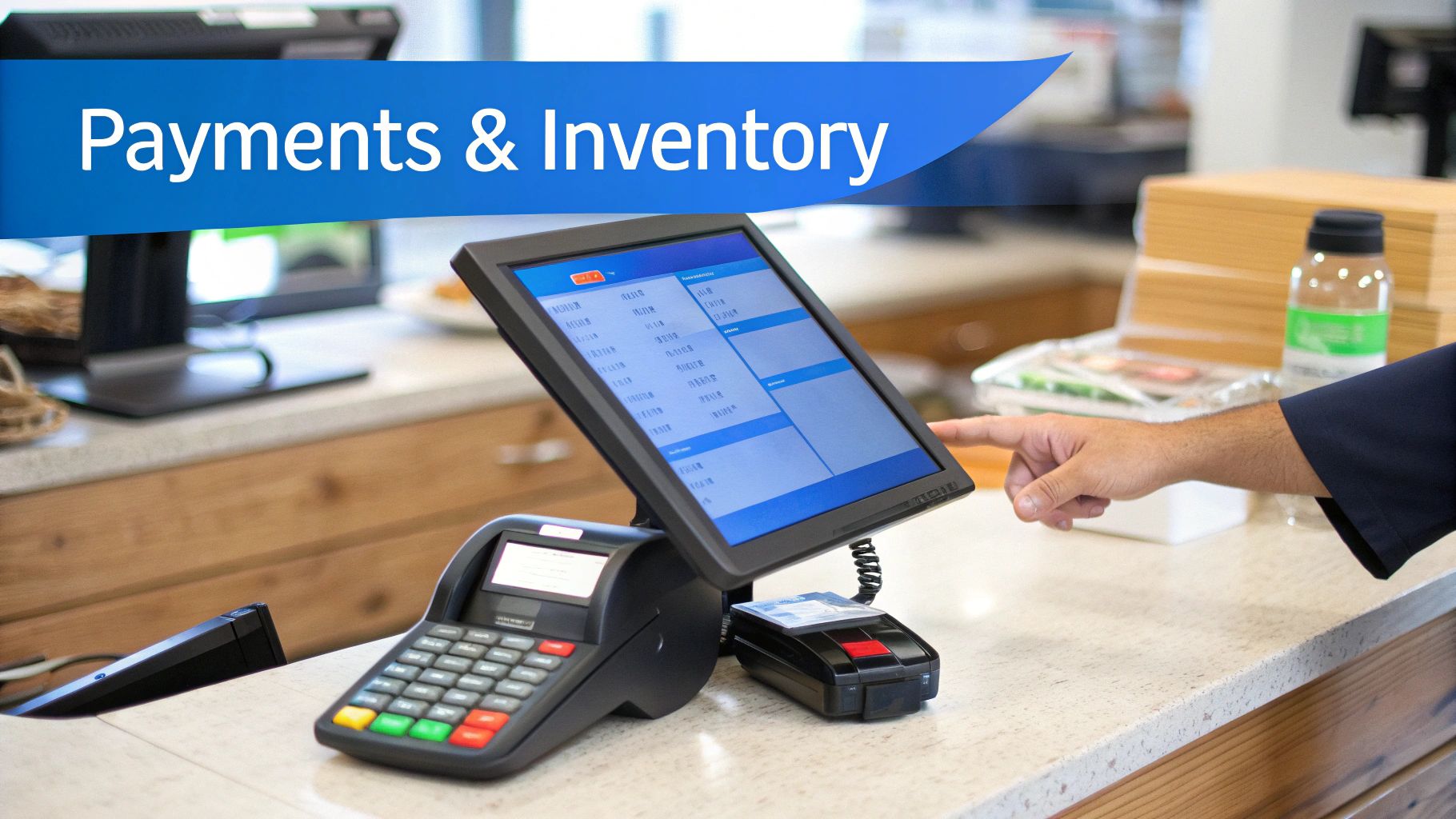
A modern POS system for small businesses combines both hardware and software to manage the sales process while supporting broader operational functions. These systems are designed to simplify transactions while generating business intelligence that helps owners optimize operations over time.
POS Hardware Components
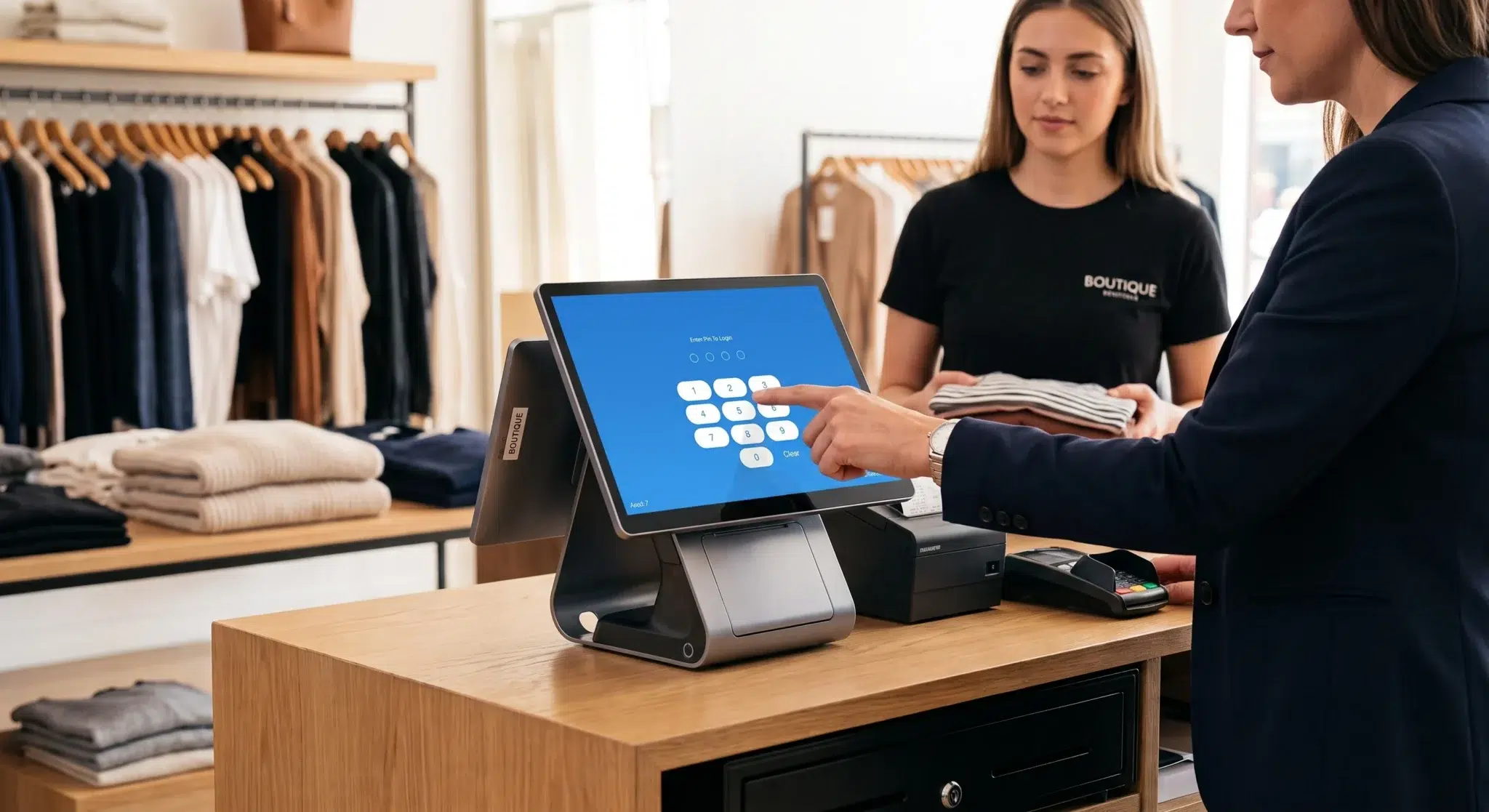
Most POS systems include several hardware devices working together to process sales efficiently. The exact setup depends on the type of business, but modern systems typically include touchscreen terminals, payment readers, barcode scanners, receipt printers, and cash drawers.
The POS terminal acts as the main interface employees use to process orders, apply discounts, manage inventory, and access customer information. Touchscreen systems improve speed and reduce training time compared to older keyboard-based setups.
Card readers support modern payment methods including debit cards, credit cards, contactless tap payments, Apple Pay, Google Pay, and digital wallets. Because customer payment preferences continue evolving, businesses that support flexible payment methods often improve customer convenience and reduce abandoned transactions.
Barcode scanners accelerate checkout speed and improve inventory accuracy by reducing manual entry errors. Retail businesses especially benefit from barcode integration because scanning items automatically updates inventory levels in real time.
POS Software Capabilities
While hardware processes the physical transaction, the software acts as the operational engine behind the entire system. Modern POS software automates inventory tracking, customer management, analytics, reporting, employee permissions, and payment processing.
One of the most valuable software capabilities is real-time reporting. Business owners can instantly view daily sales, top-performing products, hourly revenue patterns, and transaction histories without waiting for manual reports. This visibility helps businesses make faster and more informed operational decisions.
Cloud-based POS systems further improve flexibility because owners can monitor operations remotely using smartphones, tablets, or laptops. This is especially valuable for businesses operating multiple locations or owners who need visibility while away from the store.
Features That Help Small Businesses Grow
Modern POS systems provide far more than checkout functionality. Their advanced features help businesses automate operations, improve customer retention, and optimize overall performance.
Inventory Management
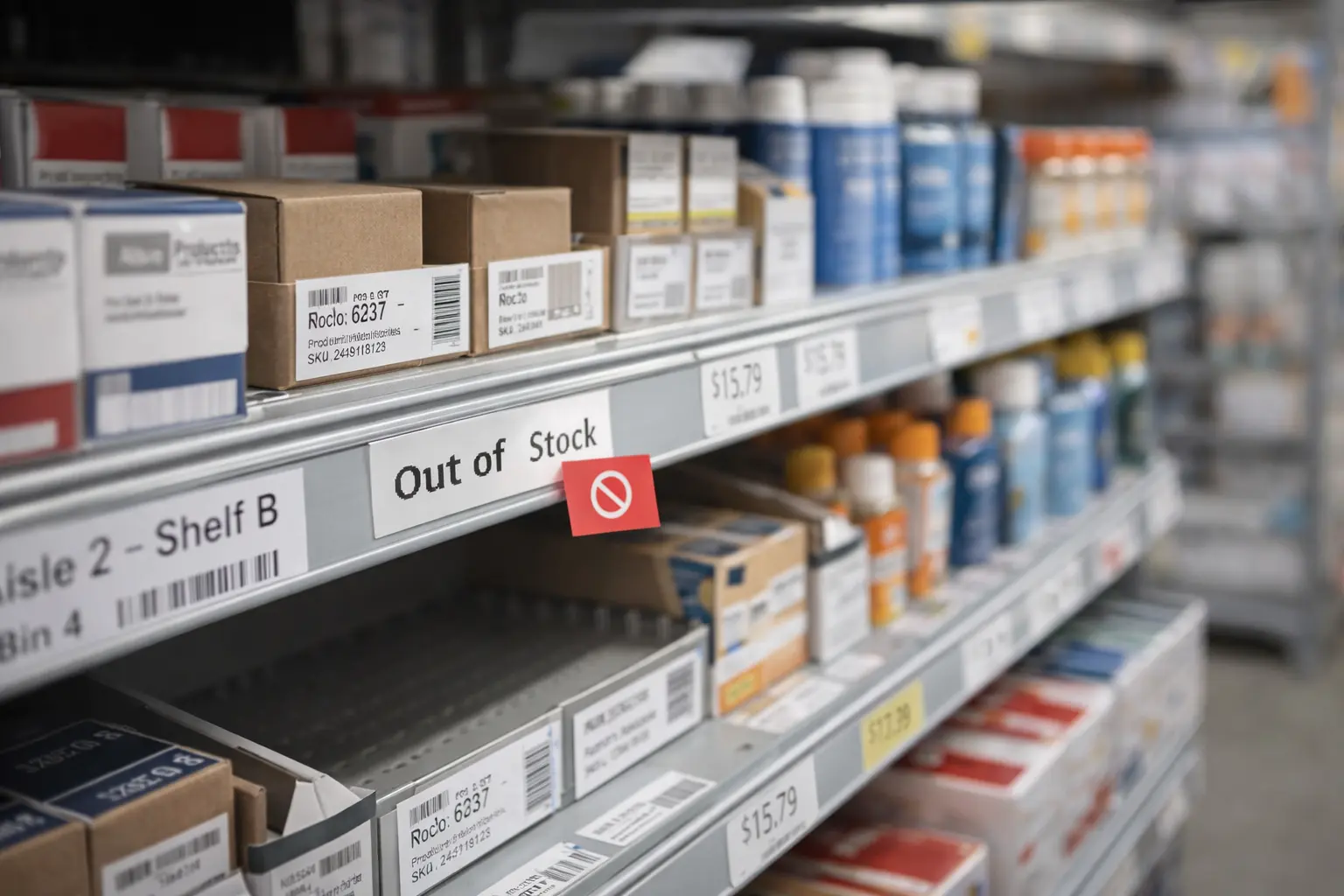
Inventory management is one of the most important features for small businesses. A POS system automatically updates stock levels whenever items are sold, refunded, or restocked. This eliminates the need for manual inventory tracking and significantly reduces human error.
Real-time inventory visibility helps prevent stock shortages, over-ordering, and lost sales opportunities. Businesses can also configure low-stock alerts that notify managers when products need replenishment.
Advanced inventory tools may include supplier management, purchase order automation, product variants, ingredient tracking, and inventory forecasting. Restaurants, cafés, and retail stores benefit heavily from these features because inventory accuracy directly impacts profitability.
Customer Relationship Management
Customer relationship management tools allow businesses to collect customer information, track purchase history, and personalize interactions. Businesses can identify loyal customers, understand purchasing habits, and create targeted promotions that improve retention.
Personalized marketing has become increasingly important because customers expect more customized experiences. POS systems help businesses send loyalty rewards, special discounts, birthday offers, and targeted campaigns based on purchasing behavior.
Loyalty Programs
Loyalty programs encourage repeat business by rewarding customers for frequent purchases. Modern POS systems often include integrated loyalty features that automate point tracking, discount rewards, and promotional campaigns.
Research consistently shows that retaining existing customers is significantly more cost-effective than acquiring new ones. Loyalty programs help strengthen long-term customer relationships while increasing average customer lifetime value.
Employee Management
Employee management features help businesses monitor staff activity, sales performance, and scheduling efficiency. Staff members can log in using individual accounts, allowing managers to track transactions, refunds, discounts, and working hours accurately.
This visibility improves accountability while helping businesses identify top-performing employees and optimize staffing schedules based on peak business periods.
Advanced Reporting and Analytics
Analytics tools transform raw transaction data into actionable business insights. Businesses can identify best-selling products, monitor profit margins, evaluate marketing campaigns, and understand customer purchasing patterns.
Data-driven decision-making is becoming increasingly important for small businesses competing in crowded markets. POS analytics provide operational visibility that helps owners make smarter and more strategic decisions.
Why POS Systems Matter for Modern Businesses
Modern businesses operate in increasingly competitive environments where efficiency, speed, and customer experience play major roles in long-term success. POS systems help businesses remain competitive by improving operations while reducing manual workload.
One of the biggest advantages is operational consistency. Automated systems reduce the risk of human error during transactions, inventory tracking, and reporting. This leads to better accuracy across financial records and inventory management.
POS systems also improve customer experiences by reducing wait times and supporting modern payment methods. Customers increasingly expect businesses to accept digital wallets, tap payments, and electronic receipts. Businesses using outdated systems may struggle to meet these expectations.
Additionally, cloud-based systems improve business flexibility. Owners can monitor reports remotely, manage multiple locations, and make operational decisions faster using real-time data access.
For growing businesses, scalability becomes another important advantage. A modern POS platform can often expand alongside the business without requiring complete system replacement.
How to Choose the Right POS System
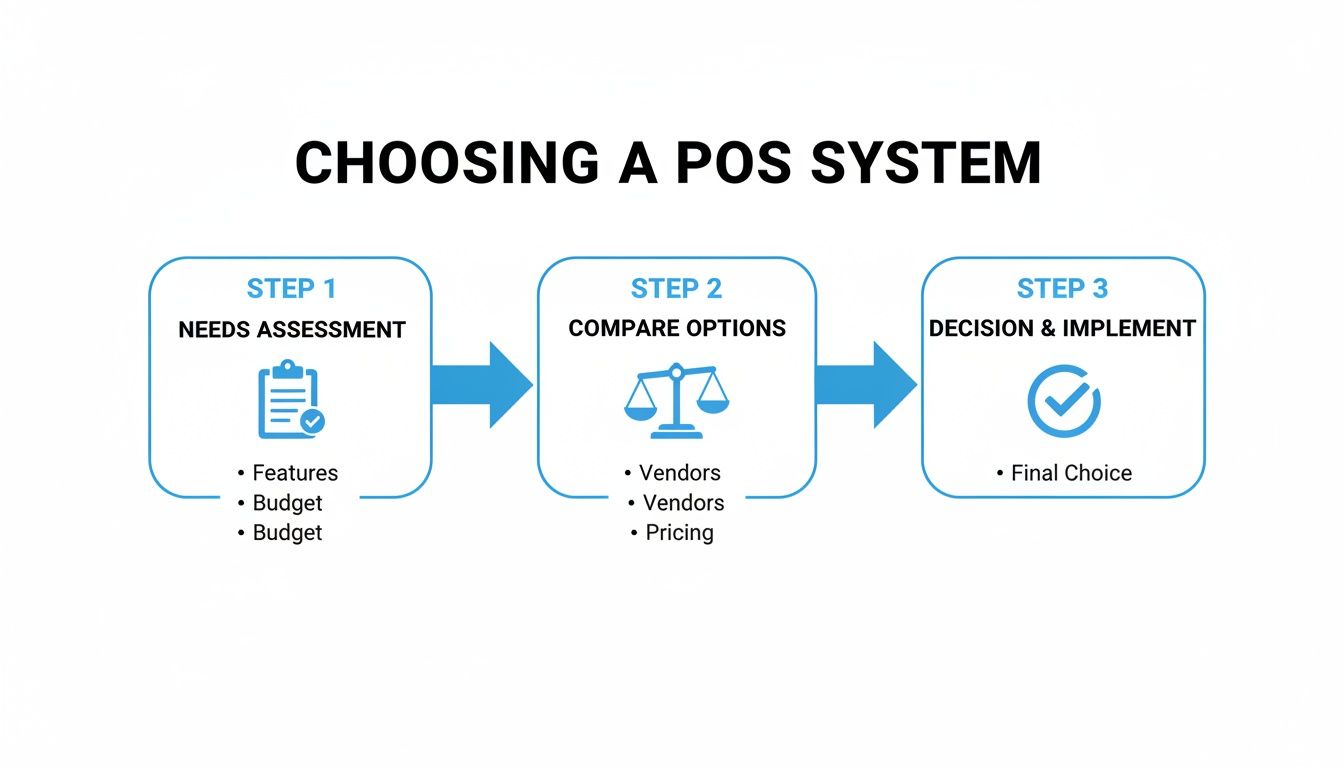
Selecting the best POS system for small business requires careful evaluation of business needs, operational workflows, and long-term growth plans. Choosing the wrong system can lead to inefficiencies, expensive migrations, and operational frustration later.
Assess Your Industry Requirements
Different industries require different POS capabilities. Retail businesses typically need barcode scanning, inventory variants, and supplier management. Restaurants require menu customization, table management, kitchen display integration, and order routing features. Service businesses often prioritize appointment scheduling and customer history tracking.
Understanding your operational priorities helps narrow down the most suitable system.
Cloud-Based vs On-Premise Systems
Cloud-based POS systems have become the preferred choice for many businesses because they provide remote access, automatic updates, and lower upfront infrastructure costs.
| Feature | Cloud POS | On-Premise POS |
|---|---|---|
| Accessibility | Remote access from internet-connected devices | Limited local access |
| Upfront Costs | Lower initial investment | Higher installation expenses |
| Maintenance | Automatic updates | Manual updates required |
| Scalability | Easily expandable | Limited flexibility |
| Data Storage | Cloud-based servers | Local hardware storage |
Consider Long-Term Scalability
Many businesses outgrow basic systems quickly. Choosing scalable software helps avoid expensive migrations later. Features such as multi-location management, advanced reporting, API integrations, and e-commerce compatibility become increasingly valuable as businesses expand.
Integration capabilities are especially important because businesses often use accounting software, online ordering systems, payroll tools, and marketing platforms alongside their POS system.
Setting Up and Implementing Your POS System
Proper implementation plays a major role in how successfully a business adopts a new POS system. Even advanced software can create operational issues if setup and training are handled poorly.
Hardware Installation
Hardware should be positioned strategically to improve checkout flow and employee efficiency. Payment terminals, receipt printers, barcode scanners, and customer displays should support natural workflows while minimizing congestion during busy periods.
Wireless hardware options can also improve flexibility for restaurants, pop-up shops, and mobile businesses.
Inventory Upload and Configuration
Modern POS systems often support bulk inventory imports using spreadsheets or CSV files. This dramatically reduces setup time for businesses with large product catalogs.
Businesses should also organize product categories, tax settings, pricing rules, and inventory variants carefully during setup to avoid confusion later.
Employee Training
Employee training is essential for successful POS adoption. Staff members should understand how to process sales, handle refunds, apply discounts, manage customer profiles, and troubleshoot basic issues.
Well-trained employees reduce transaction errors while improving customer service quality and operational consistency.
Maximizing Your Return on Investment
Businesses achieve the greatest value from POS systems when they actively use reporting, automation, and customer management features instead of limiting the system to basic payment processing.
Use Sales Data Strategically
Sales analytics help businesses identify top-performing products, seasonal demand patterns, and customer buying behaviors. This information can guide purchasing decisions, staffing schedules, and promotional campaigns.
For example, identifying peak sales hours can help managers optimize employee scheduling while reducing labor inefficiencies.
Build Customer Loyalty
Customer purchase history allows businesses to create personalized offers and targeted marketing campaigns. Loyalty programs and repeat customer rewards encourage stronger long-term relationships while increasing customer retention.
Improve Operational Efficiency
Automation reduces repetitive administrative work and minimizes costly manual errors. Businesses that fully utilize inventory management, reporting, and employee monitoring features often improve efficiency significantly over time.
Common POS Mistakes Small Businesses Should Avoid
One of the most common mistakes businesses make is choosing a POS system based solely on upfront price rather than long-term functionality. A cheaper system lacking important features may eventually create operational limitations that require expensive upgrades or complete replacements.
Another mistake is failing to train employees properly. Even advanced systems lose effectiveness when staff members are unfamiliar with core functions or workflows.
Businesses should also avoid ignoring analytics features. Many companies use POS systems only for payment processing while overlooking the valuable operational insights available through reporting dashboards.
Poor inventory organization is another frequent issue. Incorrect product categorization or inconsistent pricing structures can lead to reporting inaccuracies and operational confusion.
The Future of POS Technology
POS technology continues evolving rapidly as businesses increasingly adopt cloud computing, artificial intelligence, automation, and mobile payment systems.
Mobile POS systems are becoming more common because they provide flexibility for restaurants, food trucks, events, and retail environments. Self-checkout systems are also expanding as businesses look for ways to improve convenience and reduce labor costs.
Artificial intelligence and predictive analytics are beginning to influence inventory forecasting and customer personalization. Future POS systems will likely become even more intelligent, helping businesses automate operational decisions and improve customer engagement further.
Integrated e-commerce functionality is also becoming increasingly important. Many businesses now require POS systems capable of synchronizing in-store and online inventory automatically.
How Biyo POS Supports Small Businesses
Businesses looking for a flexible and modern POS solution can explore how Biyo POS helps streamline operations through payment processing, inventory management, customer tracking, and advanced analytics in one centralized platform.
The system is designed to help small businesses simplify daily workflows while improving operational visibility. With cloud-based access, businesses can monitor sales performance, manage inventory, review reports, and oversee operations remotely from multiple devices.
Biyo POS also supports businesses with tools designed to improve efficiency, reduce manual work, and create smoother customer experiences across retail and hospitality environments.
If you want to explore how the system works in real-world business environments, you can schedule a call for a personalized walkthrough of the platform.
Businesses ready to explore the platform directly can also sign up and discover features designed to support long-term business growth.
Frequently Asked Questions
How much does a POS system cost for small businesses?
POS system pricing depends on software subscriptions, hardware requirements, payment processing fees, and advanced feature availability. Some systems charge monthly fees while others include transaction-based pricing structures.
Can POS systems integrate with accounting software?
Yes. Most modern POS systems integrate with accounting platforms, e-commerce software, payroll systems, and marketing tools to synchronize operational data automatically.
Is a cloud POS system better for small businesses?
Cloud-based systems are often preferred because they provide remote access, automatic updates, scalability, and lower upfront infrastructure costs compared to traditional on-premise systems.
Can a POS system improve profitability?
Yes. POS systems help businesses improve efficiency, reduce inventory errors, optimize staffing, monitor sales trends, and create better customer retention strategies, all of which can contribute to higher profitability.
Which industries benefit most from POS systems?
Retail stores, restaurants, cafés, salons, convenience stores, grocery stores, and service-based businesses all benefit from POS technology because it improves transaction management and operational efficiency.
Do small businesses really need inventory tracking?
Yes. Accurate inventory tracking helps businesses reduce stock shortages, avoid over-ordering, improve forecasting, and maintain better financial control over inventory investments.
What payment methods should a modern POS system support?
Modern systems should support credit cards, debit cards, contactless payments, digital wallets, mobile payments, and electronic receipts to meet evolving customer expectations.
Can POS systems support multiple business locations?
Yes. Many cloud-based POS systems allow centralized management of multiple locations, helping businesses monitor inventory, sales, and employee activity across all stores from one platform.