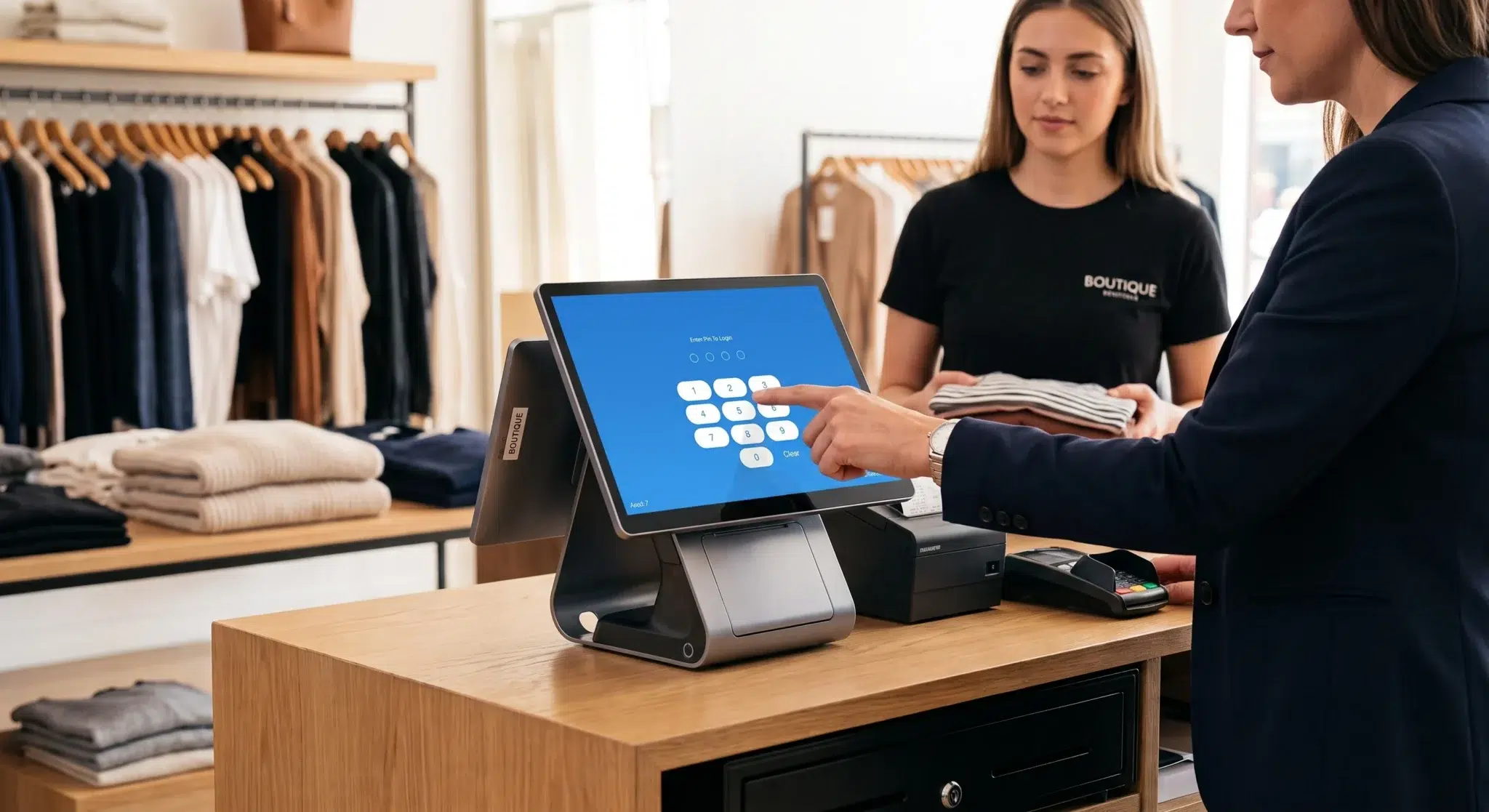
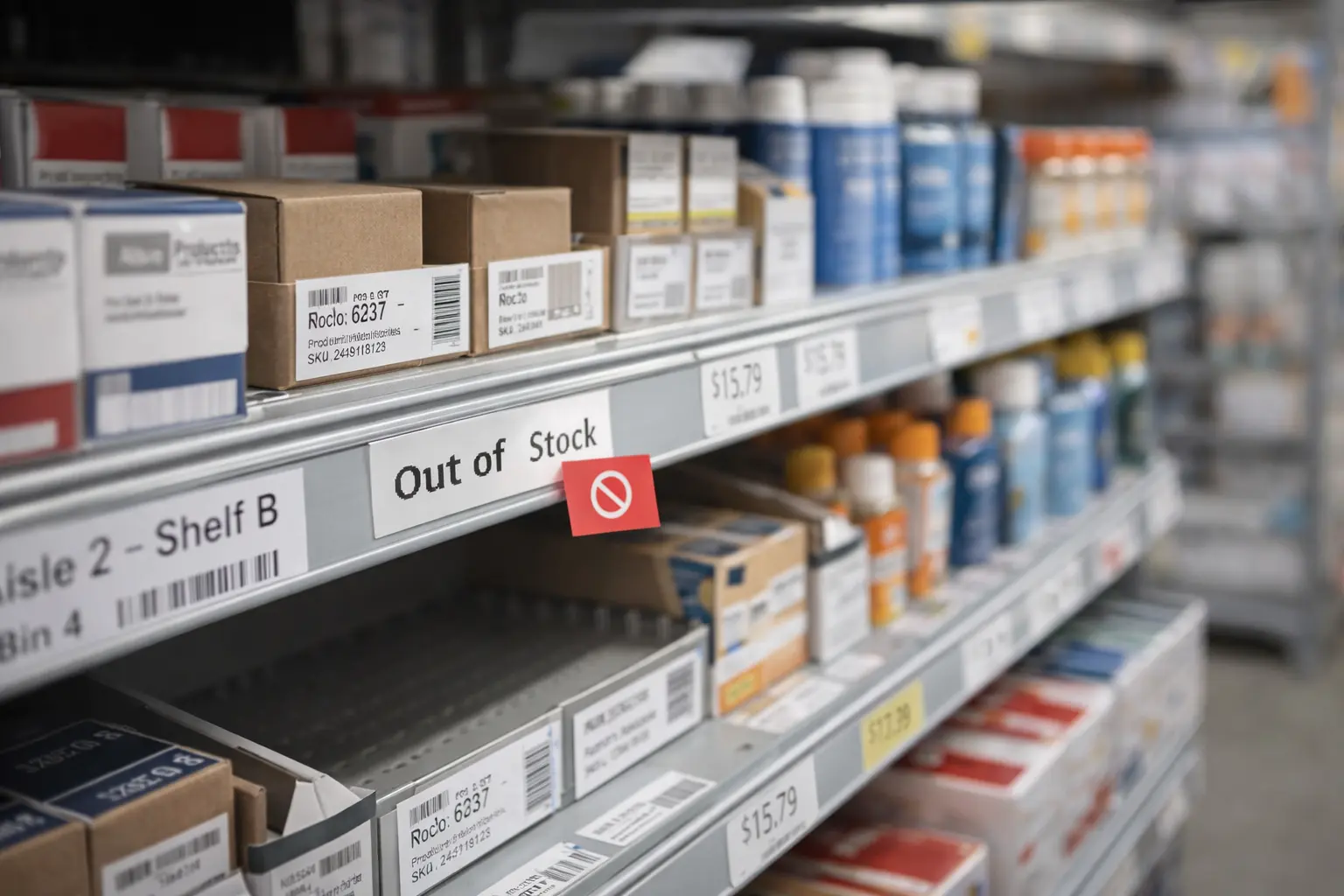
A POS system with inventory management isn't just a high-tech cash register. It's a single, powerful tool that links the front of your house directly to the back, connecting every sale you make with the physical items sitting on your shelves.
Think of it as the central command center for your entire business. When you ring up a sale, the system doesn't just process the payment—it instantly and automatically updates your stock levels. This completely erases the need to do manual counts at the end of a long, busy day, finally bridging that all-too-common gap between your sales floor and your stockroom.
This simple connection turns raw sales data into real business intelligence. Instead of relying on gut feelings to decide what's selling well or when it's time to reorder, you get clear, data-backed answers. The system acts like a tireless assistant, keeping a constant eye on your inventory so you can put your energy where it matters most: serving your customers and growing your business. For a more detailed look at the core principles, you can learn more about what is inventory management software in our detailed guide.
The diagram below really shows how a POS with inventory management pulls everything together, linking critical functions like stock tracking, sales reports, and low-stock alerts into one unified hub.
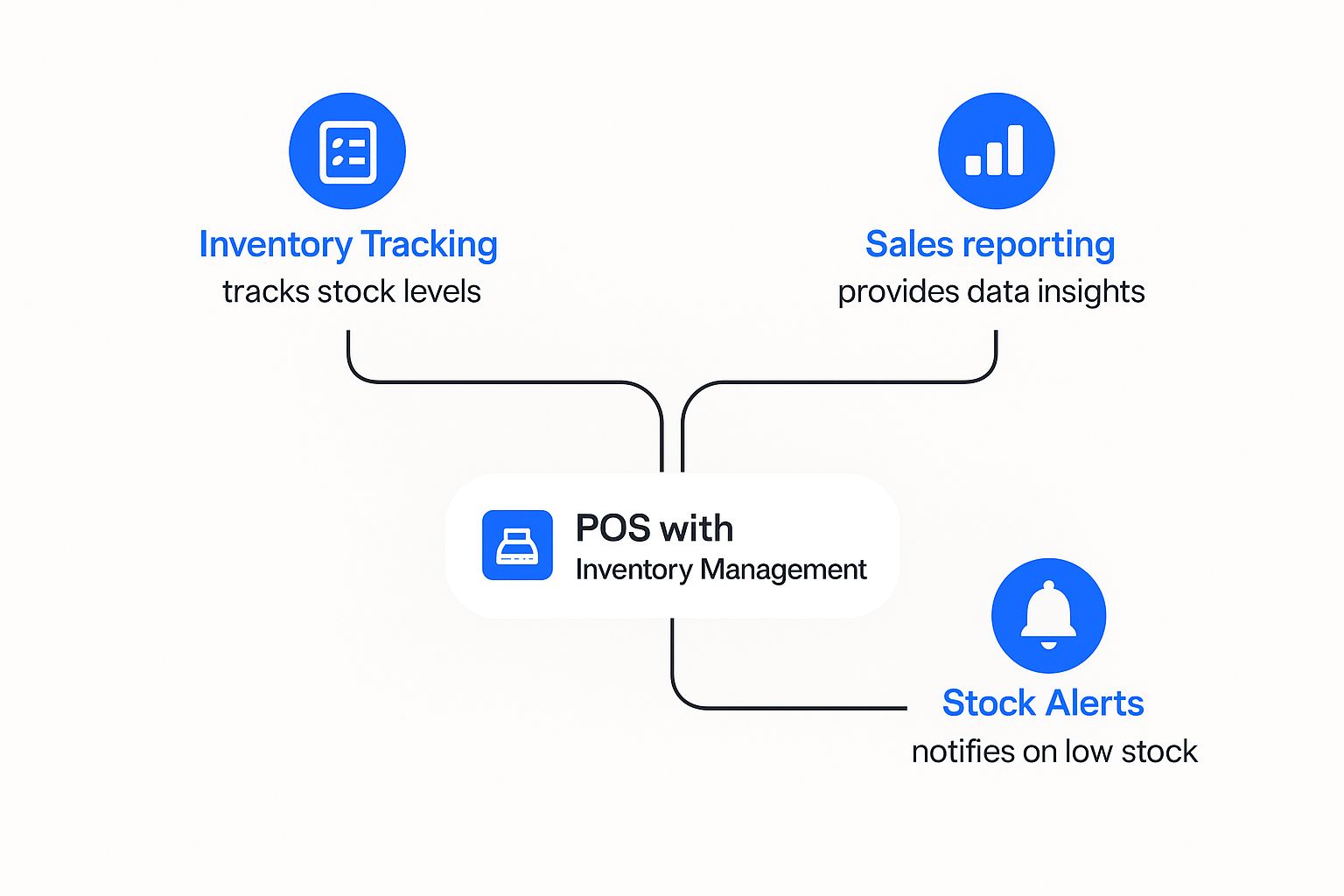
As you can see, every action in one part of the system instantly ripples through the others, keeping your entire operation perfectly in sync.
Key Differences from a Basic POS
Your standard, run-of-the-mill POS system is built to do one thing well: handle money. It calculates what the customer owes, takes the payment, and spits out a receipt. It’s a workhorse for ringing up sales, but it leaves your inventory as a completely separate—and often manual—headache.
This disconnect is where so many common problems start, from running out of a bestseller during a rush to tying up cash in products that just won't move. An integrated system, on the other hand, gives you a level of foresight and control that’s simply on another level.
An integrated system transforms your POS from a simple transaction tool into a strategic business hub. It provides the real-time data needed to optimize stock, prevent lost sales, and improve cash flow.
To really see the difference, let’s break down what separates a basic system from one that truly manages your inventory. The table below lays it all out.
Basic POS vs Integrated Inventory Management
| Feature | Basic POS System | POS with Inventory Management |
|---|---|---|
| Primary Function | Processes sales transactions and payments. | Processes sales, tracks stock, and manages suppliers. |
| Inventory Update | Requires manual entry or separate software. | Updates automatically and in real-time with each sale. |
| Stock Alerts | Does not provide low-stock notifications. | Sends automated alerts for reordering. |
| Reporting | Limited to sales totals and transaction history. | Offers detailed reports on sales, stock turnover, and profitability. |
It's pretty clear that an integrated system isn't just an upgrade—it's a game-changer for any modern business serious about efficiency and growth.
Essential Features Your Business Cannot Ignore
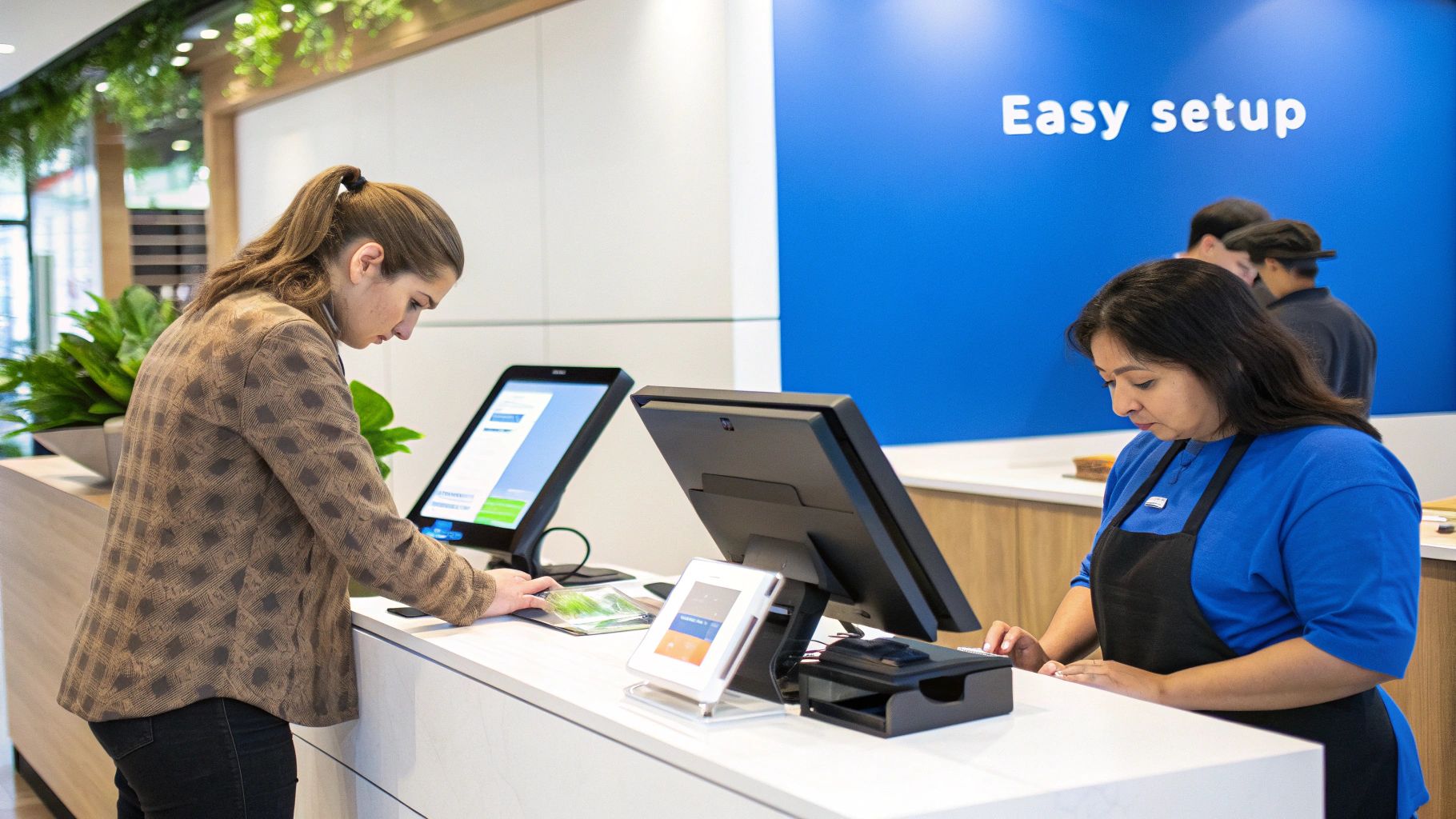
When you’re looking for a POS system with inventory management, it's easy to get lost in a long list of features. But to really get your money's worth, you need to focus on a few core capabilities that act as the engine for your entire operation.
Think of these as your command center tools. Each one is designed to solve a specific, painful problem that business owners face every day, from the dreaded "out of stock" sign on a best-seller to the headache of managing products across multiple locations. Let's dig into the features that you absolutely can't afford to skip.
Real-Time Stock Tracking
At the heart of any solid inventory system is real-time stock tracking. It’s simple, really: the second an item is sold, returned, or received, your stock count updates instantly. Everywhere.
This isn’t just a convenience; it’s a necessity. It puts an end to manual end-of-day counts and the guesswork that comes with them. More importantly, it stops you from accidentally selling an item you don't actually have—a surefire way to frustrate a customer. You get a live, accurate snapshot of what you own at any given moment.
Automated Reorder Points
Think of this feature as a safety net for your most popular products. With automated reorder points, you set a minimum quantity for an item. The moment your stock dips to that level, the system sends you an alert or even drafts a purchase order for you.
This simple function is a lifesaver. It keeps your shelves stocked before a big weekend rush and takes all the emotion and guesswork out of deciding when to reorder. It also helps you avoid tying up cash in piles of slow-moving inventory. Over time, you can use this data to apply powerful inventory forecasting techniques and get ahead of customer demand.
A great POS system doesn’t just record sales; it anticipates your needs. Automated reordering acts as your personal stock manager, working 24/7 to protect your revenue and keep customers happy.
Multi-Location Management
If you're running more than one store or have a separate warehouse, multi-location management is a game-changer. This feature pulls all your inventory data from every location into one clean, centralized dashboard.
Having this bird's-eye view is incredibly powerful. It means you can:
- Check Stock Across Stores: Quickly find out if another branch has an item a customer is asking for.
- Transfer Inventory: Easily shift products from a slower store to a busier one to meet local demand.
- Compare Performance: See which locations are moving which products, helping you make smarter buying decisions.
It essentially turns your separate shops into a single, coordinated network, all managed from one screen.
Barcode Scanning and Supplier Management
Finally, don’t overlook the basics that save you time and prevent mistakes. Barcode scanning integration is crucial for accuracy. It virtually eliminates human error at the checkout counter and makes tedious tasks like cycle counts fast and reliable.
At the same time, a good system will include a supplier management module. This is where you can keep all your vendor contacts, track purchase orders, and monitor your costs without ever leaving the POS. It keeps your entire purchasing process tidy and helps you see exactly where your money is going. Together, these tools handle the entire journey of your products, from the supplier's truck to the customer's bag.
What an Integrated System Actually Does for Your Business
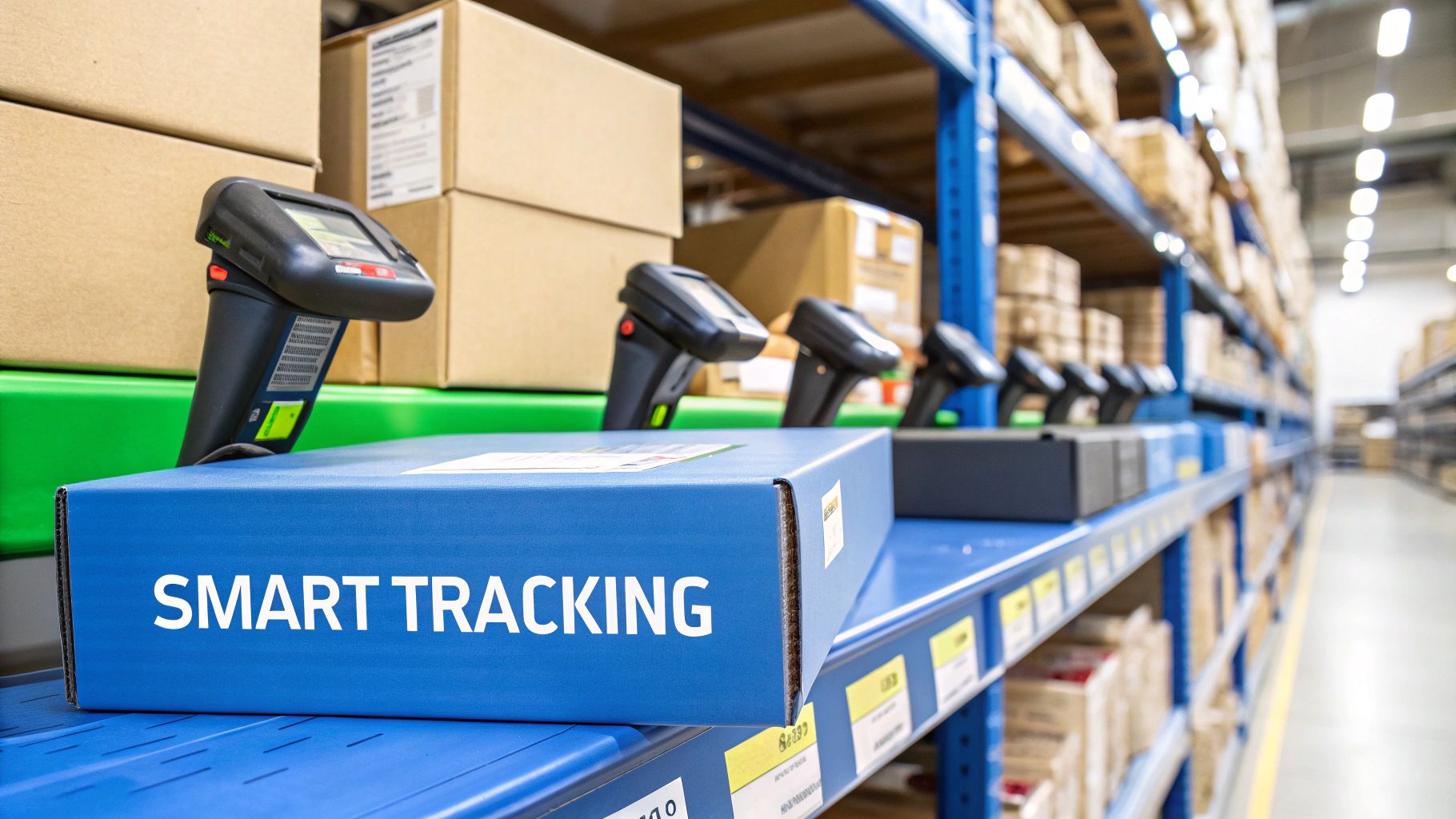
It’s easy to get lost in a list of features, but the real magic of a pos system with inventory management is what it does for your bottom line. This isn't just a fancy cash register; it's a strategic tool that directly connects what you sell each day to how profitable you are in the long run.
Think of it less as an expense and more as the engine for your growth. The true impact hits when you stop making educated guesses and start making decisions with cold, hard data. This one shift changes everything—from how you manage cash flow to how you serve your customers.
Cut Costs and Watch Profits Climb
One of the first things you'll notice is how it tackles those sneaky, hidden costs that eat away at your profits. Overstocking is a perfect example. It's not just a problem of cluttered shelves; it's a massive financial drain. The cost of storing, insuring, and managing unsold products can be a killer. An integrated system helps you order what you need, exactly when you need it.
This data-first approach puts an end to two of the biggest profit-killers in any business that sells physical goods:
- Slash Overstock: By seeing exactly what's selling and what's not, you stop tying up your cash in dust-collecting items. That capital can be put to work on products people actually want.
- Prevent Stockouts: There's nothing worse than telling a customer, "Sorry, we're out of that." The system makes sure your best-sellers are always on hand, protecting your sales and keeping customers happy.
A great POS system turns your inventory from a pile of potential liabilities into your most valuable asset. It makes sure every dollar you spend on stock is working as hard as possible to grow your business.
A Quick Story From the Trenches
I once worked with a small boutique owner who was constantly wrestling with her inventory. She’d over-order trendy seasonal items that would inevitably end up on the half-price rack, yet she'd run out of her classic, best-selling jeans right before a holiday weekend. It was a constant cycle of frustration.
After she switched to a modern POS with built-in inventory tools, the game completely changed. The system's reports instantly showed her which products were her reliable money-makers. With that clarity, she tweaked her buying strategy, stocking up on high-turnover items and ordering far less of the risky, seasonal stuff.
The result? Within six months, her boutique cut its carrying costs by 30% and almost entirely stopped losing sales to stockouts. Her profits jumped not because she suddenly sold more, but because her business got a whole lot smarter.
Make Better Decisions, Faster
This kind of data-driven thinking is quickly becoming the norm. By 2025, experts predict that over 72% of retailers will be on a cloud-based POS, largely because they need that real-time sync between sales and stock. It’s what lets you manage inventory across your physical store and online shop without any guesswork.
Even with these tools, overall inventory accuracy in the industry is still only around 70%, but businesses that invest in these smart systems are seeing real improvements. If you're interested in the data, you can read more about these retail POS trends and their impact.
At the end of the day, a unified pos system with inventory management gives you the confidence to act quickly. You can spot a new trend as it's happening, adjust to what the market wants, and stay ahead of your competitors. It's not just about counting widgets; it's about building a stronger, more profitable business that's ready for whatever comes next.
How to Select the Right System for Your Needs
Choosing a POS system with inventory management feels like a huge decision, and it is—but it doesn't have to be overwhelming. With a little bit of planning, you can find a system that fits your business perfectly, not just for now, but for the long haul.
Think of it like buying a car. You wouldn't pick a two-seater sports car if you have a family of five and need to haul soccer gear. In the same way, a POS built for a busy coffee shop just won't work for a retail boutique with thousands of SKUs. It all starts with figuring out what you actually need.
Define Your Industry and Growth Path
First things first, get specific about your business. A clothing store absolutely needs powerful barcode scanning and a way to manage variants like size and color. A restaurant, on the other hand, needs features like table management, order splitting, and kitchen display system (KDS) integration. Make a list of your must-haves—the features you can't live without.
Now, think about the future. Where do you see your business in the next three to five years?
- Scalability: If you're dreaming of opening more locations, you’ll need a system with strong multi-store management. Can it handle that?
- E-commerce Integration: Are you planning to launch an online store? Make sure the POS you choose can sync inventory between your brick-and-mortar shop and your website without any headaches.
Picking a system that can grow with you saves you the massive pain of switching platforms a few years down the road.
Your POS system shouldn't just solve today's problems; it should be a partner in your future growth. Select a solution that offers the flexibility to scale as your business evolves.
Evaluate Integrations and Total Cost
A POS system rarely works alone. It's the central hub of your business, so it needs to play nicely with your other tools, like your accounting software (QuickBooks, Xero) or your email marketing platform. A system with a solid library of pre-built integrations will save you from endless hours of manual data entry and costly mistakes.
Finally, you need to look beyond the sticker price and understand the total cost of ownership. Many POS providers have different pricing structures, which can make direct comparisons tricky.
Comparing POS Pricing Models
Here’s a quick breakdown of the common pricing models you'll encounter. Understanding these will help you figure out which one makes the most sense for your budget and business model.
| Pricing Model | How It Works | Best For |
|---|---|---|
| Monthly Subscription | You pay a flat, recurring fee (e.g., $79/month) per register or location for access to the software. | Businesses that want predictable, fixed monthly costs and all-inclusive support. |
| "Free" with Payment Processing | The POS software is technically free, but you're required to use the provider's payment processing, which has set rates. | New or small businesses with low transaction volume that want to avoid upfront software costs. |
| One-Time License Fee | You pay a large, upfront fee to own the software license outright. Support and updates may cost extra. | Larger, established businesses that prefer a one-time capital expense over ongoing operational costs. |
Choosing the right model is just as important as choosing the right features.
It’s no surprise that retailers are upgrading their tech. In North America, 52% are prioritizing POS software upgrades, and 48% are focused on hardware. This push is driven by a very real problem: 82% of shoppers have recently left a store empty-handed because of stockouts.
A good system might cost anywhere from $50 to over $500 a month, but that investment pays for itself by preventing lost sales and making your entire operation run smoother. Always ask about hidden fees, like extra charges for payment processing, additional registers, or premium support. To learn more, check out these point-of-sale software statistics to see where the industry is heading.
Navigating Common Implementation Hurdles
Switching to a new pos system with inventory management is a major step forward for any business. It’s an exciting move, but let’s be honest—even the best technology comes with a few growing pains during the transition. The secret to a smooth rollout isn't hoping for the best; it's anticipating the bumps in the road so you can glide right over them.
In my experience, almost every implementation challenge boils down to three key areas: moving your data, training your people, and making the new system play nice with your other software. If you tackle each of these head-on, you'll avoid the kind of chaos that can derail a launch and frustrate your entire team.
Migrating Data Accurately
Your past sales and inventory records are incredibly valuable, but getting that information into a new system can feel like threading a needle. The biggest risk? Starting off with messy, inaccurate, or incomplete data. If your numbers are wrong from the get-go, your new system will just make bad decisions faster.
This is why a full, physical inventory count right before you go live is an absolute must. It’s not the most glamorous job, but it’s the only way to ensure the stock levels in your new software are a perfect match for what's actually on your shelves. A little bit of grunt work upfront saves you from a world of hurt later on.
A new POS system is only as good as the data you put into it. Starting with a complete and accurate physical inventory count is the single most important step for a successful implementation.
This process often shines a bright light on why you needed a new system in the first place. You might uncover issues from manual entry errors or discover how disconnected systems were giving you a fractured view of your business. Modern platforms solve this by creating a single source of truth, which is critical for meeting customer expectations today. For a deeper dive, check out these common inventory management challenges on koronapos.com.
Training Your Staff Effectively
Your team is on the front lines every day. Their confidence and skill with the new POS will make or break its success. Rushing through training is a classic mistake that leads to simple errors, slower checkout lines, and stressed-out employees.
Instead of a one-day information dump, think in phases. A gradual approach helps build real proficiency without overwhelming everyone.
Here’s a simple, effective training plan:
- Phase 1: The Essentials. Start with the absolute core functions: ringing up a sale, processing a return, and running end-of-day reports. Let your team master these before moving on.
- Phase 2: Inventory Skills. Once the basics are second nature, introduce inventory tasks like receiving shipments, performing cycle counts, and transferring stock between locations.
- Phase 3: Advanced Tools. Finally, you can get into the powerful features like building custom sales reports or managing customer loyalty programs.
This staggered approach builds skills layer by layer, which is particularly important in specialized businesses like restaurants. To see what that looks like in a real-world setting, take a look at our guide to a restaurant inventory management system.
A great tip is to anoint one or two people as your in-house "super users." They can be the go-to experts for quick questions, taking the pressure off managers. A well-trained team doesn't just use the new pos system with inventory management—they unlock its full potential.
Got Questions? We’ve Got Answers.
Even after seeing all the benefits, you might still have a few questions rolling around in your head about how a POS system with inventory management would actually work for your business. That's completely normal. Let's tackle some of the most common questions we hear from business owners just like you.
Can I Use This Kind of POS for My E-commerce Store?
Yes, and honestly, you really should. Modern POS systems are built for a world where businesses sell both in-person and online. They’re designed to sync your inventory between your brick-and-mortar shop and your website in real-time.
Think about it: when someone buys a product from your online store, the system instantly updates your stock levels everywhere. This little piece of magic is what stops you from accidentally selling an item online that you just sold to a customer in your physical store. For the smoothest experience, find a system that plays nice with major e-commerce platforms like Shopify or WooCommerce.
How Hard Is It to Train My Staff on a New System?
This is a big concern for many owners, but you can breathe a sigh of relief. While every system has its quirks, the best POS providers know that usability is key. They design their software to be intuitive, often using familiar tablet or touchscreen interfaces that most people find easy to navigate. This makes the learning curve a whole lot shorter for your team.
Most top-tier companies also provide a ton of support, from video tutorials and detailed help guides to live chat when you're in a pinch. One great tip is to block out some dedicated training time before you go live. You could even anoint one of your team members as the "super user"—they can be the go-to person for everyday questions, which makes the whole transition feel much smoother for everyone involved.
A well-designed POS system should feel natural, not like a chore. The real goal is to get the tech out of the way so your team can focus on what they do best: helping customers.
What's the Difference Between Cloud-Based and On-Premise?
Getting your head around this is crucial for picking the right system. The main difference really comes down to where your data lives and how you get to it.
-
Cloud-Based Systems: With these, your data is stored securely on the provider's remote servers, and you access everything over the internet. You'll typically pay a monthly subscription fee, which covers things like automatic software updates and maintenance. It's the modern standard for a reason—it’s flexible, scalable, and has a much lower upfront cost.
-
On-Premise Systems: This is the old-school approach. Your data is stored on a local server that's physically located inside your business. This means a hefty upfront investment in hardware and software, plus you're on the hook for all the maintenance, security, and updates yourself.
It’s no surprise that today, the overwhelming majority of businesses go for a cloud-based POS system with inventory management. They offer far more flexibility and access without the constant headache and expense of managing your own server room.
What Kind of Special Hardware Will I Need?
The hardware you need really depends on what kind of business you run. A coffee shop has different needs than a boutique, after all. That said, a standard setup for most retail stores includes a few key pieces of gear.
For a basic retail checkout counter, you'll usually need:
- A tablet (like an iPad) or a computer to run the POS software.
- A secure cash drawer.
- A receipt printer.
- A barcode scanner to make ringing up items fast and accurate.
If you run a restaurant, you might need extra tools like a kitchen display system (KDS) to fire orders directly to the kitchen. The great thing is that many modern POS systems are built to work on common devices you might already own, helping you keep those initial costs down. Just be sure to double-check that the hardware you have is compatible with the software you're choosing.
Ready to see how an all-in-one POS can simplify your operations and boost your bottom line? Discover how Biyo POS can provide the powerful tools you need to manage your inventory, streamline sales, and grow your business. Get started with your free trial today!