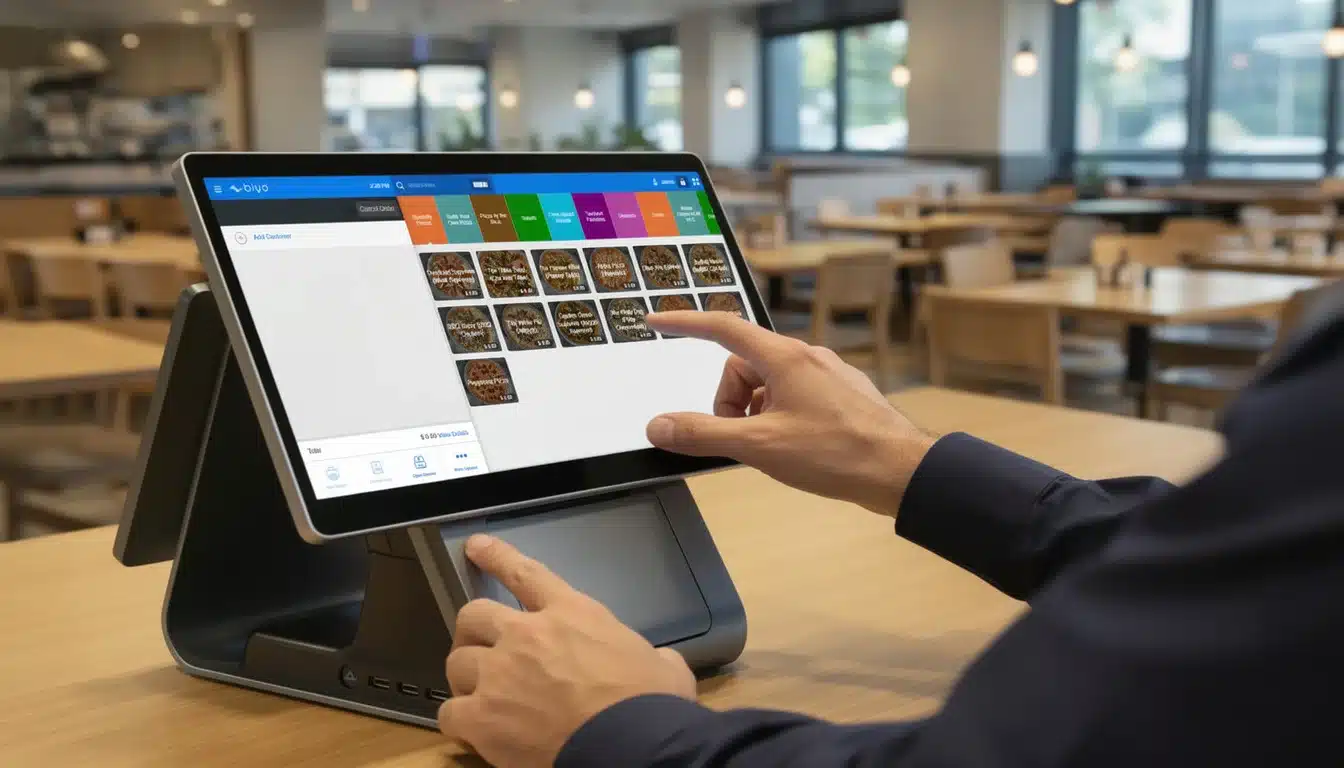
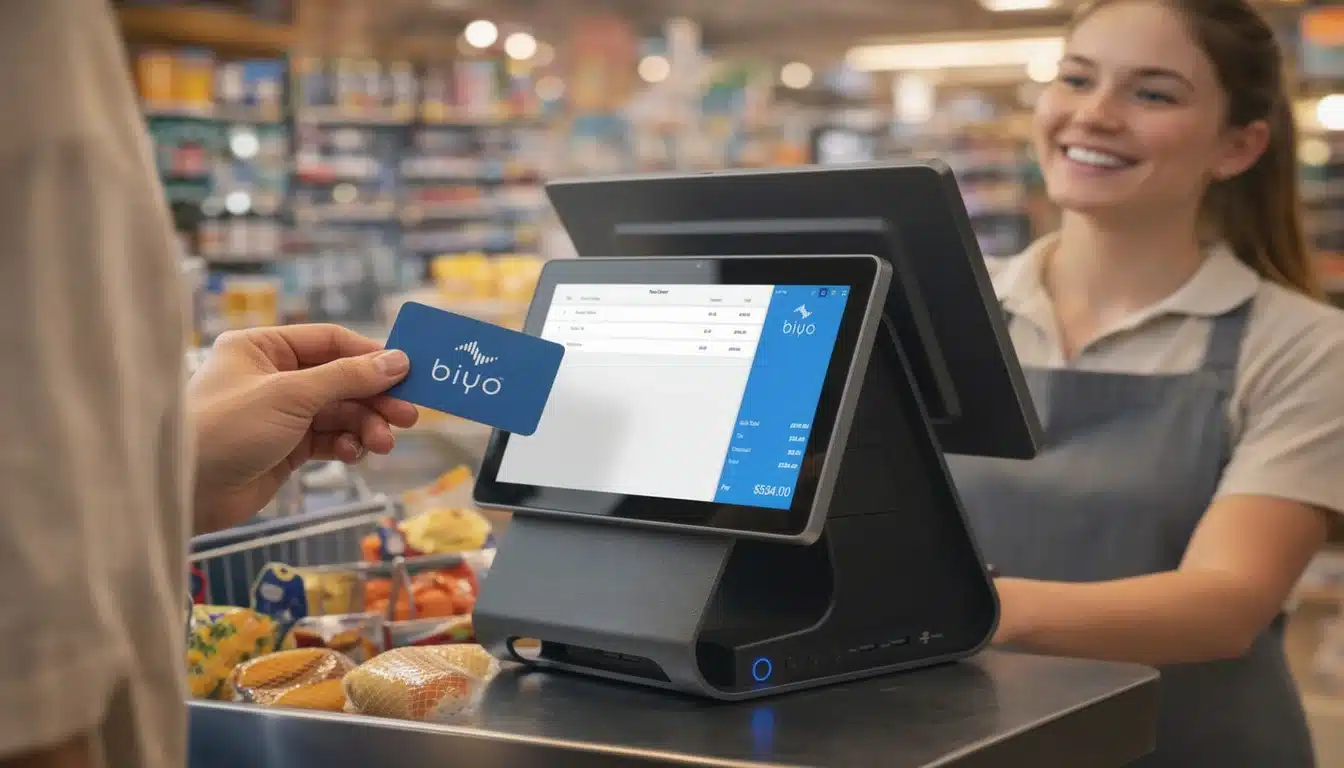
Ever feel like you’re juggling a dozen different tasks just to keep your store running? That’s where retail store management software comes in. Think of it as the central nervous system for your entire business—a single, integrated system that connects your sales floor, stockroom, customer database, and employee schedules. It’s far more than a digital cash register; it’s the toolkit that tames the daily chaos of running a successful retail store.
The Conductor of Your Retail Orchestra
Imagine your retail business is an orchestra. You’ve got the sales team, the inventory managers, your customer service reps, and all your staff members. Each is a different section, and for the business to succeed, they all need to play in perfect harmony. Without a conductor, you’d have chaos.
In this scenario, retail store management software is that conductor.
This system does more than just ring up sales. It directs the flow of information across every part of your operation. When an item sells at the checkout counter, your inventory count in the back office updates in real-time. This simple, automated action is what prevents frustrating stockouts and keeps your shelves full of the products your customers actually want.
Bringing It All Together
One of the biggest headaches for any retailer is trying to manage a patchwork of disconnected systems. You might have one spreadsheet for inventory, another for employee shifts, and a totally separate list for your loyal customers. This creates isolated pockets of information, making it impossible to see the big picture of your business’s health.
A good retail management system tears down those walls. It pieces everything together, giving you one reliable source for all your data. This integration is the key to making smarter, faster decisions. For example, you can instantly see which products are flying off the shelves and use that data to fine-tune your next inventory order. For a deeper look at how these pieces connect, check out our guide on what a retail POS system is and why you need one.
By centralizing all your operational data, retail store management software turns raw numbers into powerful insights. It helps you understand not just what is selling, but who is buying and when, giving you the power to create targeted promotions and build better customer relationships.
The Engine for Smart Growth
The move toward these digital tools isn’t just a trend; it’s a fundamental shift in how retail works. As more businesses ditch manual, error-prone processes, the demand for smart management solutions has skyrocketed.
The global retail management software market was valued at USD 5.57 billion in 2024 and is expected to more than double to USD 12.14 billion by 2033. This explosive growth, detailed in reports from firms like Verified Market Reports, shows just how essential these systems have become for survival and growth. This kind of software provides the solid, scalable foundation you need to expand your business without adding chaos to the mix.
What Are the Must-Have Software Features?
The best retail management software isn’t just one single program. It’s more like a Swiss Army knife—a collection of specialized tools all working together. Getting a handle on what these core features do is the key to understanding why this software is so critical for any modern store.
So, let’s go beyond the buzzwords and break down the features that actually run a successful retail business. We’ll look at what they are and, more importantly, why they matter to your bottom line.
Your Point of Sale: The Heart of the Operation
The Point of Sale (POS) system is what most people see first. It’s where the transaction happens, but its real power is so much deeper than just taking payments. A good POS is the central nervous system of your entire operation, capturing vital data with every single sale.
Think of it like the cockpit of an airplane. It’s where the pilot (your cashier) completes the main task, but it’s also where all the critical data from the engines, wings, and navigation systems (inventory, customers, and sales) comes together on one screen.
Advanced Inventory Management
There’s almost nothing worse than losing a sale because you don’t have an item in stock. That’s the exact problem advanced inventory management is built to solve. It gives you a real-time, bird’s-eye view of every product you own, whether it’s on a shelf, in the back room, or listed in your online store.
This means you know the status of every item from the moment it arrives from a supplier to the second it walks out the door with a happy customer. This is crucial for a few big reasons:
- Automated Reordering: You can set low-stock alerts that automatically create purchase orders. This keeps your best-sellers from ever running out.
- Shrinkage Reduction: By tracking everything, you can spot discrepancies from theft, damage, or supplier mistakes almost immediately.
- Demand Forecasting: The system analyzes past sales data to help you predict what’s going to be hot next, letting you stock up before a rush hits.
A powerful inventory system turns your stockroom from a static warehouse into a dynamic, intelligent asset. It ensures your capital is invested in products that sell, minimizing waste and maximizing profit.
Customer Relationship Management (CRM)
A good Customer Relationship Management (CRM) tool helps you turn one-time shoppers into loyal regulars. It’s a digital rolodex that stores key customer details like their purchase history, contact info, and even notes on their personal preferences.
Imagine a small boutique owner who uses their CRM to see that a customer always buys a particular brand of jeans. When a new style from that brand comes in, they can send a quick, personalized text. That’s how you turn a simple stock update into a bespoke shopping experience that builds real loyalty.
Employee Management and Scheduling
Your team is your biggest asset, and the right software helps you manage them without the headache. This feature goes way beyond a simple time clock. It’s where you can build schedules, track individual sales performance, and handle payroll, all from one place.
By cross-referencing sales data with your schedule, you can see exactly when you need more staff on the floor. This stops you from being overstaffed during slow periods and ensures you have all hands on deck for the weekend rush, saving money on labor while keeping customers happy.
Reporting and Powerful Analytics
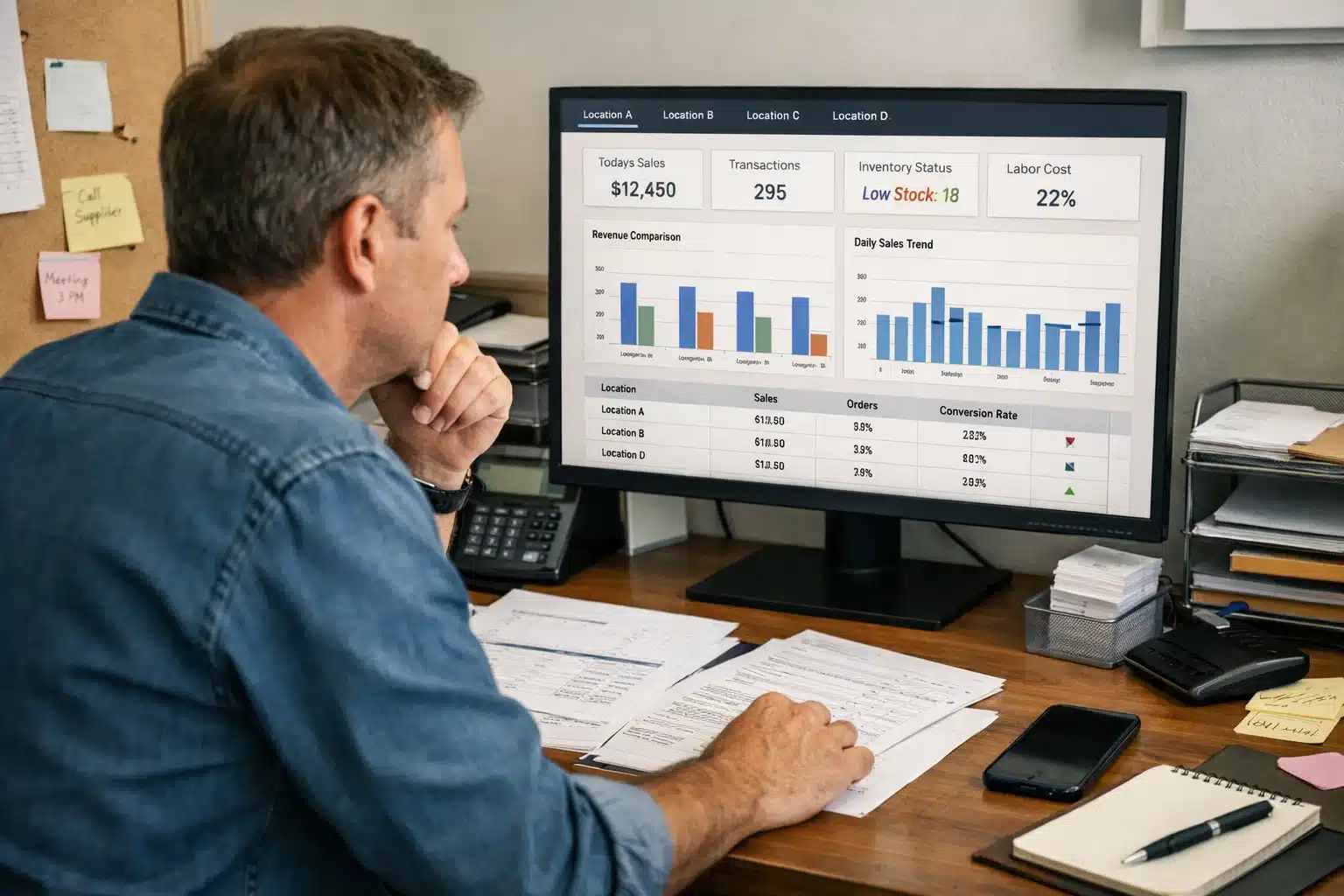
If your POS collects all the raw data, the analytics tools are what make sense of it all. This feature crunches the numbers and presents them in easy-to-read reports and visual dashboards, revealing trends and opportunities you’d never spot otherwise.
A local café owner, for example, might use their analytics to find out that pastry sales jump by 30% whenever they run a specific coffee special. That’s a powerful insight they can use to fine-tune their promotions and boost revenue.
It’s clear that this kind of data-driven approach is the future. The retail management system market—which includes POS, CRM, and analytics—was valued at USD 3.41 billion in 2024 and is expected to hit USD 8.42 billion by 2032. You can discover more insights about these market forecasts. That massive growth shows just how essential these tools have become for making smart business decisions.
The Real-World Benefits for Your Business
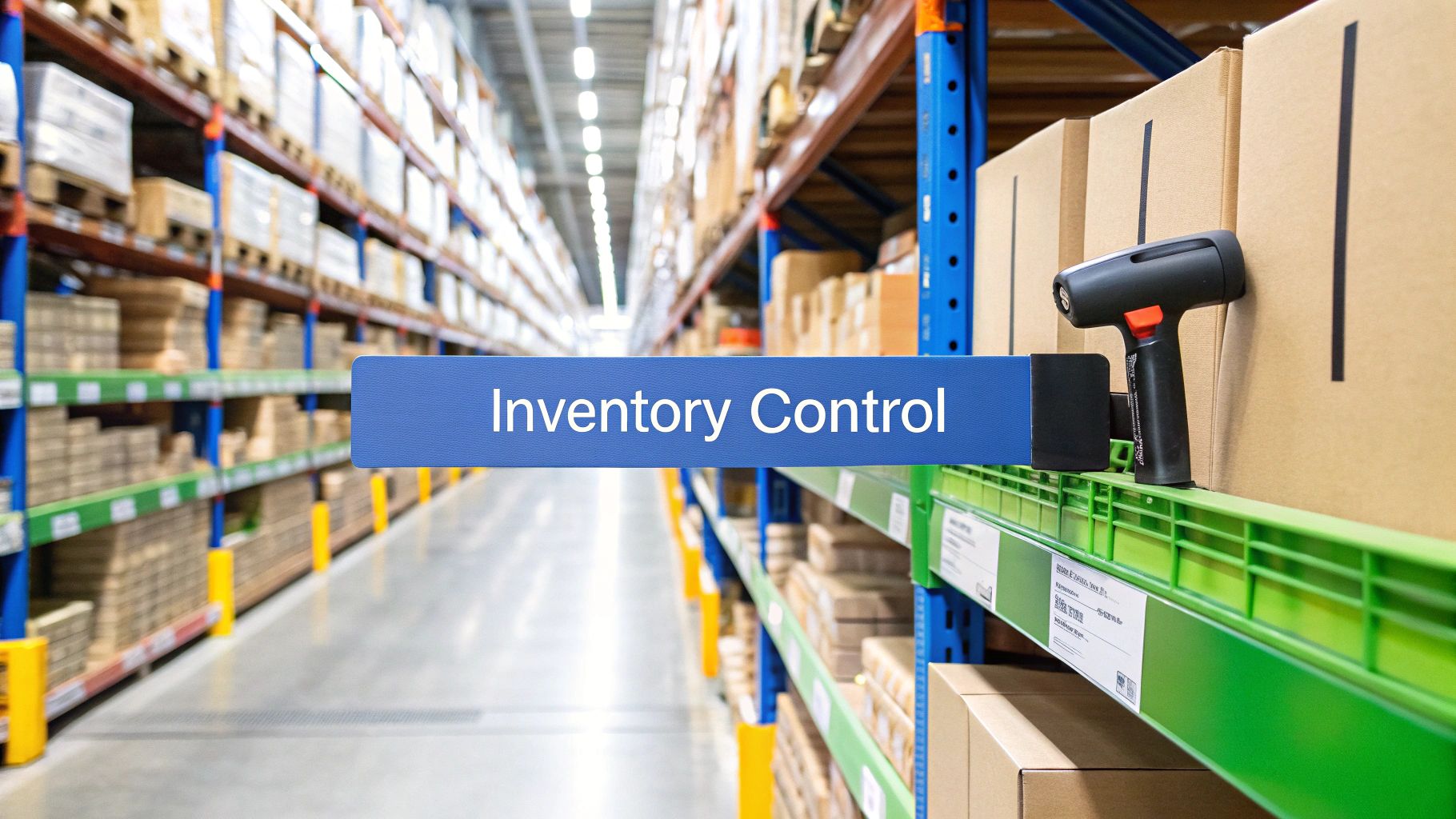
Bringing in new software isn’t just about doing things faster. It’s about fundamentally changing how your business runs for the better. The right retail store management software is a catalyst, shifting your store from a reactive, problem-solving mode to one of proactive, strategic growth.
Let’s look at the “before and after” that happens when you put these powerful tools to work. The most immediate impact? Your team gets its time back. Think of all the hours eaten up by tedious, manual work—reconciling sales at the end of the day, doing physical inventory counts, or double-checking schedules. This software automates those chores, freeing up your staff to focus on what actually moves the needle: creating an amazing experience for your customers.
From Guesswork to Confident Decisions
Without a central system, making big decisions can feel like you’re navigating with a foggy map. You might be relying on gut feelings or messy spreadsheets to guess which products to reorder or what promotions to launch. That kind of guesswork isn’t just stressful; it can be incredibly expensive.
A retail management platform clears the fog. It pulls every shred of data—from individual transactions to customer buying habits—into one easy-to-access dashboard. All of a sudden, you have a crystal-clear, accurate picture of your business’s health. This allows you to make confident, data-backed choices that actually drive profit.
The core benefit is the shift from reactive management to proactive strategy. Instead of just putting out fires, you gain the foresight to prevent them and spot growth opportunities before your competitors do.
Achieve Greater Operational Control
One of the biggest wins from implementing retail store management software is how much it can improve business efficiency, which is the bedrock of any sustainable business. This control shows up in several key areas every single day.
- Financial Accuracy: Say goodbye to manual errors. Automated reconciliation between your POS and accounting tools means your financial records are always accurate and ready for review.
- Inventory Precision: Real-time stock tracking helps you walk the fine line between overstocking (which ties up cash) and stockouts (which lead to lost sales and frustrated customers).
- Consistent Customer Experience: With centralized pricing and promotions, every customer gets the right price and discount, whether they’re in your store or shopping online. This builds trust and makes your brand feel reliable.
This level of control means fewer nasty surprises and a much smoother, more predictable day-to-day operation.
Build Stronger Customer Loyalty
In a competitive market, customer loyalty is everything. Generic, one-size-fits-all service just doesn’t cut it anymore. Today’s shoppers expect personalized experiences that show you actually get them. This is where the CRM features built into your management software become your secret weapon.
By tracking purchase histories and preferences, you can create marketing campaigns that truly connect. Imagine sending a special offer for a customer’s favorite product on their birthday or letting them know when a brand they love drops a new collection. These small, thoughtful touches make customers feel seen and valued, turning them from casual shoppers into true fans.
While the context is different, the principle of tailoring offers is a universal sales driver. You can find some great ideas in our article on proven strategies to increase restaurant sales.
Create a Foundation for Scalable Growth
Finally, this kind of software lays the groundwork for your business to grow without all the usual growing pains. Whether you’re thinking about opening a second location, launching an online store, or expanding your product line, a scalable system is non-negotiable.
It ensures your processes stay consistent and manageable, no matter how big your operation gets. Inventory, sales data, and customer info are all synced across every channel, giving you a unified view of your entire business from a single dashboard. This robust framework supports your ambition, making expansion an exciting opportunity instead of an operational nightmare.
How to Choose the Right Retail Software
Picking the perfect retail store management software can feel overwhelming, but if you break it down, it’s a completely manageable process. The goal isn’t just to find any software; it’s to find the right partner for your business. After all, a system that’s a dream for a multi-location boutique might be a nightmare of complexity for a local coffee shop.
The first step is to take a good, hard look at your own operations. Forget what you think you need for a moment and focus on the real pain points in your day-to-day. Are you constantly selling out of your best items unexpectedly? Does creating the weekly staff schedule give you a headache? Nailing down these specific challenges gives you a clear roadmap to the features that will actually make a difference.
Assess Your Unique Business Needs
Every retail business moves to its own beat. A busy grocery store needs lightning-fast checkouts and solid inventory tracking for perishable goods. On the other hand, a custom furniture store will care more about a great CRM for managing long-term client relationships and unique orders.
Before you even watch a single demo, make a list. Divide it into two columns: “must-haves” and “nice-to-haves.” This simple exercise is your secret weapon against being wowed by flashy features that don’t solve your core problems. It keeps your search grounded.
The best software solves today’s problems while giving you room to handle tomorrow’s growth. Think of it like buying a good pair of shoes—they need to fit perfectly now but also be durable enough to handle the miles ahead.
A great starting point is comparing the best POS systems for small business, as these often serve as the central hub for modern retail management. Doing this research helps you get a feel for what’s out there, from simple payment tools to complete, all-in-one platforms.
Feature Checklist for Different Retail Businesses
To help you get started, here’s a quick look at how feature priorities can change depending on what you sell. This should help you zero in on what’s truly essential for your store.
| Feature | Fashion Boutique | Coffee Shop | Grocery Store |
|---|---|---|---|
| Inventory Management | Essential (size/color) | Beneficial (beans, milk) | Essential (perishables) |
| Customer Relationship (CRM) | Essential (loyalty) | Beneficial (regulars) | Beneficial (promotions) |
| Employee Management | Beneficial | Essential (shift swaps) | Essential (multiple roles) |
| E-commerce Integration | Essential (omnichannel) | Beneficial (online orders) | Beneficial (delivery) |
| Advanced Reporting | Essential (trends) | Beneficial (peak hours) | Essential (waste tracking) |
As you can see, what’s a “must-have” for one business is just a “nice-to-have” for another. Use this as a guide to build your own custom checklist.
Prioritize Scalability And Integration
One of the biggest mistakes retailers make is picking a system that only fits their business right now. You plan on growing, right? Your software needs to be able to keep up. Can the system you’re looking at easily add a second location? What about integrating an e-commerce site if you decide to sell online next year? Thinking about scalability now saves you from having to do this all over again in a couple of years.
Just as important is integration capability. Your retail software doesn’t live on an island. It needs to play well with the other tools you rely on, like your accounting software (think QuickBooks), your email marketing platform, or your online store.
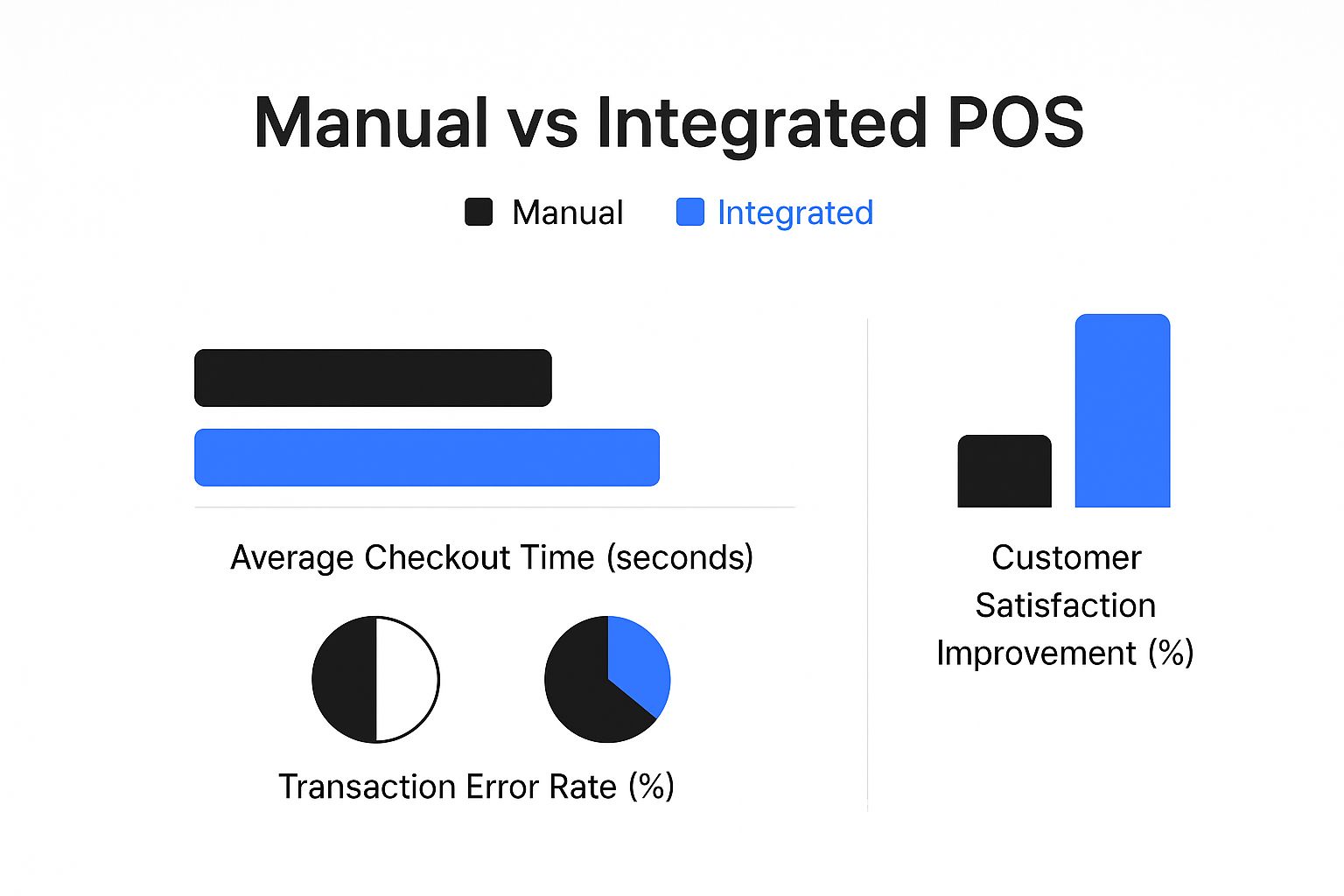
The difference is clear. An integrated system doesn’t just make life easier—it drastically reduces checkout times and errors, which keeps customers happy and coming back.
Evaluate Usability And Support
Let’s be honest: the most powerful software in the world is useless if your team can’t figure out how to use it. Look for a clean, intuitive interface. When you’re in a demo, pay attention. How many clicks does it take to process a simple return or add a new customer? A smart design means less training time and happier employees.
And don’t forget about customer support. It’s easy to overlook until you really, really need it. When your system crashes during the holiday rush, you need to know that help is just a phone call or chat message away. Dig into a vendor’s reputation by reading reviews and asking directly about their support hours and response times.
Look Beyond The Sticker Price
Finally, you have to consider the Total Cost of Ownership (TCO). This goes way beyond the monthly subscription fee. To avoid any nasty surprises, ask every vendor for a complete breakdown of all possible costs.
Here are a few questions you should always ask:
- Setup and Onboarding: Are there one-time fees for implementation or moving my data over?
- Hardware Costs: Will this software work with my current scanners, printers, and terminals, or do I need to buy all new gear?
- Payment Processing: What are your transaction fees? Are there any hidden charges or long-term contracts I should know about? Our guide on https://biyopos.com/blog/the-ultimate-guide-to-restaurants-pos-software-solutions/ gets into the nitty-gritty of this.
- Add-Ons and Upgrades: Are key features like e-commerce integration or advanced reporting included, or will they cost extra?
By taking a step-by-step, thoughtful approach, you can confidently pick a retail management software that doesn’t just fix your current problems but actually helps you build a stronger, more profitable business.
How Biyo POS Ties It All Together

It’s one thing to understand the individual features of retail store management software, but it’s another to see how they actually work together in a single, cohesive platform. That’s where the theory of “efficiency” becomes a real tool you can use every single day. This is exactly the problem a solution like Biyo POS was built to solve—acting as the central hub for your entire retail operation.
So many growing businesses suffer from fragmentation. You have one system for sales, another spreadsheet for inventory, and maybe a separate contact list for your best customers. Biyo was designed to pull all of that under one roof. It’s the practical application of those “must-have” features, all working in sync to give you a clear, up-to-the-minute picture of your business’s health from a single screen.
The Biyo Difference in Action
Picture a busy Saturday afternoon in your shop. With Biyo’s clean POS interface, your team flies through transactions, which keeps the line moving and customers smiling. The best part? Every single sale instantly updates your inventory levels. The stock count you see on your tablet is always the real count, helping you avoid that awkward “sorry, we’re out of that” conversation.
But this isn’t just about moving faster; it’s about working smarter. The system connects all the dots for you:
- Effortless Sales: The interface is so simple and intuitive that new hires can pick it up in minutes, meaning less time training and fewer errors at the checkout.
- Real-Time Inventory Control: When a shirt is sold, the count is automatically adjusted everywhere—from your storefront POS to your back-office reports. No manual entry needed.
- Integrated Customer Profiles: You can add a new customer or look up a regular right at the point of sale, effortlessly building a detailed history of their purchases.
This constant, seamless flow of information frees you up from tedious data entry, giving you more time to focus on your customers and your big-picture strategy.
More Than a POS—It’s a Growth Engine
Biyo POS isn’t just about ringing up sales; it’s packed with tools to help you actually grow your business. The built-in Customer Relationship Management (CRM) is a great example. It lets you see a customer’s entire purchase history at a glance, helping you spot your most loyal shoppers and get a feel for what they love.
Armed with that knowledge, you can create targeted promotions that really resonate or just offer a more personal touch when they’re in the store. This is how you turn a first-time buyer into a lifelong fan who feels like you truly get them.
Biyo POS is designed to be the command center for ambitious small and medium-sized businesses. It provides the robust capabilities of an enterprise system without the complexity or prohibitive cost, making powerful business intelligence accessible to everyone.
Success in today’s retail climate hinges on having tools that are integrated, scalable, and mobile. The market demands that software providers offer accessible, cloud-based solutions with smart features that reshape both operations and customer engagement. As recent analyses show, this approach is vital for any retailer looking to thrive. You can explore more on 2025 retail software sales strategies to see just how deeply these trends are shaping the industry. Biyo is built on this very principle.
Your Partner in Expansion
Whether you’re running a single boutique or getting ready to open your third location, Biyo POS is built to grow right alongside you. Its multi-location support lets you manage inventory, sales, and reporting across all of your stores from one central dashboard. This unified view is absolutely critical for keeping things consistent and staying in control as you expand.
By combining an intuitive design with powerful back-end features, Biyo POS delivers the concrete value that modern retailers need. It simplifies your day-to-day, helps you understand your customers on a deeper level, and gives you the business intelligence you need to not just run your business, but to truly grow it.
Your Top Questions About Retail Software, Answered
Alright, even with all this information, you probably have some practical questions swirling around. Choosing new retail store management software is a big decision, so let’s tackle the common “what ifs” and “how much” questions to clear up any final uncertainties.
How Much Should I Expect to Pay?
The price tag on retail management software can swing pretty widely. What you’ll pay really comes down to what you need—the complexity of the features, the number of locations you’re running, and how the provider structures their pricing.
Most modern platforms are cloud-based and use a SaaS (Software as a Service) model. You can expect these monthly subscriptions to run anywhere from $50 to over $300. But don’t just look at the monthly number. You need to get the full picture, which might include one-time setup fees, the cost of hardware like barcode scanners or receipt printers, and any extra charges for priority customer support.
Before you sign anything, always ask for a complete, itemized pricing breakdown. This is a simple but crucial step to avoid surprise costs later and make sure the software genuinely fits your budget.
How Difficult Is It to Migrate to a New System?
Switching systems definitely takes some planning, but it’s far from impossible, especially when you have the right partner helping you out. The move usually happens in a few clear stages.
First up is data transfer—getting your inventory lists, customer details, and sales history from the old system to the new one. Then, you’ll need to make sure your existing hardware plays nicely with the new software. The final piece of the puzzle is training your team so they feel confident with the new tools and day-to-day processes.
Good software providers won’t leave you hanging. They offer dedicated support to walk you through the entire process, making the switch feel much less daunting. A pro tip? Try to schedule the final changeover during a slower sales period to keep business disruptions to a minimum.
Can This Software Handle Both My Physical and Online Stores?
Absolutely, and honestly, this is where modern retail software truly shines. This capability is often called omnichannel integration, and it’s all about bringing your entire business under one roof.
It works by constantly syncing the important stuff between your physical storefront and your e-commerce site, whether you use Shopify or WooCommerce. This means:
- Inventory Levels: Sell a t-shirt online, and the stock count in your physical store’s system updates instantly (and vice-versa). This simple sync is your best defense against overselling.
- Customer Data: Customer profiles and their purchase history are shared across channels. This gives you a 360-degree view of who your customers are and what they love.
- Sales Reporting: All your sales data flows into one central dashboard. No more logging into three different systems just to figure out how your business is actually doing.
This unified approach is what allows you to offer the kind of seamless, professional experience customers expect today.
Ready to unify your operations with a system that grows with you? Biyo POS offers an all-in-one solution designed for ambitious retailers. See how we can simplify your daily tasks and provide the insights you need to thrive. Explore the possibilities with Biyo.