What a Modern Cafe Point of Sale System Actually Does
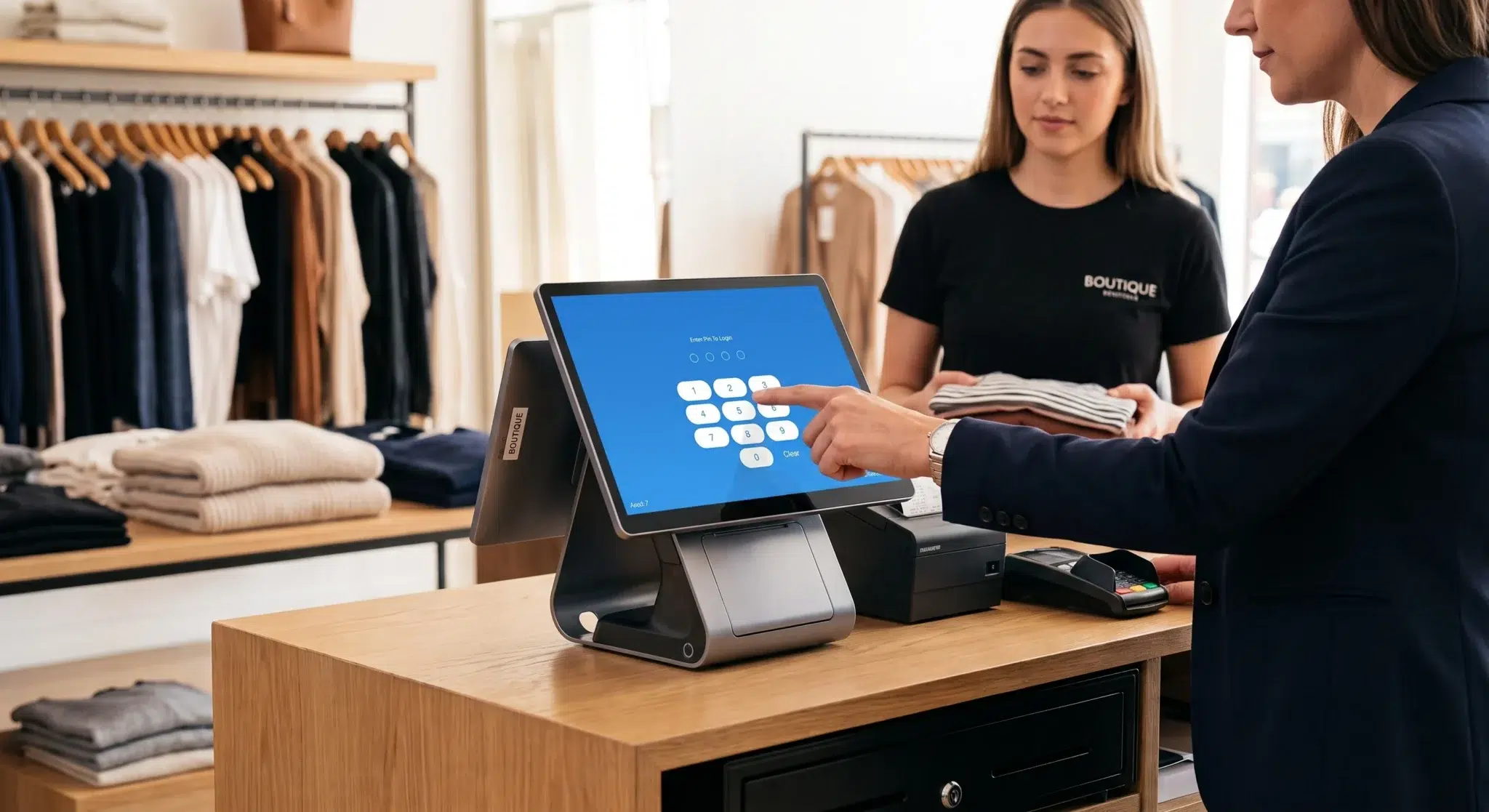
A modern cafe point of sale system is no longer just a transaction tool. It is your operational control center. It connects revenue, labor, inventory, customer behavior, and reporting into one synchronized system. When implemented correctly, it becomes the backbone of decision-making and long-term profitability for your cafe.
Yet most cafe owners are using a fraction of what their POS can do. They ring up orders, close tabs, and print end-of-day reports – and leave the rest untouched. The result is a business that feels harder to run than it should be. This guide breaks down what a truly modern cafe POS system provides and how to use it as the operating system your profitable cafe needs.
Why Traditional POS Systems Fall Short for Cafes
Cafes have a unique operating model that differs from full-service restaurants and retail stores. You need high transaction volume at low ticket averages. You deal with complex customization – drink modifications, dietary accommodations, add-ons â all processed quickly. You manage inventory that expires daily. And you often rely on a mix of regulars and first-time visitors.
Traditional or generic POS systems were not designed for this. They handle transaction recording well but fail cafes in three critical areas:
- Speed: A system optimized for table service does not support the rapid-fire order flow of a coffee counter during morning rush.
- Modifier management: A latte is not just a latte. It is a large oat milk latte with an extra shot, no foam, and sugar-free vanilla. Systems that cannot handle complex modifiers create errors and slow down service.
- Inventory precision: A cafe running out of oat milk at 8 a.m. or discovering the espresso beans are low mid-shift loses real revenue. Generic systems do not track ingredient-level inventory in real time.
A purpose-built or fully configured modern cafe POS addresses all three – and much more.
Core Features That Define a Modern Cafe POS System
1. Fast, Intuitive Order Entry
Speed is revenue in a cafe. Your baristas should be able to enter a complex order in under 10 seconds without looking down at the screen. A well-designed cafe POS uses visual menu layouts, large touch targets, and color-coded categories that allow staff to navigate intuitively.
Look for systems that support:
- Customizable menu screen layouts by category (espresso drinks, cold brew, food, etc.)
- Modifier screens that appear automatically when needed without extra taps
- Order holding and firing controls for multi-item transactions
- Barista display integration so kitchen/bar screens update in real time
2. Modifier and Customization Management
Modern cafe customers expect their orders to be exactly right, every time. A POS system’s modifier engine determines whether customizations are processed accurately and efficiently – or become a source of errors and rework.
Advanced modifier capabilities include:
- Required vs. optional modifiers (milk type is required; pump count is optional)
- Price adjustments tied to specific modifiers automatically
- Modifier groups with single-select or multi-select options
- Easy access to allergy and dietary notes on order screens
3. Real-Time Inventory Tracking at the Ingredient Level
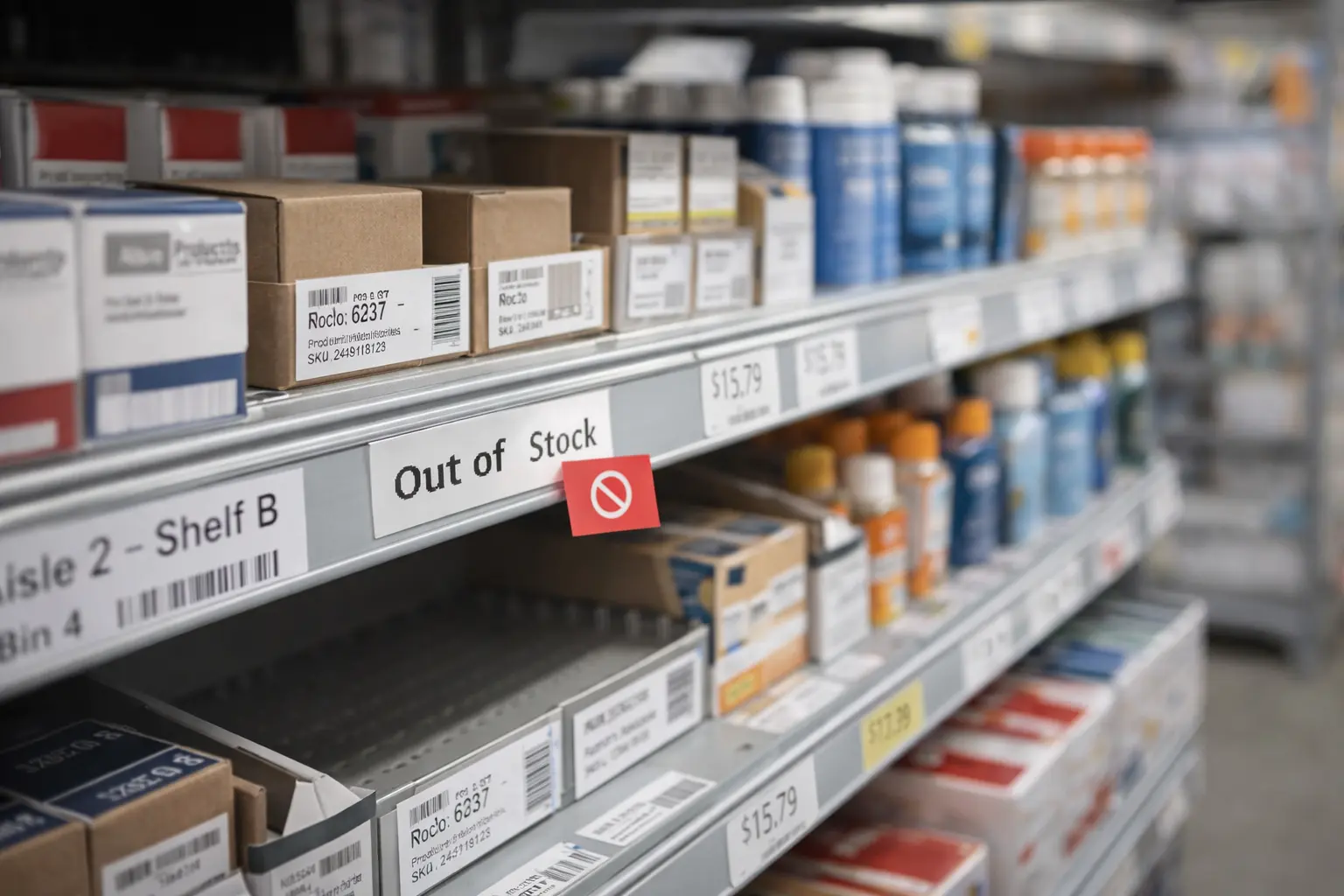
The difference between a cafe that knows it is running low on oat milk and one that discovers it mid-rush is the difference between a good shift and a chaotic one. A modern cafe POS tracks inventory at the ingredient level, deducting each component as orders are placed.
When correctly configured, your system should:
- Alert you when any ingredient falls below a set threshold
- Generate automatic purchase order suggestions based on par levels
- Track waste and comp alongside sales
- Provide end-of-day or end-of-week variance reports to identify shrinkage
4. Customer Loyalty and Engagement Tools
Cafes run on repeat customers. Studies show that increasing customer retention by just 5% can increase profits by 25% to 95%. Your POS system should actively support loyalty building, not leave it as an afterthought.
Modern cafe POS loyalty features include:
- Built-in punch card or points-based programs that activate automatically at checkout
- Customer profile tracking – what each customer orders, how frequently they visit, and what promotions they respond to
- Email and SMS marketing integration tied to customer purchase history
- Birthday rewards and milestone-based promotions managed automatically
5. Integrated Online Ordering and Pickup Management
The post-pandemic cafe landscape means that online ordering is no longer optional. Customers expect to order ahead from their phone for pickup, and they expect the order to be ready when they arrive. Your POS system needs to handle this integration without creating a separate workflow for staff.
Look for cafe POS systems that integrate directly with online ordering platforms, pulling digital orders directly onto the same screens as in-person orders. Orders should print or display to the bar immediately, with customer name and pickup time clearly visible.
6. Reporting and Business Intelligence
The most profitable cafes run on data, not intuition. Your POS should provide reports that help you make better decisions about staffing, menu engineering, and purchasing without requiring hours of manual analysis.
Essential reports for cafe operators include:
- Hourly sales breakdown: Understand your true peak periods to optimize staffing precisely
- Item performance reports: See which menu items drive the most revenue and which are taking up prep time without payoff
- Average ticket value by period: Identify opportunities to increase per-customer spending through upsells or menu changes
- Labor cost as a percentage of sales: Track this metric in real time to prevent overstaffing during slow periods
- Waste and void reports: Identify where product is being lost to mistakes or theft
How to Use Your Cafe POS as a True Operating System
Most cafe owners set up their POS and never revisit the configuration. They let the default settings run indefinitely, even as their menu, team, and customer base evolves. Here is how to use your POS proactively as a management tool.
Weekly Management Routine
- Review item sales reports every Monday morning – identify any items that significantly underperformed the prior week
- Check inventory variance reports – if theoretical inventory does not match actual counts, investigate why
- Review labor cost percentage against sales from the prior week and adjust upcoming scheduling accordingly
- Pull the void and comp report – any outliers should be discussed with your team
Monthly Menu Engineering Review
- Use sales data to categorize every menu item as a Star (high profit, high popularity), Plow Horse (high popularity, low margin), Puzzle (high margin, low popularity), or Dog (low on both)
- Promote Stars prominently on your menu board and in marketing
- Redesign or remove Dogs to simplify your menu and reduce waste
- Experiment with positioning changes for Puzzles before removing them
Seasonal Menu Updates
Use your POS sales data to time seasonal menu changes. If a specific item sees a consistent sales decline after a certain month, that data tells you exactly when to rotate it out and introduce a new limited-time offering.
Choosing the Right Cafe POS System
With dozens of POS options on the market, choosing the right one for your cafe comes down to a few key criteria:
- Restaurant and cafe specific: Avoid generic retail systems. Look for platforms designed specifically for food and beverage operations.
- Cloud-based: Cloud POS systems allow you to access your data from anywhere, push menu updates remotely, and receive automatic software updates without downtime.
- Hardware flexibility: The system should support countertop terminals, mobile tablets, kitchen display screens, and customer-facing displays depending on your layout.
- Payment processing integration: Your POS should process all major payment types – credit, debit, NFC/contactless, and mobile wallets – with transparent, competitive processing rates.
- Support and onboarding: A system you cannot configure and maintain is not an asset. Prioritize providers who offer dedicated onboarding and responsive customer support.
The Financial Impact of a Well-Configured Cafe POS
The return on a modern cafe POS system is measurable. Operators who fully implement cafe POS features report consistent improvements across several metrics:
- 2â5% increase in average ticket: Prompted upsells (adding a pastry, upgrading to a larger size) built into the order flow consistently increase average spend.
- 5â15% reduction in food waste: Real-time inventory tracking and automatic low-stock alerts reduce over-purchasing and spoilage.
- 10â20% faster transaction times: An optimized menu layout and fast hardware reduce wait times during peak hours, allowing you to serve more customers.
- Measurable loyalty revenue: Cafes with active loyalty programs typically see loyalty members spend 20â30% more annually than non-members.
Frequently Asked Questions: Cafe POS Systems
What is the best POS system for a small cafe?
The best POS system for a small cafe is one that balances affordability with the specific features cafes need: fast order entry, modifier management, inventory tracking, and loyalty tools. Cloud-based systems with monthly subscription pricing are often the best fit for small cafes because they require minimal upfront hardware investment.
How much does a cafe POS system cost?
Cafe POS system costs vary widely. Software subscriptions typically range from $50 to $200 per month per terminal. Hardware costs (terminal, printer, cash drawer) can range from $500 to $2,000 upfront, though many providers offer hardware lease options. Payment processing fees are typically 2â3% per transaction.
Can I use a tablet as a cafe POS?
Yes. Many modern cafe POS systems run on standard iPad tablets. This is a popular option for smaller cafes because it reduces hardware cost and allows for easy portability. For higher-volume operations, dedicated POS terminals with faster processors and larger screens are worth the additional investment.
How long does it take to set up a cafe POS system?
Basic setup – entering your menu, configuring payment processing, and onboarding staff – typically takes one to three days. Full configuration, including inventory tracking, loyalty programs, and reporting customization, may take a week or two as you refine settings based on real-world use.
What reports should I run weekly from my cafe POS?
The most valuable weekly reports for cafe owners are: hourly sales breakdown (for scheduling), item sales by category (for menu decisions), labor cost as a percentage of sales, void and comp totals, and inventory variance. These five reports give you a complete operational picture every week.
Your Cafe POS Is Your Competitive Advantage
The cafes that will thrive over the next decade are those that treat their POS system as a strategic management tool, not just a cash register. Every order, every loyalty interaction, every inventory movement is data that can make your cafe more efficient, more profitable, and more resilient.
If your current POS is not giving you real-time inventory alerts, detailed sales analytics, and active loyalty management, you are leaving money and opportunity on the counter every single day. The right modern cafe POS system changes that – and the shift can happen faster than you think.