A reliable POS system for small restaurant operations can completely transform the way you handle daily business tasks, from taking orders to managing inventory. In an industry where speed, accuracy, and customer experience are the keys to survival, the right POS solution can help small restaurants operate as efficiently as the biggest chains. It’s not just about replacing a cash register—it’s about creating a central hub that connects front-of-house service, back-of-house operations, and business intelligence in one seamless system. With the right tools, small restaurants can reduce errors, increase sales, and provide a dining experience that keeps customers coming back.
Table of Contents
- Why a POS System Matters for Small Restaurants
- Essential Features to Look for in a Small Restaurant POS
- How to Choose the Right POS System for Your Restaurant
- Boosting Restaurant Efficiency with POS Technology
- Future Trends in POS Systems for Small Restaurants
Why a POS System Matters for Small Restaurants
Small restaurants often face the challenge of doing more with less—less staff, less space, and tighter budgets. A POS system for small restaurant use provides the technological backbone to handle these challenges. It integrates ordering, payment processing, and customer management into one platform, making operations faster and more organized. This means fewer mistakes, faster table turnover, and better customer satisfaction, all of which can directly boost profits.
Streamlining Order Management
Order management is one of the most critical aspects of running a restaurant efficiently. With a modern POS, orders can be taken tableside using an iPad POS or mobile POS device and instantly transmitted to a kitchen display system. This direct line of communication eliminates the need for handwritten tickets, which can easily be lost or misread. In busy service hours, shaving even a few seconds off each transaction adds up, allowing staff to serve more tables in the same amount of time. For instance, a small café that switched from manual tickets to a cloud-based POS reported a 25% reduction in order errors, leading to happier customers and repeat visits.
When you streamline ordering, you also create opportunities for upselling and customization. Servers can see prompts on their devices suggesting side dishes or drink pairings for certain meals. This not only enhances the customer’s experience but also increases the average ticket size without requiring pushy sales tactics. The ability to instantly modify orders, such as removing an ingredient for a dietary request, ensures the kitchen receives accurate instructions every time.
From a managerial perspective, centralized order data helps identify best-selling items and pinpoint service bottlenecks. If a certain dish is taking too long to prepare, the data will show it, enabling you to adjust prep workflows or menu offerings accordingly. This level of insight transforms order management from a basic function into a strategic tool for improving efficiency.
Improving Payment Processing
Payment processing is where speed and security matter most. A POS system for small restaurant environments can accept credit cards, debit cards, contactless payments, and mobile wallets, ensuring customers can pay however they prefer. This flexibility eliminates friction at checkout and helps you serve modern consumer expectations. For example, during lunch rushes, quick tap-to-pay transactions can reduce wait times and keep tables turning faster.
Security is equally important, especially in an era where data breaches can destroy customer trust. Modern POS systems feature end-to-end encryption and EMV compliance, which significantly reduce the risk of fraud. Restaurants that invest in secure payment solutions not only protect themselves legally but also build a reputation as a safe place to dine. Customers are more likely to return when they feel confident their personal information is safe.
Integrated payment processing also simplifies tip tracking and staff payouts. Rather than manually calculating tips at the end of the night, the system automatically records them and distributes them according to pre-set rules. This ensures fairness among staff and saves managers time on payroll reconciliation, allowing them to focus more on running the business.
Enhancing Customer Experience
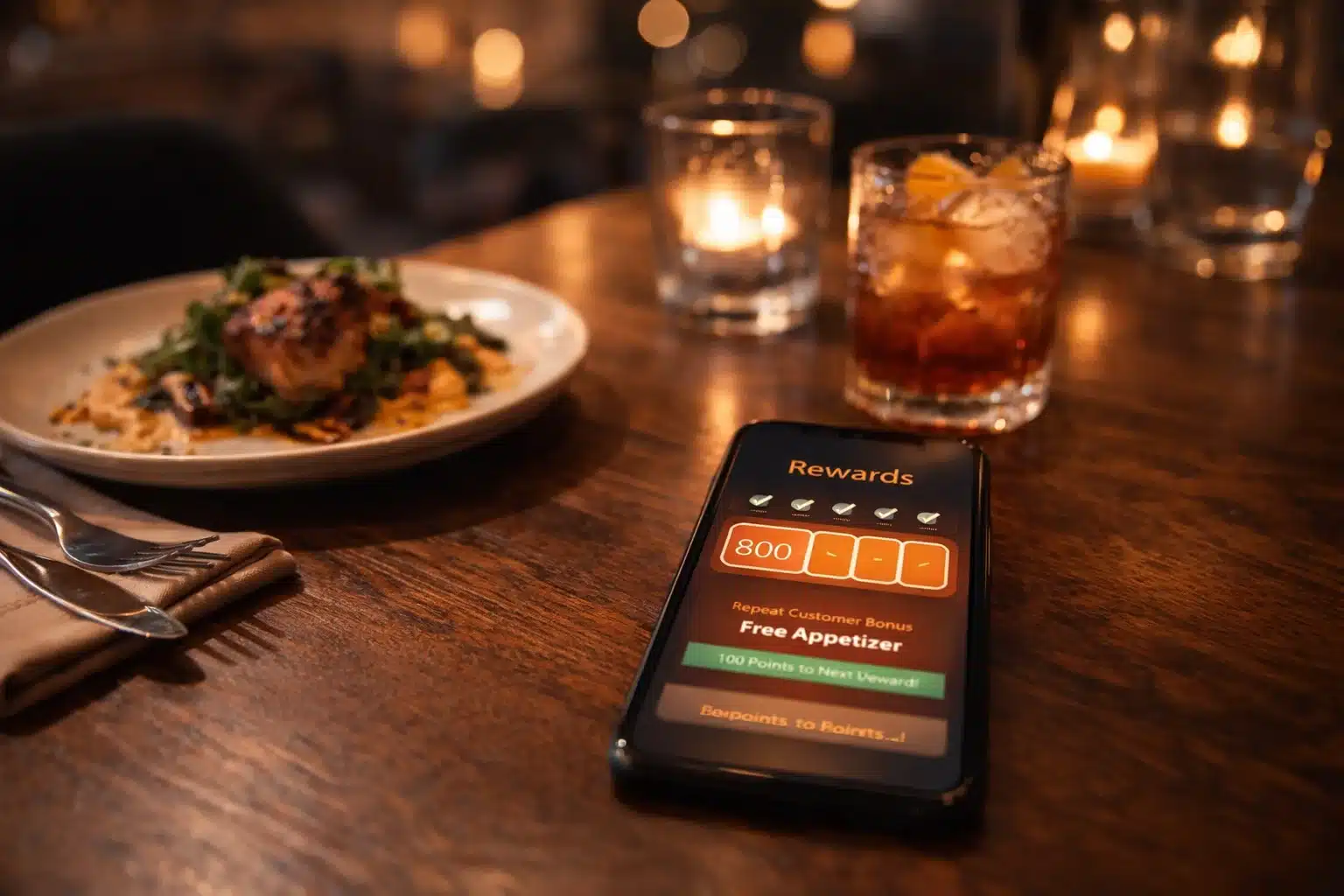
In today’s competitive dining industry, customer experience is as important as the food itself. A modern POS enables small restaurants to offer conveniences like online ordering integration, customer loyalty programs, and personalized promotions. When your system tracks customer purchase history, it can identify patterns and make targeted suggestions. For example, if a customer frequently orders the same pasta dish, your POS can prompt your staff to mention a new wine pairing or offer a discount on that dish.
Speed is another major factor in customer satisfaction. With digital ordering and payment, customers spend less time waiting and more time enjoying their meals. This is particularly valuable for quick-service restaurants, where every minute counts during peak times. Offering multiple payment methods and streamlined service can turn a first-time diner into a loyal patron.
Beyond transactions, a well-implemented POS system supports relationship building. When you know your customers’ preferences, you can greet them by name, remember their favorite table, and provide a personalized experience that big chains struggle to match. These small gestures, powered by data, can have a big impact on customer retention.
Essential Features to Look for in a Small Restaurant POS
Choosing the right POS system for small restaurant use starts with understanding the features that will benefit your business most. The goal is to invest in a system that can handle your current needs while scaling with your growth.
Menu Customization
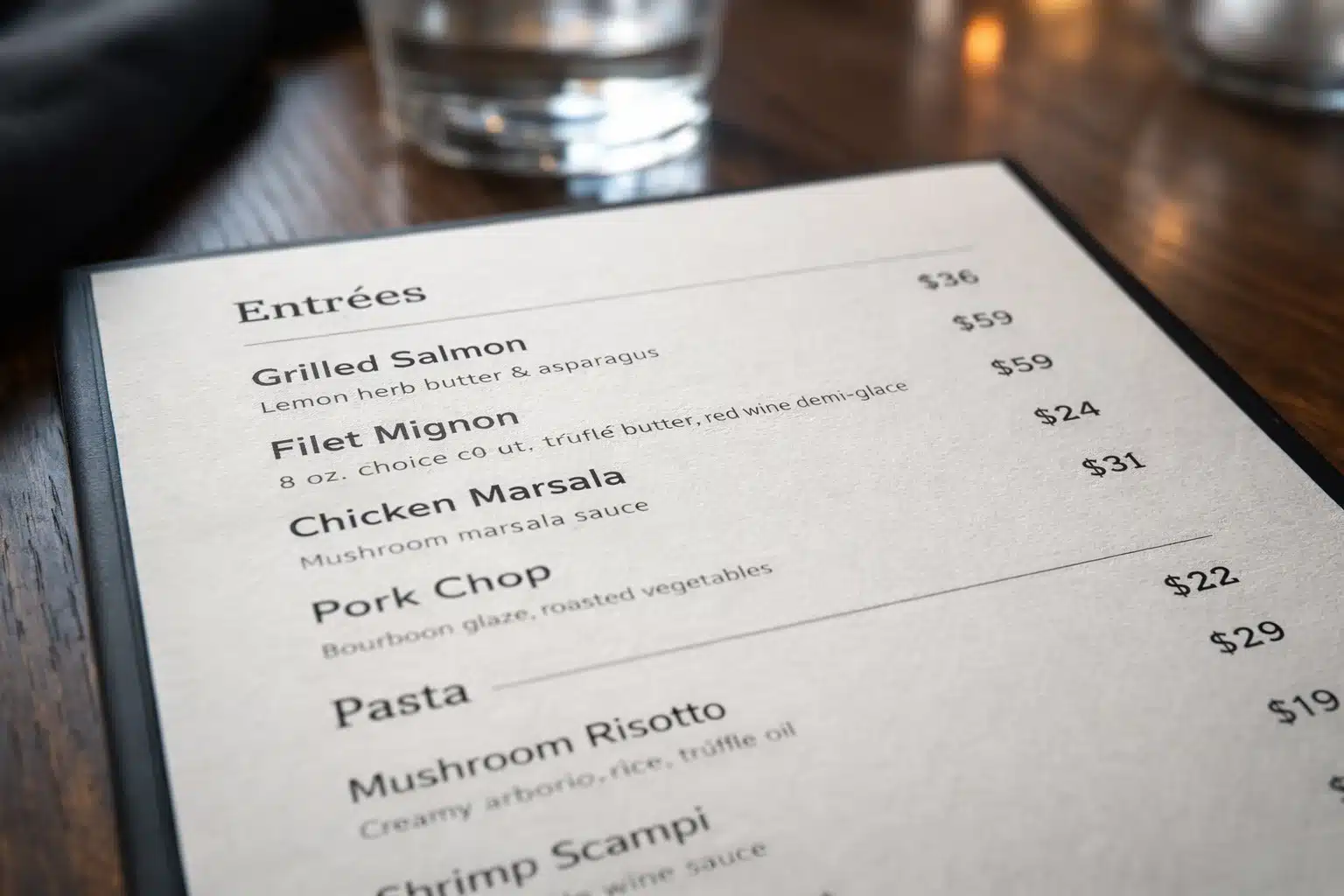
Menu customization allows restaurant owners to adapt quickly to changes in ingredients, pricing, or customer trends. A cloud-based POS enables instant updates to your menu across all ordering devices, ensuring consistency and accuracy. For example, if a supplier runs out of an ingredient, you can remove the dish from the menu immediately to avoid customer disappointment.
This feature also supports creativity and experimentation. You can easily add daily specials, seasonal dishes, or limited-time offers without redesigning physical menus. This flexibility encourages chefs to innovate and keeps your offerings fresh for returning customers. With digital menus, you can even use photos and descriptions to make dishes more enticing.
From a sales perspective, menu customization provides opportunities for strategic pricing. You can test different price points for popular items to see how they impact sales. By combining this with POS-generated sales reports, you can find the optimal balance between profitability and customer satisfaction.
Inventory Tracking
Inventory tracking is essential for controlling food costs and reducing waste. A POS system with this feature automatically updates ingredient levels as sales are made. This real-time monitoring ensures you know exactly what’s in stock, which prevents over-ordering and last-minute supply runs. Restaurants that actively track inventory often reduce waste by up to 20%, directly impacting profitability.
Advanced systems can also send low-stock alerts, helping you reorder before running out. This is particularly important for signature menu items, where running out could disappoint customers and hurt your brand. Historical sales data allows you to forecast demand more accurately, ensuring you’re always prepared for busy weekends or seasonal spikes.
Integrating inventory tracking with supplier ordering systems can further streamline operations. Automated purchase orders based on pre-set stock thresholds save managers time and reduce the risk of human error. This level of control helps small restaurants stay competitive with larger operations that have dedicated procurement teams.
Sales Reporting and Analytics
Sales reporting transforms raw transaction data into actionable insights. A POS system for small restaurant operators should provide detailed reports on revenue, best-selling items, peak service hours, and staff performance. These reports help you make informed decisions about menu changes, staffing levels, and promotional strategies.
Real-time analytics allow you to react quickly to trends. If you notice that a certain appetizer is selling out every Friday, you can prepare extra portions in advance to meet demand. Similarly, if a menu item is consistently underperforming, you can replace it with something more popular, improving overall profitability.
Over time, sales analytics reveal patterns that can guide your business strategy. For example, knowing that your busiest hours are from 6 p.m. to 8 p.m. could influence your staffing schedule or marketing campaigns. Data-driven decisions ensure that every choice you make is backed by evidence rather than guesswork.
How to Choose the Right POS System for Your Restaurant
Selecting the perfect POS can seem overwhelming, but breaking the process into clear steps makes it manageable. Focus on matching features to your needs, setting a realistic budget, and ensuring strong vendor support.
Assessing Your Restaurant’s Needs
The first step in choosing a POS system for small restaurant use is understanding your specific operational challenges. Are you struggling with slow table turnover? Is inventory management a pain point? Pinpointing your top priorities will help you narrow down your options. A café with high takeout volume may need strong online ordering integration, while a fine-dining establishment might prioritize detailed table management features.
Consider the size of your team and how tech-savvy they are. If you have frequent staff turnover, you’ll need a POS with an intuitive interface and minimal training requirements. The easier it is for staff to learn, the quicker you can realize the benefits of your investment.
Also, think about your long-term goals. A small diner planning to expand should choose a system that can scale to multiple locations without replacing hardware or software. Planning ahead saves you from costly upgrades later.
Setting a Realistic Budget
Budgeting for a POS system involves more than just the initial purchase price. You’ll need to account for monthly subscription fees, payment processing rates, and any additional hardware costs. Some systems may seem cheap upfront but become expensive when you factor in hidden fees or costly add-ons.
An affordable POS doesn’t have to mean sacrificing features. Many cloud-based systems offer tiered pricing plans, allowing you to start small and upgrade as your business grows. This flexibility is especially useful for new restaurants that need to control costs in the early stages.
Calculate your expected ROI by considering how the POS will save time, reduce errors, and increase sales. In many cases, the system pays for itself within months by improving efficiency and boosting revenue.
Evaluating Vendor Support
Reliable vendor support is non-negotiable. Even the best systems can encounter technical issues, and when they do, you need quick solutions. Look for providers that offer 24/7 customer service, comprehensive training materials, and proactive updates to keep your system secure and efficient.
Read reviews and ask other restaurant owners about their experiences with different vendors. A company with a reputation for excellent support can save you from headaches during busy service hours. It’s worth paying a little more for peace of mind and minimal downtime.
Training resources are also important. Whether it’s video tutorials, user manuals, or live onboarding sessions, quality training ensures your team can fully utilize the POS from day one. The better your staff understands the system, the more value it brings to your business.
Boosting Restaurant Efficiency with POS Technology
Efficiency impacts everything from profit margins to customer satisfaction. A well-chosen POS system for small restaurant operators can streamline workflows and free up staff to focus on delivering exceptional service.
Table Management
Effective table management helps maximize seating capacity and reduce wait times. A POS with this feature allows you to view table status in real time, making it easier to assign guests to the right spots and anticipate when a table will be free. For example, knowing that a party is on their last course allows the host to prepare the next guests promptly, ensuring smooth transitions.
This also helps servers manage their sections more efficiently. They can balance workloads by distributing tables evenly and ensuring no one is overwhelmed during peak hours. Happy staff tend to deliver better service, which directly benefits the customer experience.
From a business perspective, faster table turnover increases the number of covers you can serve in a day, boosting revenue without expanding your dining area. This is especially valuable for small restaurants where space is at a premium.
Kitchen Display Systems
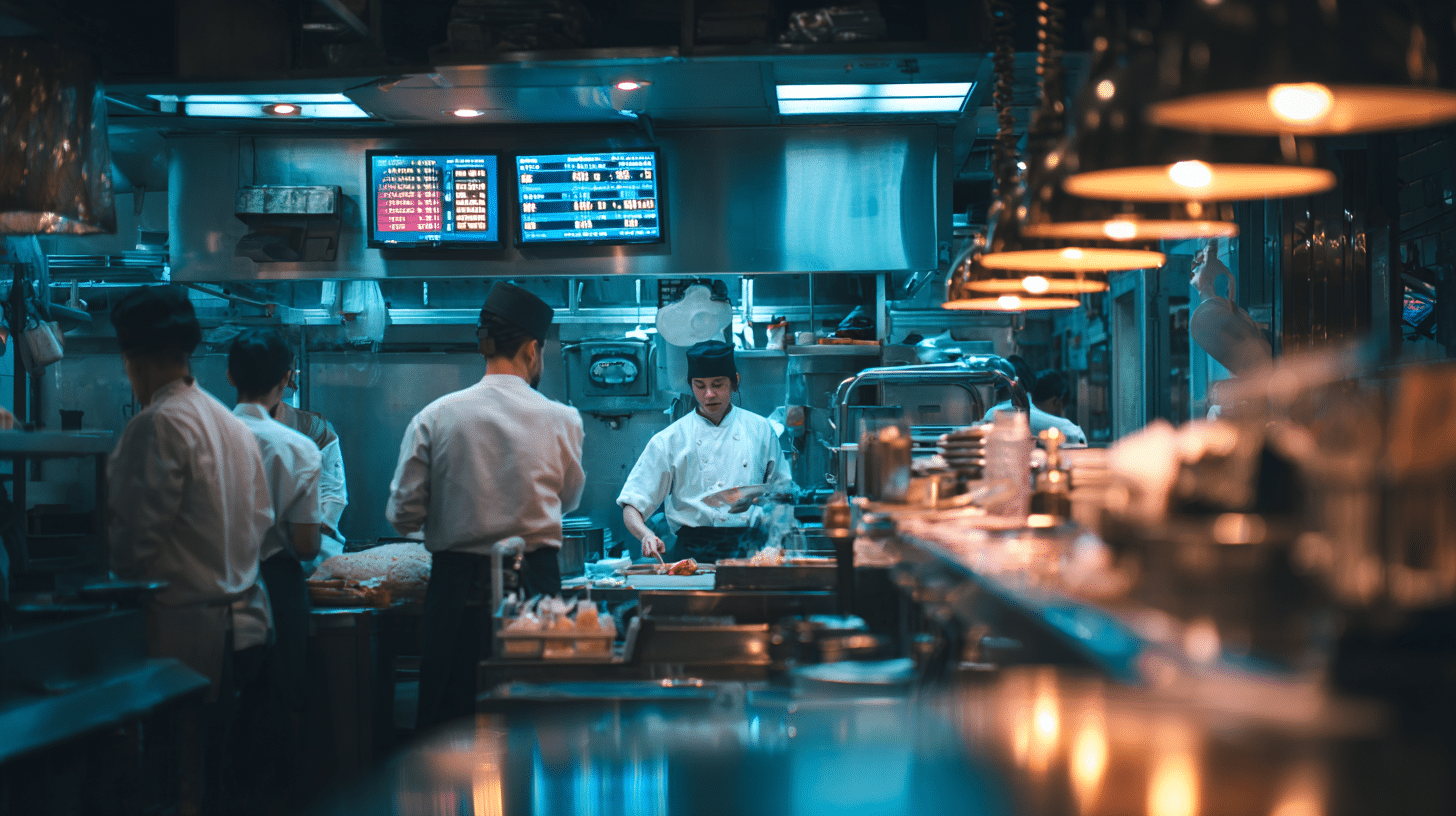
A kitchen display system (KDS) replaces paper tickets with digital order screens, reducing errors and improving speed. Orders appear instantly in the kitchen, organized by priority, and can be color-coded for different prep stations. This ensures all components of a meal are ready at the same time, enhancing food quality and presentation.
KDS also helps with communication between the front and back of house. Special instructions or allergy alerts are clearly displayed, minimizing the risk of mistakes. In an industry where accuracy can be a matter of customer safety, this feature is invaluable.
Over time, data from the KDS can be used to identify bottlenecks in food preparation. If certain dishes consistently take longer than expected, you can adjust prep processes or staffing to improve efficiency.
Staff Management and Tip Tracking
Staff management tools built into a POS allow you to create schedules, track hours, and monitor performance metrics. This makes payroll easier and ensures labor costs stay within budget. For small restaurants, where every shift matters, optimized scheduling can make a noticeable difference in profitability.
Tip tracking ensures that gratuities are distributed fairly, reducing potential conflicts among staff. The system automatically records tips from each transaction, eliminating manual calculations and potential discrepancies. This transparency builds trust within your team.
By analyzing sales performance by staff member, you can identify training opportunities and reward top performers. Recognizing and supporting your best employees encourages retention, which is especially valuable in an industry known for high turnover rates.
Future Trends in POS Systems for Small Restaurants
POS technology is evolving rapidly, and staying ahead of trends can give small restaurants a competitive edge. Investing in forward-looking features ensures your system won’t become obsolete in a few years.
AI-Powered Analytics
Artificial intelligence is transforming how restaurants use data. AI-powered analytics can forecast busy periods, recommend staffing adjustments, and even suggest menu changes based on customer preferences. This turns your POS from a simple sales tracker into a decision-making assistant.
For example, AI might notice that certain desserts sell better on rainy days and recommend promoting them during bad weather. These insights can help you capitalize on sales opportunities you might otherwise miss. Over time, AI-driven strategies can significantly increase revenue and efficiency.
Best of all, AI tools are becoming more affordable, putting enterprise-level intelligence within reach of small restaurants. This levels the playing field against large chains with bigger budgets for market research.
Enhanced Online Ordering Integration
With online ordering becoming a major revenue stream, seamless integration with your POS is essential. A POS system for small restaurant operators that connects directly to delivery platforms eliminates the need for manual order entry, reducing errors and saving time. This integration also keeps inventory accurate, since online sales automatically deduct from stock levels.
Customers appreciate the convenience of ordering directly from your website or app, bypassing third-party fees and enjoying a more personalized experience. Your POS can store order history, enabling you to offer targeted promotions and build customer loyalty.
As more people choose takeout or delivery over dining in, having a robust online ordering system integrated with your POS can help you capture and retain these customers.
Contactless and Mobile Payments
Contactless payments have quickly moved from novelty to necessity. Mobile wallets, QR codes, and tap-to-pay cards offer fast, hygienic transactions that meet modern expectations. In a post-pandemic world, customers value these options for their convenience and safety.
Adopting mobile payment technology can speed up service and reduce queues, particularly during peak hours. This improves customer satisfaction and frees up staff to handle other tasks. Small restaurants that adapt quickly to these payment trends position themselves as forward-thinking and customer-focused.
Choosing a POS that supports emerging payment methods ensures your business stays relevant as consumer habits evolve. With technology advancing rapidly, flexibility in payment processing is no longer optional—it’s essential.
About Biyo POS: Biyo POS offers an all-in-one solution designed specifically for small restaurants. From cloud-based menu customization and real-time inventory tracking to secure payment processing and seamless online ordering integration, Biyo POS gives you the tools to run your business more efficiently. With mobile POS options, advanced analytics, and easy setup, it’s the perfect choice for small business owners who want to compete at the highest level.
FAQ
Q: What is the best POS system for a small restaurant?
A: The best system depends on your unique needs, but look for features like menu customization, inventory tracking, integrated payment processing, and strong vendor support.
Q: How much does a POS system for small restaurants cost?
A: Prices range from under $50/month for basic cloud-based options to several hundred dollars for advanced systems with hardware and premium features.
Q: Can a POS system integrate with online ordering platforms?
A: Yes, many systems offer direct integration with delivery apps and websites, streamlining order management and improving accuracy.
Q: Do I need special hardware for a restaurant POS?
A: Not always. Many systems work with tablets or smartphones, while others may require dedicated terminals, printers, or kitchen displays for optimal performance.
Q: How long does it take to set up a new POS system?
A: Easy setup POS solutions can be running in just a few hours, while more complex installations may take several days for configuration and staff training.