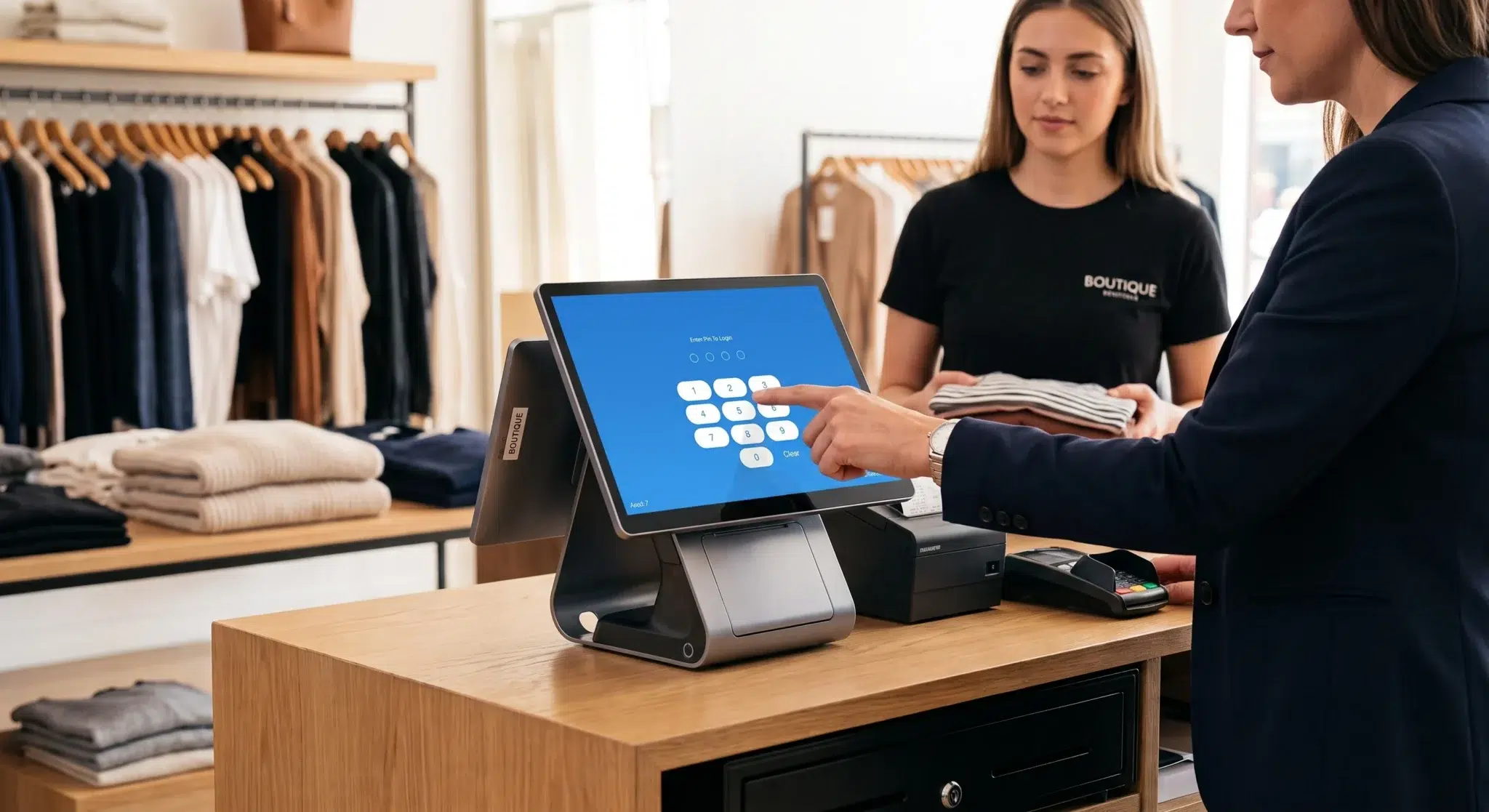
Accepting credit cards is no longer optional for modern businesses. Whether you operate a retail store, restaurant, service company, or online shop, customers expect fast, secure, and convenient payment options. Businesses that fail to offer card payments often lose sales because many consumers no longer carry cash regularly. In today’s digital economy, the ability to process credit card transactions is directly tied to customer satisfaction, operational efficiency, and long-term business growth.
To accept credit card payments successfully, businesses typically need two core components: a merchant account where funds are temporarily deposited and a payment processor that securely handles communication between the customer’s bank and the business. Combined with modern payment hardware and software, these systems allow businesses to process in-store, online, and mobile payments quickly and securely.
This guide explains how credit card processing works, the different pricing models available, the hardware and software businesses need, and how modern systems like Biyo POS simplify payment management.
Table of Contents
- Why Businesses Need to Accept Credit Cards
- How Credit Card Processing Works
- Merchant Accounts and Payment Processors
- Understanding Payment Processing Pricing Models
- Choosing Payment Hardware and Software
- PCI Compliance and Payment Security
- Best Practices for Accepting Credit Cards
- How Biyo POS Helps Businesses Accept Credit Cards
- Frequently Asked Questions
Why Businesses Need to Accept Credit Cards

Consumer payment behavior has shifted dramatically over the past decade. Digital wallets, tap-to-pay systems, and credit card transactions now dominate both retail and online commerce. Businesses that still operate on a cash-only model risk limiting customer convenience and reducing transaction volume.
Accepting credit cards improves customer experience because it allows shoppers to complete purchases quickly without relying on physical cash. Studies consistently show that consumers spend more when paying with cards compared to cash. This is especially true in restaurants, retail environments, and service industries where convenience strongly influences purchasing behavior.
The growth of e-commerce has further accelerated card payment adoption. Online businesses cannot realistically operate without digital payment infrastructure. Even physical businesses increasingly rely on online ordering, curbside pickup, and mobile payments to remain competitive. By 2025, industry estimates suggest that more than 90% of businesses in the United States accept credit cards in some form, making digital payment acceptance a standard expectation rather than a competitive advantage.
Businesses that introduce credit card processing also benefit operationally. Electronic payments reduce cash-handling risks, improve transaction tracking, and simplify accounting processes. Integrated payment systems provide cleaner reporting, automated sales tracking, and better visibility into customer purchasing trends.
How Credit Card Processing Works
Every credit card transaction involves multiple systems working together in real time to approve and transfer funds securely. Although the process appears simple to the customer, several financial institutions and technologies operate behind the scenes.
When a customer taps, inserts, swipes, or enters card information, the payment processor sends the transaction request to the customer’s issuing bank through the credit card network. The issuing bank verifies that sufficient funds or credit are available and either approves or declines the transaction.
Once approved, the funds are authorized and temporarily reserved for transfer. The payment processor then routes the transaction through the appropriate networks before the funds are deposited into the merchant account. Finally, the money is transferred into the business’s bank account, typically within one to three business days.
This entire process usually takes only a few seconds. Modern payment processors also apply encryption and tokenization technologies during transactions to protect sensitive cardholder information and reduce fraud risk.
The speed and reliability of this process are critical for customer satisfaction. Long authorization times, failed transactions, or outdated payment terminals can negatively impact customer trust and reduce sales opportunities.
Merchant Accounts and Payment Processors
To accept credit card payments, businesses generally need both a merchant account and a payment processor. Although these terms are often used interchangeably, they serve different purposes within the payment ecosystem.
A merchant account is a specialized account that temporarily holds card payment funds before they are transferred into the business’s regular bank account. Merchant accounts are designed specifically for handling electronic payment transactions and are usually provided by acquiring banks or payment service providers.
A payment processor acts as the communication bridge between the business, the customer’s issuing bank, and the card networks such as Visa or Mastercard. The processor authorizes payments, manages security protocols, and facilitates the transfer of funds.
Businesses typically choose between two main processing structures. The traditional approach uses separate merchant accounts and payment gateways, which provides greater flexibility and potentially lower costs for high-volume businesses. Large enterprises and major e-commerce operations often prefer this structure because it allows deeper customization and better fee negotiation.
The modern alternative involves all-in-one payment service providers that combine merchant accounts, gateways, and processing into a single platform. These simplified systems are popular among small businesses because they offer faster setup, transparent pricing, and integrated hardware and software tools.
Restaurants, coffee shops, salons, and mobile vendors often benefit from all-in-one solutions because they reduce technical complexity and simplify payment management. Faster onboarding also allows businesses to begin processing payments almost immediately after approval.
Understanding Payment Processing Pricing Models
Processing fees are an unavoidable part of accepting credit cards. These fees compensate the banks, processors, and card networks involved in authorizing and transferring transactions.
Most businesses pay between 1.5% and 3.5% per transaction depending on factors such as card type, transaction method, business industry, and pricing structure. Understanding these pricing models is critical because payment processing costs directly affect profit margins.
Flat-rate pricing is one of the most common models for small businesses. Under this structure, businesses pay the same percentage for every transaction, such as 2.9% plus a fixed fee. Flat-rate pricing is simple and predictable, making it easier for smaller businesses to estimate costs.
Tiered pricing groups transactions into categories such as qualified, mid-qualified, and non-qualified rates. Although this model can appear attractive initially, businesses sometimes pay higher fees because processors determine how transactions are categorized internally.
Interchange-plus pricing is considered the most transparent model. This structure separates the wholesale interchange fee charged by the card networks from the processor’s markup. High-volume businesses often prefer interchange-plus pricing because it provides better visibility into actual processing costs and may reduce long-term expenses.
Beyond transaction percentages, businesses should carefully evaluate additional fees that processors may charge. These can include monthly account maintenance fees, PCI compliance fees, hardware leasing costs, chargeback penalties, gateway fees, and contract termination fees.
Before signing any processing agreement, businesses should request a complete fee schedule and review contract terms carefully. Hidden fees can significantly increase overall processing expenses over time.
Choosing Payment Hardware and Software
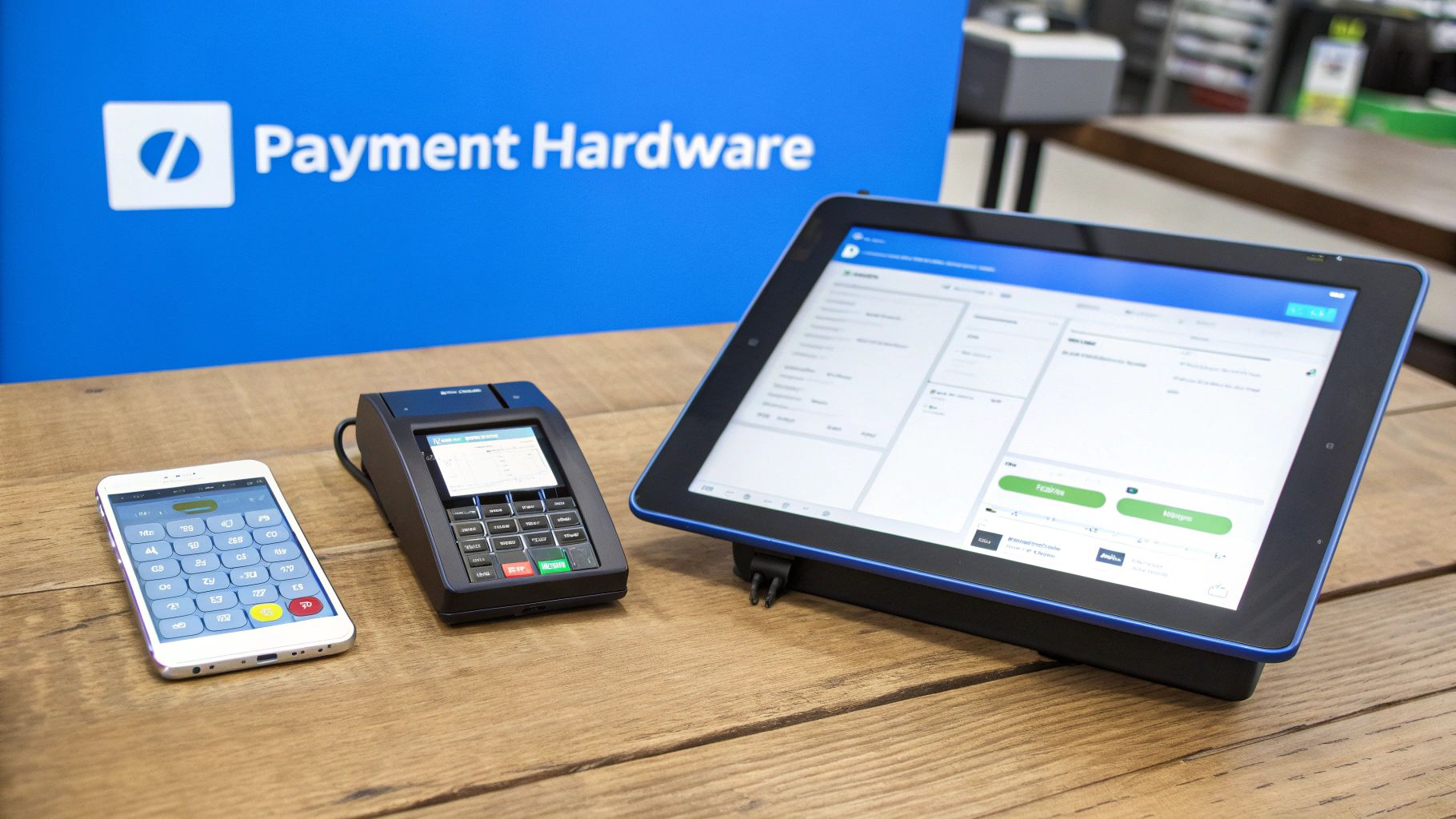
The payment hardware and software businesses choose should align closely with how transactions occur. Retail stores, restaurants, online businesses, and mobile service providers all have different operational requirements.
For in-person transactions, businesses commonly use countertop terminals, integrated POS systems, or mobile card readers. Countertop terminals are standard in traditional retail environments, while POS systems combine payment processing with inventory management, sales tracking, and customer analytics. Mobile card readers allow businesses to process payments using smartphones or tablets, making them ideal for food trucks, pop-up stores, and service professionals.
Online businesses require digital payment gateways instead of physical terminals. Payment gateways securely transmit card data between websites and payment processors. E-commerce platforms such as Shopify and WooCommerce often support integrated gateway solutions that simplify online checkout experiences.
Modern payment systems should also support advanced payment technologies such as EMV chip cards, contactless tap-to-pay transactions, Apple Pay, Google Pay, and digital wallets. Consumers increasingly expect these options because they provide faster and more convenient checkout experiences.
Security features are equally important. Businesses should prioritize systems that include end-to-end encryption, tokenization, fraud monitoring, and secure customer data handling. Payment security not only protects customers but also reduces liability exposure for the business itself.
PCI Compliance and Payment Security
Handling credit card payments requires strict adherence to security standards established by the Payment Card Industry Data Security Standard (PCI DSS). These standards are designed to protect sensitive cardholder information during processing, transmission, and storage.
PCI compliance involves maintaining secure payment systems, protecting customer data, and following approved operational procedures. Businesses that fail to comply with PCI standards may face penalties, increased fraud liability, and reputational damage.
Modern payment systems simplify compliance by using encrypted payment environments and tokenization technologies. Tokenization replaces sensitive card numbers with encrypted digital tokens, reducing the risk of data exposure during transactions.
Businesses can strengthen payment security by using PCI-certified hardware and software, avoiding storage of cardholder data, regularly updating payment systems, and training employees on secure payment handling procedures.
Small businesses often complete an annual PCI Self-Assessment Questionnaire to verify compliance status. Many processors also provide tools and guidance to help merchants maintain compliance more easily.
Security is no longer optional in digital commerce. Data breaches can severely damage customer trust and create significant financial liability. Investing in secure payment infrastructure is essential for both operational stability and long-term brand reputation.
Best Practices for Accepting Credit Cards
Before launching a new payment system, businesses should test all hardware, software, and transaction workflows thoroughly. Running test transactions helps verify that approvals, refunds, and fund deposits work properly.
Employee training is equally important. Staff members should understand how to process payments, handle refunds, address declined transactions professionally, and identify suspicious payment behavior. Poorly trained employees can create checkout delays and negatively impact customer experiences.
Businesses should also monitor payment analytics regularly. Understanding transaction trends, chargeback activity, peak sales hours, and payment method preferences helps optimize operations and identify growth opportunities.
Displaying accepted card network logos at entrances, checkout counters, and websites also improves customer confidence. Visible payment acceptance signals reassure customers that transactions will be smooth and secure.
As payment technologies continue evolving, businesses that adapt quickly often gain operational advantages. Faster checkout experiences, integrated loyalty systems, and mobile payment support increasingly influence customer satisfaction and retention.
How Biyo POS Helps Businesses Accept Credit Cards
Biyo POS provides businesses with an integrated payment and business management platform designed for modern commerce. The system combines payment processing, inventory tracking, analytics, reporting, and customer management into one streamlined solution.
With Biyo POS, businesses can accept credit cards, contactless payments, mobile wallets, and online transactions while maintaining secure PCI-compliant processing standards. The platform supports both in-store and online sales environments, allowing businesses to manage multiple sales channels from a centralized system.
Real-time reporting tools help businesses monitor transaction performance, track sales trends, and identify customer purchasing behaviors more effectively. Integrated inventory management also helps businesses maintain stock accuracy while improving operational efficiency.
By combining secure payment processing with advanced operational tools, Biyo POS helps businesses create smoother checkout experiences while gaining better visibility into overall business performance.
Frequently Asked Questions
Do businesses need a merchant account to accept credit cards?
Most businesses need either a traditional merchant account or an all-in-one payment service provider that includes merchant account functionality as part of the platform.
How long does it take to receive credit card payments?
Most processors deposit funds into business bank accounts within one to three business days after transactions are processed.
Can businesses accept international credit cards?
Yes. Most modern processors support international card payments, although additional cross-border processing or currency conversion fees may apply.
What is PCI compliance?
PCI compliance refers to security standards designed to protect cardholder data during payment processing. Businesses accepting card payments are generally required to follow PCI DSS guidelines.
What payment methods should modern businesses support?
Modern businesses should support EMV chip cards, contactless payments, mobile wallets like Apple Pay and Google Pay, and traditional card transactions to meet evolving customer expectations.