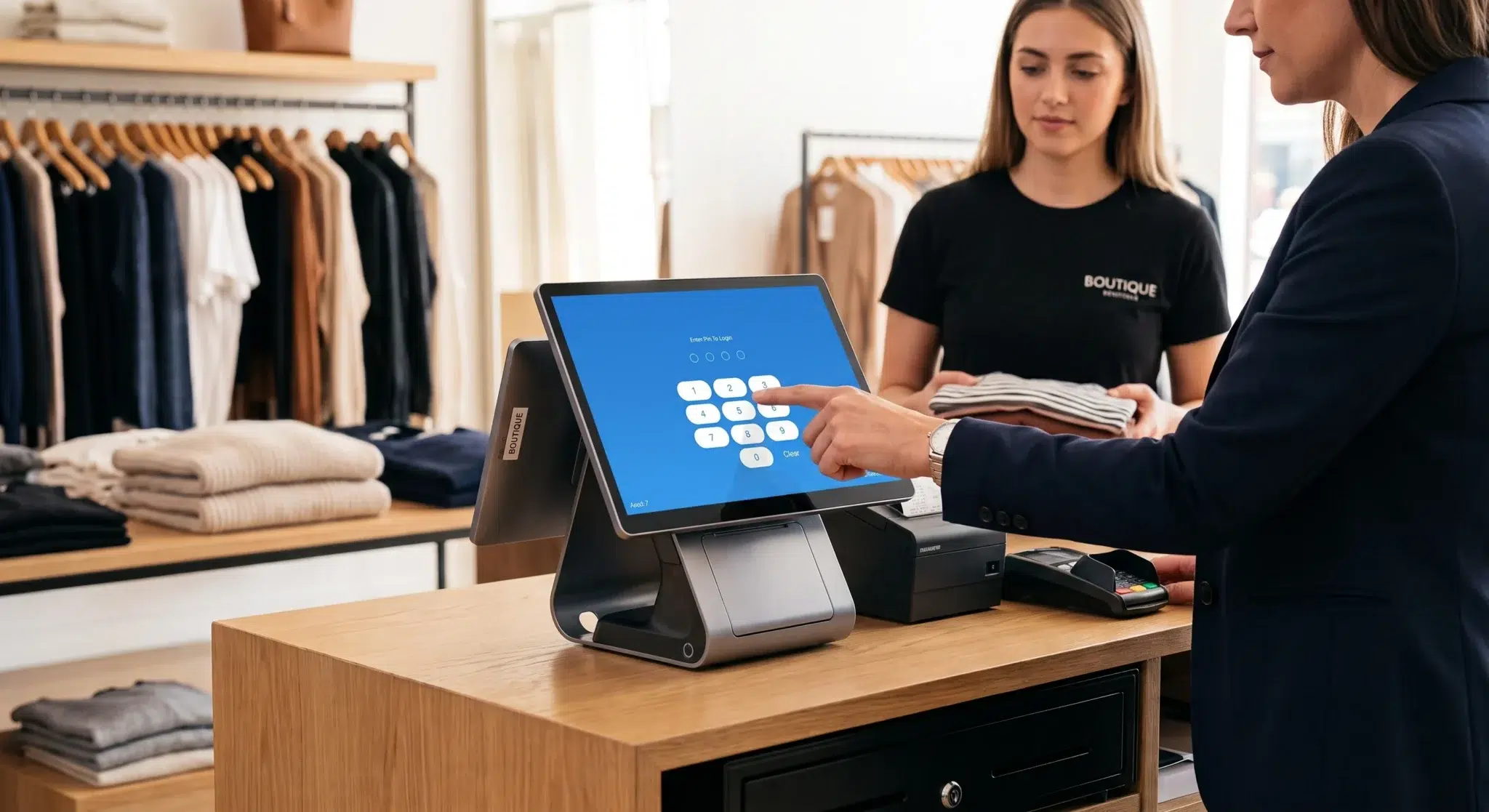
Inventory management sits at the heart of every successful retail store, restaurant, or service business. If you cannot accurately track what you sell, what you have in stock, and what you need to reorder, maintaining profitability and consistent customer satisfaction becomes extremely difficult. Many businesses still rely on manual counts, spreadsheets, and intuition to manage inventory. While those methods may work for very small operations, they quickly become inefficient and error-prone as a business grows.
This is where modern POS system inventory tracking completely changes how businesses operate. A point-of-sale system connected directly to your inventory database allows every transaction to automatically update stock levels in real time. Instead of manually reconciling inventory at the end of the day—or even worse, at the end of the week—business owners gain access to a constantly updated snapshot of product availability, purchasing trends, and stock movement.
Think of POS inventory tracking as the central nervous system of your business. Every sale, return, shipment, and stock adjustment instantly communicates with your inventory records. This removes guesswork and replaces it with live operational visibility. For businesses trying to scale efficiently, moving from manual inventory tracking to automated inventory management is no longer optional—it is essential.
Retail industry research consistently shows that businesses using automated inventory systems reduce stockouts, improve order accuracy, and increase operational efficiency significantly compared to businesses relying on manual methods. As customer expectations continue rising and competition becomes more aggressive, accurate inventory tracking has become one of the strongest competitive advantages a business can develop.
Table of Contents
- From Guesswork to Growth: The Real Impact of Smart Inventory Tracking
- From Barcode Scan to Business Insight: How It All Works
- What to Look For in a POS Inventory System
- How to Adapt Your POS Inventory Strategy for Your Business
- A Practical Guide to Setting Up Your System
- Using Inventory Data to Make Smarter Decisions
- How Biyo Helps Businesses Master POS Inventory Tracking
- Frequently Asked Questions
From Guesswork to Growth: The Real Impact of Smart Inventory Tracking
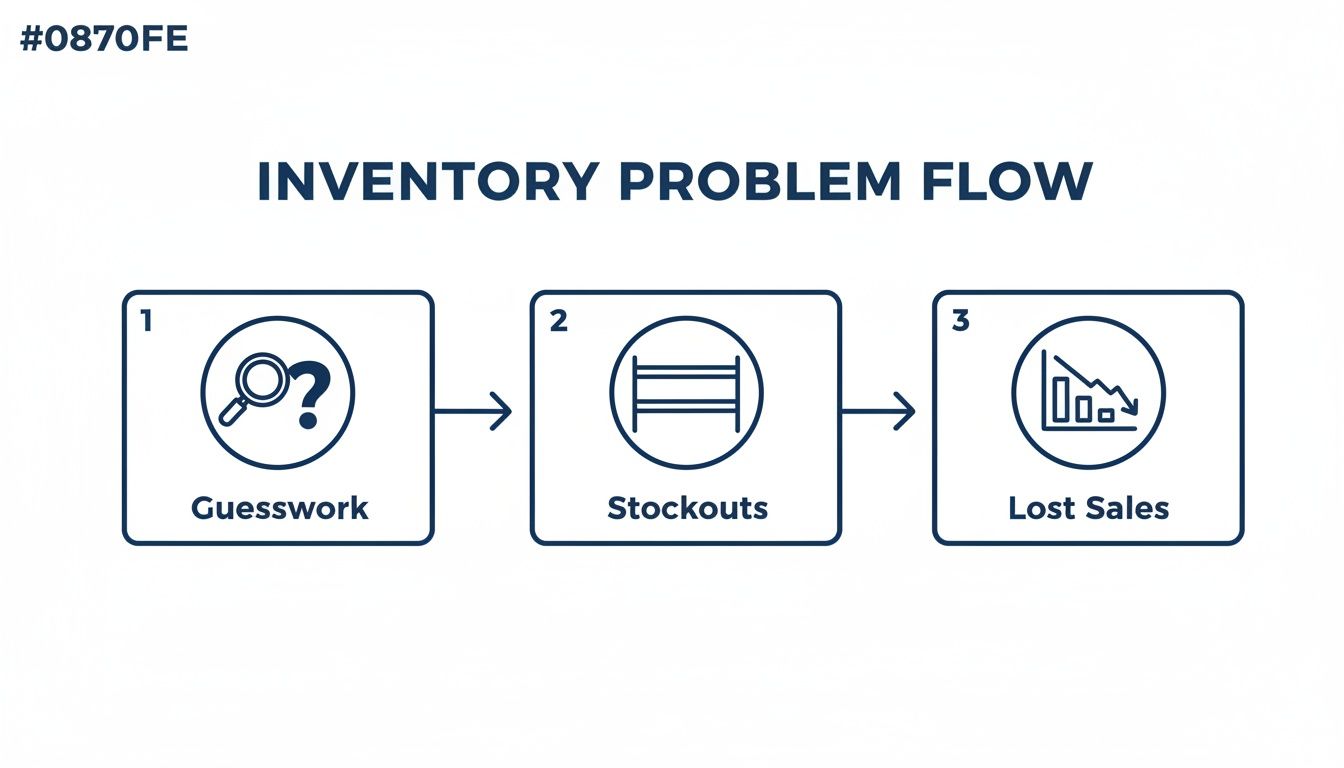
For years, many businesses have relied on spreadsheets, handwritten notes, and manual stock counts to manage inventory. Although these methods may appear inexpensive initially, they often create expensive operational problems over time. Manual inventory management increases the risk of stock discrepancies, delayed ordering, overstocking, and lost sales opportunities. As operations become larger and more complex, the weaknesses of manual tracking become impossible to ignore.
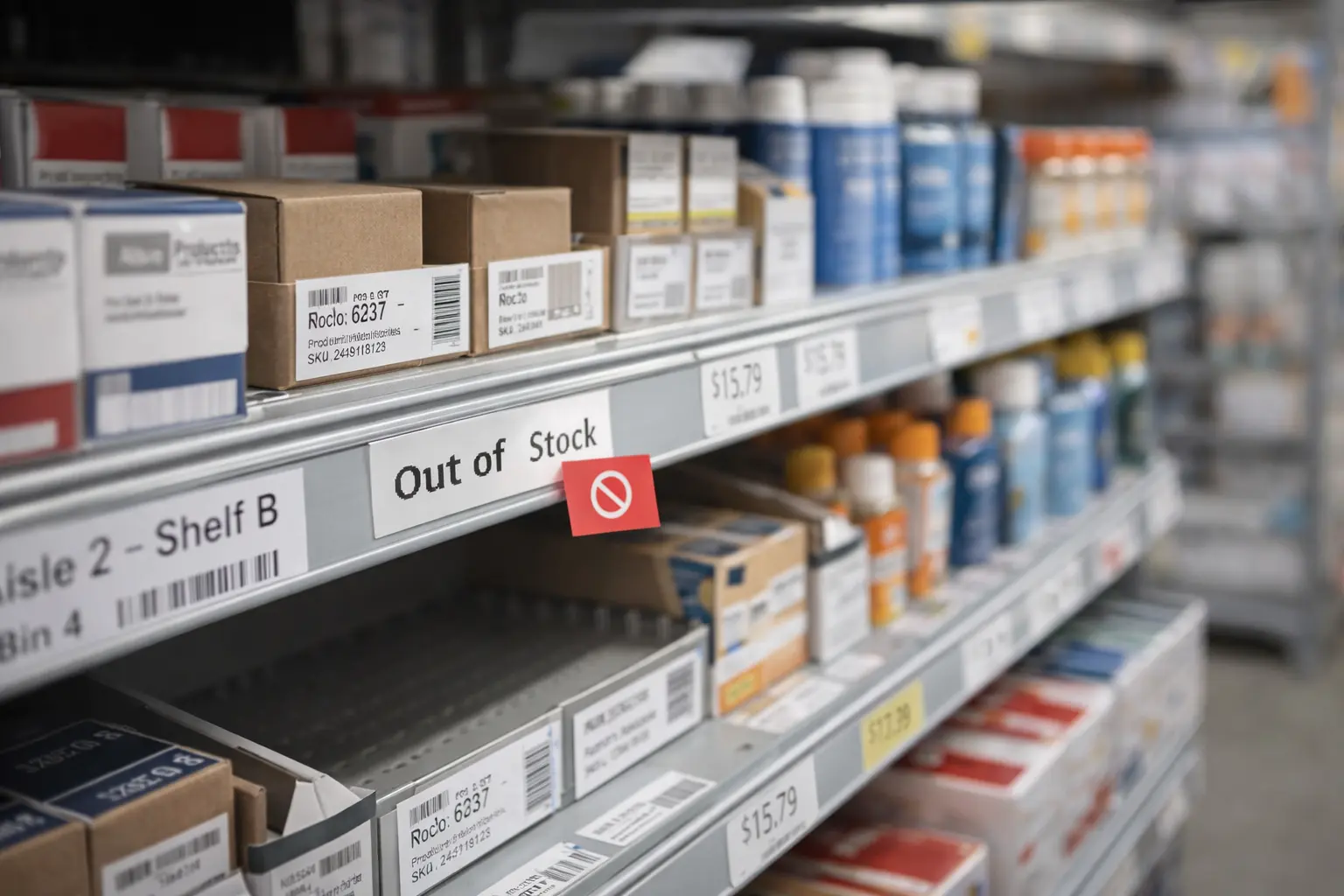
One of the biggest challenges businesses face without automated inventory tracking is balancing stock levels correctly. Running out of popular products results in immediate lost revenue and frustrated customers. At the same time, ordering too much inventory ties up cash in products sitting unused on shelves. This creates unnecessary storage costs, spoilage risks, and reduced cash flow flexibility.
Industry research highlights how serious inventory problems can become. According to global retail analytics studies, inventory distortion—including stockouts and overstocks—costs retailers trillions of dollars globally every year. Much of this loss occurs because businesses lack accurate, real-time visibility into their inventory levels.
Managing inventory manually is like trying to navigate a busy city using an outdated paper map. A modern POS inventory system works more like a live GPS, constantly updating your route using real-time information.
The Hidden Costs of Poor Inventory Management
Poor inventory control affects far more than product availability. It creates operational inefficiencies that slowly drain profitability across the business. Lost sales are one of the most visible problems. When customers ask for products that are unavailable, businesses not only lose immediate revenue but also risk losing future loyalty.
Excess inventory creates another major financial burden. Overstocked products occupy valuable storage space while tying up working capital that could otherwise be invested in marketing, staffing, or business growth. For restaurants and businesses dealing with perishable goods, overstocking often leads directly to waste and spoilage.
Manual inventory processes also consume valuable labor hours. Employees spend excessive time counting stock, updating spreadsheets, and correcting discrepancies instead of focusing on customer service and revenue-generating tasks. These inefficiencies compound over time and reduce overall operational productivity.
The Shift to Automated Precision
This is where a modern POS system inventory tracking solution creates a fundamental operational shift. By connecting inventory directly to every sale and stock movement, businesses gain accurate real-time visibility without relying on manual data entry.
Every transaction instantly updates inventory levels automatically. This allows managers to monitor stock availability continuously, identify fast-selling products, and make purchasing decisions based on actual sales data rather than assumptions.
Businesses using integrated inventory systems frequently report major reductions in stockouts while improving customer satisfaction and operational efficiency. Instead of reacting to inventory problems after they occur, businesses can proactively prevent them.
More importantly, automated inventory tracking creates confidence. Managers can make purchasing and forecasting decisions using reliable data rather than relying on intuition or delayed reports. This creates stronger financial control and supports long-term growth planning.
From Barcode Scan to Business Insight: How It All Works
At first glance, POS inventory tracking appears simple. A cashier scans an item, and inventory updates automatically. Behind the scenes, however, the system is performing several coordinated actions that transform everyday transactions into valuable operational intelligence.
The process begins with assigning every product a unique identifier known as a Stock Keeping Unit, or SKU. Each product variation receives its own SKU, allowing the system to track individual sizes, colors, flavors, or configurations independently. For example, a medium black t-shirt and a large white t-shirt would each have separate inventory records.
When an employee scans a barcode during checkout, the POS system instantly retrieves the product record associated with that SKU. The transaction processes normally, but simultaneously the inventory count decreases automatically in real time. If two units are sold, the system subtracts two units immediately.
This live synchronization between sales and inventory eliminates the delays and errors commonly associated with manual inventory management. Businesses always know exactly how much stock remains available at any given moment.
Modern systems also track returns, exchanges, stock transfers, and incoming shipments. This means inventory levels remain continuously accurate across every operational process, not just sales transactions.
What to Look For in a POS Inventory System
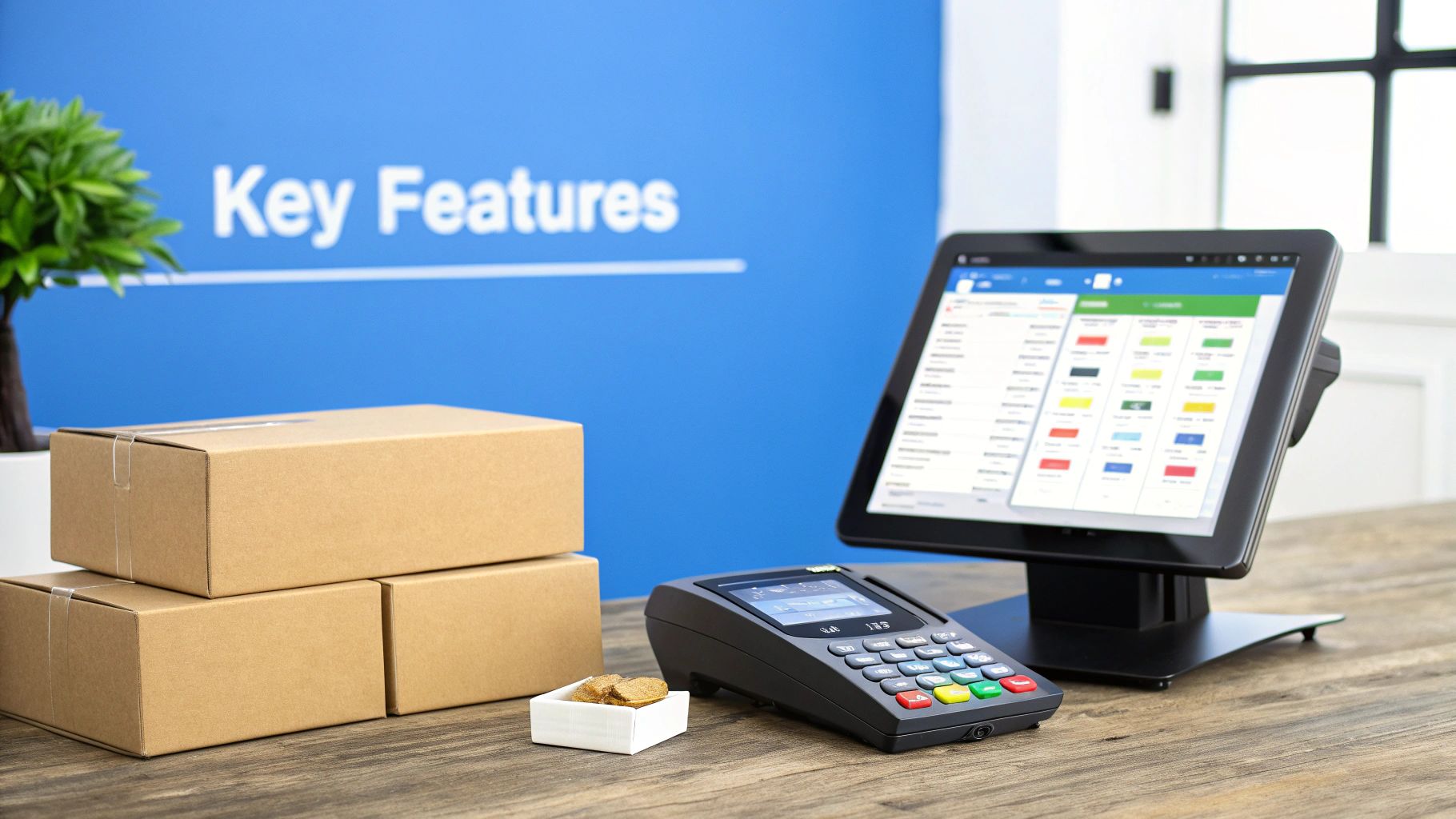
Not all POS inventory systems offer the same capabilities. Basic systems may only track product quantities, while more advanced solutions provide deep operational intelligence that supports forecasting, purchasing, and multi-location management.
Multi-Location Inventory Management
Businesses operating across multiple stores or warehouses need centralized inventory visibility. Multi-location inventory management allows businesses to monitor stock levels, transfers, and sales activity across all locations from a single dashboard.
This centralized control improves operational coordination while reducing stock imbalances between locations. Businesses can transfer inventory more efficiently and prevent individual locations from running out of popular products unnecessarily.
Automated Reorder Alerts
Automated low-stock alerts help businesses avoid costly stockouts. Managers can define reorder thresholds for each product, and the system automatically generates notifications when inventory falls below those levels.
This ensures replenishment occurs before inventory runs out completely. Automated reorder systems are especially valuable for fast-moving products and businesses with fluctuating seasonal demand.
Industry-Specific Tracking Features
Different industries require different inventory management capabilities. Restaurants often need ingredient-level tracking and recipe management, while retailers may require product variant tracking for sizes, colors, and styles.
Service businesses such as salons or repair shops frequently track consumable products used during appointments or services. The ideal POS inventory system should adapt to the operational requirements of the business rather than forcing businesses into rigid workflows.
Offline Functionality and Reporting
Reliable POS systems should continue operating even during internet outages. Offline mode ensures businesses can continue processing transactions while automatically syncing data once connectivity returns.
Advanced reporting tools are equally important. Sales velocity reports, inventory turnover metrics, and product profitability analytics help businesses make smarter purchasing and pricing decisions based on real operational data.
How to Adapt Your POS Inventory Strategy for Your Business
Successful inventory management requires adapting POS workflows to fit the specific operational realities of each industry. Different businesses face different inventory challenges, and the best strategies reflect those differences.
Retail Inventory Management
Retail businesses must constantly adjust inventory levels based on changing customer demand, seasonal shopping behavior, and product trends. POS analytics help retailers identify bestselling products, forecast demand spikes, and reduce slow-moving inventory.
Historical sales data allows businesses to prepare more accurately for holidays, promotions, and seasonal fluctuations. Retailers can also identify underperforming products earlier and make pricing or purchasing adjustments before inventory becomes excessive.
Restaurant Inventory Management
Restaurants face unique inventory challenges because many ingredients are perishable. Ingredient-level tracking allows restaurants to monitor usage patterns, control food costs, and minimize waste.
Recipe-based inventory tracking automatically deducts ingredient quantities when menu items are sold, providing accurate visibility into food consumption and purchasing requirements. This improves profitability while reducing spoilage and unnecessary overordering.
Service Business Inventory Management
Service businesses often combine appointments or labor services with retail product sales. Salons, spas, and repair businesses benefit from inventory systems that track both retail inventory and consumables used during services.
This allows businesses to calculate more accurate service costs while maintaining proper stock levels for retail sales and operational supplies simultaneously.
A Practical Guide to Setting Up Your System
Implementing a new POS inventory tracking system requires careful preparation to ensure accurate long-term performance.
Migrating Product Data
Most modern POS platforms allow businesses to import inventory databases using spreadsheet uploads. This simplifies migration from legacy systems and reduces setup time significantly.
Businesses should organize product categories, SKU information, supplier data, and pricing details before importing records into the new system.
Performing an Initial Inventory Count
A complete physical inventory count establishes accurate baseline quantities for the system. Although time-consuming initially, this step is essential because future inventory accuracy depends entirely on starting with correct data.
Configuring Inventory Rules
Managers should configure reorder thresholds, inventory categories, tax settings, and user permissions carefully during setup. Proper configuration ensures the system supports operational workflows efficiently.
Staff Training and Operational Consistency
Employee training is critical for maintaining inventory accuracy over time. Staff members must understand how to process sales correctly, handle returns, receive shipments, and adjust inventory responsibly.
Consistent operational procedures reduce human error and ensure inventory records remain reliable.
Using Inventory Data to Make Smarter Decisions
One of the greatest advantages of modern POS systems is their ability to transform raw transaction data into actionable business intelligence.
Analyzing Product Performance
Sales reports and inventory turnover metrics help businesses identify which products generate the strongest revenue and which products underperform. This insight allows managers to optimize product assortments and improve profitability.
Businesses can also identify seasonal purchasing patterns and customer preferences more accurately using historical inventory data.
Forecasting Future Demand
Demand forecasting becomes far more accurate when businesses use real transaction data rather than estimates. Historical sales patterns help businesses predict inventory requirements for holidays, promotions, and peak seasons.
Improved forecasting reduces both stockouts and excessive overstocking, creating healthier cash flow management.
Optimizing Operational Efficiency
Inventory data also improves purchasing efficiency, storage planning, and supplier management. Businesses gain better visibility into purchasing cycles and can negotiate more effectively with vendors using accurate operational data.
Over time, these small operational improvements compound into significant financial and productivity gains.
How Biyo Helps Businesses Master POS Inventory Tracking
Modern inventory management requires more than basic stock counting. Businesses need integrated systems capable of providing accurate data, operational automation, and actionable insights simultaneously. Biyo POS helps businesses achieve that level of control through advanced inventory management tools designed for modern operations.
Biyo POS provides real-time inventory tracking, automated reorder alerts, multi-location inventory management, and detailed analytics dashboards that help businesses reduce inefficiencies and improve operational visibility.
Businesses can monitor product performance, manage inventory across multiple locations, and identify purchasing trends directly from a centralized platform. Automated synchronization between transactions and inventory records ensures businesses always maintain accurate stock visibility.
Companies interested in improving inventory management workflows can create a Biyo account or explore how the platform supports operational efficiency and long-term business growth.
Frequently Asked Questions
What is POS inventory tracking?
POS inventory tracking is a system that automatically updates inventory quantities whenever sales, returns, stock transfers, or inventory adjustments occur. This creates accurate real-time inventory visibility.
Why is inventory management important?
Effective inventory management prevents stockouts, reduces overstocking, improves cash flow, and helps businesses maintain consistent customer satisfaction while maximizing profitability.
Can POS systems manage inventory across multiple locations?
Yes. Many modern POS systems provide centralized inventory management across multiple stores, warehouses, and online sales channels from a single dashboard.
How does a POS system reduce stockouts?
POS systems use automated low-stock alerts and reorder thresholds to notify managers when products need replenishment before inventory runs out completely.
What businesses benefit from POS inventory tracking?
Retail stores, restaurants, grocery stores, salons, pharmacies, and service businesses all benefit from automated inventory tracking because it improves operational accuracy and efficiency.
Is POS inventory tracking useful for small businesses?
Absolutely. Small businesses often benefit significantly because automated inventory systems reduce manual workload while providing better visibility into sales trends and purchasing needs.
How accurate are modern POS inventory systems?
When properly configured and maintained, modern POS inventory systems can achieve inventory accuracy levels above 95%, greatly reducing operational errors and inventory discrepancies.