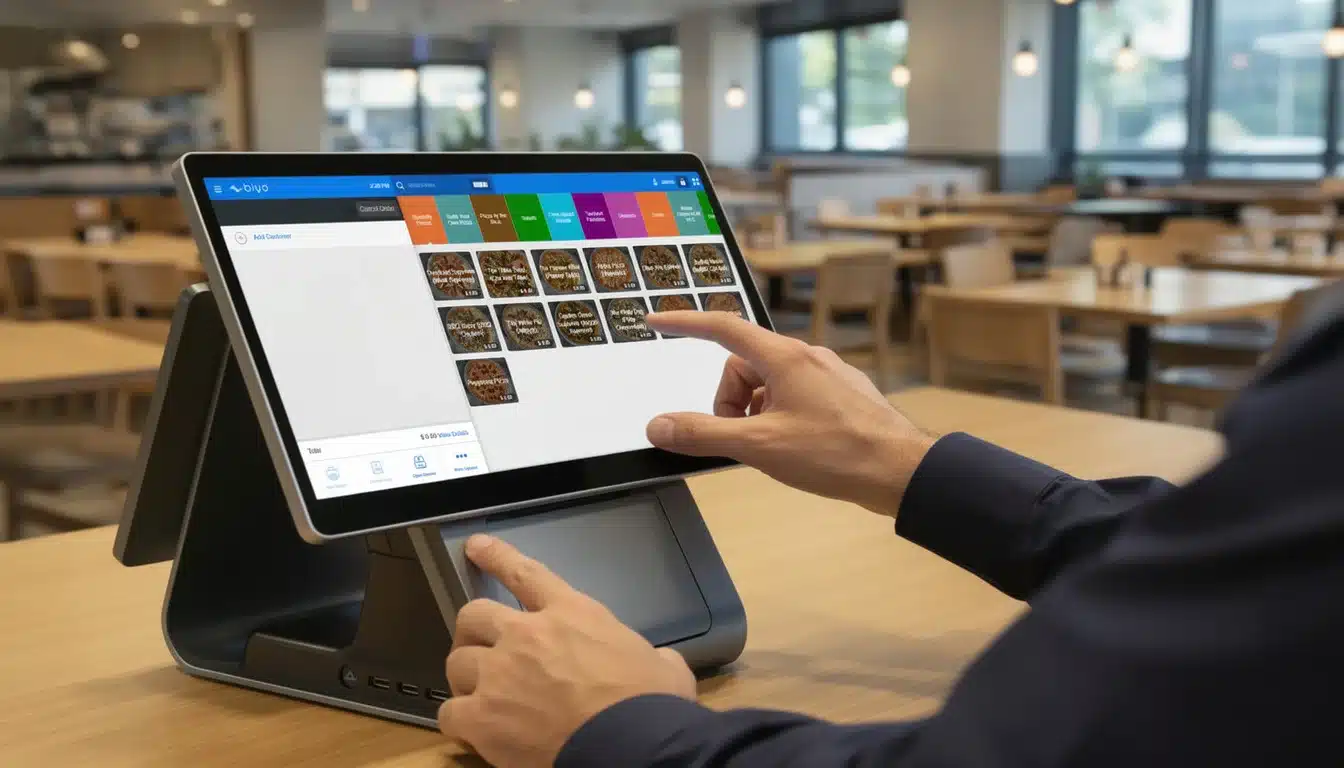
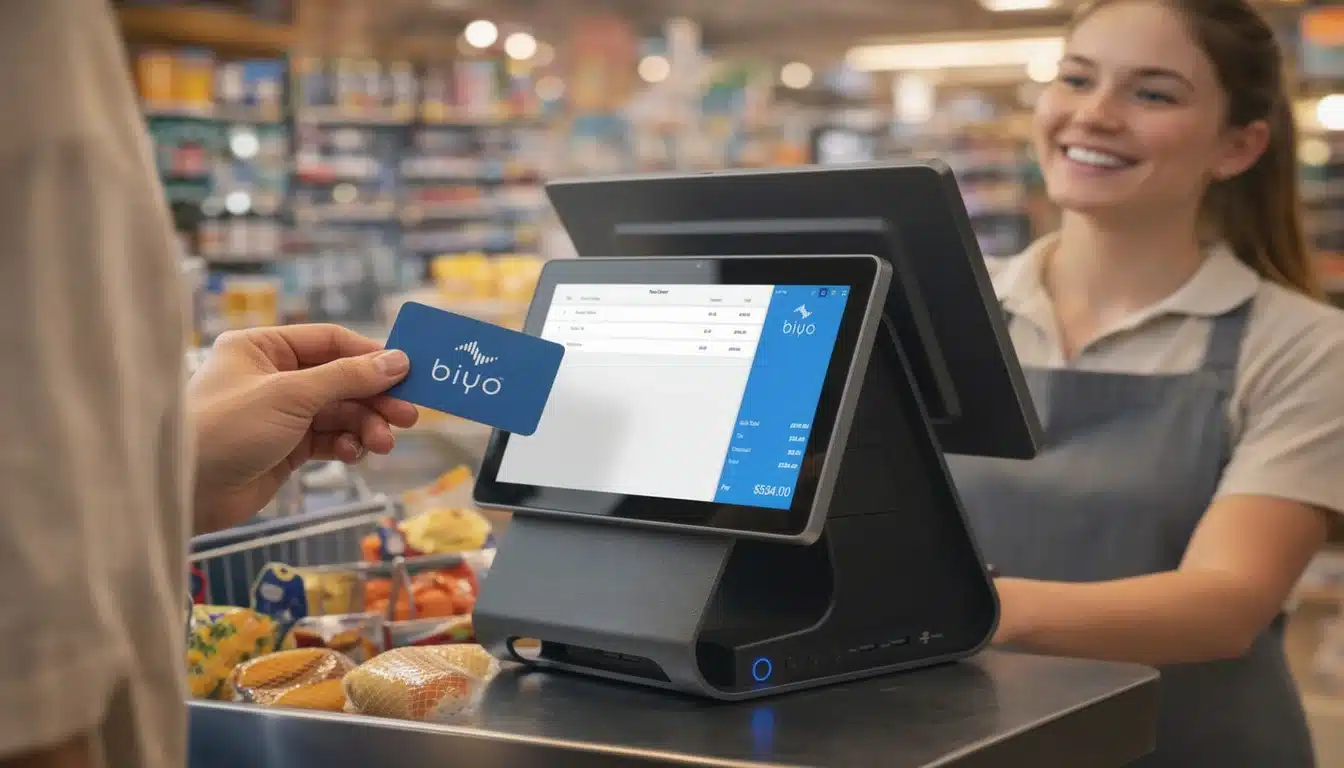
A POS system inventory management solution does something pretty brilliant: it turns your point of sale from a simple cash register into the command center for your entire stock. Every time you make a sale, the system automatically adjusts your inventory levels in real time.
This connection gives you a live, accurate picture of what's on your shelves, what's in the stockroom, and what's running low. It pulls you out of the world of guesswork and tedious manual counts. Honestly, it's the central nervous system for any modern retail shop or restaurant.
Moving Beyond Manual Counts with POS Inventory Management
Think about the daily grind of manual inventory tracking. It's a constant cycle of guessing what to reorder, getting lost in spreadsheets for hours, and that sinking feeling when a customer wants a popular item that's unexpectedly sold out. That old-school, reactive approach is stressful and incredibly inefficient.
This is where a point of sale system with built-in inventory management completely changes the game. Inventory control stops being a separate, dreaded chore and becomes a seamless, automatic part of your daily sales. When an item is scanned and sold, it's instantly deducted from your digital stock records. No extra steps, no delays.
The Shift from Guesswork to Data
This instant feedback loop is the foundation for making much smarter business decisions. The moment you ditch the clipboards and manual entry, the benefits start rolling in.
- Real-Time Accuracy: You know exactly what you have on hand at any given moment. This puts an end to frustrating "out-of-stock" signs and disappointed customers.
- Reduced Labor Costs: Imagine all the staff hours you'll get back. No more mind-numbing physical counts or endless data entry.
- Minimized Human Error: It's easy to make mistakes with manual counts—a misplaced order or a simple typo can lead to real financial losses. Automation eliminates that risk.
- Improved Sales: Keeping your best-sellers in stock means you never miss a sale. This directly boosts your revenue and keeps customers happy.
A study found that a staggering 43% of small businesses either don't track inventory at all or still use a manual method. That's a huge window for errors and lost money, and it’s a problem a good POS system solves from day one.
By automating this crucial function, your transaction terminal becomes a source of powerful business intelligence. To see just how deep the rabbit hole goes, it's worth exploring a guide on multi-channel inventory management software to understand the broader possibilities. This shift isn't just about saving time; it's about building a more resilient, profitable, and data-smart business from the ground up.
How POS Inventory Management Actually Works
So, what’s happening under the hood?
Think of your POS inventory management system as a hyper-organized digital stockroom manager. Every single item you sell, from a coffee mug to a bottle of shampoo, gets its own unique identifier—usually a barcode or a Stock Keeping Unit (SKU). This manager knows exactly how many of each item you have, where it came from, and precisely when you're about to run out.
When a customer comes to the counter, the magic happens. The moment that barcode is scanned, your POS doesn't just ring up the price. It simultaneously tells your digital manager, "Hey, one of these just walked out the door." In that instant, your central inventory count for that specific product drops by one.
This is the heart of the system: a perfect, real-time link between your sales floor and your stockroom. There's no delay and no need for someone to manually update a spreadsheet later.
The image below really captures the shift from the old way of doing things—relying on gut feelings and tedious manual counts—to the clean, automated workflow of a modern POS.
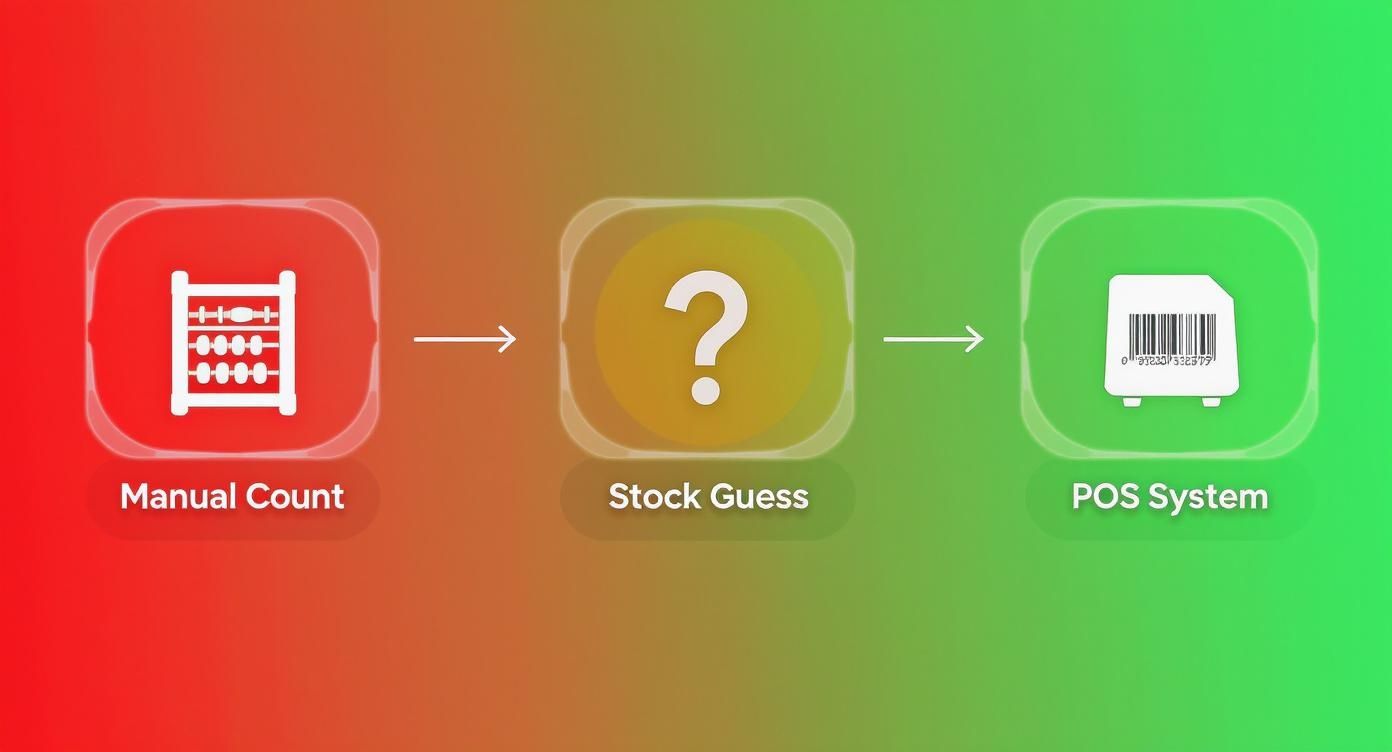
As you can see, it’s about moving from high-risk guesswork to reliable, data-driven control over your most valuable asset: your stock.
The Core Components of the System
This whole process isn't overly complicated. It just relies on a few key parts working together seamlessly. Getting a handle on these components will demystify how your raw sales data becomes powerful business insight.
These are the essential building blocks:
- Product Database: This is your command center. It’s a complete catalog of every item you carry, holding all the crucial details like the product name, SKU, supplier info, your cost, and the selling price. A clean, well-maintained database is the foundation for everything else.
- Sales Transaction Logging: Every time you make a sale, process a return, or do an exchange, the POS records it as a distinct event. It logs what was sold, how many, and when. This log is the direct trigger for every inventory change.
- Real-Time Data Synchronization: This is where the real power lies. The instant a sale is logged, the system pings the product database to update the stock levels. If you run a multi-location business or an online store, this sync ensures your inventory numbers are accurate and consistent everywhere, all at once.
A Practical Workflow Example
Let's make this real. Imagine you run a small boutique and just got a delivery of 50 popular scented candles.
- Receiving Stock: Your employee grabs a barcode scanner tied to the POS and scans one of the candles. They punch in "50" as the quantity received. Instantly, the system updates the product database, and your on-hand count for that candle jumps by 50.
- Making a Sale: A customer loves the scent and buys two. The cashier scans both at the register. The POS records the sale and, in that same moment, deducts two units from your inventory. The database now shows you have 48 left.
- Low-Stock Alert: Weeks ago, you set a low-stock alert for this candle at 10 units. As sales continue, you eventually sell the 38th candle. The moment the count hits 10, the system flags it. It might send you an email or even queue up a draft purchase order to re-stock from your supplier, all without you lifting a finger.
This simple cycle—receive, sell, reorder—is completely transformed. What used to be a reactive, time-draining chore becomes a proactive, automated strategy. It’s how you make sure you always have what your customers want, exactly when they want it.
Manual vs POS Automated Inventory Workflow
Switching from a clipboard to a POS system isn't just a minor upgrade; it's a fundamental change in how you manage your business day-to-day. The table below breaks down the stark differences in a typical inventory workflow.
| Workflow Step | Manual Inventory Management | POS Inventory Management |
|---|---|---|
| Receiving Stock | Manually check delivery against paper invoice. Update spreadsheet or notebook. High chance of human error. | Scan barcodes to receive shipment. Inventory levels update automatically and accurately across the system. |
| Tracking Sales | Relies on staff to remember or tally sales. Stock levels are only updated at the end of the day or week. | Every sale automatically and instantly deducts the item from inventory. Real-time accuracy. |
| Identifying Shrinkage | Difficult to pinpoint theft or loss. Discrepancies are only found during infrequent, massive stocktakes. | Regular cycle counts and real-time data make it easy to spot inconsistencies between records and physical stock. |
| Generating Reports | Requires manually compiling data from multiple sources. Reports are often outdated by the time they are created. | Generate instant, up-to-the-minute reports on sales velocity, stock turnover, and profitability with a few clicks. |
| Reordering | Based on visual checks ("we look low") or guesswork. Prone to overstocking or stockouts. | Automated low-stock alerts and data-driven reorder suggestions based on actual sales trends. |
The takeaway is clear: automation doesn't just save time, it introduces a level of precision and strategic insight that is nearly impossible to achieve with manual methods.
Getting the Most Out of Your POS Inventory Features
Your POS system's inventory management is much more than a simple digital stock list. It’s a powerful command center packed with features that give you granular, proactive control over your products. These tools are the engine that drives your entire inventory strategy, helping you move from putting out fires to making smart, data-backed decisions.
The absolute bedrock of any good system is real-time tracking. Think of it as a live, breathing picture of every single item you carry. The moment a latte is sold, a dress is purchased online, or an onion is used in a recipe, the count updates instantly everywhere. This puts an end to the classic nightmare of selling an item online that you just sold to a customer in your store.
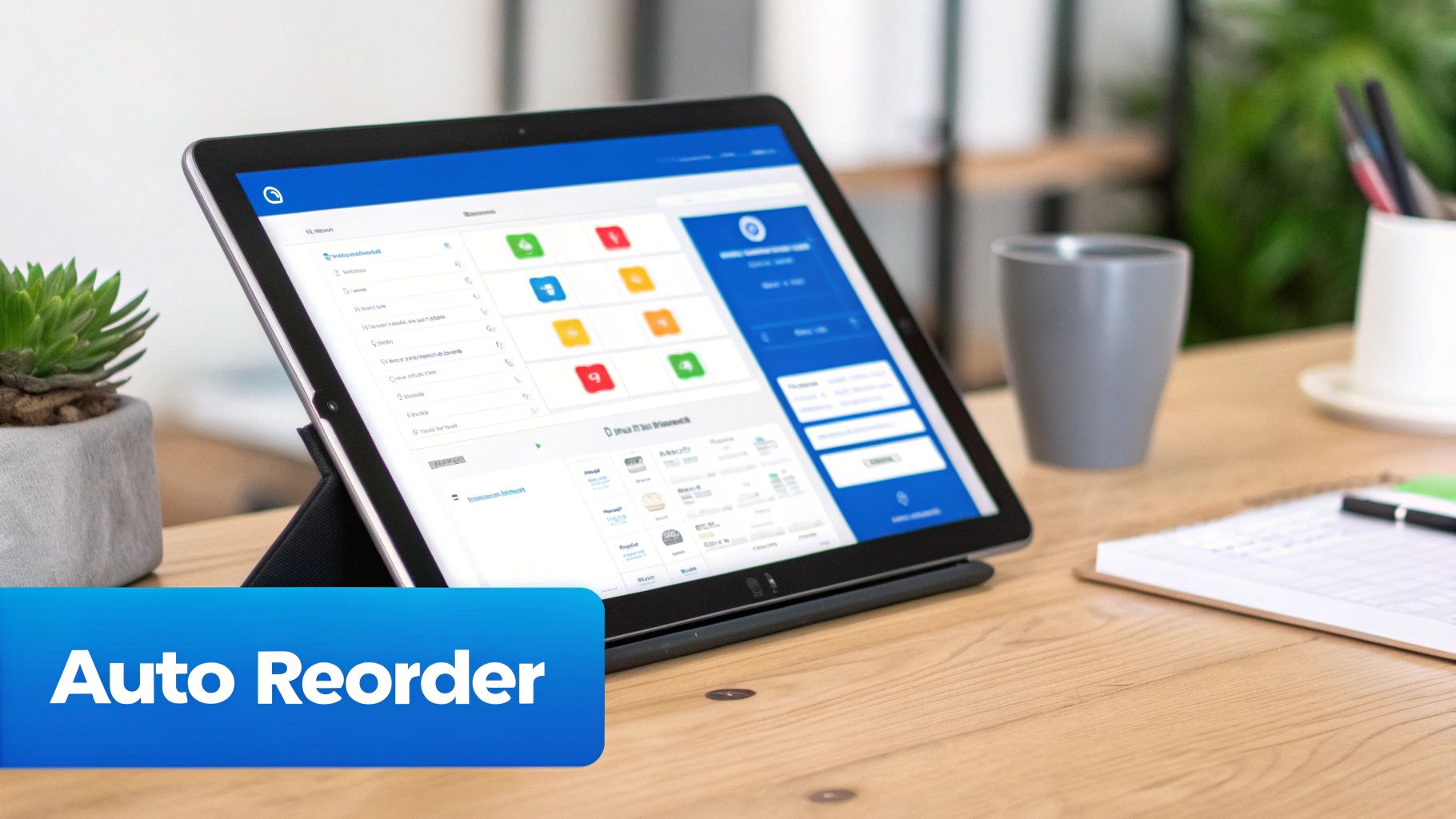
This kind of accuracy has a huge ripple effect. For instance, businesses that implement real-time inventory updates often see a 20% jump in customer satisfaction. Why? Because you drastically reduce those frustrating "out of stock" moments that can tarnish your reputation and send customers to a competitor.
Automated Alerts and Reordering
This is where the magic really happens. You can finally ditch the manual stock checks and gut-feel ordering by letting your POS automate the purchasing workflow. You simply set the rules, and the system does the rest, turning a reactive chore into a proactive, hands-off strategy.
It's a straightforward process:
- Set Reorder Points: For every product, you decide on a minimum stock level—your "reorder point." This is the number that tells the system it's time to restock.
- Get Low-Stock Alerts: When an item’s count hits that magic number, you get an automatic alert via email or right on your POS dashboard.
- Automate Purchase Orders: Many modern systems go one step further and automatically generate a draft purchase order with the right supplier and quantity, just waiting for your final approval.
This simple automation means you’ll never run out of your bestselling IPA on a Friday night or your most popular sandwich bread during the lunch rush. It's like having a hyper-vigilant assistant who does nothing but watch your inventory levels 24/7. To learn more about what to look for, check out our guide on the best retail POS software with built-in inventory management.
Integrated Supplier Management
A great POS also brings all your vendor relationships under one roof. Forget about juggling messy spreadsheets, old emails, and sticky notes with phone numbers. You can store every bit of supplier information right where you need it.
This isn't just a digital address book. It's a bridge that connects your inventory needs directly to your suppliers, making the entire ordering process seamless.
With all your supplier info integrated, you can:
- Link specific products to their main vendors.
- Keep contact details, lead times, and pricing in one place.
- Create and email purchase orders without leaving your POS.
- Monitor order statuses from the moment you send them to the moment they arrive.
This integration is a massive time-saver and drastically cuts down on ordering mistakes. When a low-stock alert pops up, reordering becomes a quick, two-click task instead of a multi-step headache.
Multi-Location Inventory Management
If you run more than one shop, you know how quickly inventory management can spiral out of control. A top-tier POS gives you a unified, bird's-eye view of your stock across every single location. You see what each store has, but you also see your total company-wide inventory at a glance.
This opens up some powerful strategic moves. Is your downtown location running low on a hot-selling item? A quick look at the system might show that your suburban store has plenty. You can then easily initiate a stock transfer, saving a sale at one location while preventing an unnecessary purchase order. It’s the key to maintaining consistency and efficiency as your business grows.
How Different Businesses Win with POS Inventory
A POS system with built-in inventory management isn't some rigid, one-size-fits-all solution. Its real magic comes to life when it's put to work solving the unique, day-to-day headaches of different industries. From a busy retail shop to a cozy cafe, the right system adapts to your specific world, turning operational chaos into a real strategic advantage.
The core value is its flexibility. A clothing boutique has to track thousands of distinct items, while a restaurant needs to manage the perishable ingredients that make up a single dish. A good POS handles both, giving you the kind of tailored control that directly boosts your bottom line.
Retail: Revolutionizing Your Shelf Space
For any retail business, success is a numbers game—more specifically, a SKU game. Trying to manually manage thousands of individual products, from different t-shirt sizes to various tech accessories, is a recipe for disaster. A POS system inventory management solution is what separates the pros from the amateurs.
It lets you get a real grip on your store by helping you:
- Spot Your Winners and Losers: Instantly see which products are flying off the shelves and which ones are just collecting dust. This data is gold for optimizing your merchandising and deciding which items deserve that prime spot at the front of the store.
- Handle All Those Variations: Easily keep track of items with multiple attributes like size, color, or style. This is how you avoid the classic frustration of having a mountain of extra-smalls but being completely sold out of larges.
- Make Stocktakes a Breeze: Use barcode scanners to run quick cycle counts, making sure the numbers in your system actually match what's on your sales floor and in the backroom.
This is what a clean, organized product catalog looks like inside the system—it’s the foundation for really effective inventory control.
When your products are laid out this clearly, you can easily pull up sales trends and stock levels. Your POS becomes the central command for making smarter merchandising decisions.
Restaurants: Mastering Your Plate Costing
In the restaurant world, inventory is a completely different animal. You aren't just selling a finished product; you're selling a combination of ingredients that go bad. This is where recipe management, a core feature in any decent food service POS, becomes your best friend.
When a customer orders a burger, the system doesn't just deduct "one burger." It automatically subtracts the precise weight of the ground beef patty, one bun, two slices of cheese, and a specific handful of lettuce from your raw ingredient stock. This level of detail is a game-changer for controlling food costs and slashing spoilage—two of the biggest profit killers in the business. For a deeper dive, our guide on a restaurant inventory management system lays out more of these strategies.
By tracking ingredients down to the gram and slice, restaurants can calculate the exact cost of every single plate they serve. This is how you set menu prices that guarantee you're making money on every order.
Even mobile kitchens depend on this. Think about it—understanding the nitty-gritty of equipping a food truck shows just how critical this kind of inventory control is for succeeding in a tiny, fast-paced space.
Service Businesses: Balancing Products and Professionals
Service-based businesses like hair salons, spas, or auto repair shops have a really interesting inventory puzzle to solve. They’re managing two completely different types of stock: retail products they sell to customers and professional-use products they consume during the service itself.
A powerful POS inventory system helps them nail this by:
- Keeping Stock Types Separate: It knows the difference between a bottle of shampoo sold to a client and the same shampoo used by a stylist at the washing station. This simple separation prevents professional supplies from being accidentally counted as retail stock you can sell.
- Tracking What's Used in a Service: The system can link specific services to the products they consume. When a "deep conditioning treatment" is finished, the POS automatically deducts the right amount of product from your professional-use inventory.
- Running a Smart Retail Operation: For the products on their shelves, they get all the benefits of a traditional retailer—they can track best-sellers, set low-stock alerts, and make sure they never run out of a client's favorite brand.
This dual-tracking ability is crucial. It lets service businesses accurately calculate the true cost of providing each service while simultaneously running a profitable retail shop on the side.
Turning Inventory Data into a Growth Engine
Your POS system is so much more than a digital cash register. With every sale, it's quietly collecting a treasure trove of data. The real magic happens when you learn how to read that data—it’s the difference between just managing stock and turning your inventory into a strategic asset that actually drives growth.
This is about moving beyond simple stock counts and into the world of smart analytics, where hard data, not guesswork, informs every single purchasing decision you make.

It’s a fundamental shift in the questions you ask. Instead of just wondering, "How many do we have left?" you start asking, "How fast is this item really selling?" or "Which products are my true profit-makers?" A modern POS system inventory management solution is built to answer these questions with total clarity.
Making Sense of Key Inventory Reports
Think of your inventory reports as a regular health checkup for your business. They show you the vital signs of your stock, highlighting what's selling well, what’s gathering dust, and where you can make immediate improvements. Getting comfortable with a few key reports is the first step to making smarter, more profitable decisions.
These are the reports that truly matter:
- Sales Velocity Report: This is your speed gauge. It tells you exactly how quickly specific products are flying off the shelves. Use it to identify your best-sellers so you never run out, and to pinpoint the slow-movers that are tying up precious cash and space.
- Inventory Turnover Ratio: This metric calculates how many times you sell through your entire stock in a set period. A high turnover rate is a great sign—it means your products are in demand. A low rate, on the other hand, can be a red flag for overstocking or slumping sales.
- Profit Margin Analysis: Here’s where you see what's actually making you money. This report breaks down the profitability of every single item, letting you see your high-margin heroes and your low-margin duds at a glance. It gives you the power to adjust pricing or rethink your purchasing strategy on the spot.
By checking these reports regularly, you graduate from a reactive, "gut-feel" style of management to a proactive, data-driven strategy. You stop guessing what your customers want and start knowing, based on cold, hard sales facts.
The New Frontier: AI and Predictive Forecasting
The next big leap in inventory management is already here, and it's powered by artificial intelligence. Today’s best POS systems are moving beyond just looking at past sales; they’re using that data to make incredibly accurate predictions about the future. Imagine knowing, with a high degree of confidence, which products are going to be hot next month.
AI-powered systems don't just analyze your sales history. They layer in other crucial factors—like seasonal trends, upcoming holidays, and even local events—to forecast future demand. It’s a game-changer compared to traditional methods.
The impact is huge. By 2025, AI integration is expected to completely reshape inventory practices. AI-driven platforms can now predict demand patterns with a precision that slashes stockouts by up to 42%. The industry is taking notice; in fact, 89% of businesses with modern POS systems are already using predictive analytics to handle their inventory replenishment.
This predictive power helps you:
- Stock Up Smarter: Order the right amount of product for an upcoming holiday or big sale, minimizing the risk of having too much or, even worse, running out.
- Launch Targeted Promotions: If the system predicts a slow period for a certain item, you can roll out a timely promotion to boost sales and clear out that stock.
- Optimize Your Cash Flow: By buying only what you're very likely to sell, you keep cash free for other parts of your business instead of having it locked up in stagnant inventory.
By taking advantage of these advanced tools, you can explore a range of inventory forecasting techniques to see what works best for you. Your inventory stops being a liability and becomes what it should be: a dynamic, strategic tool for building sustainable growth.
Setting Yourself Up for Long-Term Success
Picking the right POS system inventory management software is a big win, but the real magic happens during implementation. If you want to get the most out of your investment, you need a solid game plan from day one. Let's walk through the steps to make sure your new system becomes an engine for growth, not a source of constant headaches.
There's a reason the global point of sale software market is expected to be worth around $13.53 billion by 2025. This stuff works. A huge driver of that growth comes from cloud-based systems, which roughly 74% of businesses now prefer for their real-time tracking and easy updates. The trend is clear: these tools are becoming non-negotiable for running a modern business. If you're curious about the numbers, you can discover more insights about POS statistics.
Nailing the Initial Setup
A great implementation starts with a clean slate. Before you import anything, you have to get your product data organized. Think of it like clearing out and sweeping a messy stockroom before you install brand-new shelving. A little prep work now saves you from a world of chaos later.
This first phase is all about accuracy:
- Standardize Your Product Data: Go through your product list and make sure every single item has a unique SKU, a clear description, the correct cost and price, and up-to-date supplier info. Messy, inconsistent data is the number one reason these systems fail.
- Do a Full Physical Count: This is the big one. You need to do a wall-to-wall count of every single item in your possession. This count becomes the starting point—the "ground zero"—for your entire system. If it's wrong, everything that comes after will be wrong, too.
Your POS system is only as smart as the information you feed it. Garbage in, garbage out. A meticulous initial setup is the single most important investment you can make for long-term inventory success.
Training Your Team to Be Consistent
Once your system is loaded with clean data, it's time to turn your attention to your people. You can have the best tool in the world, but it’s worthless if your team doesn't use it correctly every single time. Everyone, from the cashier to the stockroom manager, needs to understand how their actions affect the inventory numbers.
You need to establish simple, repeatable processes for the most common tasks:
- Receiving New Stock: Show your team how to use scanners to check in shipments. This gets new inventory logged into the system the moment it hits the door, not hours or days later.
- Ringing Up Sales and Returns: Stress the importance of scanning every item. This is how the system knows what's been sold. The same goes for returns—a proper return process ensures that item goes right back into your available stock count.
- Tracking Waste and Spoilage: This is crucial for restaurants and cafes. Create a dead-simple way for staff to log items that are spoiled, dropped, or wasted. Without this data, your food cost reports are just a guess.
Staying Accurate with Ongoing Checks
Okay, the system is set up and the team is trained. You're not done yet. To keep your inventory data trustworthy, you have to build auditing into your regular routine. This prevents tiny errors from snowballing into massive discrepancies down the line.
The best way to do this is with cycle counts.
Instead of shutting everything down for a massive, painful annual inventory count, cycle counting involves checking small sections of your inventory on a rotating schedule. You might count all your coffee beans one week, your dairy the next, and your paper goods after that. This turns inventory management into a quick, manageable task that constantly fine-tunes your data and keeps your system humming along accurately.
Frequently Asked Questions
It's natural to have questions when you're digging into POS system inventory management. Whether you're considering a new system or just want to get more out of the one you have, getting good answers is crucial. Let's tackle some of the most common questions that pop up.
We'll cover everything from the basic differences between system types to the specific needs of different industries, giving you the clarity you need to make the right call.
What's the Real Difference Between POS Inventory and a Standalone System?
The biggest difference boils down to one word: integration. A POS inventory system is woven directly into your sales. The second a customer buys something, your stock levels update automatically. It's instant and happens without you lifting a finger.
A standalone system, on the other hand, lives in its own little world. You have to manually punch in your sales figures to update your inventory. This not only creates a delay but also opens the door to costly human errors. The integrated POS gives you a live, accurate picture of what you have on hand, moment by moment.
Can a POS System Actually Track Ingredients for a Restaurant?
You bet it can. In fact, this is one of its most valuable features for any restaurant, cafe, or bar. The magic behind this is a feature often called recipe management.
It works by letting you break down every dish on your menu into its individual ingredients. So, when a customer orders a burger, the system doesn't just see "one burger sold." It automatically subtracts one beef patty, one bun, and two slices of cheese from your stock. This level of detail is a game-changer for managing food costs and cutting down on waste.
How Hard Is It to Set Up a POS Inventory Management System?
Let's be honest—the initial setup is where you'll put in the most work. It’s a one-time effort that pays off for years to come. The process mainly involves two big steps: getting all your product data into the system and doing a full physical count of everything you have.
You'll need to round up things like SKUs, supplier details, costs, and prices for every single item. The good news? Most modern cloud-based systems are built to make this as painless as possible, often with tools like bulk CSV uploads and step-by-step setup guides to walk you through it.
What Is Cycle Counting and Why Should I Care?
Cycle counting is a much smarter way to keep your inventory accurate. Instead of shutting everything down once a year for a massive, painful stocktake, you count small sections of your inventory on a rotating schedule. For example, you might count all your t-shirts this week and all your hats next week.
Why is this so important? Because it keeps your data clean and reliable all year long. It helps you spot problems like theft, breakage, or receiving errors early, not months later. Plus, it's way less disruptive than a full-blown physical count, letting you maintain accuracy without bringing your business to a halt.
Ready to turn your inventory chaos into a well-oiled machine? Biyo POS offers a powerful, all-in-one solution that makes real-time tracking, automated reordering, and insightful reporting genuinely simple. Stop guessing and start knowing with a system built for growth. Get started with your free trial today!