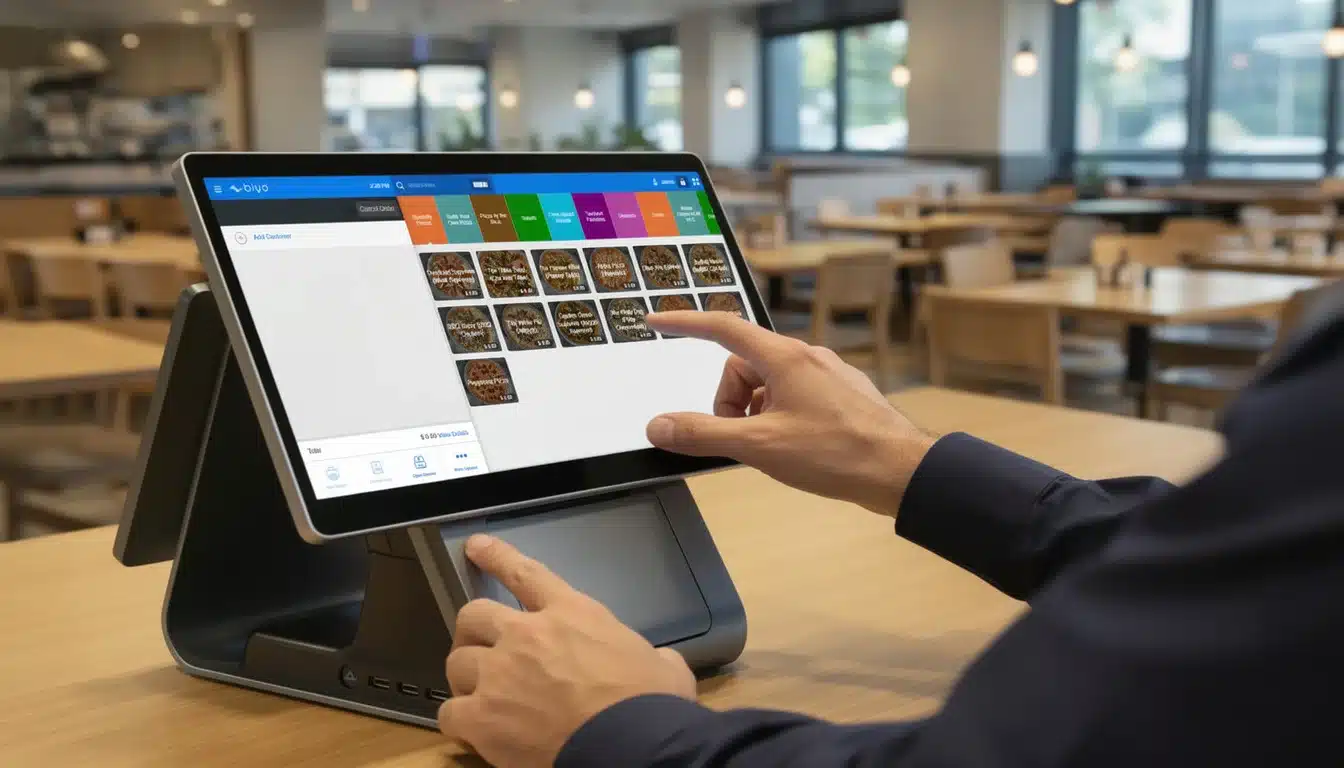
A modern cafe point of sale system is no longer just a transaction tool. It is your operational control center. It connects revenue, labor, inventory, customer behavior, and reporting into one synchronized system. When implemented correctly, it becomes the backbone of decision-making and long-term profitability.
Independent cafes typically operate on net profit margins between 5% and 15%. That means small inefficiencies—slow checkout, inaccurate orders, waste, or poor staffing—can quietly destroy profitability. A properly configured POS system reduces friction at every revenue point while improving operational visibility.
Why Modern Cafes Run on POS Systems
Traditional cash registers were built to store money and print receipts. Modern cafes require speed, data, and automation.
- High-speed order entry
- Multi-modifier customization
- Integrated payments
- Real-time inventory
- Labor tracking
- Advanced analytics
During peak hours, cafes may process 60–120 transactions per hour. If checkout slows by even 10 seconds per order, you reduce serving capacity dramatically.
Revenue Loss Example
Assume:
- Average ticket: $9
- Peak capacity: 80 transactions/hour
If inefficiency reduces throughput by 10%, you lose 8 transactions/hour.
8 × $9 = $72 lost per peak hour.
Over 300 peak days annually: $21,600 lost revenue.
Speed is not convenience. It is revenue capacity.
Traditional Cash Register vs Modern Cafe POS
| Feature | Traditional Register | Modern Cafe POS |
|---|---|---|
| Transaction Speed | Manual entry | Touch-based rapid modifiers |
| Inventory | Manual counts | Real-time ingredient deduction |
| Payments | Cash + separate terminal | Integrated tap, chip, wallet |
| Reporting | Daily totals | Hourly + product + labor insights |
| CRM | None | Customer tracking & loyalty |
The global restaurant POS market is projected to grow from $18.5B in 2025 to nearly $57B by 2035, reflecting demand for smarter, connected operations.
7 Must-Have Features for a Cafe POS System
1. High-Speed Custom Order Entry
Cafes deal with complex modifiers: milk swaps, extra shots, syrups, size upgrades. Your POS should minimize taps and eliminate confusion between cashier and barista.
2. Integrated Payment Processing
Modern systems must support:
- Tap-to-pay
- Mobile wallets
- Chip & PIN
- Gift cards
- Split payments
Integrated payments reduce reconciliation errors and speed up service.
3. Real-Time Inventory Tracking
Food service shrinkage averages 3–7% annually. Ingredient-level tracking prevents silent losses.
Each latte deducts:
- 1 espresso shot
- 10 oz milk
- 1 cup & lid
Multiply that by 300 drinks daily and precision matters.
4. Labor Reporting
Labor accounts for 25–35% of cafe revenue. A strong POS tracks:
- Sales per labor hour
- Average ticket by employee
- Peak staffing optimization
5. CRM & Loyalty
If loyalty increases customer visits by 1 extra time per month:
$9 average ticket × 12 months = $108 additional revenue per regular.
Multiply by 200 regulars = $21,600 annual uplift.
6. Online Ordering Sync
Digital ordering now contributes 20–30% of revenue in many urban cafes. Integration prevents manual entry errors and inventory mismatch.
7. Margin & Menu Analytics
Revenue is meaningless without margin visibility.
Example:
- Latte price: $6
- Cost: $1.80
- Gross margin: $4.20
Your POS should identify high-margin vs low-margin items.
Advanced Capabilities That Drive Growth
Menu Engineering
Every item falls into one category:
- Stars (high margin, high volume)
- Puzzles (high margin, low volume)
- Plowhorses (low margin, high volume)
- Dogs (low margin, low volume)
Modern POS reporting automatically categorizes performance.
Integration Ecosystem
- Accounting software
- Payroll tools
- Marketing platforms
- Supplier ordering
Reducing double entry reduces administrative hours and errors.
Choosing the Right Hardware for Your Space
Tablet vs Stationary Terminals
Tablet systems provide mobility and line-busting. Stationary systems offer durability and structured workflow.
The global mobile POS market exceeds $49B, with tablet systems dominating hospitality environments.
Essential Hardware
- Touchscreen terminal
- Secure cash drawer
- Thermal receipt printer
- Integrated payment terminal
- Optional kitchen display system
A Practical Framework for Selecting Your POS
Start By Assessing Your Cafe’s Unique Needs
- Daily volume
- Menu complexity
- Counter space
- Service style
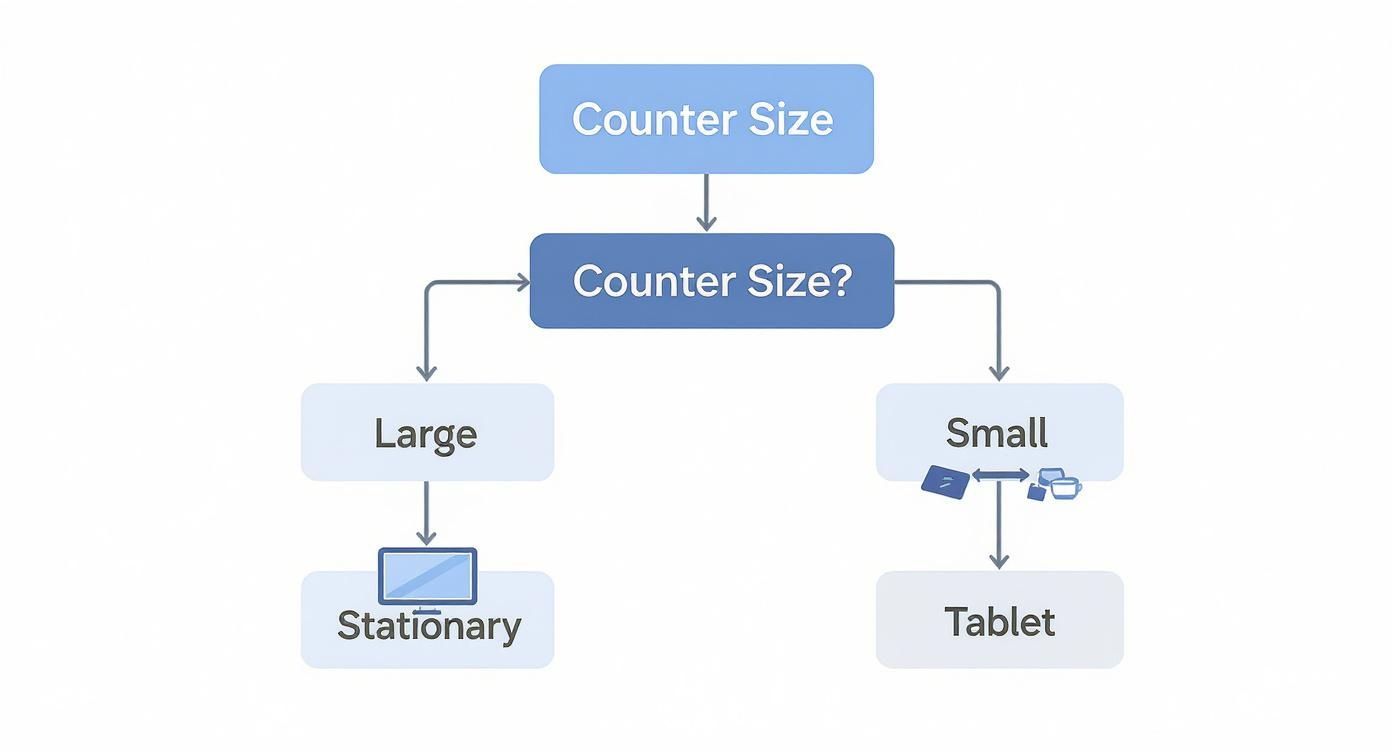
This infographic illustrates how space constraints and workflow determine whether tablet or stationary systems make sense.
Cost Breakdown Comparison
| Cost Component | Subscription Model | Upfront Model |
|---|---|---|
| Initial Cost | Low | High |
| Monthly Fee | Recurring | Minimal |
| Updates | Included | May cost extra |
Total Cost Example
$300,000 annual card volume × 2.6% processing = $7,800.
Even 0.2% rate difference = $600 annually.
Cloud vs Legacy POS
Cloud systems provide:
- Remote access
- Automatic updates
- Multi-location sync
- Reduced server risk
Legacy systems limit flexibility and scalability.
Budget Expectations
- Hardware: $1,000–$2,000
- Software: $80–$150/month
- Processing: 2–3%
Even modest efficiency improvements typically deliver ROI within months.
Frequently Asked Questions
How quickly can staff learn it?
Most modern touchscreen systems require under one hour for basic competency.
Is offline mode necessary?
Yes. Internet outages should never stop sales.
What KPIs should I monitor daily?
- Revenue
- Average ticket
- Labor %
- Top items
- Refund rate
Build a Smarter Cafe with Biyo POS
Biyo POS delivers high-speed ordering, inventory control, loyalty tools, and advanced analytics in one unified platform designed specifically for cafes.
Reduce waste. Increase revenue capacity. Make smarter decisions.