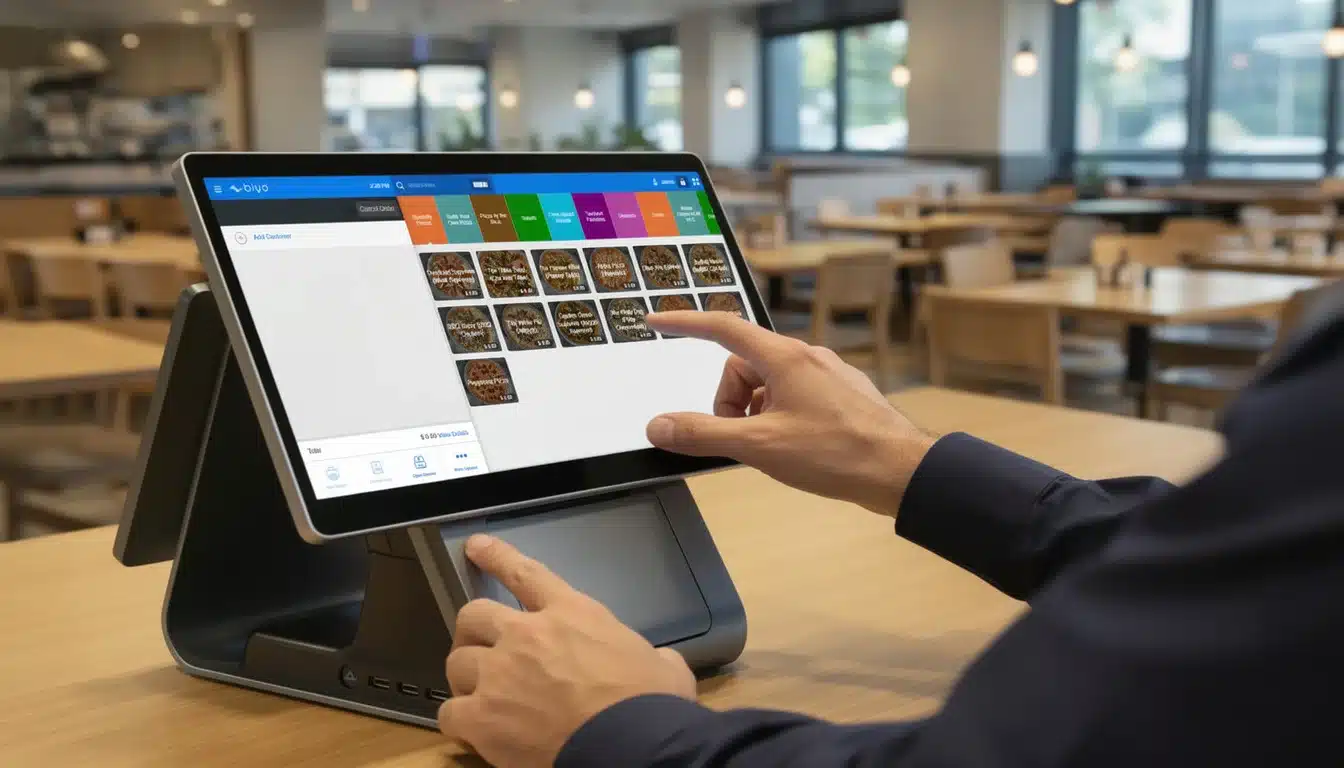
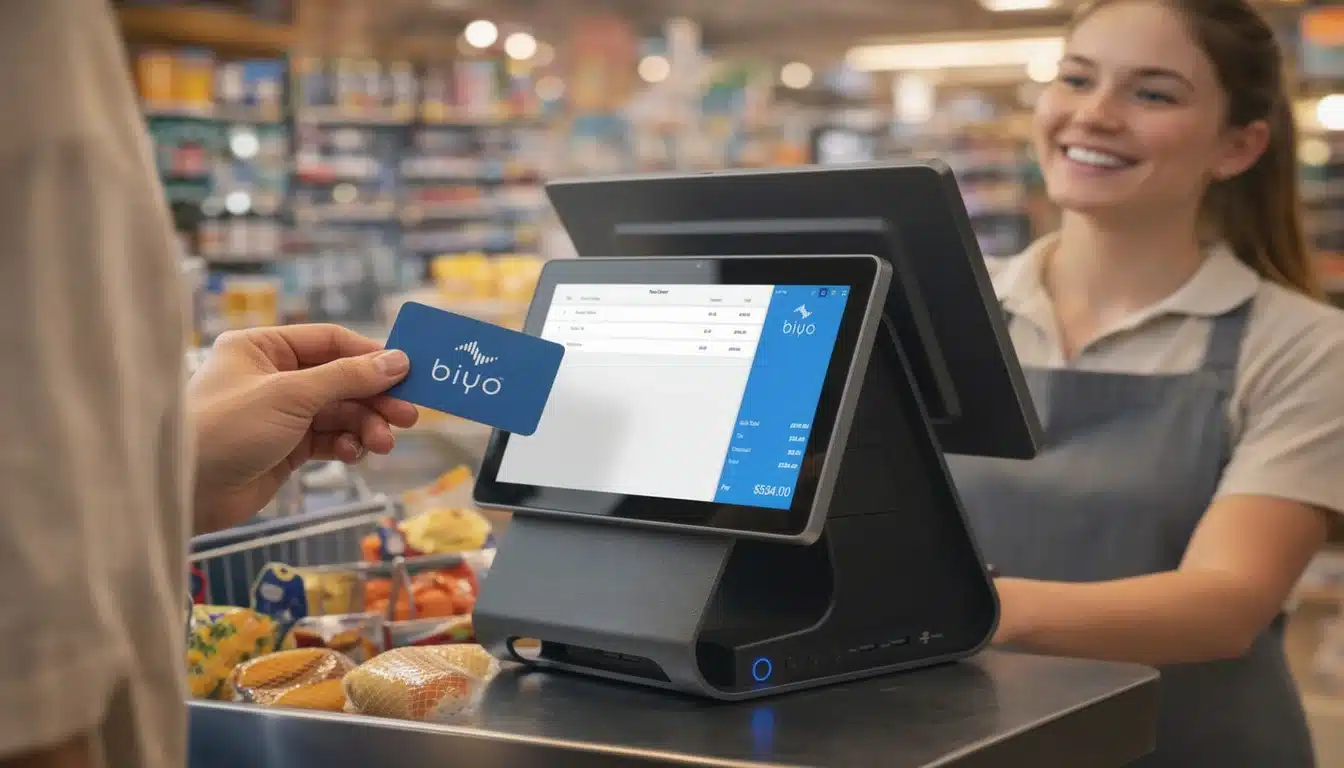
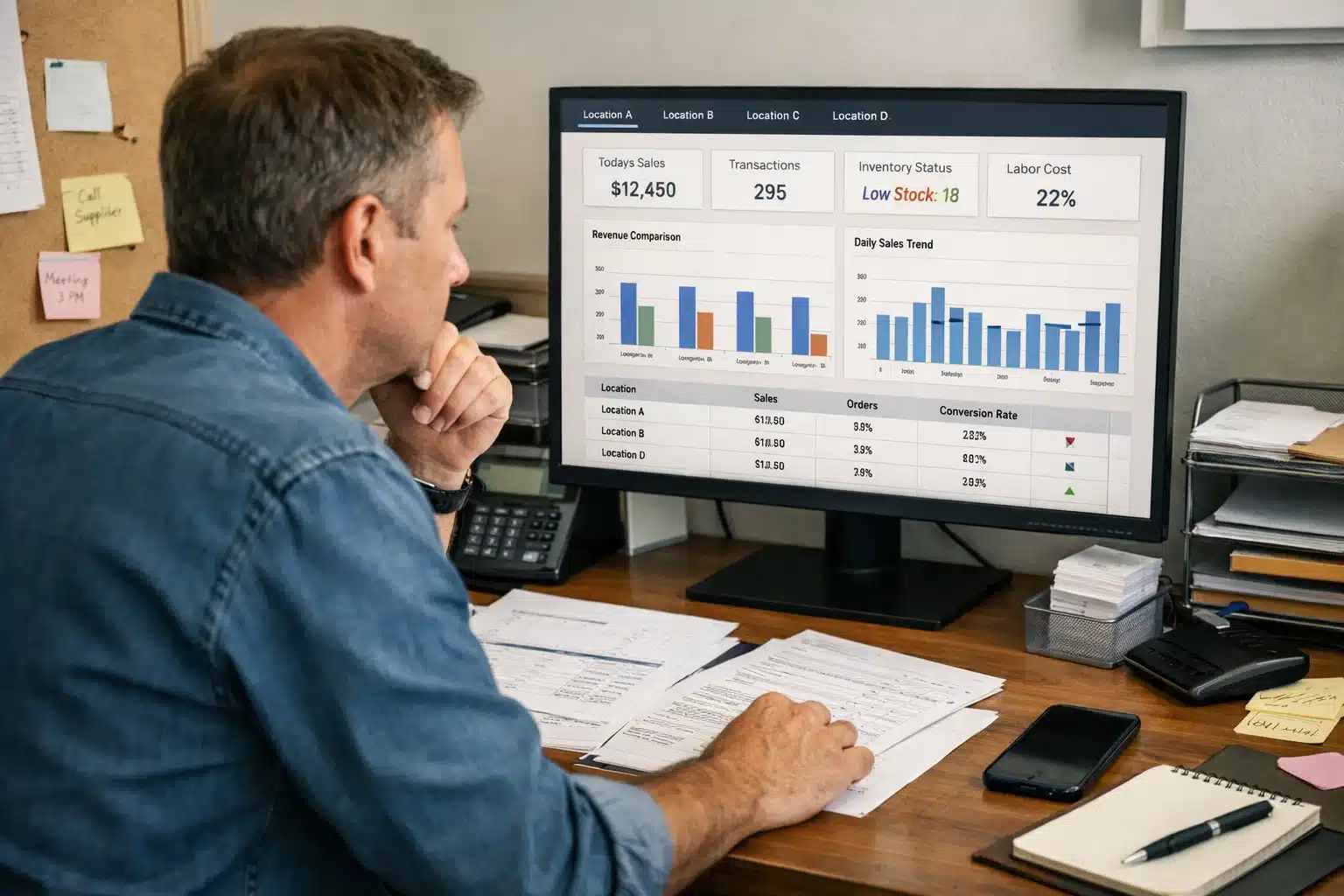
At its most basic, a point of sale (POS) system is the place where a customer pays for goods or services. Think of it as the modern, supercharged version of a cash register. It’s a combination of hardware and software working together to not only process a transaction but also to capture critical business data in that single moment.
When a customer makes a purchase, the hardware takes in the sale details, and the software processes everything instantly. That simple exchange becomes a treasure trove of business intelligence.
What Is a POS System and How Does It Work
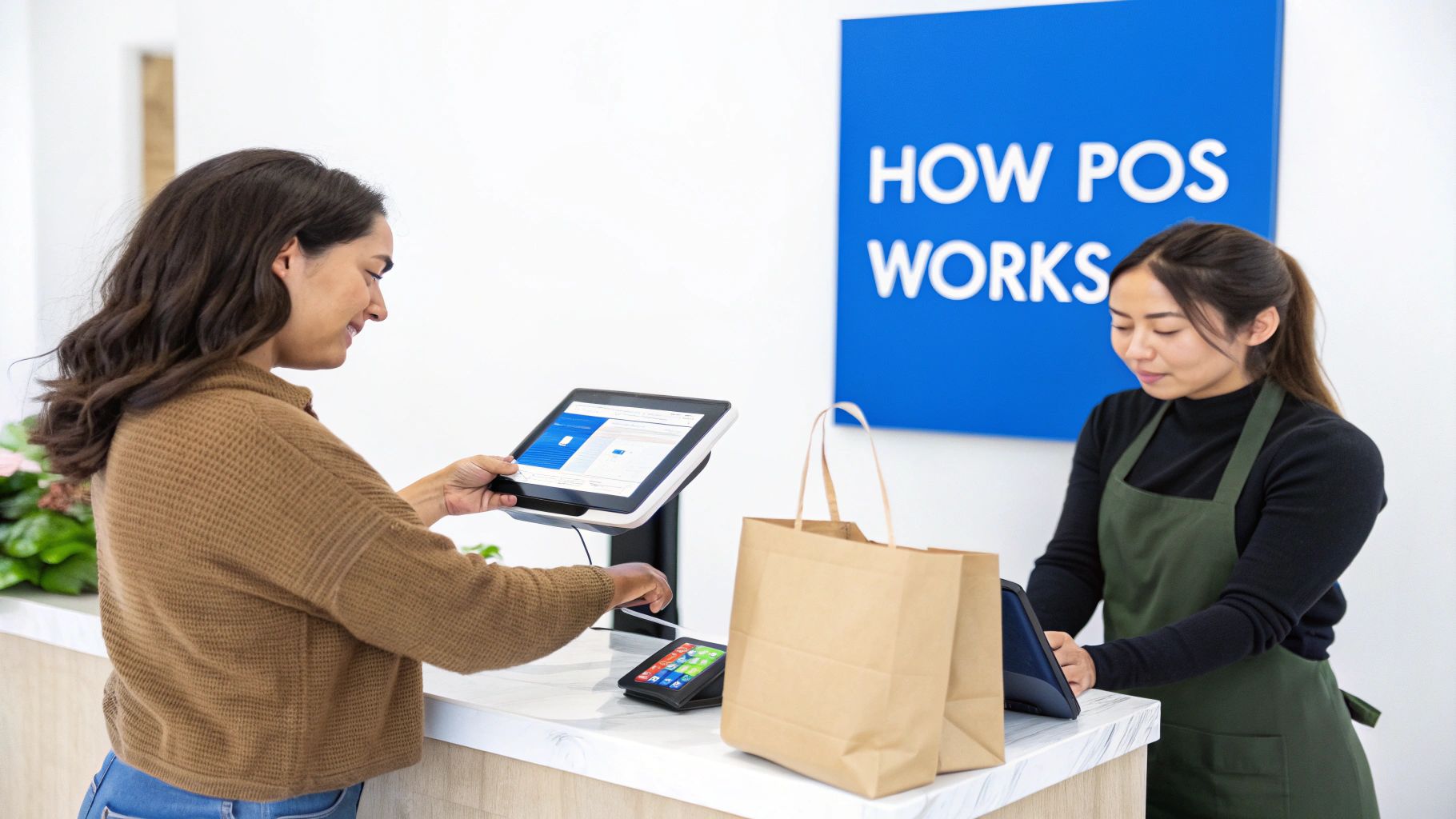
A modern Point of Sale (POS) system is the central hub for any retail or hospitality business. It’s grown far beyond just ringing up sales. Today, it’s the operational heart of a business, connecting sales data, inventory levels, and customer information in real-time. This seamless integration is what makes it so indispensable.
The whole process kicks off the second a customer is ready to buy. It might be when they bring a shirt to the checkout counter or when a server enters a food order at a table—the moment an item is scanned or manually entered, the POS springs into action. This simple first step sets off a whole chain of automated events behind the scenes.
The Core Transactional Flow
Once an item is in the system, the POS software instantly calculates the total price, adding any taxes and applying relevant discounts or promotions. The customer then pays with their preferred method, whether it’s a credit card, a tap from their phone, or cash. From there, the system securely handles the payment by communicating with banks to authorize and finalize the sale.
But that's just what the customer sees. At the exact same time, the software is juggling several other crucial tasks:
- Inventory Adjustment: It automatically deducts the sold items from your stock counts. No more manual updates.
- Data Recording: The entire sale is logged, capturing details like what was sold, the price, the time of day, and how it was paid for.
- Customer Management: If the customer is part of a loyalty program, the purchase is linked to their profile, updating their points and purchase history.
The real magic of a modern POS isn't just in processing payments. It’s in its ability to turn every single sale into a valuable piece of data. This gives business owners the insights they need to make smarter, more informed decisions about everything from staffing to stock orders.
To help visualize this, let's break down the primary roles of a POS into its core functions and the direct value they bring to a business.
Core Functions of a POS System at a Glance
| Function | What It Does | Key Business Benefit |
|---|---|---|
| Sales Processing | Calculates totals, applies discounts, and accepts various payment types. | Speeds up checkout, reduces human error, and improves customer experience. |
| Inventory Management | Automatically tracks stock levels in real-time as items are sold. | Prevents stockouts, reduces overstocking, and provides data for reordering. |
| Customer Relationship Management (CRM) | Stores customer data, purchase history, and manages loyalty programs. | Enables personalized marketing, builds customer loyalty, and drives repeat business. |
| Reporting & Analytics | Gathers sales data and generates reports on trends, top-selling items, and peak hours. | Offers clear insights for strategic decisions on pricing, marketing, and operations. |
As you can see, each function directly supports a critical aspect of running a successful business, making the POS much more than just a tool for taking money.
Beyond a Simple Cash Register
Ultimately, to really get how a point of sale system works, you have to see its two sides. For the customer, it creates a smooth and quick checkout. For the business owner, it’s a powerful management tool that automates tedious work and collects essential analytics.
This dual capability is why the retail sector is the biggest user of POS software, accounting for about 34.35% of the market. This technology is no longer a luxury; it's the fundamental infrastructure needed to operate efficiently and stay competitive.
Getting to Grips with Essential POS Hardware
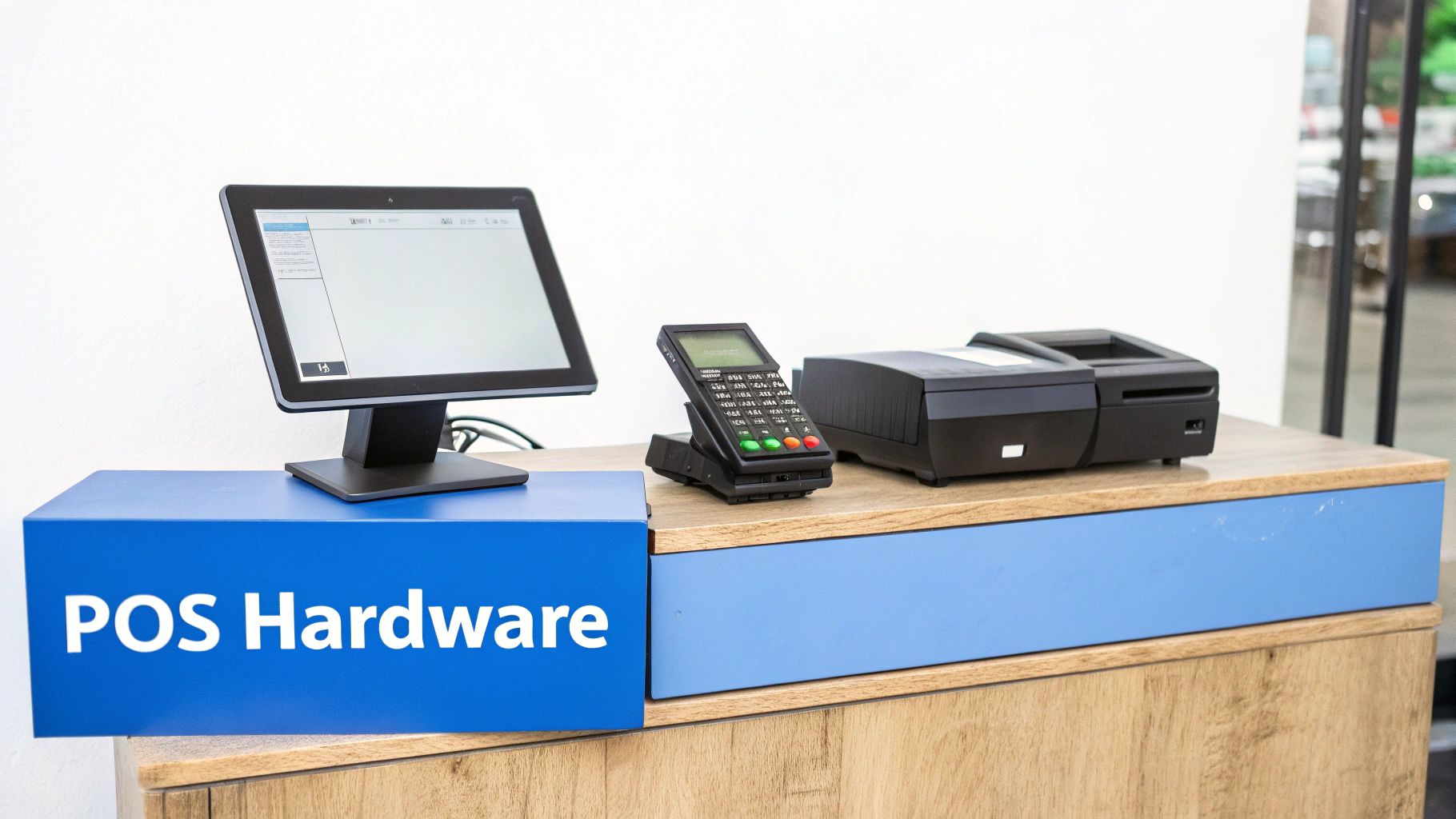
If the software is the brain of your point-of-sale system, then the hardware is its body. These are the physical, tangible tools your team gets their hands on every day to ring up sales, take payments, and keep the business humming along.
Think about a busy coffee shop during the morning rush. Every piece of hardware has a job to do, turning a customer's order for a latte into a completed sale. From the moment the order is punched in to the receipt zipping out of the printer, it’s a beautifully coordinated dance of technology that ensures everything is fast and accurate.
The Core Components and What They Do
The main terminal is the heart of the whole operation. This is the screen your staff uses to interact with the POS software. It might be a classic desktop computer with a touchscreen, or it could be a sleek tablet like an iPad. Whatever its form, this device is the central hub that connects all the other gadgets.
Here are the other key pieces you’ll find in a typical setup:
- Barcode Scanner: This handy tool saves a ton of time. A quick zap of a product’s UPC instantly pulls up its information and price. In a retail shop, scanning a t-shirt's tag is way faster and more accurate than trying to type in a SKU manually, keeping the checkout line moving.
- Credit Card Reader: This is how you get paid. It securely handles payments from credit cards, debit cards, and even mobile wallets like Apple Pay. Modern readers are built to take everything—chip, swipe, and tap-to-pay (NFC)—giving customers plenty of secure options.
- Receipt Printer: Once the sale is final, this little machine prints a paper copy of the receipt. It’s a small detail, but it’s a crucial part of providing a professional, complete transaction.
- Cash Drawer: The old-school, secure home for your cash, coins, and checks. It’s wired to the terminal and only pops open when a cash sale is rung up, which helps keep your money safe and makes it easy to track your cash flow.
Stationary Terminals vs. Mobile POS Devices
The traditional checkout counter isn't the only game in town anymore. While fixed POS terminals are still the standard in many places, making up over 58% of sales, mobile POS (mPOS) systems are catching on fast.
These handheld solutions let you take payments from anywhere—on the shop floor, at a table, or even at a pop-up market. This trend is particularly popular in North America, where customers value speed and convenience above all else. You can explore detailed hardware trend analysis on Grandviewresearch.com to see how the market is shifting.
A traditional, stationary POS terminal is the dependable workhorse you see at a busy grocery store checkout. It's tough, reliable, and built to handle constant use. An mPOS device, on the other hand, untethers your staff, letting them bring the checkout directly to the customer.
Imagine a server in a restaurant taking an order and swiping a card right at the table with a tablet. It's faster for everyone and feels more personal. Or picture a retail employee looking up inventory and completing a sale for a customer in the middle of the store, avoiding a long line at the main counter.
Choosing between a fixed or mobile setup really comes down to your business and the kind of experience you want to create for your customers. To dive deeper into the hardware itself, check out our guide on what a POS terminal is and how it functions.
Exploring the Software: The Brain of Your Operation
If hardware is the body of your POS system, then the software is its brain. It's the intelligent engine working behind the scenes, turning a simple tap of a screen into a cascade of perfectly coordinated business actions. The software is what rings up totals, keeps an eye on your products, and even helps you get to know your customers.
Think of it like the operating system on your phone. The glass screen and internal chips are the hardware, but it’s the software that actually lets you send a text, browse a website, or launch an app. In the same way, POS software gives life and purpose to your terminal, scanner, and printer. This is where we really start to see how a point of sale system works its magic.
Sales Processing: The Core Function
First and foremost, the software’s job is to process sales without a hitch. When a cashier scans an item, the software instantly fetches the correct price from its database. But it's also smart enough to handle more complex math in the blink of an eye.
For instance, the software automatically figures out the right sales tax for your area, applies any discounts or promotions you're running, and calculates the final amount due. This takes the guesswork out of the equation, eliminating the human errors that can happen with manual calculations. It ensures every customer is charged the right amount, every single time, which is key for building trust and keeping lines moving.
Inventory Management: Your Digital Stockroom
This is where good POS software really earns its keep, evolving from a cash register into a powerful management tool. Every time an item is sold, the inventory module instantly adjusts your stock levels in real time. Ringing up that medium blue t-shirt doesn't just complete a sale; it also tells the system there's one less of them on the shelf.
This live-tracking feature gives you a constantly accurate picture of what you have on hand, solving two of retail's biggest headaches:
- Preventing Stockouts: You can set up alerts to ping you when popular items are running low, so you know exactly when it’s time to reorder—before a customer asks for something you don't have.
- Avoiding Overstock: By showing you sales trends, the software helps you spot slow-moving products. That way, you don't tie up precious cash in inventory that's just gathering dust.
This real-time data gives you the power to make smarter buying decisions, fine-tune your stock levels, and seriously improve your cash flow.
Imagine you run a bustling cafe. When a barista sells a large latte, the POS software does more than just take the payment. It simultaneously subtracts the right amount of milk, espresso beans, and even the paper cup from your inventory, giving you a precise, up-to-the-minute count of all your supplies.
Customer Relationship Management: Building Loyalty
Today's POS software doesn't just track products; it helps you manage your most valuable asset—your customers. The Customer Relationship Management (CRM) module is all about helping you build the kind of strong relationships that bring people back again and again.
When a customer signs up for your loyalty program, the CRM gets to work creating their profile. From that moment on, every single purchase they make is tracked and tied to their account. This opens up a world of insight, allowing you to see their purchase history, spot their favorite items, and get a feel for their spending habits.
You can then use this data to create personalized offers that make them feel genuinely appreciated. Maybe you send a special discount on their favorite coffee blend or offer bonus points for trying a new pastry. By getting to know your customers on a deeper level, you can turn casual visitors into your biggest fans. This kind of intelligent interaction is a crucial part of how a point of sale system works to actively grow a business.
The Transaction Journey: From Scan to Success
To a customer, a transaction is over in a flash. But behind the scenes, a rapid-fire sequence of events is unfolding. Following this journey is the best way to understand how a POS system orchestrates every sale, keeping your data secure and your operations running smoothly.
Let's walk through a real-world example. A customer walks into your boutique and decides to buy a new jacket. This is where the magic begins. Every step in the process is a vital link connecting your hardware, software, and payment partners to ring up that sale. The speed and accuracy of this flow have a direct impact on everything from customer happiness to your financial reporting.
The infographic below gives a bird's-eye view of how a single sale ripples through your entire business ecosystem, linking sales data, inventory counts, and customer records.
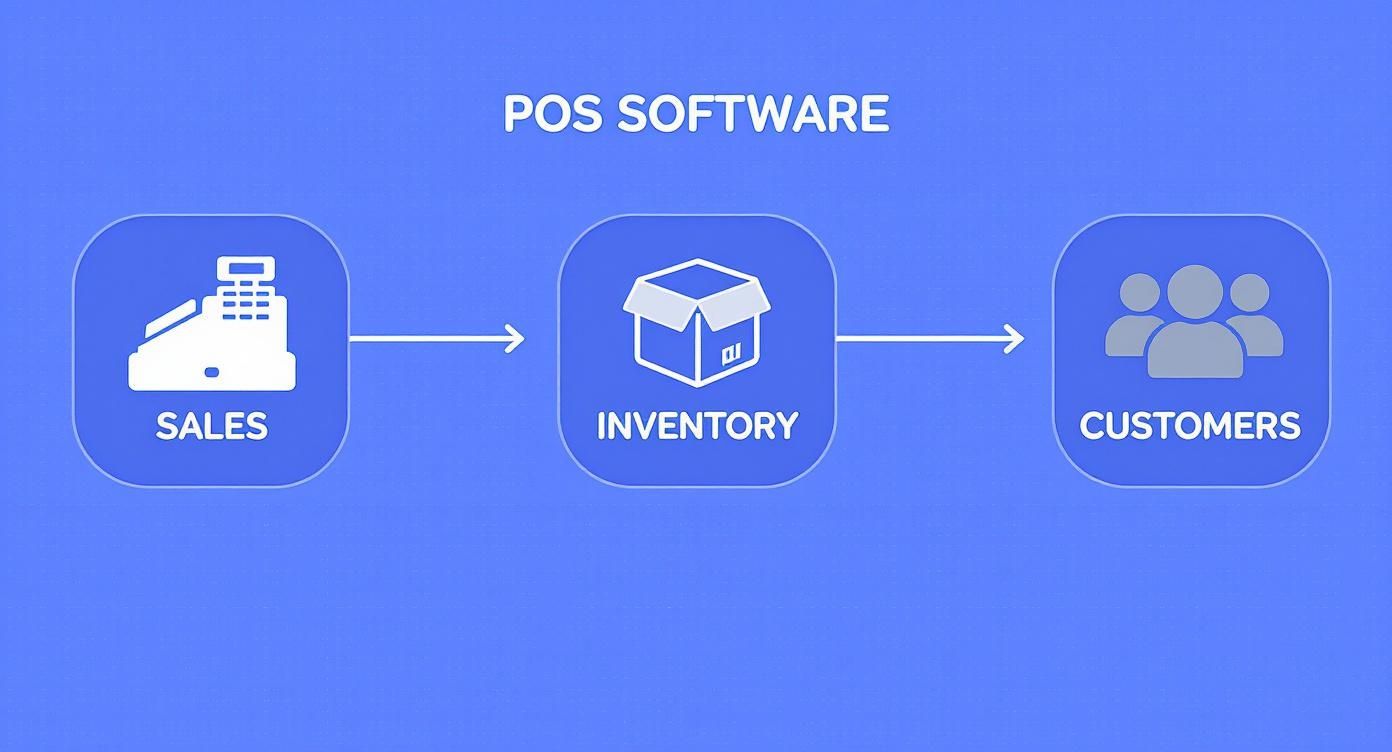
As you can see, one action triggers a cascade of updates, keeping all your business data perfectly in sync. Now, let’s zoom in on what happens at each stage of this lightning-fast journey.
Step 1: Building the Order
It all starts with a simple scan. The cashier scans the jacket's barcode, and the POS software instantly pulls up all the relevant product info—price, description, taxes—from its database. This item is immediately added to the customer's order on the screen.
This is also where the system does the heavy lifting on calculations. Is there a store-wide 20% off sale? Does the customer have a loyalty coupon? The POS applies all discounts and promotions automatically, giving you a precise total without any room for human error.
Step 2: Kicking Off the Payment
With the final total confirmed, the customer is ready to pay. They decide to use their credit card, tapping it on the card reader. This simple action captures their payment details securely.
Think of this moment as a crucial handoff. The POS system bundles the sale amount and the encrypted card details into a secure digital package, ready to be sent for authorization. It's the digital equivalent of putting a sensitive document in a locked briefcase.
Step 3: Secure Data Transmission and Authorization
That encrypted package of information doesn't go straight to the bank. It first passes through a payment gateway, which serves as a secure middleman between your POS terminal and the payment processor. From there, the processor contacts the customer's bank to confirm they have sufficient funds and that the card is valid.
In just a couple of seconds, the bank sends back a response: "approved" or "declined." This entire back-and-forth conversation is shielded by layers of encryption to guard against fraud and data theft.
What feels like an instant approval is actually a high-speed, secure dialogue between your terminal, a payment processor, and the customer’s bank. It’s a marvel of modern commerce, all governed by strict security protocols to keep everyone’s information safe.
Step 4: Finalizing the Sale and Updating Records
Once the "approved" message comes through, the POS system gets to work finalizing the sale. This one signal triggers several actions at once:
- Receipt Generation: The receipt printer springs to life, or the system prompts the customer for an email or phone number to send a digital receipt.
- Inventory Update: One jacket is automatically deducted from your inventory count. Your stock levels are now perfectly up-to-date.
- Sales Log: The transaction is logged in your sales reports, ready for analysis at the end of the day, week, or month.
- Customer Profile Update: If the customer is part of your loyalty program, the system updates their purchase history and adds any new points they've earned.
Protecting the data involved in these transactions is non-negotiable. It's more important than ever for business owners to be aware of the risks by understanding the rising threat of infostealer malware and credit/debit card leaks. This whole sequence, from the initial scan to the final receipt, shows how a modern POS works as a unified hub to complete every sale securely and efficiently.
Unlocking Business Growth with POS Data
A modern POS system does so much more than just take payments. Think of it as your business's central nervous system, constantly gathering information with every single sale. Each transaction is a goldmine of data. This is where we move past the mechanics of the checkout counter and dive into how you can use the information your POS collects every day to make smarter, more profitable decisions.
Your POS is essentially a business intelligence tool hiding in plain sight. It's quietly keeping track of your most popular products, your busiest hours, and your customers' buying habits. Learning how to tap into this treasure trove of data is what turns raw numbers into real-world strategies that boost your bottom line and set you up for long-term growth.
Turning Sales Data into Strategic Insights
The magic really happens in the reporting and analytics features of your POS. Instead of going with your gut, you can pull up detailed reports that paint a crystal-clear picture of what’s actually happening in your business. This data-driven approach takes the emotion out of the equation and lets you make decisions based on cold, hard facts.
Here are a few of the most powerful reports you can pull:
- Sales Reports: Break down your sales by the hour, day, week, or any time frame you want. This is how you spot your peak hours, identify seasonal trends, and see if that weekend promotion actually worked.
- Product Performance Reports: Find out which items are flying off the shelves and which ones are just collecting dust. This is absolutely critical for managing your inventory and knowing what to put front and center in your marketing.
- Employee Performance Reports: See which of your team members are your sales superstars. This data helps you reward your top performers and identify who might need a little extra coaching.
Practical Applications for Your Business
Data is useless until you put it to work. One of the best things about modern POS systems is their ability to deliver these insights in real-time, helping you make smart calls on the fly. The restaurant industry, for example, is adopting POS systems at a rapid pace because they slash order errors and make the kitchen run smoother. Similarly, many retailers have moved to cloud-based systems to connect their online and in-person stores, keeping data synced everywhere. You can discover more insights about the POS market on Fortunebusinessinsights.com.
Let's see what this looks like in the real world:
For a Retail Store: The owner of a small boutique runs a sales report and sees that one specific brand of jeans sells out within a week, every single time. Armed with that data, she doubles her next order of those jeans and cuts back on slower-moving pants. The result? Better cash flow and no more disappointed customers.
For a Restaurant: A café manager digs into his hourly sales data and confirms a nagging suspicion: sales tank between 2 PM and 4 PM. He rolls out a "Happy Hour" special with discounted coffee and pastries during that slump. By tracking the promo through his POS, he sees a 30% lift in sales for that once-dead time slot.
These examples show just how powerful your POS data can be. It empowers you to stop guessing and start making strategic moves based on what your customers are already telling you. If you want to dive deeper, you can learn more about the benefits of POS data in our detailed article. By making a habit of checking your reports, you can get ahead of problems and start actively steering your business toward success.
Integrating Your POS with Other Business Tools
A modern POS system rarely stands alone. Its true power isn't just in processing sales; it's in how it communicates with the other tools you use to run your business. Think of your POS as the central nervous system of your operation. When you connect it to your other software, you create a seamless flow of information that automates tedious work, gets rid of manual data entry, and gives you a single, clear picture of everything that's happening.
This connectivity completely changes what a point of sale system can do. It goes from being a digital cash register to being the command center for your entire business. Each integration is designed to solve a specific, time-sucking problem, freeing you up to focus on growing your company instead of getting bogged down in administrative tasks.
Connecting to Your Accounting Software
One of the most practical and time-saving connections you can make is linking your POS to accounting software like QuickBooks or Xero. Anyone who's spent hours manually matching up daily sales, taxes, and credit card fees knows what a nightmare it can be. It’s not just a headache; it’s a recipe for costly mistakes.
An accounting integration handles all of that for you. At the end of each day, your POS can automatically push a detailed summary of all sales, payments, and taxes straight into your books. This means your financial records are always accurate and current, saving you a ton of work every month and making tax time far less painful.
Unifying In-Store and Online Sales
If you sell both in a physical shop and online, integrating your POS with your e-commerce platform is an absolute must. Connecting your system to something like Shopify or WooCommerce syncs your inventory across every sales channel in real time.
This solves a few massive problems right away:
- Prevents Overselling: When someone buys a product online, the stock count is immediately updated in your physical store's system. No more accidentally selling the same last item to two different people.
- Creates a Single Source of Truth: Forget managing two separate inventory lists. All your product information lives in one place, making it so much easier to manage updates and track what you have.
- Offers a Unified Customer View: You can see a customer's entire purchase history in one spot, whether they shopped online or came into the store. This is a game-changer for providing personalized service.
By bridging the gap between your physical and digital storefronts, this integration creates a smooth, professional experience for both you and your customers. It ensures consistency and accuracy, which are fundamental to building a reliable brand.
Powering Your Marketing Efforts
Your POS is also a goldmine of customer data that can make your marketing so much smarter. By integrating it with email marketing tools like Mailchimp, you can automatically add new customers from your sales transactions directly to your mailing lists.
This connection lets you get really specific with your marketing. For example, you could create a campaign targeting customers who always buy a certain type of product, or send a "we miss you" offer to regulars you haven't seen in a while. This kind of automated, data-driven marketing feels more personal and relevant, which is key to building real customer loyalty.
Got Questions About POS Systems? We’ve Got Answers.
Jumping into the world of point-of-sale systems can feel like a lot. Whether you're a first-timer or looking to upgrade, you probably have some big questions about cost, security, and the different types of setups out there. Let's clear up the most common questions business owners ask so you can feel confident in your decision.
We'll tackle the financial side of things, how your data stays safe, and the real-world difference between the two main kinds of systems you’ll run into.
How Much Should I Expect to Pay for a POS System?
The honest answer? It varies quite a bit. But generally, the cost breaks down into three buckets: the upfront price for hardware, a recurring fee for the software, and the charges for processing payments. It's a lot like getting a new phone—you buy the device, pay for a monthly plan, and then get charged small fees for certain transactions.
Hardware can run anywhere from a couple of hundred dollars for a simple card reader to several thousand for a full-blown setup with terminals, scanners, and kitchen printers. The software is usually a monthly subscription, with different price tiers based on the features you need or how many locations you have.
The real long-term cost to watch is payment processing. Most providers take a small percentage plus a fixed fee for every transaction (for example, 2.6% + 10 cents). Getting a clear picture of these fees is absolutely essential for predicting your ongoing costs.
How Do These Systems Keep My Business and Customer Data Safe?
Security isn't just a feature; it's the foundation of any good POS system. The best providers build in multiple layers of protection to keep sensitive information locked down. The big one is end-to-end encryption, which essentially scrambles card data the instant it’s swiped or tapped. This makes the information useless to anyone who might try to intercept it.
On top of that, any system worth its salt is PCI compliant. This is a set of rigorous security standards created by the major credit card companies. Think of it as a mandatory security certification—it ensures your system has all the proper controls in place to prevent data breaches. If you're taking card payments, this is not optional.
What's the Real Difference Between Cloud-Based and On-Premise Systems?
This really boils down to where your information lives and how you interact with the software.
An on-premise system—you'll often hear it called a legacy system—keeps all your data on a physical server right there in your business. This means you own the hardware, but you're also on the hook for all the maintenance, backups, and manual software updates.
A cloud-based system, on the other hand, stores your data on secure, remote servers that you access over the internet. This is the way most modern systems work because it's so much more flexible. You can check in on your business from anywhere, updates happen automatically in the background, and you don’t have to worry about a server crashing in the back office. The main catch used to be the need for a constant internet connection, but most modern cloud systems now have great offline modes that keep you ringing up sales even if the internet goes down.
Ready to see how a modern, all-in-one POS can simplify your operations and drive growth? Biyo POS offers a flexible, secure, and intuitive solution tailored to your business needs. Start your free 14-day trial today and discover a better way to manage your business.