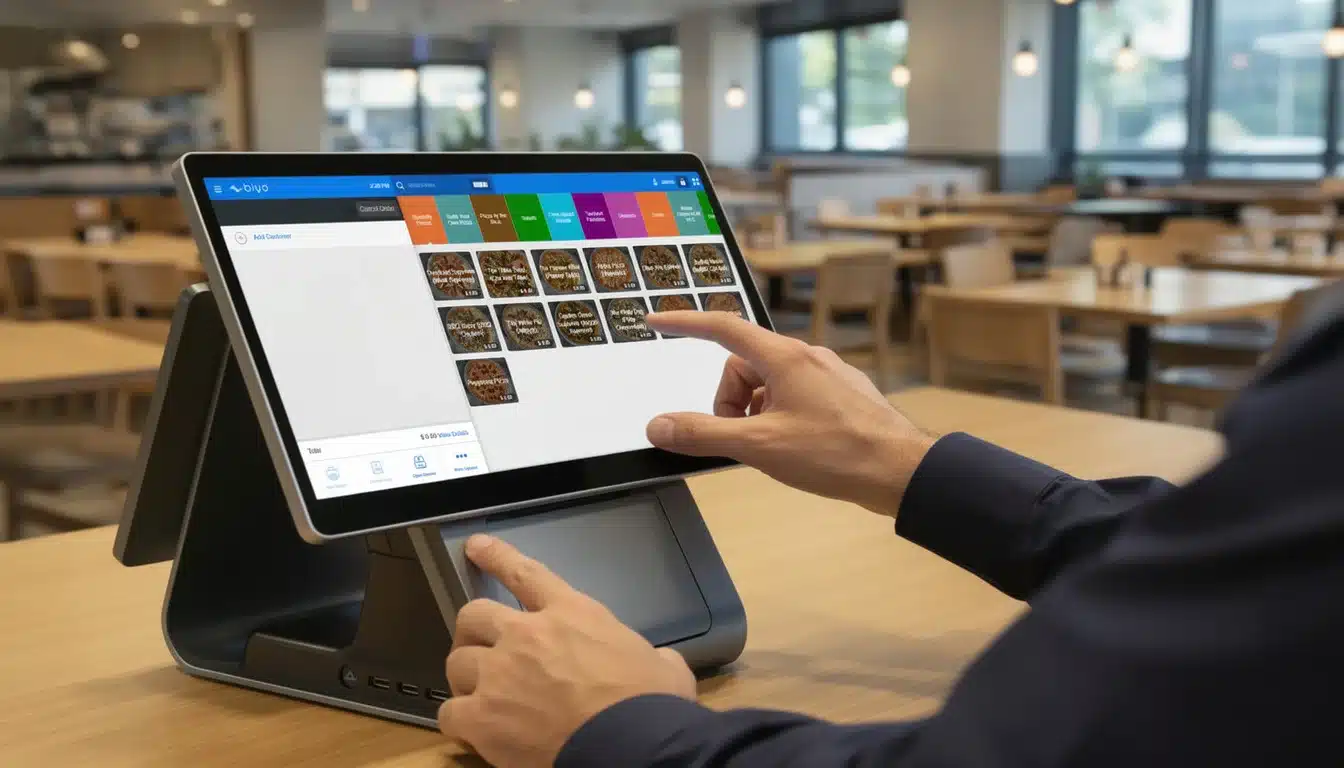
Ready to take credit card payments right from your phone? It’s easier than many business owners expect. With just a smartphone, a payment processing application, and sometimes a small card reader, you can transform your device into a mobile point-of-sale (POS) system. This setup allows businesses to process payments anywhere, whether at a pop-up shop, trade show, customer location, or outdoor market.
Mobile payment technology has rapidly expanded in recent years as consumers increasingly prefer digital transactions over cash. For businesses that operate outside traditional storefronts, the ability to accept card payments instantly can significantly increase revenue and customer convenience.
Table of Contents
- Understanding Mobile Payments
- Benefits of Accepting Card Payments on Your Phone
- Mobile Payment Setup Checklist
- Choosing the Right Payment App and Card Reader
- Setting Up Your Mobile Payment Account
- Fees, Security, and Best Practices
- Digital Wallets and Contactless Payments
- How Biyo Helps Businesses Accept Mobile Payments
- FAQ
Understanding Mobile Payments
Turning your smartphone into a payment terminal is no longer limited to large retailers. Today, freelancers, service professionals, market vendors, and small businesses can accept card payments instantly using mobile payment technology.
This flexibility allows businesses to complete transactions anywhere. A food truck owner serving customers at a busy festival, a contractor finishing a home repair, or a photographer wrapping up a client session can all process payments immediately without needing traditional registers.
Benefits of Accepting Card Payments on Your Phone
- Portability: Your entire payment system fits inside your pocket, allowing you to complete transactions wherever customers are.
- Low Startup Costs: Most payment apps are free to download, and card readers are often inexpensive or provided by payment processors.
- Increased Sales: Many customers prefer paying with cards or digital wallets, and businesses that accept these options are less likely to lose potential sales.
Providing convenient payment options allows businesses to meet customer expectations and close sales immediately, which can significantly improve revenue and customer satisfaction.
Mobile Payment Setup Checklist
Before accepting payments, businesses need a few essential components to ensure smooth mobile transactions.
| Component | What You Need | Key Consideration |
|---|---|---|
| Hardware | A smartphone or tablet compatible with the payment app. | Ensure your device is running an updated operating system. |
| Software | A mobile payment processing application. | Compare transaction fees, features, and reporting capabilities. |
| Card Reader | A Bluetooth or plug-in card reader. | Choose one that supports chip cards and contactless payments. |
| Internet | A reliable Wi-Fi or cellular connection. | Stable connectivity ensures successful transactions. |
Understanding the basics of mobile payment technology helps businesses capture sales wherever customers are located.
Choosing the Right Payment App and Card Reader
Selecting the right payment application is one of the most important decisions when setting up mobile payments. Different providers offer varying fee structures, hardware options, and features designed for specific types of businesses.
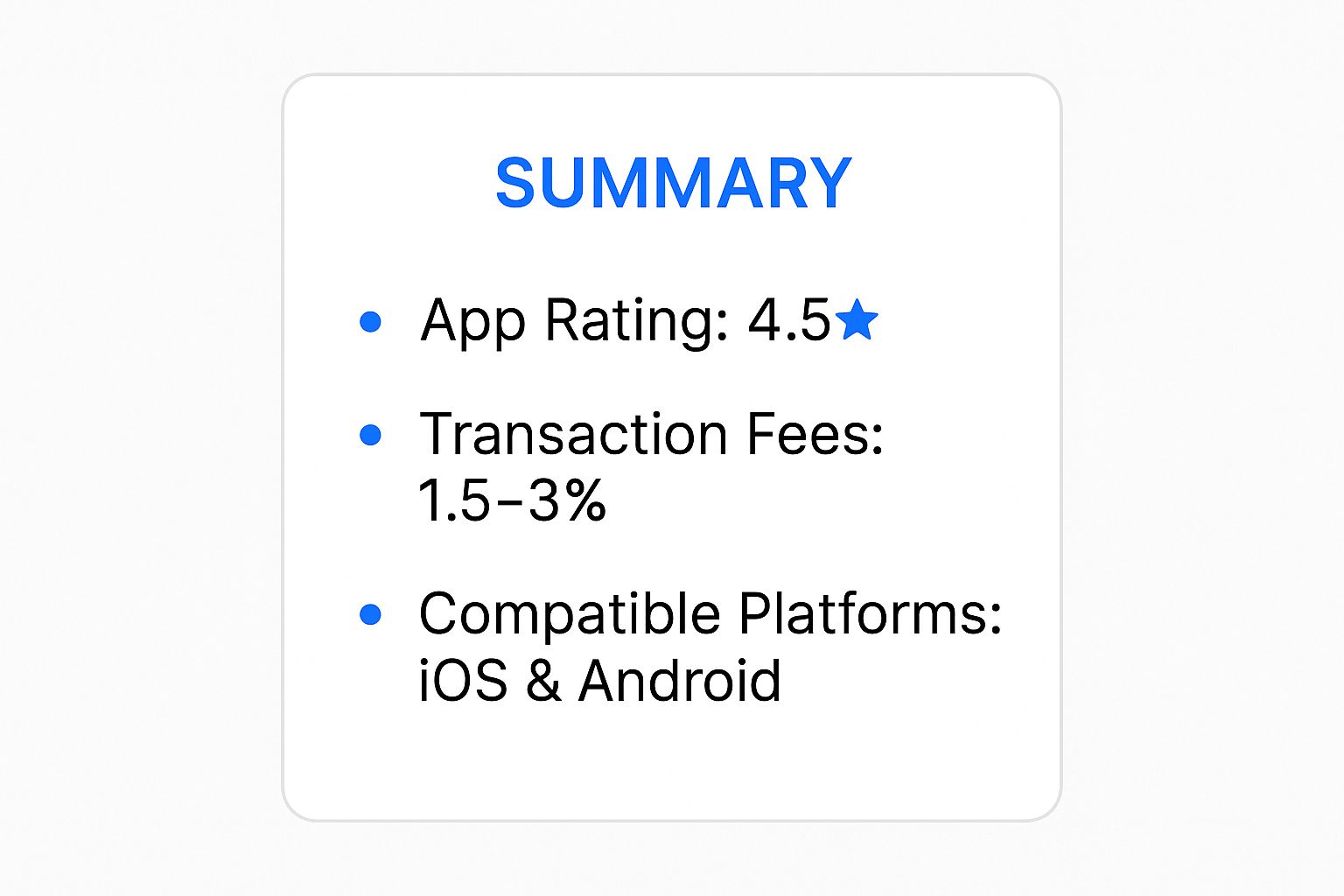
For example, a market vendor may prioritize low transaction fees and portability, while a service-based business might need invoicing and customer management features.
Important Factors to Compare
- Transaction Fees: Most providers charge a small percentage per transaction, often lower for chip or tap payments.
- Hardware Costs: Basic card readers may be free or low cost, while advanced devices supporting contactless payments typically range from $50 to $100.
- Business Features: Some platforms include inventory tracking, reporting tools, and employee management.
Understanding your business needs will help you choose the payment platform that best aligns with your sales process.
Setting Up Your Mobile Payment Account
Once you choose a payment application, the setup process is typically quick and straightforward. Most platforms guide users through account creation, business information entry, and bank account linking.
Connecting Your Bank Account
You will need to link your bank account so that sales revenue can be deposited automatically. Most payment providers verify accounts by sending a small test deposit within 1–2 business days.
This verification process ensures payments are securely deposited into the correct account and protects businesses from errors or fraudulent activity.
After verification, businesses can configure important settings such as tax rates, receipt branding, and tipping options to create a professional checkout experience.
Fees, Security, and Best Practices

Understanding payment processing fees and security practices is essential when accepting card payments on mobile devices.
Each credit card transaction includes a processing fee that covers payment network costs and fraud protection systems. Typically, in-person chip or tap payments have lower fees than manually entered card numbers because they are considered more secure.
Security Measures
- End-to-End Encryption: Card data is encrypted immediately after capture.
- PCI Compliance: Payment systems follow strict security standards such as PCI DSS.
- Tokenization: Card numbers are replaced with secure transaction tokens to prevent data theft.
Following best practices such as verifying billing information and avoiding public Wi-Fi networks can help prevent fraud and chargebacks.
Digital Wallets and Contactless Payments
Digital wallets like Apple Pay and Google Pay allow customers to pay with their smartphones using near-field communication (NFC) technology.
Contactless payments offer a faster checkout experience and enhanced security. Instead of transmitting actual card numbers, digital wallets generate secure one-time tokens for each transaction.
This approach significantly reduces fraud risk while providing a convenient payment method that many consumers now prefer.
How Biyo Helps Businesses Accept Mobile Payments
Biyo POS provides a complete mobile point-of-sale solution designed for modern businesses. With mobile payment capabilities, businesses can accept credit cards, digital wallets, and contactless payments directly from smartphones or tablets.
Biyo POS also includes powerful features such as inventory tracking, real-time reporting, and customer management tools. These features help businesses manage operations efficiently while delivering fast and convenient checkout experiences.
Whether operating a restaurant, pop-up shop, or service-based business, Biyo POS helps streamline transactions and capture every sale.
FAQ
Can I accept credit card payments with just my phone?
Yes. Many mobile payment applications allow businesses to accept credit card payments directly from smartphones, often using built-in tap-to-pay technology or a small card reader.
How long does it take to receive payment?
Most payment processors deposit funds into your bank account within one business day, though some offer instant payouts for a small fee.
Are mobile payments secure?
Yes. Mobile payment systems use encryption, tokenization, and PCI-compliant security standards to protect customer data during transactions.
Do I need special hardware?
Many systems work directly with smartphones using tap-to-pay technology, though some businesses prefer using a Bluetooth card reader for additional payment options.
What types of businesses use mobile POS systems?
Mobile POS systems are commonly used by food trucks, market vendors, service professionals, freelancers, and small retailers that require flexible payment processing.